ابزار Xhorse VVDI
Xhose VVDI نرم افزار برنامه نویس اصلی و سخت افزارابزار Xhorse VVDI
Xhose VVDI نرم افزار برنامه نویس اصلی و سخت افزارXhorse VVDI Prog Benz EIS EZS Adapters available
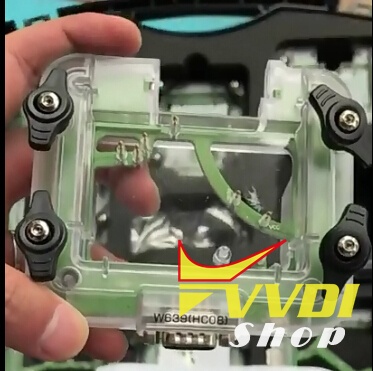
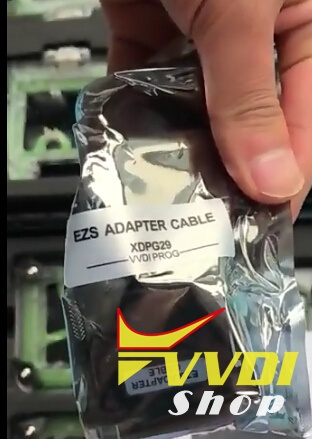
Xhorse VVDI Prog EIS/EZS adapters for Mercedes-Benz finally in stock in vvdishop.com.
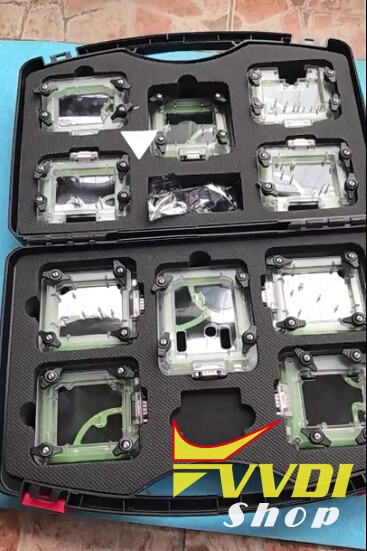
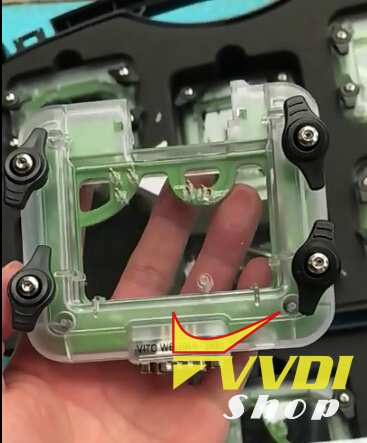
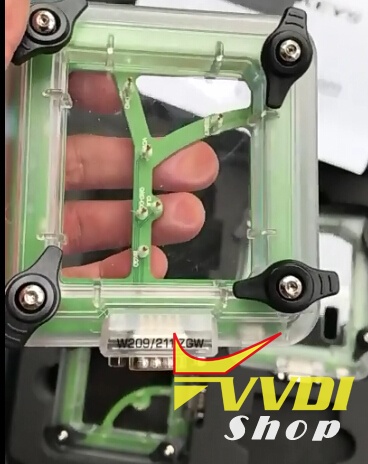
An New Set of 10 types EZS/EIS Adapters for your VVDI PROG programmer specially designed for quick out jobs, no Soldering Required what so ever, perfect for Beginners and out jobs Work Teams.
1, Don’t need to solder
2, Read data perfectly
3, Can be external power to light when working
4, Easy to operate, transparent material, better to observe.
Package including:
Package including:
10pcs VVDI Prog EIS/EZS Adapter listing:
for W164(ST12),
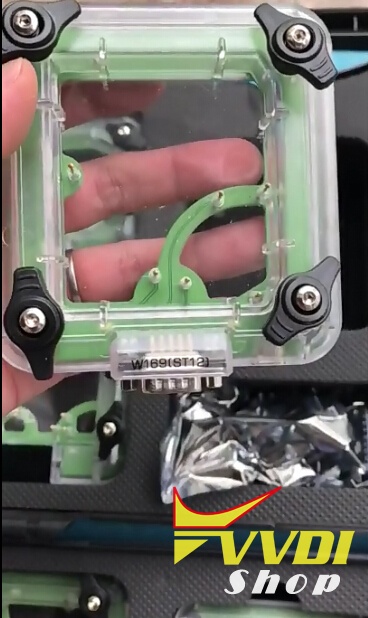
for W169(ST12),
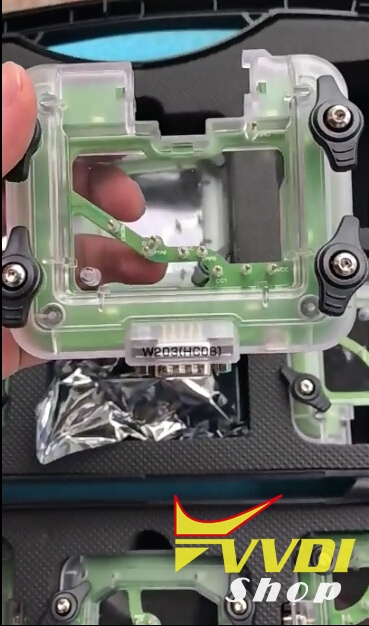
for W203(HC08),
for W209/211(ZWG),
for W209/211(HC12),
for W211(ST12),
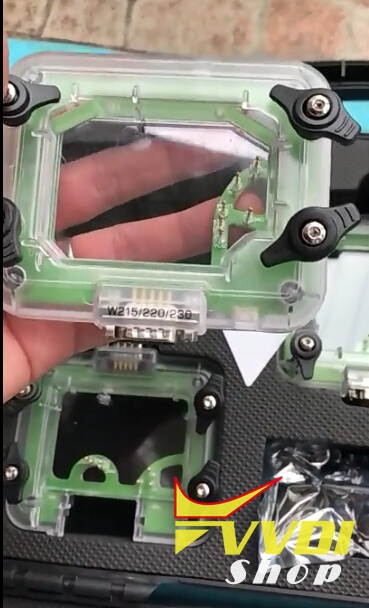
for W215/220/230,
for W639(HC08),
for SPRINTER(ST12),
for VITO W639(ST12).
| Check Price>> |
Package and each adapter detail:
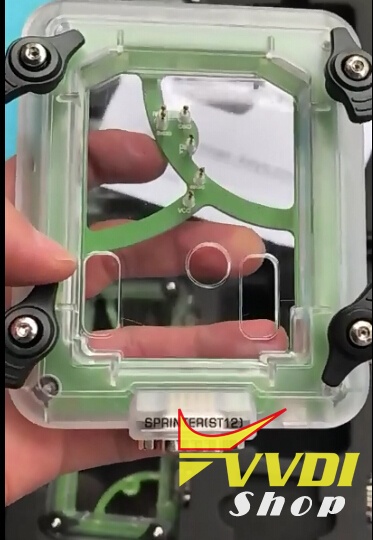

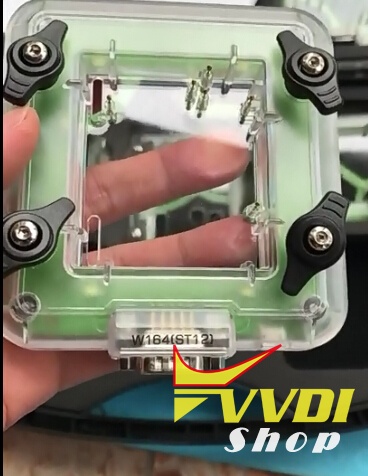
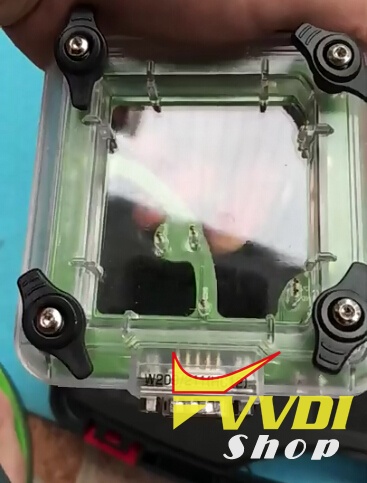
Or contact our customer service:
Email:sales@VVDIShop.com
Skype: VVDIfactory.com
Skype: VVDIfactory.com
VVDI Prog & VVDI2 Program BMW X3 2007 EWS4 Key
Here’s the tutorial on programming BMW X3 year 2007 chip 73 transponder key EWS4.4 system with VVDI Prog and VVDI2 key programmer.
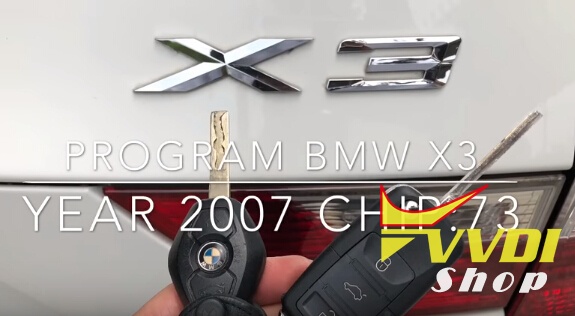
Step 1: Read EWS4 dump with VVDI Prog
Remove EWS4 box from vehicle
Disassemble the EWS4 module
Connect VVDI PROG with EWS4 adapter, then connect vvdi programmer with computer with USB cable
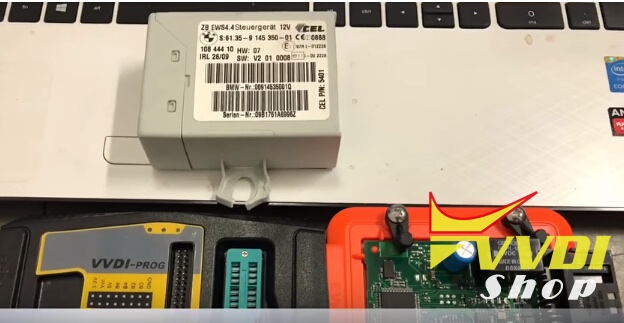
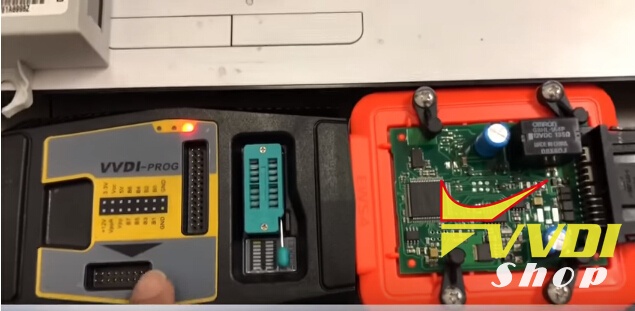
Check connection diagram
Read IC 2L86D by VVDI Prog and EWS4 adapter
Read IC 2L86D by VVDI Prog and EWS4 adapter
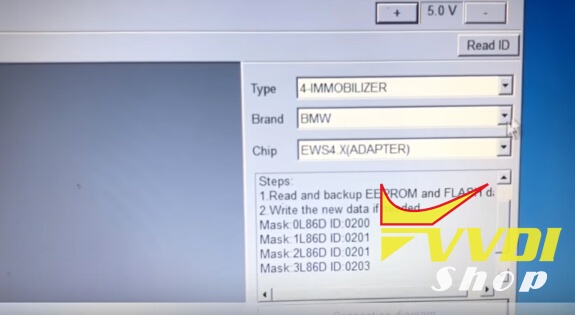
Choose Immobilizer-BMW-EWS4 adapter
Press Read and save file
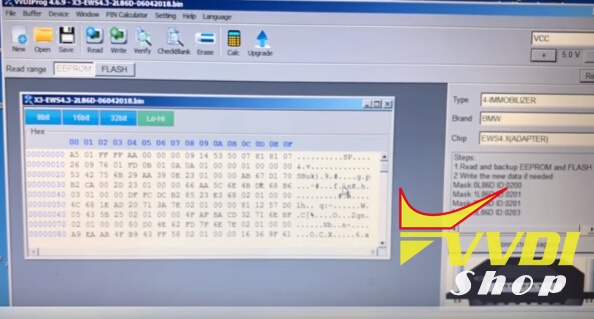
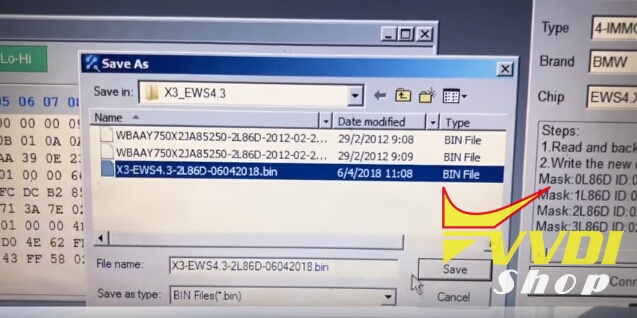
Step 2: Make dealer key with VVDI2 BMW
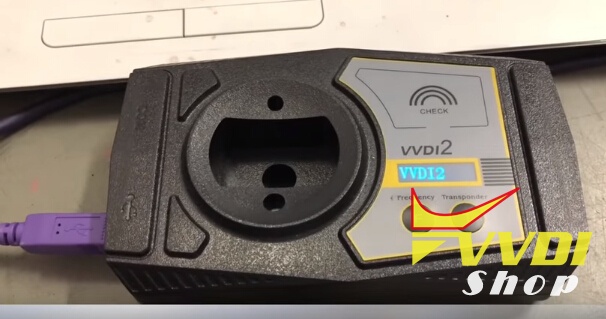
Now use VVDI2 for programming chip
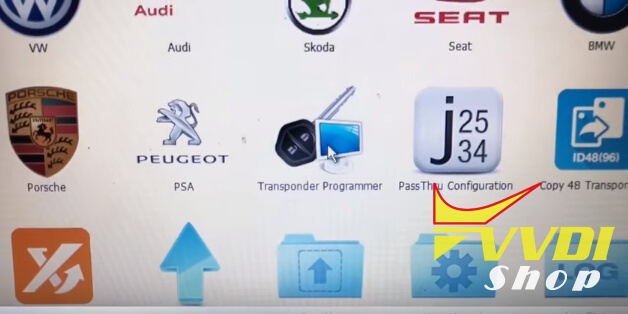
Select Transponder Programmer

Check adding chip: 7935 blank

Choose Menu Immobilizer Data Tool->Euro->BMW->EWS4
Load EEPROM dump just read by VVDI prog
Key 1, 2,3 used so choose to program key4
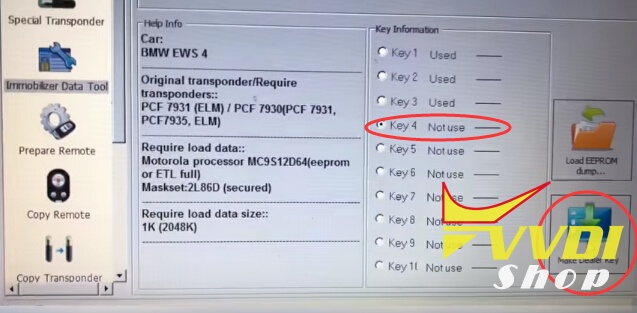
Put chip 7935 into VVDI2 then press Make Dealer Key
start make dealer key
start make dealer key
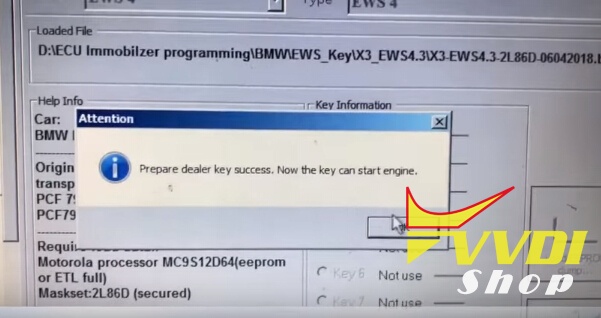
Prepare dealer key success.
After program key then install EWS box back to car
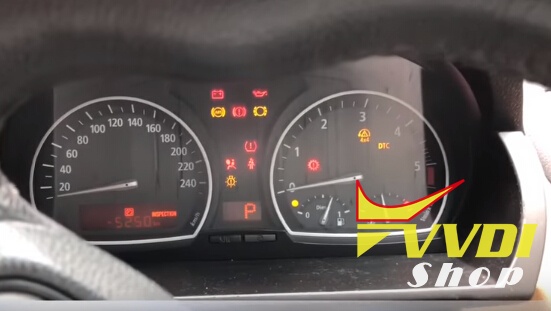
Test key by trying to synchronize key then start.
Related article:
http://blog.vvdishop.com/program-bmw-x3-2007-ews4-key-with-vvdi-prog-vvdi2/
How to combine VVDI key Tool to VVDI2 with ID48 copy
If you have VV-04 activation (Clone 48 96bit) for VVDI2 you can combine VVDI2 with key tool and use Copy 48 on Keytool.
1) Register Keytool apps on your smartphone and connect Keytool via Bluetooth
2) Connect VVDI2 to a PC and go to Transponder Programmer

3) Go to SYSTEMS POINTS
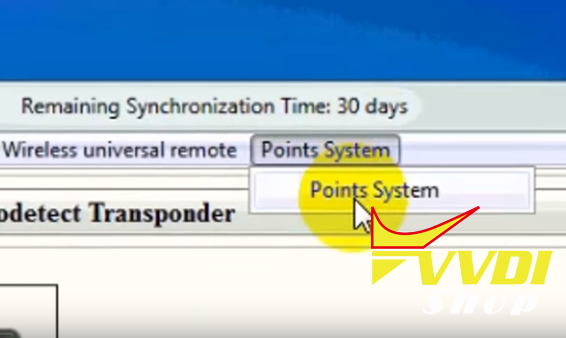
4) Connect Keytool to a PC with a USB cable, VVDI2 still connected with a USB cable
5) Select BIND VVDI2 and Keytool and press BIND button, VVDI will display information to connect Keytool to a PC


6) Then read the information

7) you will be redirected to the login page, enter the same login information you entered when logging in to Keytool on android
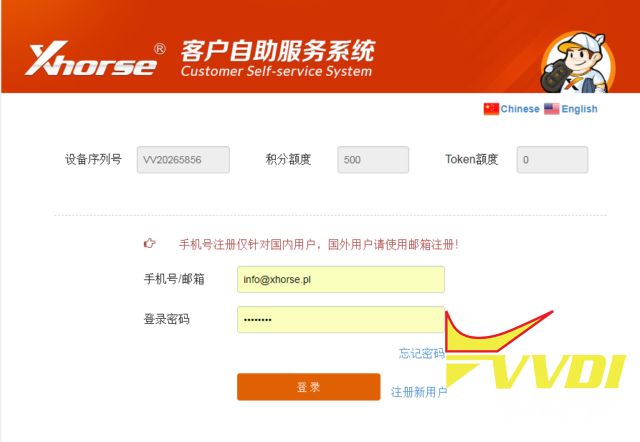
8) After logging in you will see the state of VVDI2 and Keytool

9) if you want to transfer points from Keytool to VVDI2 , press OK

10 ) Moved points
11) Keytool for 48 96bit count will display the status of points from both devices.

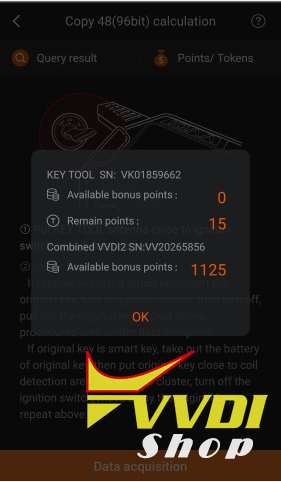
If you buy Copy 48 Transponder (96 bit) license you will have 1500 free points.
Cloning costs 100 Bonus Points each time.
Bonus Points can be accumulated by using VVDI Remote
You can Buy Calculation Tokens as well. Price for Token is $8 each
Bonus Points can be accumulated by using VVDI Remote
You can Buy Calculation Tokens as well. Price for Token is $8 each
How to use VVDI Prog to Read Renault Megane 2006 MC68HC05
Xhorse VVDI Prog programmer previous v4.6.5 upgrade adds Renault MEGANE-UCH option in 4-IMMOBILIZER.
Today our customer has successfully read Renault Megane 2006 Motorola MCU MC68HC05 (3G96A) with vvdi programmer.
Vvdi prog Reading hc705
System will prompt you adapter and pinout to connect.
From that reading you can get pin and chip ready
From that reading you can get pin and chip ready
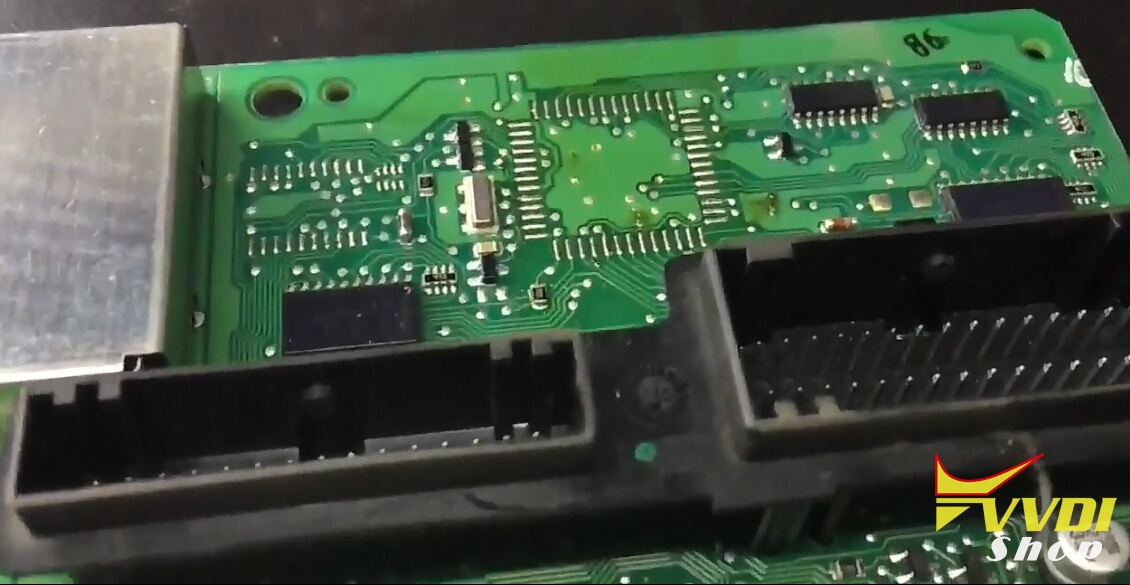
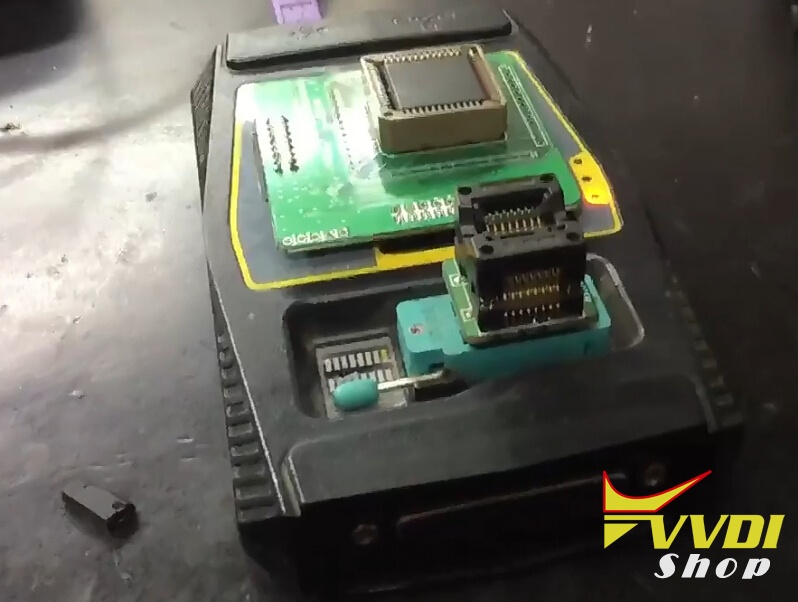
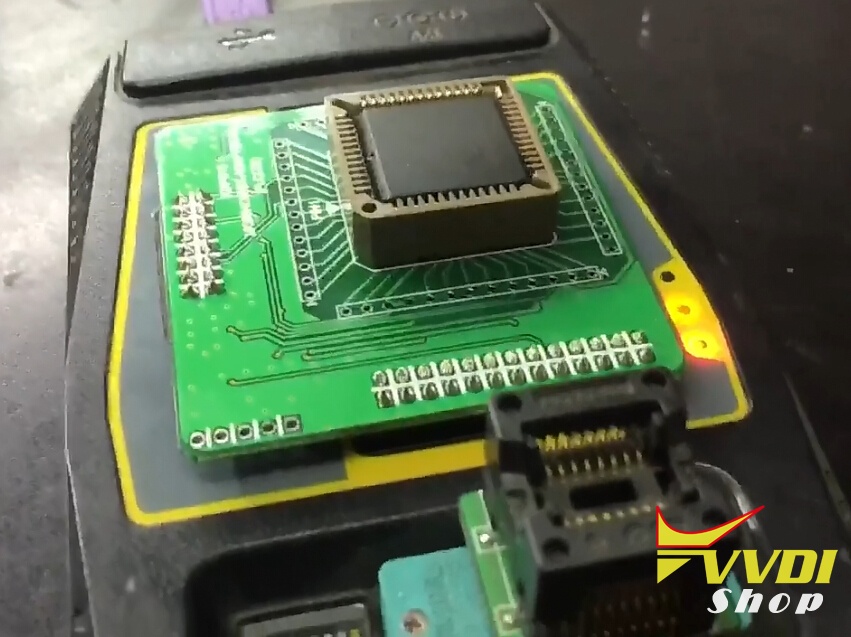
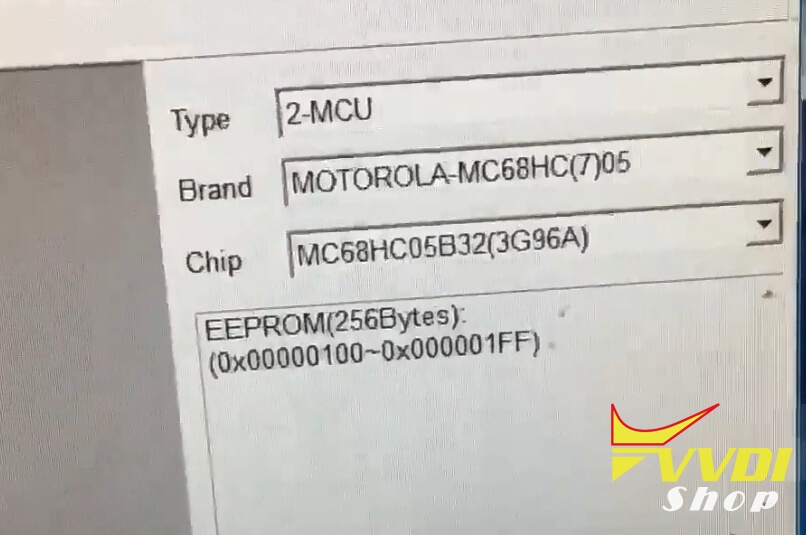
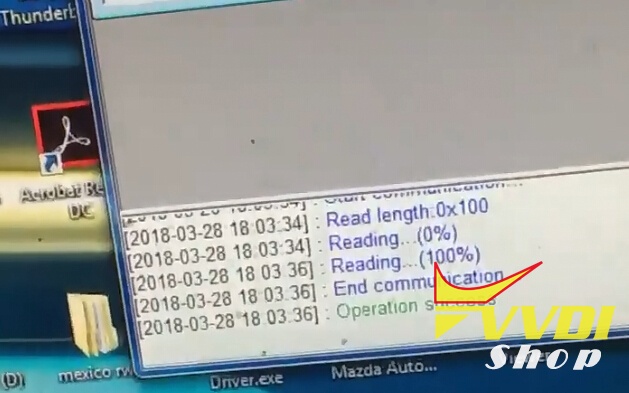
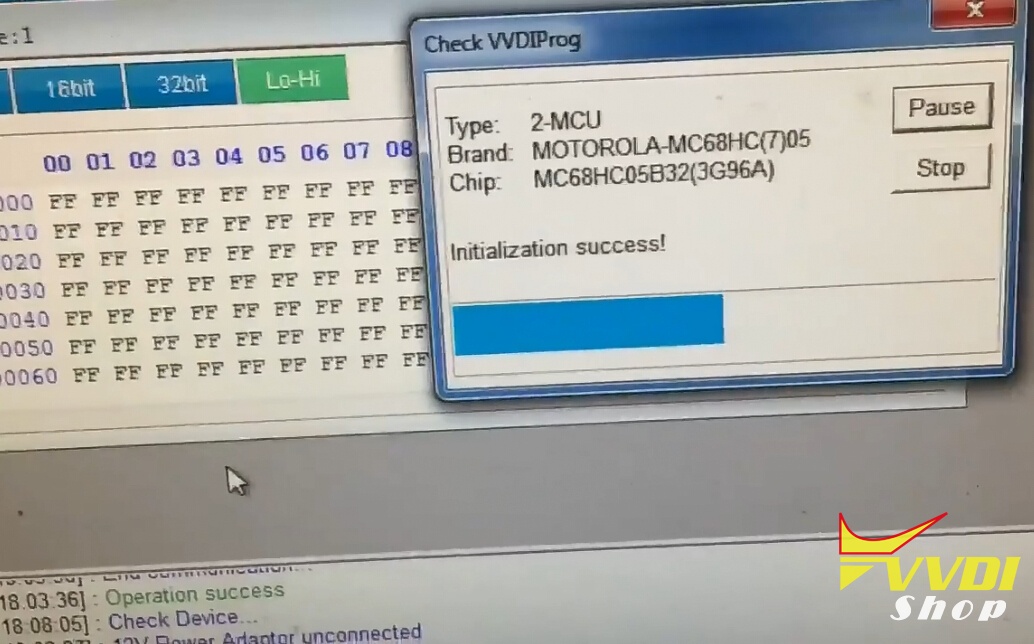
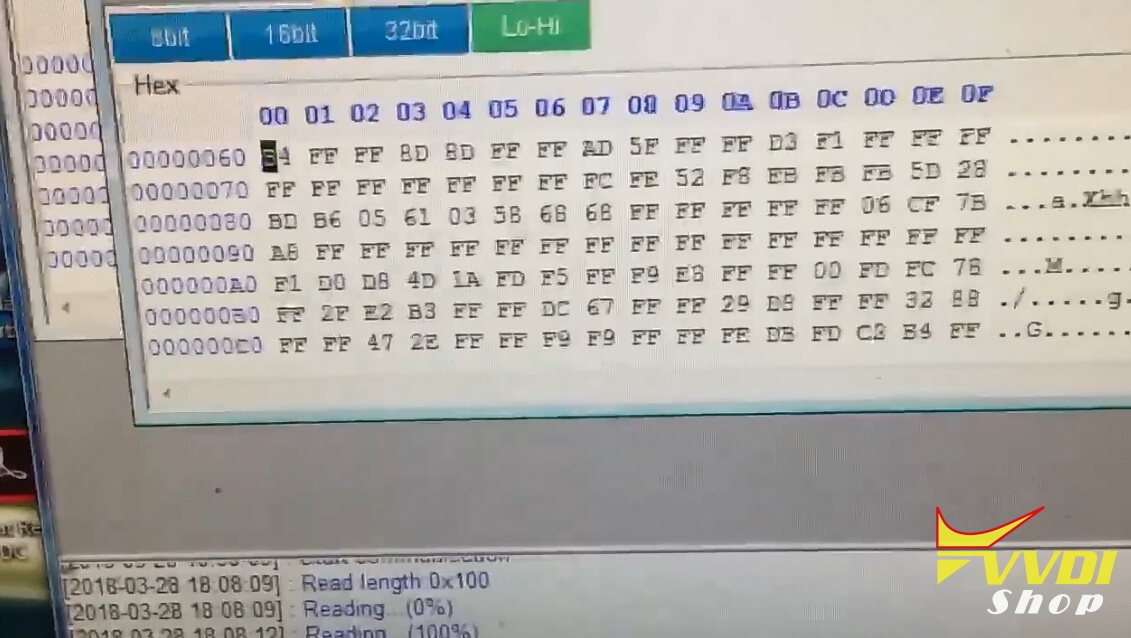
Save eerprom data.
How to enable VVDI Key Tool ID48 96bit copy function
Q:
I’ve bought authorization clone id48 96 bit for VVDI2. Can I use it also for vvdi key tool? how to use?
A:
If you have VV-04 with VVDI2 , and you have Keytool , you can combinate both device and use COPY 48 on both.You don’t need to pay extra money.
You can bind both device by yourself without providing Serial Number and contacting reseller for activation.
Update your VVDI2 software to latest version, provide Serial Number and buy license to activate ID48 96-bit function.
Open VVDI2 Quick Loader
Select Transponder Programmer
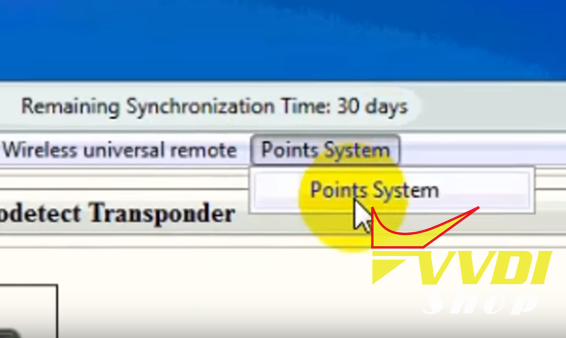
You’ll see Points System tab
Select Bind VVDI2 and VVDI Key Tool, the bonus points will add to VVDI2.
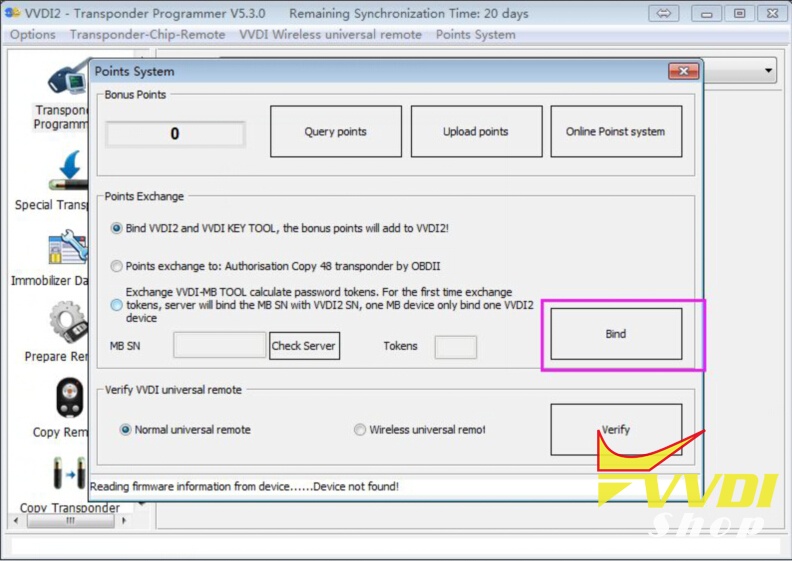
If you buy Copy 48 Transponder (96 bit) license you will have 1500 free points.
Cloning costs 100 Bonus Points each time.
Bonus Points can be accumulated by using VVDI Remote
You can Buy Calculation Tokens as well. Price for Token is $8 each
Bonus Points can be accumulated by using VVDI Remote
You can Buy Calculation Tokens as well. Price for Token is $8 each
Related post: