ابزار Xhorse VVDI
Xhose VVDI نرم افزار برنامه نویس اصلی و سخت افزارابزار Xhorse VVDI
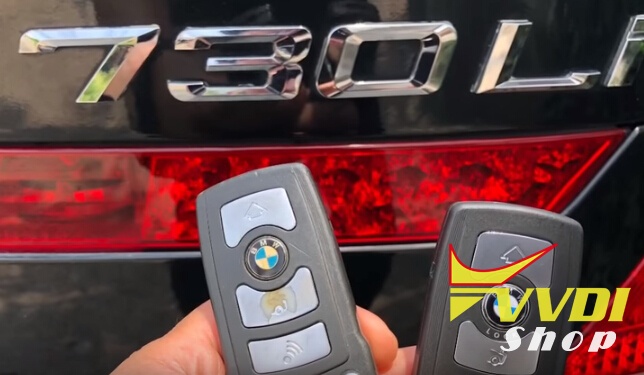
Xhose VVDI نرم افزار برنامه نویس اصلی و سخت افزارBMW 730Li E66 Smart Key Programming by VVDI2
Guide: How to program smart remote on a BMW 730Li E66 year with Xhorse VVDI2 key programmer.
Vehicle:
BMW 730Li E66 year 2007 with CAS1 immo system with key slot
Have 1 working 3-button key, need to add another smart remote key
Procedure with VVDI2 BMW:
Connect VVDI2 with vehicle and laptop
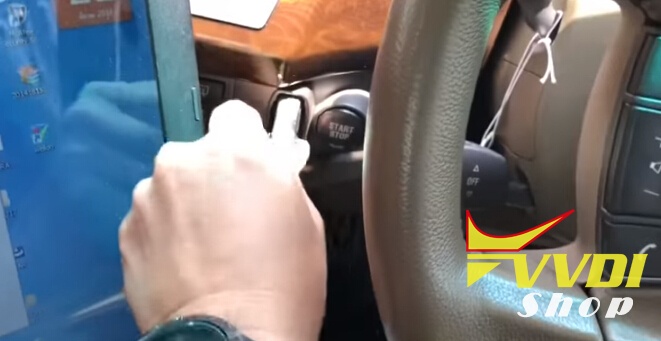
Insert original remote into key slot and turn ignition on
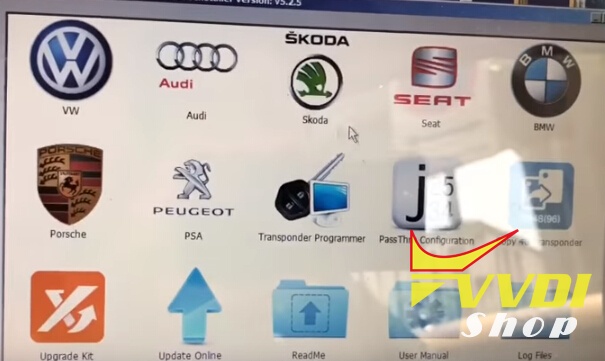
Open software VVDI2 Quick Start
Open BMW software
Press Connect button
Open BMW software
Press Connect button
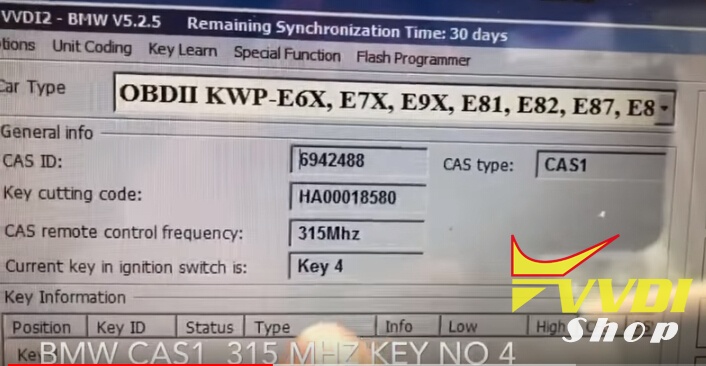
VVDI2 identified vehicle information: BMW CAS1 315MHz key No 4
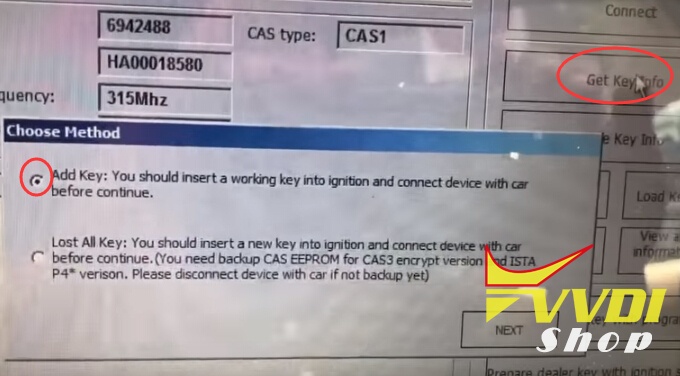
Select first option: Add key: add key you should insert working key before continue next
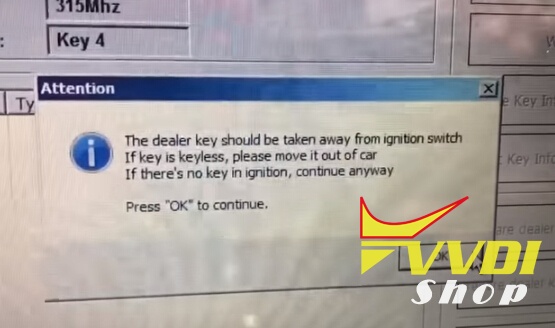
Take away dealer key from ignition witch before press OK
If keyless remote should bring outside car
Connect to CAS
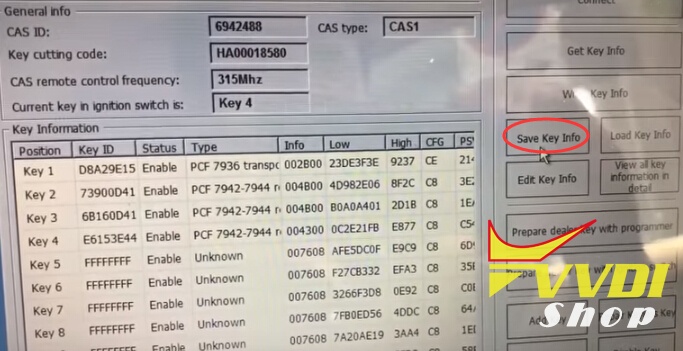
Save key info
There are 4 keys in system
Save key into file
Save key into file
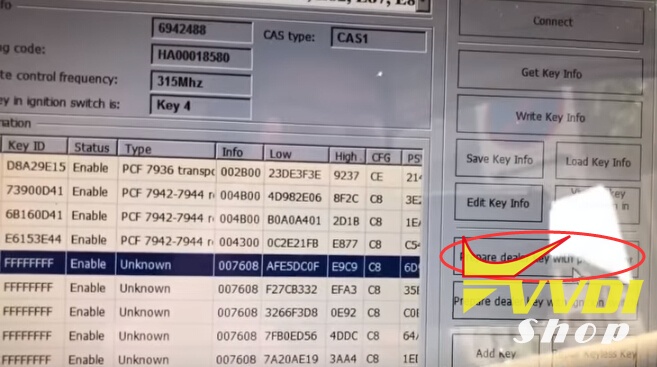
select unused key position and Prepare dealer key with programmer
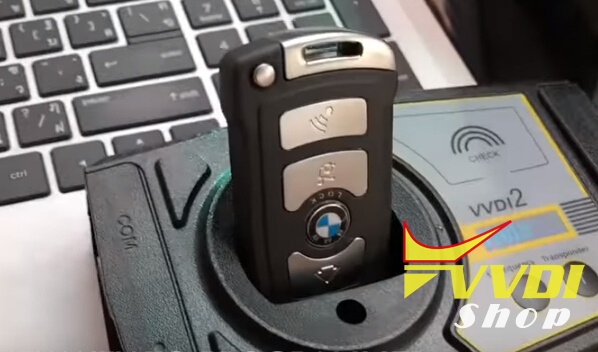
Put new key into VVDI2 programmer
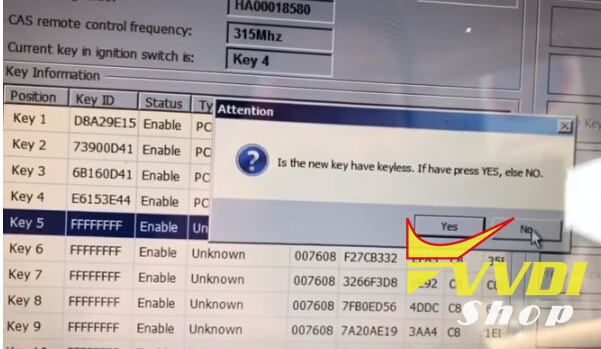
Is the new key have keyless, if have press YES, otherwise NO
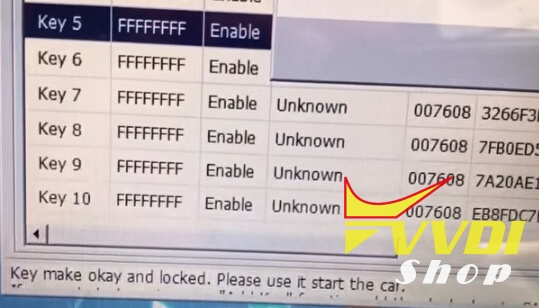
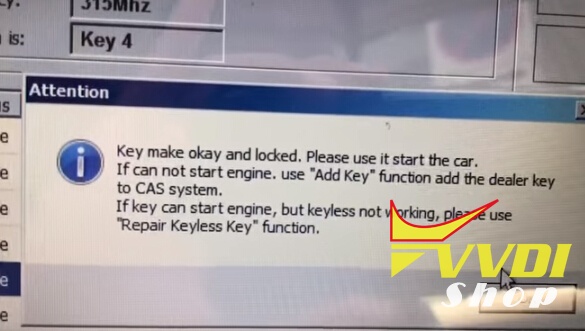
Key make okay and locked. Please use it start the car.
If cannot start engine. Use Add key function add the dealer key to CAS system.
If key can start engine, but keyless not working, pleas use “Repair Keyless key” function
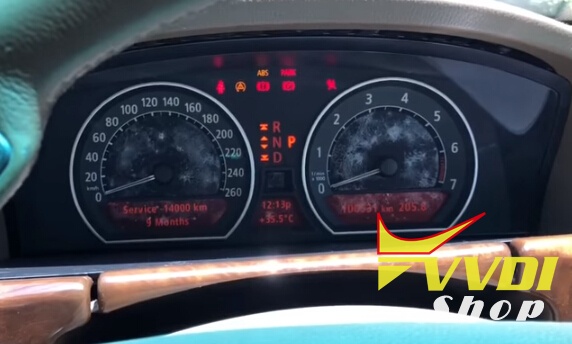
Now key already programmed try to start
Try to synchronize then start.
Done.
VVDI Key Tool Latest Software goes to V2.2.2
Q:
What is the latest version of the vvdi key tool software? I tried to update Keytool with V2.3.9 mega link on other webpage, but it failed me and showed software error. Can you please send the newest software?
A:
DON’T use the v2.3.9 mega link to update your Xhorse VVDI Key Tool.
Always use the Xhorse upgrade kit to update your key tool
Latest software refer to the update kit. Newest now is v2.2.2 (till Mar, 2018)
VVDI Key Tool V2.2.2 (2018-02-03)
1.Repair and improve 96 bit 48 data acquisition
2.Repair and improve ID48 read and write
1.Repair and improve 96 bit 48 data acquisition
2.Repair and improve ID48 read and write

How to update VVDI key Tool to 2.2.2?
Download Xhorse update kit above
Use the USB cable to connect the Keytool to computer
Check devices cnnection status and check driver version
Download the latest software and data files
Start updating software and data
Update success
Check devices cnnection status and check driver version
Download the latest software and data files
Start updating software and data
Update success
VVDI Key Tool V2.2.2 Feedback:
the ID48 offline cloning with version 2.2.2 it is very good they have improved it. i have copied many normal ID48 chips with no problem.
Unlock Dodge RAM 2015 Proximity using VVDI key Tool
We have successfully unlocked Dodge RAM year 2015 key proximity using Xhorse VVDI Key Tool remote generator.
Simple operation steps:
Put key proximity board into VVDI Key Tool renew adapter

Select Renew->Chrysler/Jeep/Dodge->IYZ-C01C Smart Key


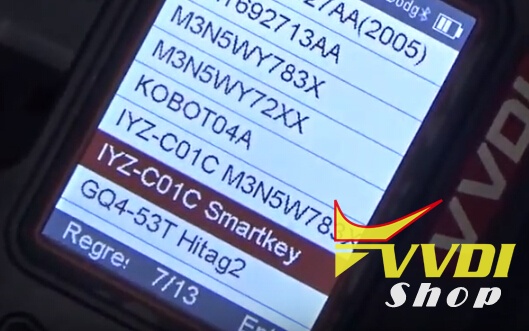
Please select the item corresponding to the original key, otherwise renew will not work properly.
Please connect the key in adapter and then connect to the vvdi Key tool

Writing data in progress
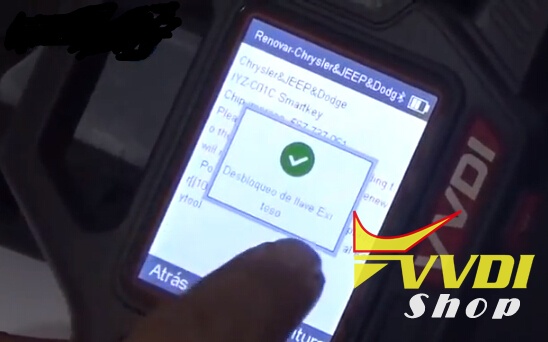
Unlock key success.
Renew Renault Fluence 433MHz Remote using VVDI key Tool
Just renew the RENAULT FLUENCE 3 button 433MHZ remote key using Xhorse VVDI Key Tool remote generator.
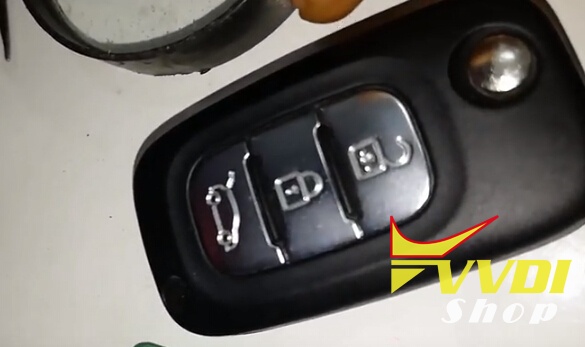
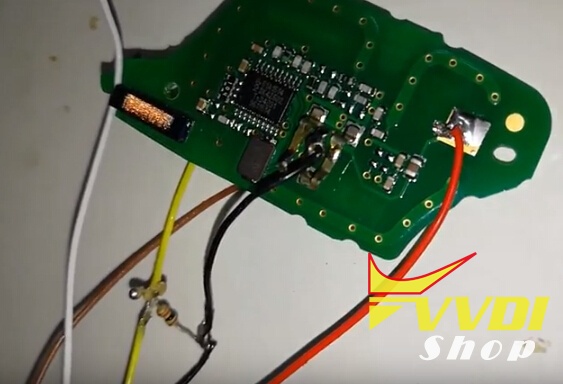
Connect VVDI key Tool with remote key main board following the wiring diagram



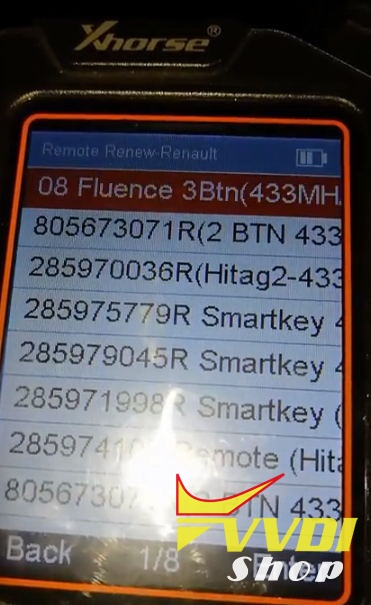
Select Remote Renew-> Renault->Fluence 3BTN 433MHz


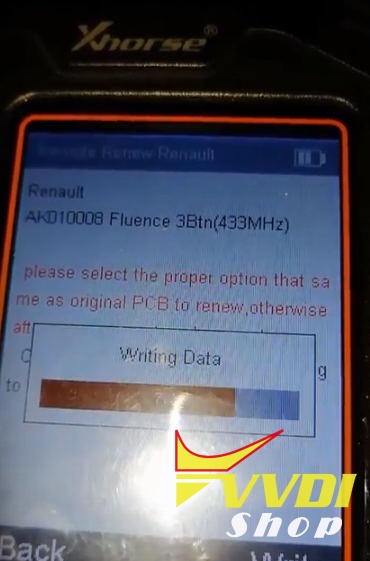
Writing remote data

Renew success

Program Seat Leon MQB Smart Remote Key by VVDI2
A Spanish VVDI2 VAG user has successfully programmed a remote smart key on a Seat LEON MQB system. Here’s some operation steps provided.
At this moment, VVDI2 MQB key is not available yet, so he used 5G0959752BC from ali (Works for all the cars, VW Polo need to use 5G0959752BB.)

Open VVDI2 VAG software
Select Key Learn->MQB platform instrument immobilizer->Instrument with NEC35xx (Continental/VDO)
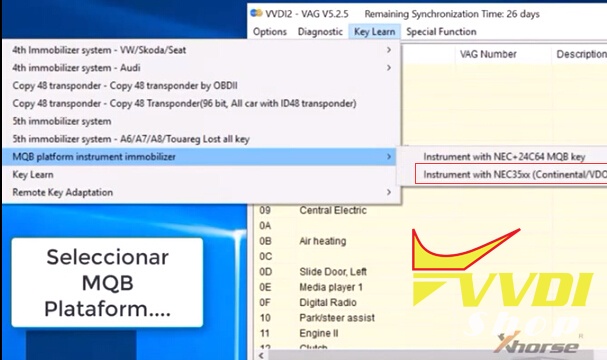
Click on Diag to load vehicle information
Read EEPROM/FLASH data and save
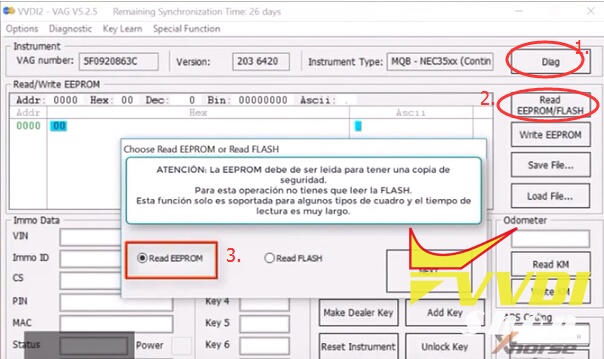
Turn ignition on with the original key
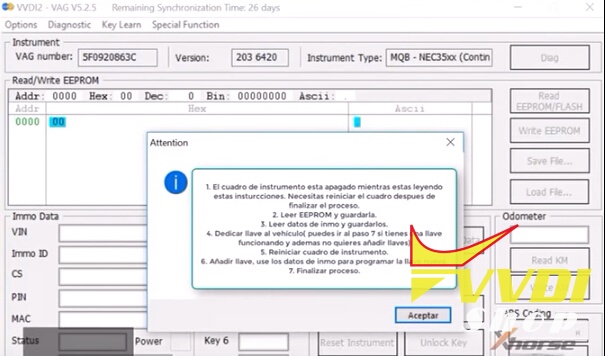
Follow these steps to program key:
1. The instrument box is off while you are reading these instructions. You need to reset instrument after completing the process
2.Read EEPROM and save
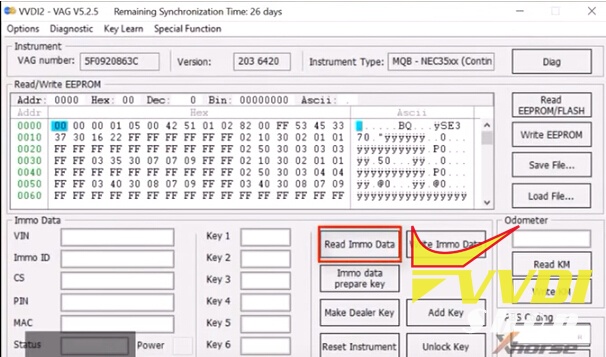
3. Read immo data and save them.
4. Dedicate key to the vehicle (you can go to step 7 if you have a working key and also do not want to add keys)
5. Reset instrument box
6. Add key. use the immo data to program the new key
7. Finish process
2.Read EEPROM and save
3. Read immo data and save them.
4. Dedicate key to the vehicle (you can go to step 7 if you have a working key and also do not want to add keys)
5. Reset instrument box
6. Add key. use the immo data to program the new key
7. Finish process
VVDI2 Read Immo data and save it
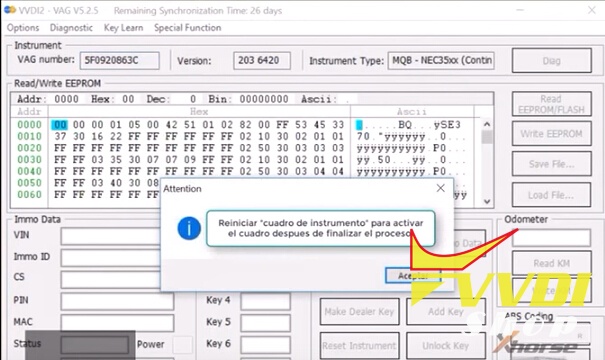
Reset “instrument box” to activate the box after finishing the process
Make Dealer Key

Select brand: Seat
in this case we will use the second option
in this case we will use the second option

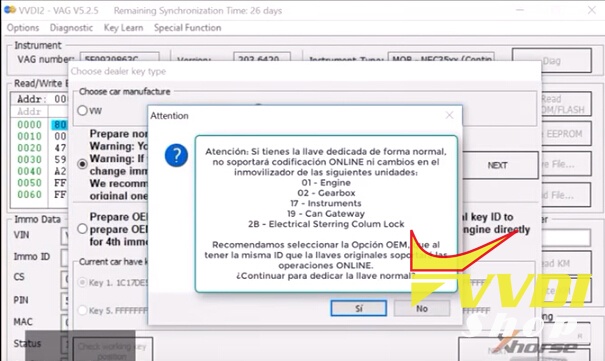
Attention: If you have the dedicated key in a normal way it will not support coding ONLINE or changes in the immobilizer of the following units:
01-Engine
02-Gearbox
17-Instruments
9-CAN Gateway
28-Electrical Steering Column Lock
We recommend selecting the OEM option, which has the same ID as the original keys, will support the
ONLINE operations.
We recommend selecting the OEM option, which has the same ID as the original keys, will support the
ONLINE operations.
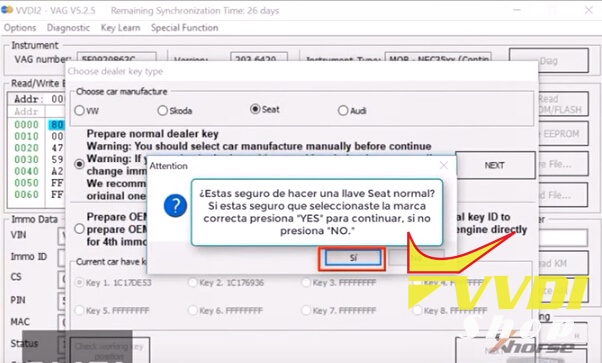
Are you sure to make a normal Seat key?
If you are sure you have selected the correct brand press “YES” to continue, if you do not press “NO”
If you are sure you have selected the correct brand press “YES” to continue, if you do not press “NO”
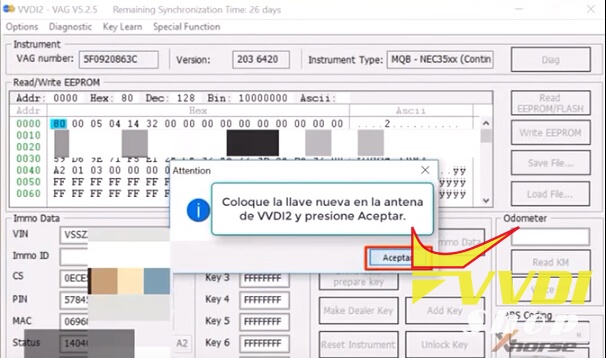
Place the new key into the VVDI2 antenna and press OK
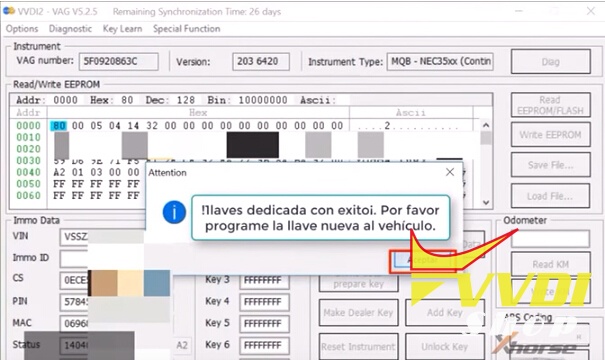
Make key success. Please program the new key to the vehicle.
Use “Reset instrument” to reset the box after all operations
Attention: You must make a backup of the eeprom before programming keys.
If you have a security copy you can continue, if you have not copied before immo data, press NO

Select second option to learn key. login with security code from car. Put the key into ignition switch on accord flowing tips. You must prepare all the working key. If the key not learned, it can not start the engine after learned.
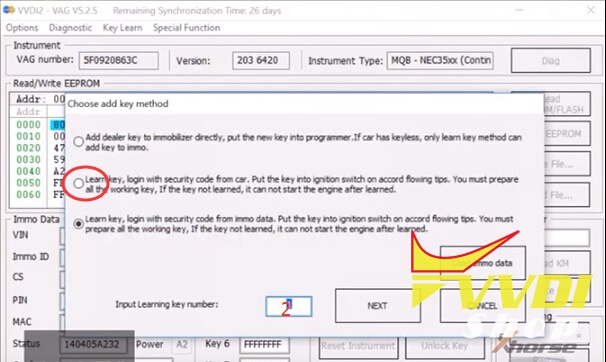
Inter leaning key number: 2
2 keys should all be learned
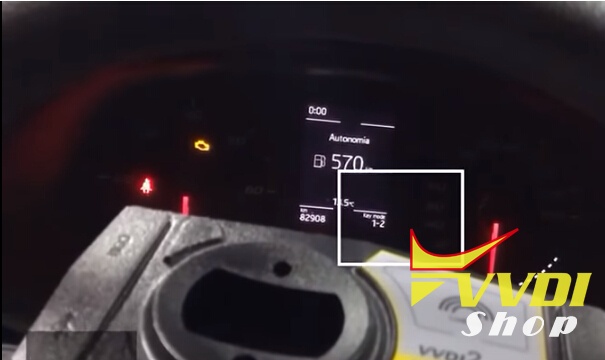

Key learn success.
Test the remote control and start vehicle with the new key.
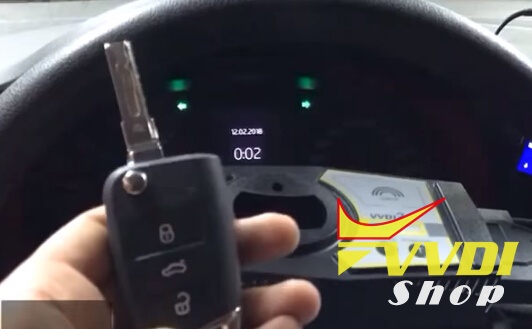
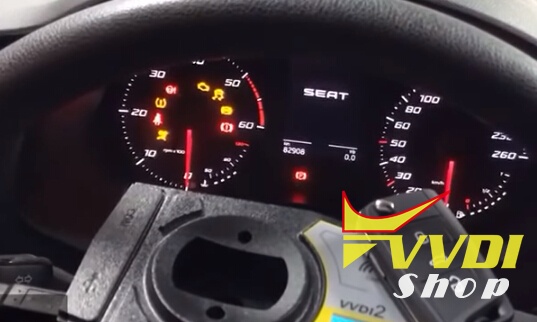
Working.