ابزار Xhorse VVDI
Xhose VVDI نرم افزار برنامه نویس اصلی و سخت افزارابزار Xhorse VVDI
Xhose VVDI نرم افزار برنامه نویس اصلی و سخت افزارRead Hyundai ix35 2011 Pin Code with VVDI Key Tool
New test feedback: Hyundai ix35 2011 Pincode from Vvdi key tool vs. lonsdor k518 vs. xtool ps90.
In my case, Xhorse VVDI Key tool succeed, Lonsdor and Xtool failed.
First try Lonsdor K518, failed to read pin
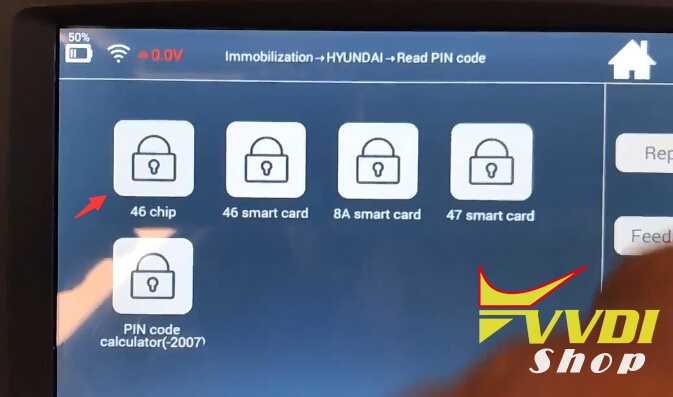

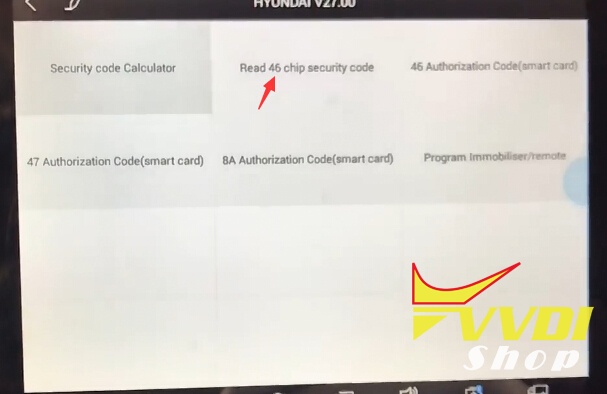
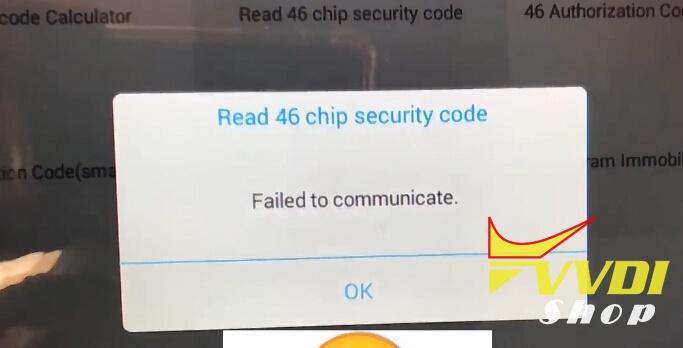
Then try Xtool PS90/X100 Pad2, failed to communicate either
Try VVDI Key Tool, read security pin code no issues
Automatic Detection Clone->Identify ID46 PCF7936 chip->Select Mode 1 data acquisition
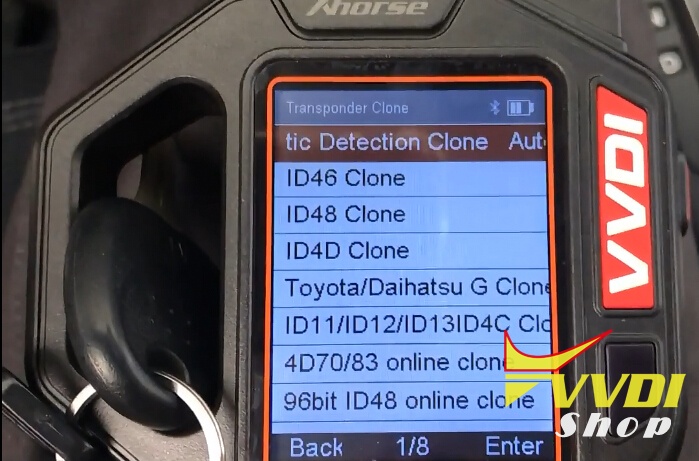
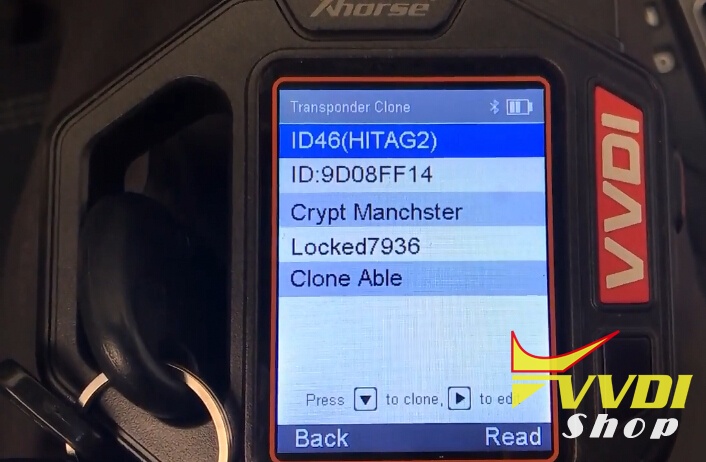
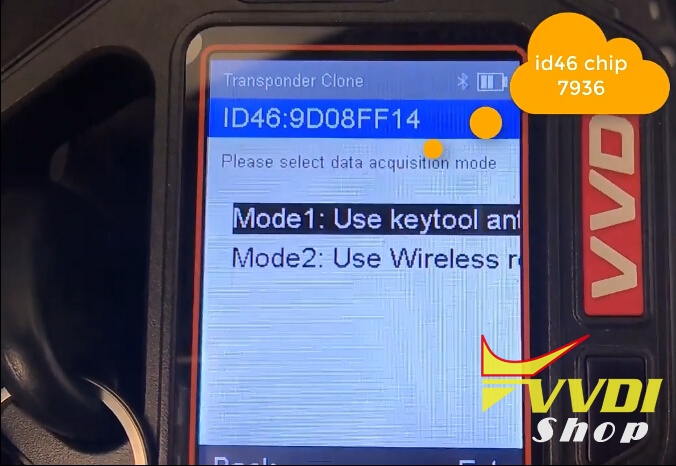
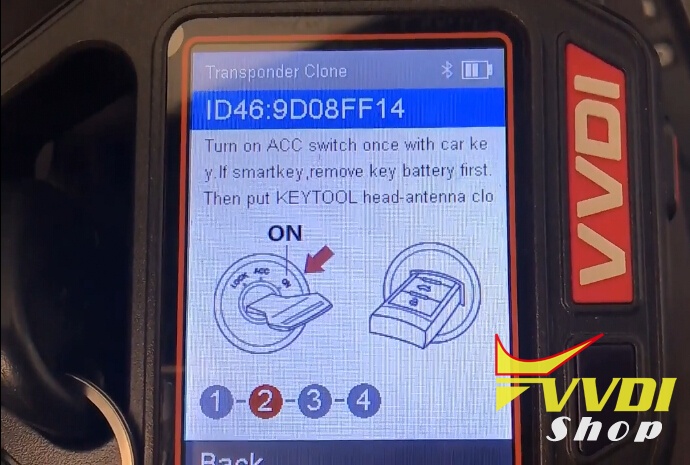
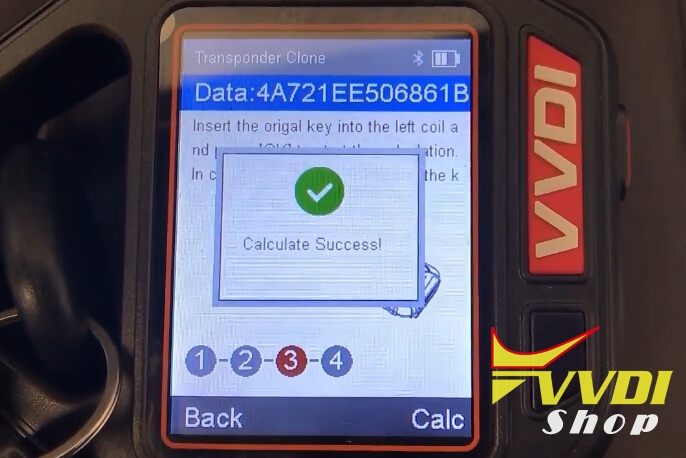
Get More->Hyundai Password

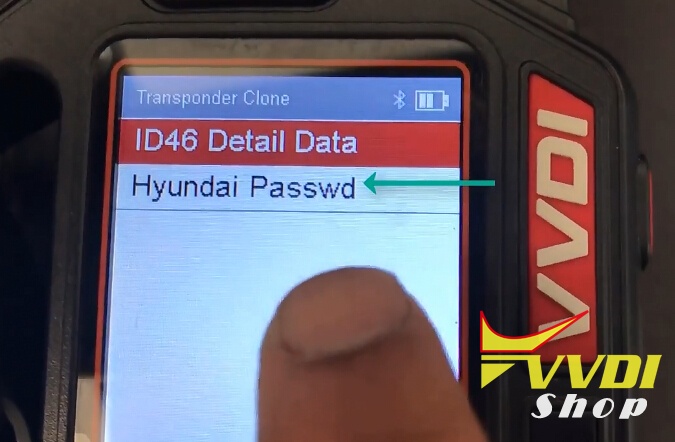
VVDI key tool successfully calculated Hyundai password.

How to solve Xhorse VVDI BE KEY Pro problem
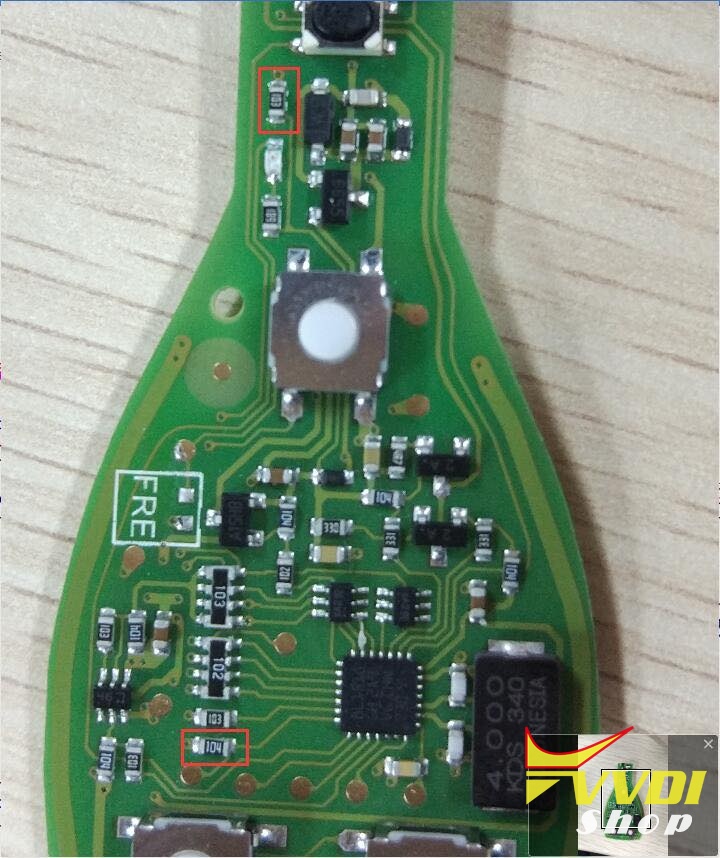
Hi, if you met any problem with old version of Xhorse VVDI BE key just exchange these 2 resistors.
Or no need replace only resolder it will work fine.
Xhorse VVDI2 Golf 5 K-line upload data failed solution
Problem:
Hi, I have with Xhorse vvdi2 vag v5.5.0 problems with edc16u1 ecu and dashboard.
It can’t read golf 5 2005 year. Something not ok with it
It looks like K line not working.
It can’t read golf 5 2005 year. Something not ok with it
It looks like K line not working.
picture attached:
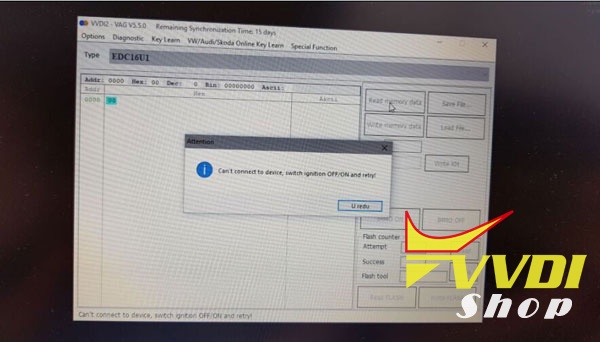
Error “Can’t connect to device. Switch ignition OFF/ON and retry”
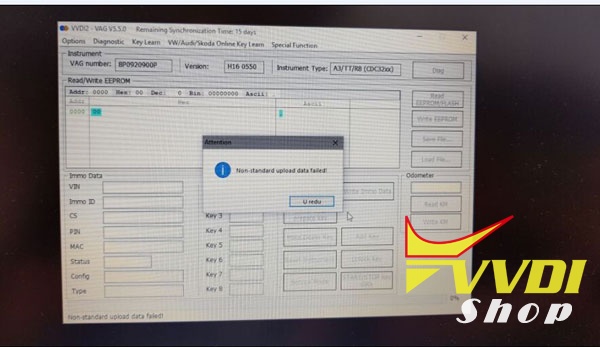
Error “Non-standard upload data failed”
Solved!!!
Here’s the customer solution:
I test it this morning and all works fine now.
I removed soldering ball and i reinstall drivers and all working fine.
I removed soldering ball and i reinstall drivers and all working fine.
It reads now over kline it detects edc16 ecus and it read immo data eeprom and also dashboard it can read now.
I check k line from vvdi2 db25 connector on PCB to the optocupler (relay) omron, and from it to the ADG1606B multiplexer then from multiplexer to the L9637 interface. Then from it to the mcu Rx and TX line. All is ok. Even replace from vvdi 1 L9637 ISO 9141 interface. Didn’t work. Then I measured supply to the omron optocoupler relay it has 1.2 v when activate Kline communication. Check also 120ohm pull down resistors, check supply to the multiplexer ADG1606B it is ok 3.3v ako also on iso 9141(L9637) interface, and also I have on oscilloscope TX and TX signals from mcu to the L9637 it send data when It activate Kline. And in the end I found one solder ball between legs of multiplexer. You can see it on picture that I send you before. First time i open it. That was the main problem and USB drivers.
this is all i tested on this interface. Now all is fine and i can work now![<div class=]() vvdi2
vvdi2 vag
vvdi2
vvdi2 vag
I check k line from vvdi2 db25 connector on PCB to the optocupler (relay) omron, and from it to the ADG1606B multiplexer then from multiplexer to the L9637 interface. Then from it to the mcu Rx and TX line. All is ok. Even replace from vvdi 1 L9637 ISO 9141 interface. Didn’t work. Then I measured supply to the omron optocoupler relay it has 1.2 v when activate Kline communication. Check also 120ohm pull down resistors, check supply to the multiplexer ADG1606B it is ok 3.3v ako also on iso 9141(L9637) interface, and also I have on oscilloscope TX and TX signals from mcu to the L9637 it send data when It activate Kline. And in the end I found one solder ball between legs of multiplexer. You can see it on picture that I send you before. First time i open it. That was the main problem and USB drivers.
this is all i tested on this interface. Now all is fine and i can work now
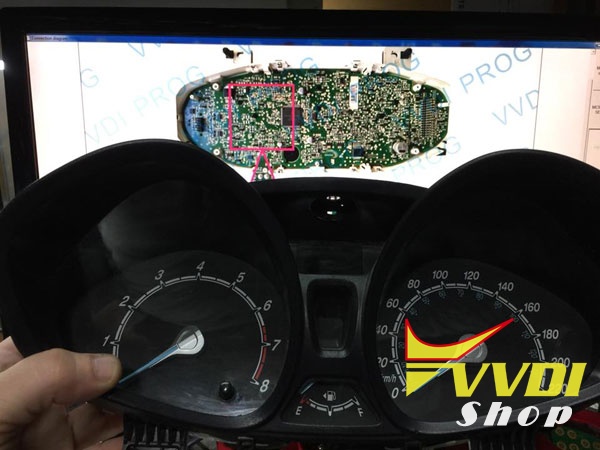
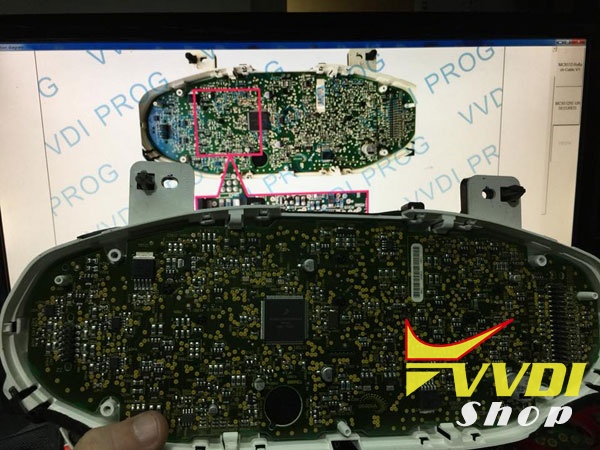
VVDI Prog Read Ford Fiesta 2015 Dashboard 1M12S
Test feedback: Read Fiesta 2015 Dashboard 1M12S
Chip dst 80 bit
Chip dst 80 bit
Success with Xhorse VVDI Prog programmer
Ready only with the board
Ready only with the board



http://blog.vvdishop.com/vvdi-prog-read-ford-fiesta-2015-dashboard-1m12s/
Xhorse Condor XC-Mini Software Update to V5.0.9
Xhorse Condor XC-Mini (KM03) key cutting machine software released to V5.0.9 (2018/05/23).
Condor Mini 5.0.9 Update Feature:
Add universal key decode function
Add M2-D function
Add motor sensor testing function
Modify probe cutter detection
Fix machine may cra sh error problem
Fix HU49 key decide error
Fix HU66 cutting speed issue
Use the xhorse update kit to update Condor software:
https://mega.nz/#!QTx3yYKb!OW3Mc4sBaMqUSCUfWtPM4__Od-OPkemRe2j4EfPHRLo