ابزار Xhorse VVDI
Xhose VVDI نرم افزار برنامه نویس اصلی و سخت افزارابزار Xhorse VVDI
Xhose VVDI نرم افزار برنامه نویس اصلی و سخت افزارCondor Mini Drill Not Detect Error Solution
Problem:
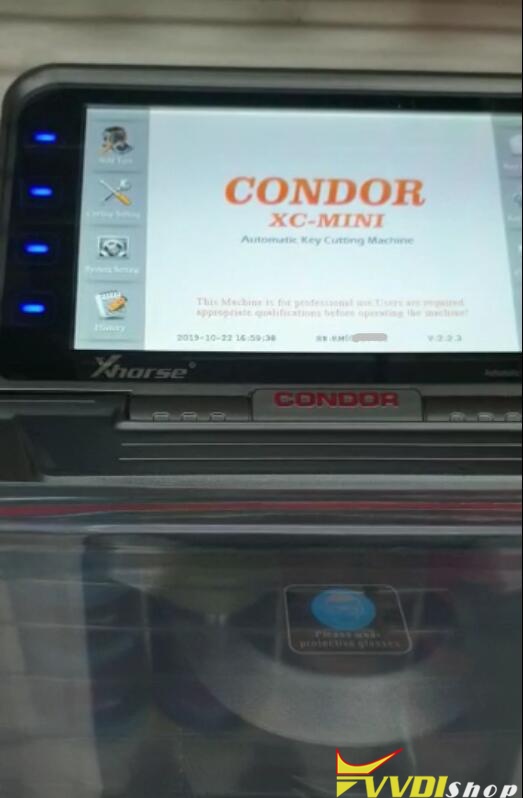
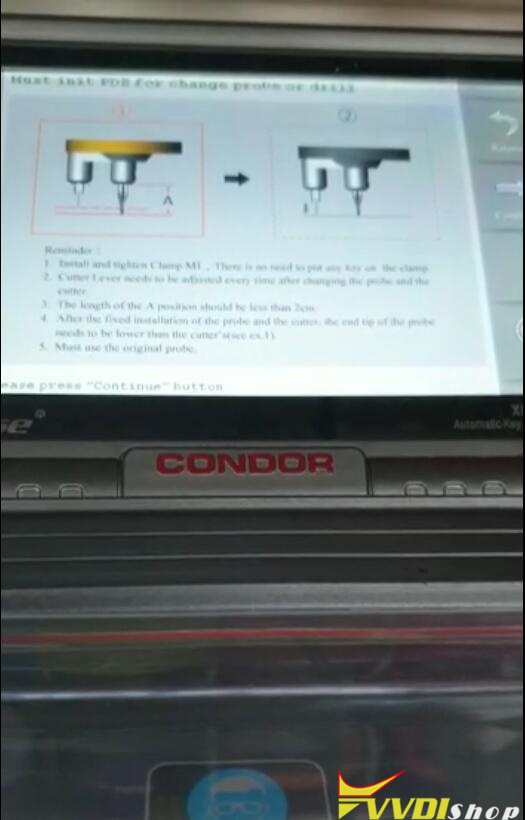
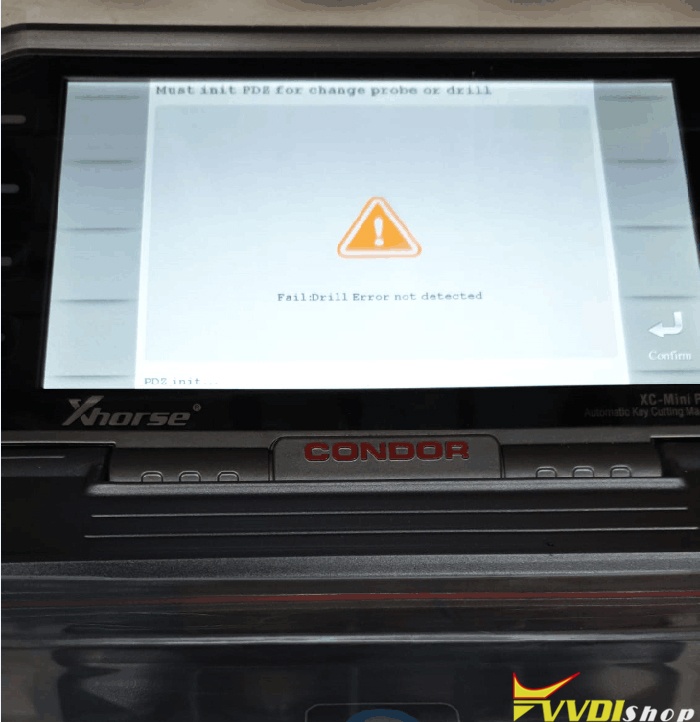
When doing Xhorse Condor XC-mini self-test height level adjustment operation, condor gave an error “Fail: Drill Error Not Detected” when cutting keys.
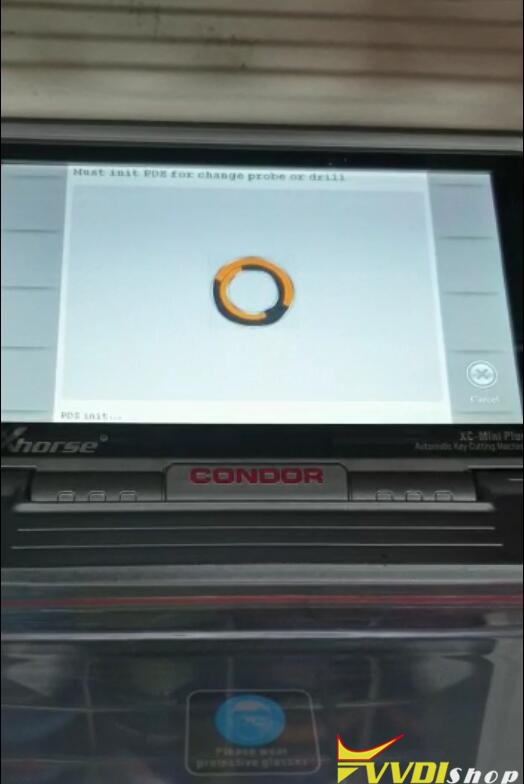
Must init PDE for change probe or drill.
Solution:
Please do:
machine main page—self test—electrical conductivity measurement,
machine main page—self test—electrical conductivity measurement,
follow the screen instructions, take a video about testing result and send us the operation steps.
We’ll analyse and report the result to you.
VVDI2 Program Skoda Octavia MQB 2017 Key.
Topic: how to add one new key for Skoda Octavia MQB 2017 Remote Key via Xhorse VVDI2 & Xhorse MQB remote key XSMQB1EN.
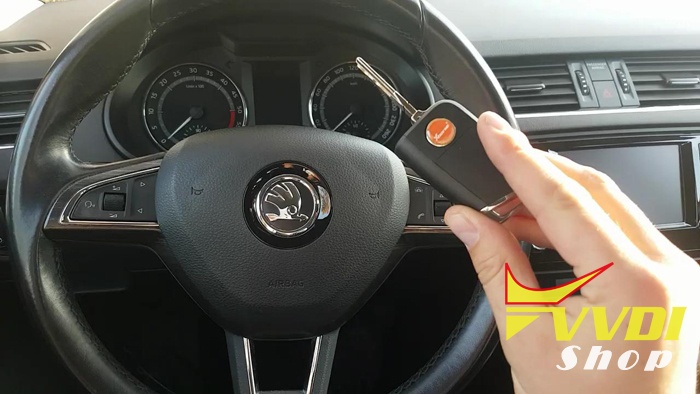
This is Xhorse XSMQB1EN remote key with 3 buttons:

This is working original remote key:
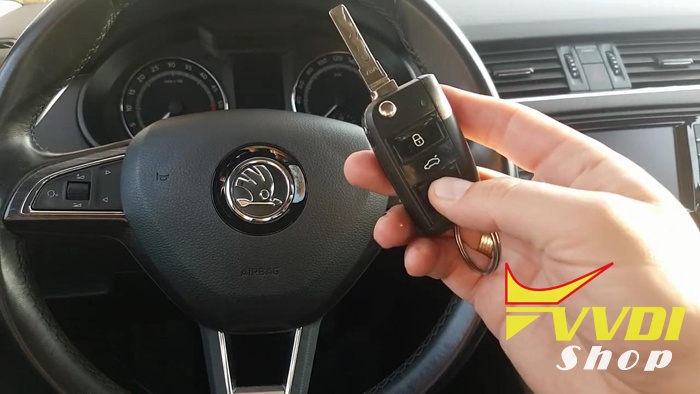
Insert the original remote key to ignition and turn on.

Connect VVDI2 to Skoda Octavia via the OBD2 cable, open the VVDI2 software, click on “Diag” to read out VAG number, version, instrument type etc.

Click on “Read IMMO data”.
Click on “Ok”.
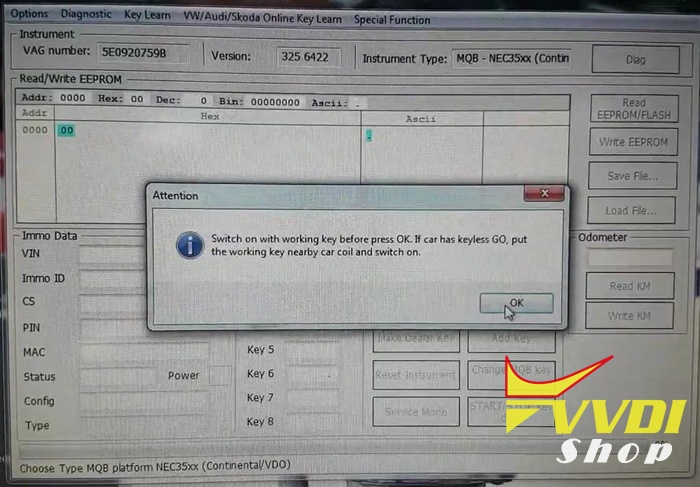
Choose login method 1, then “Next”.

The dashboard is dark…Please read the 7 tips, and click on “OK”.

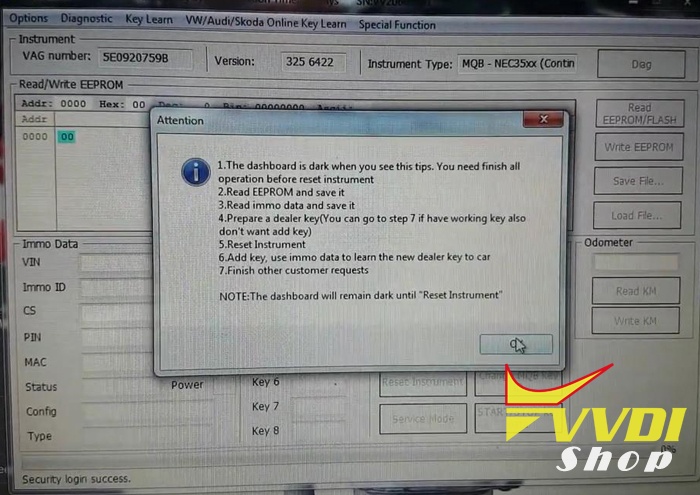
Click on “OK” to use “Reset Instrument” to active instrument after all the operation is finished.

Click on “Save file”.

Click on “Reset Instrument” until you can see “Reset success”.
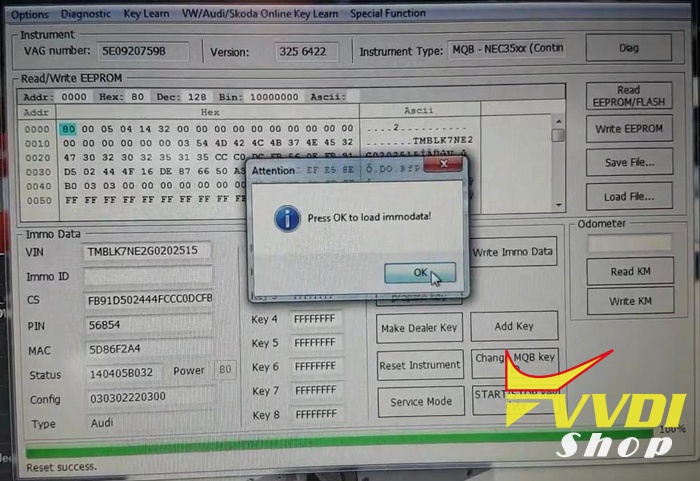
Press “OK” to load immodata.

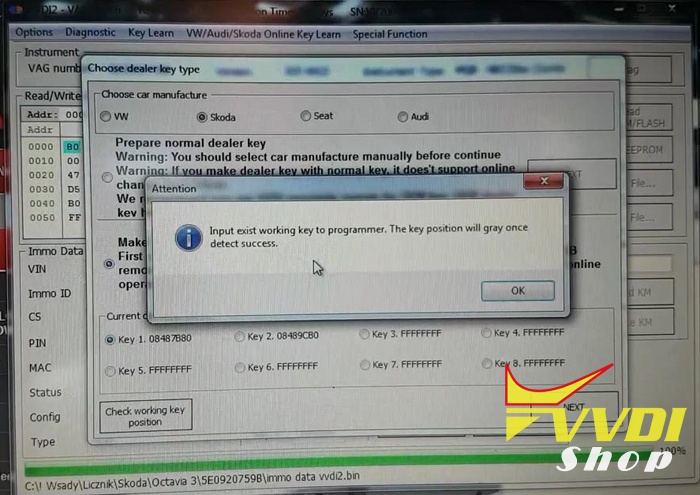
Select “Skoda”, then option 2 ” Make OEM key with “VVDI Proximity remote”.
Click on “Check working key position”.
Pull out the original key from the ignition, and input it into the VVDI2 programmer.
Select “Key 2.”.
Finally click on “Next”.
Click on “Yes”, then “Add key”, then “Yes”


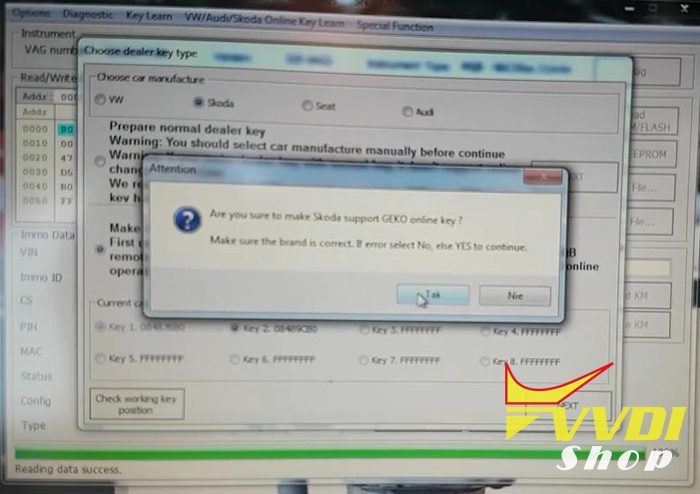
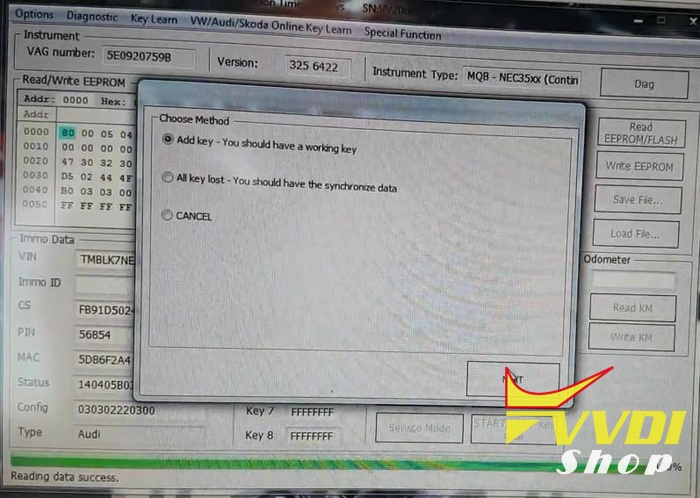

Click on “No” to not save the synchronize data.
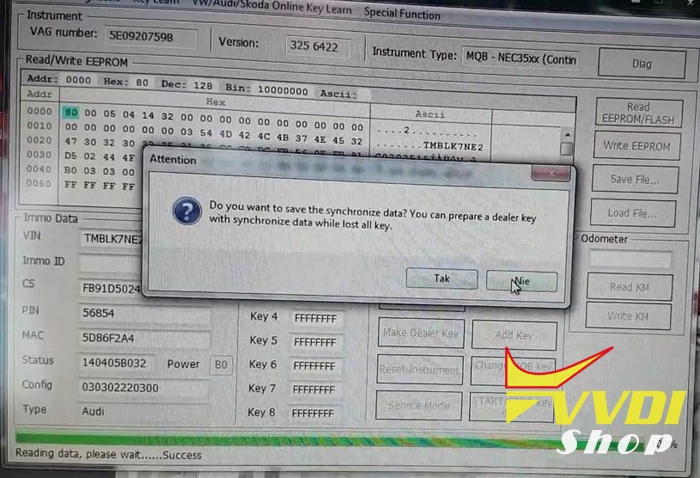
Input MQB remote to VVDI2 programmer and continue. (“VVDI2 proximity remote” use VVDI2 transponder programmer -> prepare proximity remote” can prepare MQB remote).


Prepare dealer key success. Please learn the new dealer key to car.

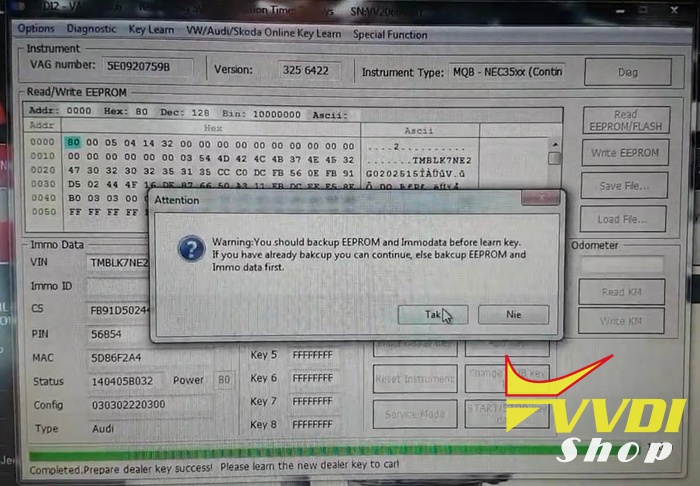
Click on “Add key” and get message ” you should backup EEPROM and immodata before learning key.”
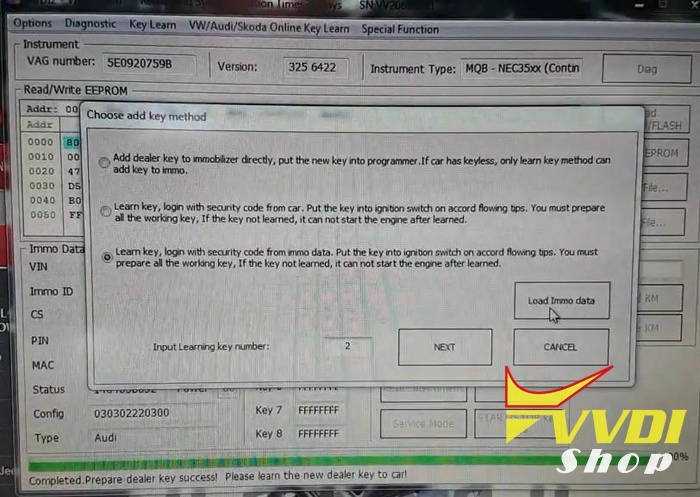
Input key number “2” then click on “Load immo data”.
Click on “Next”.
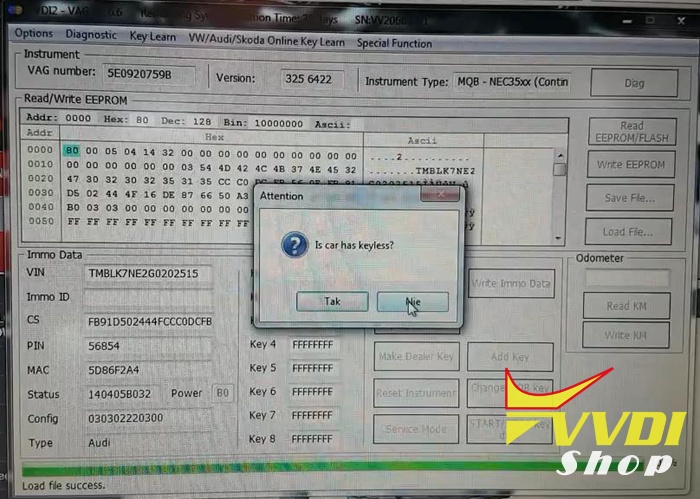
Car has no keyless.
Insert the dealer key into car and switch on for at least 2 seconds. the time for change key should smaller than 5 seconds. Press Okay button after all key is learned.
Then click on “OK”.
Start learning…
All keys successfully learned.


Test dealer key remote works or not.
Done.
Thanks to VVDI2 and the Xhorse MQB Remote key. They did a good job to add remote key for Skoda Octavia MQB 2017.
Program Passat 2017 MQB JC Keyless with VVDI2
Only working with one OBD helper can VVDI2 add new keys on VW Passat MQB JC keyless remote key.
Immo type:
MQB -Johnson Controls
Need:
VAG OBD helper (with Network Connection)
One original keyless GO key
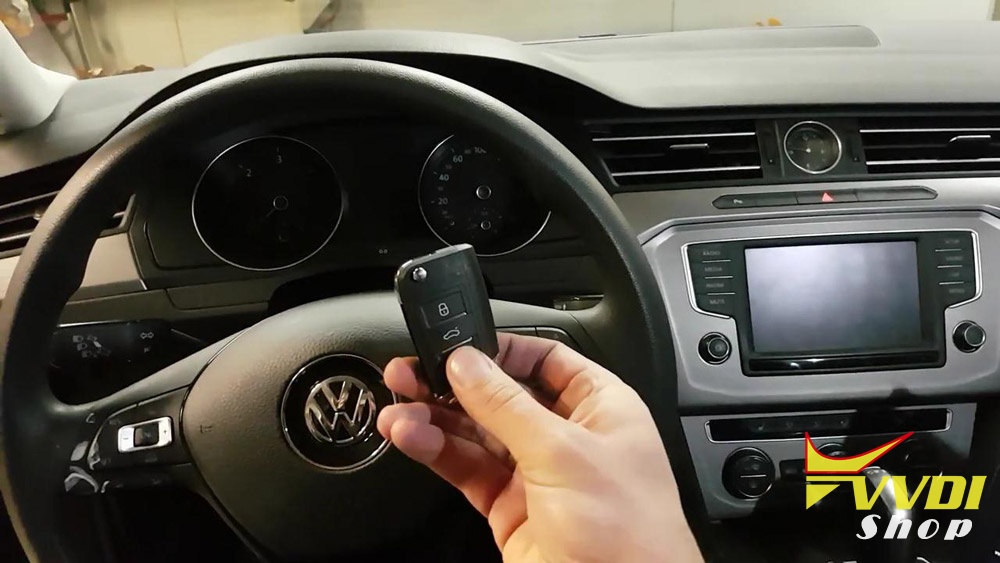

Video Guide
Step 1. Use OBD helper to read the MQB – NEC35XX part immo data
The original remote key can start the car, press the ” Engine start /stop” to turn on ignition on.

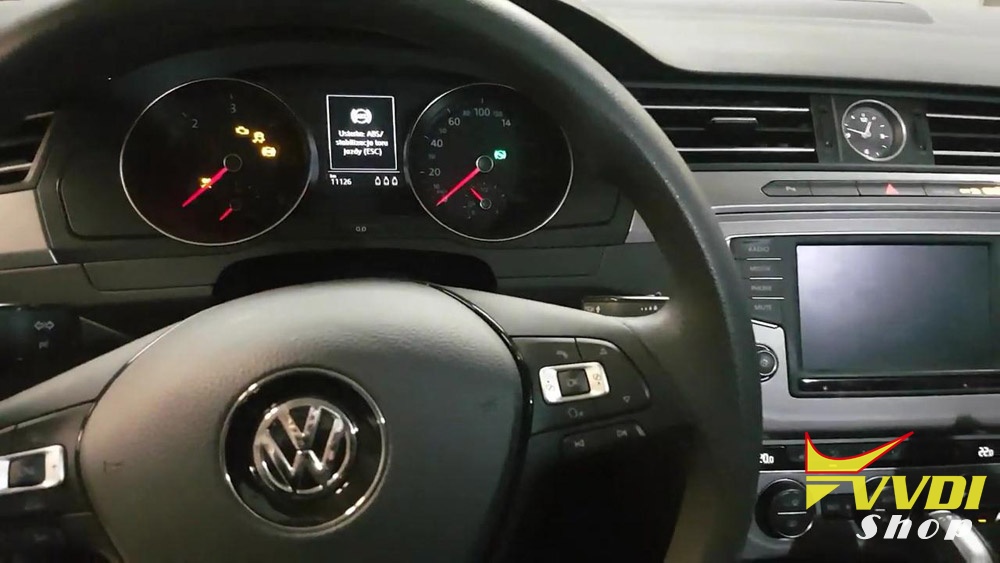
Install VAG OBD Helper V1.0.0 software on the computer, connect OBD Helper to the VW – Magotan.
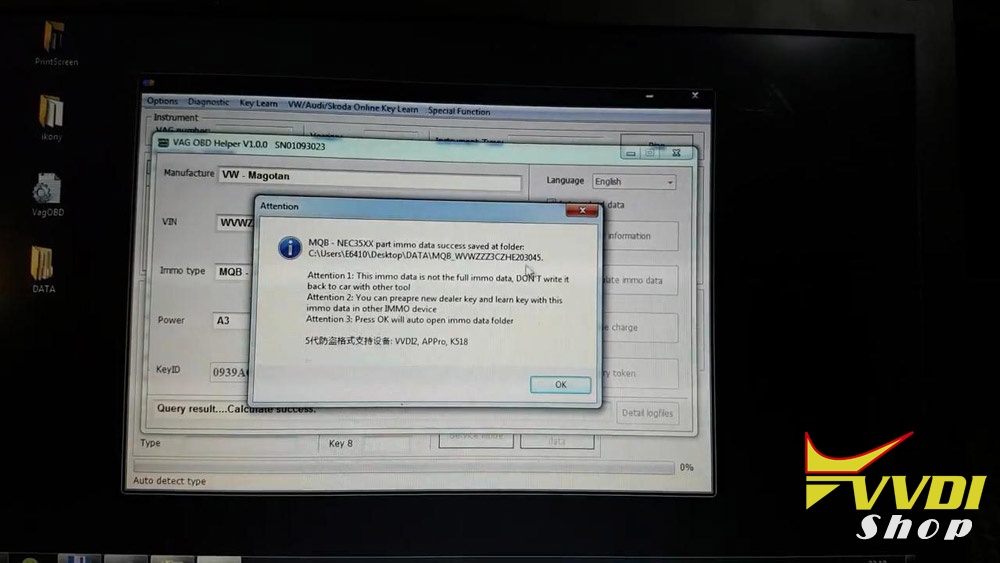
Click on “Read car information” to have info of manufacture, VIN, Immo type, power, key count, KeyID etc.
Reading data…
Connecting to server…
MQB -NEC35XX part immo data success saved…

Step 2: Prepare dealer key first, then learn the new dealer key to car.
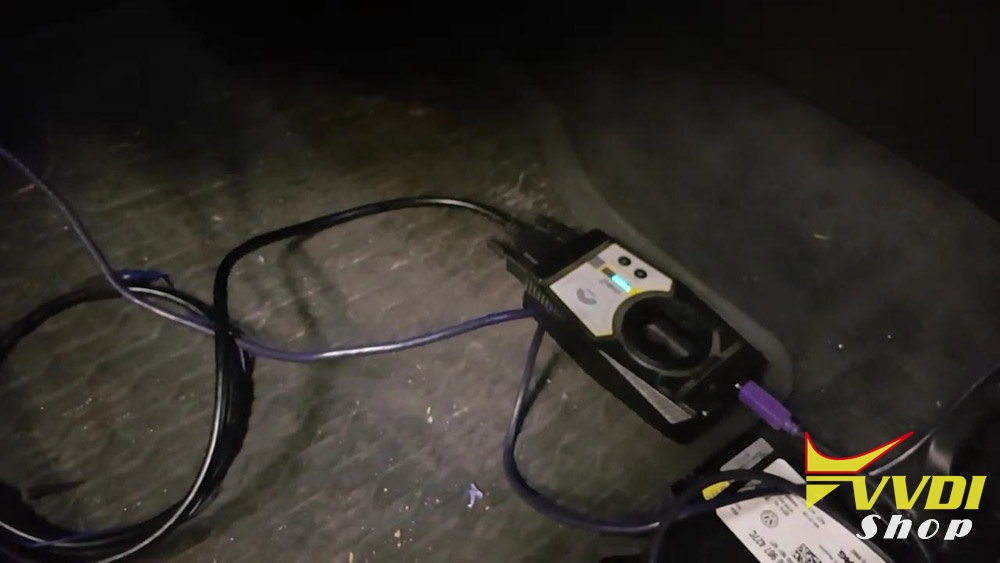
Unplug VAG OBD Helper from the VW – Magotan, then connect VVDI2 cable.
Open VVDI2 software, go to VW /Audi /Skoda Online Key Learn -> Special Function
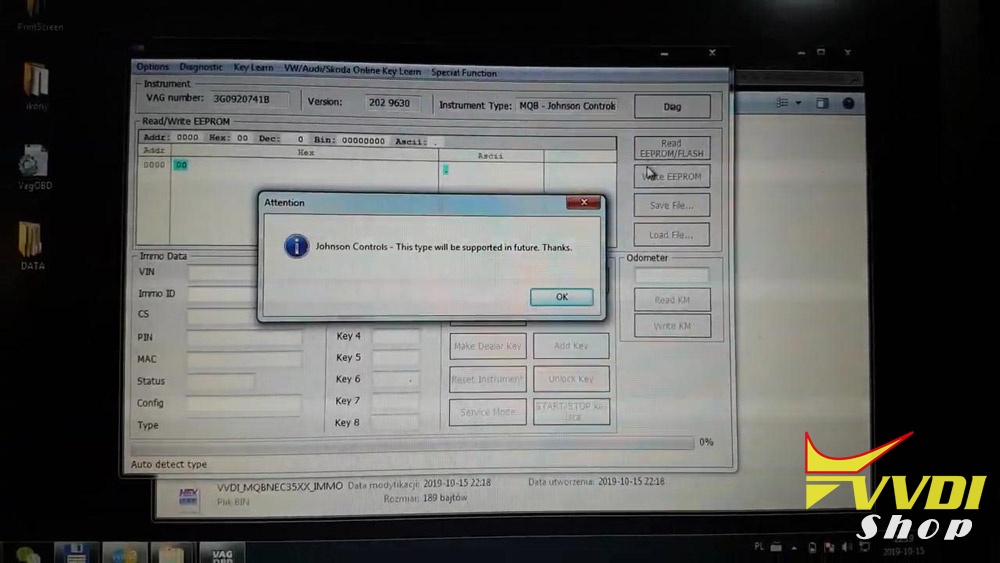
Click on “Diag” and have message Johnson Controls will be supported in future.
Click on “Key Learn” -> “MQB platform instrument immobilizer” -“Instrument with NEC35xx (Continental /VDO).
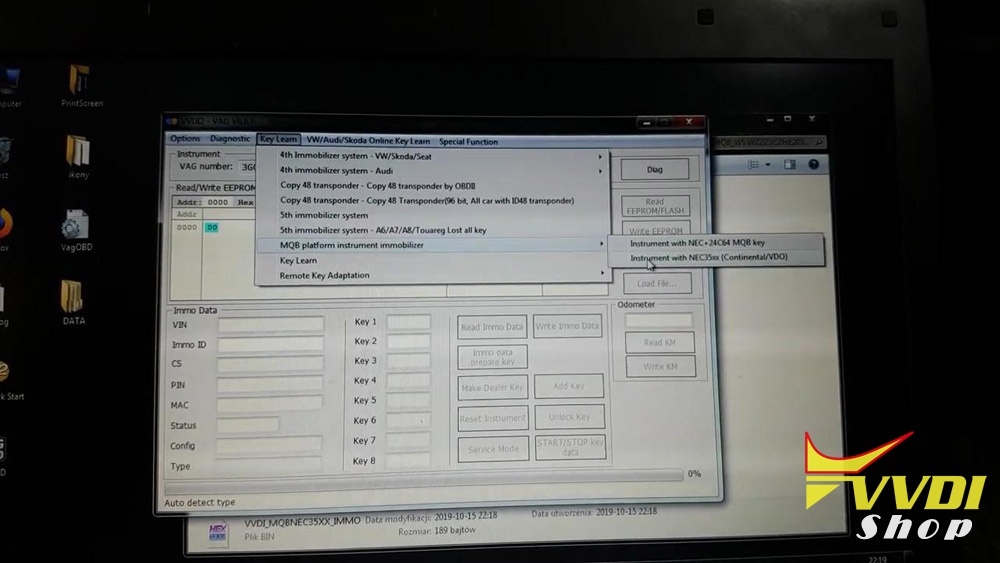
Click on “Immo data prepare key” to load immo data.
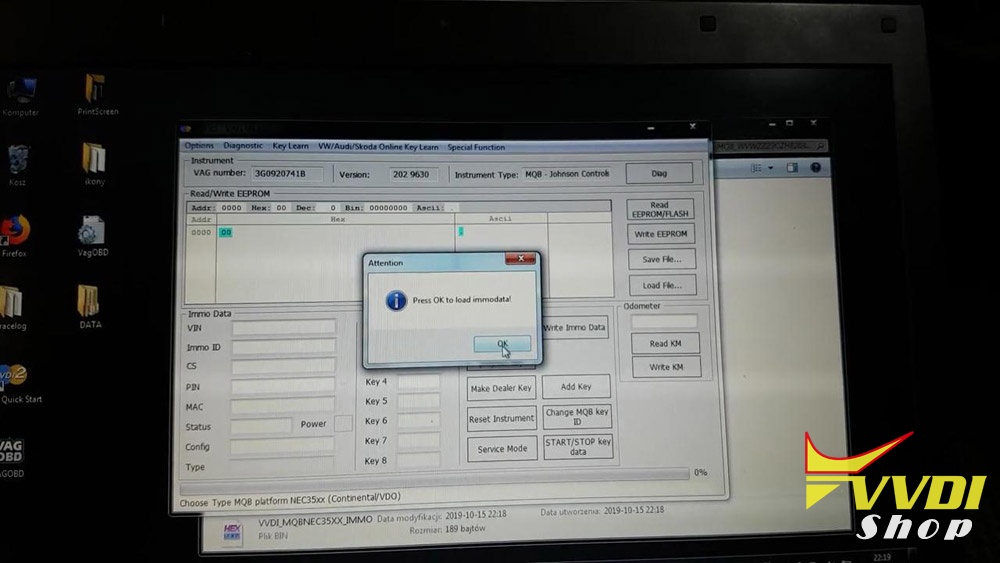

Choose car manufacture “VW”, then “Next”.

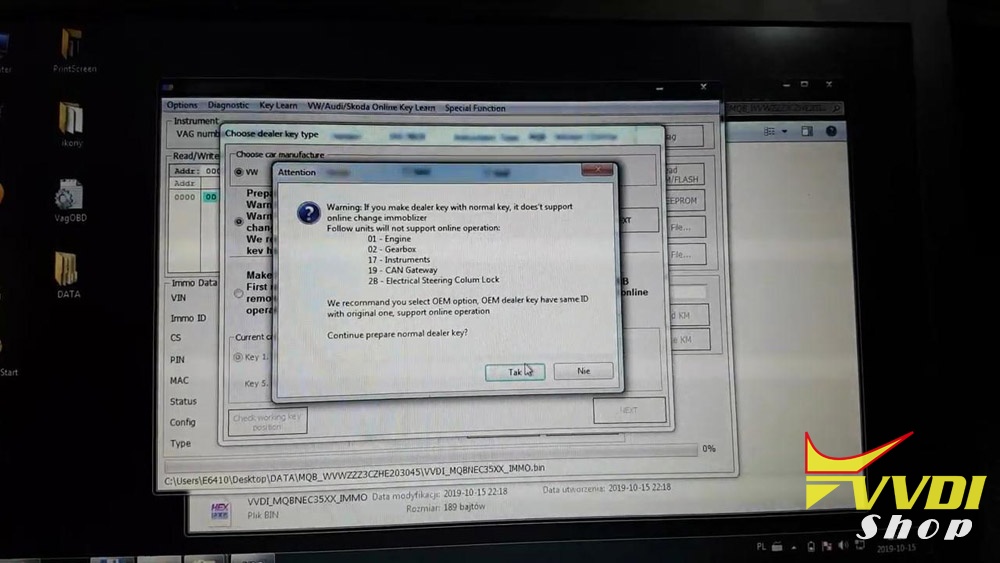
Click on “Yes” to continue prepare normal dealer key.
Put the original key into the coil of VVDI2 machine.
Select “add key”.

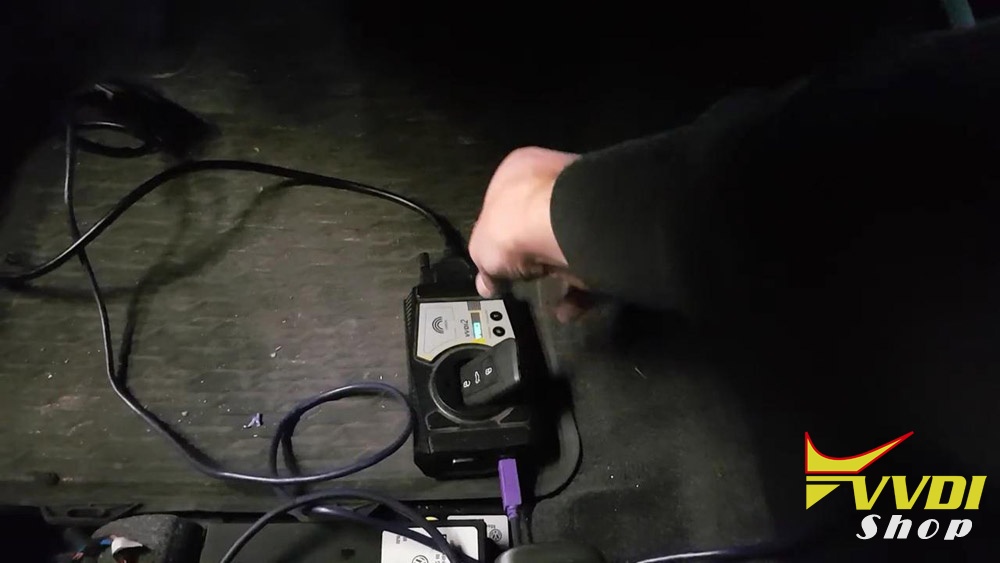
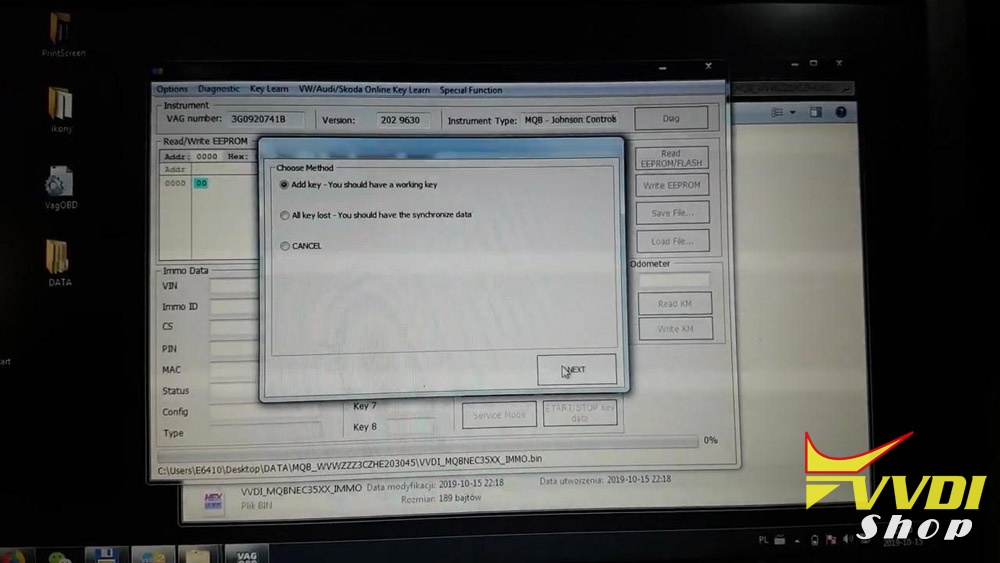
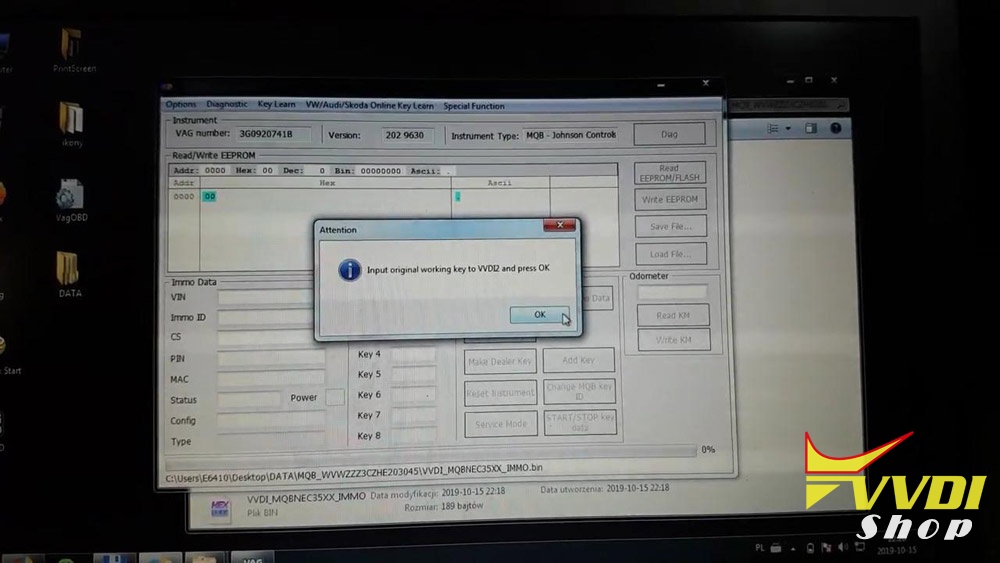
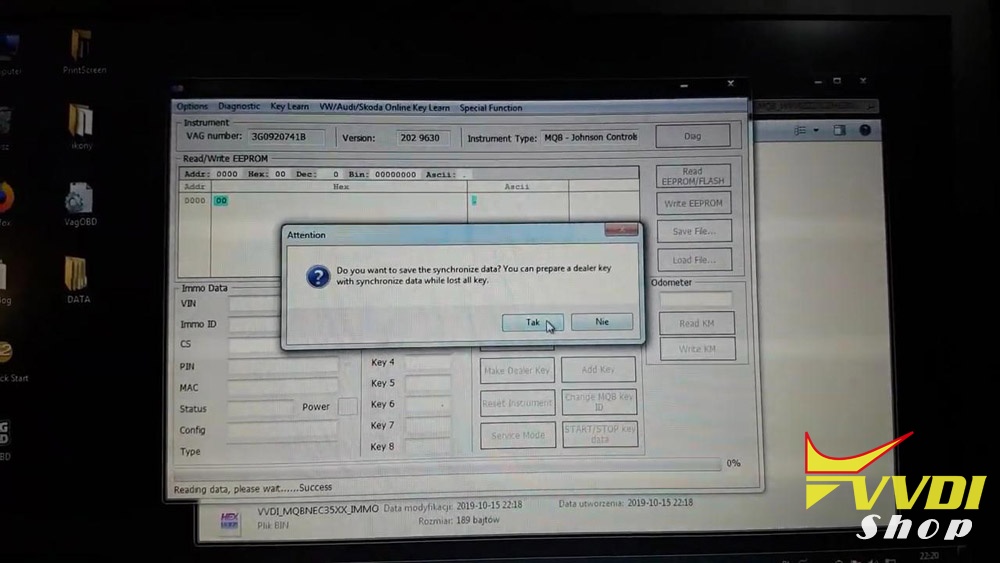
Do you want to save the synchronize data? you can prepare a dealer key with synchronize data while lost all key.

Please input the new key (Xhorse key XSMQB1EN 3 Buttons)into device programmer.
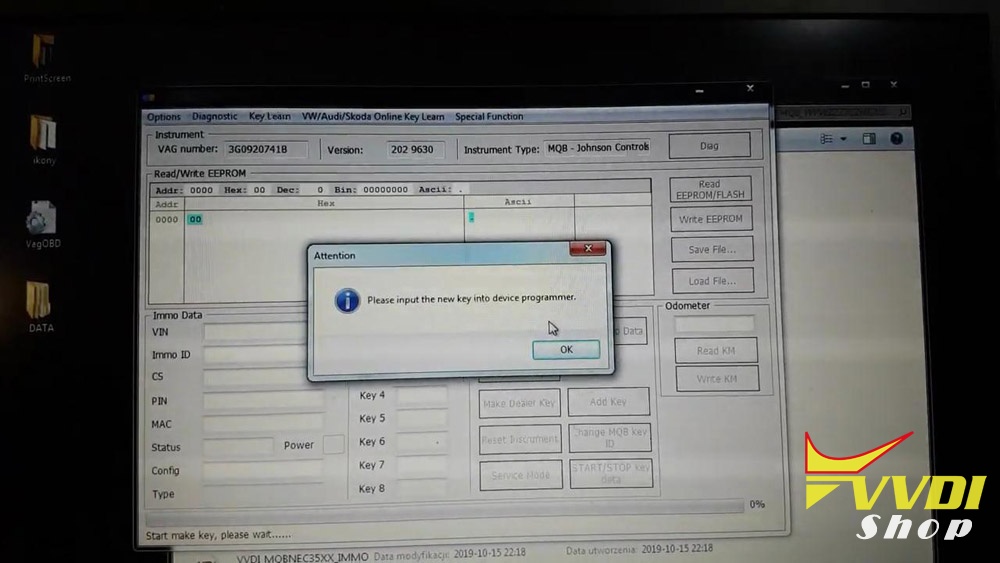
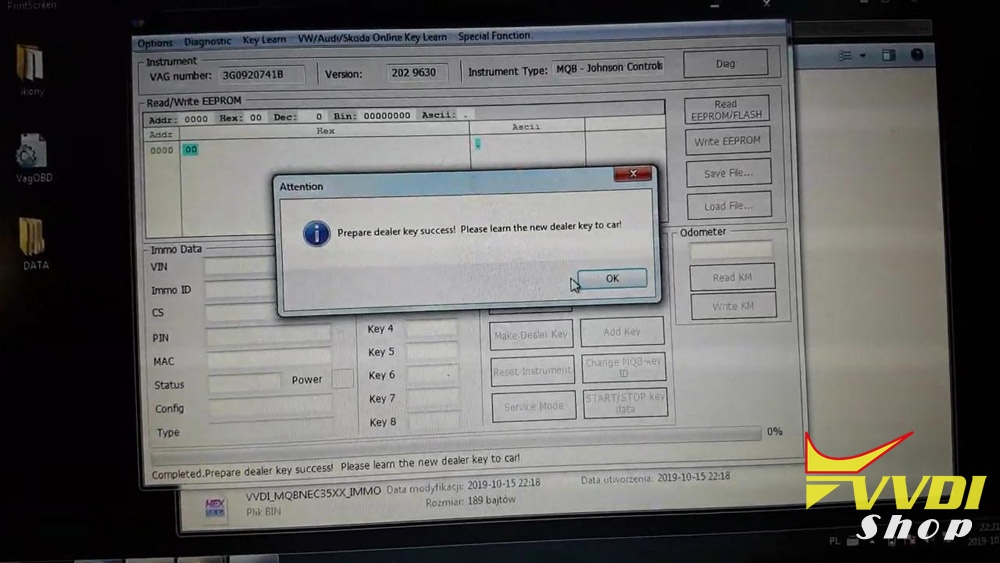
Prepare dealer key success, please learn the new dealer key to car.
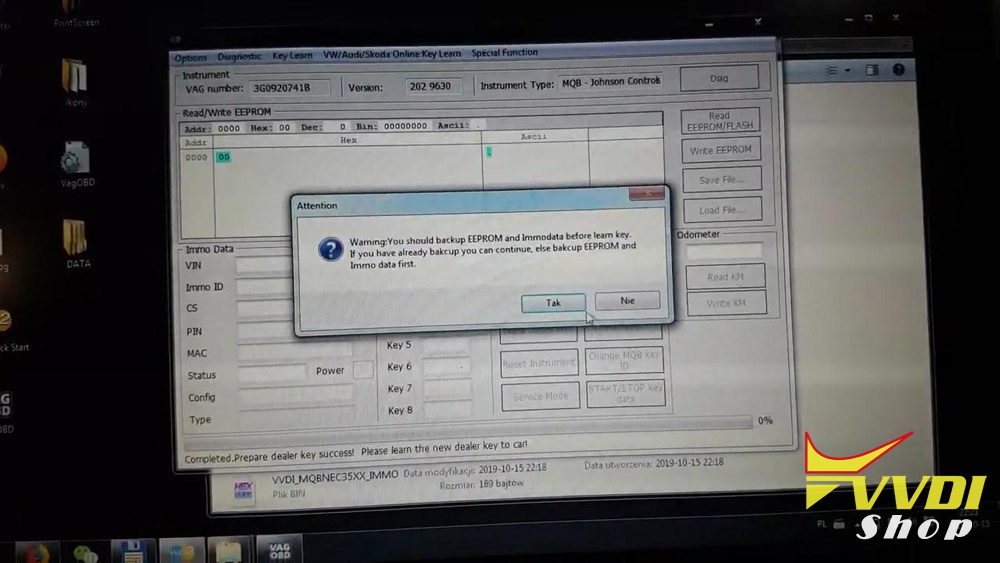
Click on “Add key”.
You should backup EEPROM and Immo data before learn key.
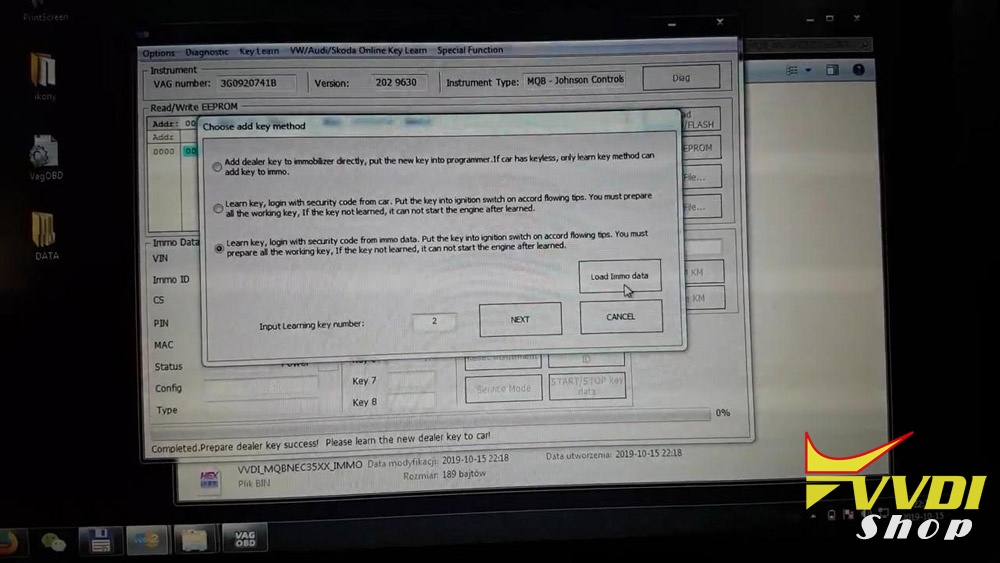
Input 2 learning key number.
Click on “Load immo data”.
Click on “Next”
Put the dealer key nearby car ignition switch.
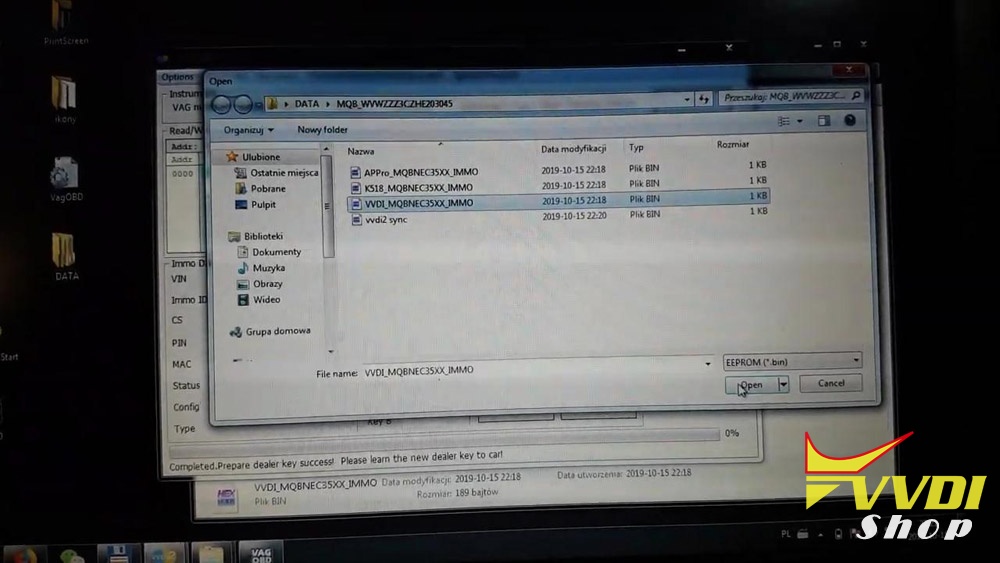
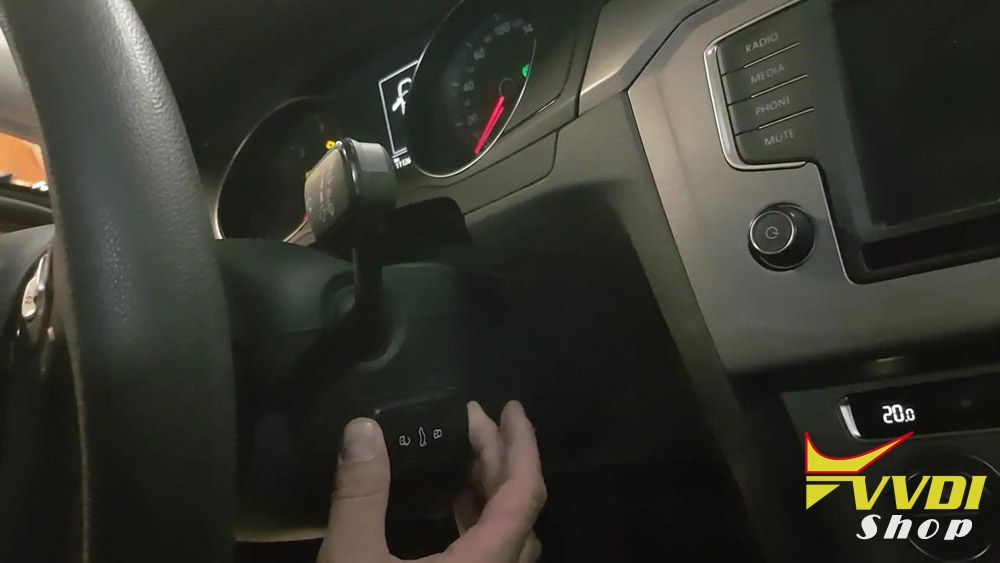
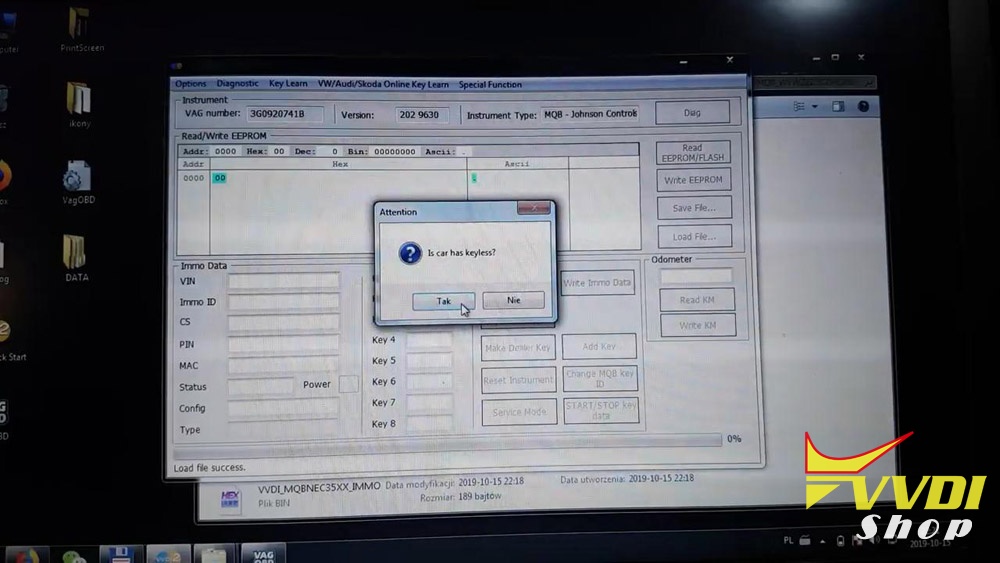
Click on “Yes” to agree car has keyless.
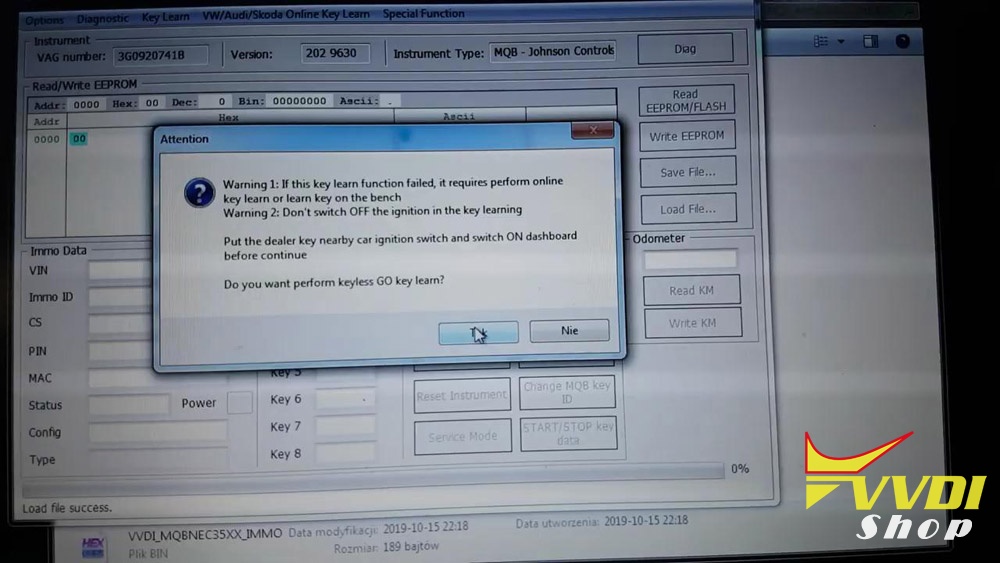
Click on “Yes” to learn keyless GO key.
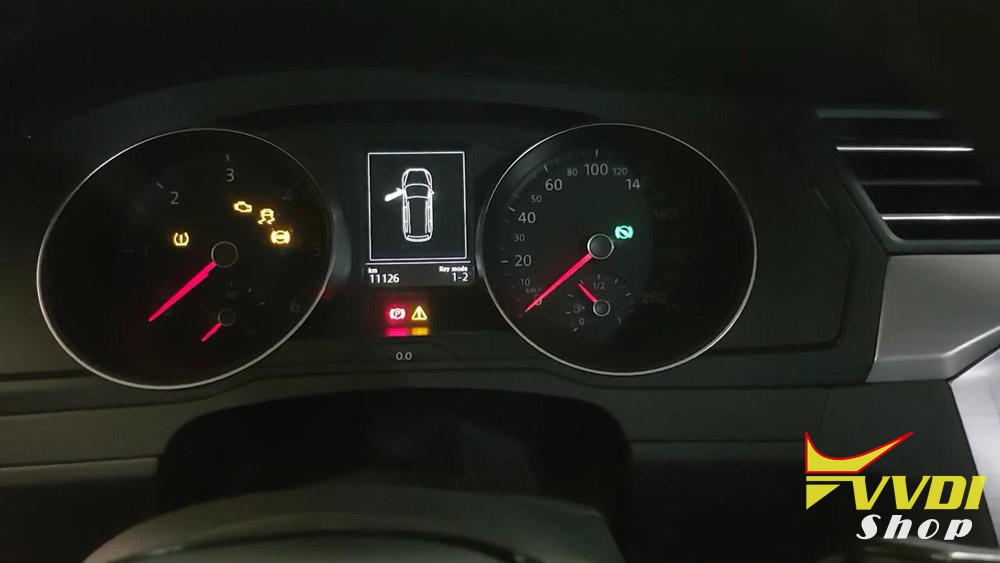
Learned key number /Total key number:1/2.
Please put 2 key nearby car ignition switch and the press ok.


Start learning…
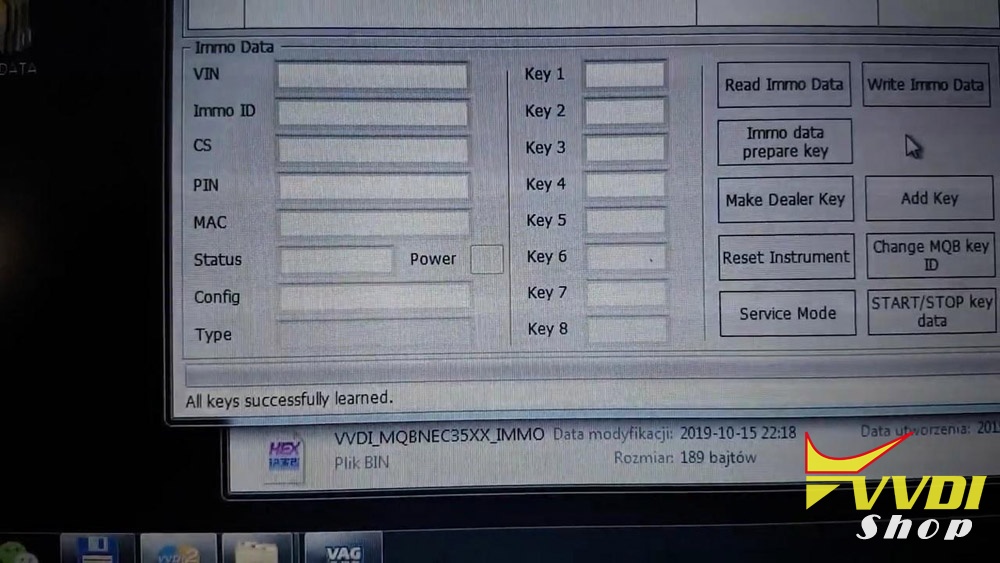
All keys successfully learned.

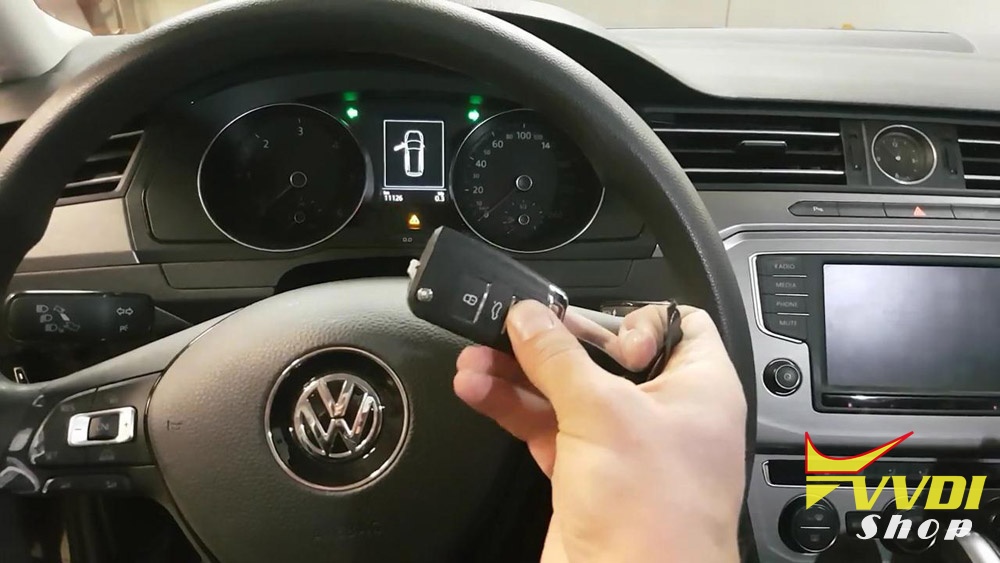
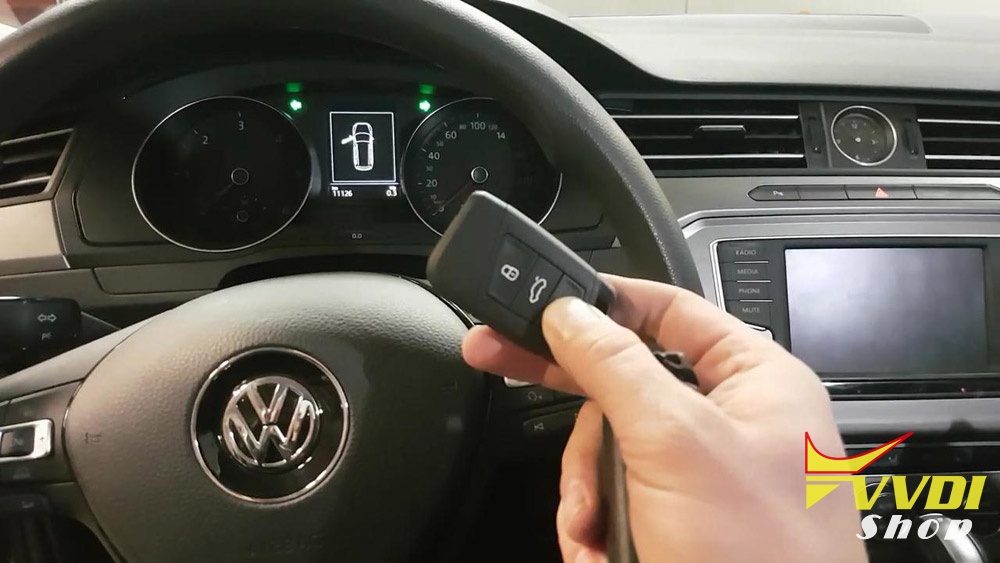
Done.
Big thanks to VAG OBD helper, that VVDI2 can add new key for MQB -Johnson Controls keyless GO key.
Audi A4 B7 RB8 Key Programming with VVDI2
Have Audi A4 B7 cluster RB8 to make key. no problem with Xhorse vvdi2..If u want to be on safe side save eeprom first.
I’ll explain how make new key using Xhorse VVDI2:
option: Key learn in menu then cluster instrument A4 rb8
And follow procedure
And follow procedure
Read eeprom and save then read immo data and save them as text example vin , cs , pin code , ……..
Then precode transponder with cs and then learn it to car using pin code
That way in case something went wrong you be safe
Then precode transponder with cs and then learn it to car using pin code
That way in case something went wrong you be safe
Question:
I prepared key and add key option. Not use pin code.
Key learning and car start but not have a remote control.
Key learning and car start but not have a remote control.
Advice:
Maybe wrong key
Fcc is the same of both key ?
Fcc is the same of both key ?
You should consider that remote controls must be programmed separately from transponder with diagnostic device. but if its electronic it should work straight ahead.
VVDI BMW V1.4.2 Software Download
Vvdishop.com here provides V1.4.2 VVDI BMW coding/programming software download free.
Vvdi bmw has possibility for manual coding and changing cars vo (vehicle order ) , emergency flash and retrofit options
The new bmw device have Enet function, but vvdi2 doesn’t. That’s the one big difference.
The new bmw device have Enet function, but vvdi2 doesn’t. That’s the one big difference.

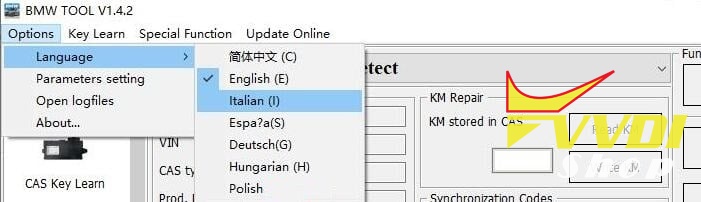
VVDI BMW language:
Chinese, English, Spanish, Italian, Polish, Hungarian, German
VVDI BMW 1.4.2 released notes:
Date: 2019-09-20
Firmware: Require VVDI BMW firmware V1.4.2
BMW V1.0.0
1. E-Series programming, coding, DTCs
1). Support autodetect car chassis
2). Support scan all car units
3). Support calculate all configuration units
4). Support read/write car configuration(FA)
5). Support input HW/ZB number to programming
6). Support calculate default coding from FA
7). Support edit detail coding information, change car config
8). Support many languages DTC code
2. F-Series programming, coding, DTCs
1). Support autodetect car chassis
2). Support read/write car configuration(FA)
3). Support calculate programming files from unit, car, whole database
4). Support calculate default coding from FA
5). Support edit detail coding information, change car config
6). Support detail special function list from coding
7). Support many languages DTC code
3. CAS1/CAS2/CAS3/CAS3+/CAS3++ISTAP OBD key learning
1). Support read key information, write key information
2). Support key learning
3). Support read/write EEPROM
4). Support read ECU/gearbox synchronize codes
5). Support write ECU/gearbox synchronize codes
6). Support synchronize ECU and CAS
7). Support synchronize CAS and ELV
8). Support read ISN via OBDII
9). Support reset KM via OBDII
10). Support disable key/enable key
4. CAS4(1L15Y)/CAS4+(5M48H) OBD key learning
1). Support read CAS encrypt key via OBDII
2). Support key learning via programmer and via ignition switch
3). Support disable key/enable key
4). Support erase key position
5). Support reset KM via OBDII
6). Support read ISN via OBDII
7). Support backup/restore coding
8). Support update original CAS4 file
5. FEM/BDC OBD key learning
1). Support read FEM/BDC encrypt key via OBDII
2). Support key learning via programmer and via ignition switch
3). Support disable key/enable key
4). Support erase key position
5). Support reset KM via OBDII
6). Support read ISN via OBDII
7). Support backup/restore coding
8). Support exchange used FEM/BDC
9). Support close/open transport mode
10). Support reset ECU lock
11). Support switch on ignition without working key
6. CAS EEPROM dump key learning
1). Support EWS1, EWS2, EWS3, EWS4, CAS1(0K50E), CAS2(2K79X), CAS3(0L01Y), CAS3+(0L15Y), CAS3++ISTAP(0L15Y, 0M23S)
2). Support prepare dealer key via programmer
3). Support disable key/enable key
4). Support read ISN from working key
7. 8HP Gearbox renew
1). Support clear ISN in 8HP gearbox
2). Support backup/restore coding
3). Support reset adaptation information
8. Read synchronize code from E-Series ECU: Support MEV9N46L, MSV70, MSS60, MS450, N62 etc
9. Read E-Series/F-Series ECU ISN via OBDII
1). Support MSV80, MSV801, MSD80, MSD81, MSD802, MSD812, MSD851
2). Support MED17xx/MVD17xx/MEVD17xx/MV1722
3). Support MED172/MEV17N46/ME17N45
4). Support MEVD172Y/MEVD172/MEVD1725/B38/X63TU
10. Support exchange ECU and CAS
1). Support write ECU ISN via OBDII
2). Support write ECU VIN via OBDII
3). Support change ECU ISN and VIN with EEPROM dump
4). Support change CAS1/CAS2/CAS3/CAS4 ISN and VIN with EEPROM dump
11. CAS repair(OBD&EEPROM)
1). Support repair ISTAP CAS
2). Support repair CAS EEPROM(Service mode EEPROM), you can start engine after repair the file(CAS1,CAS2,CAS3,CAS3+,CAS3++ISTAP)
12. CAS3+/CAS4+ lost all dump file support restore ISN and VIN
1). Support CAS3+(1L15Y) encrypt version
2). Support CAS3++(ISTAP) version
3). Support CAS4+(5M48H) version
13. File KM calibration
1). Support EWS1, EWS2, EWS3, EWS4
2). Support CAS1(0K50E), CAS2(2K79X), CAS3(0L01Y), CAS3+(0L15Y, 0M23S)
3). Support CAS4(1L15Y), CAS4(5M48H, 1N35H)
4). Support E-Series dashboard EEPROM(M35080)
5). Support F-Series dashboard EEPROM(35160, 35128)
14. Unlock HITAG2 key: Support lock hitag2 key made from BMW TOOL via programmer
15. EWS3/EWS4 can read EEPROM, write EEPROM via CAS PLUG
1. E-Series programming, coding, DTCs
1). Support autodetect car chassis
2). Support scan all car units
3). Support calculate all configuration units
4). Support read/write car configuration(FA)
5). Support input HW/ZB number to programming
6). Support calculate default coding from FA
7). Support edit detail coding information, change car config
8). Support many languages DTC code
2. F-Series programming, coding, DTCs
1). Support autodetect car chassis
2). Support read/write car configuration(FA)
3). Support calculate programming files from unit, car, whole database
4). Support calculate default coding from FA
5). Support edit detail coding information, change car config
6). Support detail special function list from coding
7). Support many languages DTC code
3. CAS1/CAS2/CAS3/CAS3+/CAS3++ISTAP OBD key learning
1). Support read key information, write key information
2). Support key learning
3). Support read/write EEPROM
4). Support read ECU/gearbox synchronize codes
5). Support write ECU/gearbox synchronize codes
6). Support synchronize ECU and CAS
7). Support synchronize CAS and ELV
8). Support read ISN via OBDII
9). Support reset KM via OBDII
10). Support disable key/enable key
4. CAS4(1L15Y)/CAS4+(5M48H) OBD key learning
1). Support read CAS encrypt key via OBDII
2). Support key learning via programmer and via ignition switch
3). Support disable key/enable key
4). Support erase key position
5). Support reset KM via OBDII
6). Support read ISN via OBDII
7). Support backup/restore coding
8). Support update original CAS4 file
5. FEM/BDC OBD key learning
1). Support read FEM/BDC encrypt key via OBDII
2). Support key learning via programmer and via ignition switch
3). Support disable key/enable key
4). Support erase key position
5). Support reset KM via OBDII
6). Support read ISN via OBDII
7). Support backup/restore coding
8). Support exchange used FEM/BDC
9). Support close/open transport mode
10). Support reset ECU lock
11). Support switch on ignition without working key
6. CAS EEPROM dump key learning
1). Support EWS1, EWS2, EWS3, EWS4, CAS1(0K50E), CAS2(2K79X), CAS3(0L01Y), CAS3+(0L15Y), CAS3++ISTAP(0L15Y, 0M23S)
2). Support prepare dealer key via programmer
3). Support disable key/enable key
4). Support read ISN from working key
7. 8HP Gearbox renew
1). Support clear ISN in 8HP gearbox
2). Support backup/restore coding
3). Support reset adaptation information
8. Read synchronize code from E-Series ECU: Support MEV9N46L, MSV70, MSS60, MS450, N62 etc
9. Read E-Series/F-Series ECU ISN via OBDII
1). Support MSV80, MSV801, MSD80, MSD81, MSD802, MSD812, MSD851
2). Support MED17xx/MVD17xx/MEVD17xx/MV1722
3). Support MED172/MEV17N46/ME17N45
4). Support MEVD172Y/MEVD172/MEVD1725/B38/X63TU
10. Support exchange ECU and CAS
1). Support write ECU ISN via OBDII
2). Support write ECU VIN via OBDII
3). Support change ECU ISN and VIN with EEPROM dump
4). Support change CAS1/CAS2/CAS3/CAS4 ISN and VIN with EEPROM dump
11. CAS repair(OBD&EEPROM)
1). Support repair ISTAP CAS
2). Support repair CAS EEPROM(Service mode EEPROM), you can start engine after repair the file(CAS1,CAS2,CAS3,CAS3+,CAS3++ISTAP)
12. CAS3+/CAS4+ lost all dump file support restore ISN and VIN
1). Support CAS3+(1L15Y) encrypt version
2). Support CAS3++(ISTAP) version
3). Support CAS4+(5M48H) version
13. File KM calibration
1). Support EWS1, EWS2, EWS3, EWS4
2). Support CAS1(0K50E), CAS2(2K79X), CAS3(0L01Y), CAS3+(0L15Y, 0M23S)
3). Support CAS4(1L15Y), CAS4(5M48H, 1N35H)
4). Support E-Series dashboard EEPROM(M35080)
5). Support F-Series dashboard EEPROM(35160, 35128)
14. Unlock HITAG2 key: Support lock hitag2 key made from BMW TOOL via programmer
15. EWS3/EWS4 can read EEPROM, write EEPROM via CAS PLUG
http://www.vvdishop.com/wholesale/xhorse-vvdi-bmw-coding-programming-tool.html