ابزار Xhorse VVDI
Xhose VVDI نرم افزار برنامه نویس اصلی و سخت افزارابزار Xhorse VVDI
Xhose VVDI نرم افزار برنامه نویس اصلی و سخت افزارWill VVDI MB add FBS4 keys?
The answer is only dealer can add FBS4 keys. VVDI MB tool V5.0.2 can disable FBS4 key, CGDI MB can read FBS4 keys.
1. Since VVDI MB V5.0.1, it adds FBS4 disable key function(Special function->FBS4 disable key)- Support
W166/W205/W213/W218/W222/W246 type.
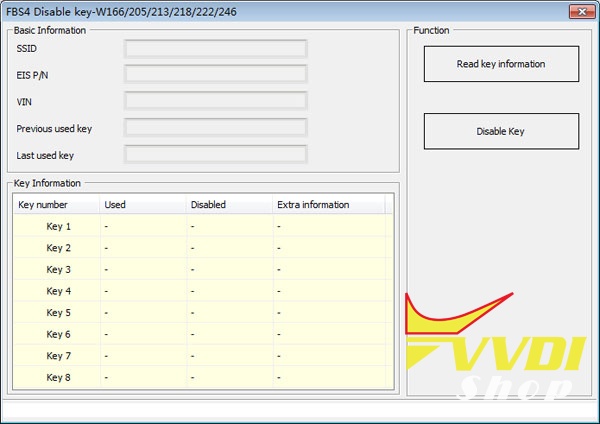
CGDI can read FBS4 keys and knows if it’s in a working status or if the key is damaged;
That is CGDI can’t make calculation for FBS4 . Only Read to know the status.


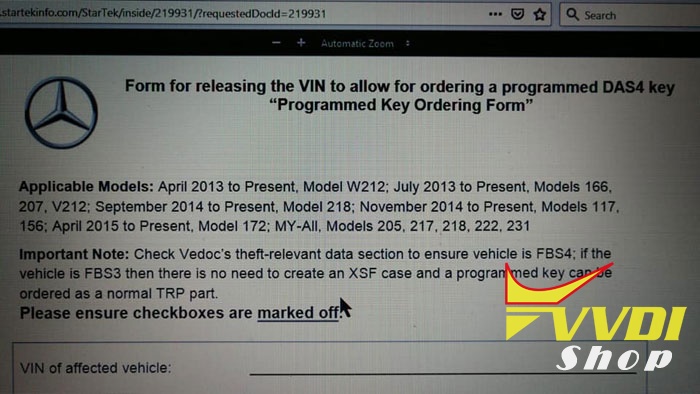
FBS4 applicable models: April 2013 to Present, Model W212; July 2013 to Present, Models 166, 207, V212; September 2014 to Present, Model 218; November 2014 to Present, Models 117, 156; April 2015 to Present, Model 172; MY-AII, Models 205, 217, 218, 222, 231.
MY2013, Model 166 with Code 803, Models 207 and 212 with Code 804.
Besides, you can check SA Codes on vehicle data card or use any suitable online vin decoder to see SA codes related to your vin. You are looking for the presence of SA code 803 or 804, depending on the Model this means vehicle is FBS4 related.
Audi A3 2005 All Keys Lost Tips with VVDI2
2005 Audi A3 AKL
First one programmed no problem with VVDI2 (OBD)
Next one (also 2005) got pin code and CS with Supervag as VVDI2 wouldn’t read codes and entered codes manually but VVDI2 wouldn’t program transponder.
What to do?
Experience for sharing: maybe dash fujitsu? Try use carprog for read CS and prepare key. I tried on table and now key prepare by carprog is correct – dash see new key as DEALER.
I have this dash for test and read immo data on bench, only use gateway, no need wakeup.
VVDI2 read pin and 6 byte CS from ECU, but can’t read immo data from dash.
Thanks to @castin (dk forum) for experience sharing. It’s very nice.
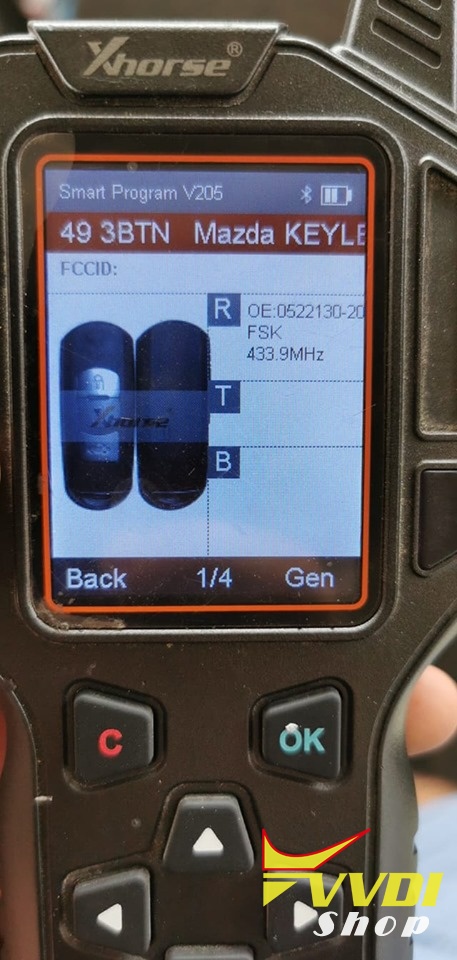
Clone Mazda 6 2016 ID49 Smart Key using Xhorse Proximity
Mazda 6 – 2016 id49 433Mhz- all keys lost successful programming 2 keys one original key and second xhorse universal smart proximity all functions work great
did by vvdi key tool, no need app. (VVDI mini key tool works together with the app. )
Program it to car with obdstar x300 pro obd programmer.
did by vvdi key tool, no need app. (VVDI mini key tool works together with the app. )
Program it to car with obdstar x300 pro obd programmer.
I used same one on a Mazda 3 2017. Also used keytool to generate.
It can be programmed to all series all same remote.


Program Range Rover 2006 Key by VVDI Prog and VVDI2
How-to: program Land Rover Range Rover 2006 EWS system all keys lost using Xhorse VVDI Prog and VVDI2 key programmer.
Step 1: Read EWS Data

Remove EWS from vehicle

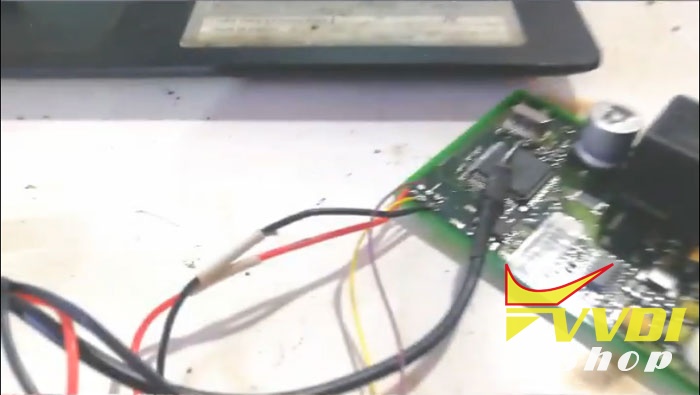
Follow wiring diagram to connect ews with vvdi prog

In VVDI Prog software, select Range Rover EWS (2004-08)

Read and save IMMO data.
Step 2: Make dealer key
Open VVDI2 software, select Transponder Programmer->Immo Data Tool

Select Euro->Range Rover->9S12
Load eeprom dump read by vvdi-prog

Insert transponder into vvdi2 programmer
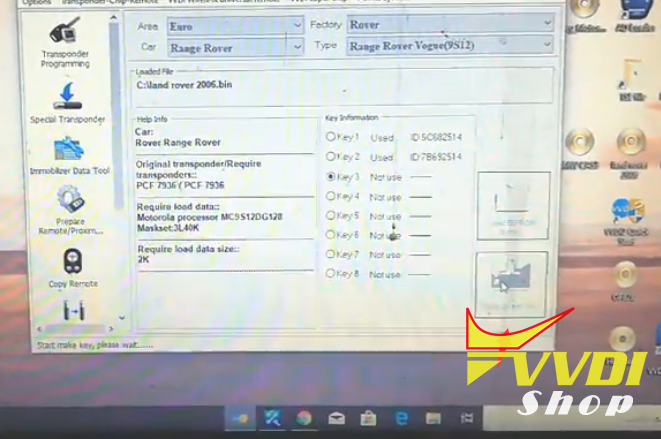
Select Make dealer key
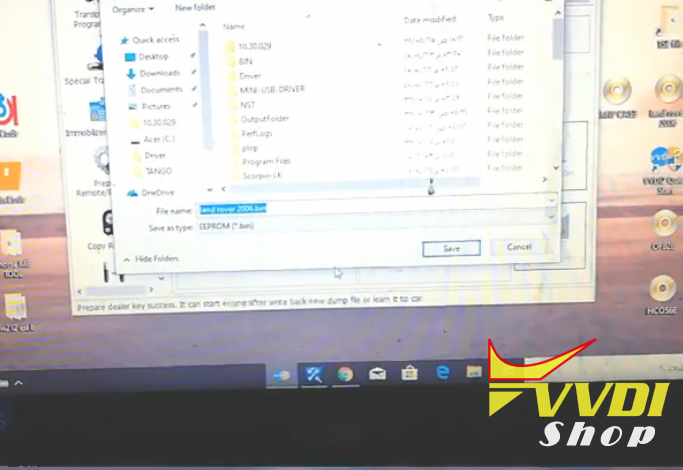
Save new key data
Step 3: Write back data
Write new key data back to EWS module with vvdiprog

Done.
How to change VVDI2 Remote Database Language?
Question:
Hi, my VVDI2 remote function does not work. It displays in Chinese language. Also give an error “Decode failed! Please retry after update device! Error: E0-9C”

Solution:
Your VVDI2 database version is Chinese, your remote is english version. They don’t match.
Provide us your device serial number and country to us to change database language to English.