ابزار Xhorse VVDI
Xhose VVDI نرم افزار برنامه نویس اصلی و سخت افزارابزار Xhorse VVDI
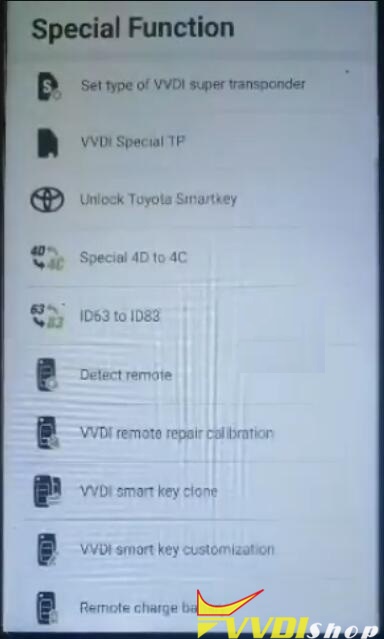
Xhose VVDI نرم افزار برنامه نویس اصلی و سخت افزارVVDI Remote charge battery function review
Questions
- Does the vvdi mini key tool remote charge battery function work?
- Can I use the function with Xhorse VVDI Key Tool Max programmer?
- What vehicle models dose the function work for?

Answers
- Yes, it can work normally.
- Yes, remote charge battery function can work well with VVDI Mini Key Tool and VVDI Key Tool Max.
- It is used for BMW old type EWS original rechargeable keys.
Remote charge battery test review
Works on VVDI Key Tool Max
“It is quite easy, the function can work without a problem. I have tried it on the VVDI Key Tool Max and it did work! It gave 10 minutes for charging.”
Works on VVDI Mini Key Tool
“I am also tried it on a VVDI Mini Key Tool, which did a few in the past months. It works fine. Today I replaced the battery on a BMW CAS diamond key. Measures 2.80v., it takes 5 minutes in VVDI Mini Key Tool, 3.20v.”
Thanks to VVDIshop customer.
VVDI Key Tool Plus Pad Function Menu
Hello locksmith friends, this is the first look of Xhorse VVDI Key Tool Plus Pad, today I’m gonna make an introduction for its overall functions.
As we can see, there are 8 functions on VVDI Key Tool Plus Pad homepage: immo programming, transponder clone, generate transponder, remote program, OBD diagnostic, prog, cutting key and update.

- Immo Programming
Go into immobilizer programming, we will find it supports many manufacturers, which classified by areas and brands. We can program keys for most cars such as Volkswagen, BMW, Audi, Mercedes Benz, Ford, Dodge, Chrysler, Porsche, Bentley, etc.
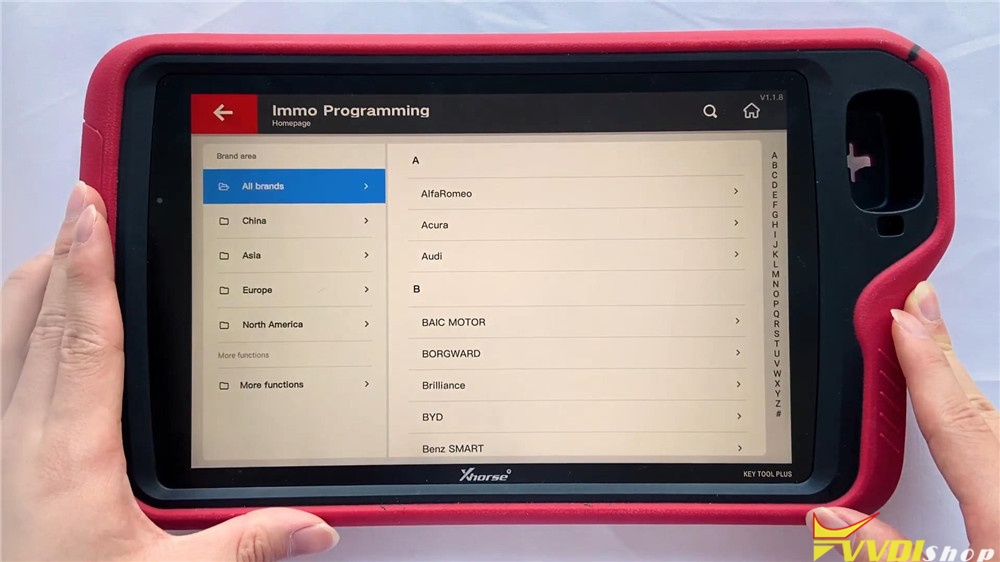
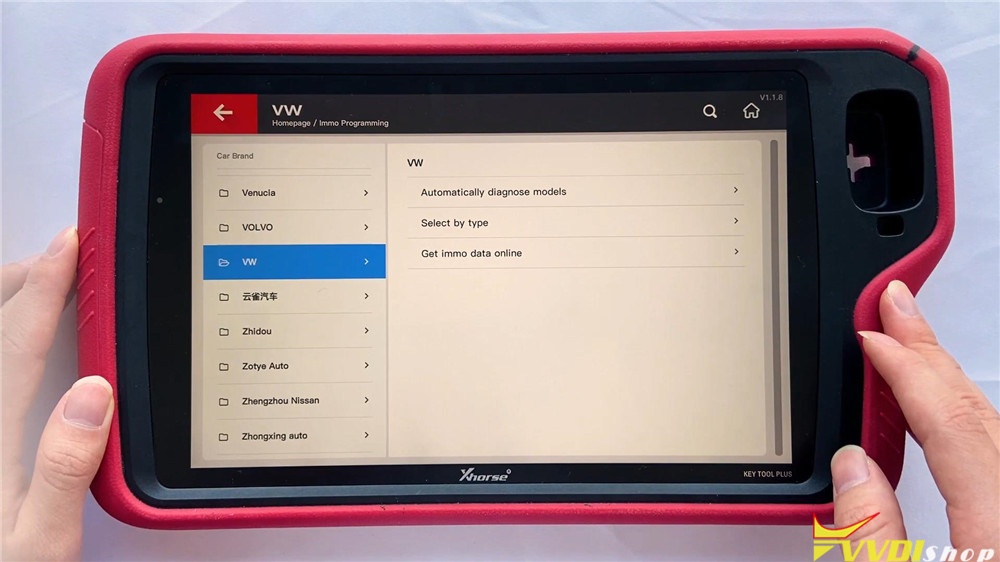
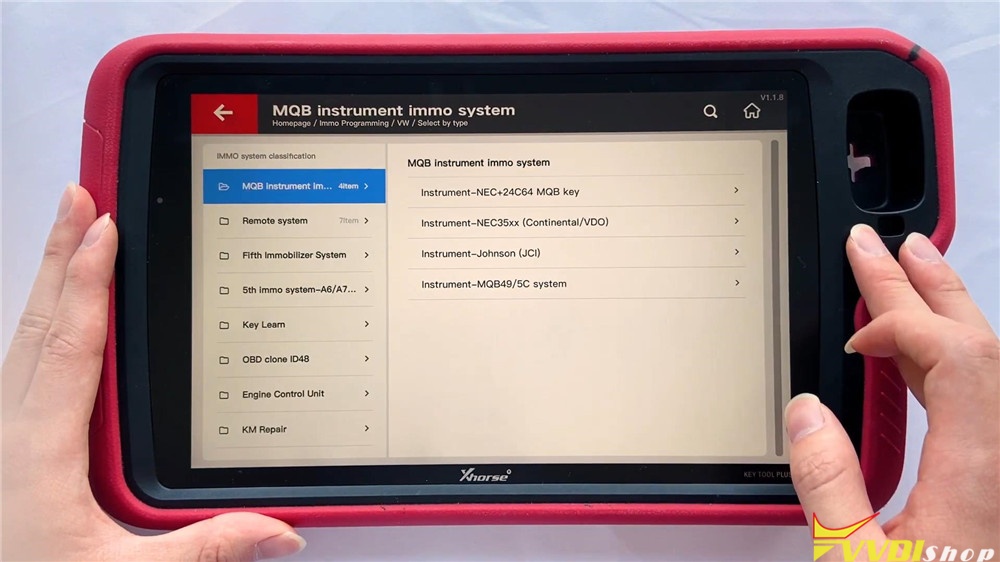
Let’s access VW, we can still select other cars on the left menu.
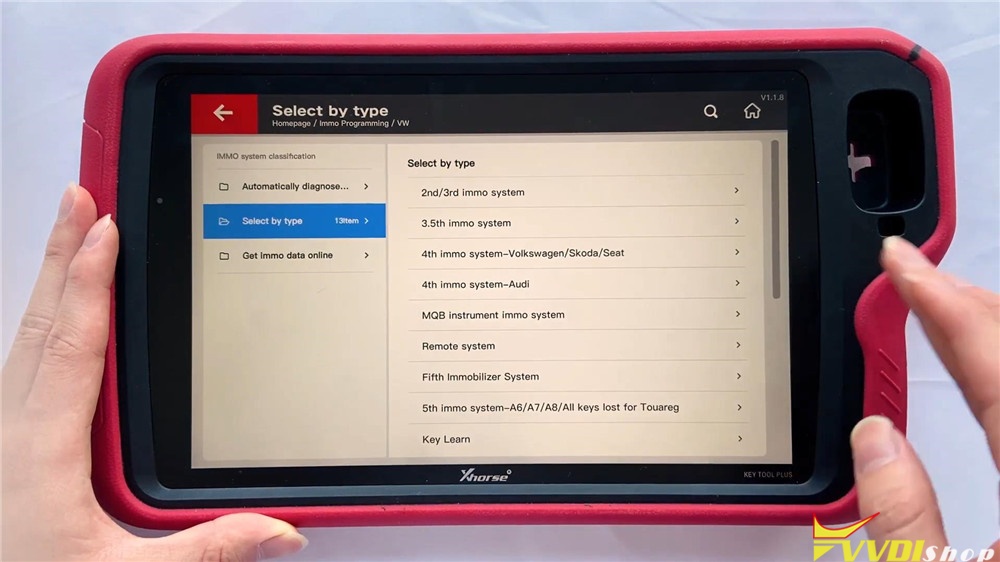
Select by type >> MQB instrument immo system
There are different car systems and operations available, we can select it by requirements. Or we can also use automatically diagnose models at first instead.
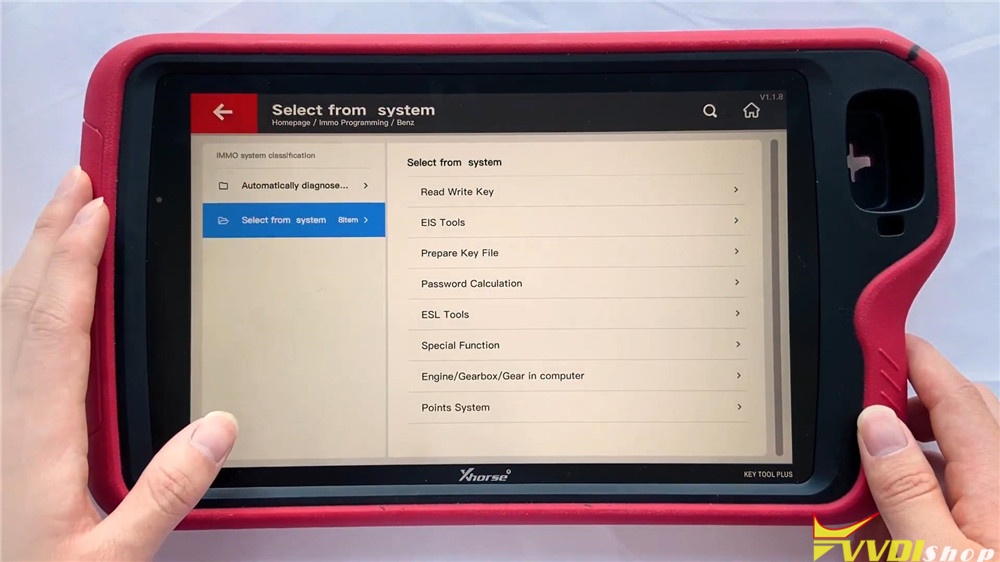
Let’s check Benz to have a look.
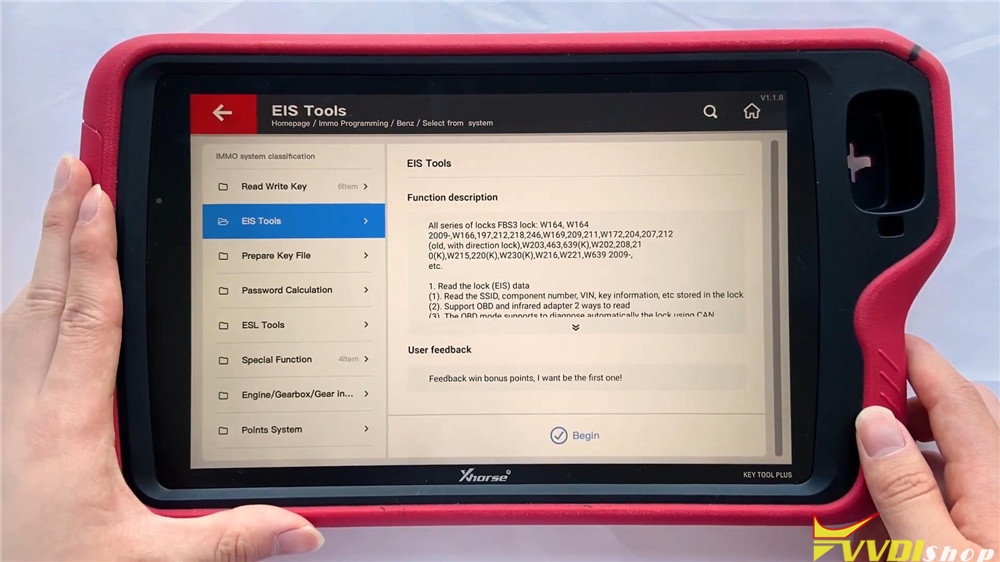
Select from system >> EIS tools >> Begin
It enables Benz to read write key, use EIS tools, prepare key file, calculate password and do other functions. EIS tools maybe the most often to use, go into the function, we can select the type to perform or use auto detect(CAN) directly.


- Transponder Clone
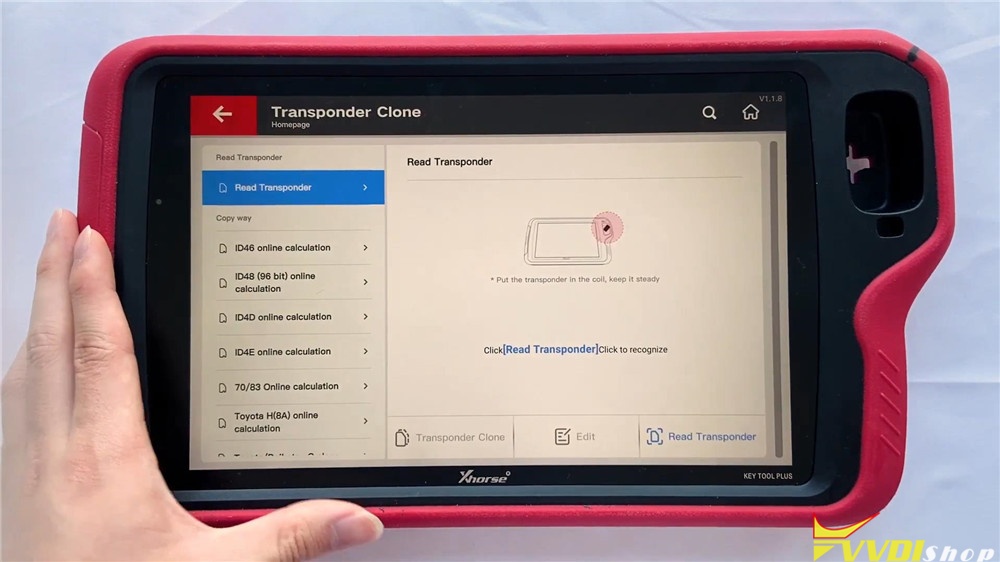
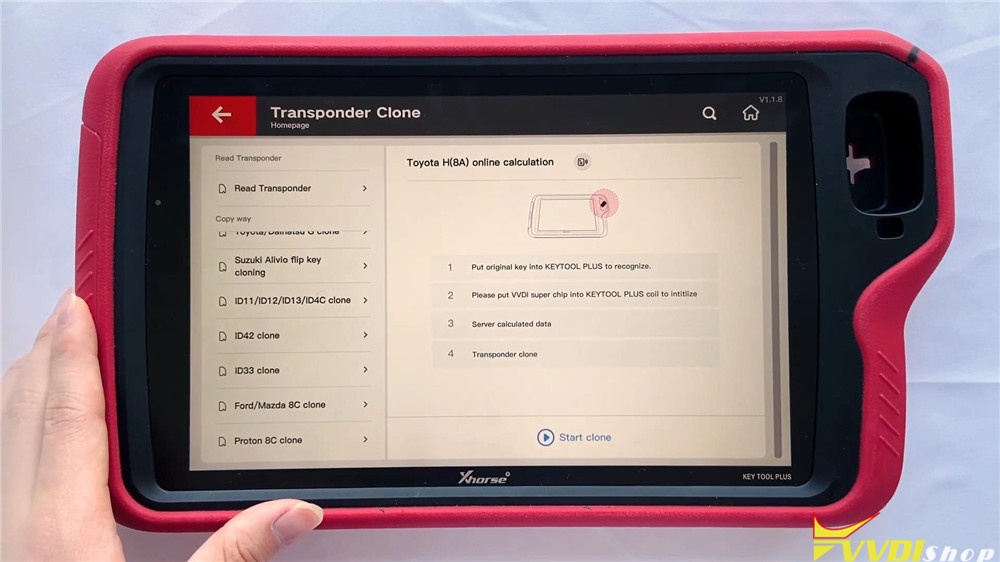
The right side big hole is a detection coil used for transponder clone. It is used to place remotes, generate and detect the transponder. Here you can find several copy ways for calculation including ID46, ID48(96 bit), ID4D, ID4E, 70/83, Toyota H(8A), etc.
- Generate Transponder
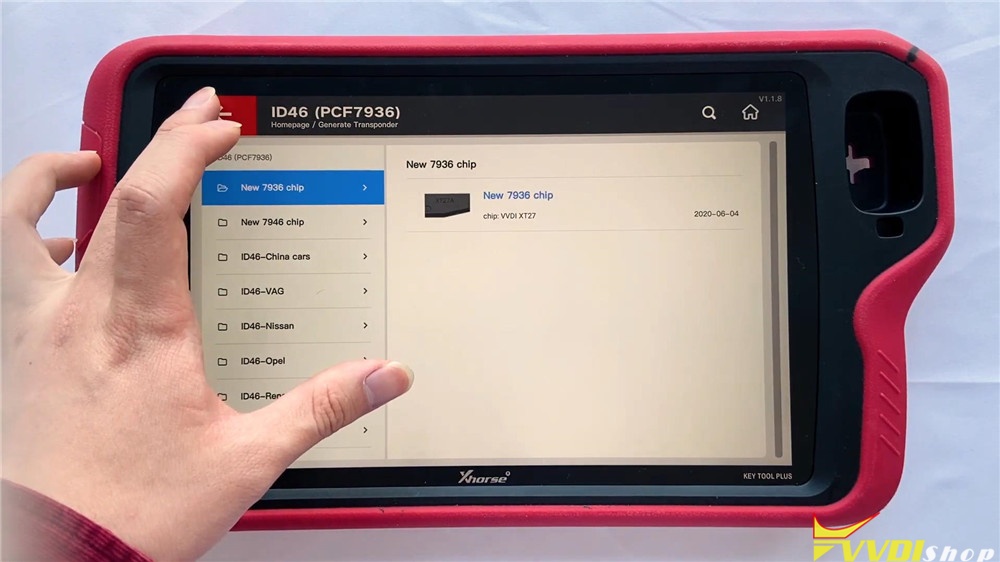
Here you can search by transponder or car model, the chip list shows the types you can generate. Now go into ID46(PCF7936) chip, we can see here are several specific chips for selection.

- Remote Program
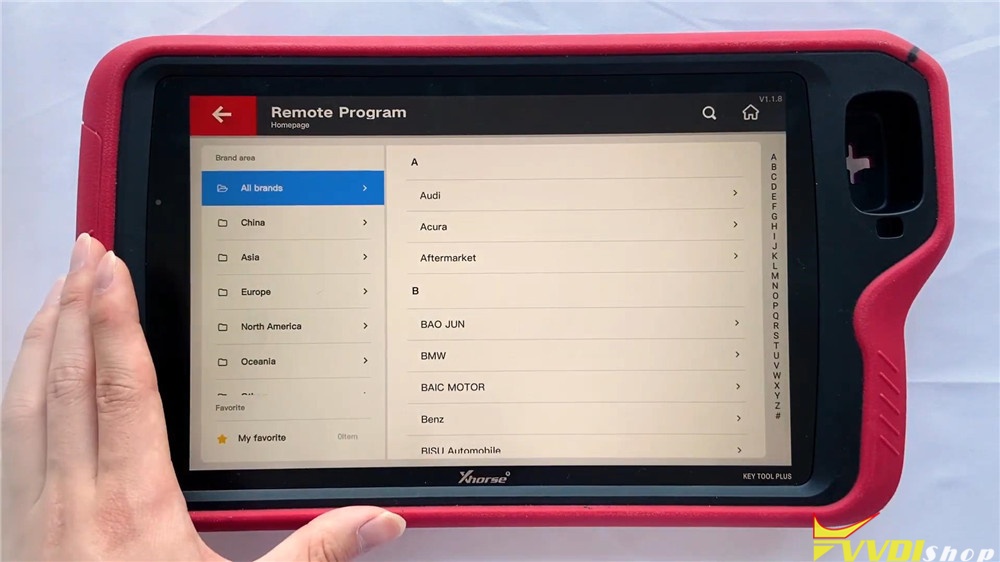
This function supports general remote for lots of car models we can check here. They are classified by areas and brands. let’s go into Land Rover:
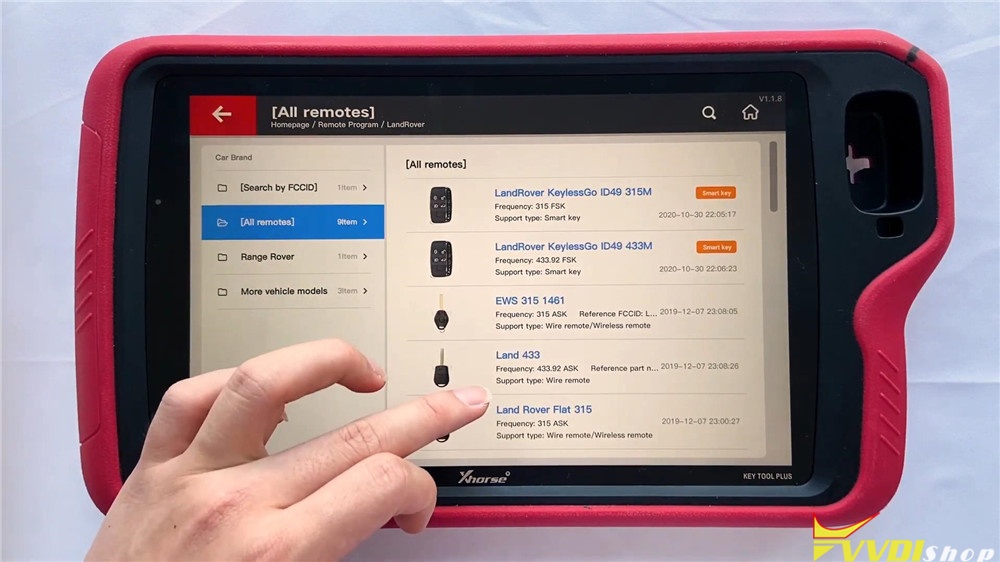
Land Rover >> All remotes
It will display different Land Rover remotes to program.
- Prog
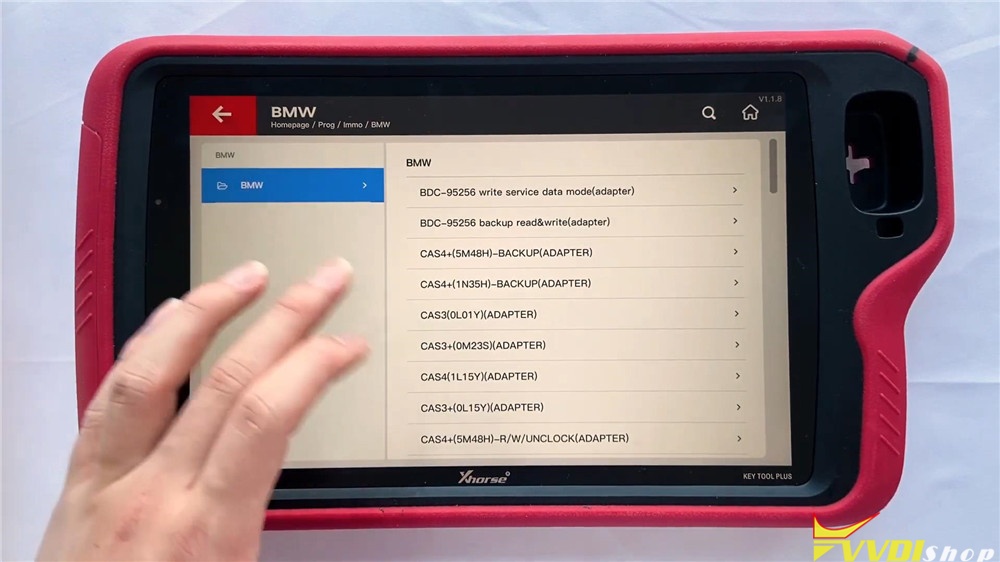
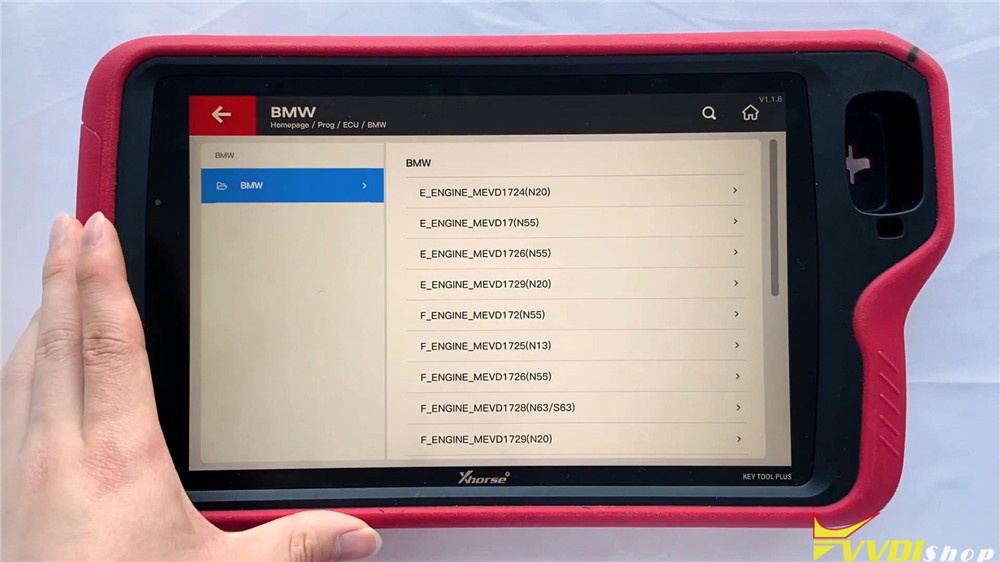
There are 8 modules in the function: EEPROM and FLASH, Immo, instrument, airbag, read ECU with CAN, data edit, ECU and other. It can read different types of EEPROM and flash data via adapter.
Let’s get into immobilizer BMW module, it supports different systems such as CAS3/CAS3+ and CAS4/CAS4+, we can read module data here via adapters directly.
In read ECU module, we can read different BMW engines here.
In other module, we can find FRM of BMW.


- Cutting Key
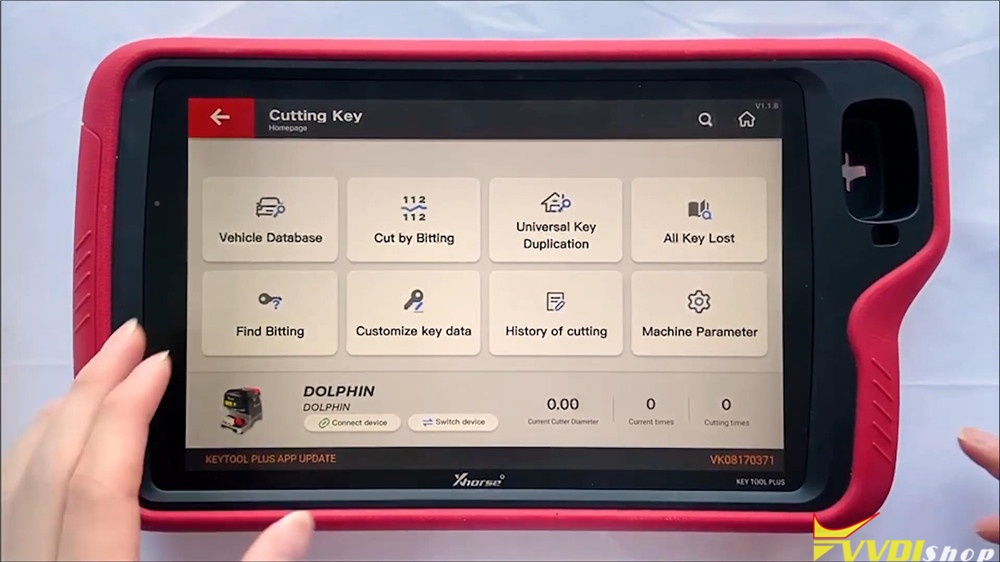
This function can connect with Dolphin XP005 Key Cutting Machine to control it. In the function including vehicle database, cut by bitting, universal key duplication, all key lost, find bitting , customize key data, history of cutting and machine parameter.
- OBD Diagnostic
This function has just been released several days ago and will be improved gradually.
- Update
We can update software here in time.
On the bottom of homepage screen, we can click the buttons to quick use AI query, remote clone, immo data tool, special functions or my favorite.
Full video of function overview:
This a brief function overview of new coming VVDI Key Tool Plus Pad diagnostic scanner. Any questions please contact us.
http://blog.vvdishop.com/vvdi-key-tool-plus-pad-function-overview/
Program VW MQB Key with VVDI Key Tool Plus
Please be informed: to match a key successfully with Xhorse VVDI Key Tool Plus Pad, you are required to do 4 things: generate MQB key, read immo data, generate the dealer key as well as learning the key. Here are the detailed steps:
Ⅰ. Generate MQB key
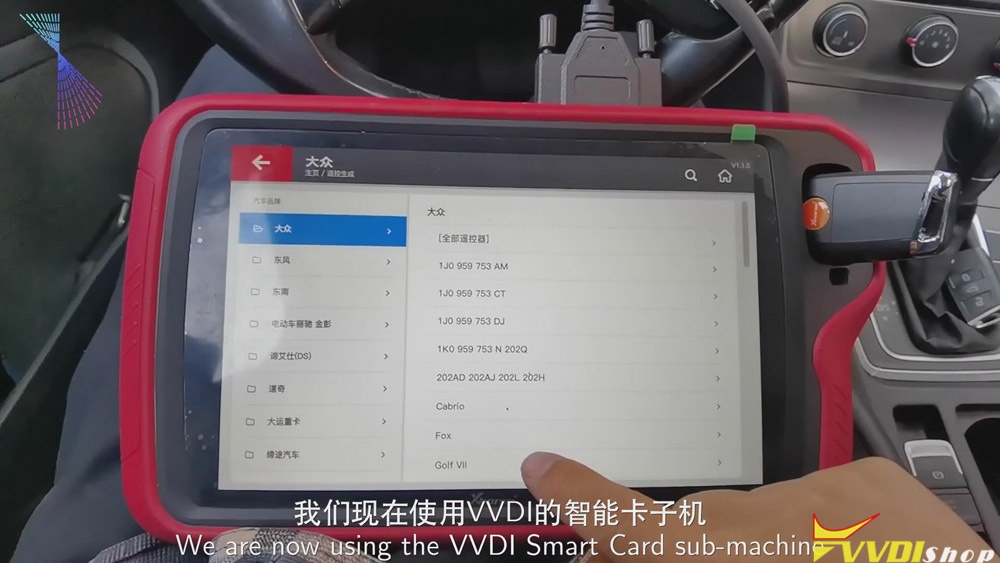
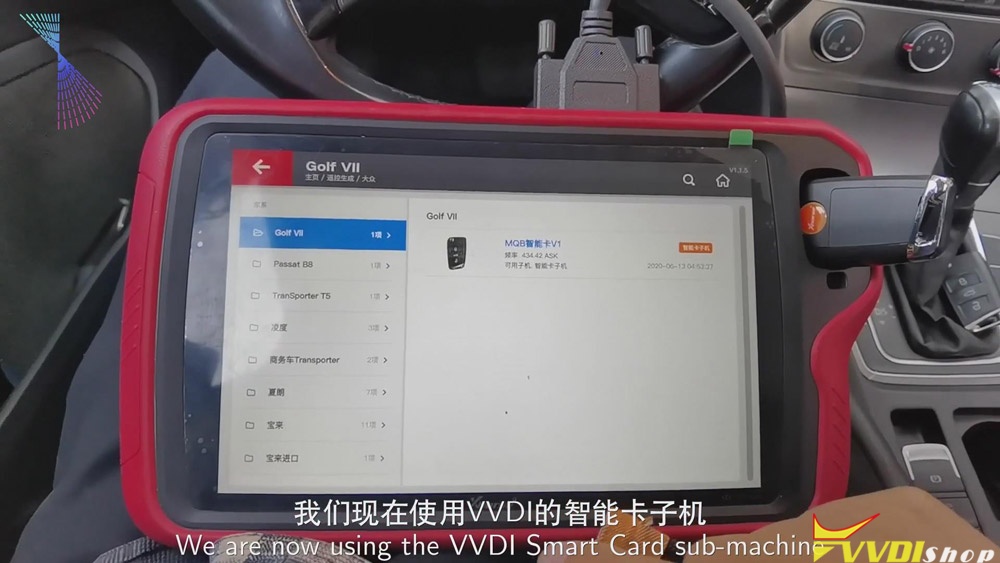
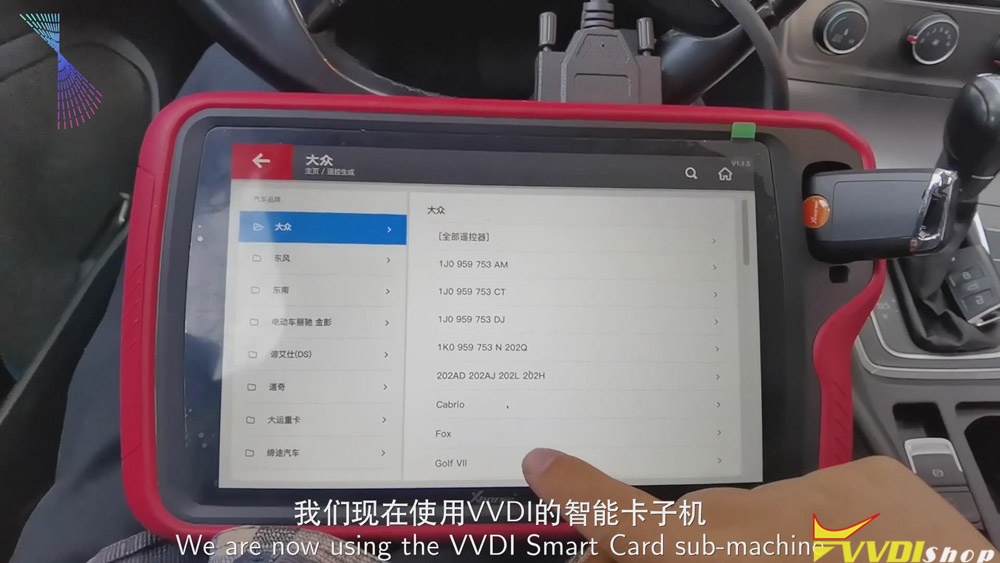
Now, we’ll use Xhorse VVDI smart remote to generate MQB key.
Click “Golf VII”>>“MQB smart card”>>“Generate”.
Ⅱ. Read the data
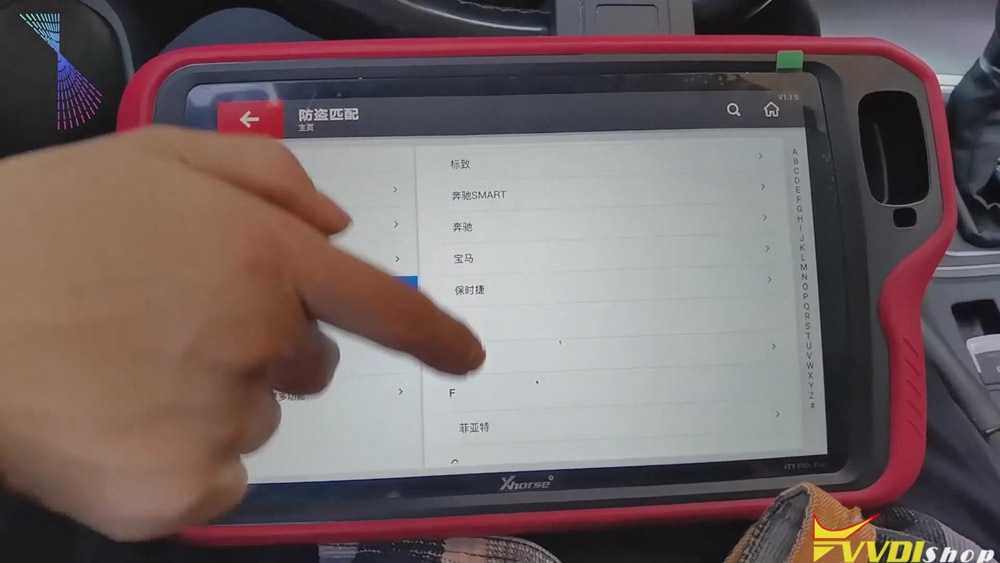
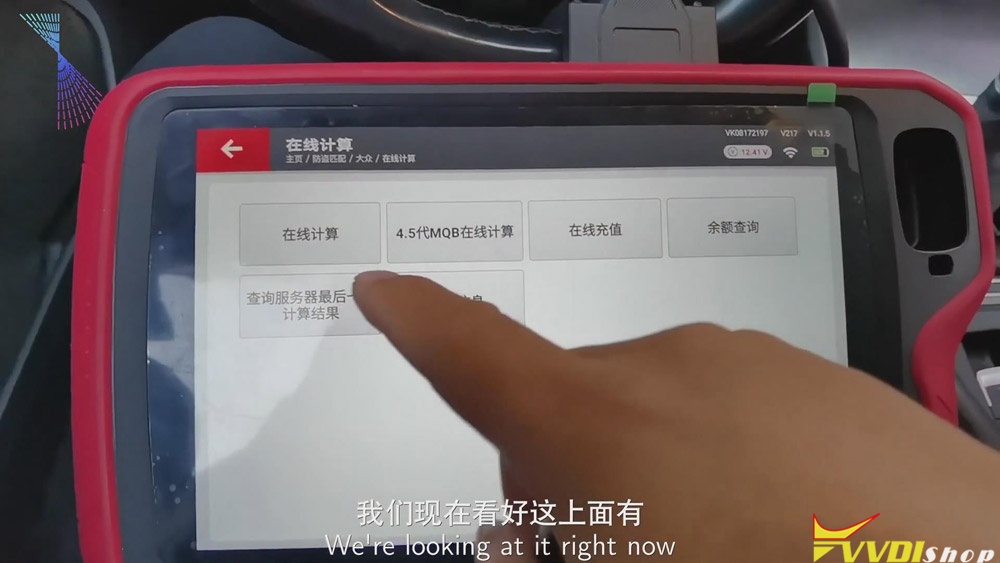
- Click “Immo matching”>>“Europe”>>“Volkswagen”>>“Online calculation”>>“Start”.
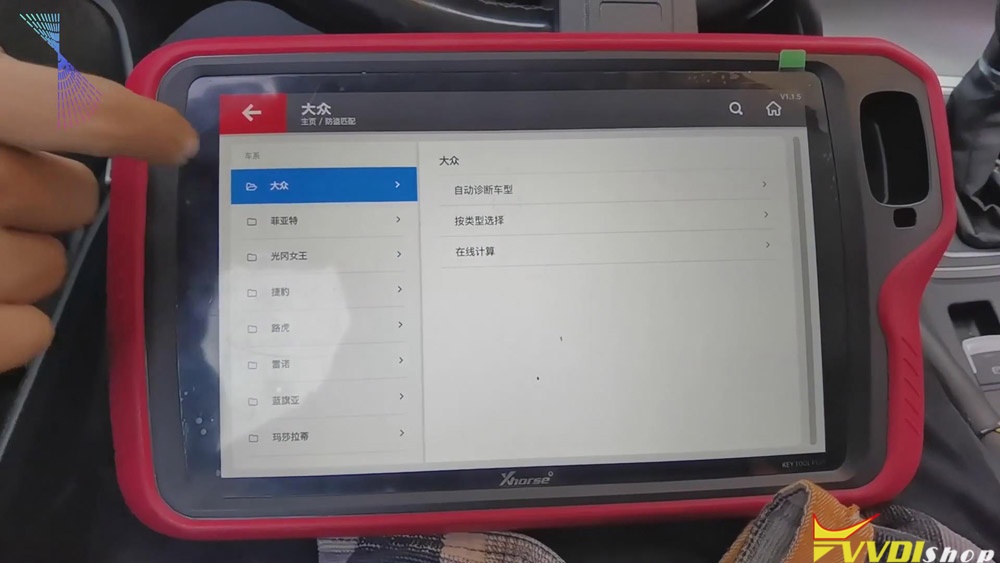
- Turn on the ignition and click “Online calculation”>>“Yes”, then the info. of the vehicle will be read.
Ⅲ.Generate the dealer key
- After finishing reading the info. of the vehicle, please recharge and upload the data.
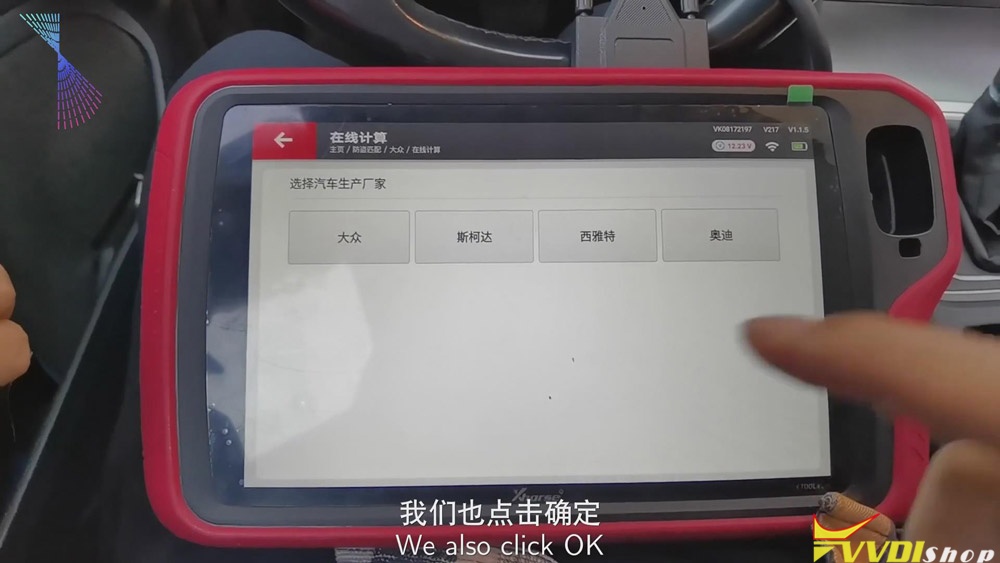
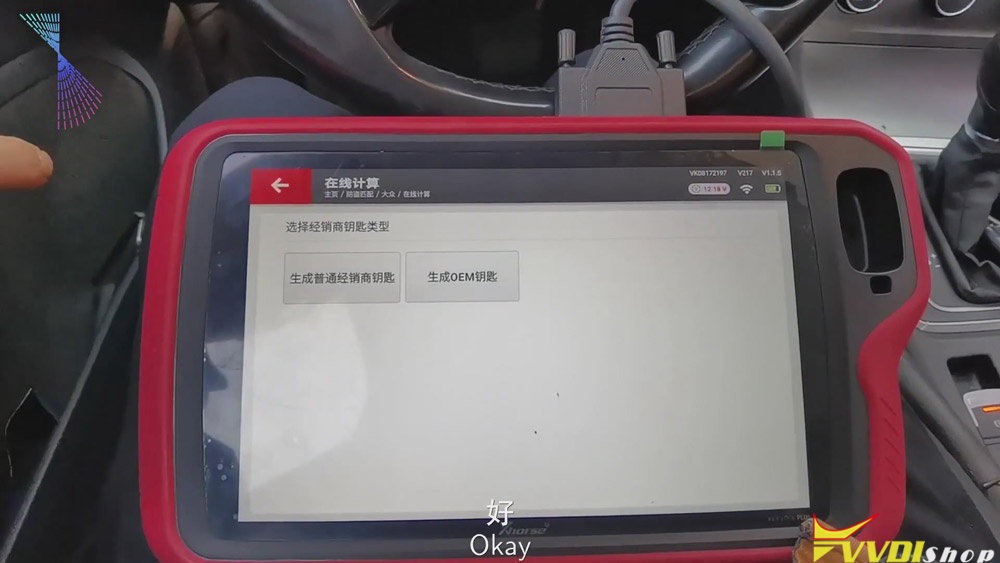
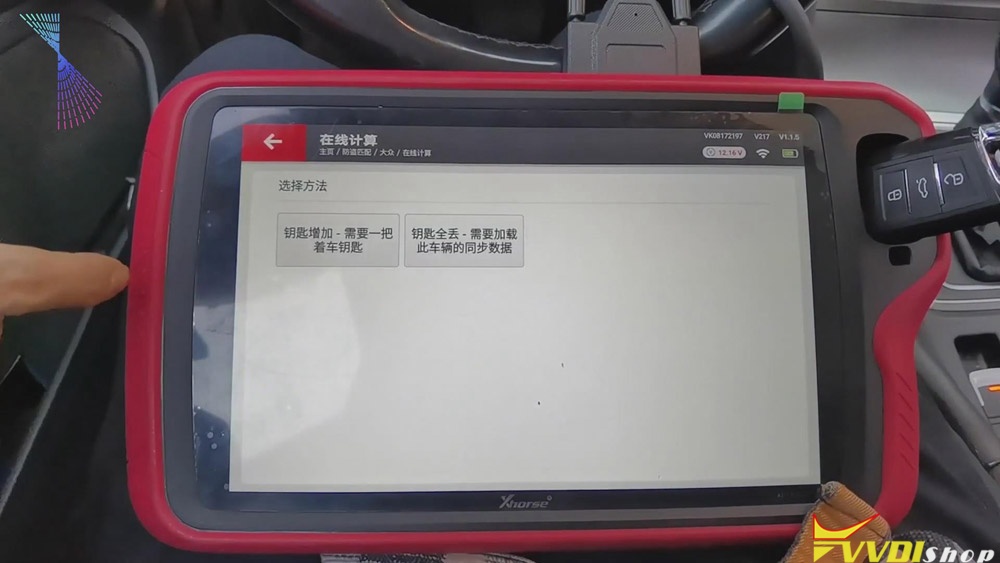
- Then we can begin to generate the dealer key. Click “Volkswagen” >> put the key that we’ve just generated to the detection coil of the tablet >> “Generate common dealer key”>> “Confirm”>> “Yes”>>“Add key-need a key of the vehicle”>>remove the key and put the original key to the detection coil of Xhorse Key Tool Plus and save the synchronous data of the vehicle>>remove the original key and put the new key to the detection coil of VVDI Key Tool Plus.
Ⅳ. Learning the key
- When the dealer key is generated, click “Confirm”>> “Confirm” again.
- Enter the number of the key, say, “2”, and click “Confirm”.
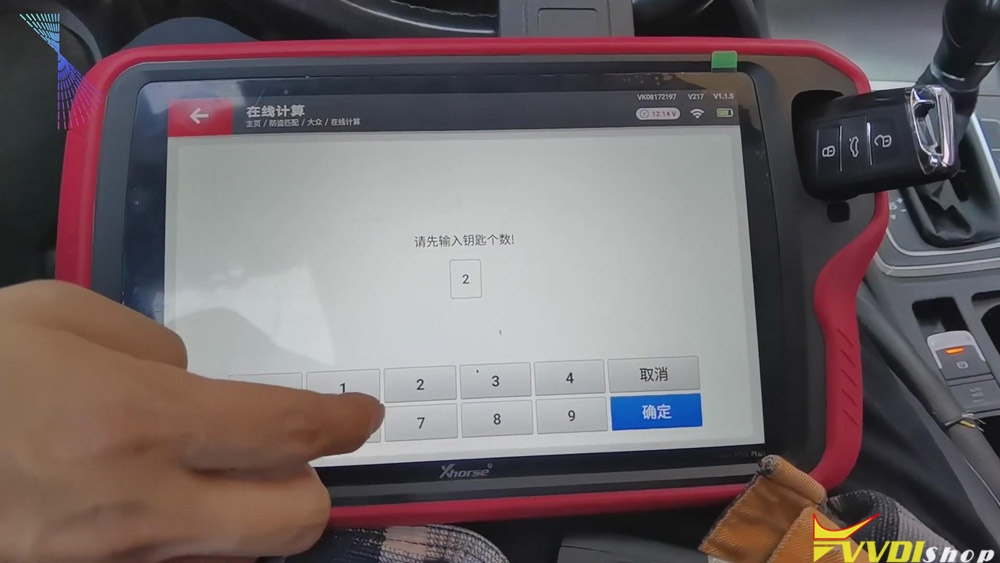
- Put the original key to the induction coil of the vehicle and click “Confirm” .
- Click “Confirm” again, then check the meter status, it shows 1-2.
- Remove the original key and put the new key to the induction coil of the vehicle, click “Confirm”. Check the meter status again, it shows 2-2.
- When the key learning is finished, click “Confirm”.
Job on the key matching using Key Tool Plus is done.
Good luck!
VVDI Key Tool Max Adds Suzuki Dzire Smart Key
How to program a smart remote key for Suzuki Dzire using with Xhorse VVDI Key Tool Max + MINI OBD Tool? As below I will show you the procedure step by step.
For key cutting procedure:
http://blog.vvdishop.com/dolphin-xp005-vvdi-key-tool-max-cut-suzuki-swift-key/
Start up VVDI Key Tool Max key programmer:
Vehicle remote >> Suzuki >> Dzire a type >> T55R0 17-DZIRE A type 1586
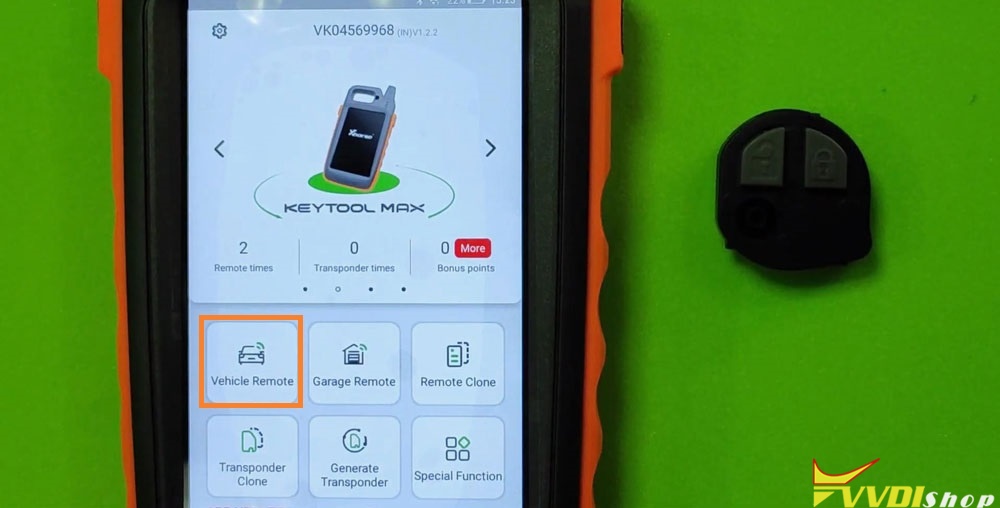
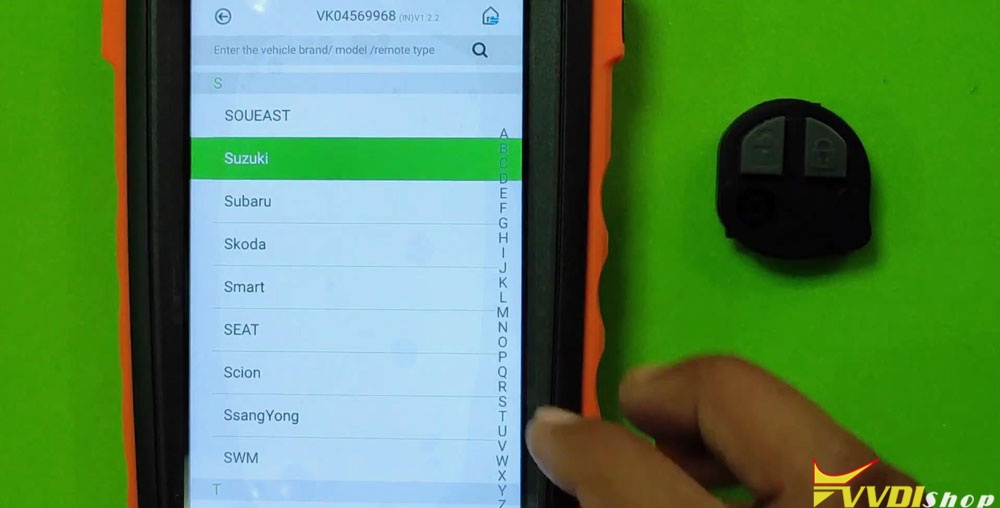
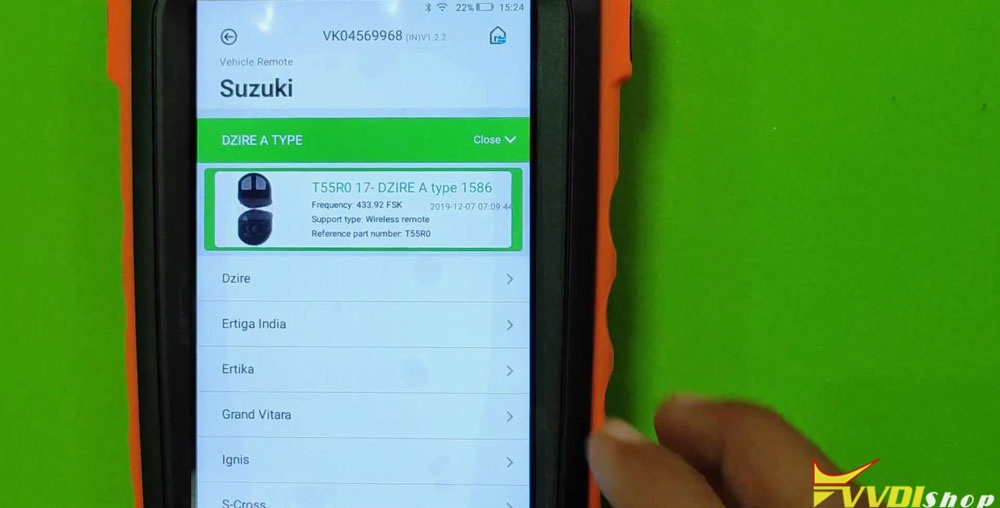
Put the remote chip into VVDI Key Tool Max slot on top.
Generate remote >> Wait until 100%… >> Burn Success, press “Complete”.
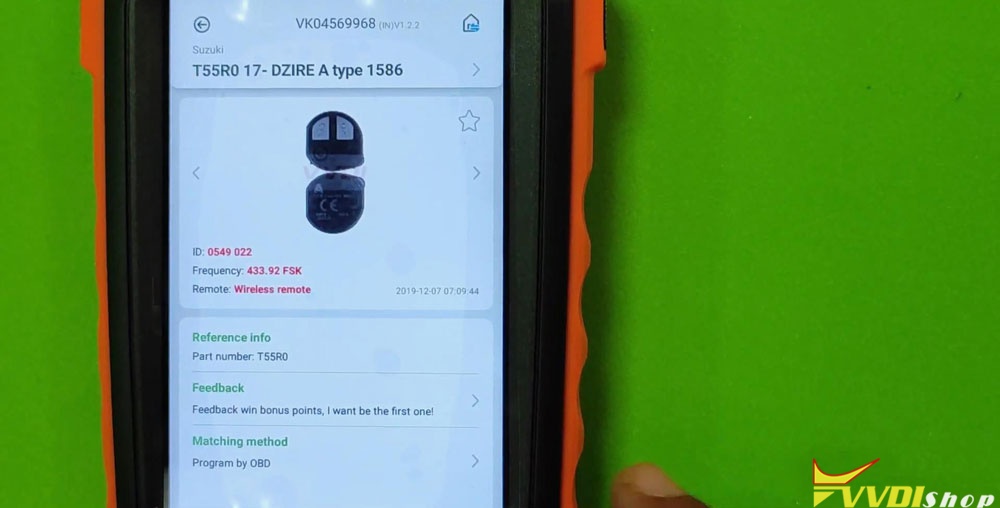
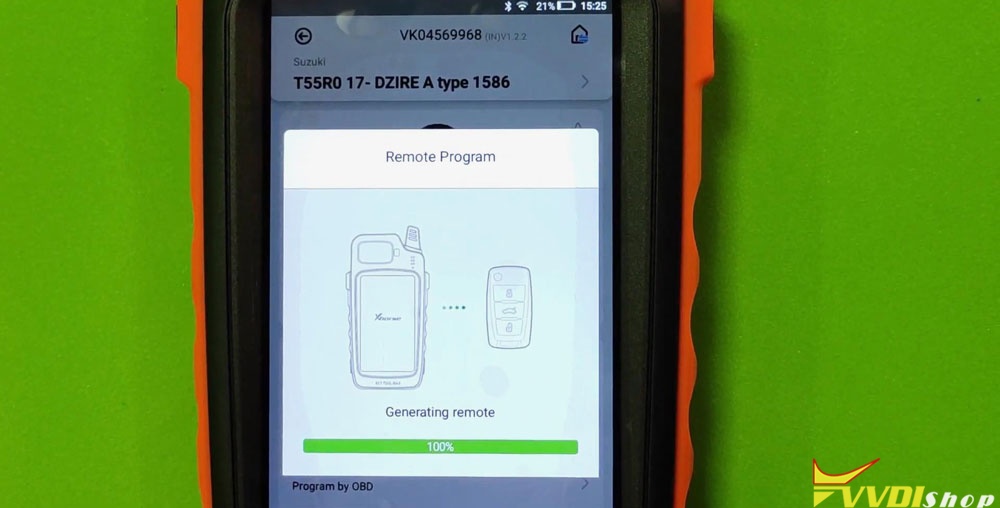
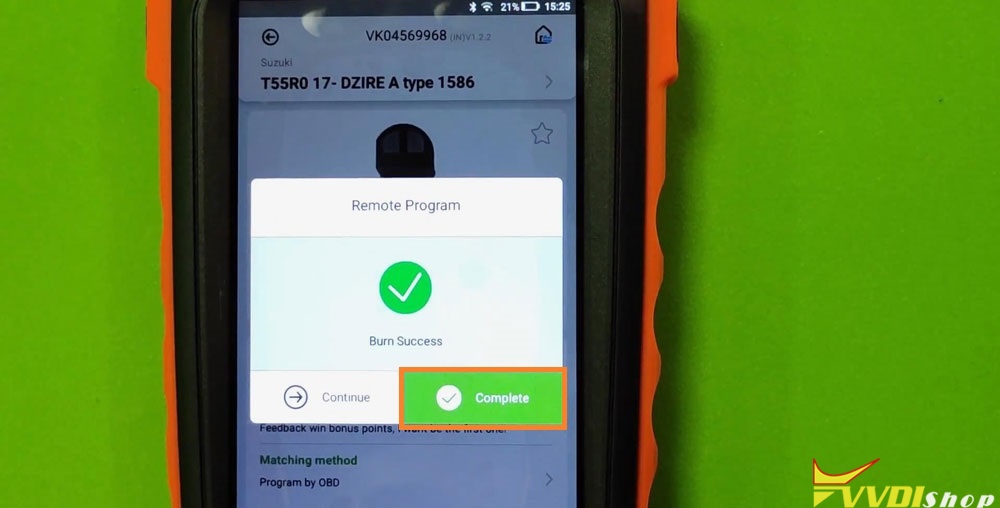
Now let’s go to Suzuki car for key programming.
Inset the VVDI MINI OBD Tool to OBD port of Suzuki, connect it with Key Tool Max via Bluetooth.
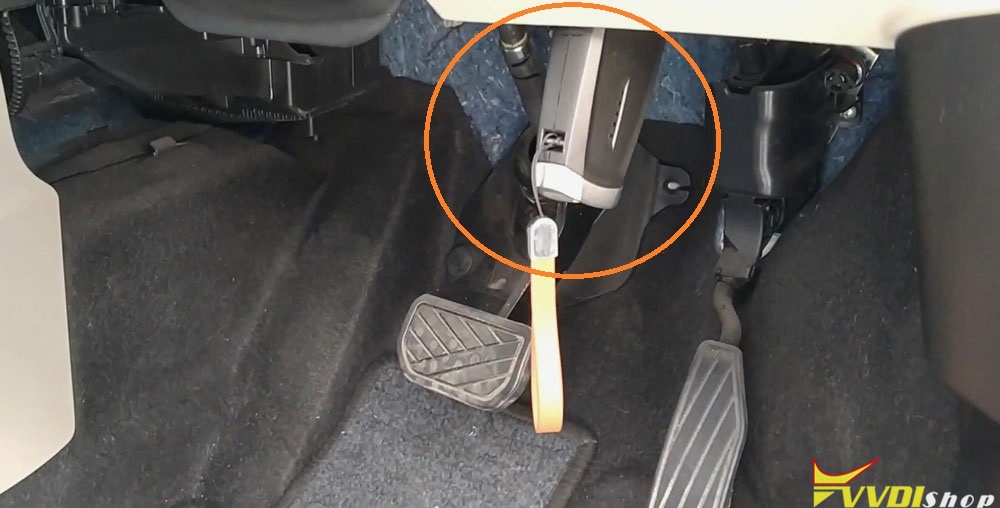
Let’s start now:
IMMO programming >> Maruti Suzuki >> DZIRE >> NEW DZIRE >> Start execution
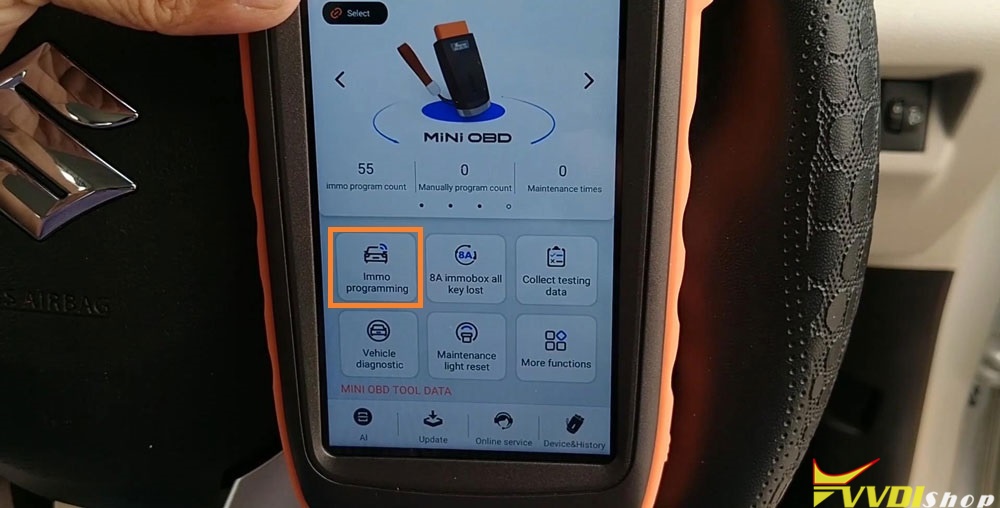
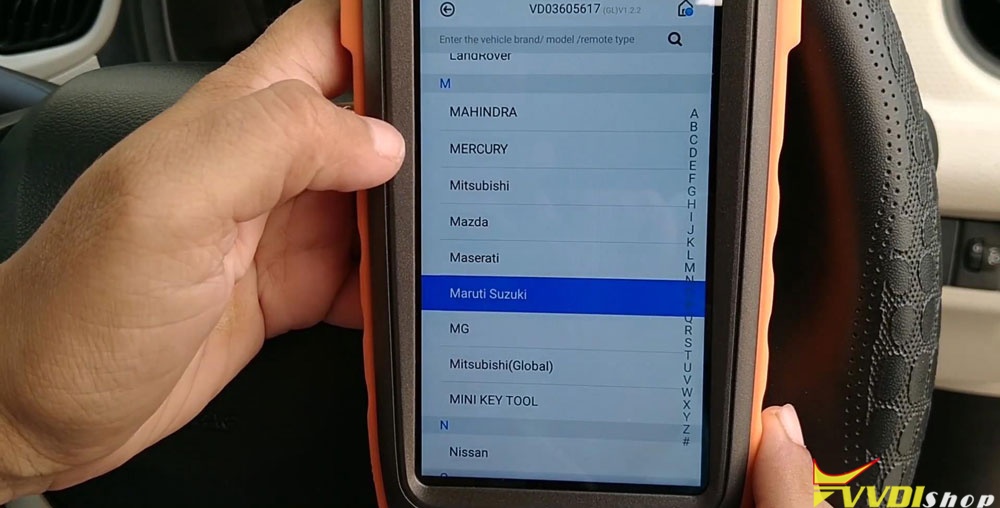
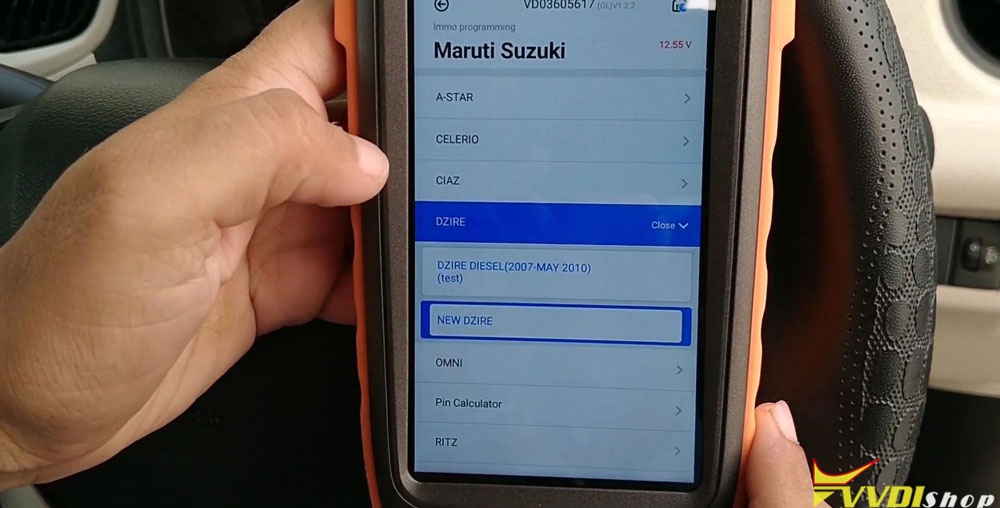
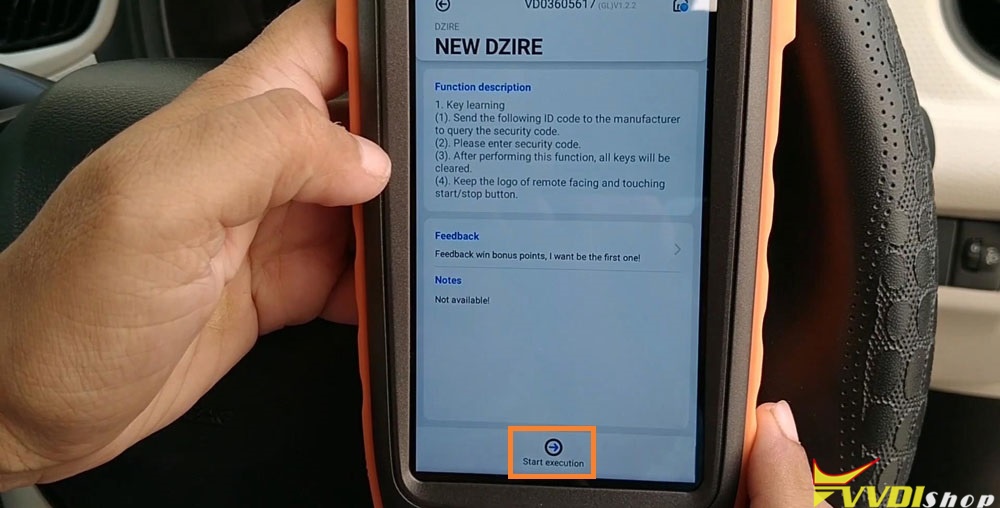
Wait until 100%…
Input pin code >> OK >> Input the security code, press “OK” >> OK
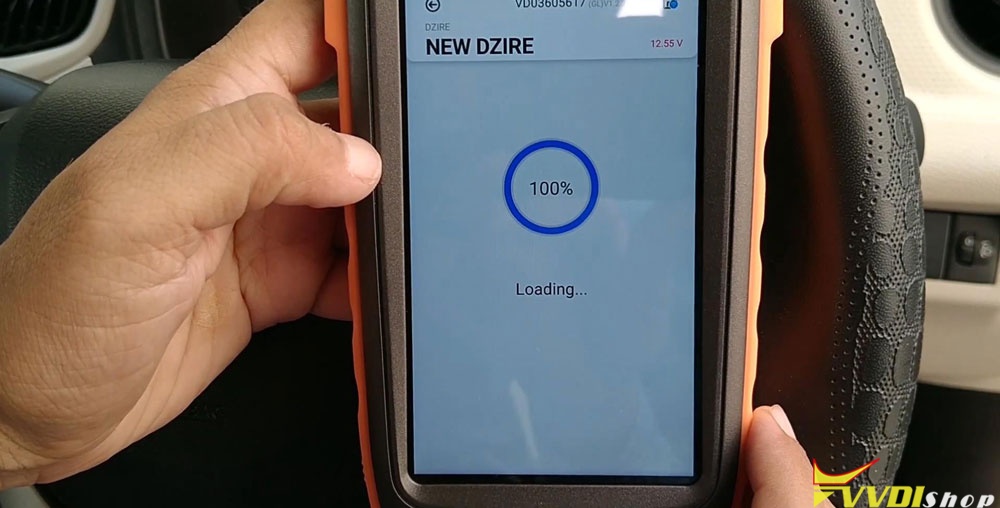
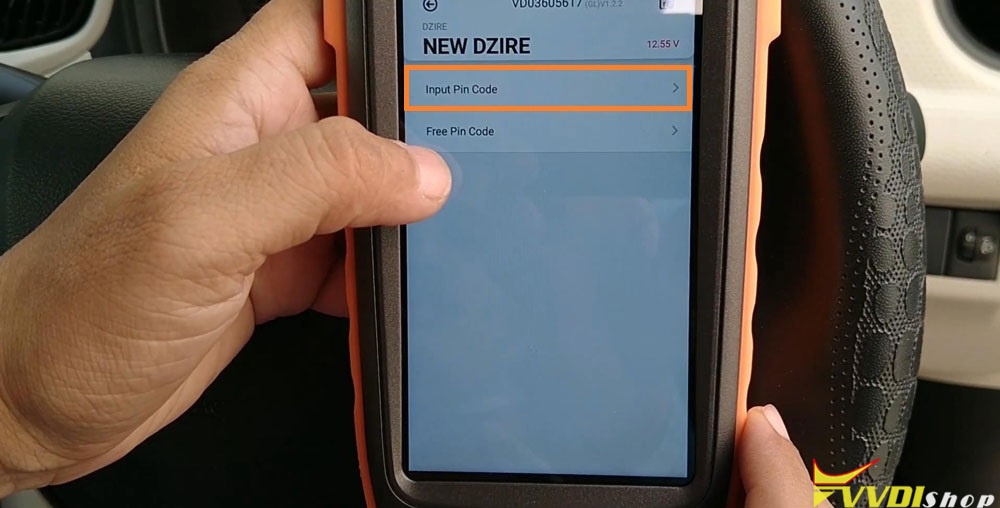
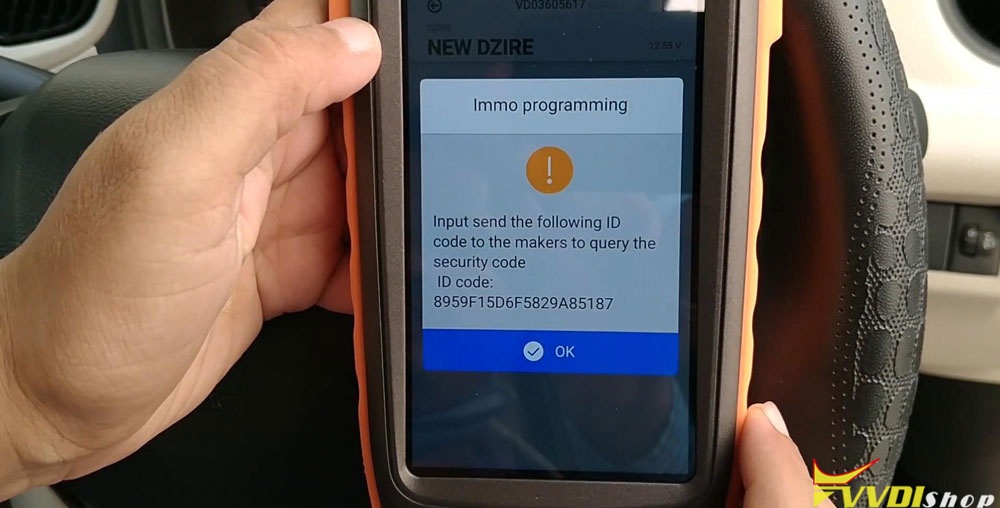
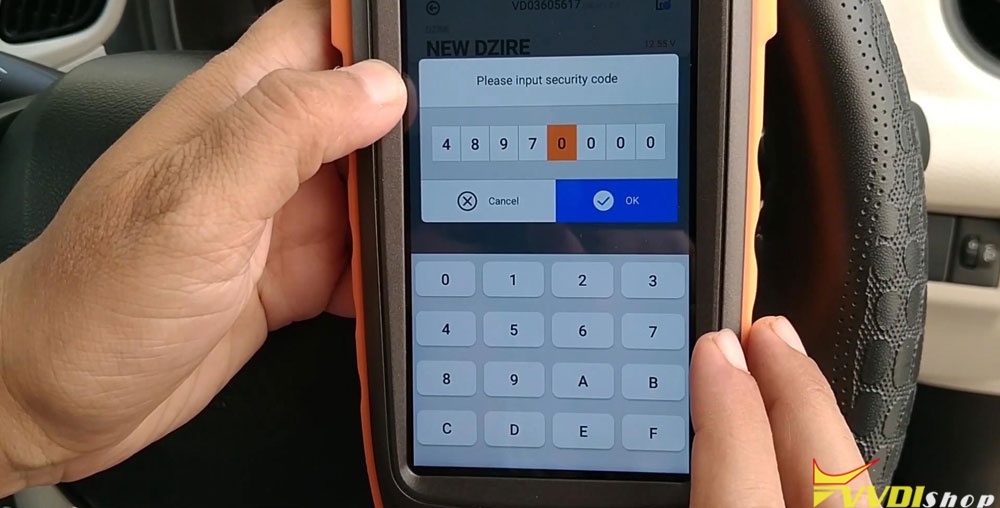
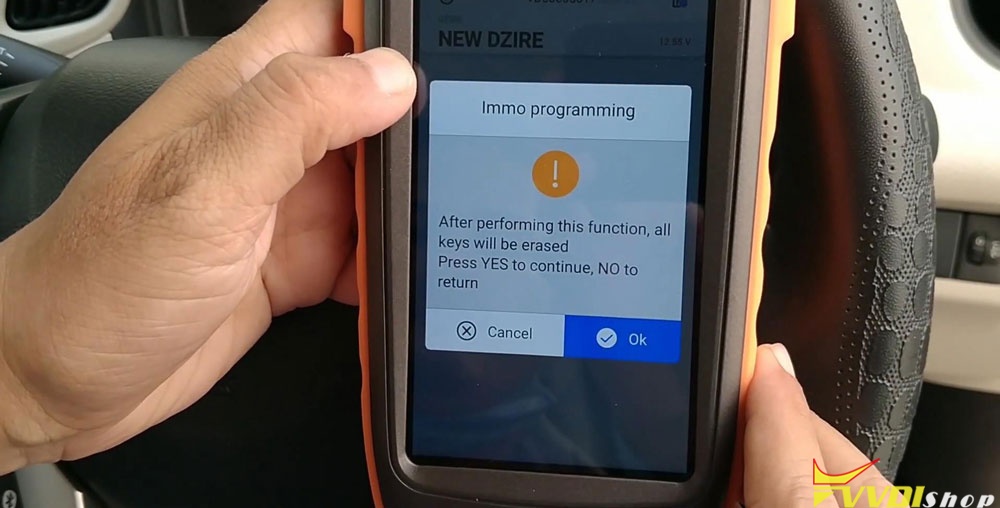
Hold the new key where the logo on the remote is facing and touching the start/stop button with the key. Press “OK”.
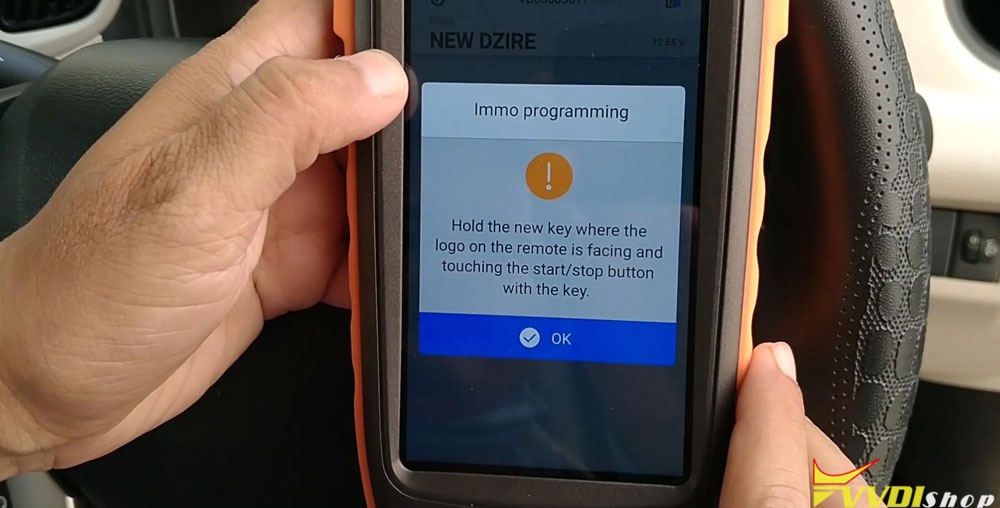
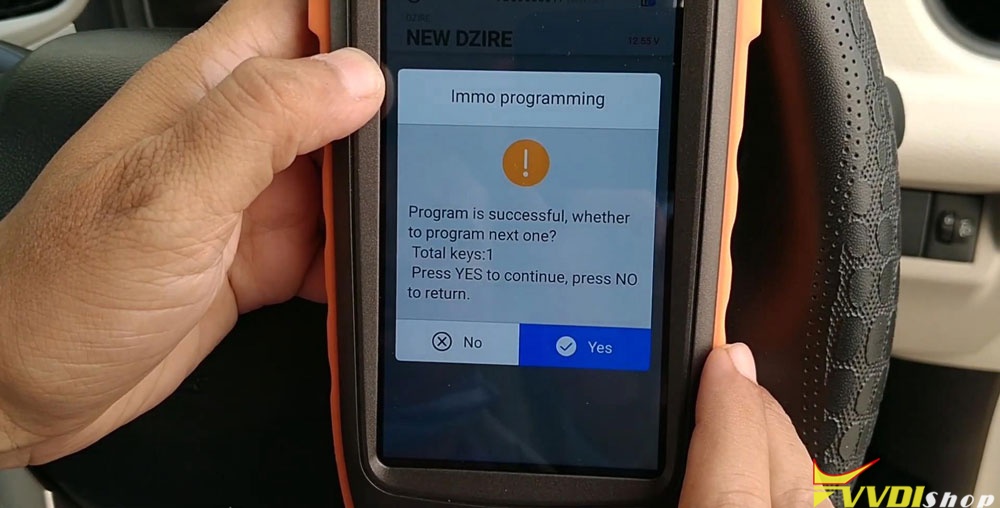
Program is successful, press “Yes” to continue, press “No” to return.
No >> OK
Don’t forget your MINI OBD Tool after learning key success.
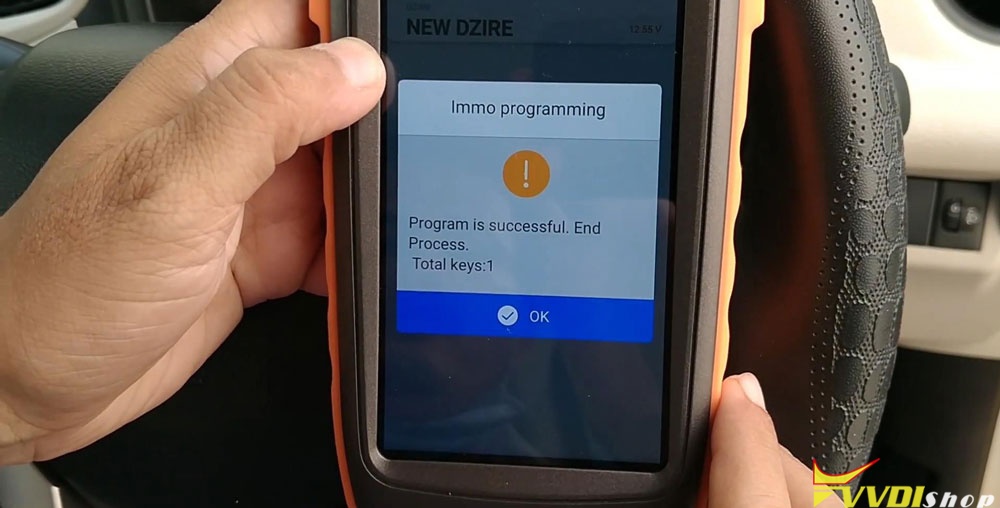
I will check the new key now, it works perfect! Key programming has done!
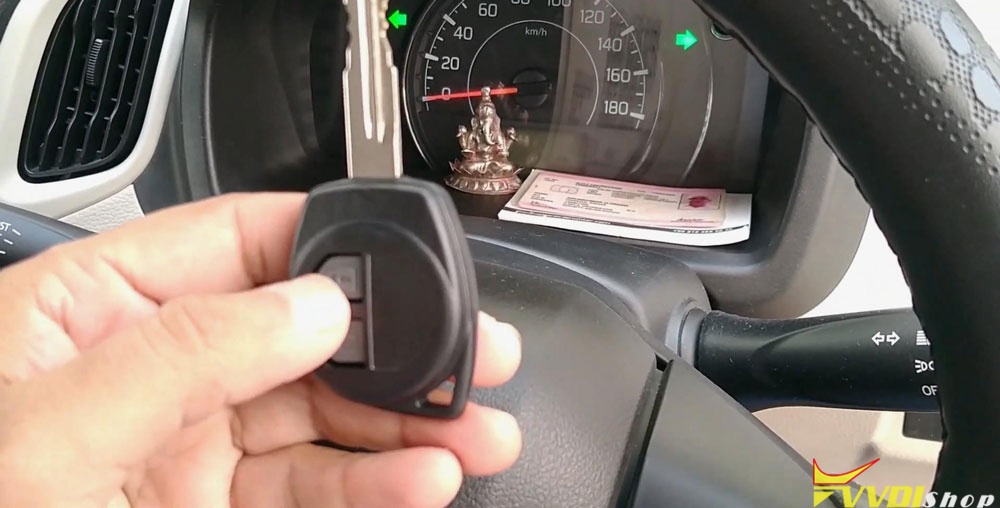
This is a tutorial of using VVDI Key Tool Max & MINI OBD Tool Key Programmer to add a new smart key for Suzuki Dzire, this operation may be applied to some Suzuki Swift.
How to Cut Suzuki Swift Key with Dolphin XP005
How to use Xhorse Dolphin XP005 + VVDI Key Tool Max to cut a key for Suzuki Swift? Today I will make a quick demonstration for its procedure.
Connect VVDI Key Tool Max and Dolphin XP005 key cutting machine via Bluetooth for smart control, prepare an original key and a new for ready, then get to start:
Vehicle database >> Suzuki >> Swift >> Swift-New >> OK
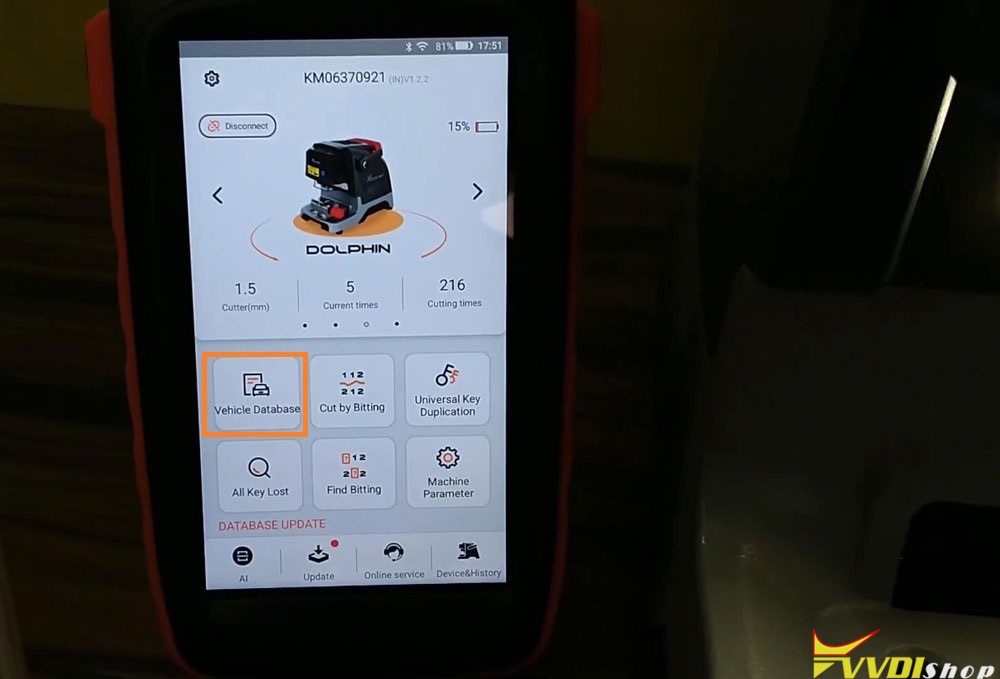
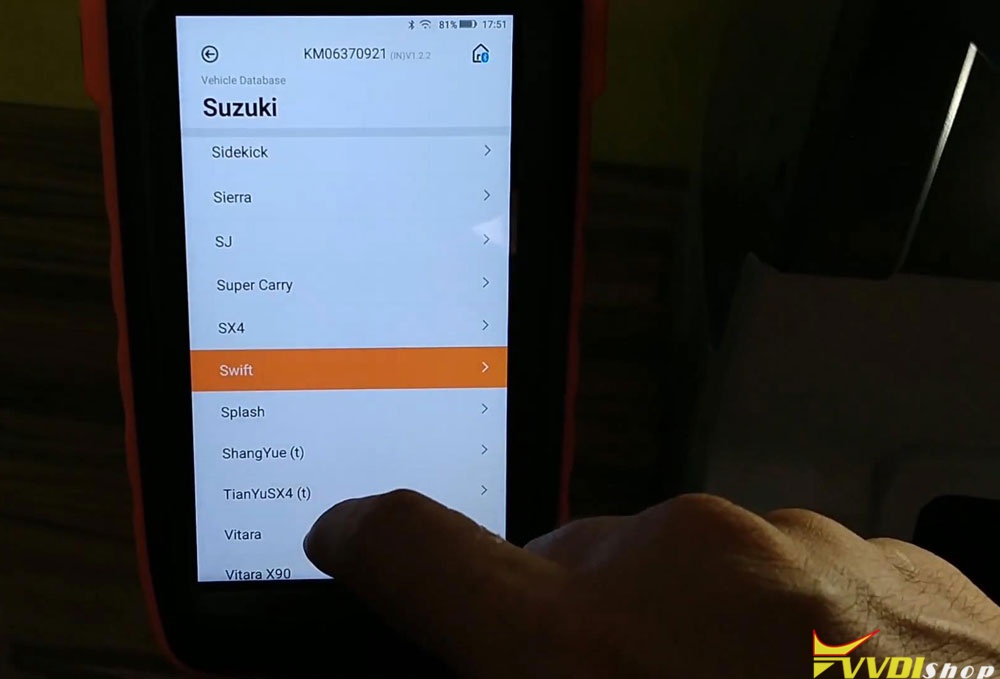
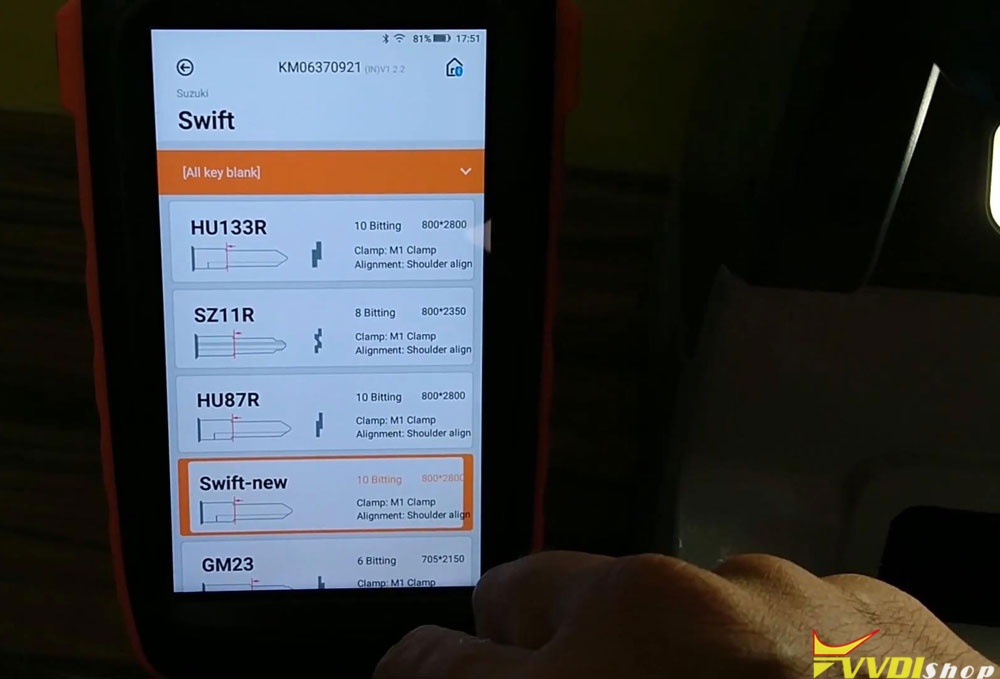
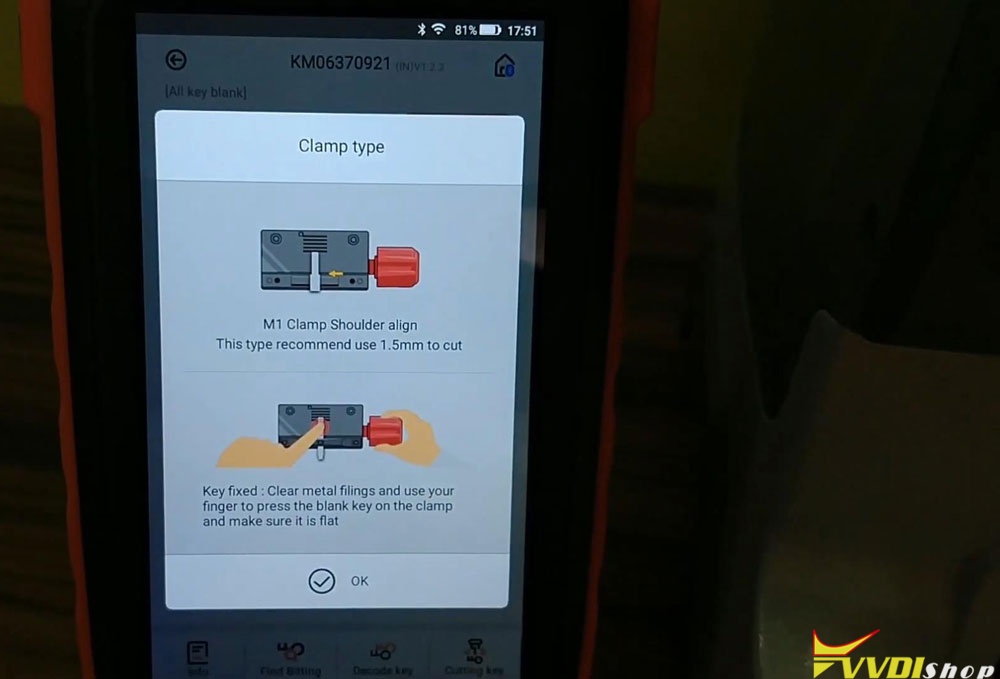
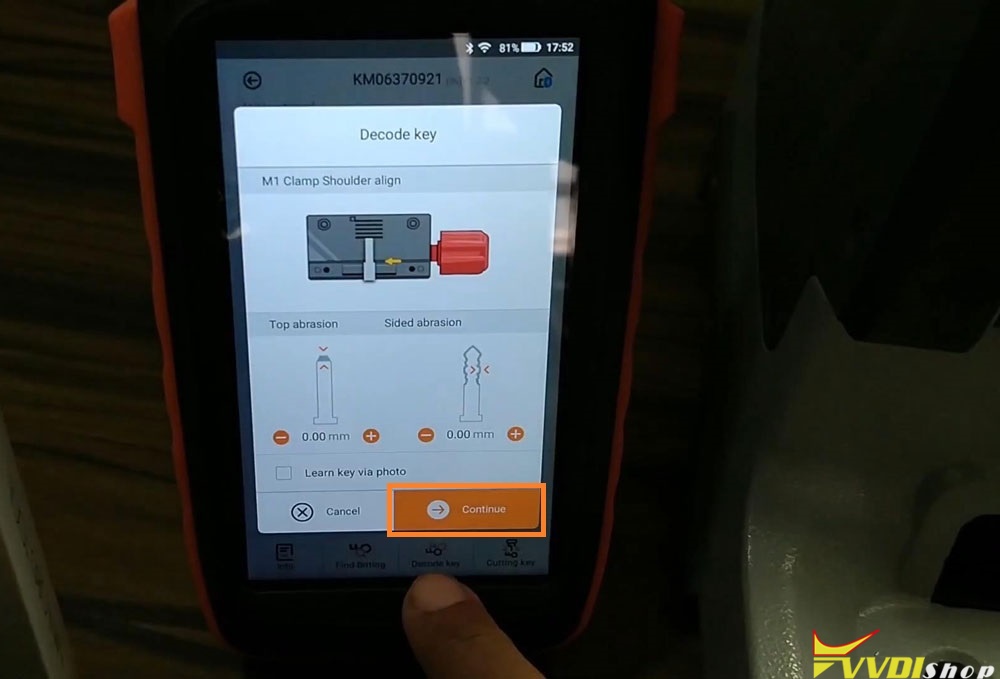
Install M1 clamp as prompts, fix the original key flat on clamp. I will use a block help to calibrate the position of key. Remember to remove it after calibration.
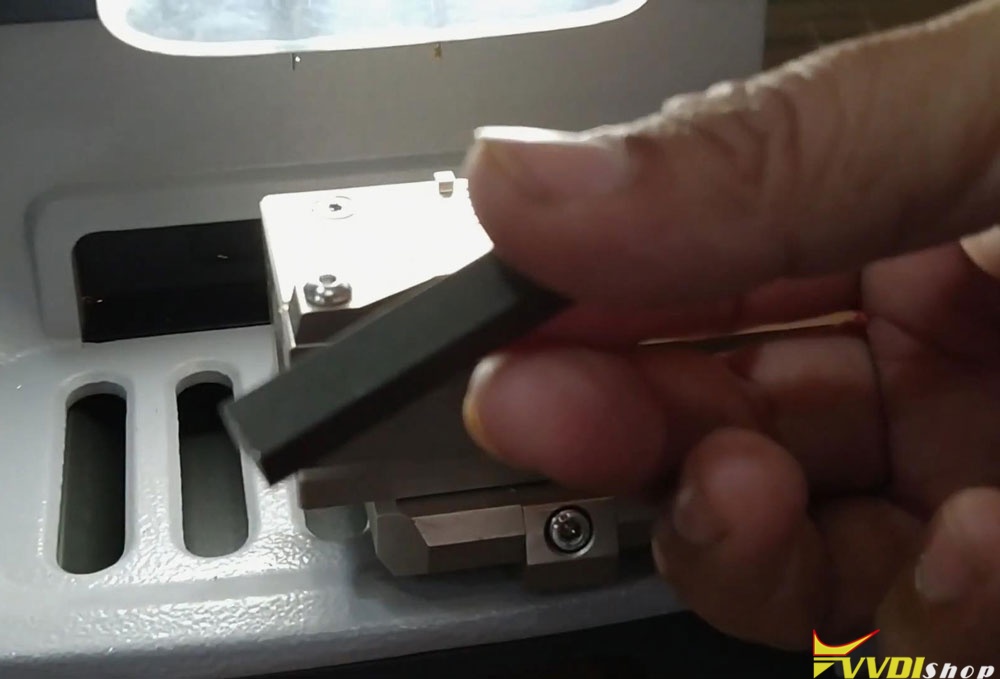
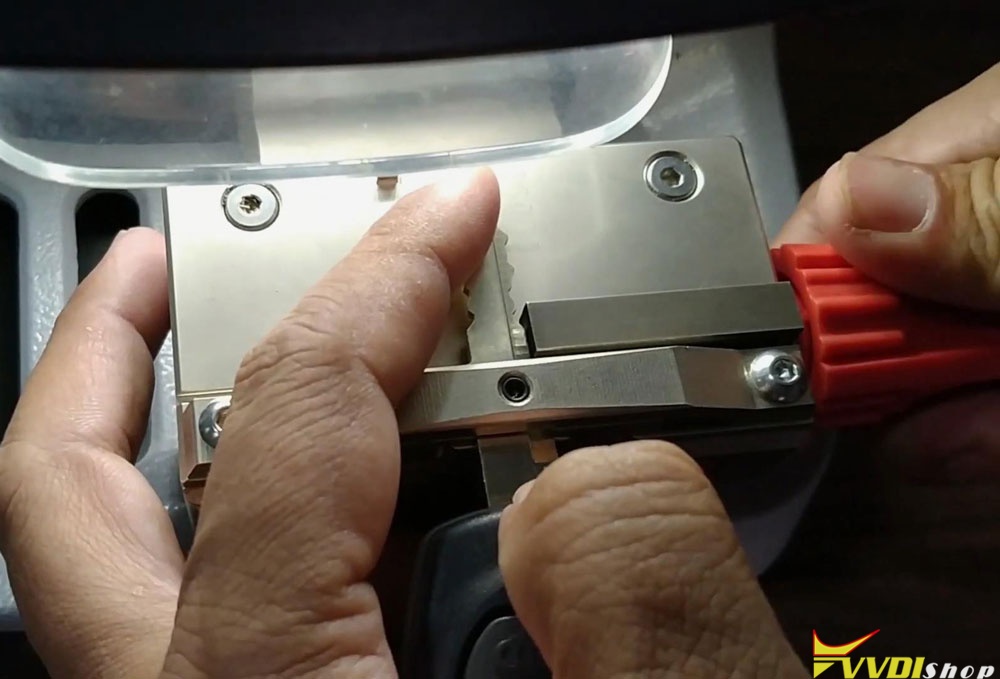
Go back to VVDI Key Tool Max when the key was fastened.
Decode key >> Continue
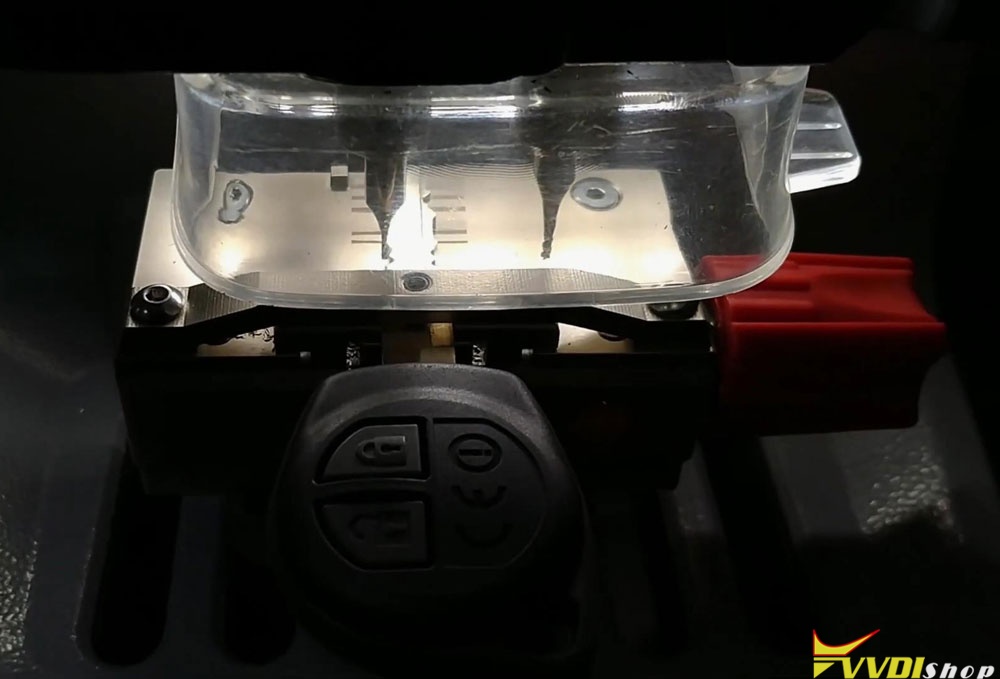
Dolphin XP005 automatic machine starts decoding key…
Wait until 100%…
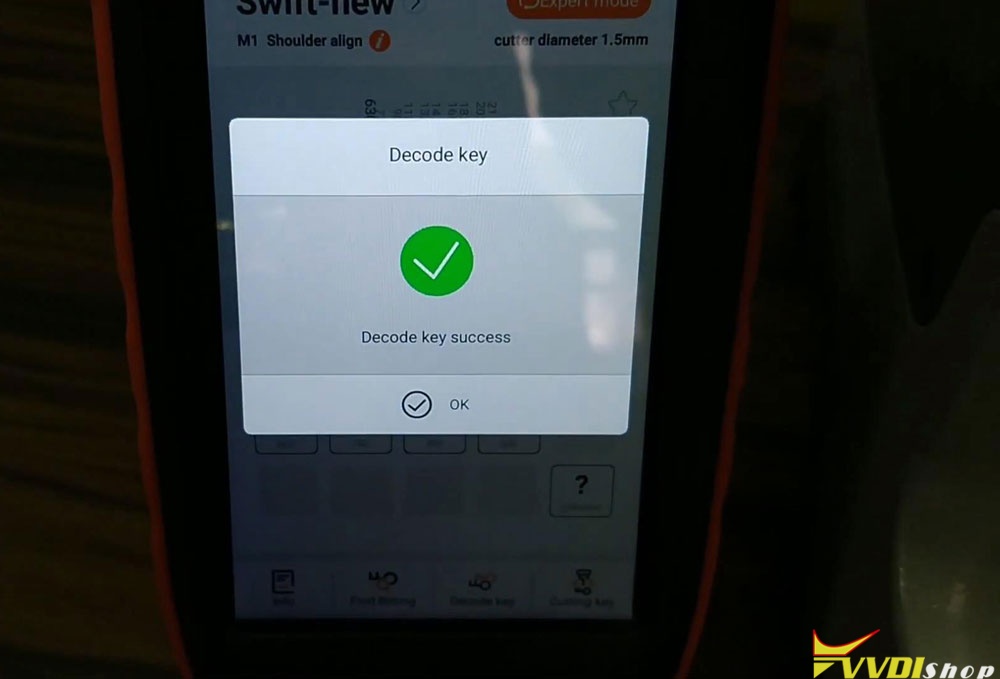
Decode key success, press “OK”.
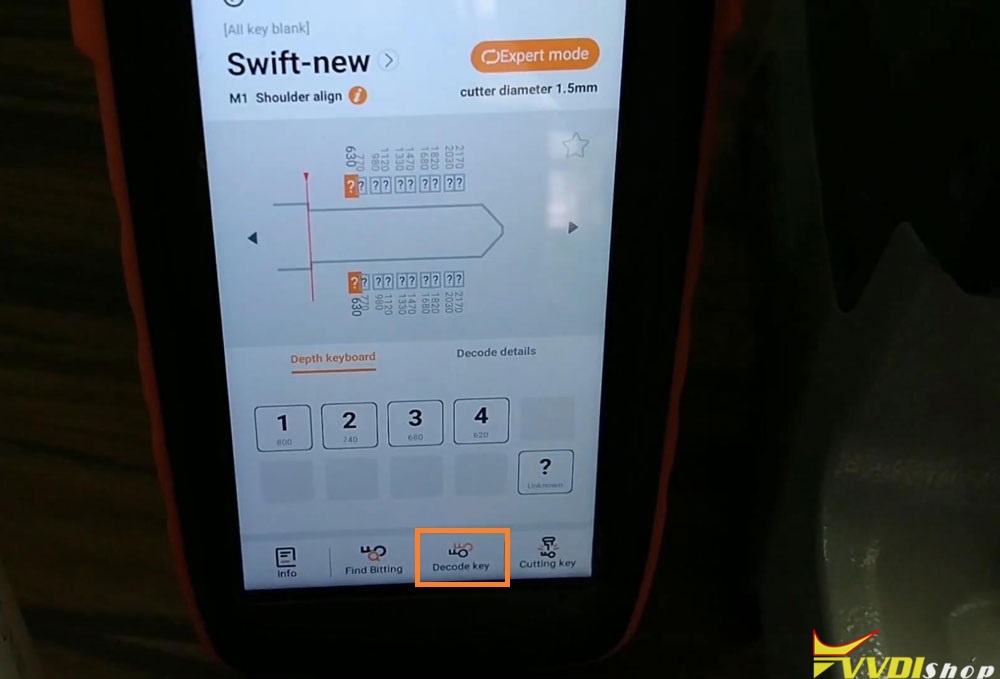
Dismount the original key, put the new key to be cut on clamp instead. Calibrate and fix the key as before.
Go back to VVDI Key Tool Max again.
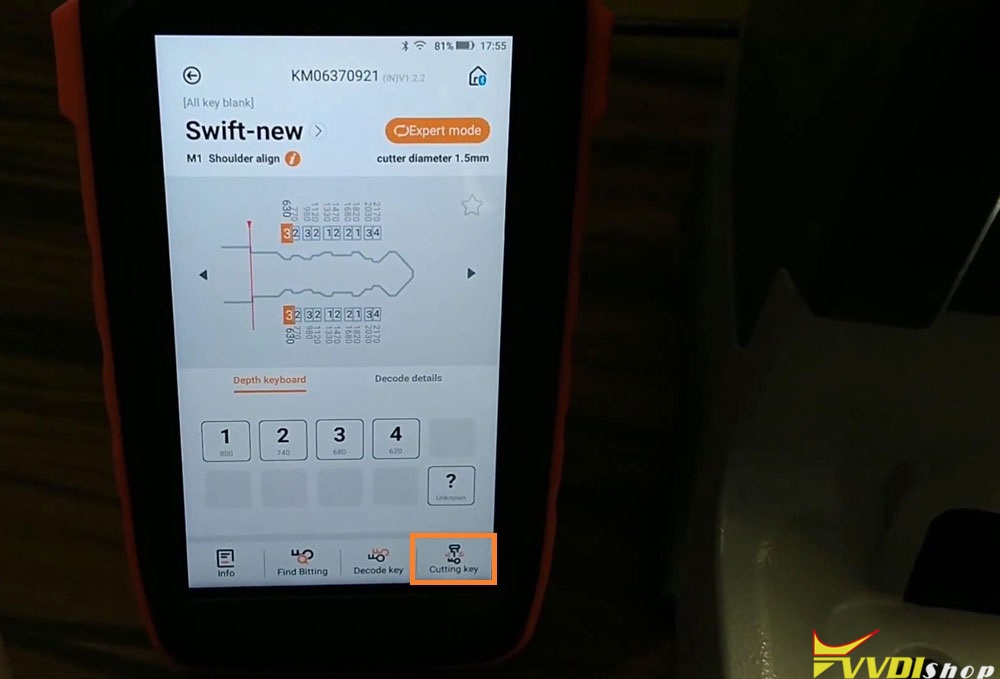
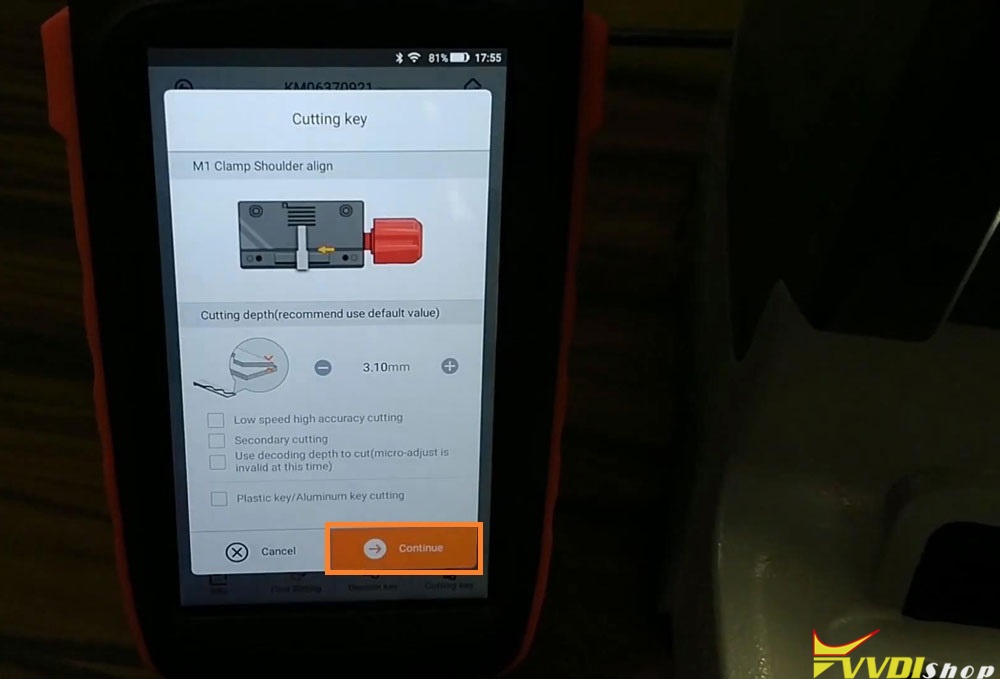
Cutting key >> Continue
Dolphin XP005 machine starts cutting key…
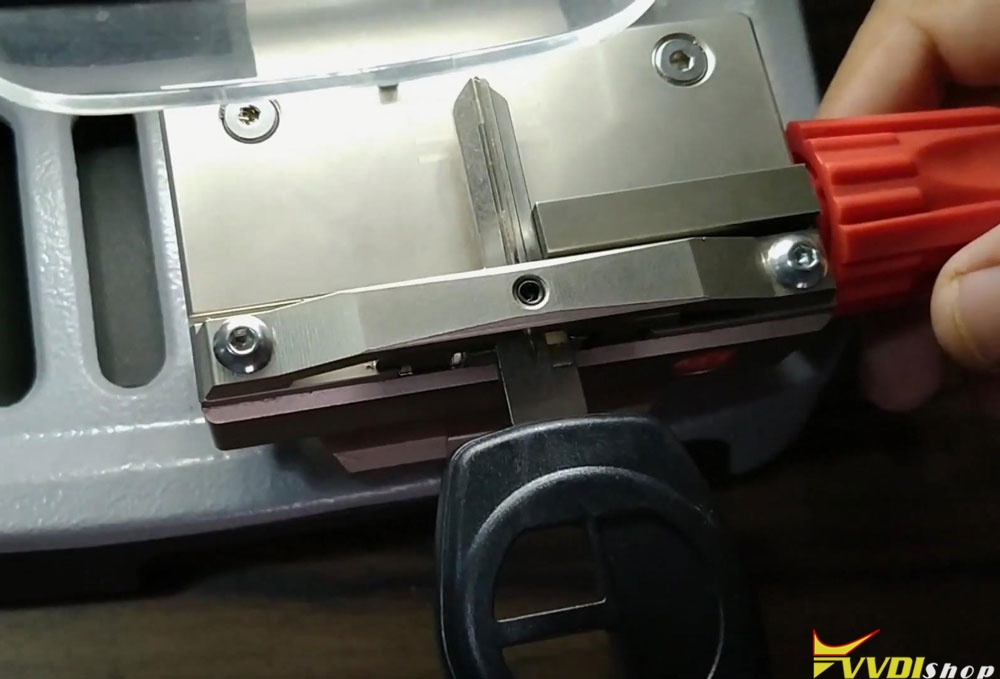
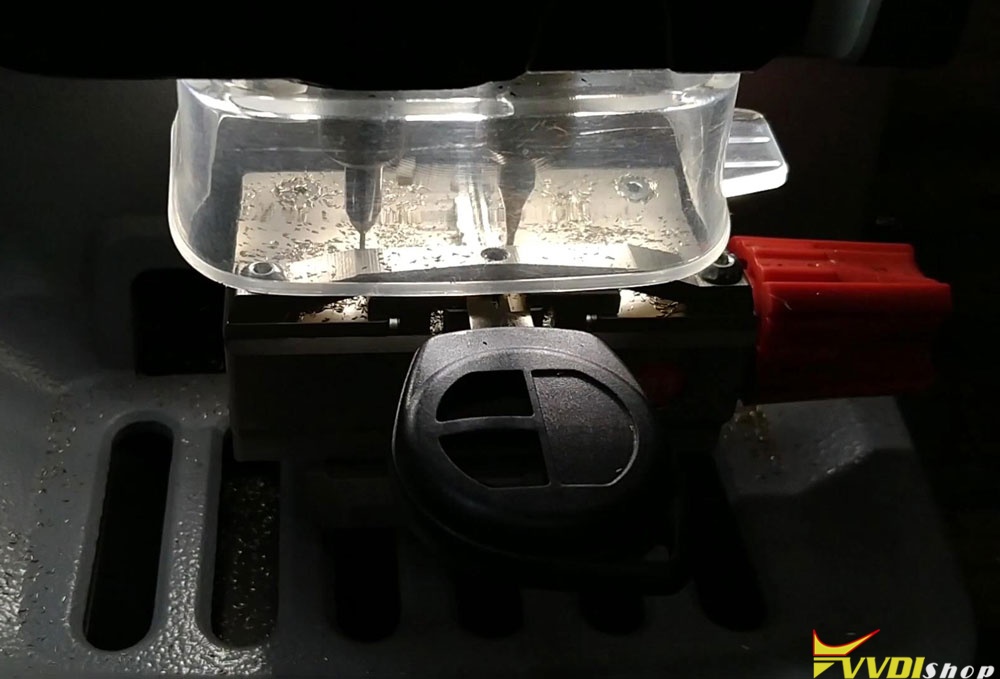
Wait until 100%…
Cutting key completed, press “OK”.
Dismount the new key, and compare to the original key. They are same! Let me try it with the lock, it can work normally.
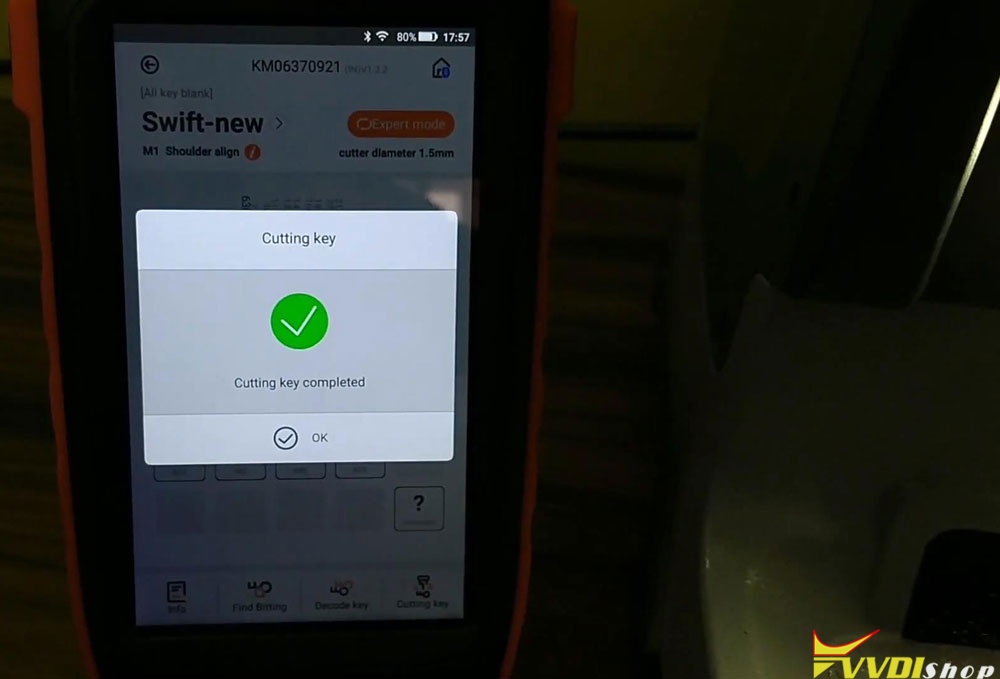
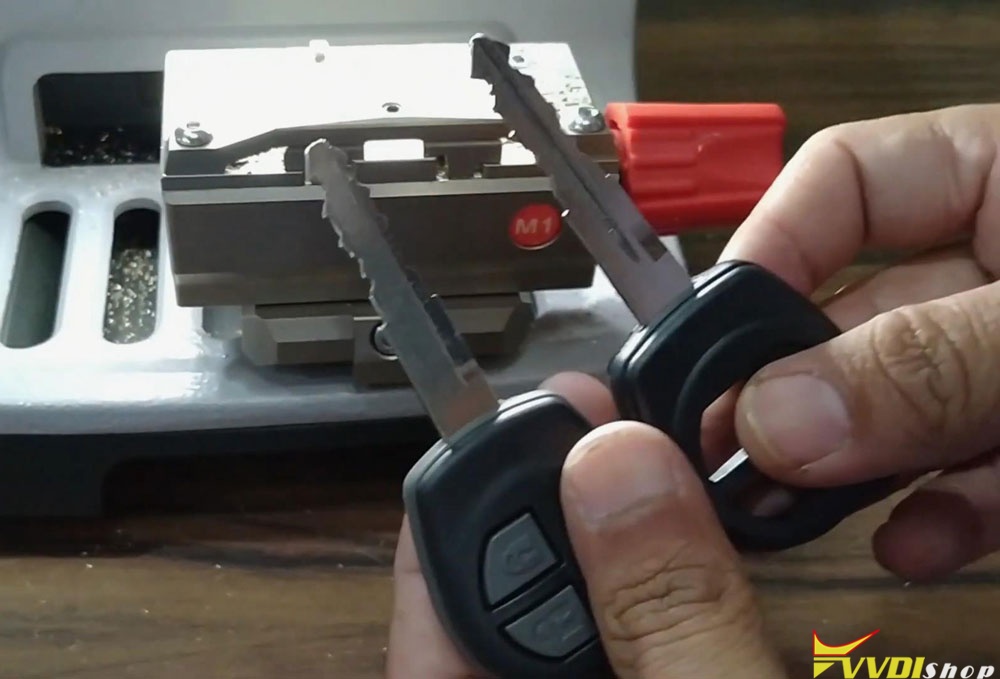
Key cutting is successful!
This is using VVDI Key Tool Max Key Programmer to smart control Dolphin XP005 machine for Suzuki Swift key cutting. It is ease to finish in 5 minutes.