ابزار Xhorse VVDI
Xhose VVDI نرم افزار برنامه نویس اصلی و سخت افزارابزار Xhorse VVDI
Xhose VVDI نرم افزار برنامه نویس اصلی و سخت افزارHow to use Dolphin XP005 to Cut BMW HU58 Key?
Hey everybody, I am here and ready to cut a HU58 key for a 1996 BMW 3 series lock. I will use the Xhorse Dolphin XP005 key cutting machine controlled by VVDI Key Tool Max to complete.
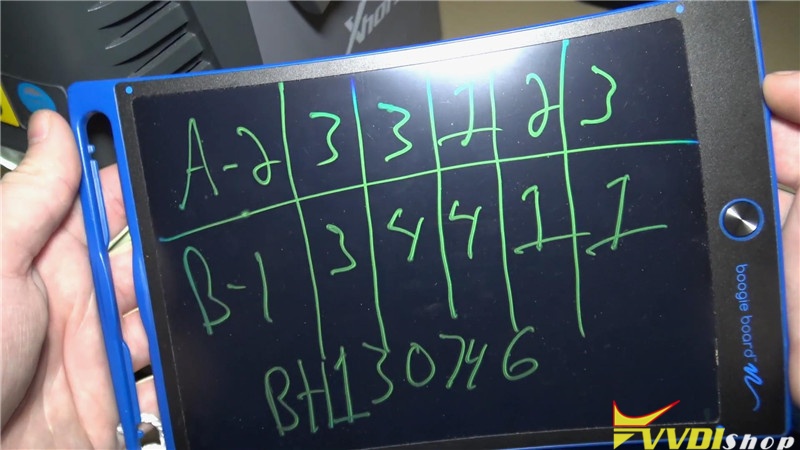
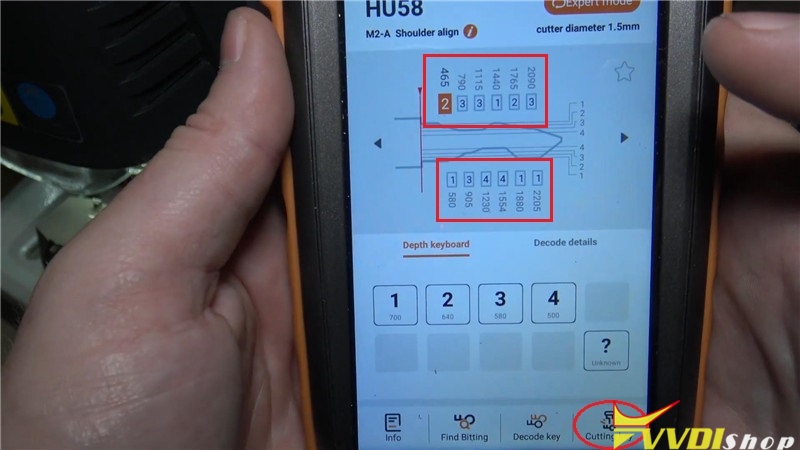
I have decoded the key bitting that A track is 23312, B track is 3441, and the lock number is BH130746. So let’s go ahead to xhorse app.
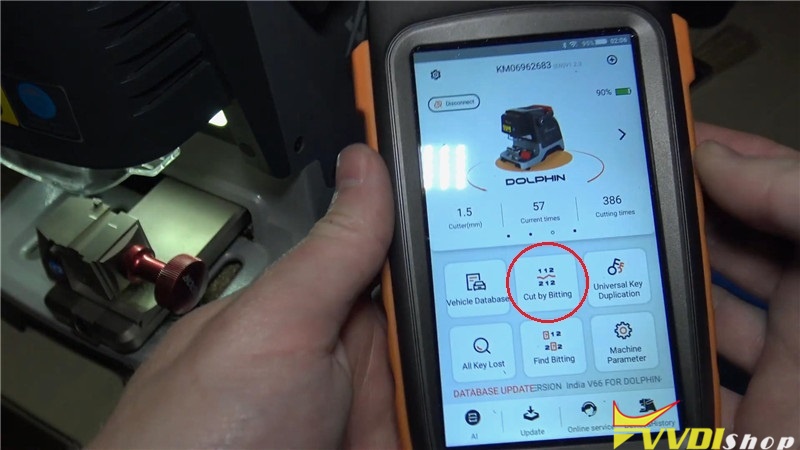
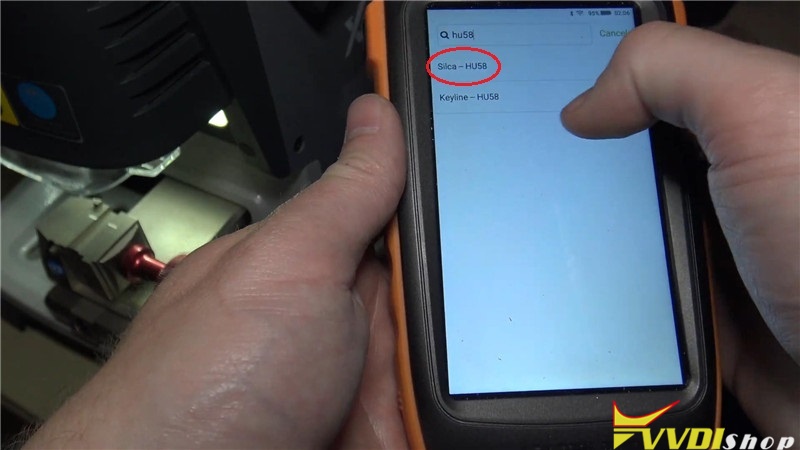
Cut by bitting >> HU58 >> Silca – HU58
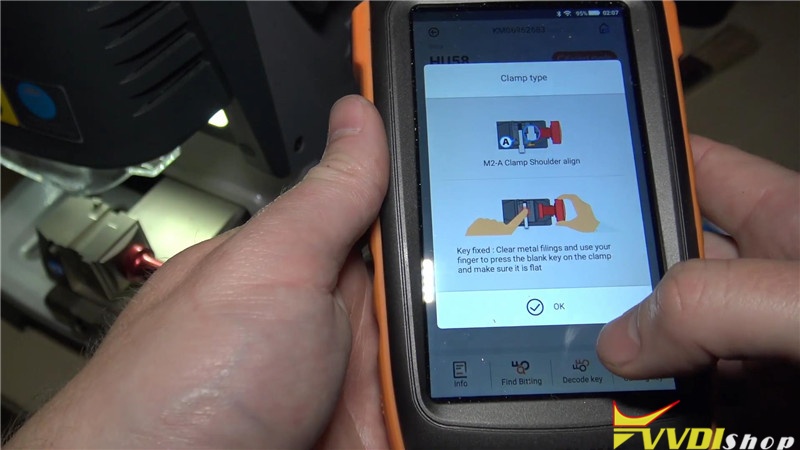
It is said to use A clamp, press “OK” to continue.
Input the bitting code on 2 tracks.
Install the key flat on A clamp, fix and fasten it.
Press on Key Tool Max: Cutting key >> Continue
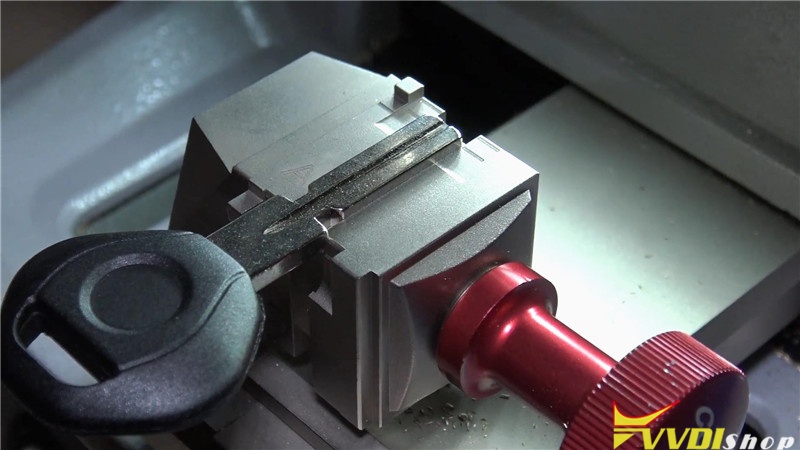
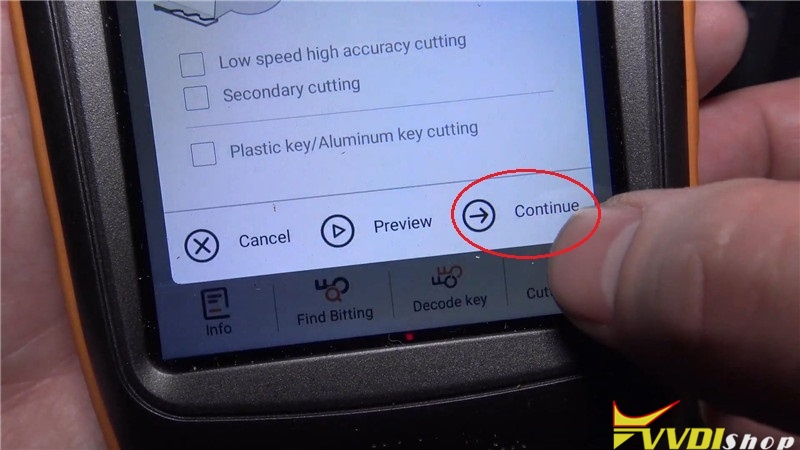
The Dolphin XP-005 starts cutting key…
First side cutting has finished, get all the scraps off there then flip it over. Install the key again to lock it flat.
Go back to Key Tool Max: Cutting key >> Continue
The Dolphin XP005 starts cutting the other side…
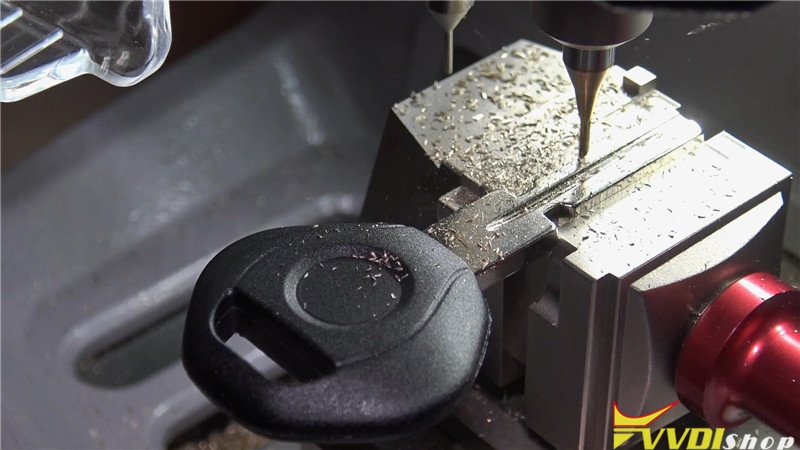
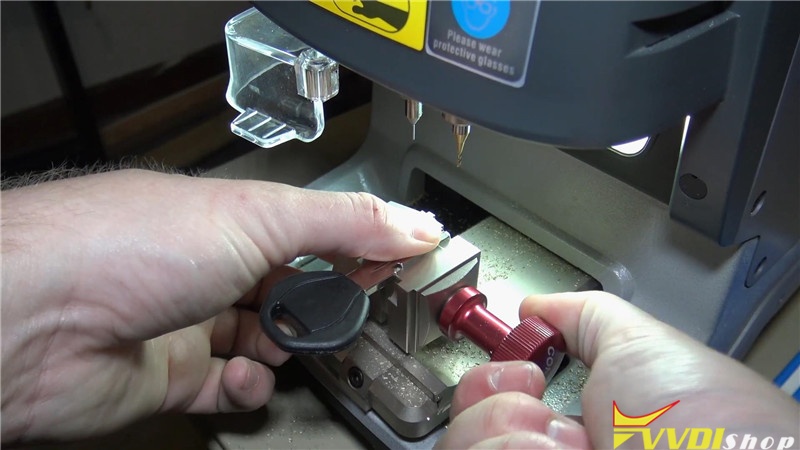
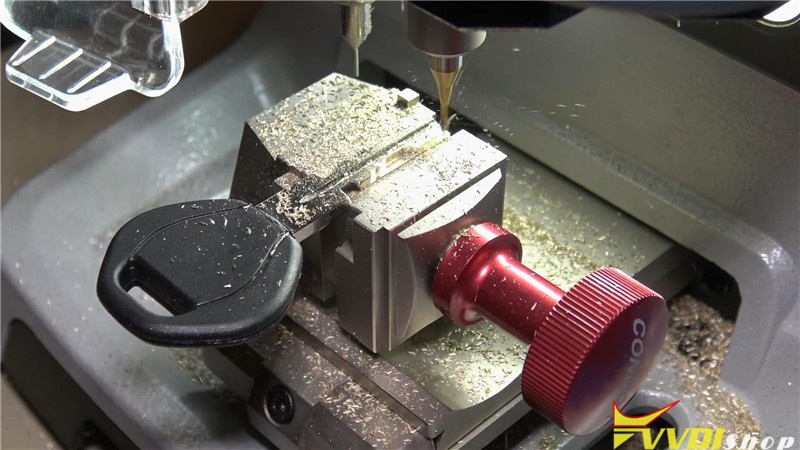
All right! Two sides cutting were done! Brush the scraps off, take out the key to have a test. It works perfectly!
Job has done!
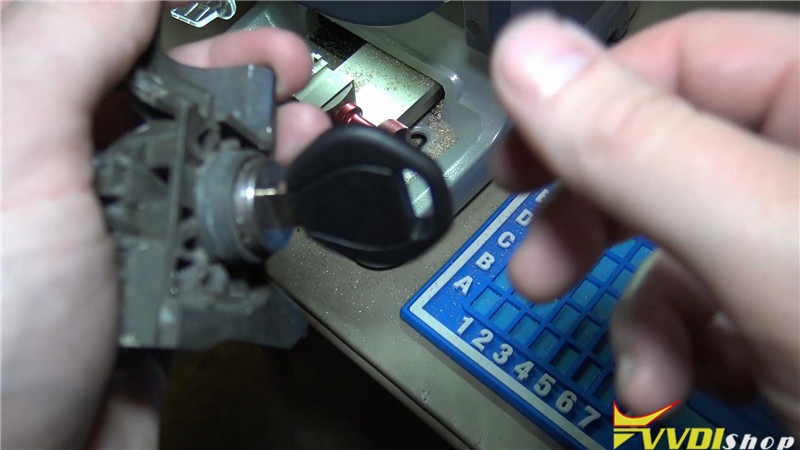
This is BMW HU58 key cutting using a Xhorse VVDI Key Tool Max to run the Dolphin XP005 machine.
Program Golf 4 Transponder Key by VVDI2 and Super Chip
This is an operation tutorial of how to use Xhorse VVDI2 VAG key programmer and vvdi super chip to program a key for VW Golf 4.
Procedure:
Start up VVDI2 quick start, click VW, wait until connecting to device successfully.
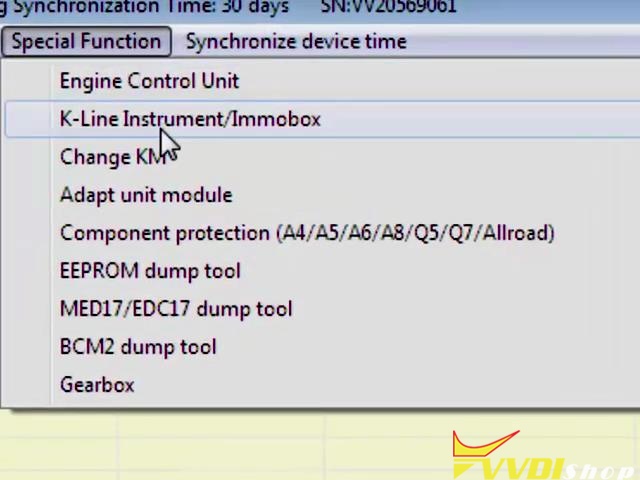
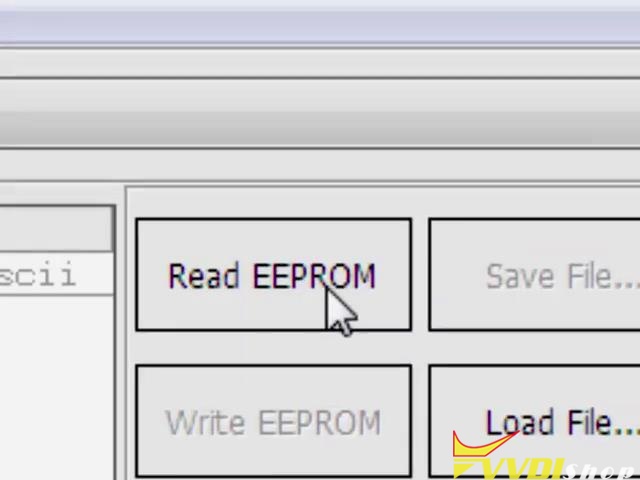
Special function >> K-line instrument/immobox >> Read EEPROM
Connecting to device, please wait…
Start transfer/receive data…
Reading address…
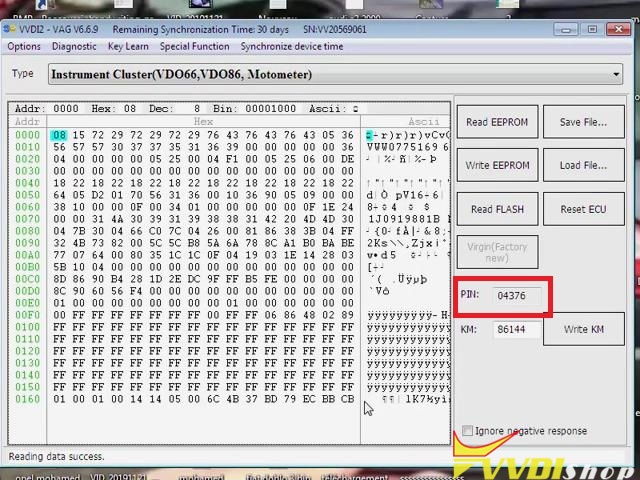
Reading data success.
Copy the PIN code 04376, close the window, go access to “Transponder Programmer”.
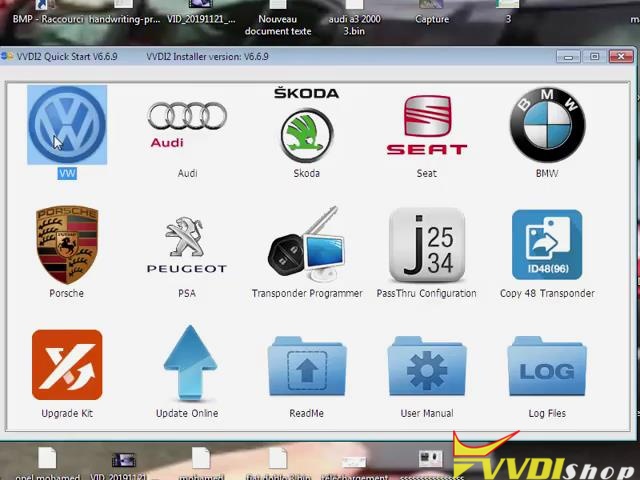
Click “Autodetect Transponder” to get transponder information.
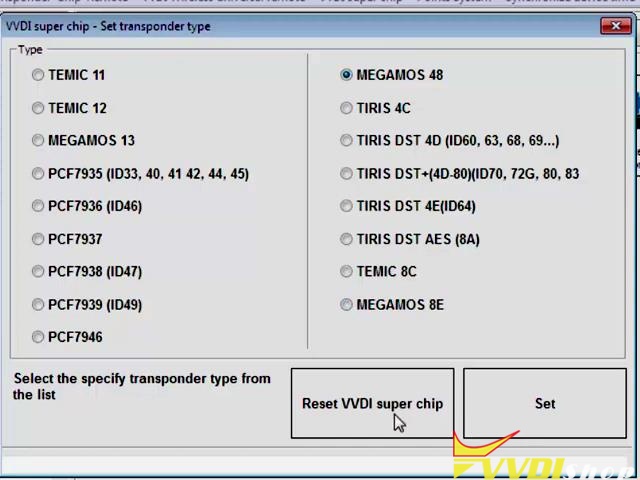
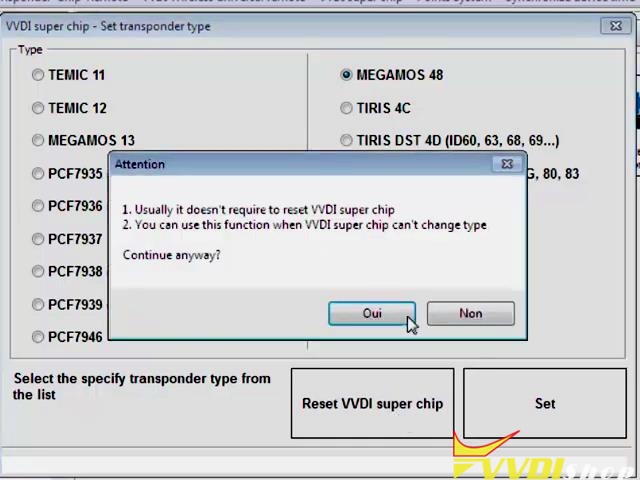
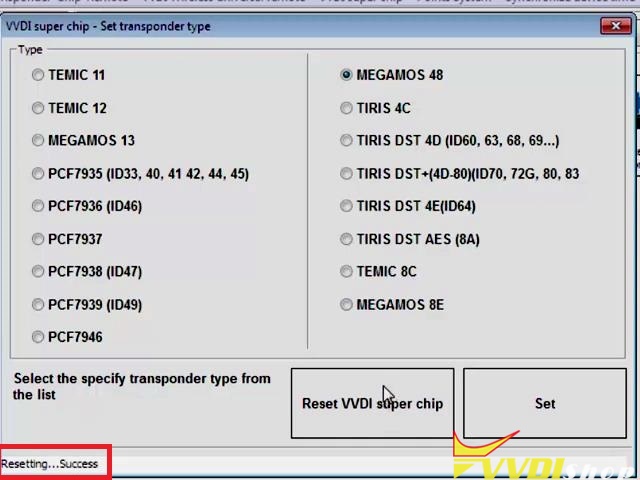
VVDI super chip >> Set transponder type >> MEGAMOS 48 >> Reset VVDI super chip >> Yes
Resetting…success
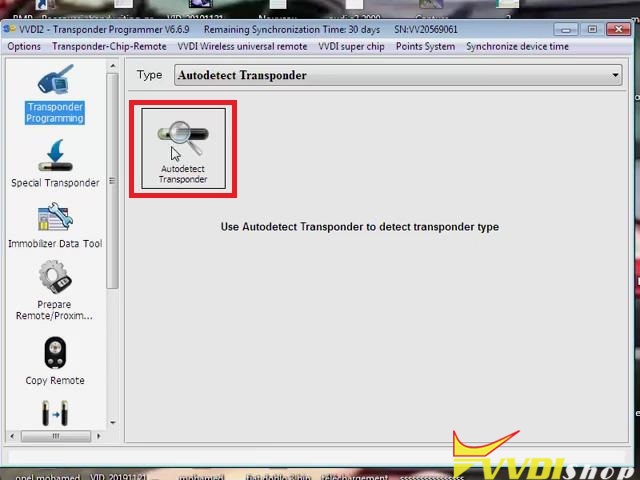
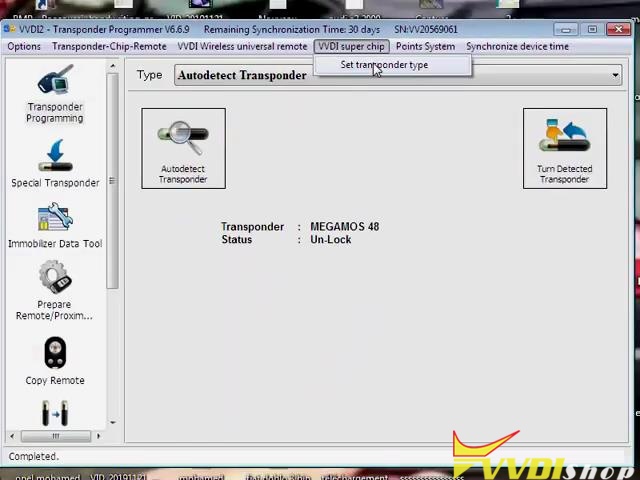
Exit to click “Autodetect Transponder”, the transponder information has changed.
VVDI super chip >> Set transponder type >> MEGAMOS 48 >> Set
Setting Xhorse super chip type…success
Exit to click “Autodetect Transponder” again, the transponder information is same as first time.
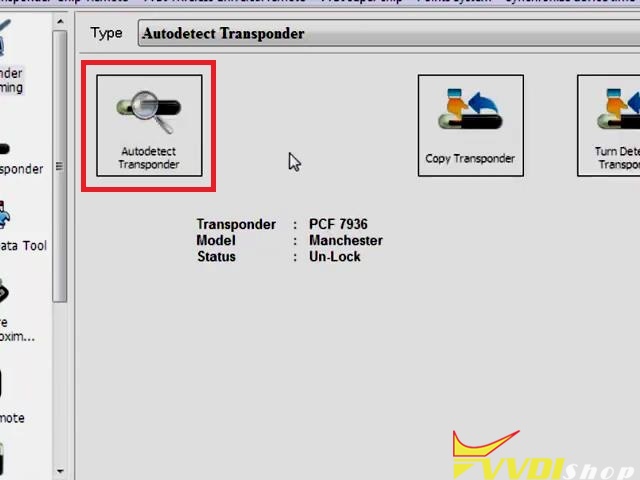
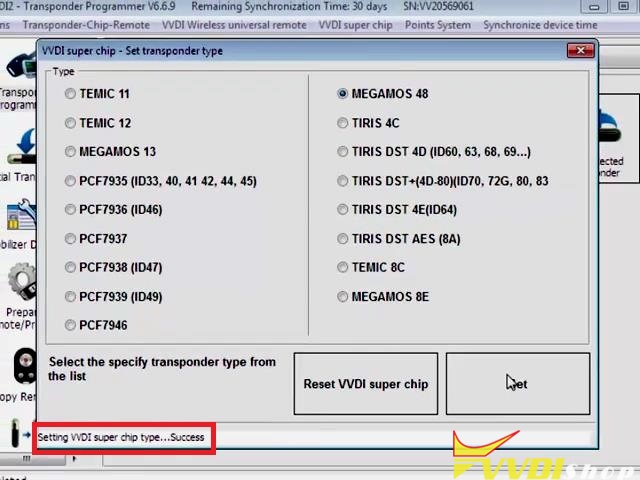
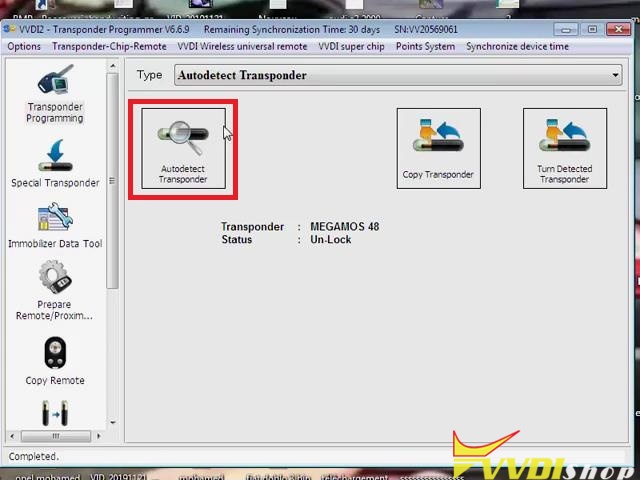
Close the window, go back to VW
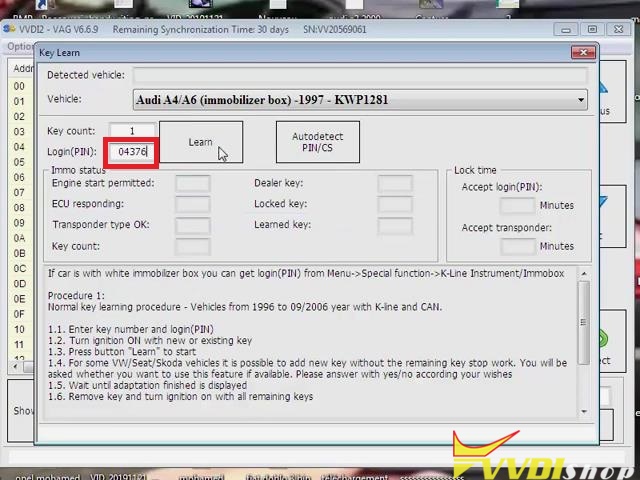
Key learn >> Key learn
Paste the pin code 04376 on “Login(PIN)”, click “Learn”.
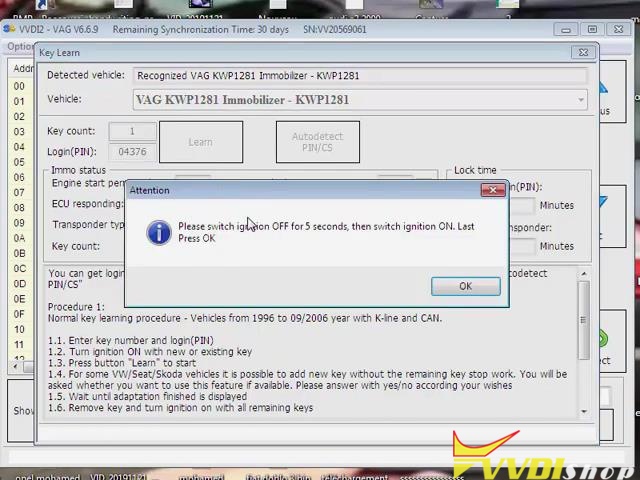
Switch ignition off for 5 seconds, then switch on, click “OK”.
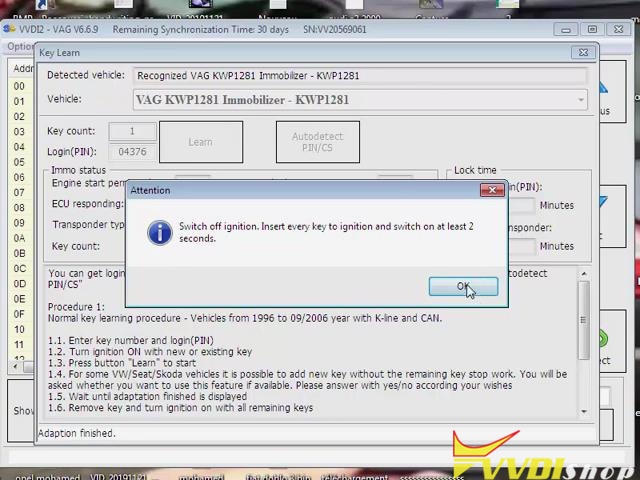
Switch off ignition. Insert every key to ignition and switch on at least 2 seconds. Click “OK”.
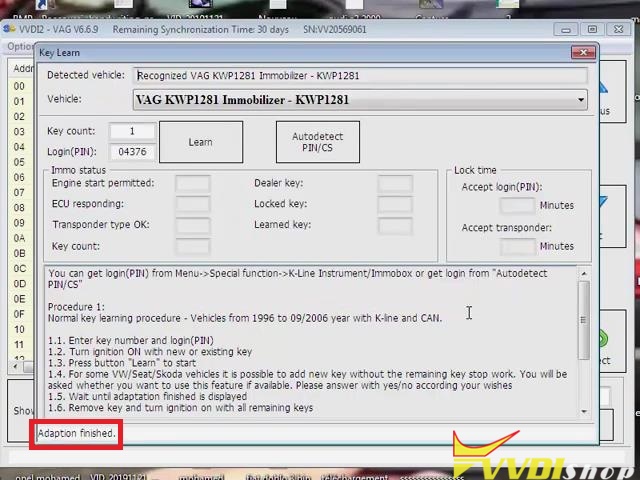
Adaption finished.
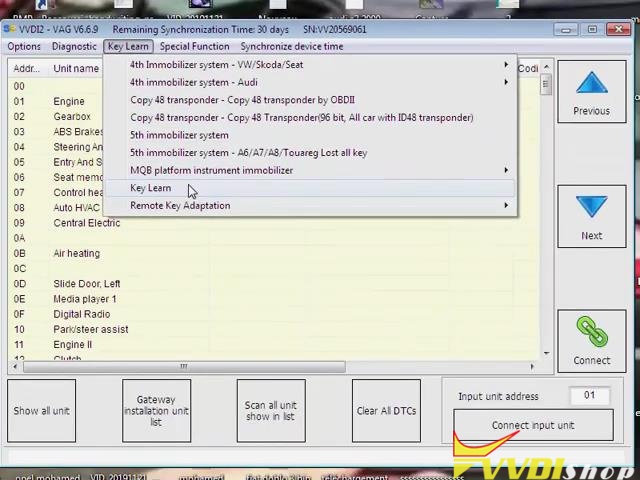
Done!
Above are a quick demonstration of using VVDI2 full Commander to program super chip for a VW Golf4. Thanks to https://www.vvdishop.com/
VVDI Mini OBD Program Mazda CX5 2010 All Keys Lost
How to use Xhorse VVDI Mini OBD Tool to program new keys for a 2017 Mazda CX-5 when all key lost?
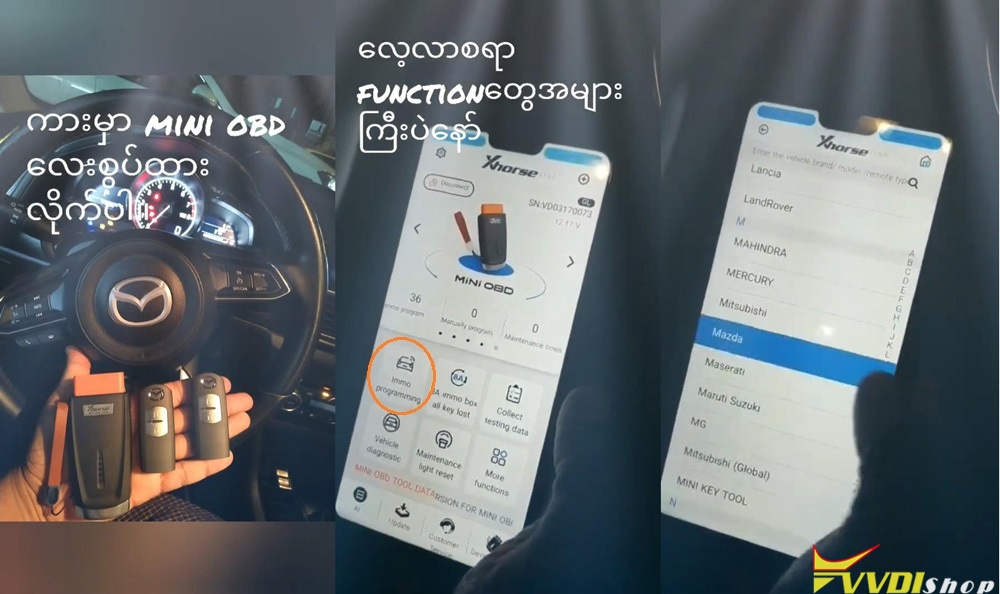
I am gonna use the Mini OBD Tool to add these 2 smart keys. Insert Mini OBD Tool to Mazda, connect it with smart phone via Bluetooth, let’s start:
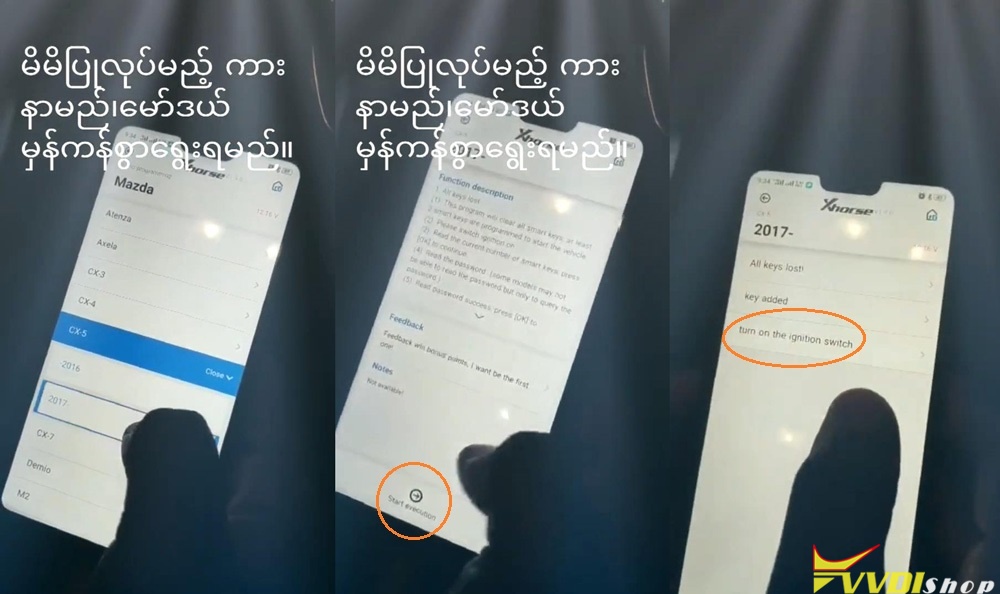
Immo programming >> Mazda >> CX-5 >> 2017 >> Start execution
Wait until 100%…
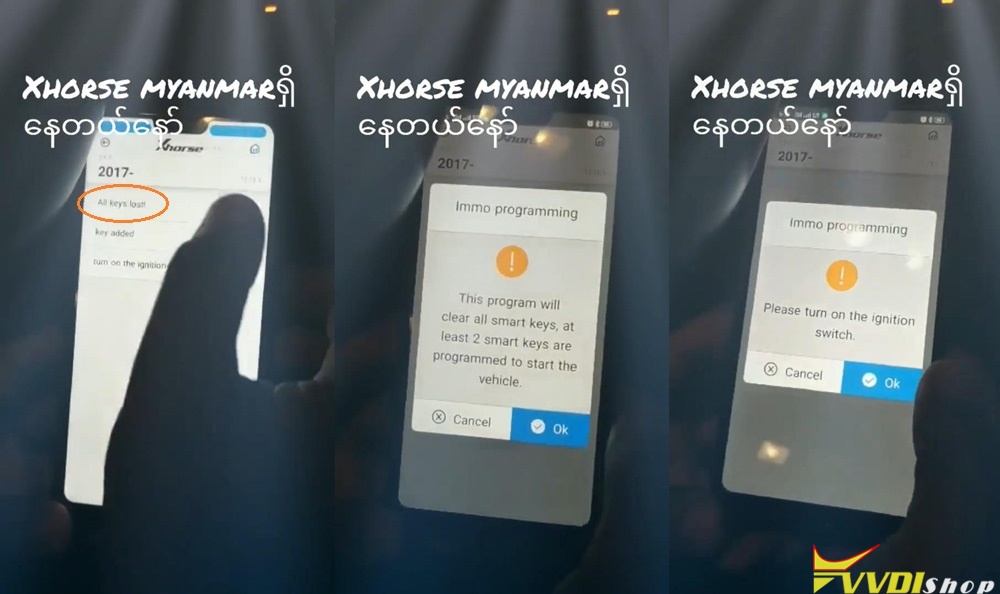
Turn on the ignition switch.
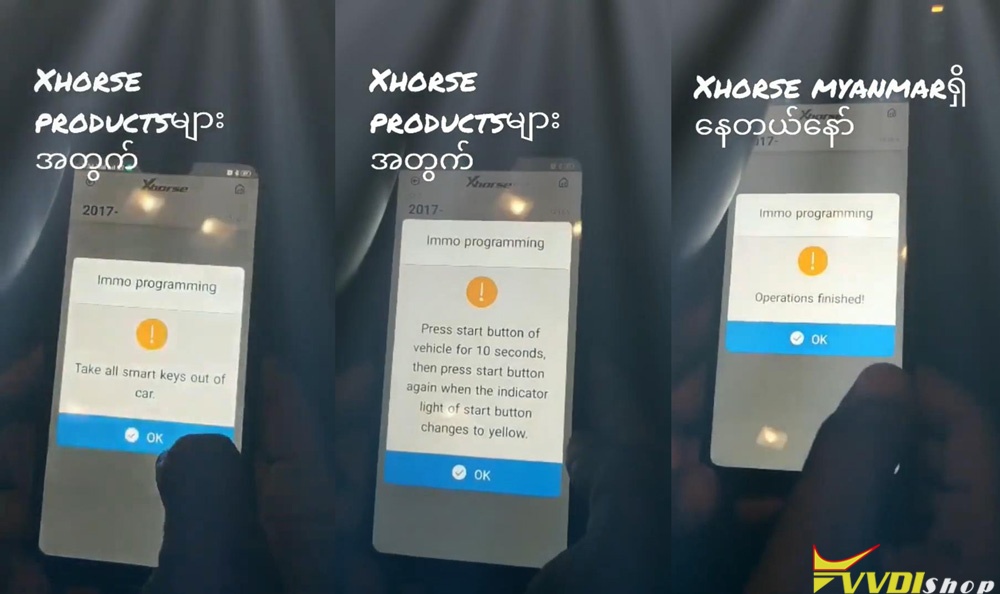
Take all smart key out of car, press “OK”.
Press start button of vehicle for 10 seconds, then press start button again when the indicator light of start button changes to yellow. Press “OK”.
Operations finished, press “OK”.
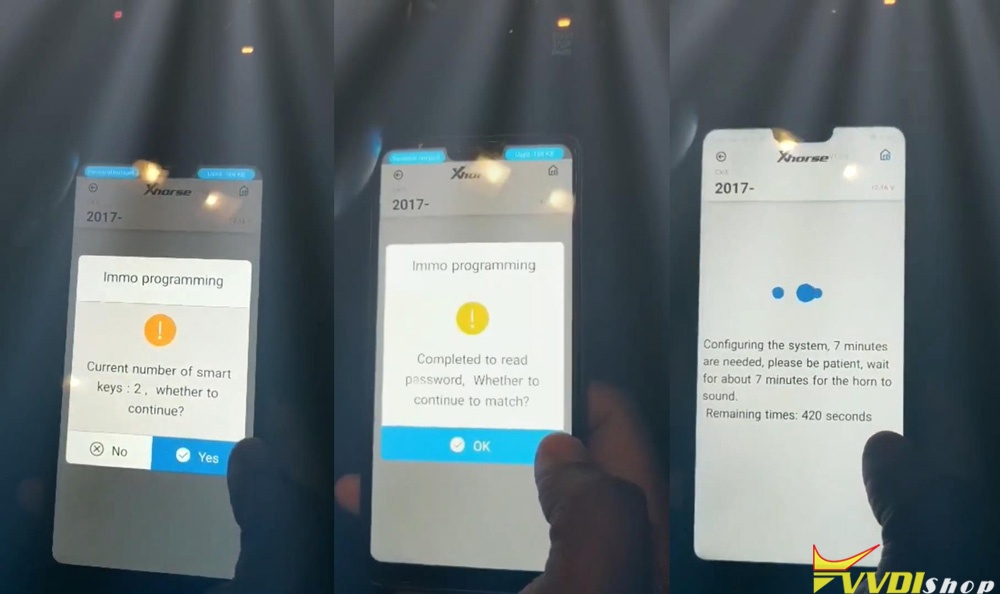
All key lost >> OK >> Turn on the ignition switch, press “OK” >> Yes
Reading the password…
Press “OK” continue to match.
Configuring the system, please wait 7 minutes…
Turn off ignition switch, press “OK”.
Turn on ignition switch, press “OK”.
Keep the logo end of the smart key close to smart button, press “OK” to confirm.
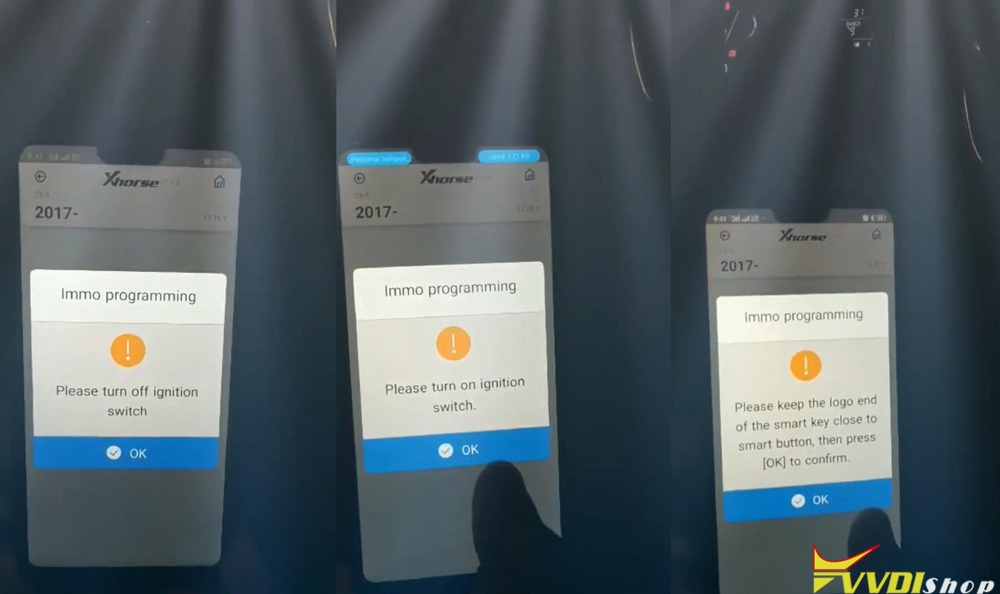
1 key matched successfully! Press “OK”.
Whether to continue? Yes.
Repeat the operations as previous: OK >> OK
2 keys matched successfully!
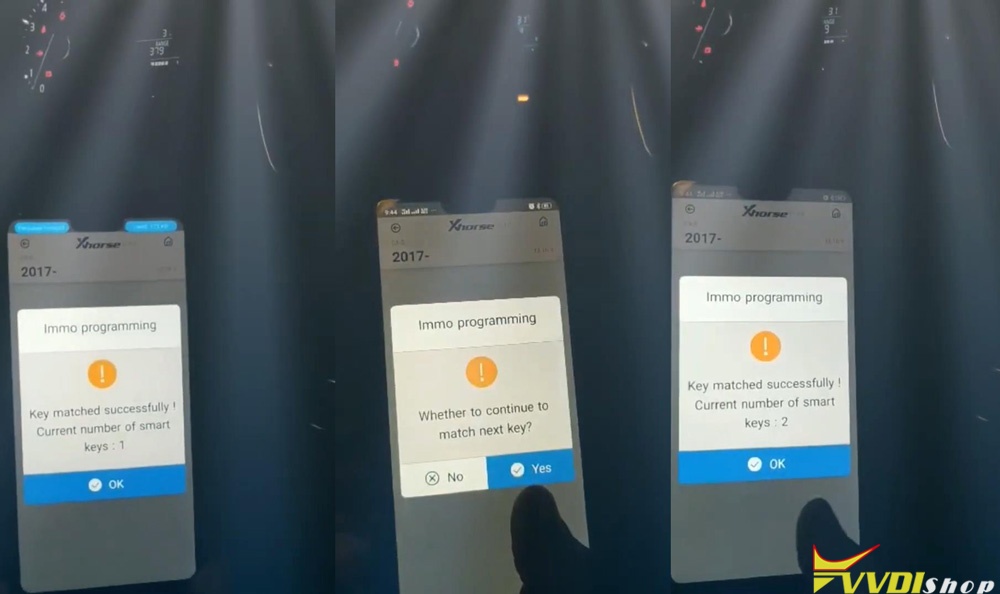
Whether to continue? No.
Follow the notes to complete key programming, press “OK”.
Operations finished!
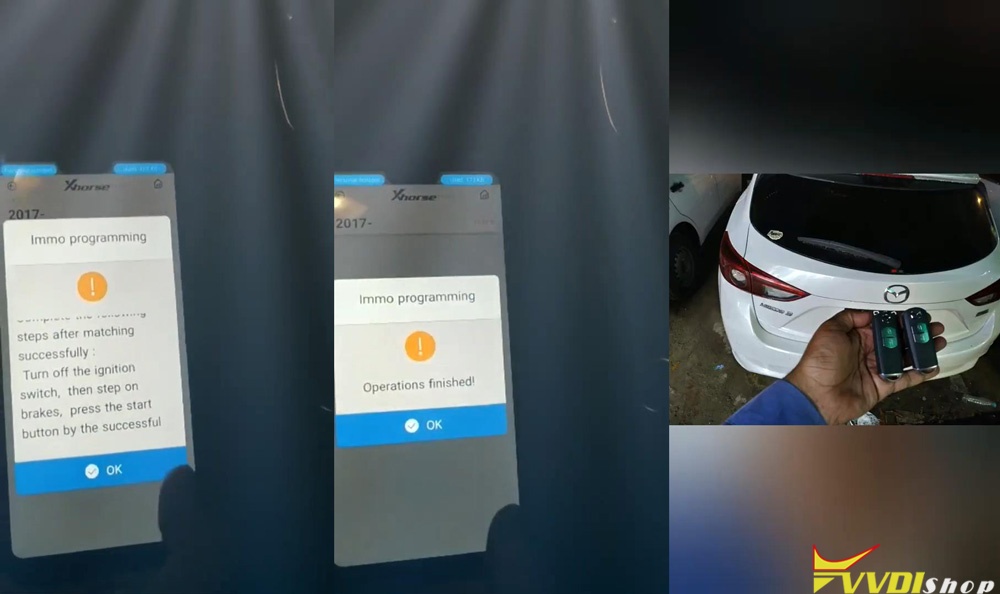
Done!
This is using VVDI Mini OBD Tool to add new smart keys for a 2017 Mazda CX-5 when all key lost. Perfect to be done in 4 minutes.
VVDI Key Tool Plus Pad Adds Audi Q7 2010 Kessy Key
Xhorse VVDI Key Tool Plus Pad new test report: successfully added a new key on an Audi Q7 4th generation immobilizer.
Main Steps:
1. Read EEPROM
2. Make dealer key
3. Learn key
Procedure:
Connect key tool plus pad with vehicle
Insert original key into ignition
Turn on vvdi key tool plus pad, select IMMO Programming->Audi->Select by Type->4th IMMO System-Audi->A6L/Q7/Allroad
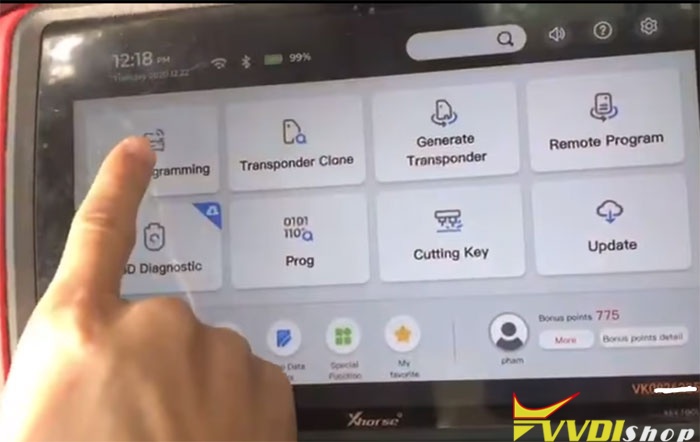
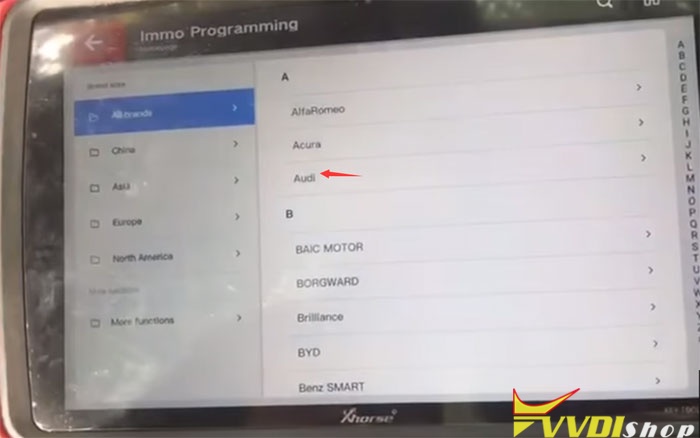
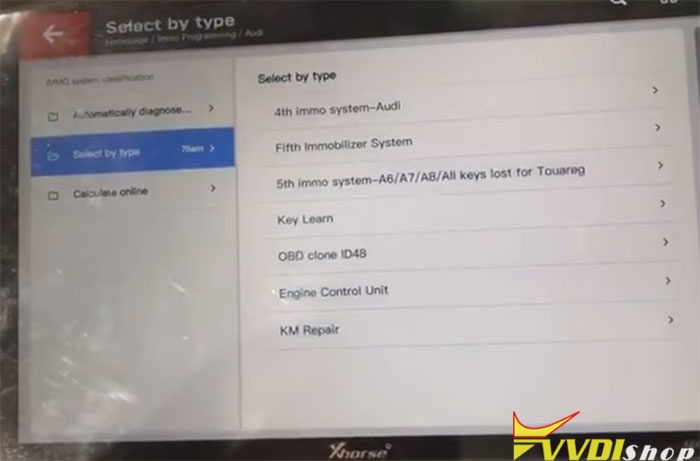
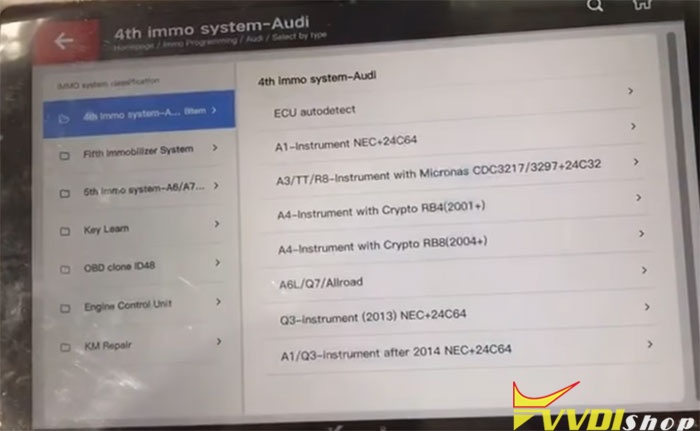
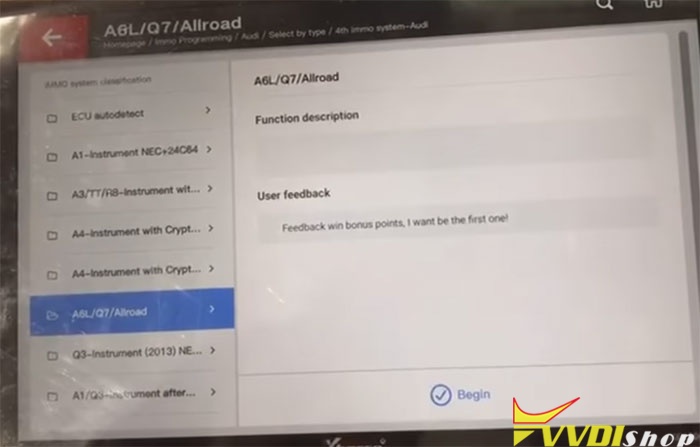
Begin to program key
Select Read EZS Kessy EEPROM by OBD->Read J518 EEPROM (9S12DT128)
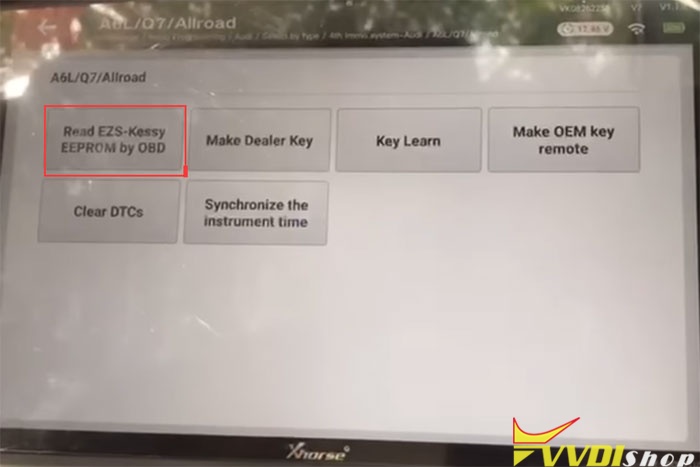
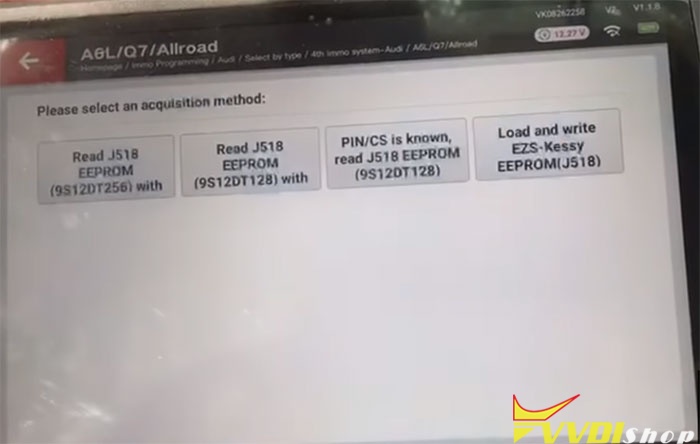
Most car before 2009 use chip 9S12DT128, most car after 2009 use chip 9S12DT(G)256
but there’s some car in 2009, you need try yourself
Start transfer/receive data
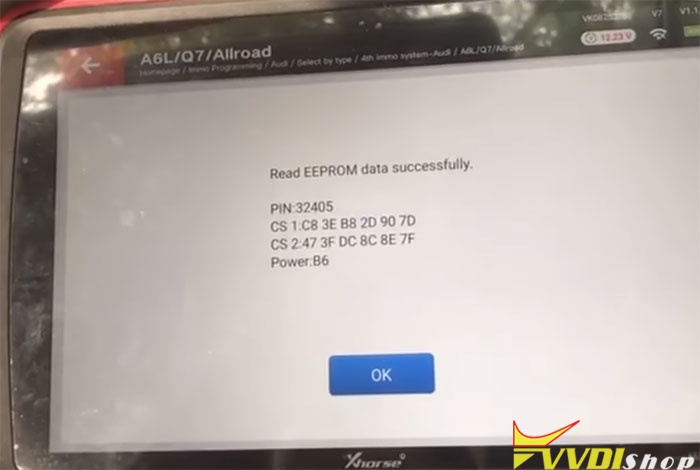
Read EEPROM data successfully
Switch OFF ignition, then switch ON
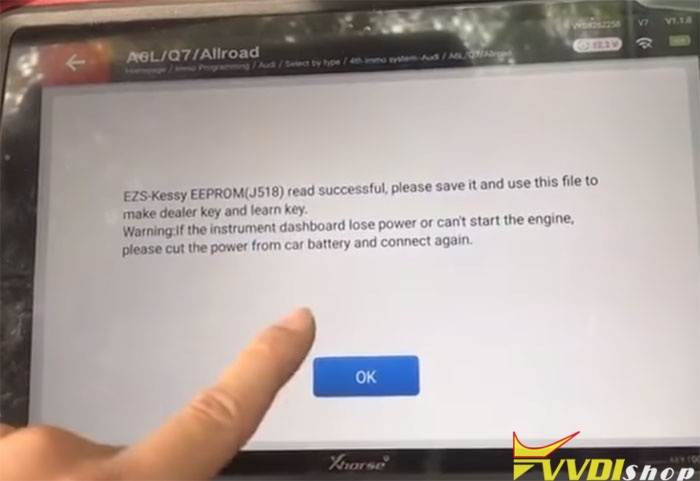
EZS Kessy EEPOM J518 read successful, save it and use this file to make dealer key and learn key
If instrument dashboard lose power or can’t start the engine, cut the power for car battery and connect again
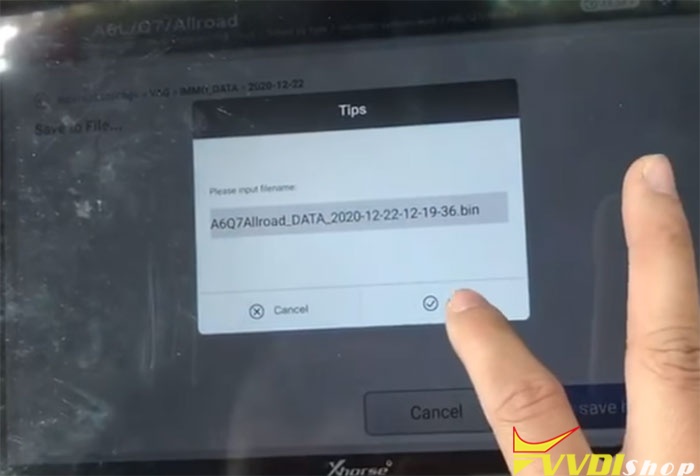
Save file success
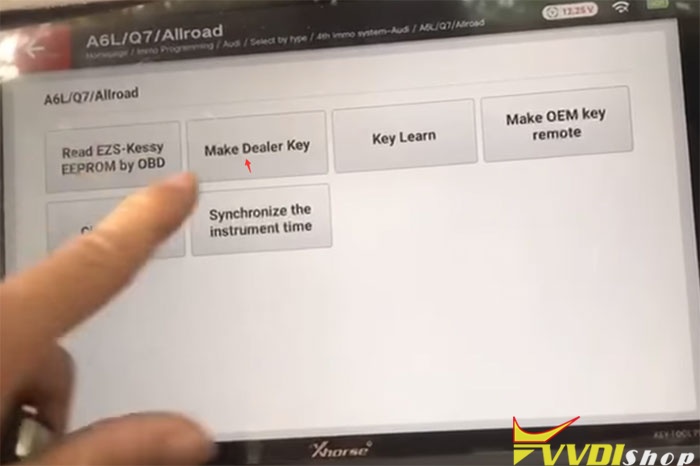
Select Make Dealer Key
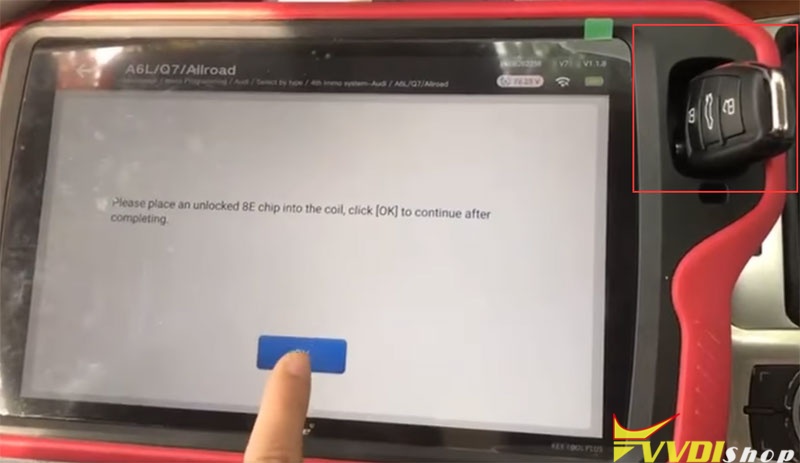
Place an unlocked 8E chip into the coil, click OK to continue
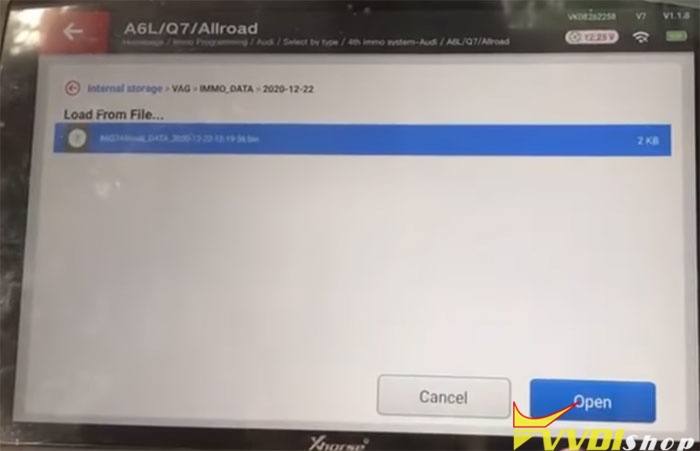
Select eeprom file just saved
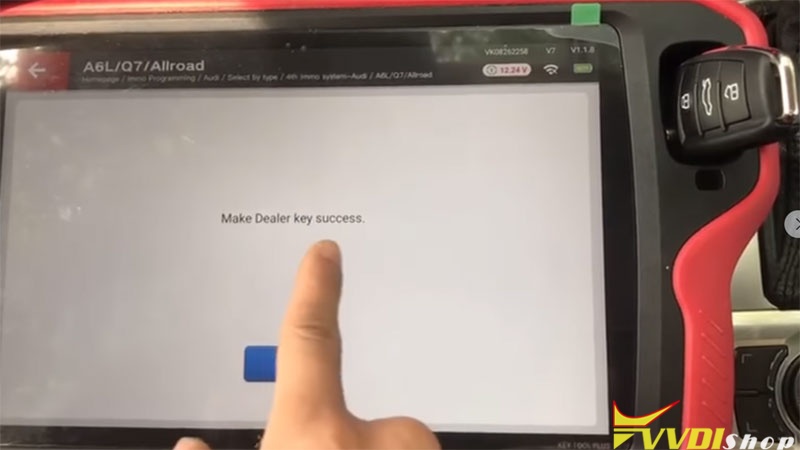
VVDI Key Tool Plus makes dealer key success
Select Key Learn function
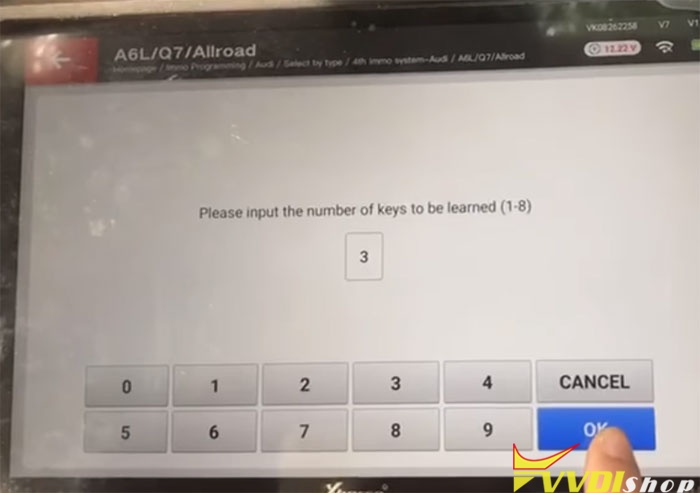
Enter number of keys you desired to learn
Start learning key
Insert the dealer keys into ignition switch in turn, and keep firing for 2s. the key change interval should be less than 5s, click ok after complete the programming
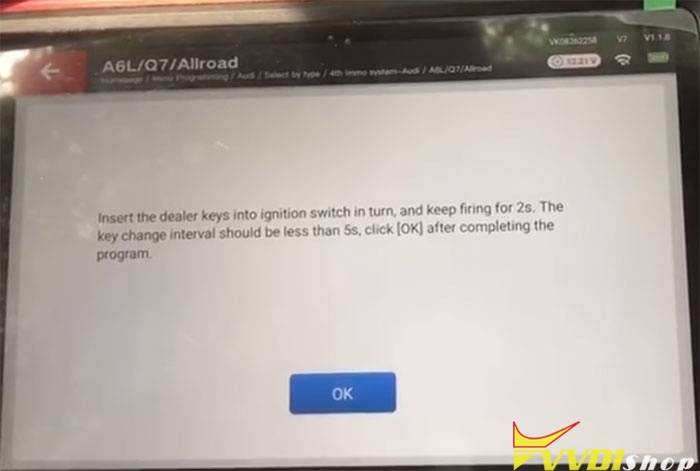
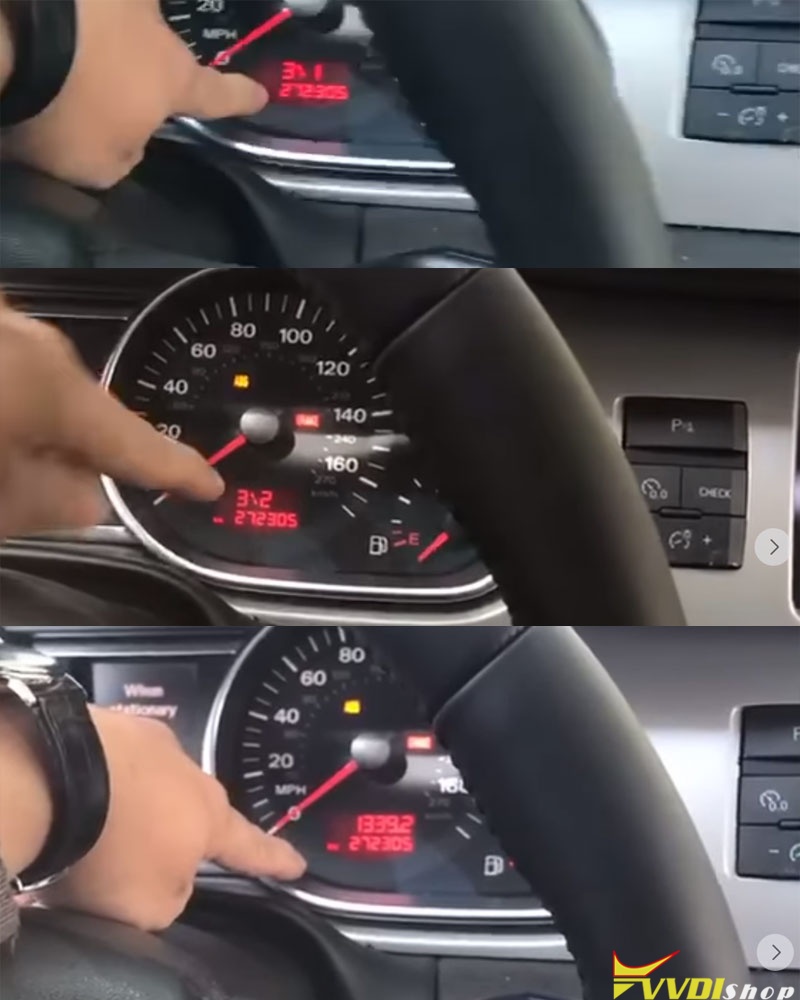
All keys successfully learned
Test all keys, remote control and start vehicle
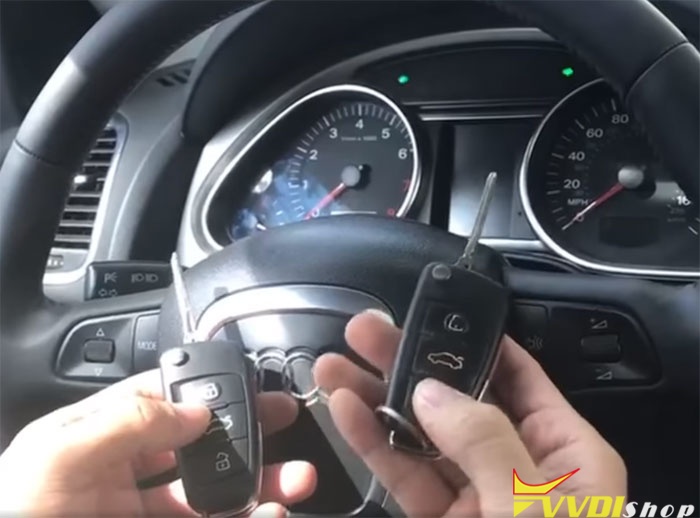
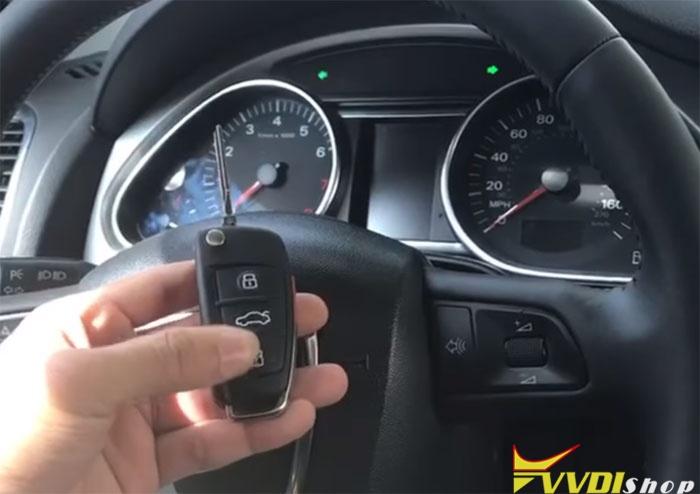
Done.
http://blog.vvdishop.com/vvdi-key-tool-plus-adds-audi-q7-2010-key/
Customize Key Data for Xhorse Dolphin XP005?
When we need to cut some keys that cannot find in Xhorse Dolphin XP005 database, customize key data function maybe a good option to realize. This function is designed for experienced locksmiths.
Procedure
Go to Xhorse app, connect to Dolphin XP005 machine:
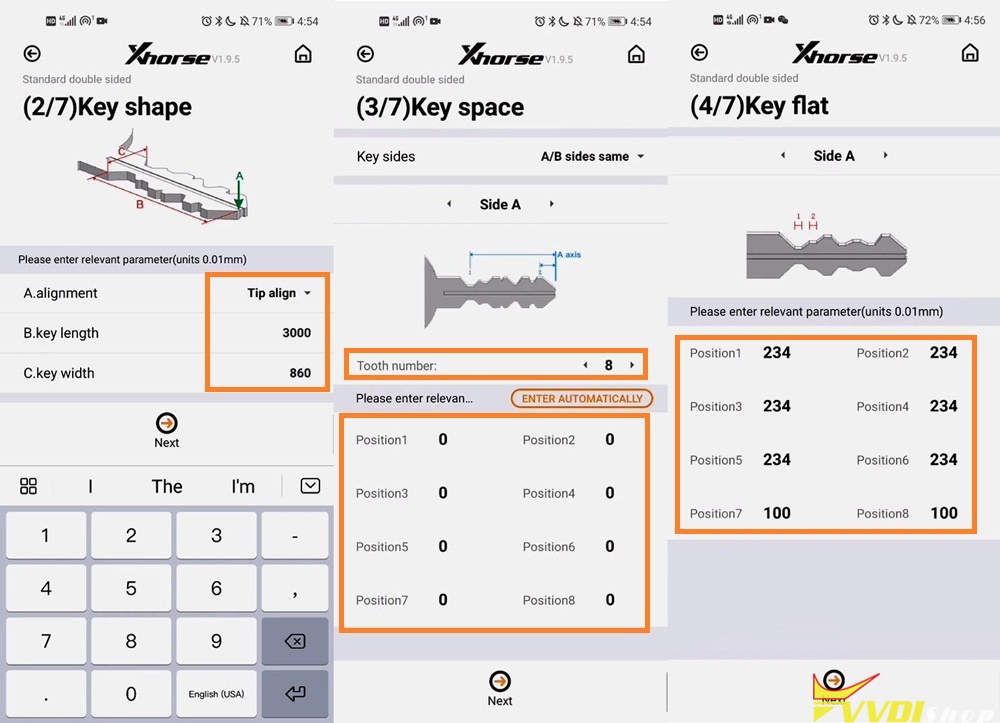
Customize key data >> Add mode >> Standard double sided
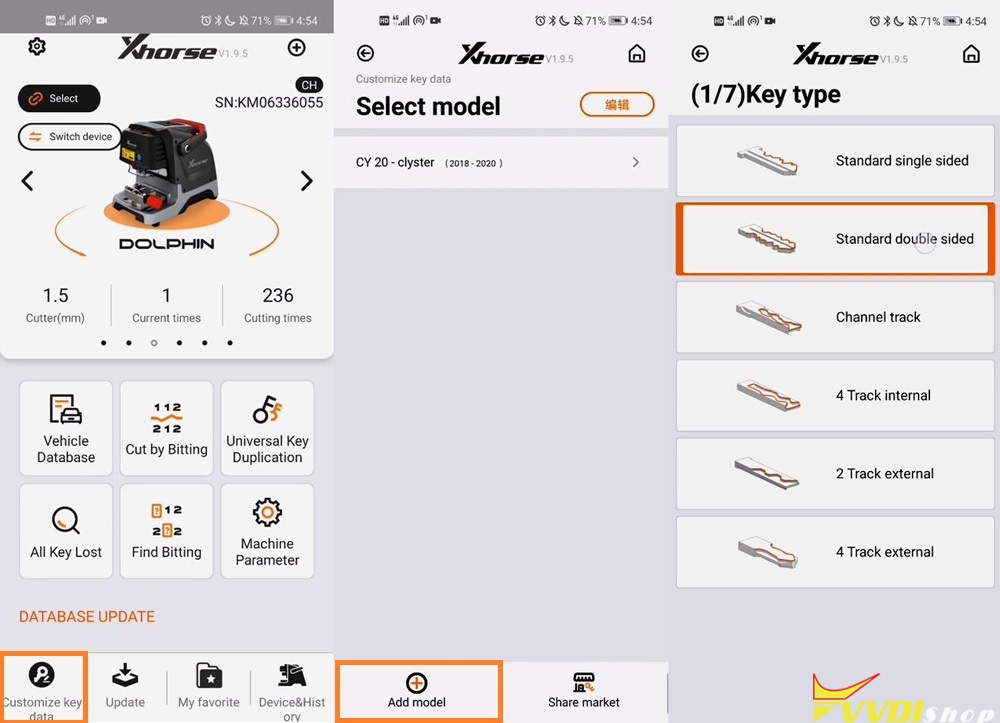
Enter relevant parameter, including alignment, key length, width. Press “Next” to continue.
Enter each position of key space, total 8 teeth will need to enter 8 positions. Press “Next” when finished.
Enter each position parameter of key flat, press “Next” when finished.
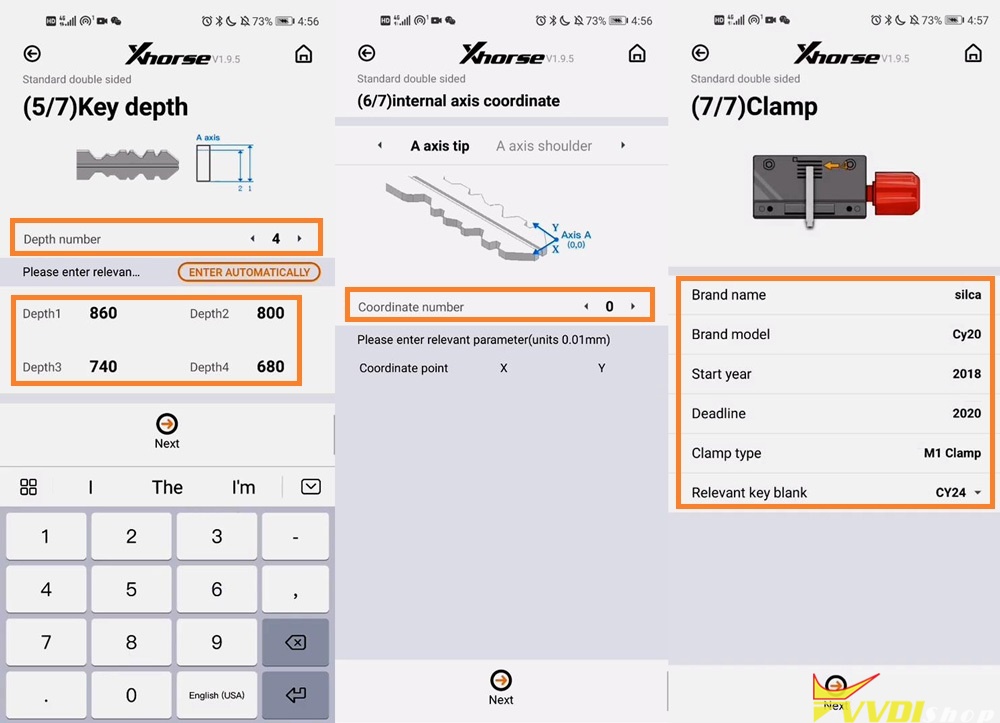
Enter the key depth number and relevant parameter, press “Next” to go on.
Enter coordinate number if have, press “Next” if do not have.
Enter all details, select clamp type and relevant key blank, press “Next”.
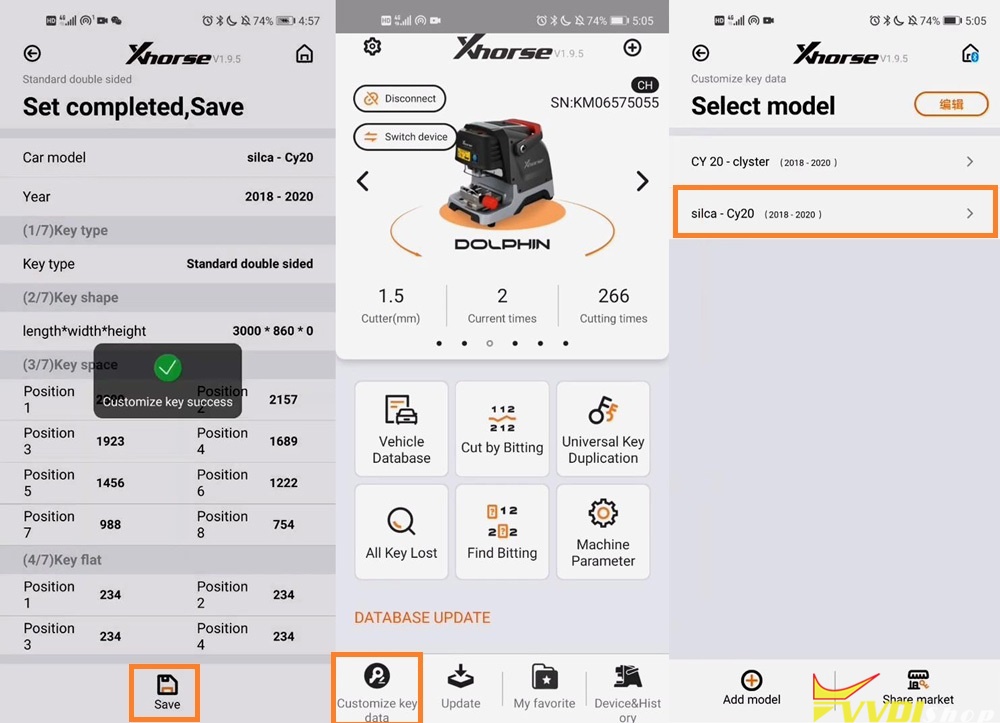
Confirm all key data, press “Save” to finish.
Customize key success.
Operation
Go back to main menu:
Customize key data >> Select customized mode
OK >> Enter depth keyboard of each position >> Cutting key >> Continue
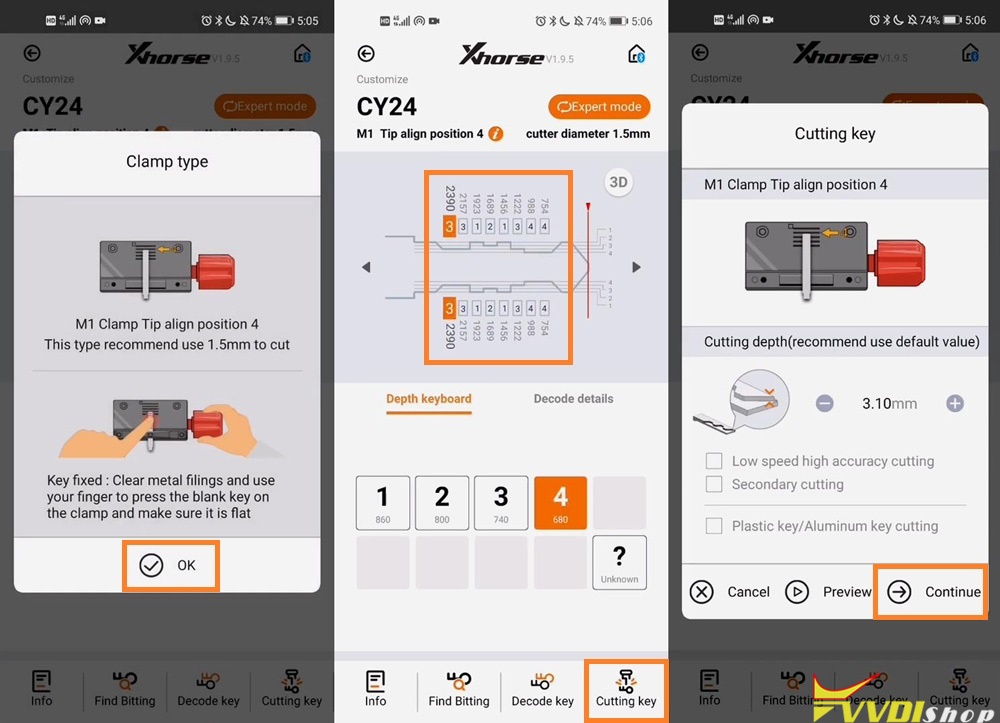
Dolphin XP-005 starts cutting key…
Cutting key completed, let’s have a try, it does work.
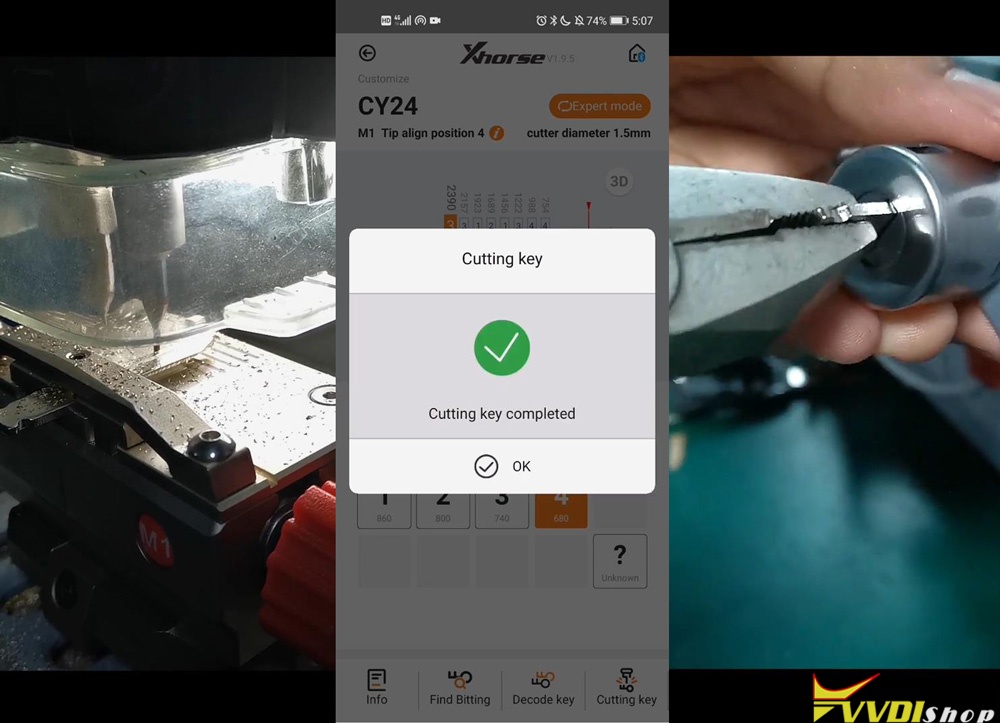
This is a quick guide of how to customize key data for Dolphin XP005 Key Cutting Machine. It solves the frequent key cutting problem for locksmith who may meet, makes cutting keys easily.
https://www.vvdishop.com/service/customize-key-data-for-dolphin-xp005.html