ابزار Xhorse VVDI
Xhose VVDI نرم افزار برنامه نویس اصلی و سخت افزارابزار Xhorse VVDI
Xhose VVDI نرم افزار برنامه نویس اصلی و سخت افزارHow to Fix Xhorse Dolphin XP005 Error 56?
Problem
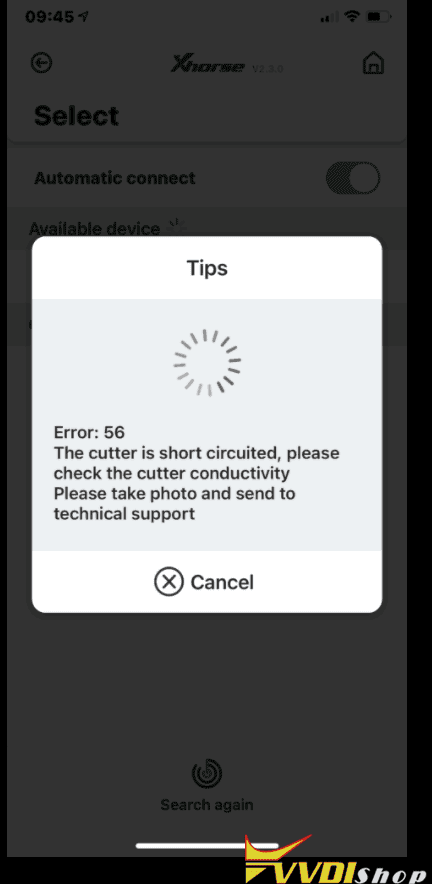
I have successfully cut 3 keys via Xhorse Dolphin XP005 + VVDI Key Tool Max until the 4th key, it prompted “Error:56. The cutter is short-circuited, please check the cutter conductivity. Please take photo and send to technical support.”
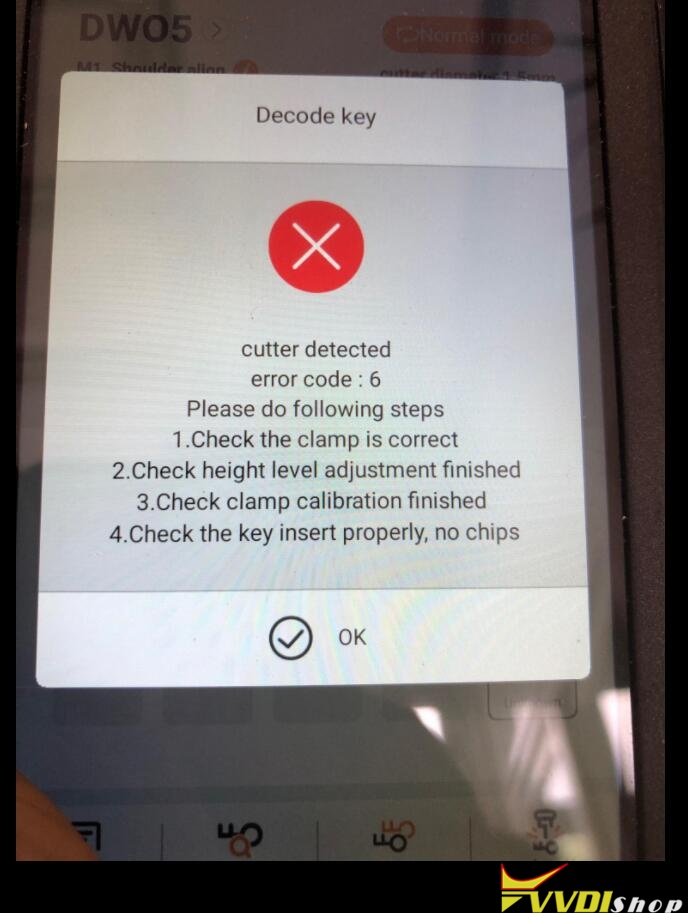
The error still exits even if I use other devices to control Dolphin XP005, it occasionally occurs cutter detected error code: 6 as below
“Please do following steps
- check the clamp is correct;
- Check height level adjustment finished;
- Check clamp calibration finished;
- Check the key insert properly, no chips.”
I can’t use Dolphin XP005 machine anymore, I can’ do calibration or anything else. Please help me.
Solution
- Just take apart the LED lamp cover to brush the scrap iron;
- Do a electrical conductivity measurement after cleaning, take a video to VVDIshop engineer for help.
How to do electrical conductivity measurement for Dolphin XP005?
http://blog.vvdishop.com/xhorse-dolphin-xp005-electrical-conductivity-measurement/
Hope it helps.
Xhorse VVDI2 All Update Errors in Upgrade Kit
Here is the working solution to Xhorse VVDI2 key programmer various update error codes via Upgrade Kit.
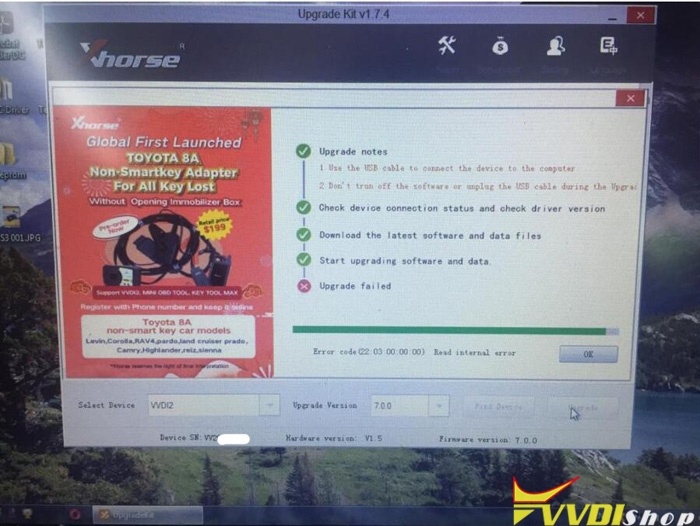
Error Code 1:
Error code (22:03:00:00:00) Read Internal Error
Error Code 2
Error code (402:03:02:A5:0E) Upgrade Failed
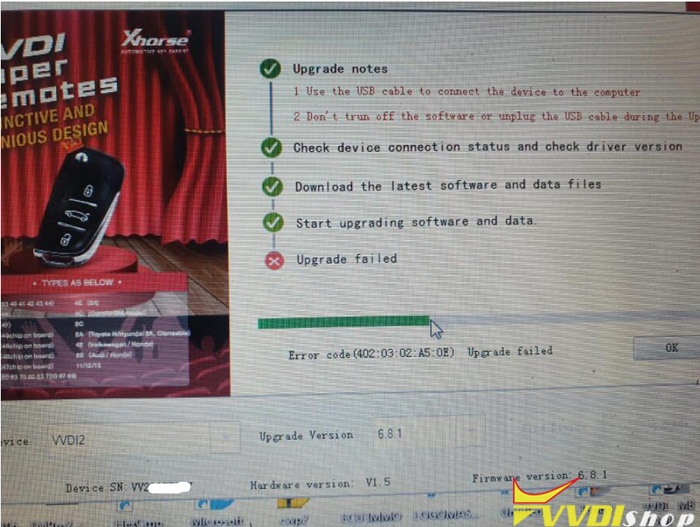
as well as other update failed error codes, follow solution below:
1. Change another USB cable, other COM ports or laptop
2. Try to Fix internal error 1 or 2 in Xhorse upgrade kit,
Then update vvdi2 again.
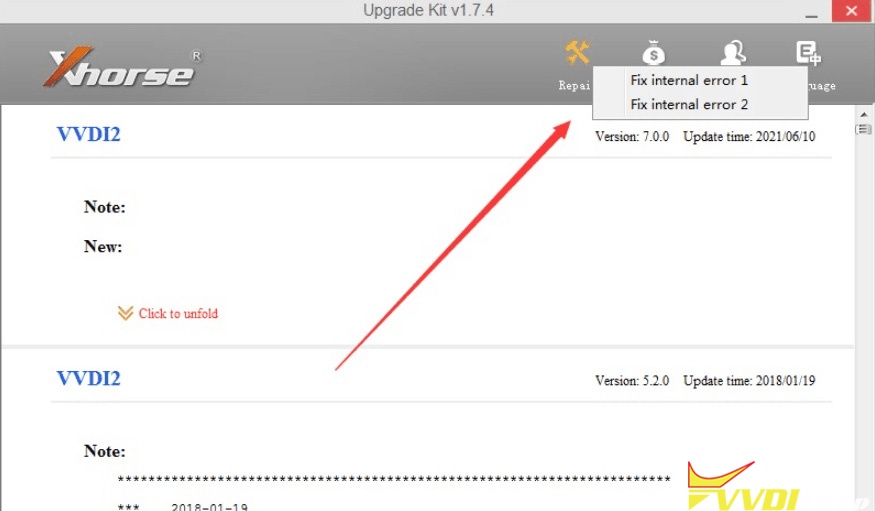
3. If still fails after doing all the above, vvdi2 is damaged, need to send back for repair.
Keyless Entry/Go for 2014 Nissan Versa via Xhorse Smart Key Box
How to use Xhorse Smart Key Box to add keyless entry for a 2014 Nissan Versa? Today I’m gonna work with the Key Tool Max + VVDI Mini OBD Tool to do it. That means I can use my phone to lock or unlock the car as long as I approach.
- Program a New Working Remote
Plug Mini OBD Tool into OB2 port, connect with Key Tool Max, press
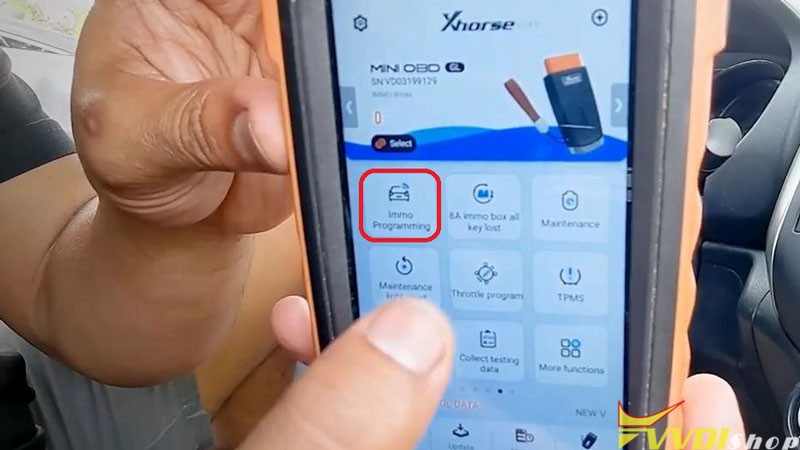
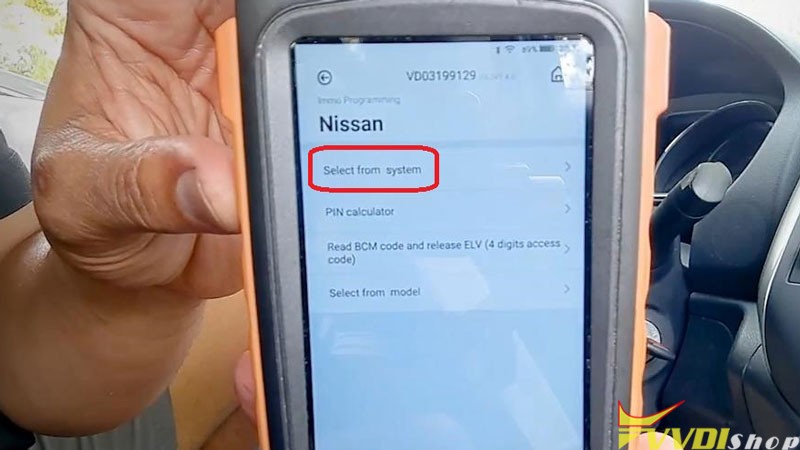
Immo programming >> Nissan >> Select from system >> Remote key adaptation >> Type 1 >> Start execute >> Program a remote
Press UNLOCK button of remote…
Immo programming success.
Test the key to make sure it can work.
Go to next step.

- Setup Smart Key Box
- Remove the screws to open Smart Key Box, remove PCB board from programmed key;
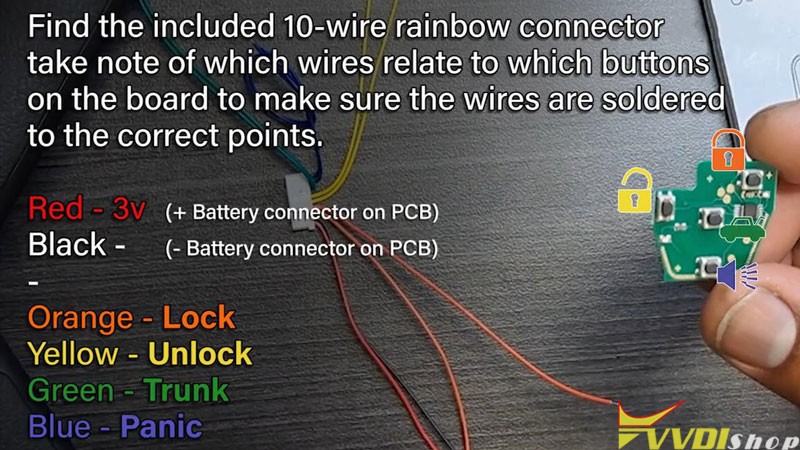
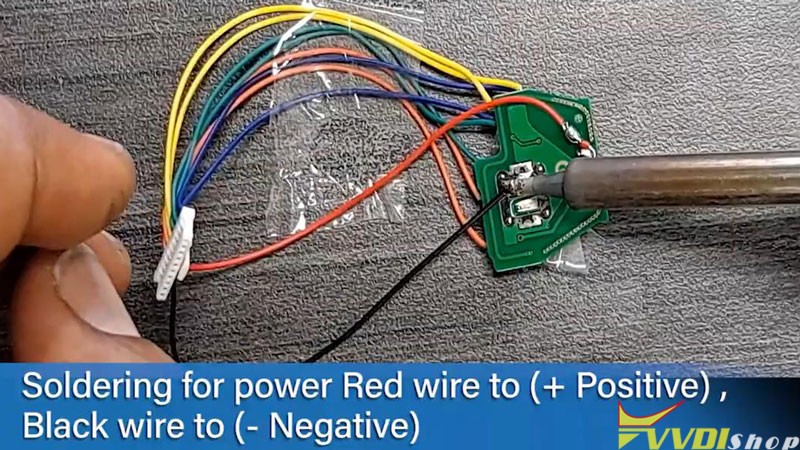
- Soldering the rainbow wires to correct points, soldering the power Red wire to Positive, Black wire to Negative;
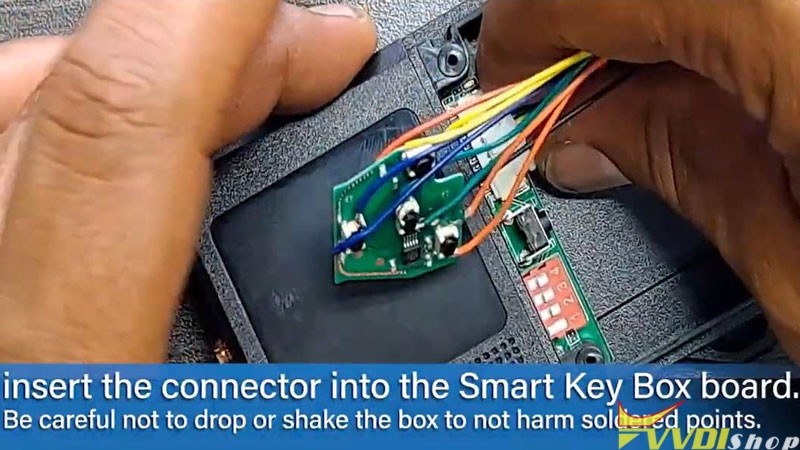
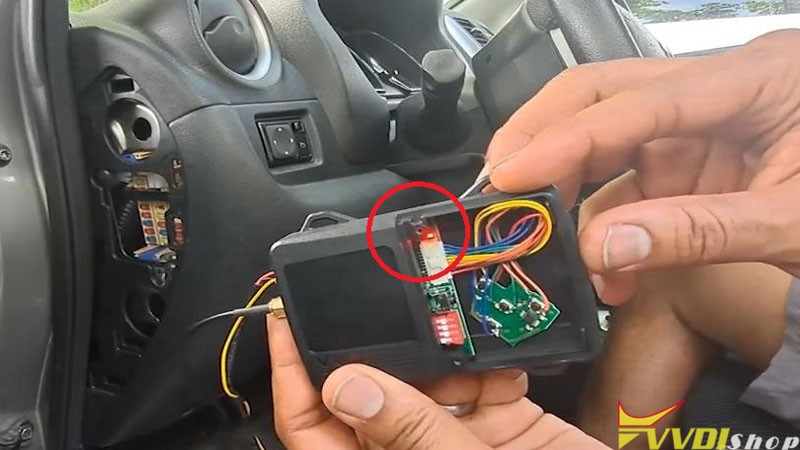
- Insert the connector into Smart Key Box, turn the dipswitch-1 to ON, connect RF antenna & OBD to the vehicle;
- Press & hold the learning button until 3s beep, the indicator lights up;
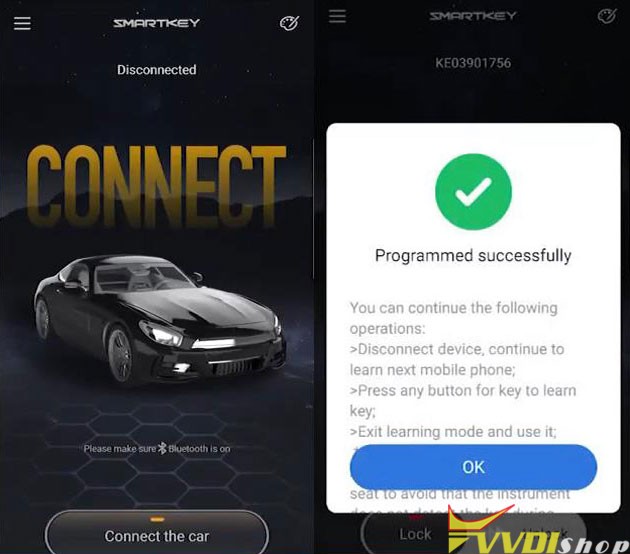
- Open smart key app & Bluetooth, press “Connect the car” to bind the phone, press any button for key to learn key. Check: Where to download Smart key box app?
Note: once learning mode has stared, it’s best to connect all phones or extra remotes desired at the same time, though learning mode can be activated again after this point through the options.
(Smart Key Box can save 6 remotes/phones at one time in addition to car remote count.)
- To end learning mode, holding the button again until 3s beep and indicator is off.
- Test Keyless Entry/ Go
Test by leaving vehicle and approaching to check if all settings are working.
– Hold the phone screen and go away, the car has locked.
– The car is unlock as soon as I come approaching to the vehicle with the screen.
Done!
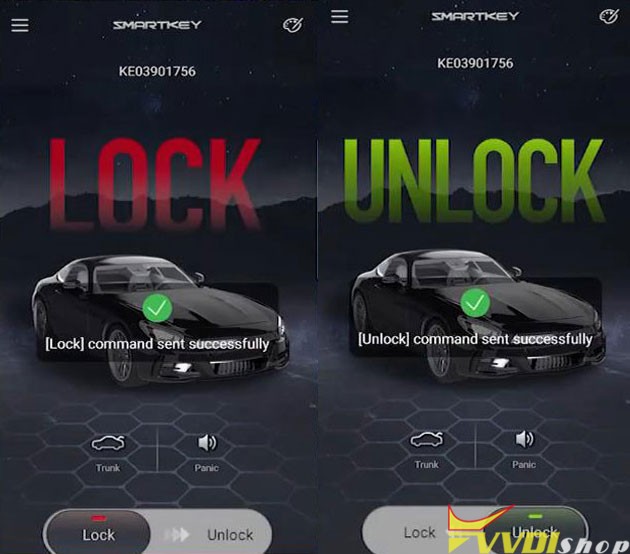
Tips: Smart Key App Settings
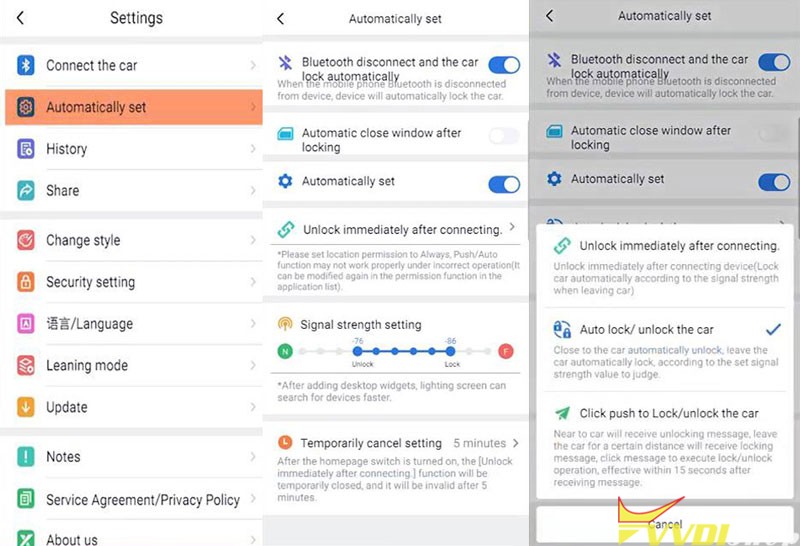
Settings >> Automatically set >> set Bluetooth to “Automatically set”
Adjust new settings until sensitivity matches your desires, you can set it to “Auto lock/unlock the car”.
Go back to “Change style”, here you can pick a new look, add or remove buttons, change icons to match other possible functions.
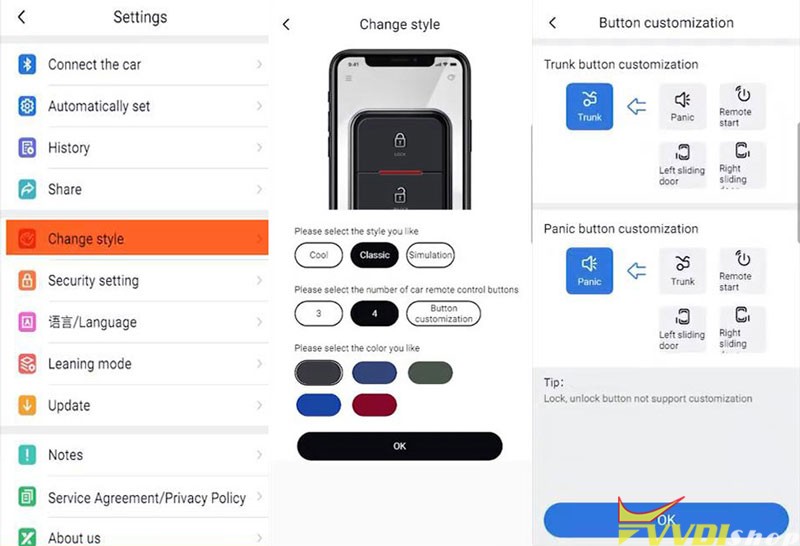
Smart Key Box is an incredibly simple and easy to install, the function woks great. With it, car owner can go anywhere without having to take a key along.
Program BMW 523i CAS4 1L15Y Key with Xhorse Key Tool Plus
Xhorse VVDI Key Tool Plus supports to add a new smart key for BMW 523i CAS4 1L15Y via OBD successfully. No need CAS disassembly, 5 minutes to be done.
- Read Key Info
Prepare a working key & a new key, connect VVDI Key Tool Plus with OBD.
And turn ignition on, press
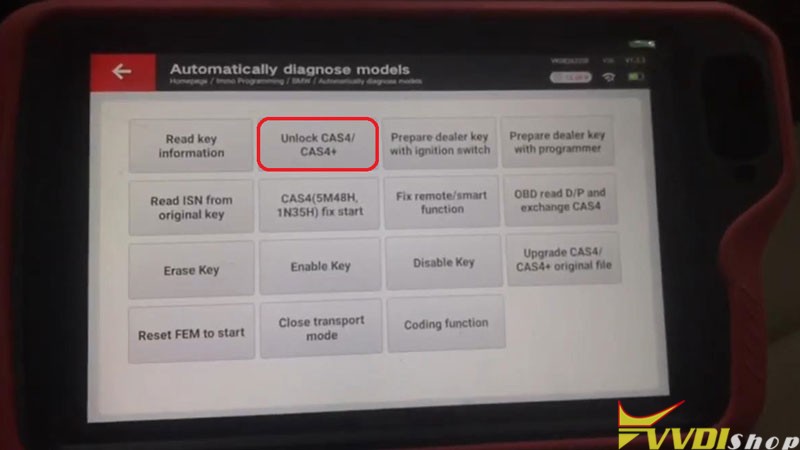
Immo programming >> BMW >> Automatically diagnose models >> Start programming
The current system type is detected as CAS4 1L15Y.
Please wait…
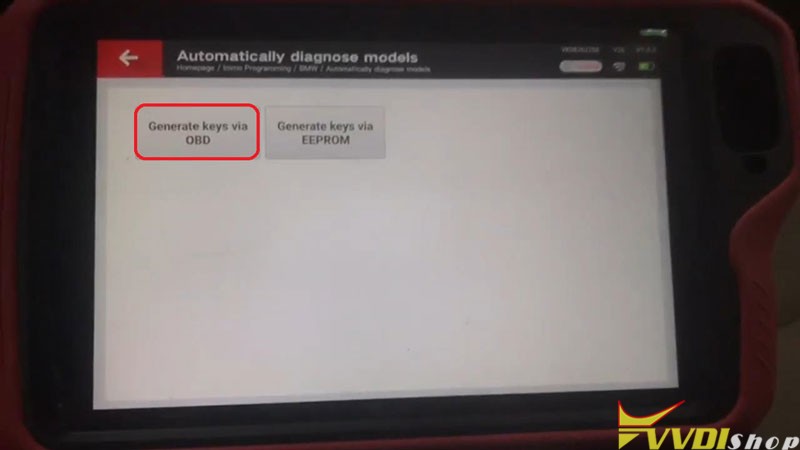
Generate keys via OBD >> Read key information >> Continue >> Continue
Note: prepare dealer key require unlock CAS4, enable key and disable key no need unlock CAS4!


- Unlock CAS4
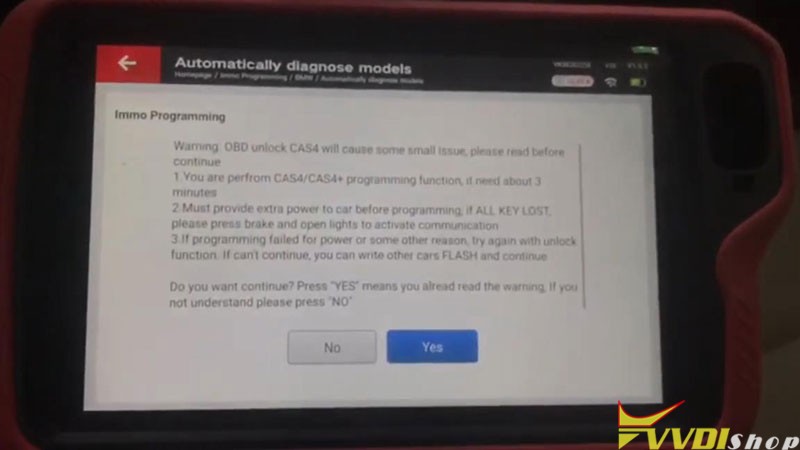
Unlock CAS4/CAS4+ >> Yes >> Save here, Rename, OK
Updating flashing…(please don’t touch any button on the car!)
Wait processing until 100%.
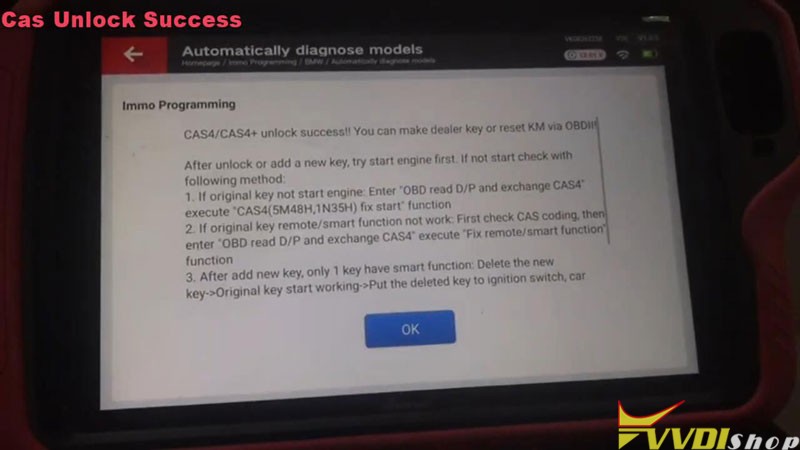
CAS4/CAS4+ unlock success!

- Program New Key
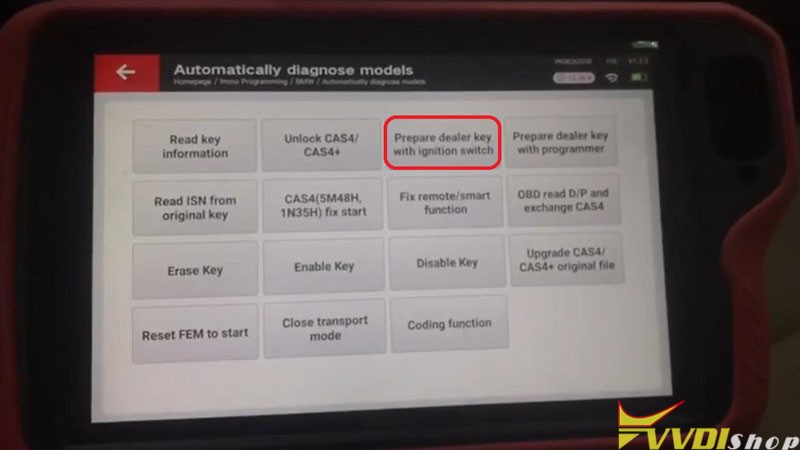
Prepare dealer key with ignition switch >> Select a blank key position: Key 4 >> Record key info, OK
Insert the new key into ignition or keep the new key close to emergency start position of the vehicle.
Learning key, please wait…
Key learn success!
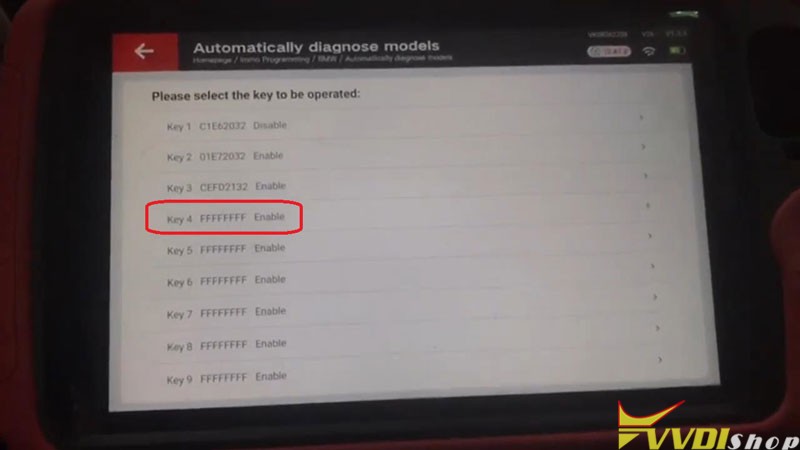
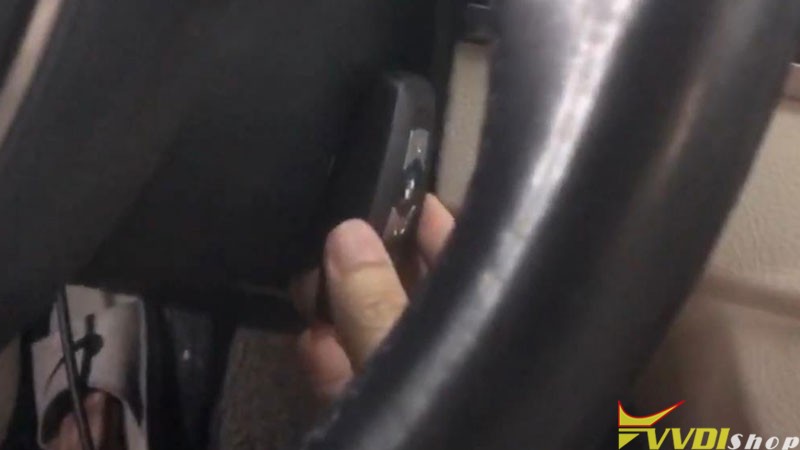
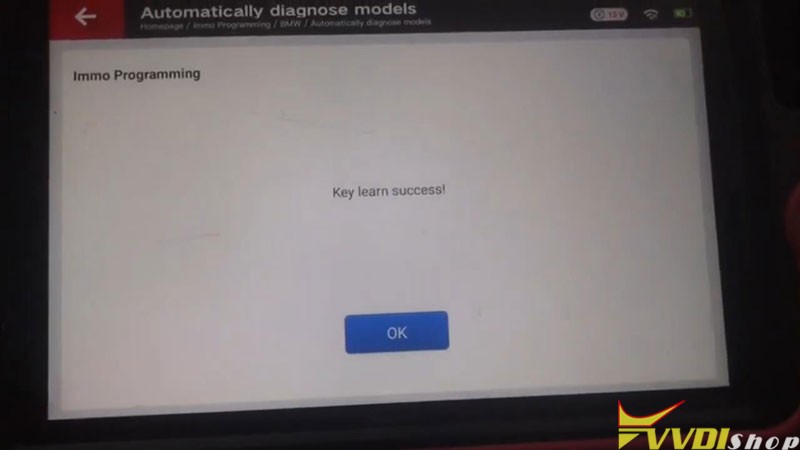
Test the keys now, both can work well.
Done!
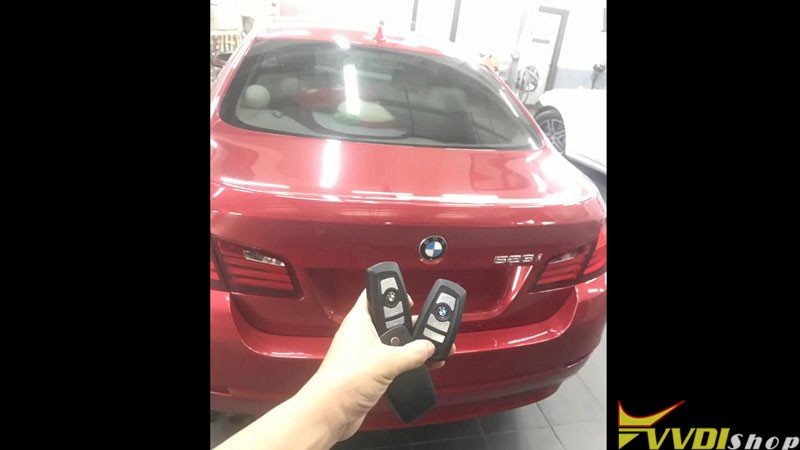
This is how to use VVDI Key Tool Plus to program a BMW 523i CAS4 1L15Y key via OBD.
Xhorse Dolphin XP005 cut Volvo NE66 Key
Just got a new device Xhorse VVDI Key Tool Plus recently, so today I wanna test it to control Dolphin XP005 Key Cutting Machine to cut a Volvo NE66 key.
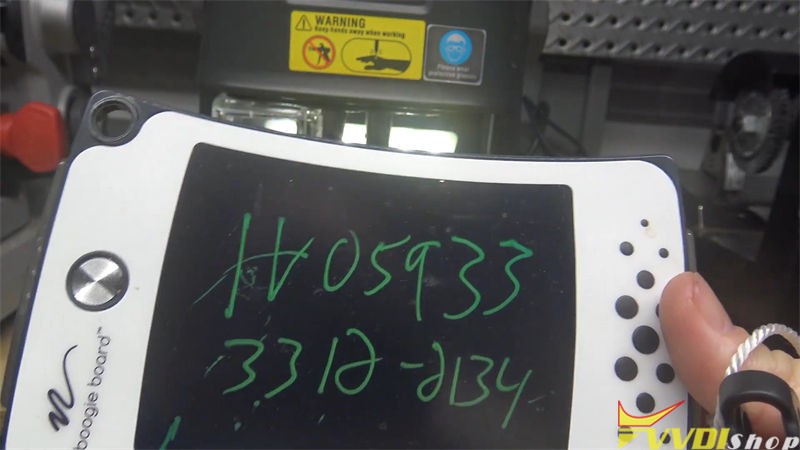
Firstly you should get the bitting key code, it’s H05933, 3312-2134.
After connecting Key Tool Plus with Dolphin XP005, press
Cutting key >> All key lost >> Volvo >> Input key code, query >> NE66, 4-4 bitting
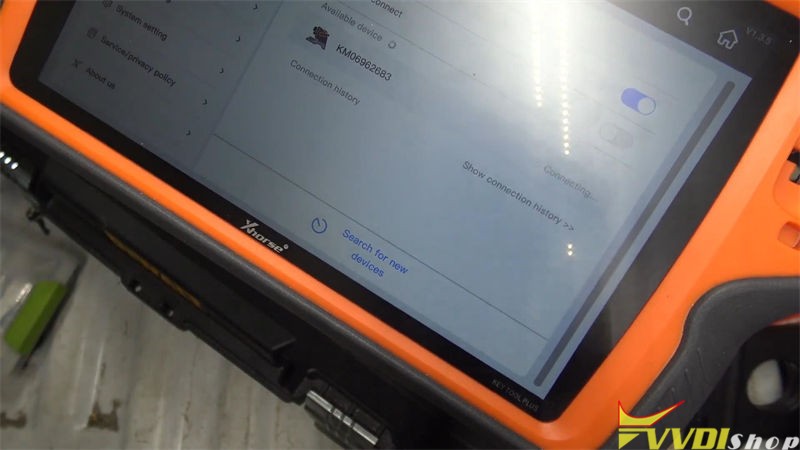
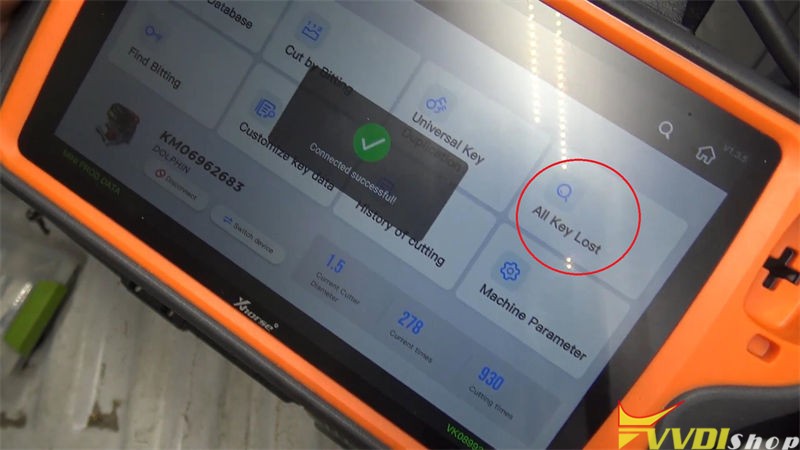
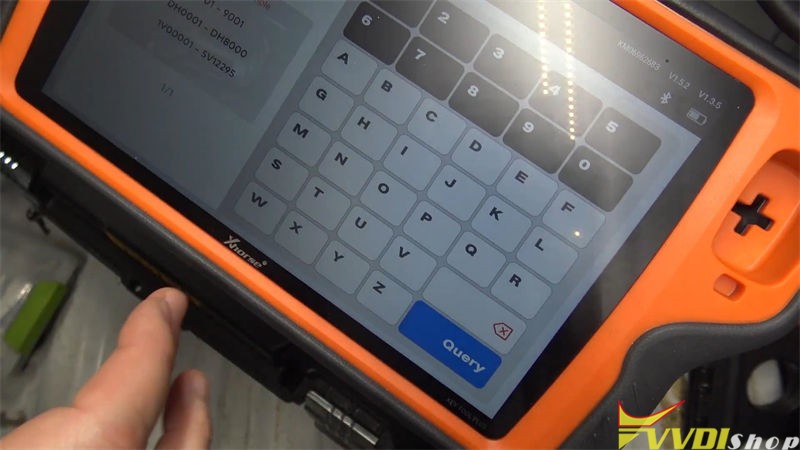
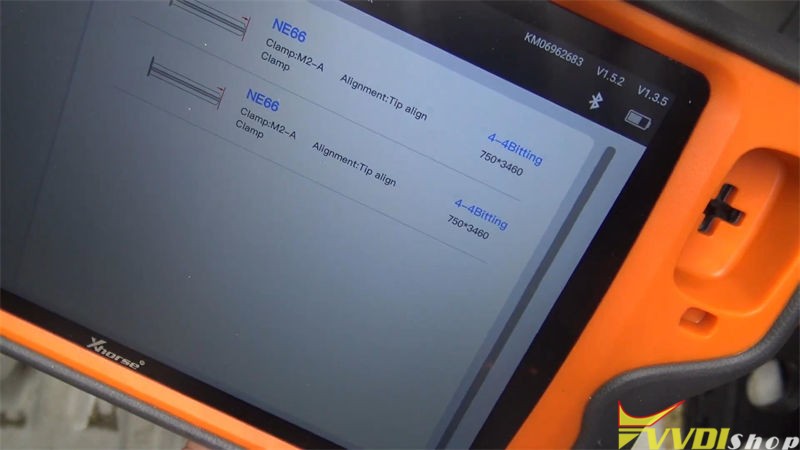
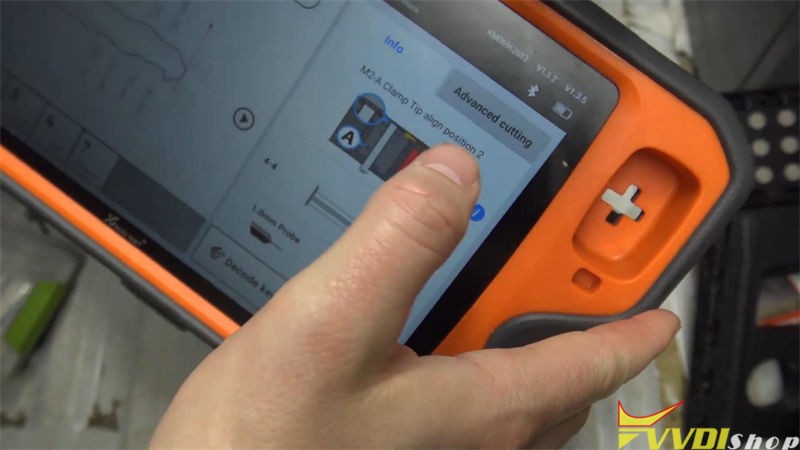
It shows the key bitting and requires to install M2-A clamp tip align position 2.
Fix the key blank on M2 clamp firmly, press “Cut”.
Dolphin XP005 machine starts cutting…
Wait cutting finished.
Then turn over to cut the other side.
Press “Cut” to wait…
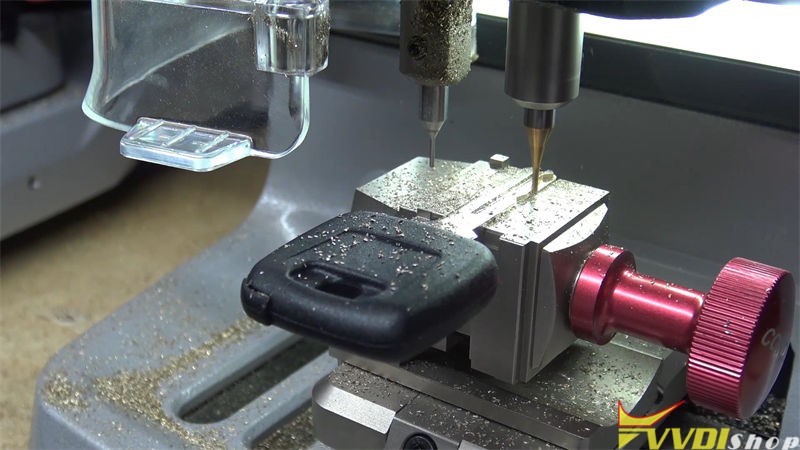
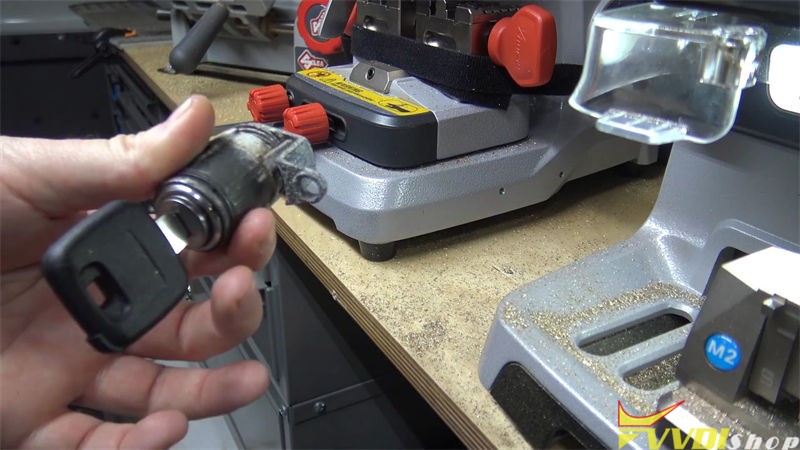
Alright, completed!
Let’s try it in the door lock, it can work smoothly.
Done!
This is using VVDI Key Tool Plus to control Dolphin XP005 to cut NE66 when all key lost. It also supports to smart control other Xhorse machines like Condor XC-Mini Plus, XC-Mini and Panda.