ابزار Xhorse VVDI
Xhose VVDI نرم افزار برنامه نویس اصلی و سخت افزارابزار Xhorse VVDI
Xhose VVDI نرم افزار برنامه نویس اصلی و سخت افزارXhorse VVDI2 V6.1.0 adds MQB and FEM versions
Xhorse VVDI2 new software updateV6.1.0 adding new VW MQB and FEM/BDC versions on Jan. 7th, 2018.
VVDI2 latest software version V6.1.0 update
************************************************* *********************
*** 2018-01-07
*** Require firmware V6.1.0
************************************************* *********************
===== VAG V6.1.0 =====
1. Immoprovement for MQB prepare dealer key
a). Support change MQB key ID(support GEKO online),require use VVDI proximity remote
b). Support save synchronize data when make key with working key
c). Support make dealer key with immo data and synchronize data while all key lost
2. VW MQB add new type: Dashboard version 0555, 0556
3. Immoprovement for autodetect VAG immobilizer system
4. Support some NEC24C32 TFT dashboard
5. Bugfix
*** 2018-01-07
*** Require firmware V6.1.0
************************************************* *********************
===== VAG V6.1.0 =====
1. Immoprovement for MQB prepare dealer key
a). Support change MQB key ID(support GEKO online),require use VVDI proximity remote
b). Support save synchronize data when make key with working key
c). Support make dealer key with immo data and synchronize data while all key lost
2. VW MQB add new type: Dashboard version 0555, 0556
3. Immoprovement for autodetect VAG immobilizer system
4. Support some NEC24C32 TFT dashboard
5. Bugfix
===== BMW V6.1.0 =====
1. ECU /CAS ISN: Bugfix for change ISN for F series
2. FEM/BDC make key: Add new version, support car until 2018.11
3. FEM/BDC backup coding: Add new version, support car until 2018.11
4. Bugfix for MSV70 read ECU synchronize code(2 Bytes)
5. Bugfix
1. ECU /CAS ISN: Bugfix for change ISN for F series
2. FEM/BDC make key: Add new version, support car until 2018.11
3. FEM/BDC backup coding: Add new version, support car until 2018.11
4. Bugfix for MSV70 read ECU synchronize code(2 Bytes)
5. Bugfix
===== Porsche V6.1.0 =====
1. Bugfix
1. Bugfix
===== PSA V6.1.0 =====
1. Bugfix
1. Bugfix
===== Transponder Programmer V6.1.0 =====
1. Support generate MQB proximity remote: require use vvdi proximity remote and download latest remote database
2. Improvement for vvdi special transponder
3. Immobilizer data tool: Euro->BMW->motorcycle add new type
4. Immobilizer data tool: Euro->Iveco->Daily 93C56 bugfix
5. Immobilizer data tool: Asia->Isuzu->SX4 TC1762 bugfix
6. Immobilizer data tool: Asia->SAIC->Roewe750 add new type
7. Bugfix
1. Support generate MQB proximity remote: require use vvdi proximity remote and download latest remote database
2. Improvement for vvdi special transponder
3. Immobilizer data tool: Euro->BMW->motorcycle add new type
4. Immobilizer data tool: Euro->Iveco->Daily 93C56 bugfix
5. Immobilizer data tool: Asia->Isuzu->SX4 TC1762 bugfix
6. Immobilizer data tool: Asia->SAIC->Roewe750 add new type
7. Bugfix
===== Copy 48 (96 bits) V6.1.0 =====
1. Bugfix
1. Bugfix
===== J2534 V6.1.0 =====
1. Bugfix
1. Bugfix
===== Online Upate Tool V6.1.0 =====
1. Bugfix
1. Bugfix
===== Quick Start V6.1.0 =====
1. Bugfix
1. Bugfix
Free Download VVDI2 Software V6.1.0
https://mega.nz/#!2sxmDYCT!VXl3Dj4lgCsYr4vTLrJOfbOiGZ5DGyjTtr-ve8WdlZ8
https://mega.nz/#!2sxmDYCT!VXl3Dj4lgCsYr4vTLrJOfbOiGZ5DGyjTtr-ve8WdlZ8
VAG OBD Helper Read Audi A1 2013 4th IMMO Data
Test report from Argentine locksmith Mr.Korenfeld: read/backup IMMO4 BCM NEC24C64 data of Audi A1 2013 using VAG OBD helper and add new key with other programmer, all done via OBD.
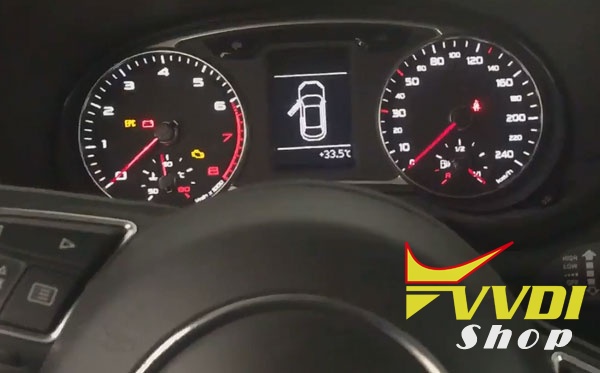
Step 1: Read IMMO data with vag helper
Connect vag helper cable with laptop and vehicle
Token is required to calculate data
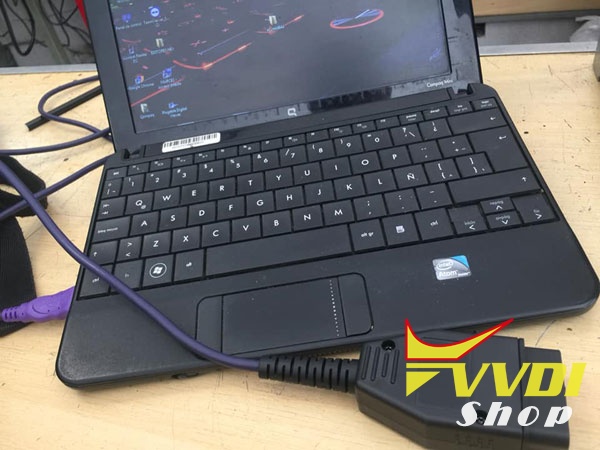
Read Car information
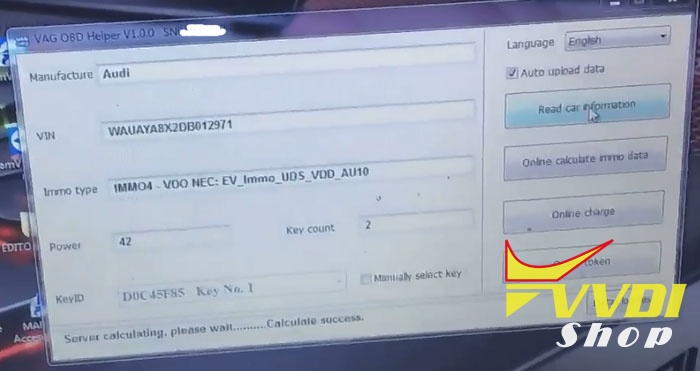
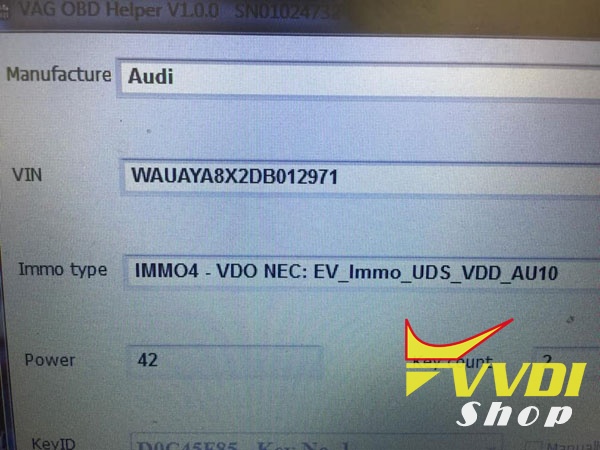
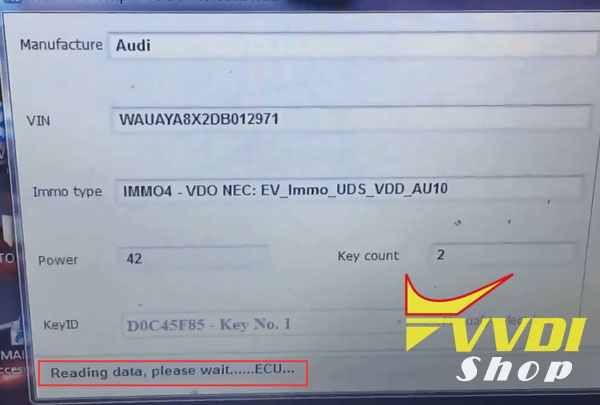
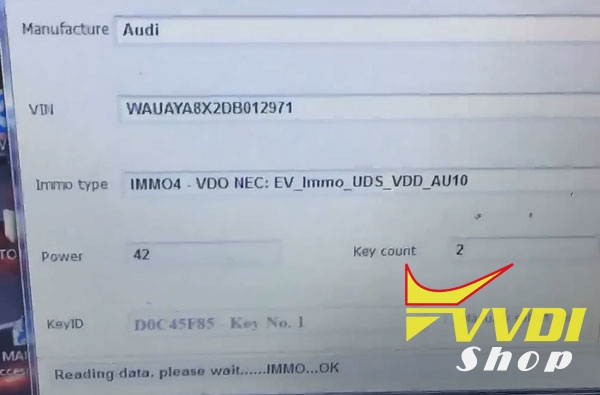
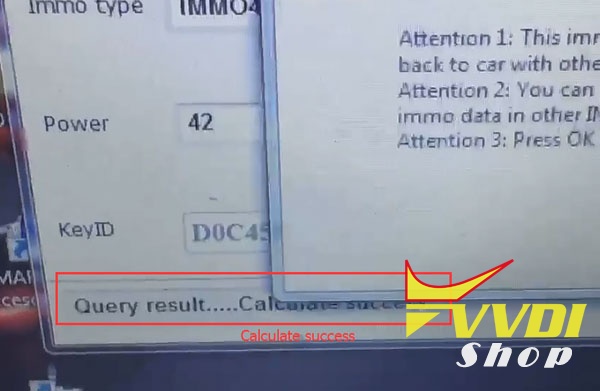
Calculate success
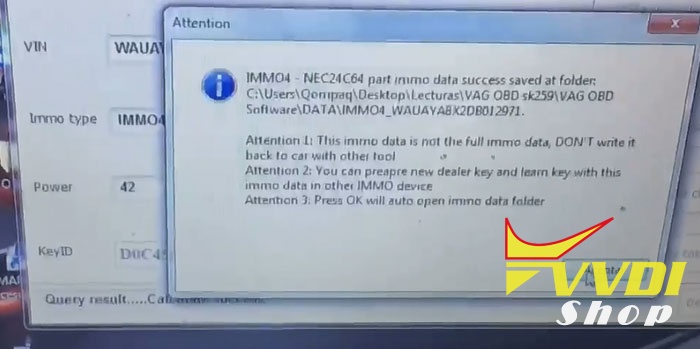
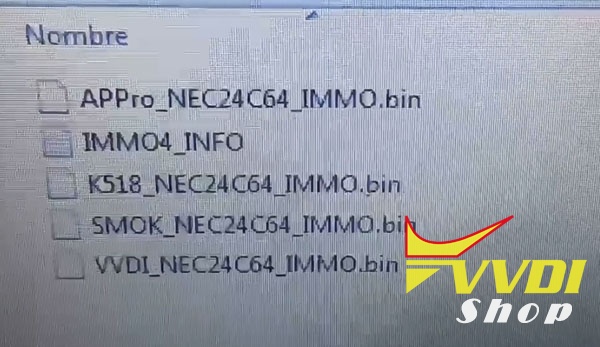
IMMO4 NEC24C64 data auto saved in vag obd software folder
Step 2: You can prepare new dealer key and learn key with this immo data in other IMMO device. i.e VVDI2, Lonsdor K518, SMOK etc.
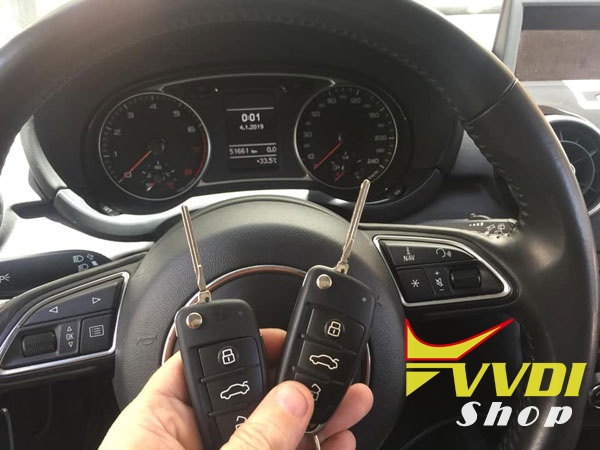
Here’s add key/all keys lost example:
http://blog.vvdishop.com/vag-obd-helper-read-audi-a1-2013-immo4-data-success/
How to Program Land Cruiser 2013 All key lost with VVDI2?
Our customer has successfully programmed a smart key to a Toyota Land Cruiser GXR 2013 Middle East model using VVDI2 and VVDI Prog programmer when all keys have lost.
Step 1: Read EEPROM data
Remove IMMO box under dashboard
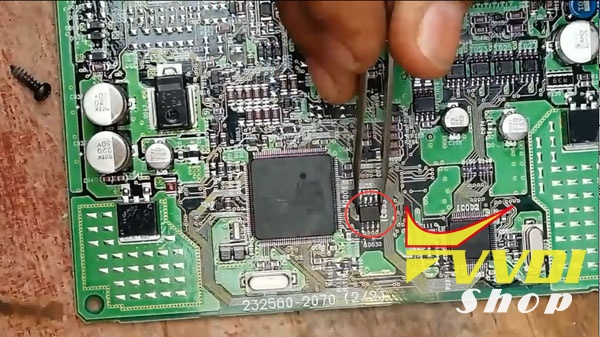
Desolder IC 93C86 EEPROM chip with a hot gun
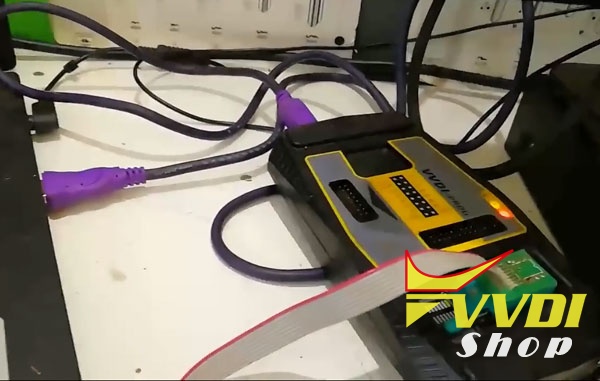
Solder the EEPROM chip to adapter and connect vvdi prog with laptop
Open vvdi-prog software
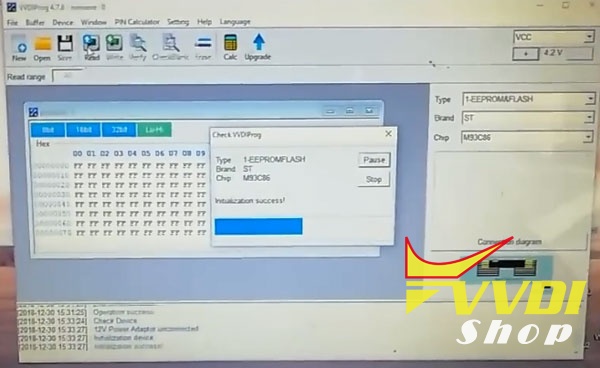
Select EEPROM/FLASH->ST->M93C86
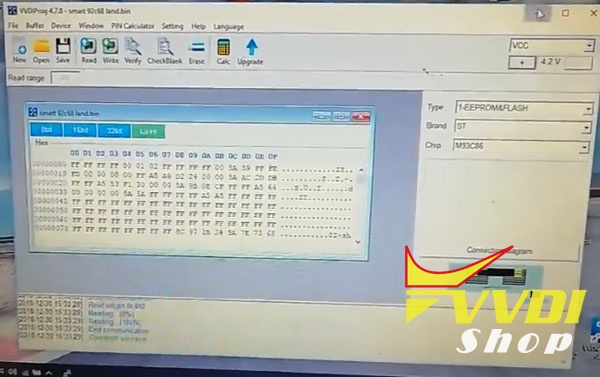
Read and save data. i.e Land crozer 2013.bin
Step 2: Prepare dealer key
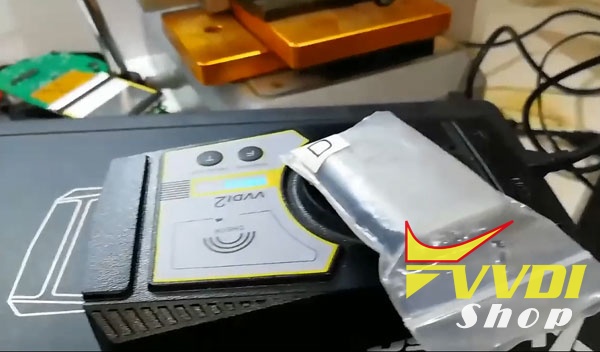
Connect Xhorse VVDI2 key programmer with laptop
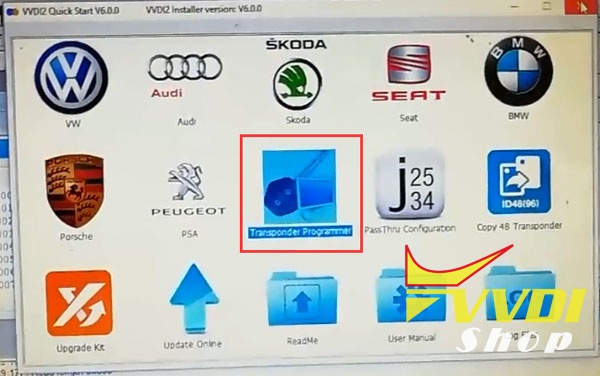
Open VVDI2 software, select Transponder Programmer function
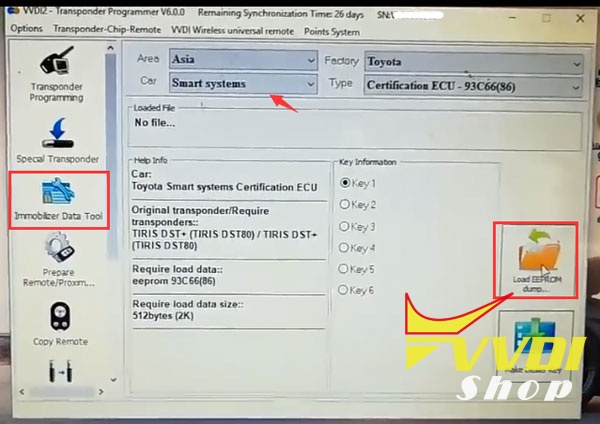
Select Immobilizer Data Tool->Asia->Toyota ->Smart Systems->93C66 (86)
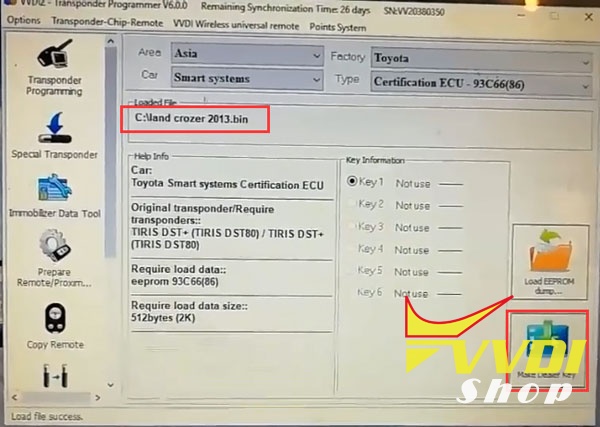
Load EEPROM Dump just saved by vvdi-prog
Press Make Dealer Key
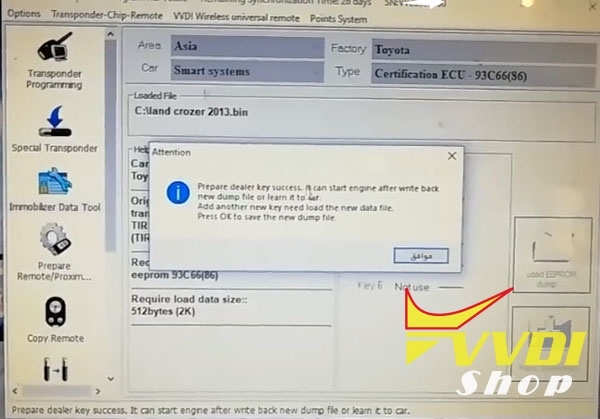
Prepare dealer key success. It can start engine after write back new dump file or leant it to car.
Add another new key need load the new data file.
Press OK to save the new dump file

Save new dump file, i.e land crozer 20132.bin
Step 3: Write data back
Go to VVDI prog software
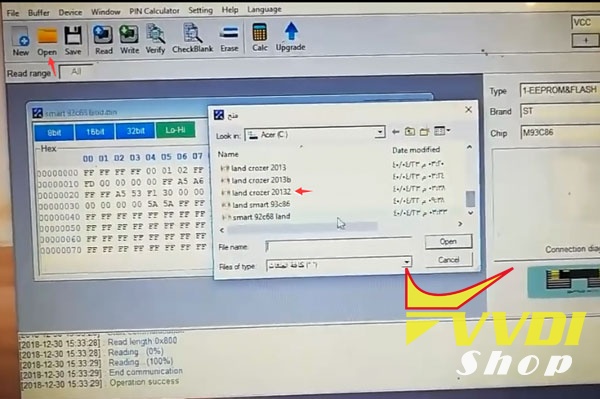
Open new dump file land crozer 20132.bin
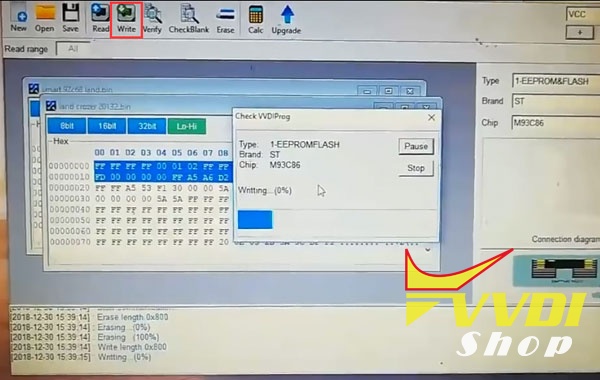
Press Write
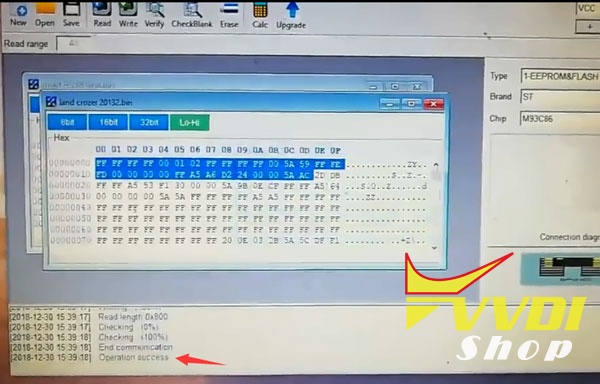
Write success.
Now the new key can start vehicle.
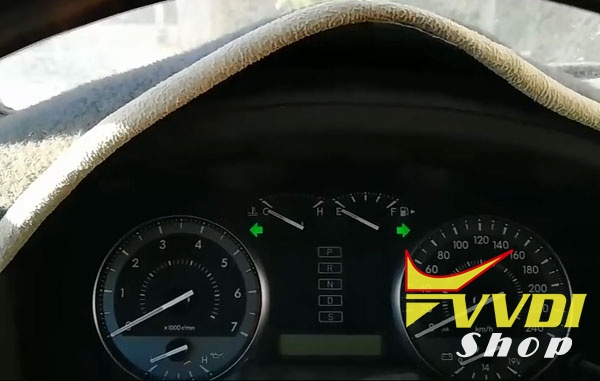
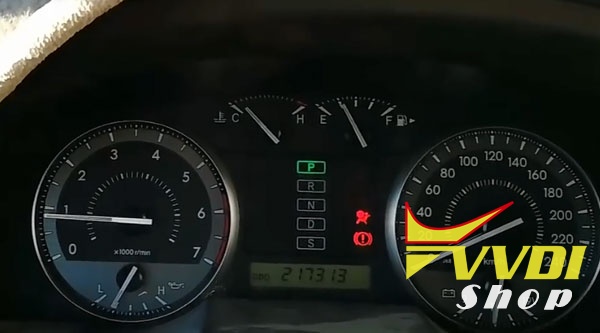
If you need to do Toyota all smart keys lost via OBD, go for Tango or Lonsdor K518, both require emulator key to work with.
How to connect Condor XC-mini with laptop?
Question:
i have medium cutting speed, 2 passes on, maybe i should changed.
i tried today to use bluetooth with laptop instacode and condor xc-mini, but i cannot PAIR the device, i cannot find any bluetooth setting on xhorse condor, how do i connect? no info in user manual.
Solution from Xhorse expert:
You don’t need to do anything on condor mini. Activate Bluetooth on Laptop/Tablet or Smartphone and press the “search for machine” button in Insta-code and it will pair with Condor Mini.

How to obtain bonus points from VVDI remote keys?
How to get bonus points from VVDI Remote?
Bonus points comes only from remotes, cannot be purchased. you can only buy tokens.
You can get
You can get
25 points from remote with cable ,
40 points from wireless remote
and 60 points from universal smart key, the point will be record in your device once you use it at the first time.
Remotes can be coded, decode /prepare many times but points you can take from remote only once.
Remotes can be coded, decode /prepare many times but points you can take from remote only once.
If you use VVDI BE Key pro, you will get 200 points for free. But the token can be used to exchange to token for VVDI MB online password calculation only.

How to check the Xhorse Points?
The bonus points can be stored on the Xhorse points server by using Xhorse Upgrade Kit software.
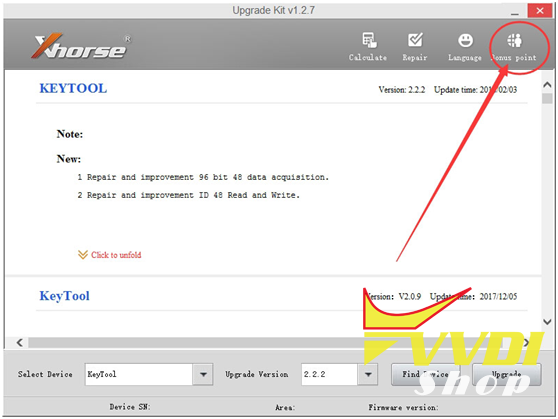
The bonus points can be easily checked from the Xhorse Customer self-service system .
FAQ VVDI Bonus Points System:
Q1: Can anyone explain what the Bonus Points Reward System is please?
Are there any further expenses to be paid to Xhorse after the initial purchase of the vvdi key tool (other than extra remotes and chips)?
For example is there an annual fee for the latest software updates?
A1:
The bonus point system is meant to reward you with points each time you use the Xhorse remotes.
The bonus point system is meant to reward you with points each time you use the Xhorse remotes.
Once you accumulate enough points they can be exchanged for freebies or money of software authorizations for other Xhorse programmers etc.
Q2: Does the Remote have region limitation?
A2: One thing to be aware of though regards these remotes.
All English version remotes can be used for all overseas device (Except India(in) Malaysia(ma)/China(cn)version), such as Europe(eu)North American(na) they can use the same version remotes.
A2: One thing to be aware of though regards these remotes.
All English version remotes can be used for all overseas device (Except India(in) Malaysia(ma)/China(cn)version), such as Europe(eu)North American(na) they can use the same version remotes.
Q3: Update for free except the extra remotes and chips?
A3: As it stand at the moment, there is no fees associated with using the tool, and all updates are free.
A3: As it stand at the moment, there is no fees associated with using the tool, and all updates are free.
Q4: VVDI Key tool Clone 48 96bit authorization
A4: The only thing that you will need to pay for (if you want this function once released for key tool) is the 96bit ID48 cloning.
A4: The only thing that you will need to pay for (if you want this function once released for key tool) is the 96bit ID48 cloning.
Keytool user can buy a Clone 48 96bit since 1.04.2018
1500 free points for calculations , this same as VVDI2
since 1.04.2018 all users who have 48 96 bit activations in VVDI2 can combinate Keytool + VVDI2 and use Keytool to clone 48 as well.
Q5: How much points does VVDI Remote function give you?
A5: From Xh remote with cable you get 25 bonus points, from Xh-wireless remote you get 40 bonus points.
A5: From Xh remote with cable you get 25 bonus points, from Xh-wireless remote you get 40 bonus points.
Q6:How to collect the point? Mine Is always collecting 0 points.
maybe somebody use your remote before you get it ?
A6: once you generate points from remote – you can not get it again simple check points via Upgrate Kit.
maybe somebody use your remote before you get it ?
A6: once you generate points from remote – you can not get it again simple check points via Upgrate Kit.
Related manual:
http://www.vvdishop.com/service/how-to-get-bonus-points-from-xhorse-vvdi-remotes-8083.html