ابزار Xhorse VVDI
Xhose VVDI نرم افزار برنامه نویس اصلی و سخت افزارابزار Xhorse VVDI
Xhose VVDI نرم افزار برنامه نویس اصلی و سخت افزارHow to convert 4D60 chip to 4D70?
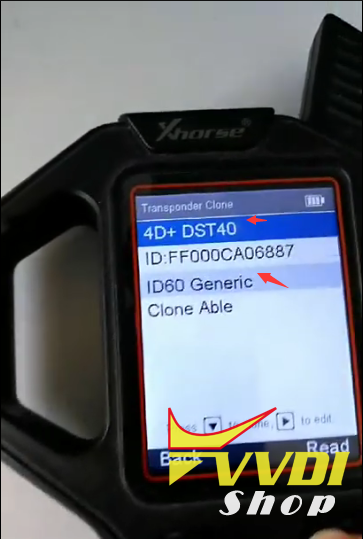
The 4D60 80bit Chip is 40DST by default if you detect with Xhorse VVDI Key Tool. After transfer, VVDI Key Tool will show it 4D 70 DST80.
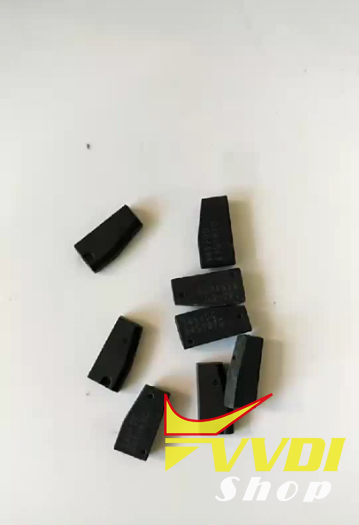
4D60 chip
In VVDI KeyTool, select Transponder Clone->Automatic Detection Clone
Put 4D60 transponder into coil
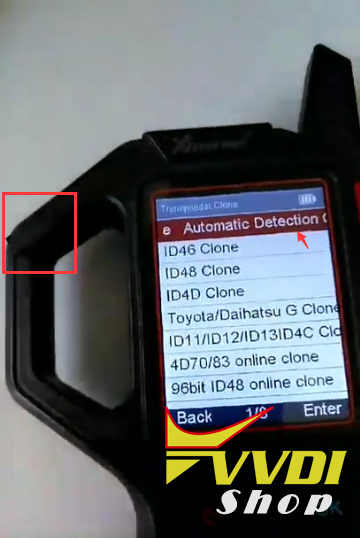
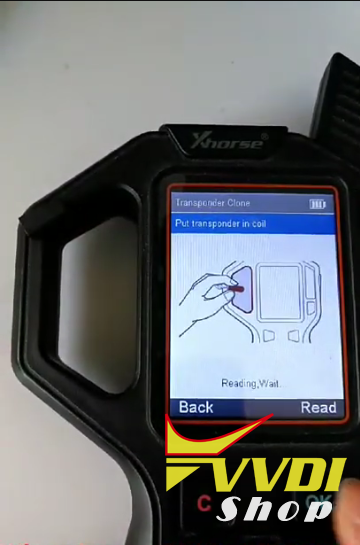
VVDI Keytool identified chip information: 4D60 DST40
Select Special Functions -> ID63 <->ID83
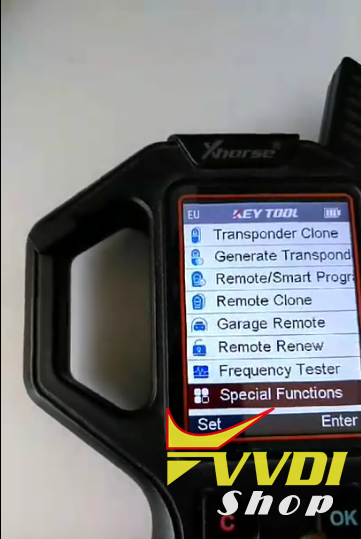
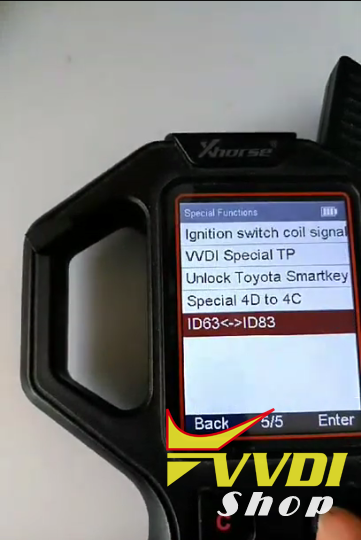
With this function, you can transfer ID63 to ID83 or DST40 to DST80
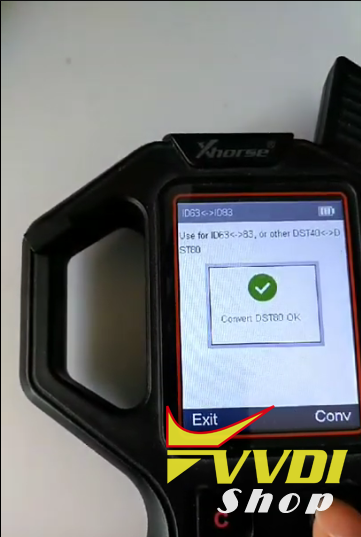
Convert DST80 success
Now back to test the new chip
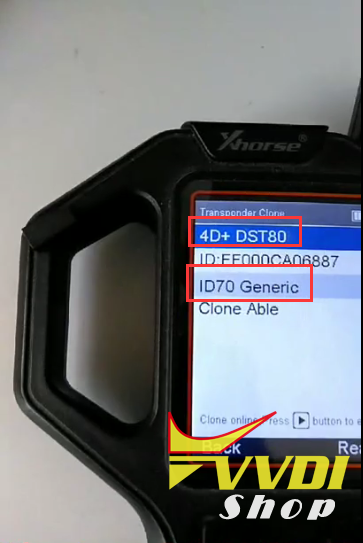
Now the chip is converted to 4D70 DST80.
http://www.vvdishop.com/service/how-to-transfer-4d60-dst40-chip-to-dst80-chip-by-vvdi-key-tool-9088.html
Condor Dolphin cut Ford tibbe All Keys Lost
Demonstration: Ford tibbe key All keys lost key cutting by Xhorse Condor Dolphin XP-005 key cutting machine and M3 Clamp.
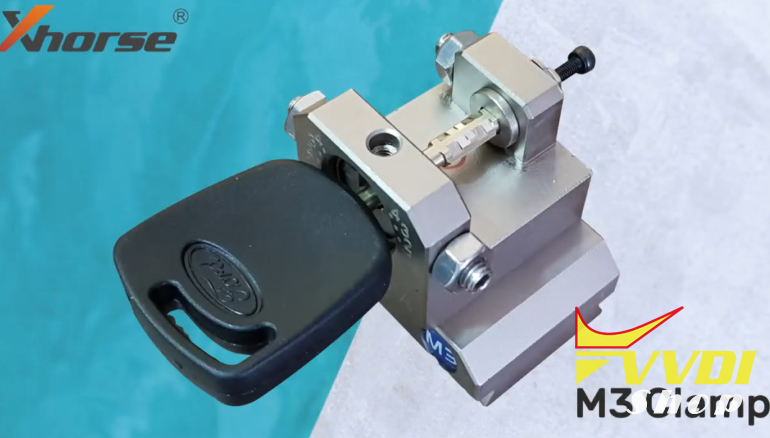
Download Condor Dolphin App and connect mobile phone via Bluetooth
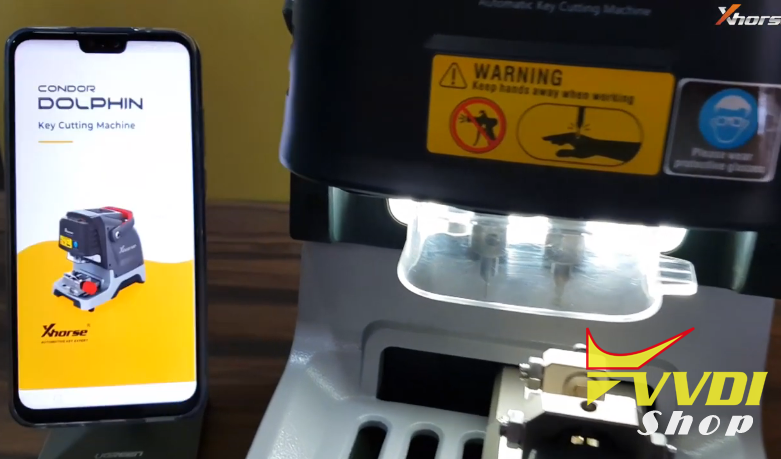
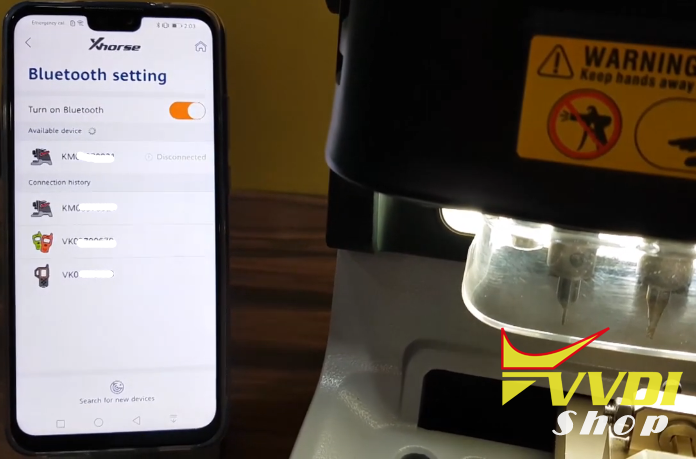
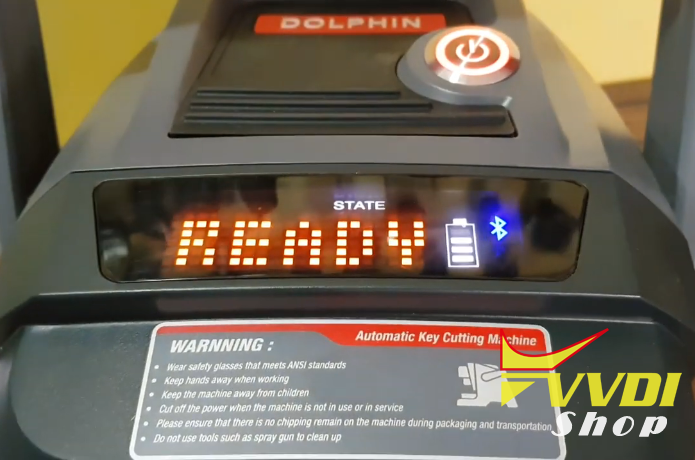
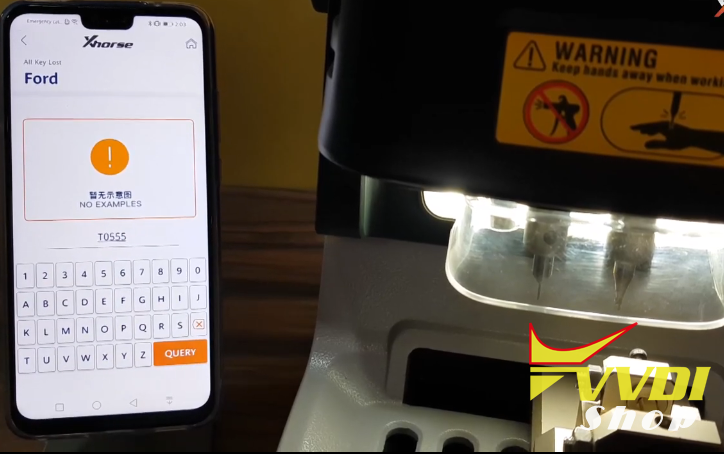
In App, select All Key Lost->Ford
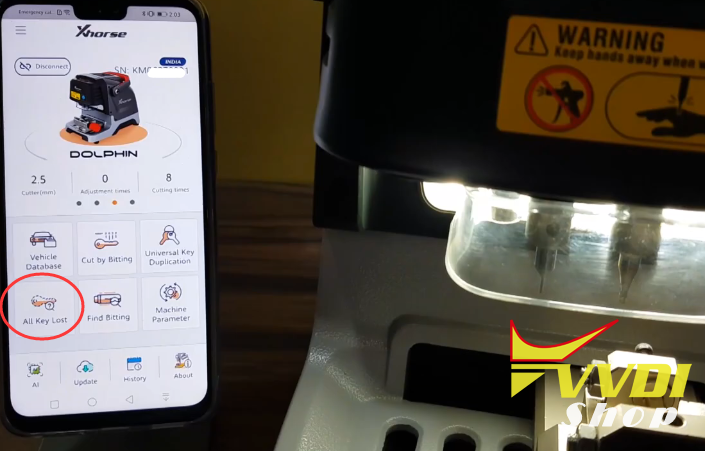
Enter key code to continue
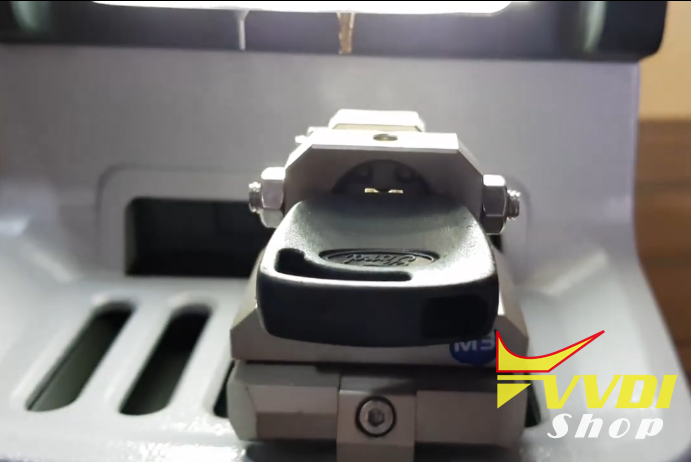
Condor Dolphin XP005 prompts to use Clamp M3

Align the clamp
Press Cutting Key and Continue
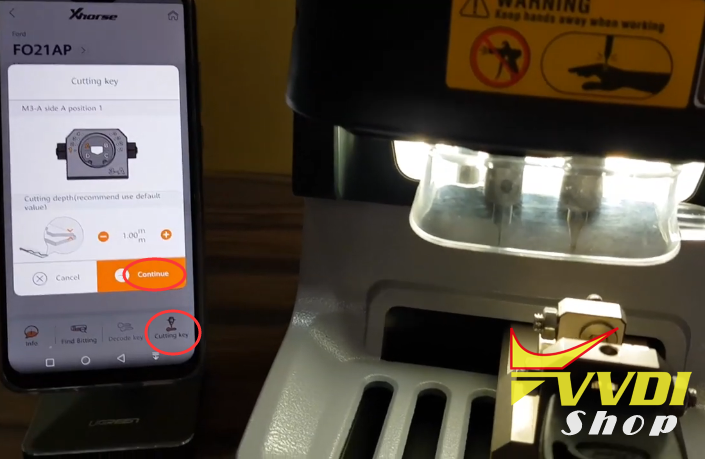
Turn over the key to the A side 1 position
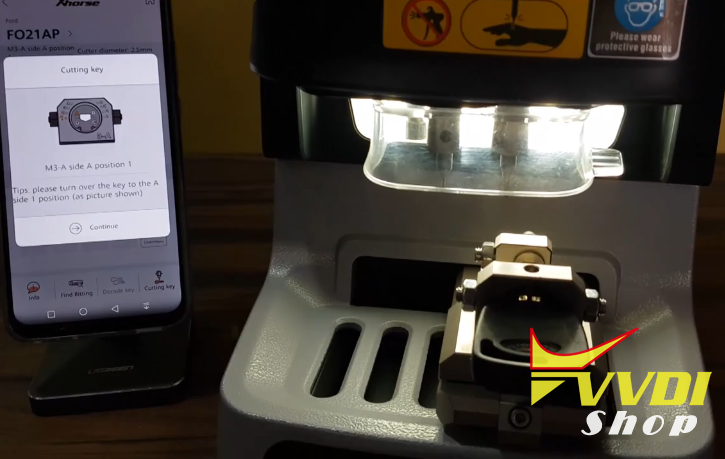
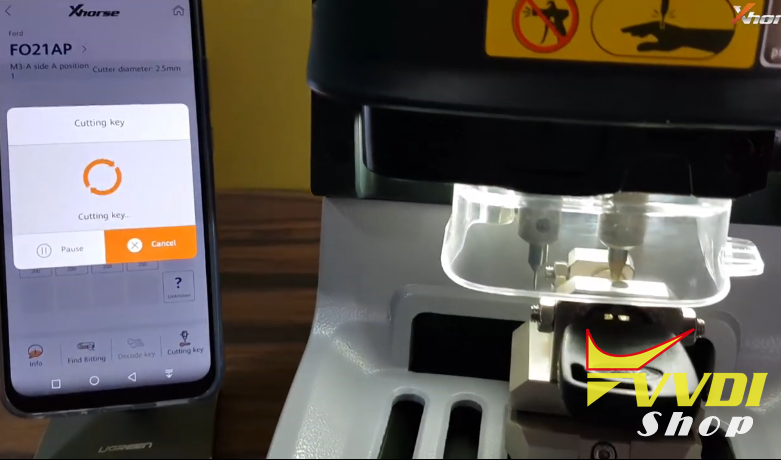
Turn over the key to the A side 2 position

Turn over the key to the A side 3 position
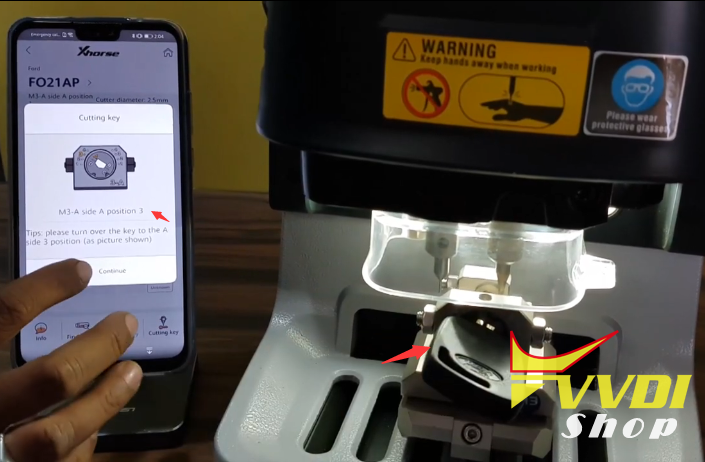
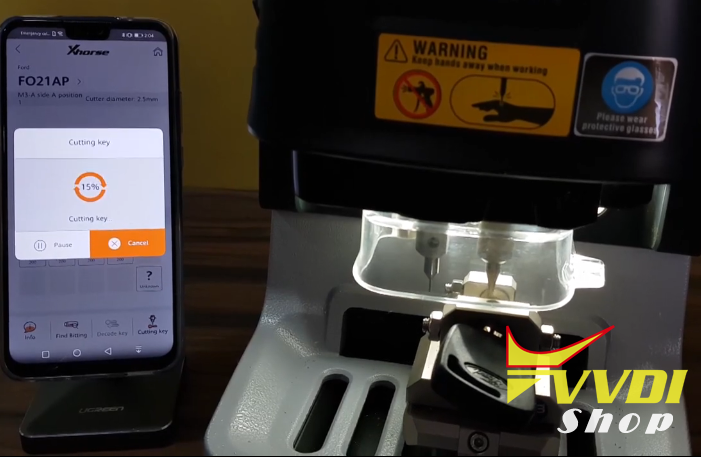
Turn over the key to the A side 4 position
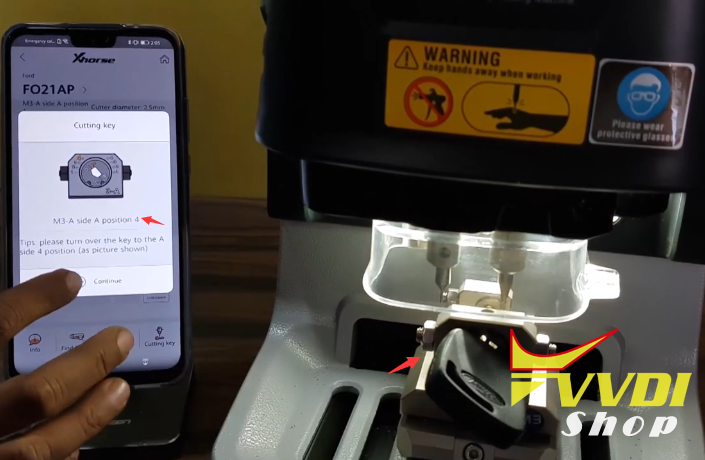
Turn over the key to the B side 2 position
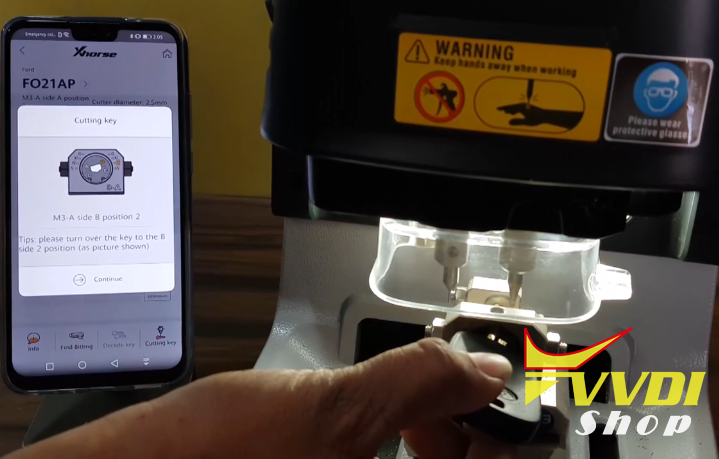
Turn over the key to the B side 4 position
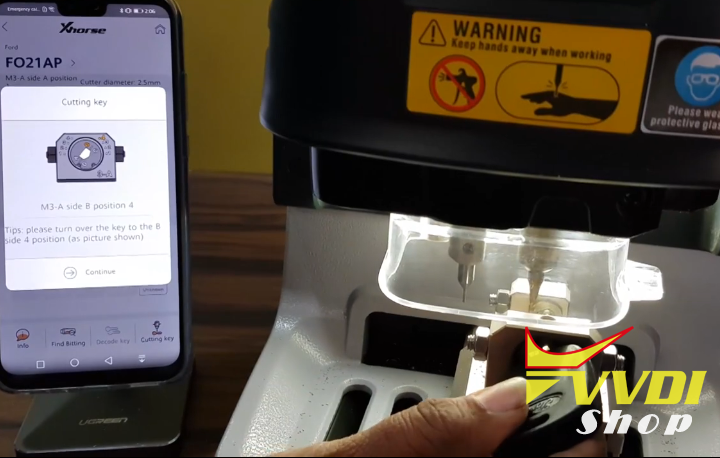
Turn over the key to the C side 1 position
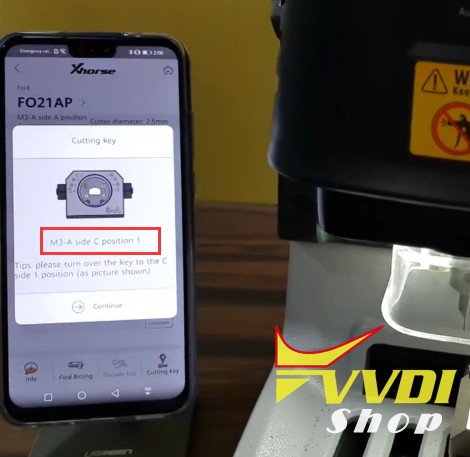

Condor Dolphin cut key completed
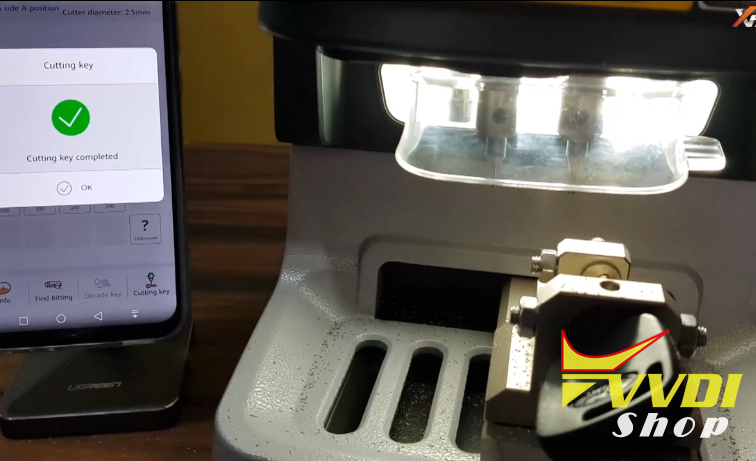
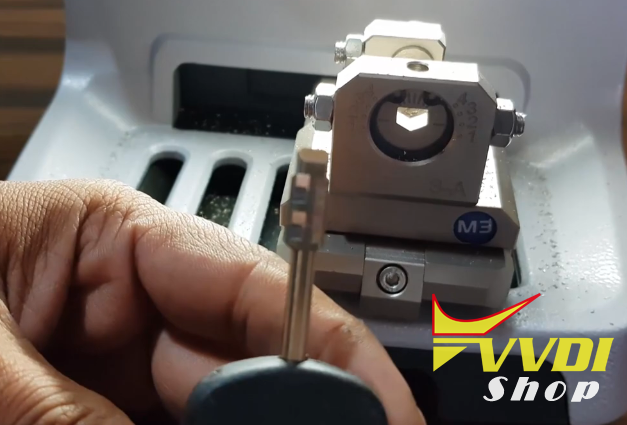
Done.
http://blog.vvdishop.com/cut-ford-tibbe-all-keys-lost-with-condor-dolphin-xp-005/
Cut Honda HON66 All Keys Lost with Condor Dolphin
Xhorse Condor Dolphin XP-005 key cutting machine cut Honda HON66 by key code.
Open Condor App
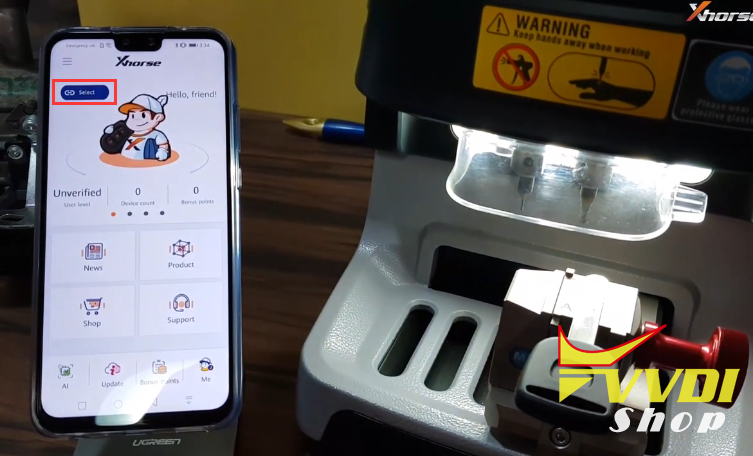
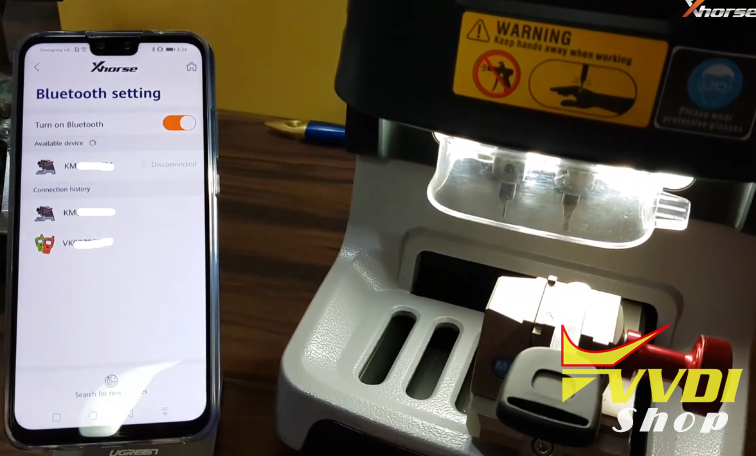
Connect cutter with mobile phone via Bluetooth
Select All Key Lost->Honda
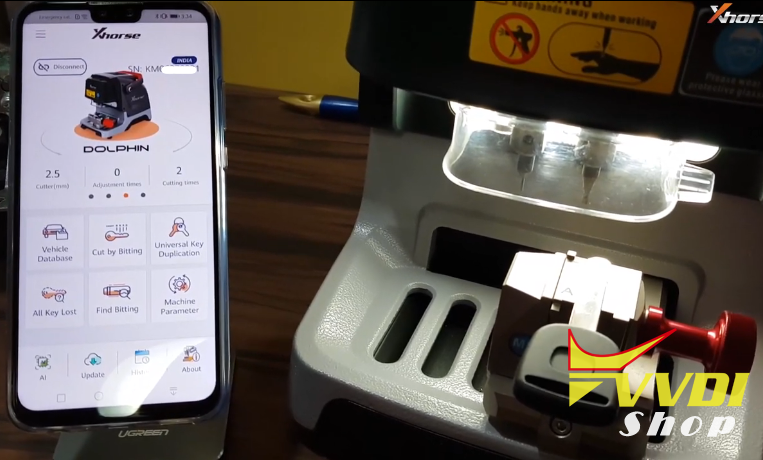
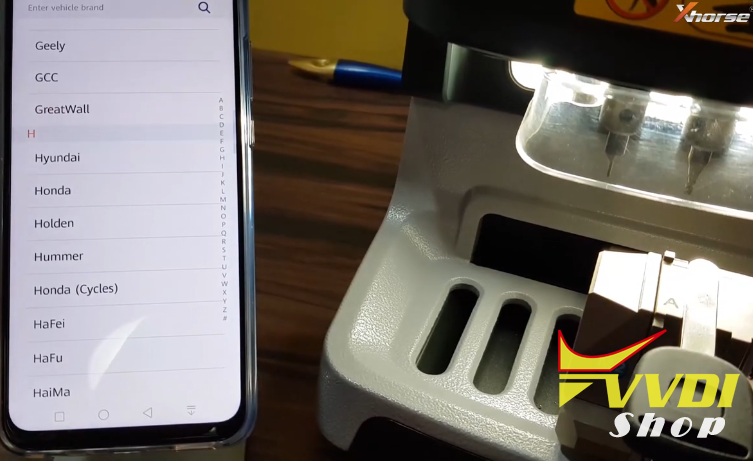
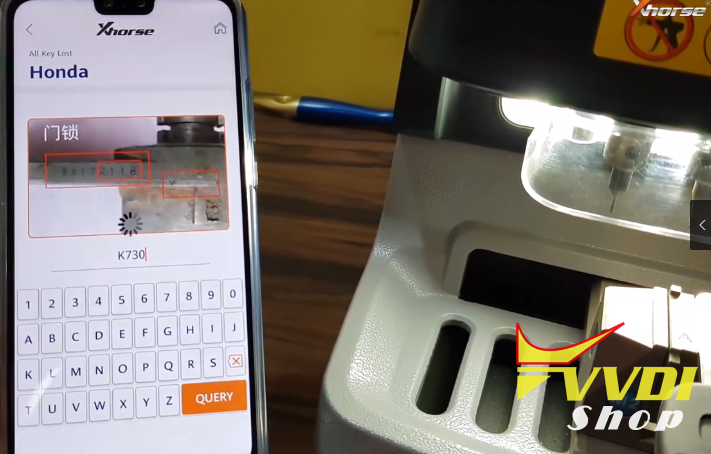
Enter key code and continue
Select correct bitting HON66EHP Clamp M2 1.41mm
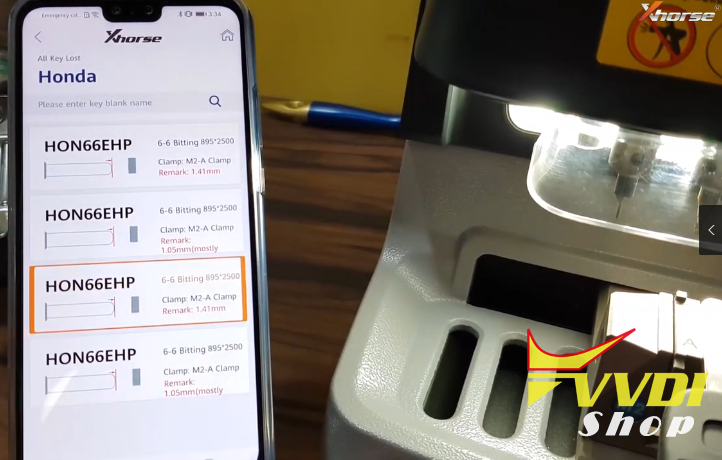
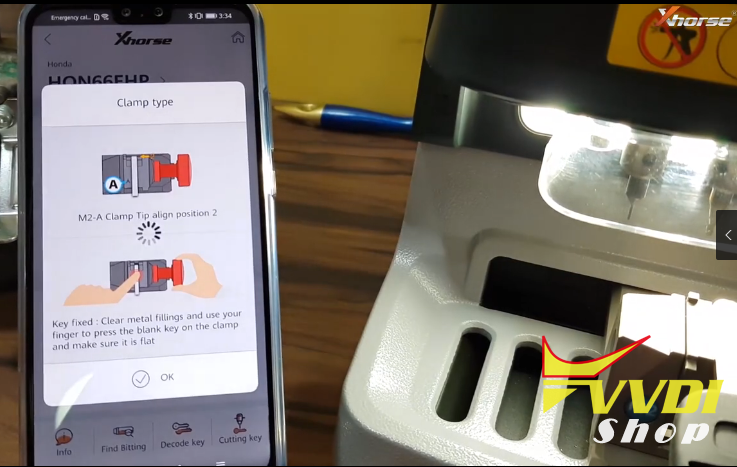
Align clamp M2
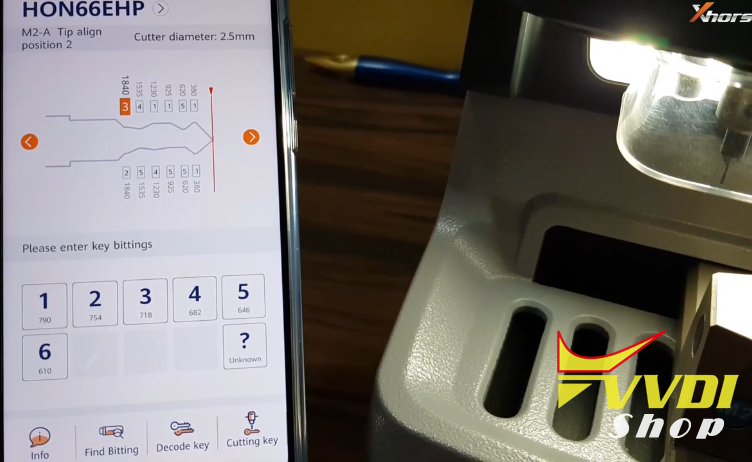
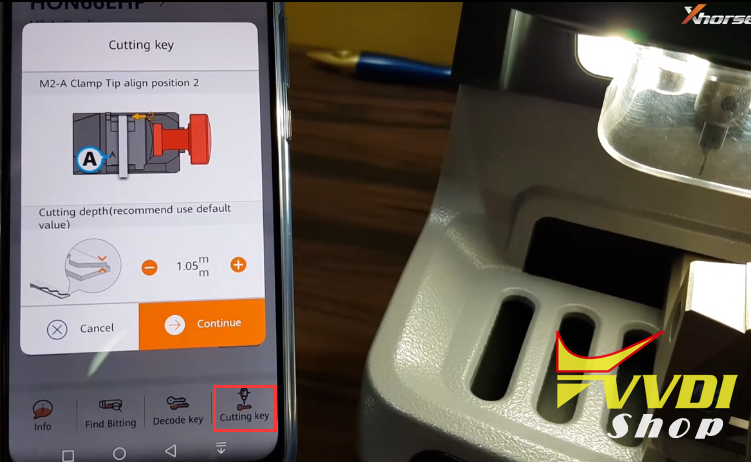
Select Cutting Key and Continue
Cutting key in progress


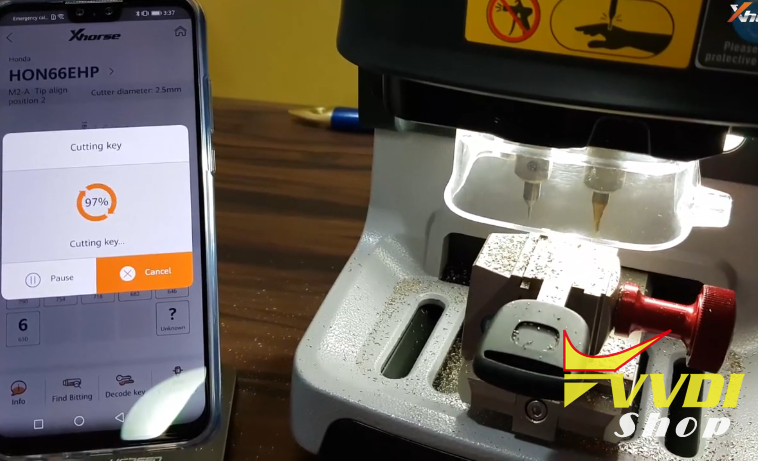
Condor Dolphin cut HON66 key success
Test the new key

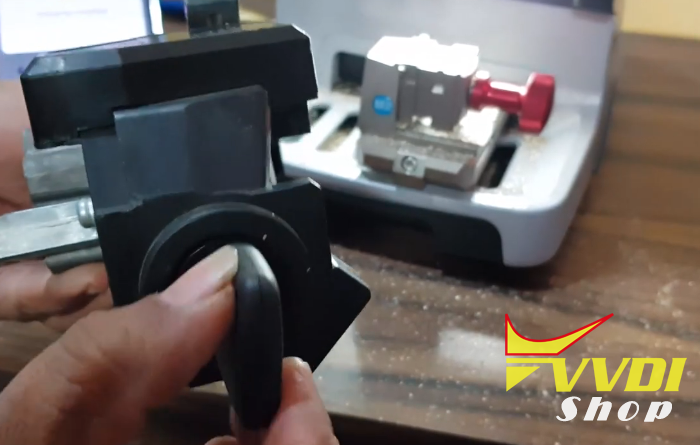
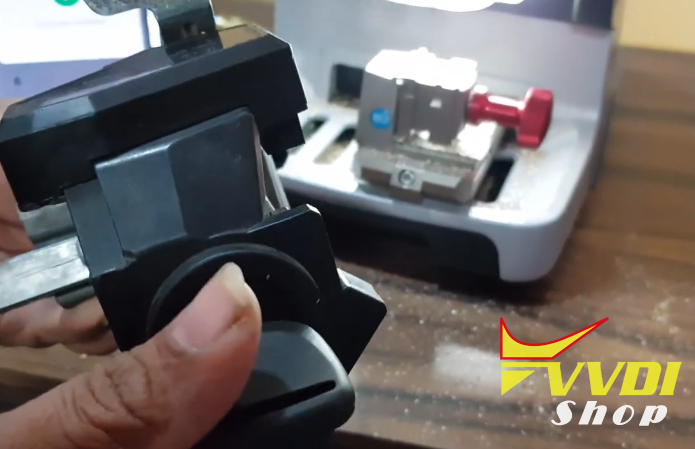
Success.
http://blog.vvdishop.com/xhorse-condor-dolphin-cut-honda-hon66-all-keys-lost/
How to share ID48 96bit license to VVDI2 and Keytool
If you have Xhorse VVDI2 with COPY 48 96 bit licence , you can share this service to vvdi key tool
Open Xhorse Upgrade Kit , select device you connect to PC, click DETECT and after detected click BIDING
Open Xhorse Upgrade Kit , select device you connect to PC, click DETECT and after detected click BIDING
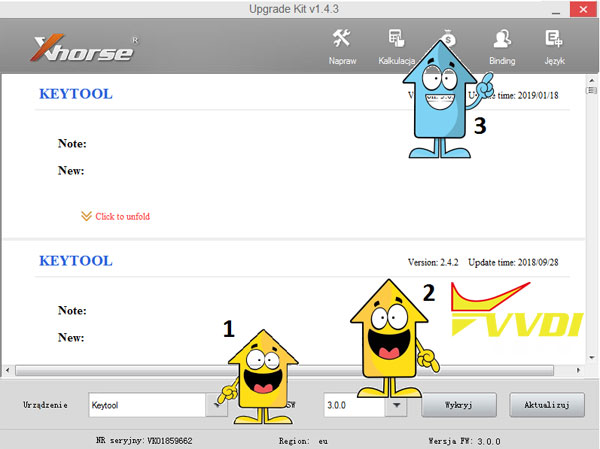
New window will be open in website browser
Please login via Phone number or mail (use this same what you use when you register)
if you not register, please register your device
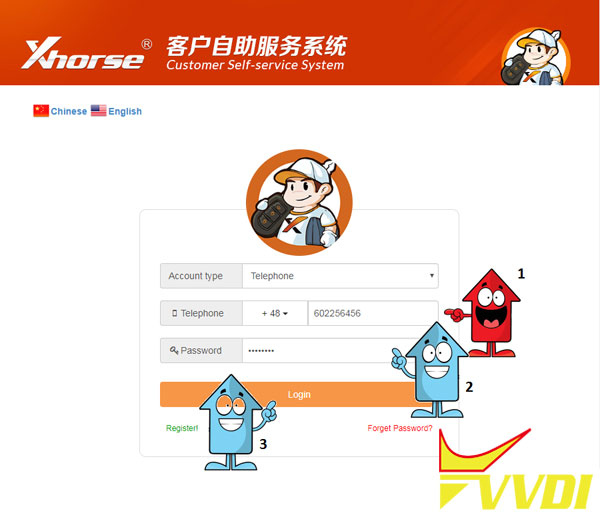
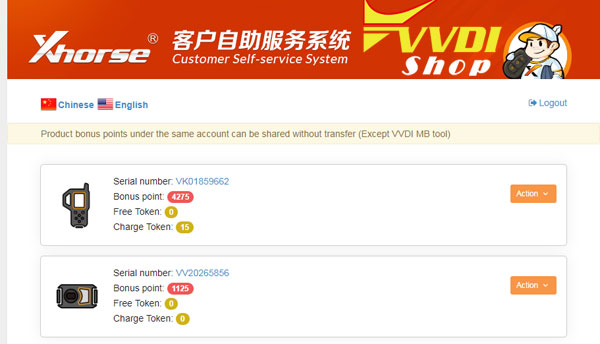
after proper login, you can see your devices registered
select VVDI2
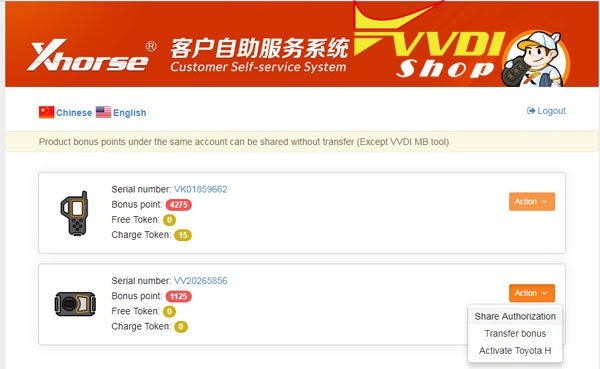
and select SHARE authorization
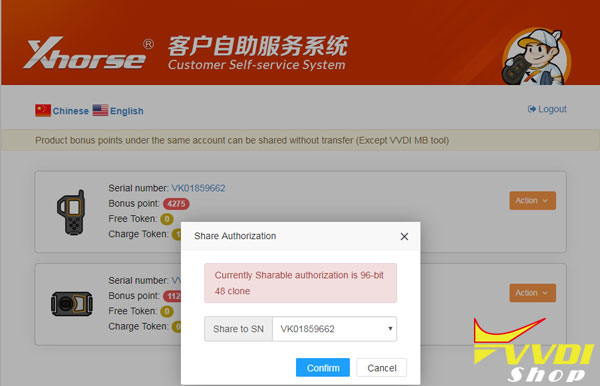
If you have more Keytool for example, check if you share licence to proper serial number
CONFIRM
(Please know, not all authorization can be shared)
VVDI MB Adds W215, W220, W230 All Keys Lost
Xhorse VVDI MB BGA Tool key programmer software released to V4.8.0 adding Mercedes W215, W220, W230 password calculation when all keys have lost.
VVDI MB TOOL latest software version V4.8.0 update
************************************************** **********************
*** 2019-01-27
*** Require firmware V4.5.0
************************************************** **********************
===== BENZ V4.8.0 =====
1. This update no need update the firmware
*** 2019-01-27
*** Require firmware V4.5.0
************************************************** **********************
===== BENZ V4.8.0 =====
1. This update no need update the firmware
2. Support W215, W220, W230 calculate password while all key lost:
a. No more need MCU’s de/soldering, very safe and quickly
b. Support W215, W220 get key password with slow method (All KEY LOST, 2-3hours)
c. Support W230 get key password with slow method (All KEY LOST, 2-3hours)
VVDI MB support all the FBS3 EIS while all key lost:
W166, W197, W212, W218, W246
W172, W204, W207
W216
W164, W251 (-2009)
W164, W251 (2009-)
W169, W209, W211
W202, W208, W210
W215, W220
W230
W203, W463, W639
W639(2009-)
W906
W221
a. No more need MCU’s de/soldering, very safe and quickly
b. Support W215, W220 get key password with slow method (All KEY LOST, 2-3hours)
c. Support W230 get key password with slow method (All KEY LOST, 2-3hours)
VVDI MB support all the FBS3 EIS while all key lost:
W166, W197, W212, W218, W246
W172, W204, W207
W216
W164, W251 (-2009)
W164, W251 (2009-)
W169, W209, W211
W202, W208, W210
W215, W220
W230
W203, W463, W639
W639(2009-)
W906
W221
3. Bugfix
download link:
Link 1
https://mega.nz/#!6gB1AA7Z!q7uCyEjetGtuSsOZuMp-P9qIspl07fRPh-tMFhnqJHIpassword:123456
Link 1
https://mega.nz/#!6gB1AA7Z!q7uCyEjetGtuSsOZuMp-P9qIspl07fRPh-tMFhnqJHIpassword:123456