ابزار Xhorse VVDI
Xhose VVDI نرم افزار برنامه نویس اصلی و سخت افزارابزار Xhorse VVDI
Xhose VVDI نرم افزار برنامه نویس اصلی و سخت افزارRead Nissan Airbag R7F7010183 by VVDI Prog
Question:
How i can read this micro with vvdi prog programmer
Renesas R7F7010183 from Nissan micra Airbag?
Renesas R7F7010183 from Nissan micra Airbag?
Feedback:
It worked using connection in the picture attached. Need to set voltage to 3.3v.

Xhorse vvdi prog missing 3.3v pin?
One question about Xhorse vvdi prog: why is the 3.3v pin missing and the others are there when i look on the internet the 12v and 5v pin is absent and the 3.3v is there.
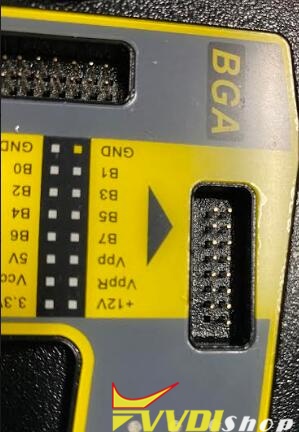
Xhorse chief engineer replied:
This does not affect the usage. The 3.3v pin is cut off when it leaves the factory, in the past, some customers accidentally short-circuited the power PIN, which will cause short circuit of the VVDI Pro device.
VVDI-PROG tech support: www.vvdishop.com
How to Choose VVDI2 VW Golf7 MQB keys/
Question:
VW Golf 7 not proximity key, which remote control do I choose on Xhorse? my smart remote have not a Blade Key ….
Solution:
I’ve used this one with smart remote works great.
There is a smart remote with flip blade looks like mqb that’s in picture
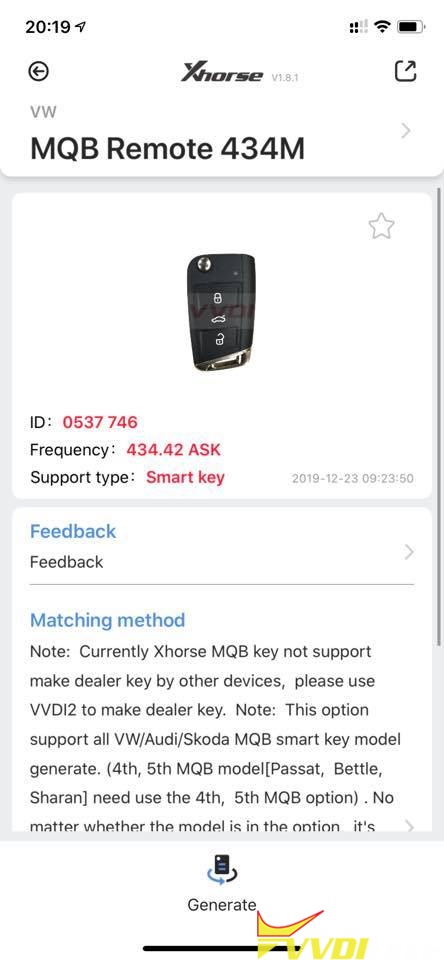
Note: Xhorse MQB key not support make dealer key by other devices. Use VVDI2 to make dealer key only.
There are 2 types of Xhorse MQB keys:
How to Use Dolphin XP007 to cut Honda Laser Key?
Topic: how to cut laser key (Honda key) using Xhorse Dolphin XP007 key cutting machine successfully.
Prepare:
Xhorse Dolphin XP007 with clamp installed
The original Honda laser key
One new key
EIS
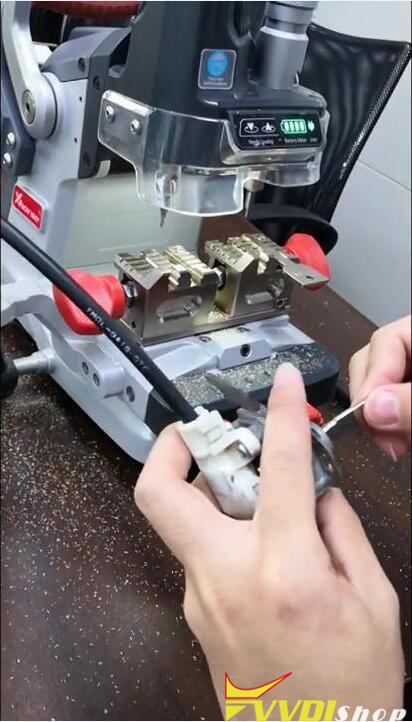
Insert the original Honda laser key into the right of clamp, calibrate it and fasten it.

Insert the new Honda laser key into the left of clamp, calibrate it and fasten it.
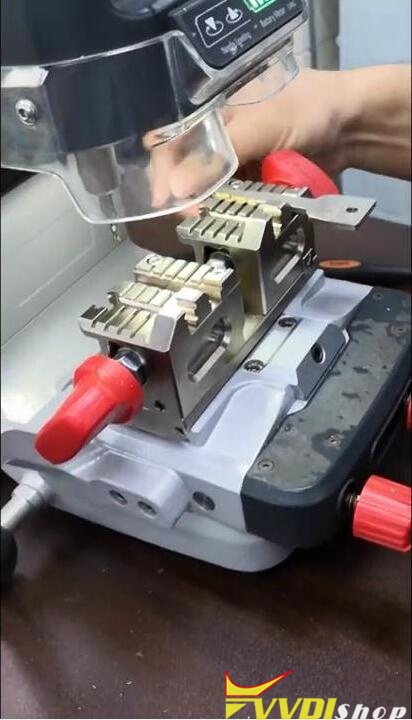
Turn on Dolphin XP007, point the probe at the new key and start cutting.
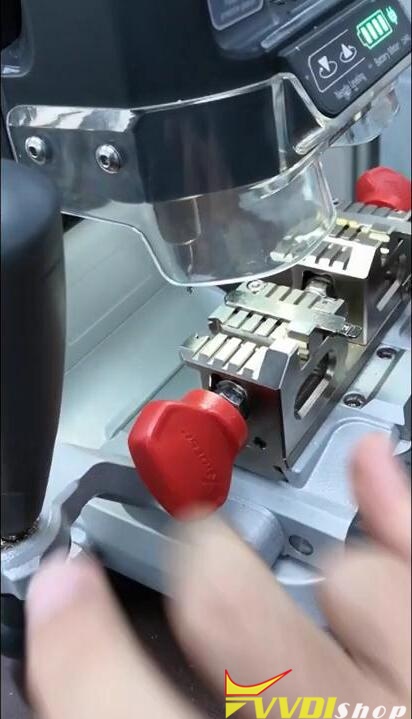

Clean the fixture.
Take the new key and start cutting another side.


Cutting complete.
Clean the fixture again.
Insert the new laser key into the EIS to test if it can work.
Done.
Youtube video demo:
Xhorse Dolphin XP007 tech support from www.vvdishop.com
http://www.vvdishop.com/service/dolphin-xp007-cut-laser-key.html
How to Change Battery for Xhorse Dolphin XP005?
Topic: how to replace the old battery with the new one of Xhorse Dolphin XP005 key cutting machine.
PS: usually, the battery life is long enough that the user doesn’t need to replace it.
Look at the new battery of Xhorse Dolphin XP005 cutting machine.

Prepare:
One screwdriver
Procedure:
- Lay the machine, face its base.

- Use a screwdriver to loosen its screws and feet.
You will see the black box, that’s battery which is connected to the machine with 3 wires.
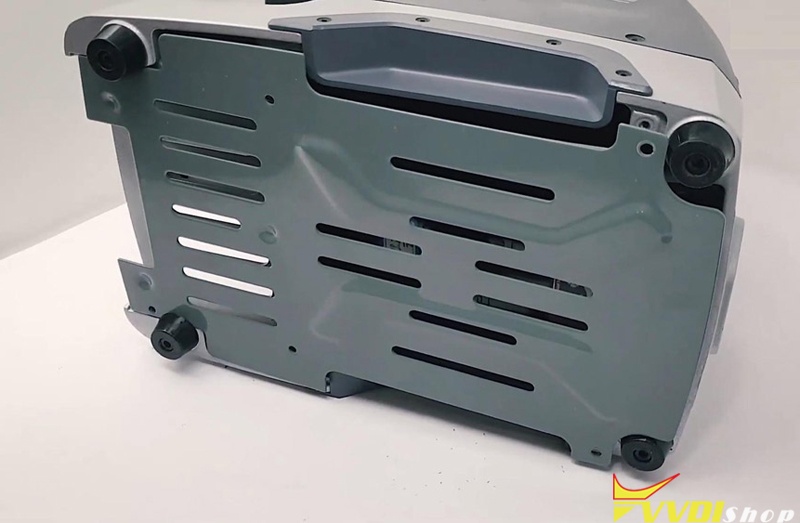
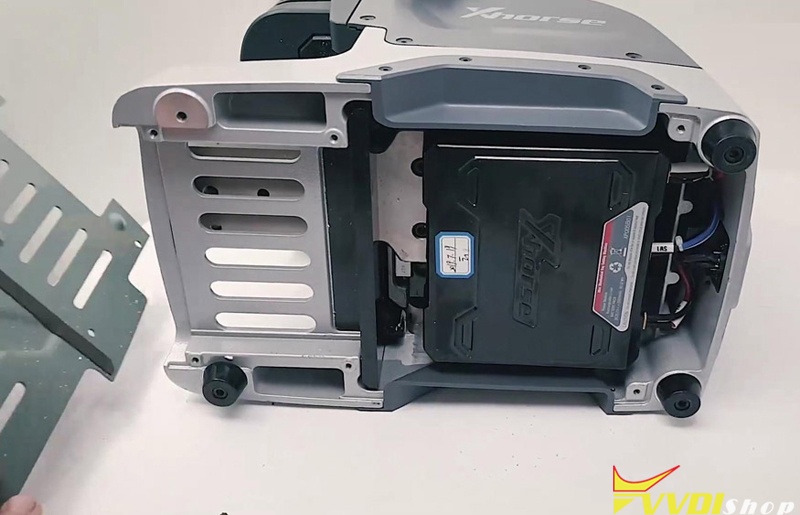
- Unscrew all 8 screws on the two sides.
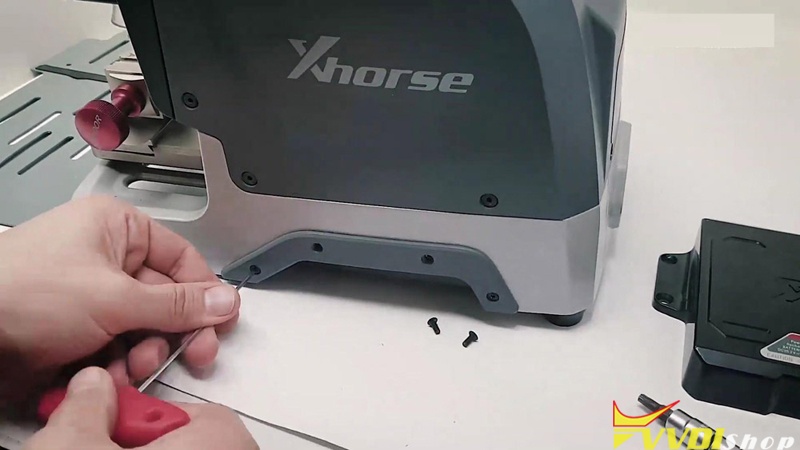
- Remove the 4 screws on both sides of the battery.
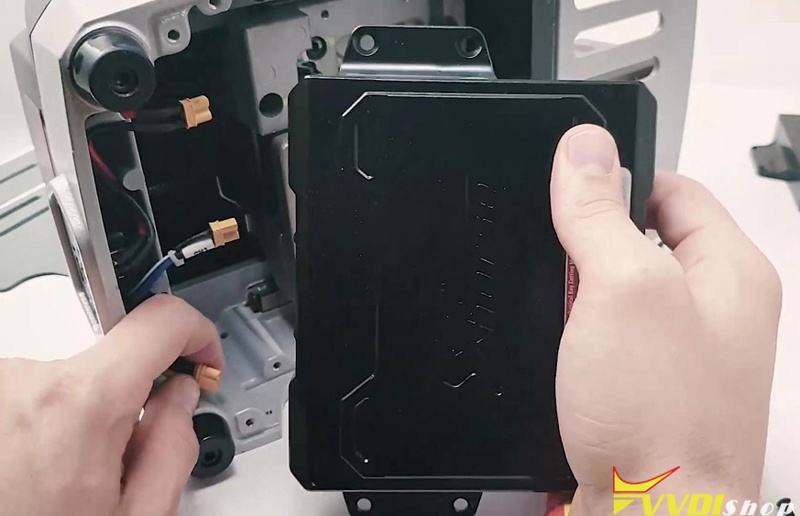
Unplug the 3 wires to the battery.
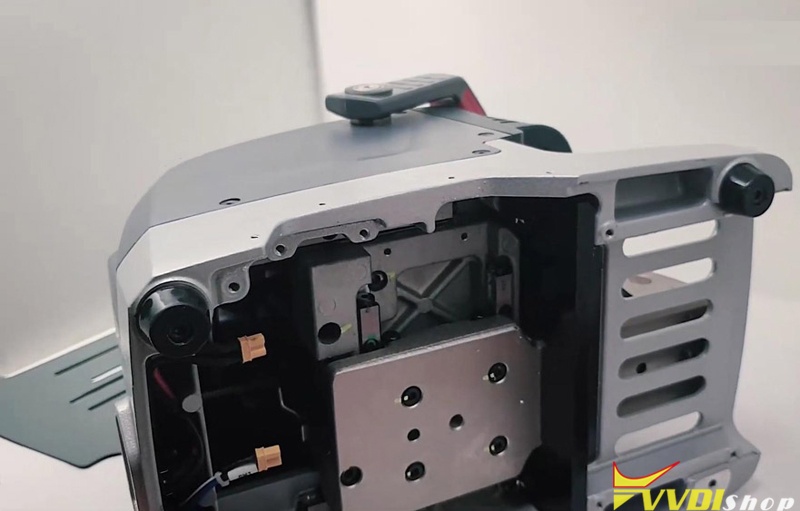
- The old battery is removed, ready to replace the new battery.
Please do from step 4 to step 1.
Xhorse Dolphin XP005 cutting machine tech support is supplied by www.vvdishop.com
http://www.vvdishop.com/service/replace-xhorse-dolphin-xp005-battery.html