ابزار Xhorse VVDI
Xhose VVDI نرم افزار برنامه نویس اصلی و سخت افزارابزار Xhorse VVDI
Xhose VVDI نرم افزار برنامه نویس اصلی و سخت افزارVVDI Prog Read Opel Corsa-D Dump and Calculate Pin
How-to: calculate PIN code from Opel Corsa-D BCM dump. Before calculating, you need use xhorse vvdi prog programmer to read out dump file from Opel Corsa-D BCM.
Procedures:
Step 1: Read dump from BCM
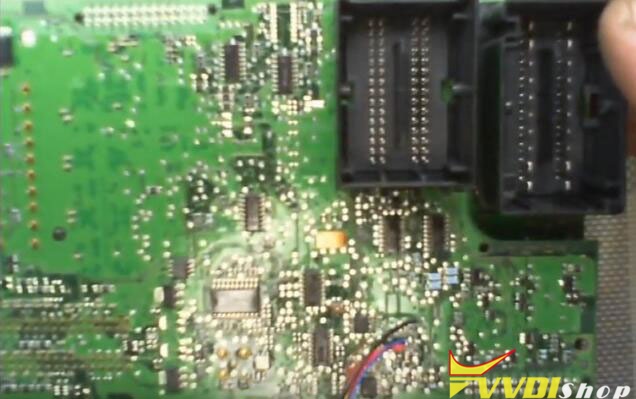
Remove BCM and disassemble the cover to take PCB out.
Solder wires on PCB according to the wiring diagram. In this example, we take VVDI Programmer as example,the diagram show on the software.

In VVDI-Prog software select “2-MCU”–>”RENESAS-V850”–>”D70F3379”
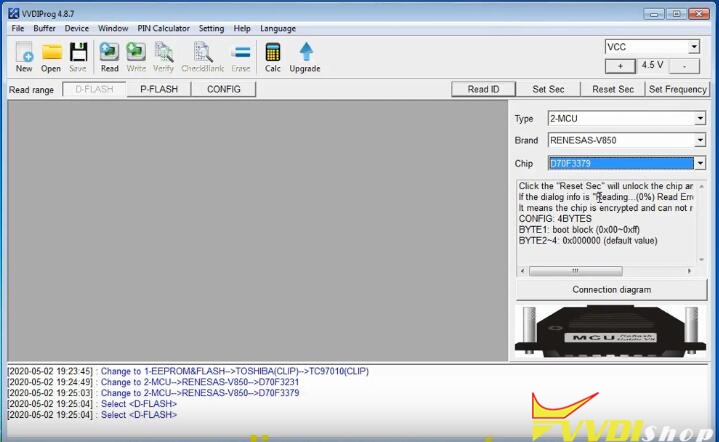
Select “P-FLASH” and click “Read” button

It will take several minutes to read out P-FLASH data from BCM

Save the P-FLASH data
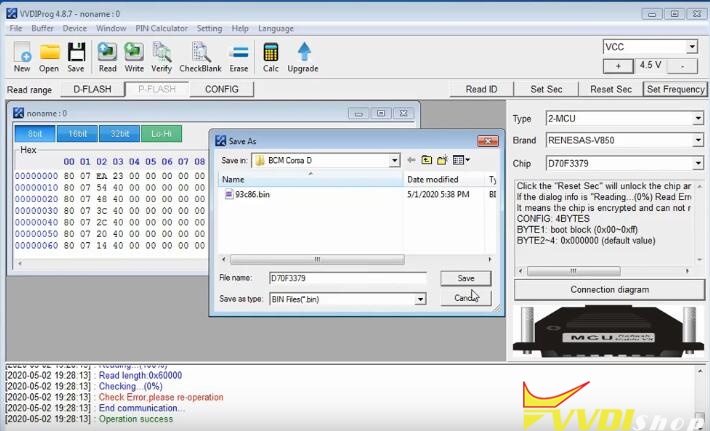
Then open it with a editor, like HEX Workshop Editor

Step 2: Calculate PIN Code from Dump
Now you can calculate PIN code from BCM P-FLASH dump:
Open dump from FLASH and read value from address 3FD0 3FD1 3FD2
In this example,I have value F8 9A 5D
Double value from address 3FD1
Now we get value:F8 9A 9A 5D
Open dump from EPROM and read value from address 0010 to 0013
Save value,i have in EEPROM dump to address 0050 to 0053
In my example i have CC A8 A8 65
Now open HEX calculator and make value FLASH XOR value EPROM
In my case,F89A9A5D XOR CCA8A865=34323238
Ignore 3 and find value 4228
Now read reverse the value and it is PIN code: 8224!
Xhorse Dolphin XP005 Cut SC1 key
Problem:
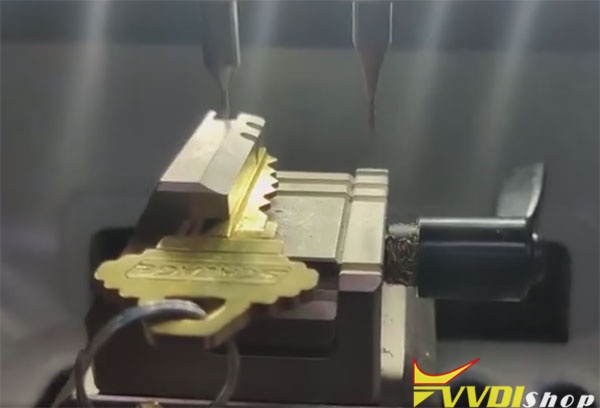
I have Key decode error with xhorse m4 jaw.
The Xhorse application doesn’t let me calibrate the m4.
My work around has been to pause the machine mid decoding and then lower the probe with a allen wrench.
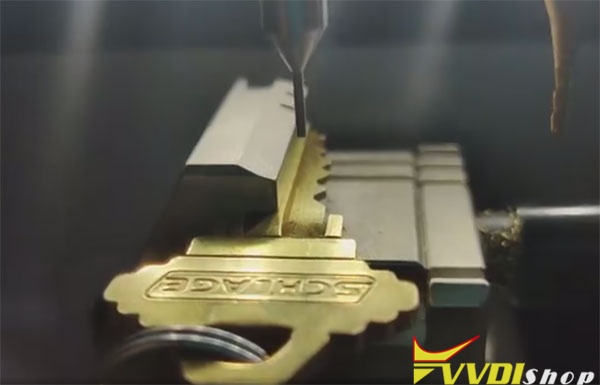
Suggestion:
You can go under universal duplication.
Sc1 doesn’t have a key profile on xhorse app.
Select M4 clamp.
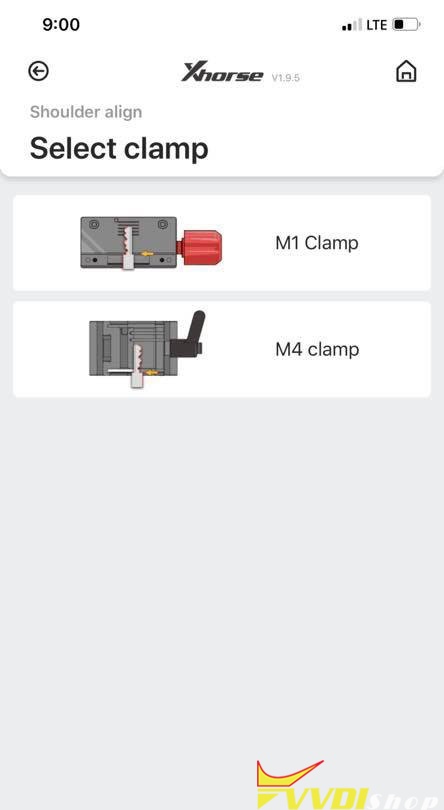
If you can put something under to lift it up a bit it should work.
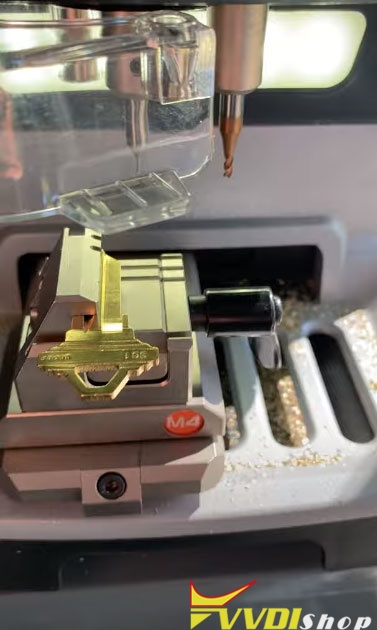
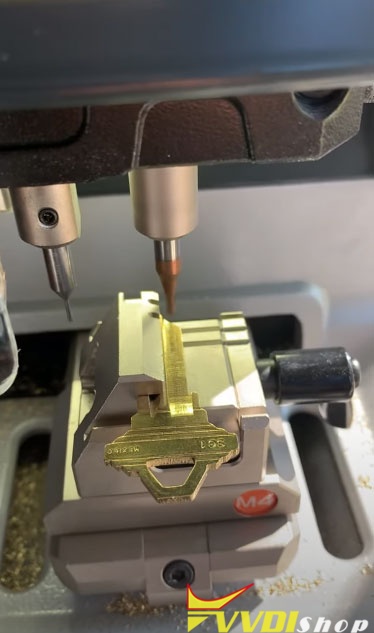
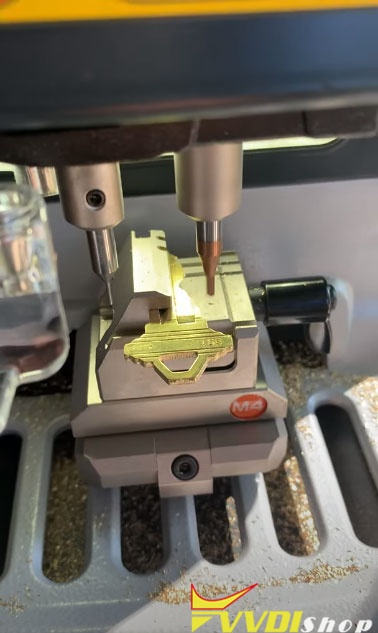
Xhorse Dolphin XP005 Sc1 key traced on the Dolphin and cut on the dolphin key machine with 2.5 cutter and the m4 jaw.
Program Benz GL450 2013 KeylessGo with VVDI MB
How-to: Program Xhorse KEYLESS-GO key for Mercedes-Benz 2013 GL450 GL-Class 4Matic (add a spare key) with Vvdi MB BGA Tool.
Device required:
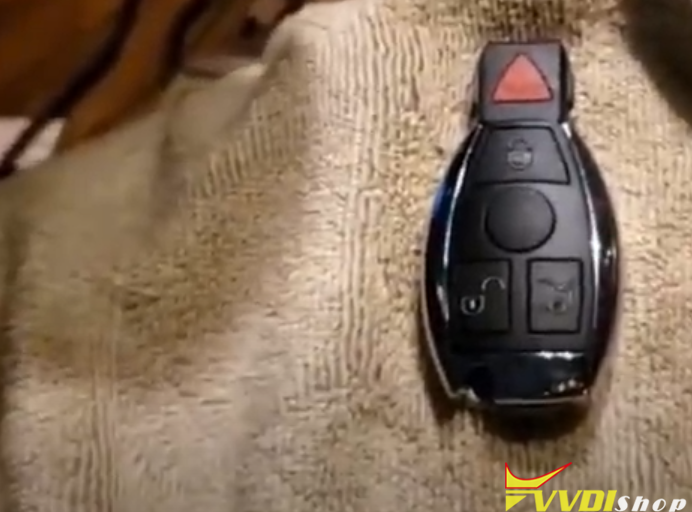
Original smart key
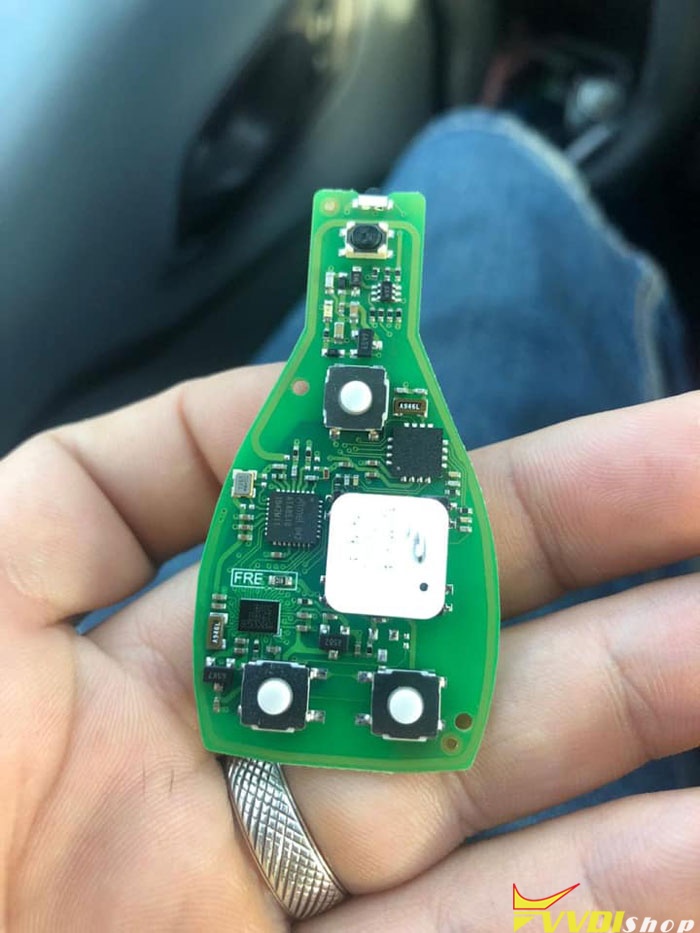
* The vvdi FBS3 keylessgo smart key can be used on W204 W207 W212 W164 W166 W221.
Procedure:
First of all calculate key password online and copy the pass

Read EIS data

Paste key password to corresponding area
Save EIS data
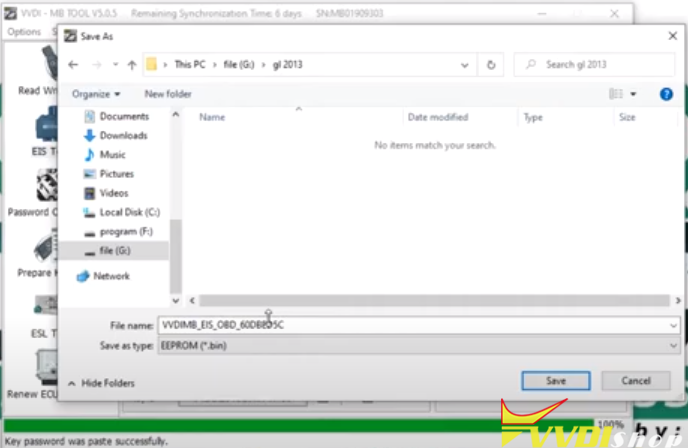
Save data as HC05 format

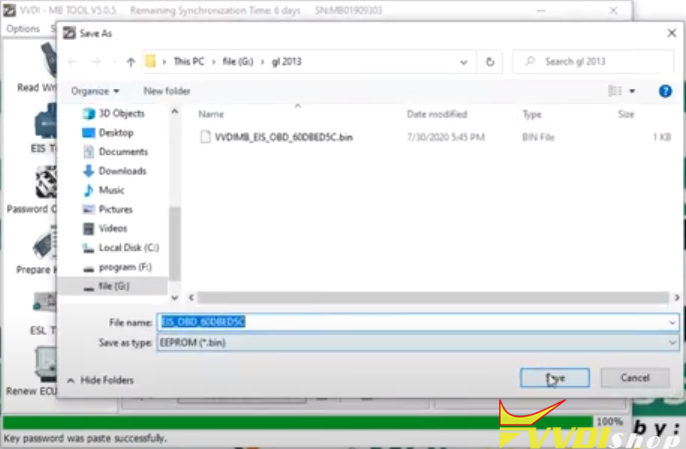
Choose Prepare Key Fille->Load EIS File

Select unused key position (i.e key 5 & key 7), and V51 format, Press Prepare Key File

Save key data

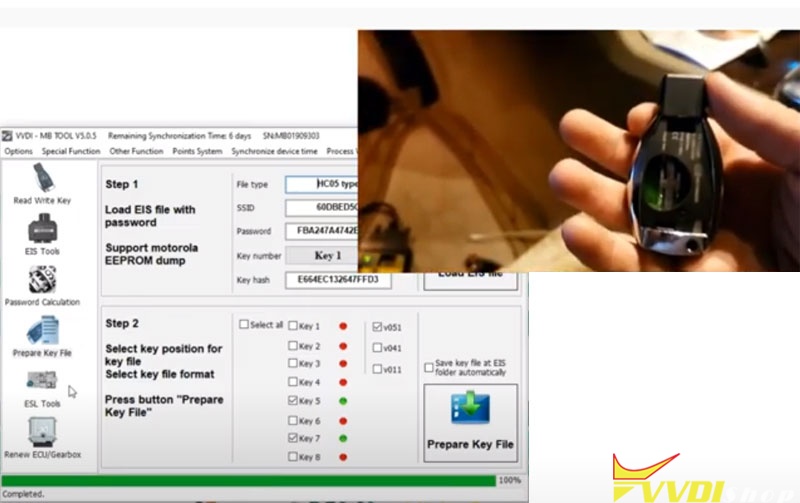
Go to Read/Write Key-> Identification Key

Renew key

Select key data file (key 7)
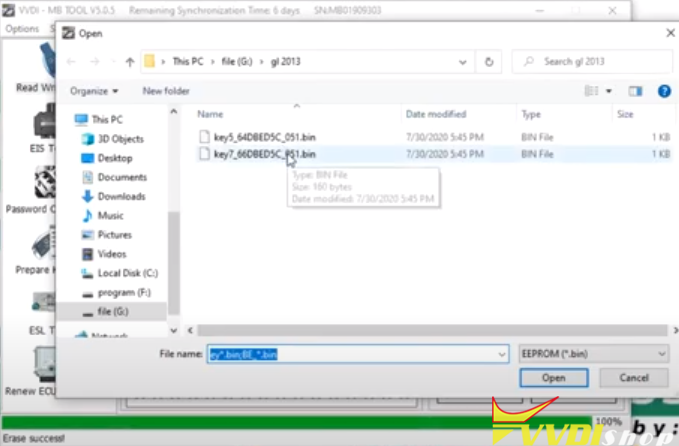
Write key

Write key success

Test the new keylessgo smart key
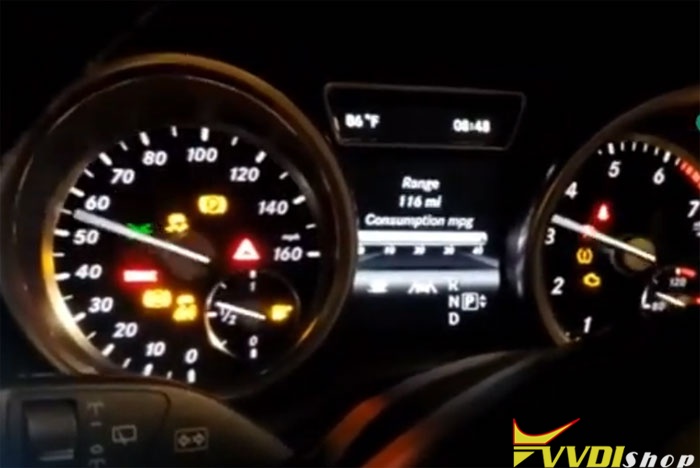
Done.
How to check Token for VVDI Mini Key Tool?
To check how many tokens left in Xhorse vvdi mini key tool, you need to register Xhorse app and combine device first.
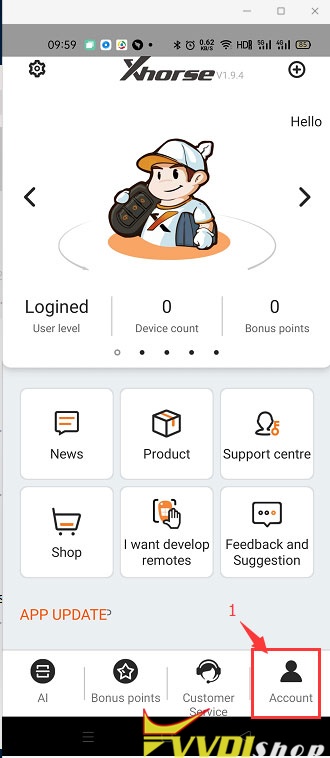
1. After combine device in Xhorse app, select Account
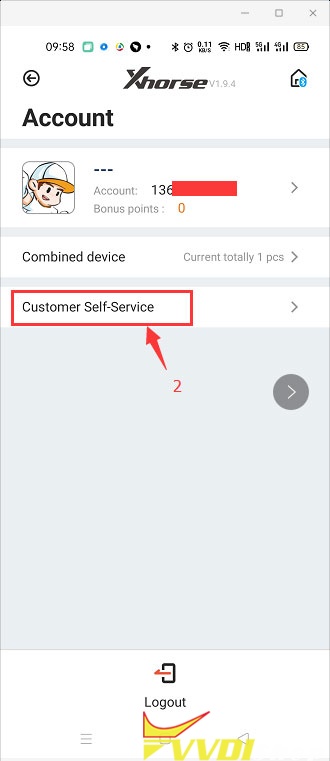
2. Go to Customer Self-Service
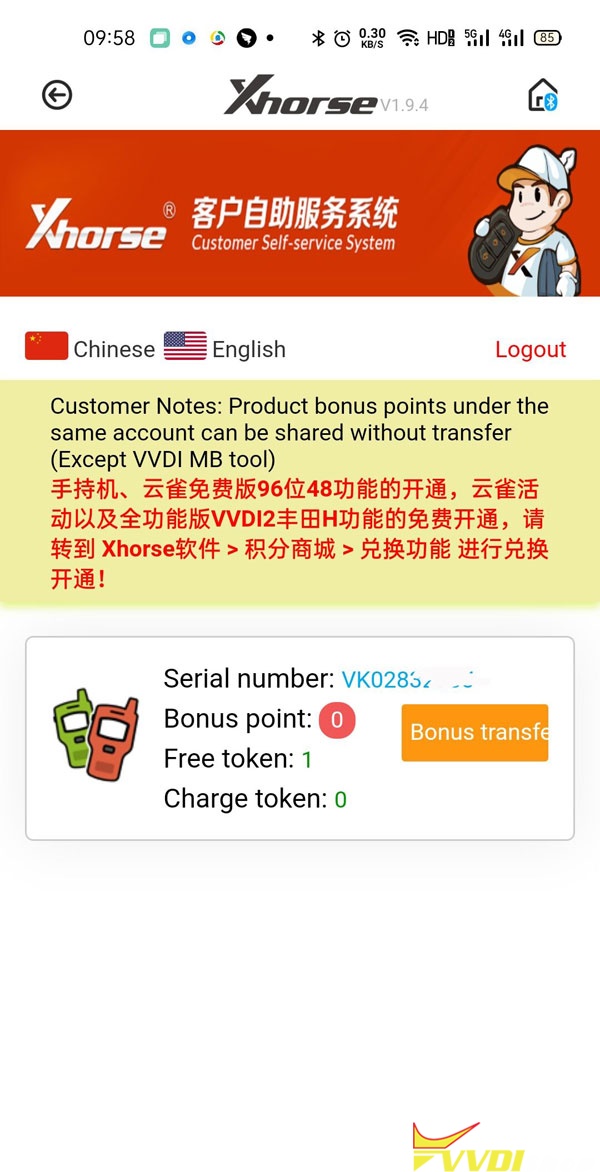
3. Now you can see mini key tool bonus points and tokens information
Program Kia Picanto Remote with VVDI Key Tool Max
How-to: generate and program Kia Picanto 2014 2015 remote key by Xhorse Vvdi Key Tool Max and MiNi OBD Tool.
Tools required:
Original remote
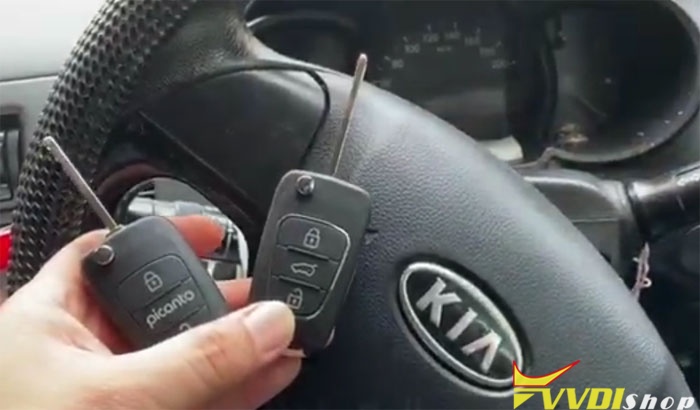
Left: customer original remote; Right: xhorse new wire remote
Procedure:
Step 1: Generate Remote
Step 1: Generate Remote
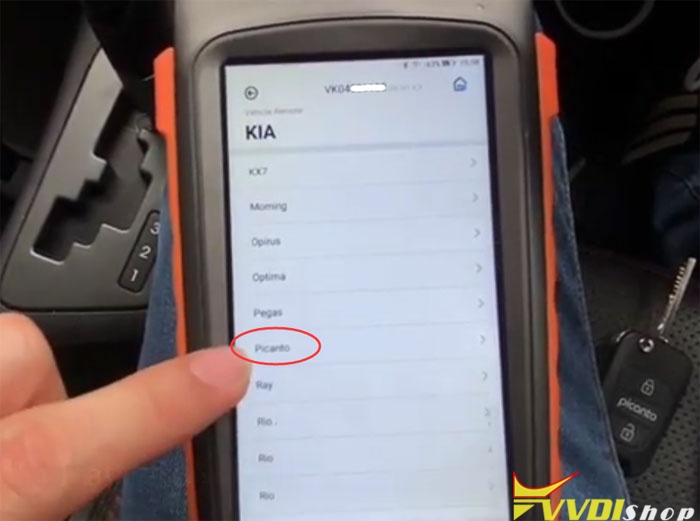
In key tool max app, select Vehicle Remote -> KIA-> Picanto->Picanto 2011-2014 95430-1Y300 433MHz FSK
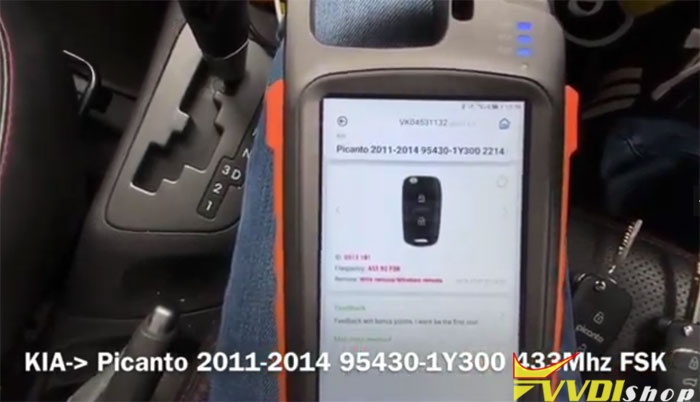
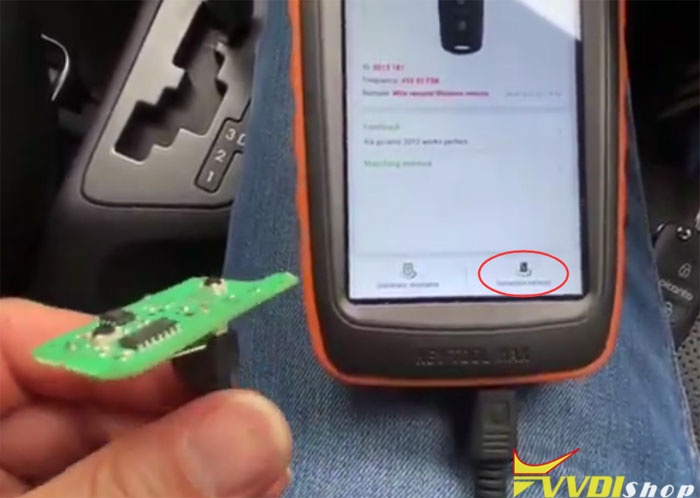
Connect VVDI wired remote with cable, press Generate remote
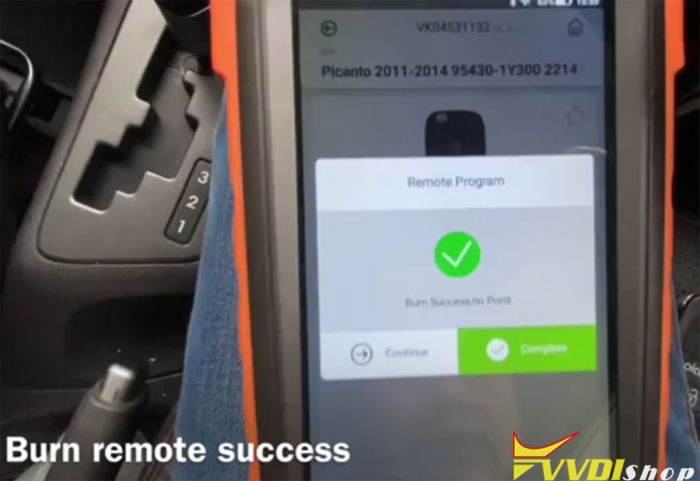
Burn remote success
Install in remote shell and put battery.
Step 2: Program remote
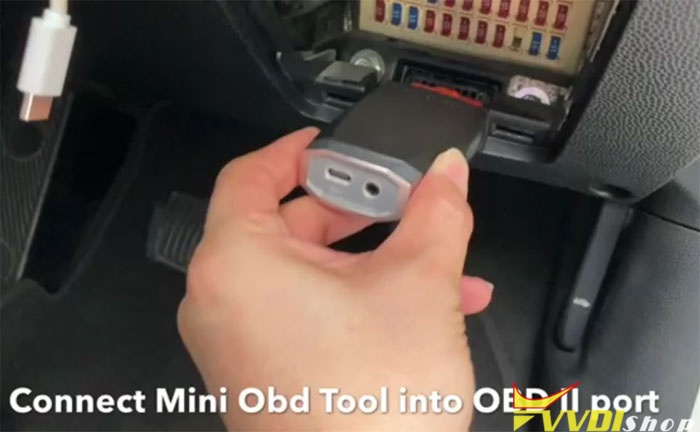
Connect VVDI Mini OBD Tool with vehicle via OBD socket
Choose MINI OBD menu
Connect with Mini OBD via Bluetooth
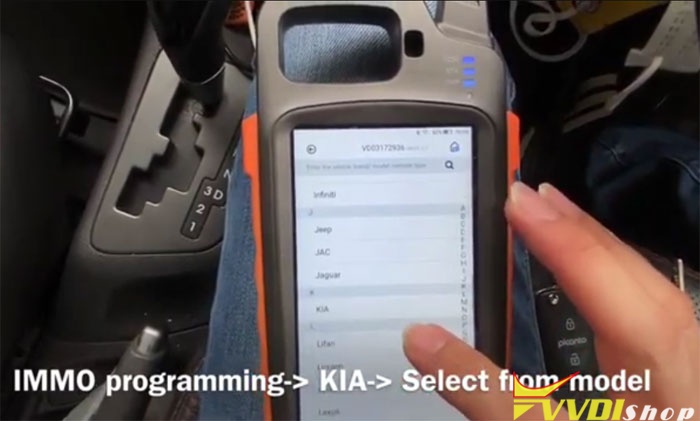
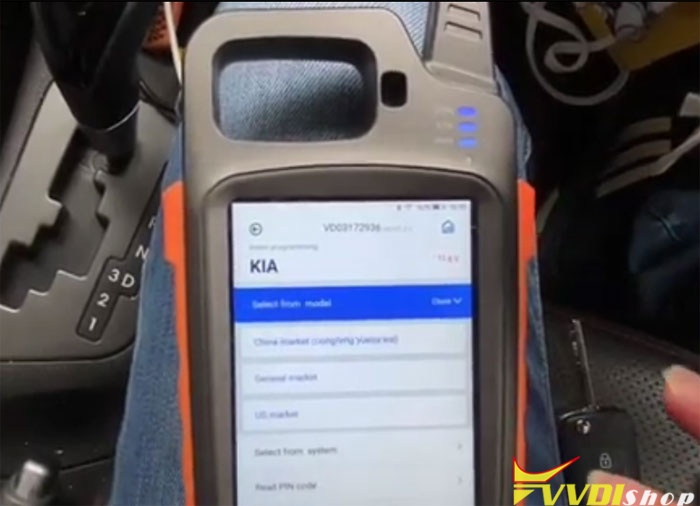
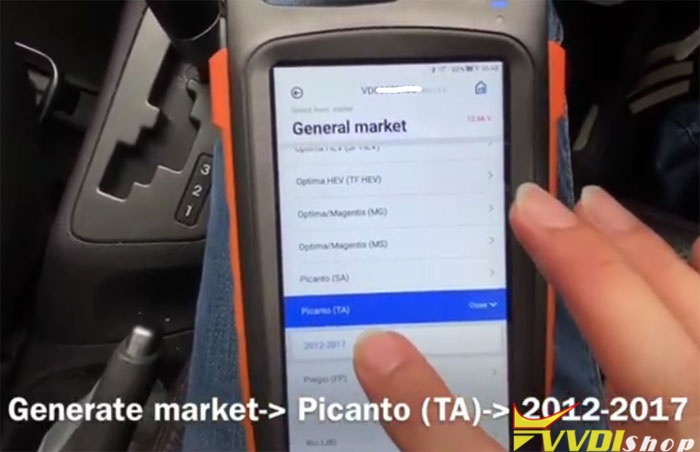
Select IMMO Programming->Kia->Select from model->Generate market->Picanto (TA)->2012-2017->Remote Programming
Connect with Mini OBD via Bluetooth
Select IMMO Programming->Kia->Select from model->Generate market->Picanto (TA)->2012-2017->Remote Programming

Read programming description
Loading
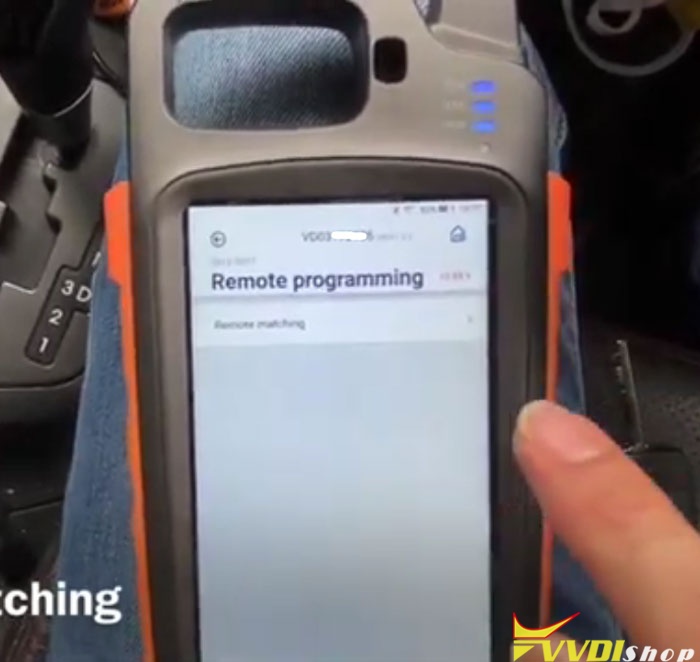
Select Remote matching
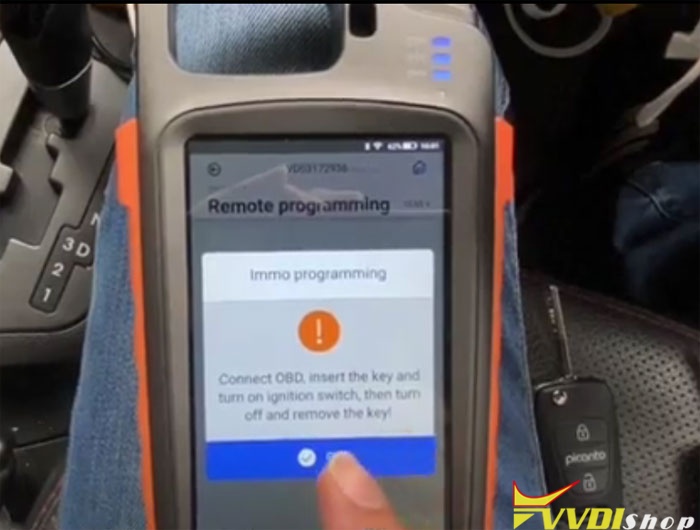
Insert key turn on and turn off then remove key
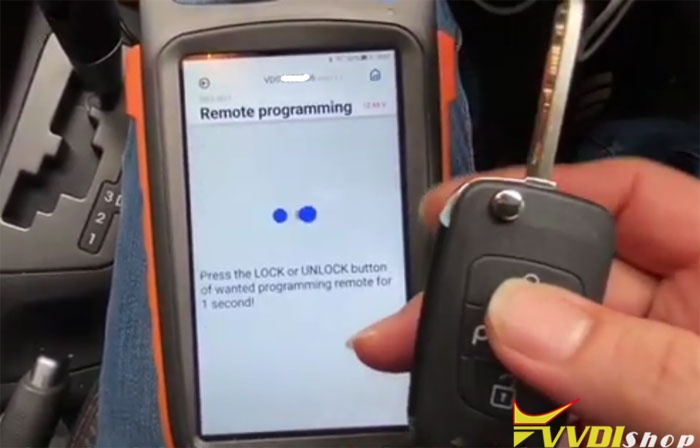
Press Unlock or Lock button on wanted remotes for 1 second
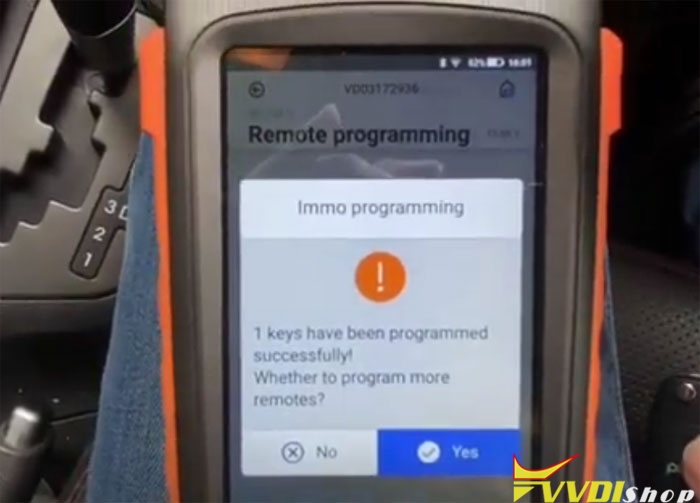
1st key have been programmed successfully. Press Yes to program 2nd remote
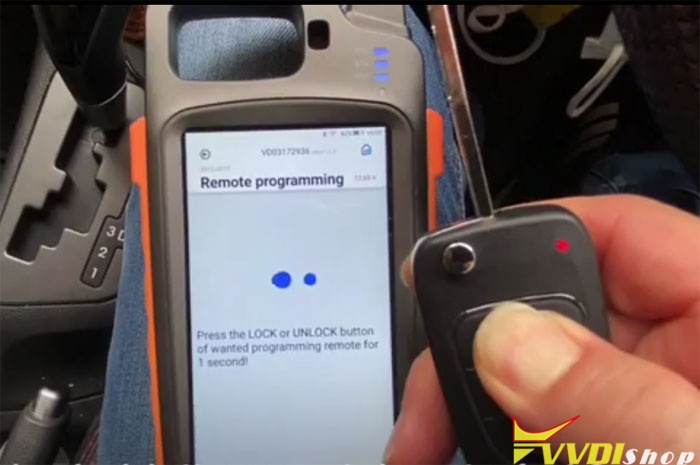
Press Unlock or Lock button on 2nd remotes for 1 second
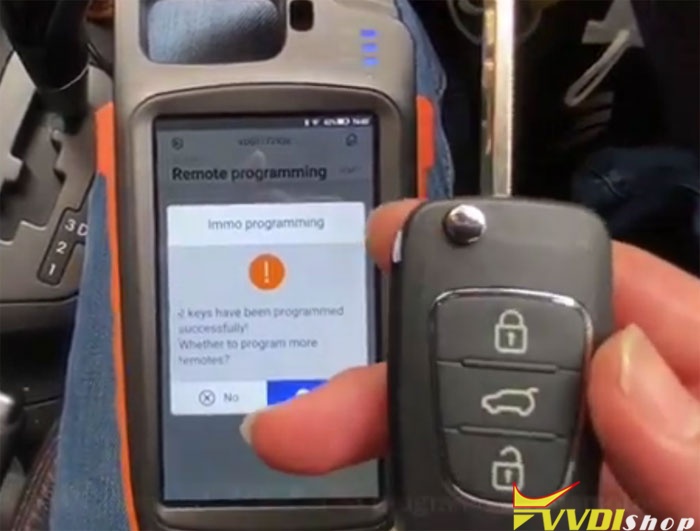
2nd key have been programmed successfully.
2 remotes have been programmed. Press No for finish.
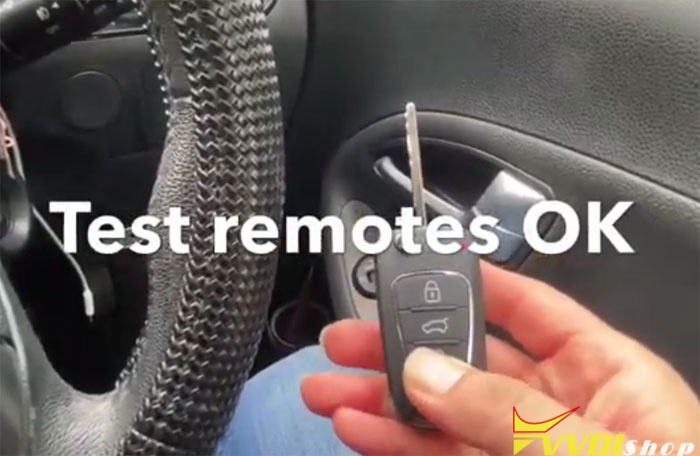
Test both remote keys. Both working no problem.
Done.