ابزار Xhorse VVDI
Xhose VVDI نرم افزار برنامه نویس اصلی و سخت افزارابزار Xhorse VVDI
Xhose VVDI نرم افزار برنامه نویس اصلی و سخت افزارHow to Add Key Mercedes C250 2007 W204 by Xhorse Key Tool Plus
Xhorse VVDI Key Tool Plus supports to add a spare jet key for Mercedes Benz C250 2007 W204 by OBD successfully.
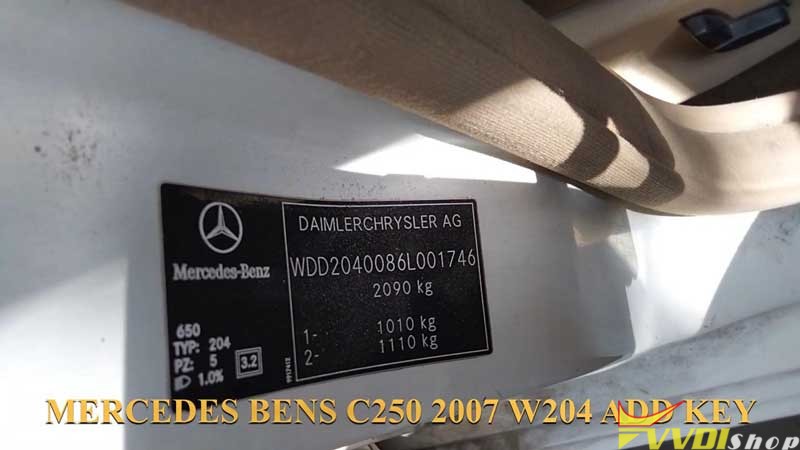
Here we go to show the procedure:
Connect VVDI Key Tool Plus with OBD2 port.
Turn ignition switch on, press
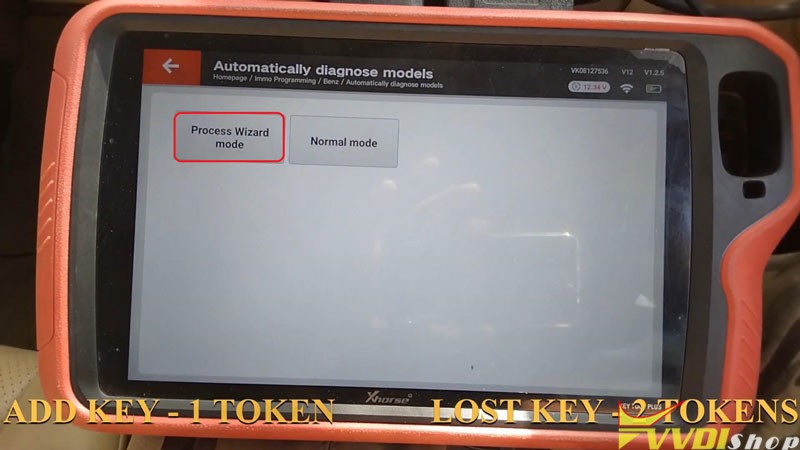
Immo programming >> Europe >> Benz >> Automatically diagnose models >> Start programming >> Yes
Add key – 1 token.
All key lost – 2 tokens.
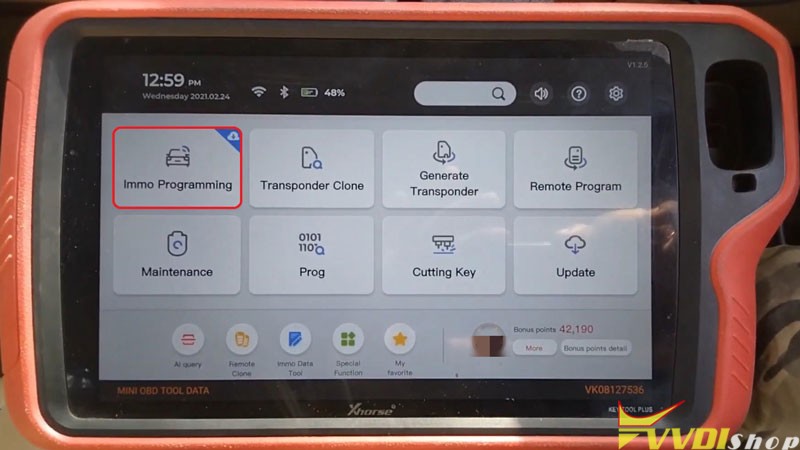
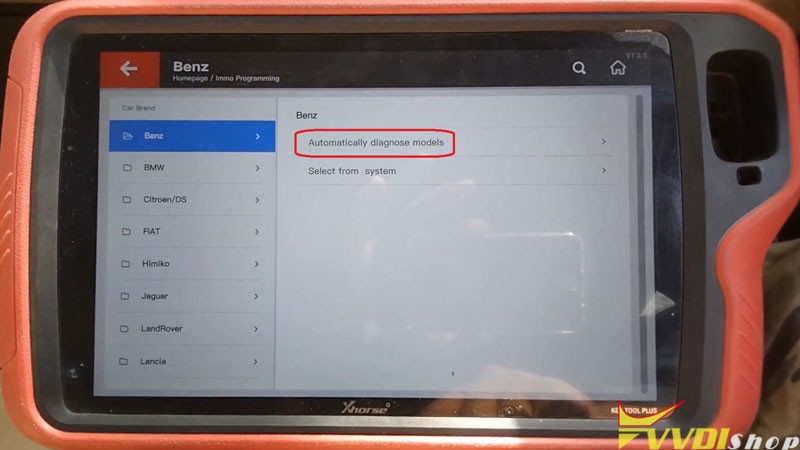
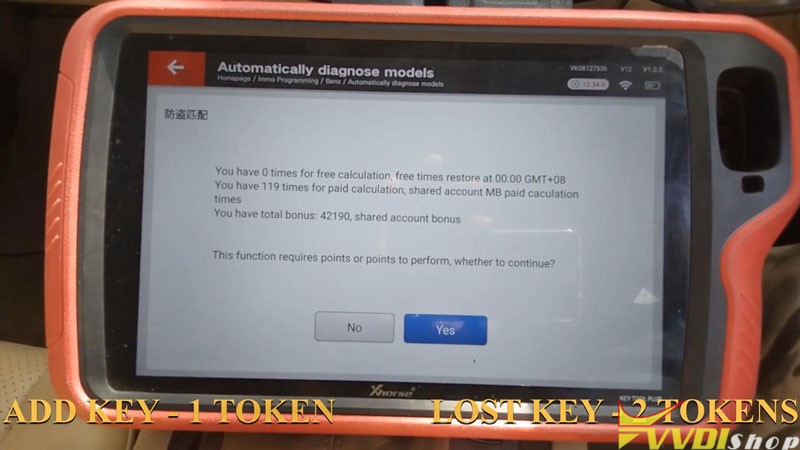
- Read Data
Process Wizard mode >> Begin >> Yes >> Save to file >> Save here >> Rename, OK
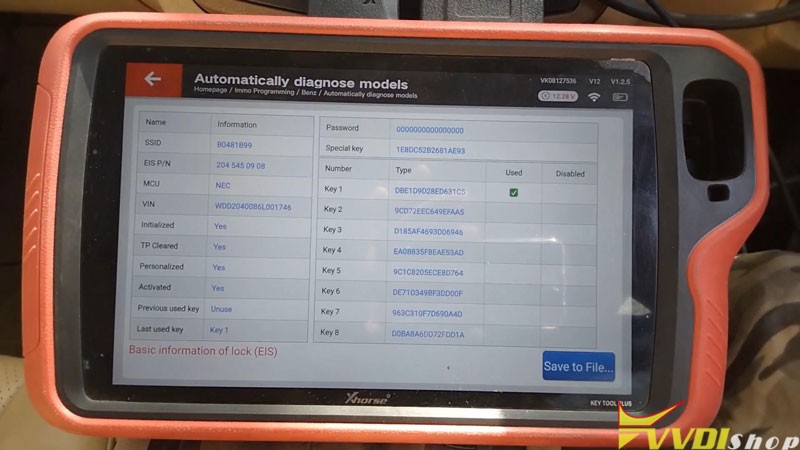
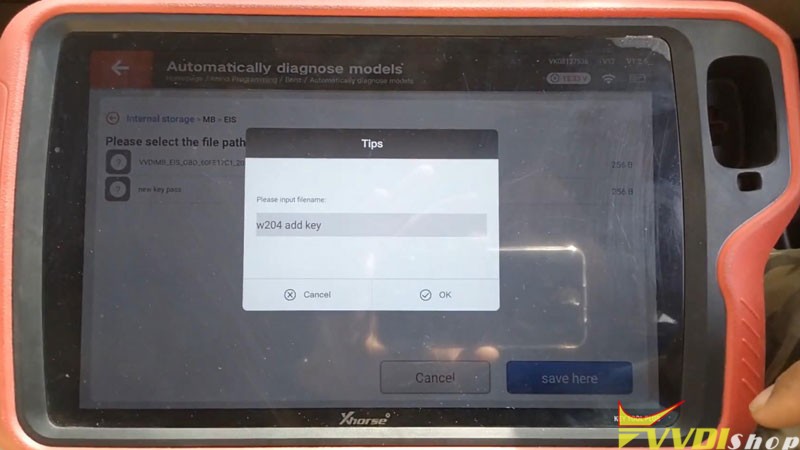
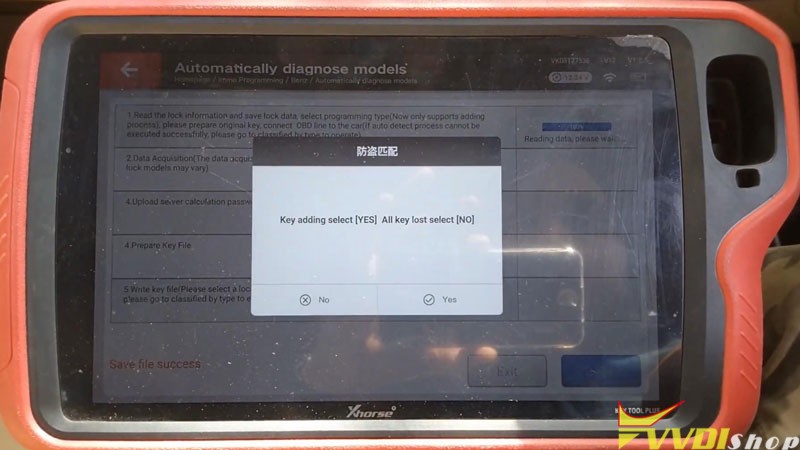
- Data Acquisition
Press “Yes” to add key.
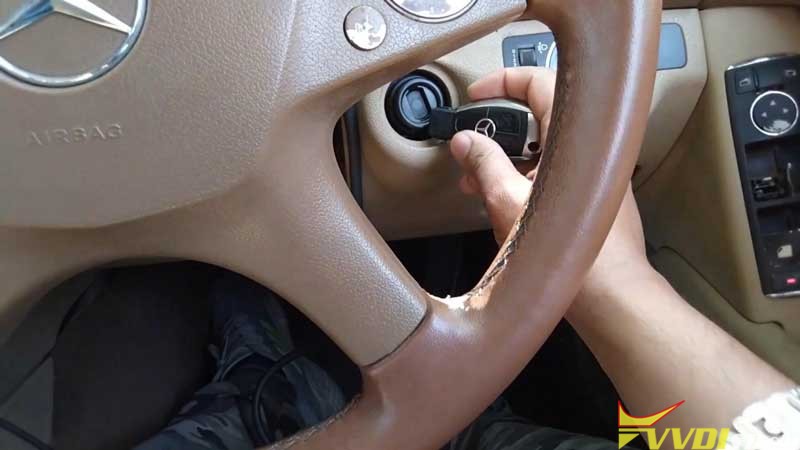
Insert working key to EIS before press “OK”.
Take working key out of EIS before press “OK”.
Insert working key to EIS before press “OK”.
If car with keyless go function can not finish synchronize, please try the following step:
Insert key and Start engine >> Switch OFF >> Switch ON
Insert working key to “Device IR Reader” of VVDI Key Tool Plus before press “OK”.
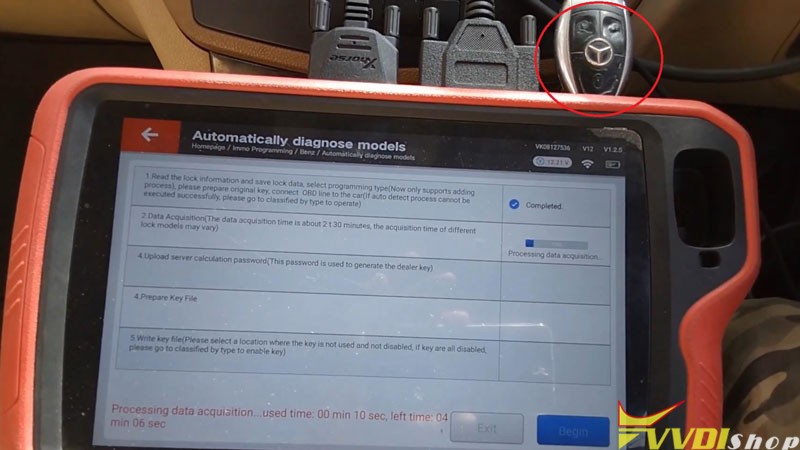
Processing data acquisition…please wait
Insert working key to EIS before press “OK”.
Please wait 23s…
Insert working key to “Device IR Reader” before press “OK”.
Press “OK” to save collection data.
Save here >> Rename, OK
Acquisition finished, upload the saved data with “Upload Data” for password.
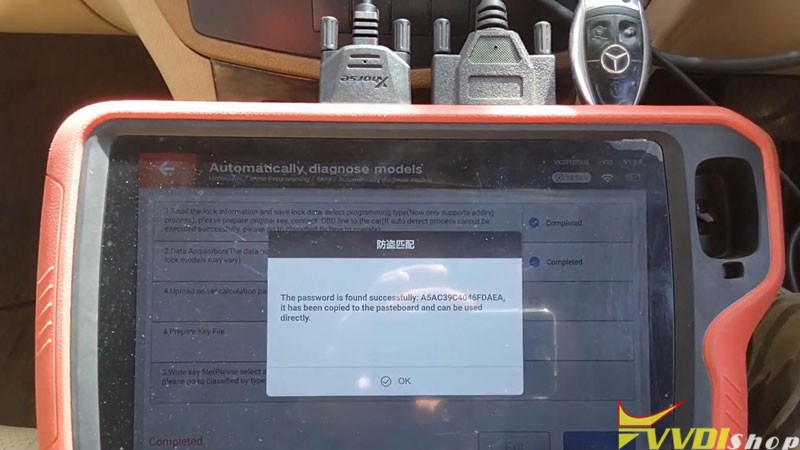
- Upload Calculation Password
OK >> OK >> OK >> OK >> OK >> Select EIS file, open
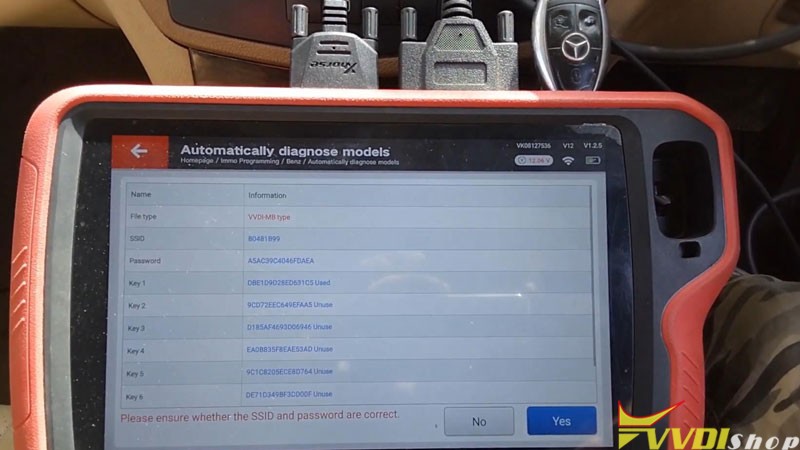
Please ensure whether the SSID and password are correct.
Yes >> OK
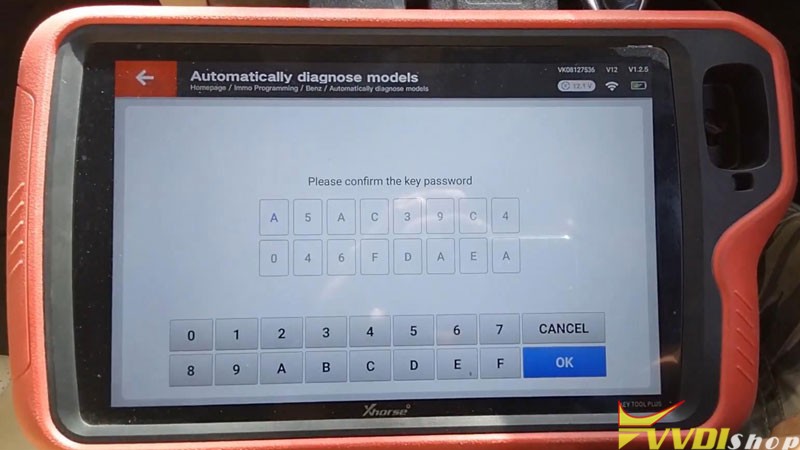
- Prepare Key File
Select the type of generated key file: v051, press “OK”.
Calculating require 10s, query after 5s, please wait…
OK >> Save here >> Rename, OK >> OK
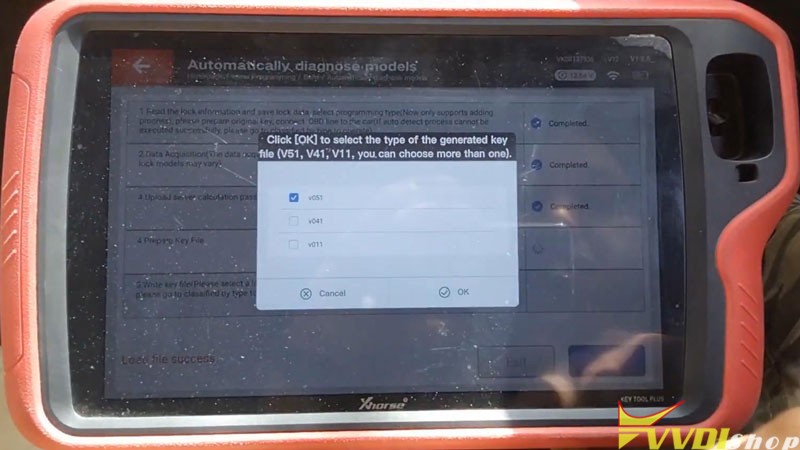
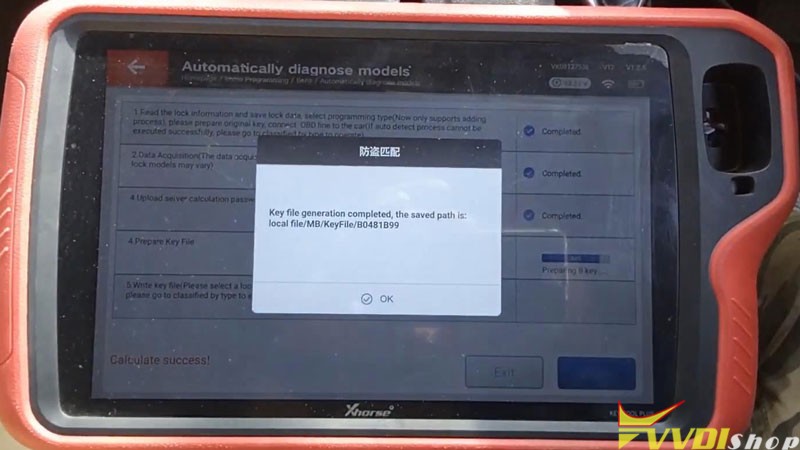
- Write Key File
Press “OK” to load key file to be written >> Select file, open
Please insert the new Xhorse VVDI BE Key into the infrared antenna of Key Tool Plus.
OK >> Continue
Program process is successfully completed, please activate the key(most keys can be activated by inserting into the key lock).
Test the key after activation, it can work normally.
Done!
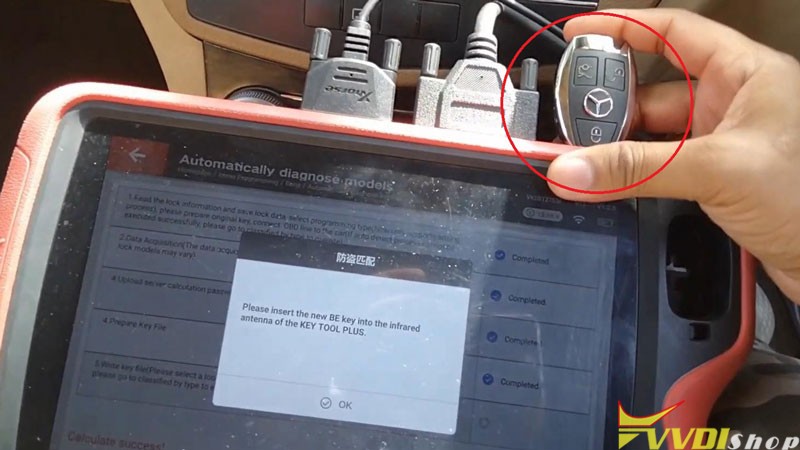
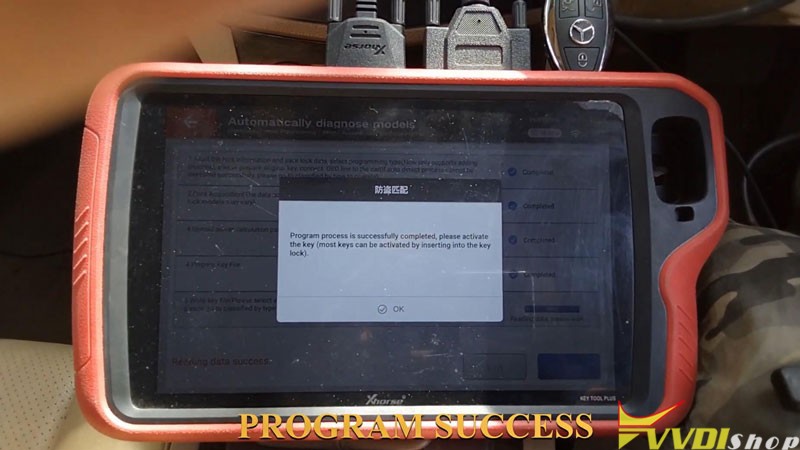
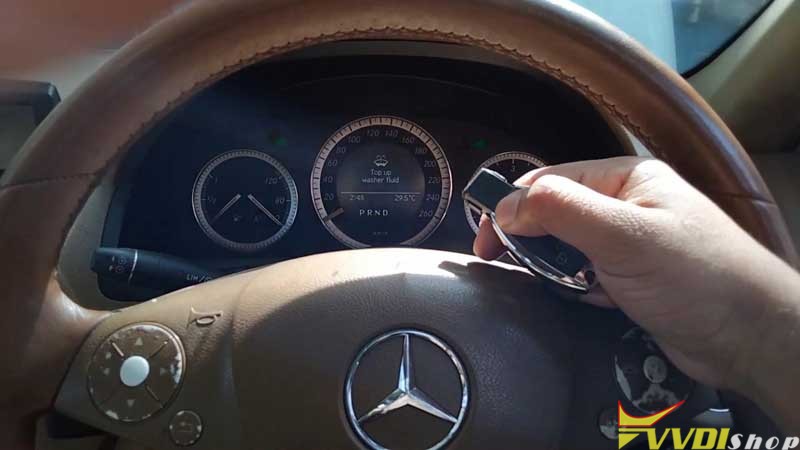
This is the procedure of using VVDI Key Tool Plus to program a new key for Mercedes Benz C250 2007 W204 via OBD.
Citroen CN22 Key Cutting with Xhorse Dolphin XP005
Using Xhorse Dolphin XP005 Key Cutting Machine to cut a Citroen CN22 key should be installed with M3-B clamp.
Prepare an original key & a key blank.
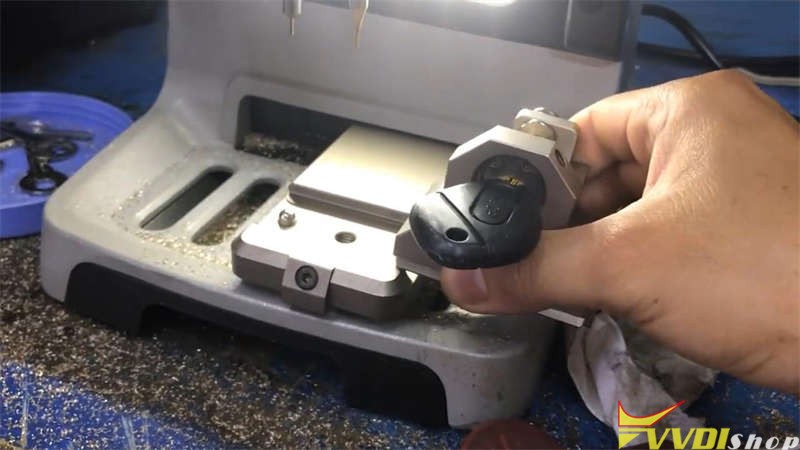
Install the original key on M3 clamp beforehand.
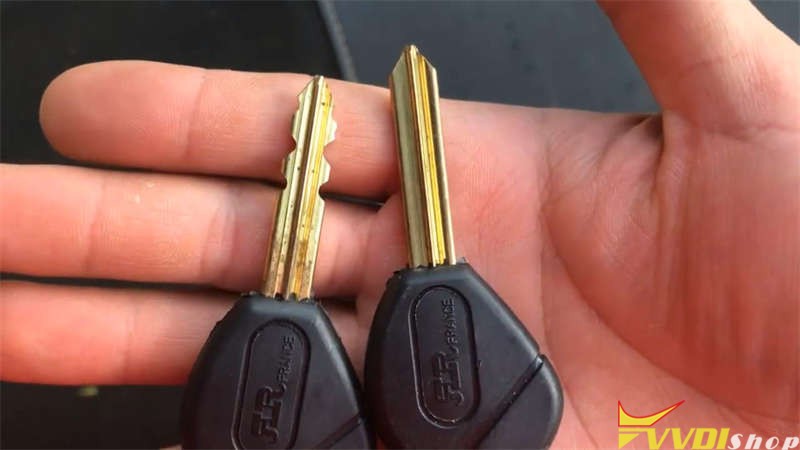
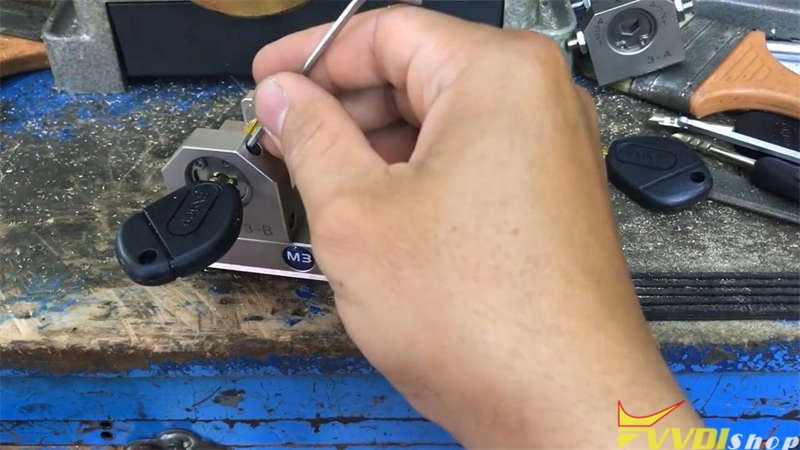
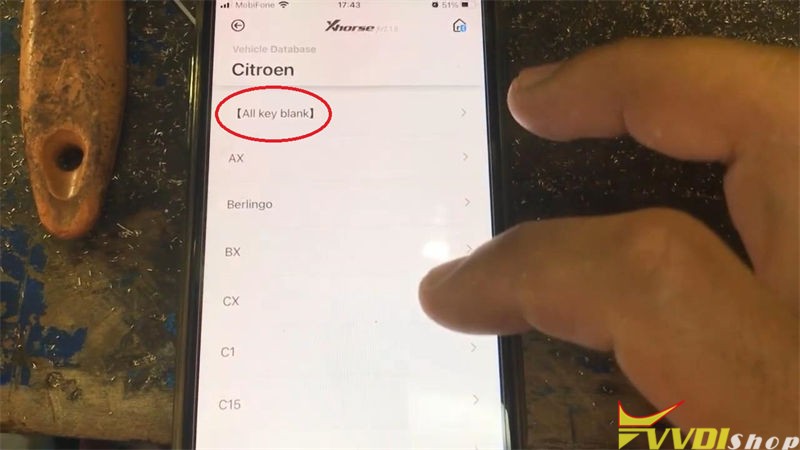
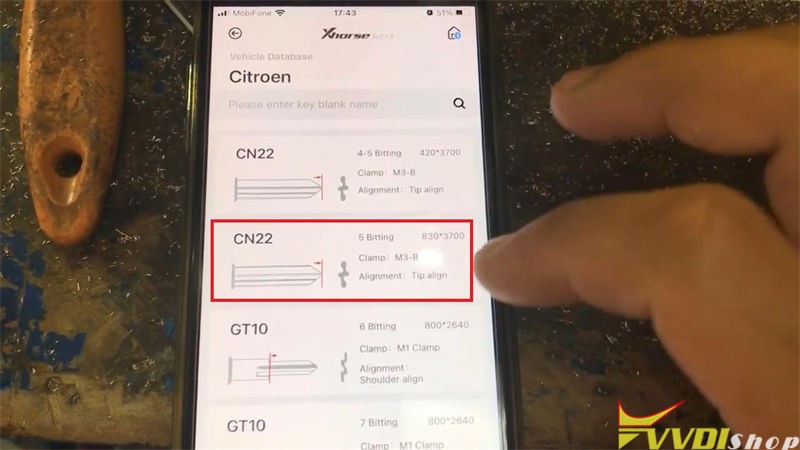
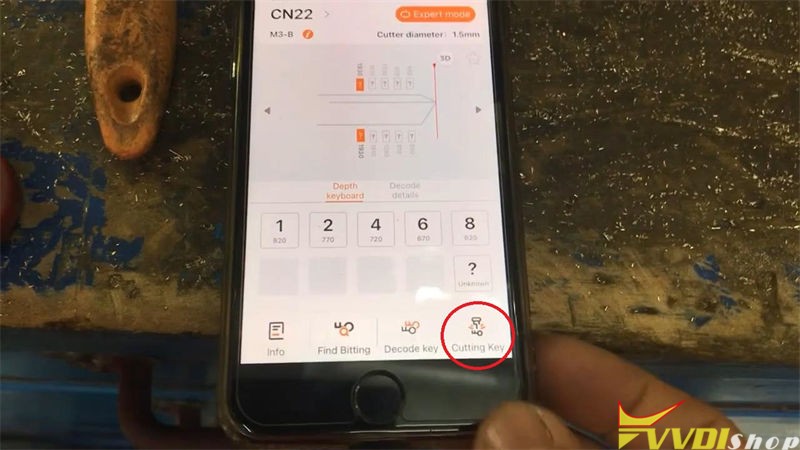
Go to Xhorse app to control, press
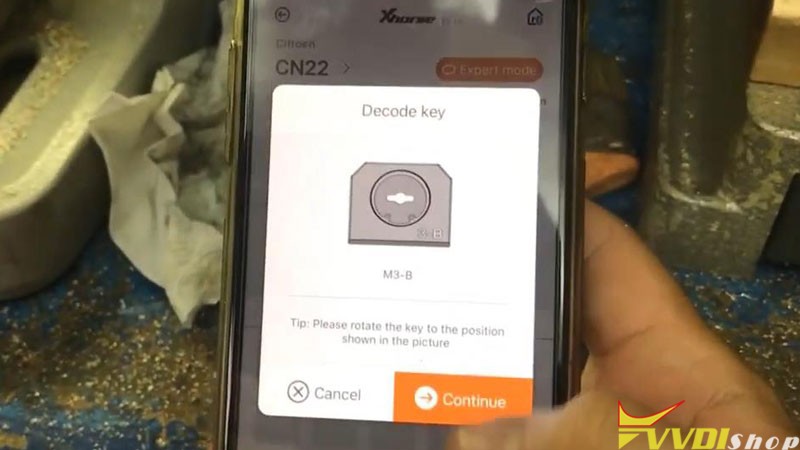
Vehicle database >> Citroen >> All key blank >> CN22, 5 bitting, 830*370 >> OK >> Decode key >> Continue
Tip: please rotate the key to the position shown as pic.


Dolphin XP005 machine starts decoding…
When the key decoding is successful, it will tell the bitting codes on screen.
Replace the original key to install new key blank on clamp, press
Cutting key >> Continue
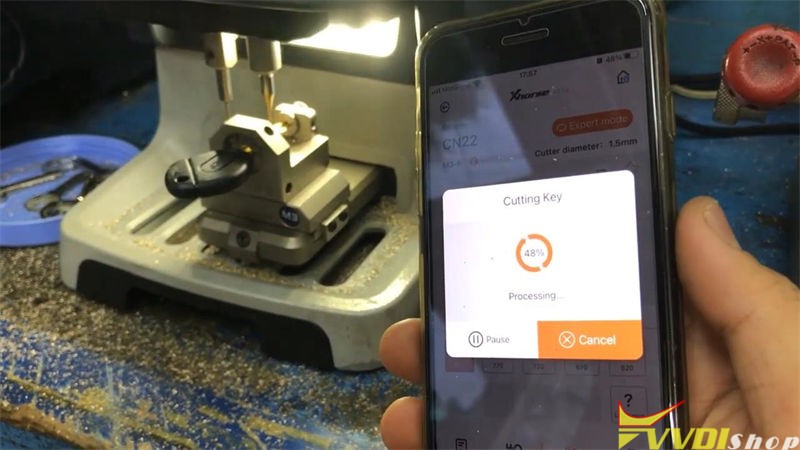
Dolphin XP005 machine starts cutting…
Wait until the key cutting is completed.
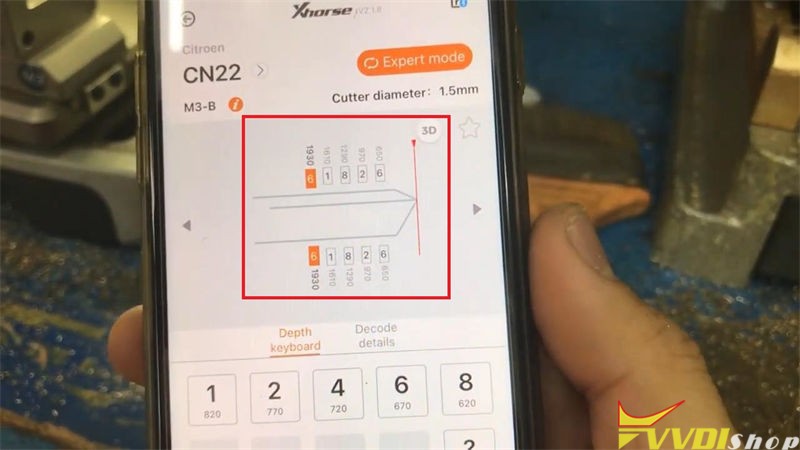
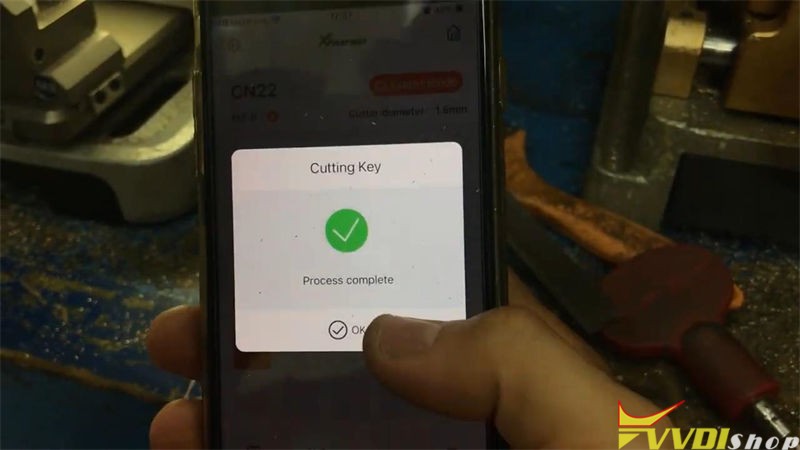
Take out the key to have a try, it is same as original one, and it does work.
Done!
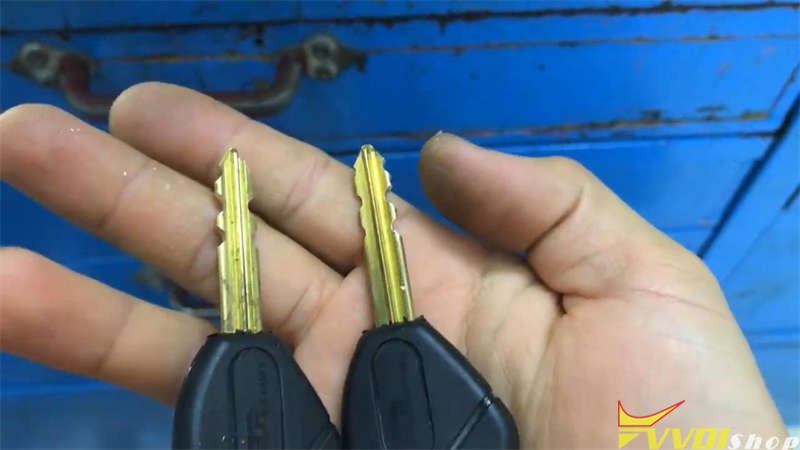
It is quite simple to cut a Citroen CN22 key via Dolphin XP005 Automatic Machine, it takes me only 5 minutes to finish.
Xhorse VVDI Mini OBD Tool Program 2020 Kia Sportage
Xhorse VVDI Key Tool Max + Mini OBD Tool support to program a new remote for 2020 Kia Sportage success. This key isn’t a transponder key, a regular lxp90 blade is able to crank it. Now I’m about to show its procedure.
Plug VVDI Mini OBD Tool into OBD2 port, connect it with Key Tool Max via Bluetooth.

Immo programming >> Kia >> Select from model >> US market >> Sportage >> Remote key adaptation >> Start execution
Wait loading until 100%…
Please choose OBDII interface and turn on the ignition switch to ON.
Press “OK”.
Switch ignition off, remove the key, press “OK”.


Press UNLOCK or LOCK button for more than 1 second.
Match 1 remote successfully.
Press “OK” to program next one, press “Cancel” to complete.
You’ll hear a beep when match completed.
Remote match completely.
Press “OK”.
Let’s test the key, all are workable.
Key programming was done!


This is using VVDI Key Tool Max & Mini OBD Tool to add a remote for 2020 Kia Sportage. This key doesn’t have a chip so I only programmed the remote to vehicle.
VVDI MB Program Spinter W906 All Keys Lost without Token
Mercedes Sprinter W906 all keys lost programming by xhorse vvdi prog and vvdi mb tool on bench. Reading MCU data using vvdiprog, no need to calculate password online. Password is extracted directly from dump.
FYI: Add a spare key is easier, check the guide here.
Device used:
Lishi HU64 auto pick
2 VVDI BE keys to be programmed
Benz EIS EZS Gateway test platform
Main steps:
Decode door lock
Remove EZS
Read EZS adapter
Make key
Procedure:
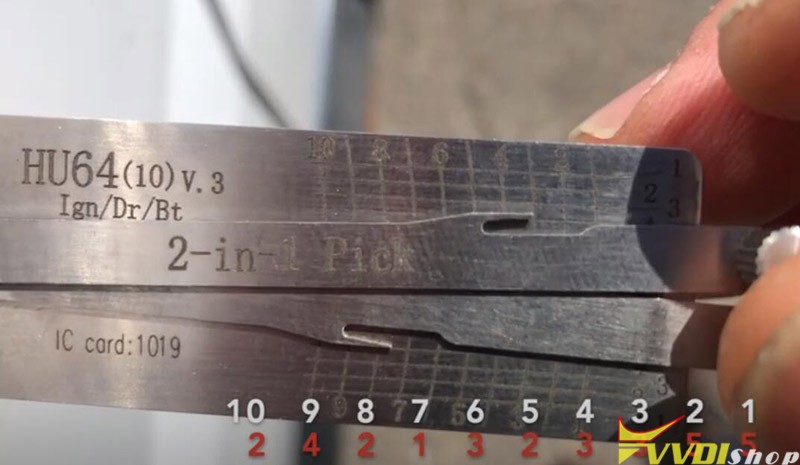
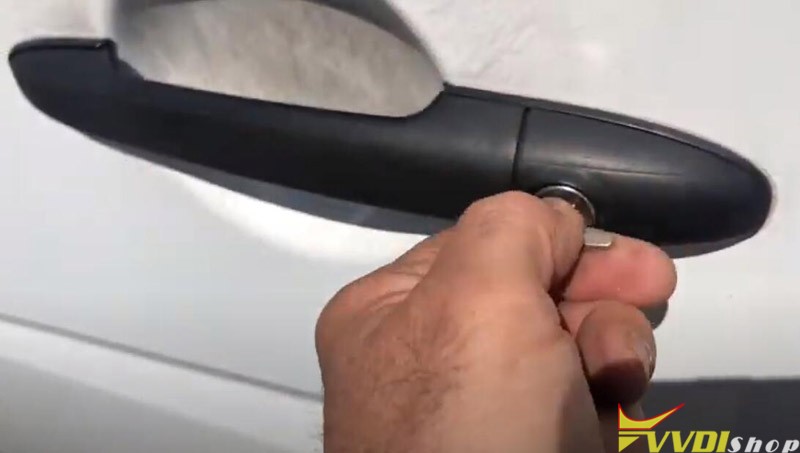
Decoding of the door lock (HU64) with the Lishi 2in1 Pick tool
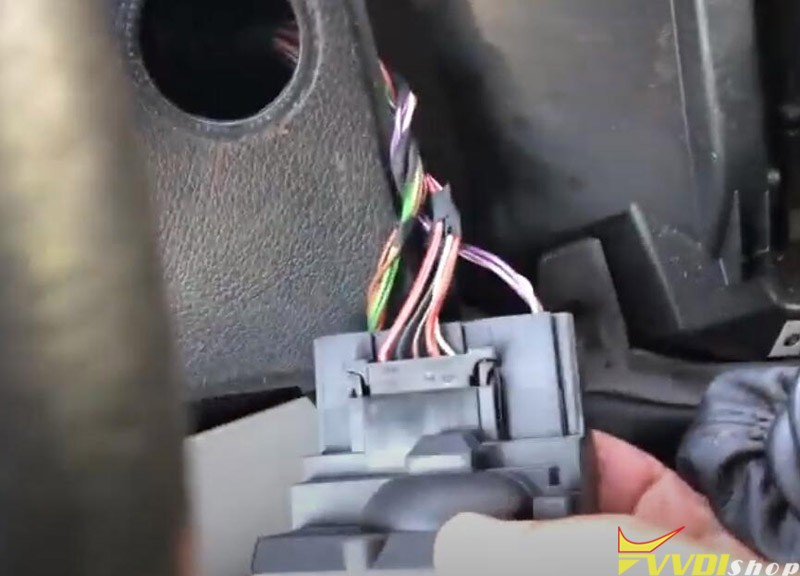
Remove EZS
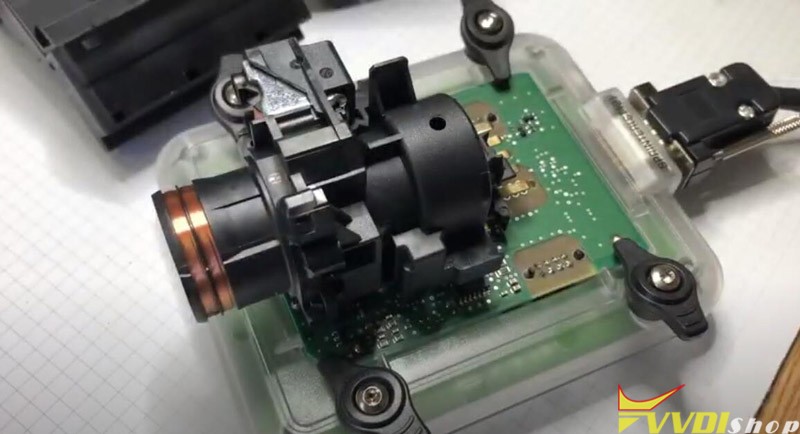
Read data with VVDI Prog software and EZS adapter (without soldering)
If don’t have EZS adapter, check wiring diagram and solder
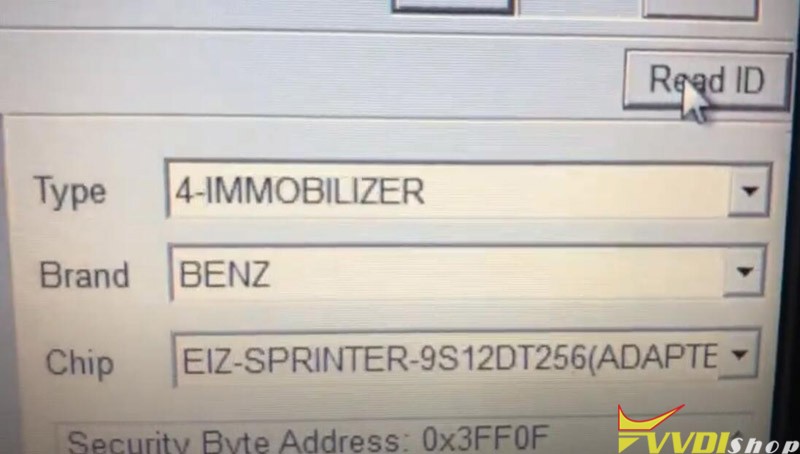
In VVDIProg software, select Immobilizer->Benz-EIS Sprinter 9S12DT256 (Adapter)->Read ID
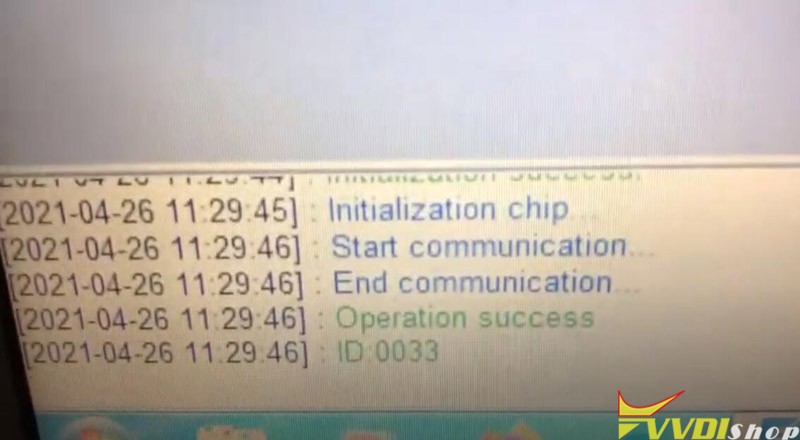
Read ID success
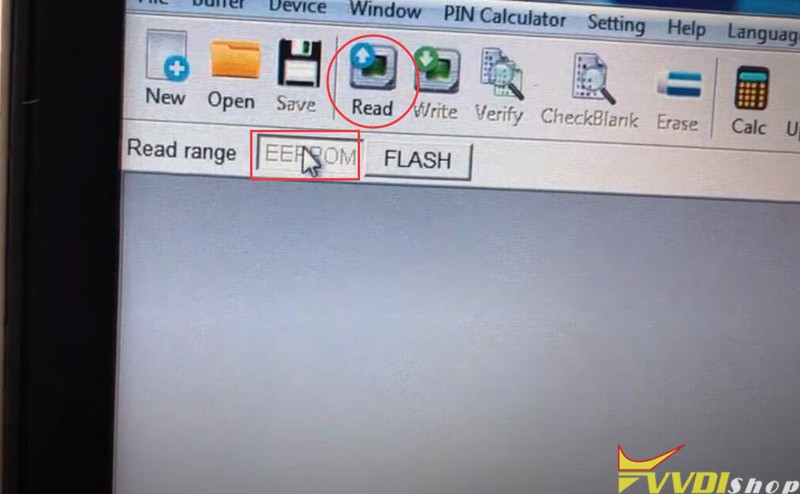
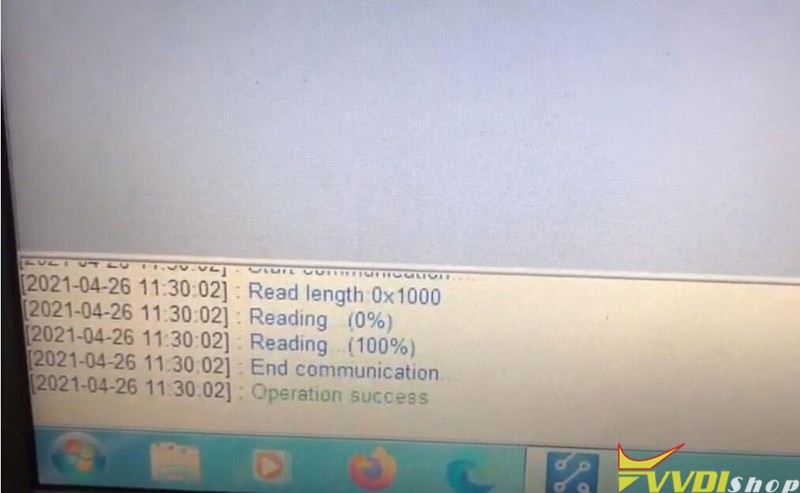
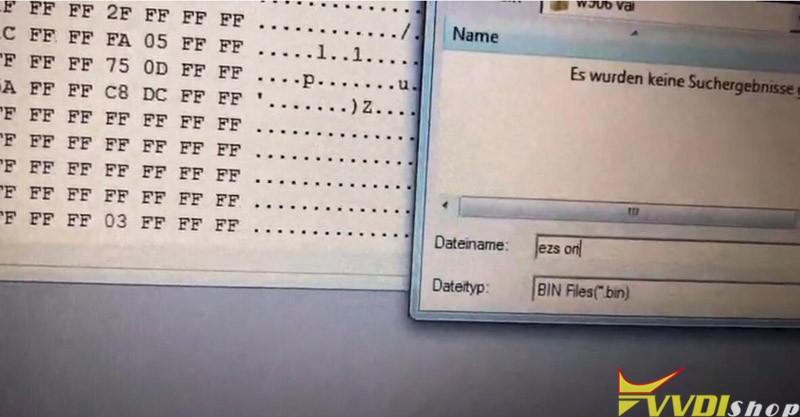
Read EEPROM and save data
Run VVDI MB software, select Prepare Key File-> Load EIS file
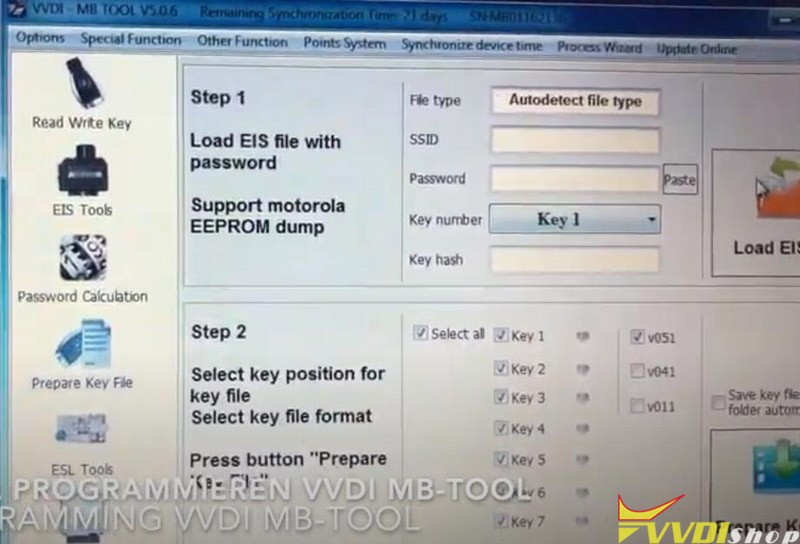
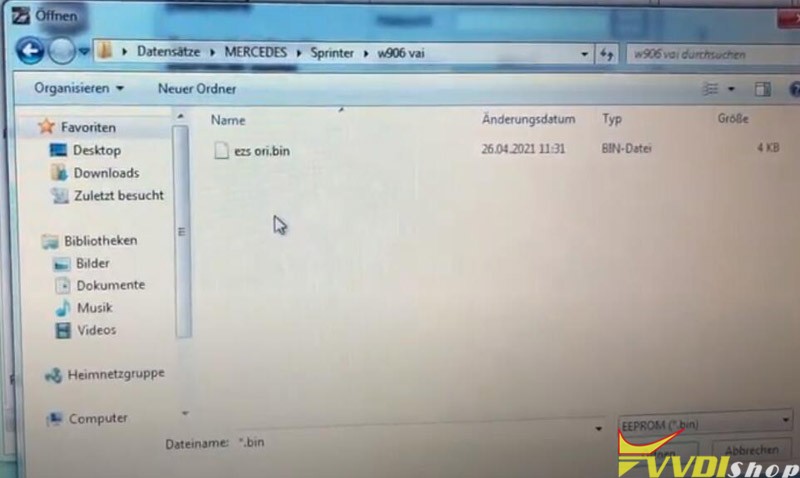
Load EIS data read by vvdi-prog
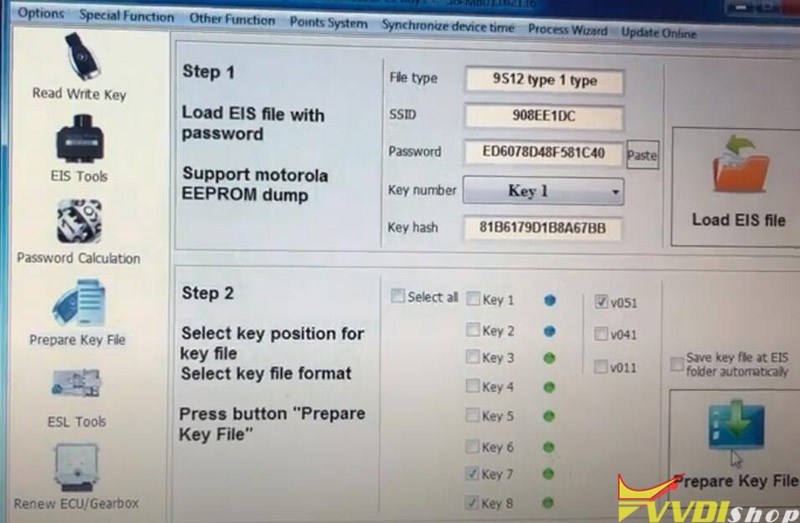
Select key7 and key8 unused key position and Prepare Key File
Insert key into EZS and turn ignition ON
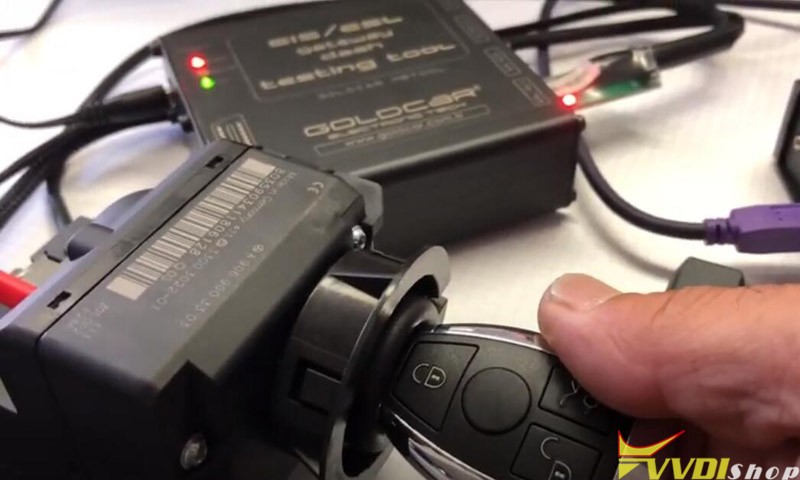
Then remove key and insert BE key into vvdi mb tool
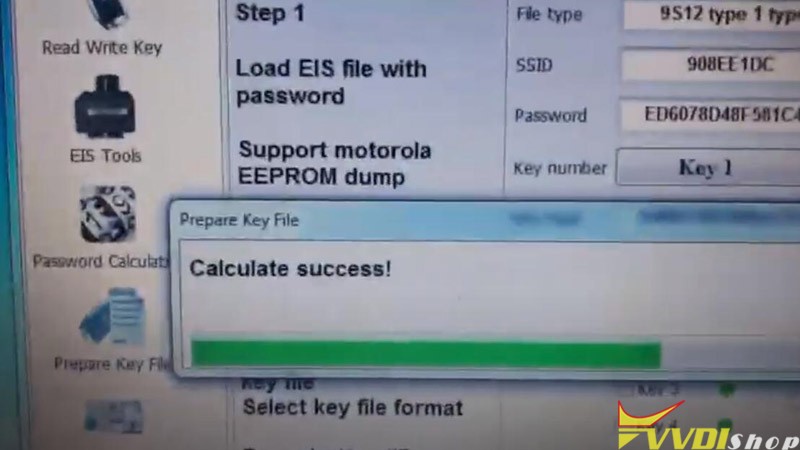
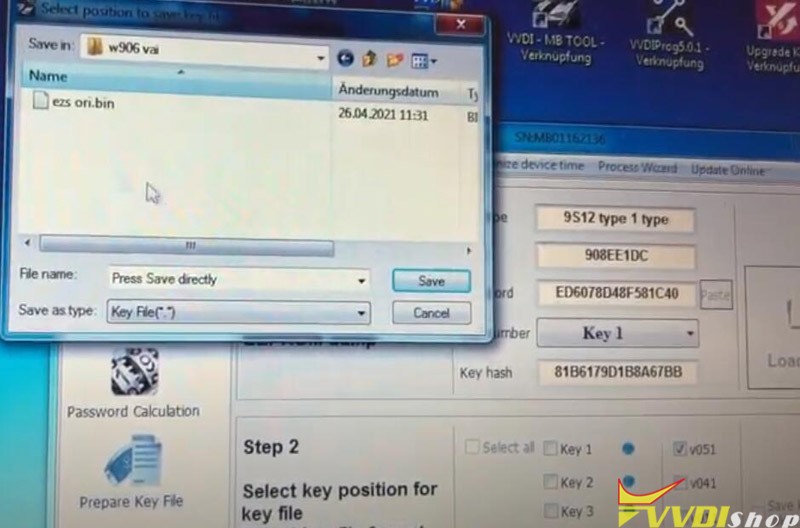
Calculate password success. Save key file.
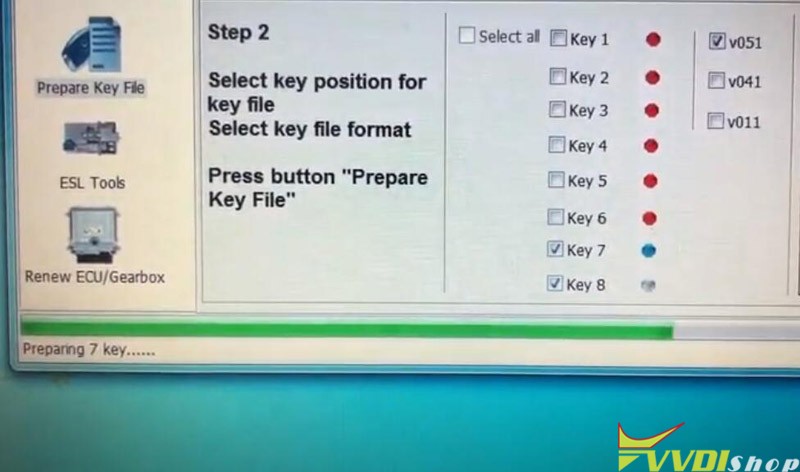
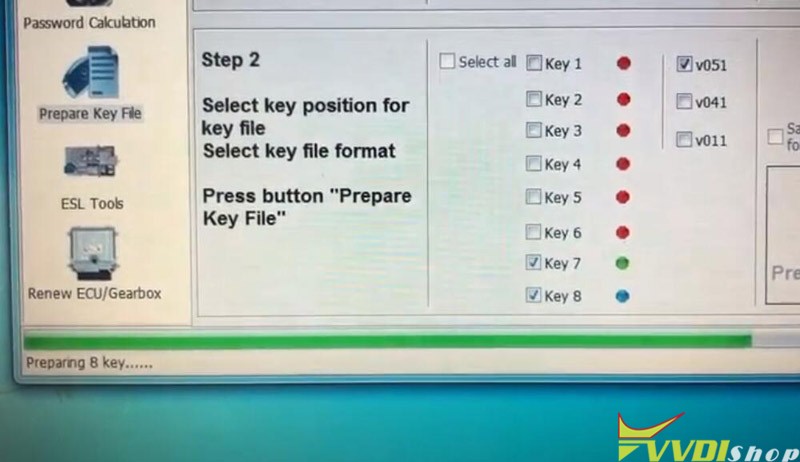
Preparing key 7 and key 8 until completed
Go to Read Write Key function.
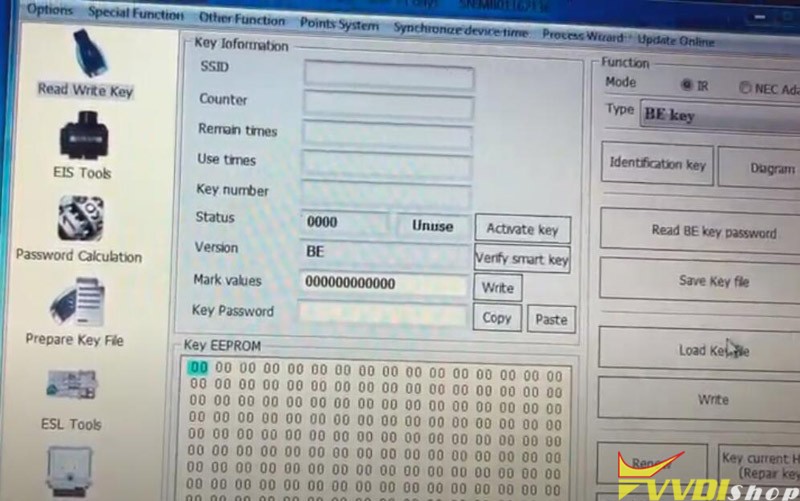
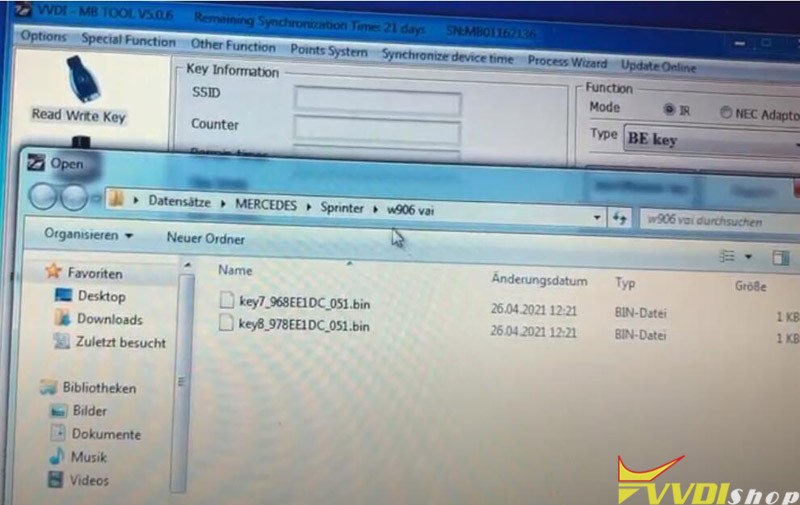
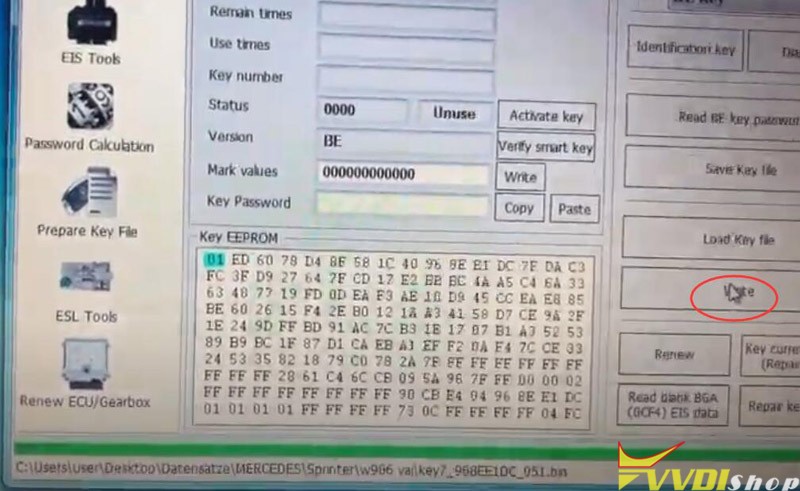
Load key7 key file and write key
Turn on ignition switch and turn off
Insert key into VVDI MB, write 1st key success
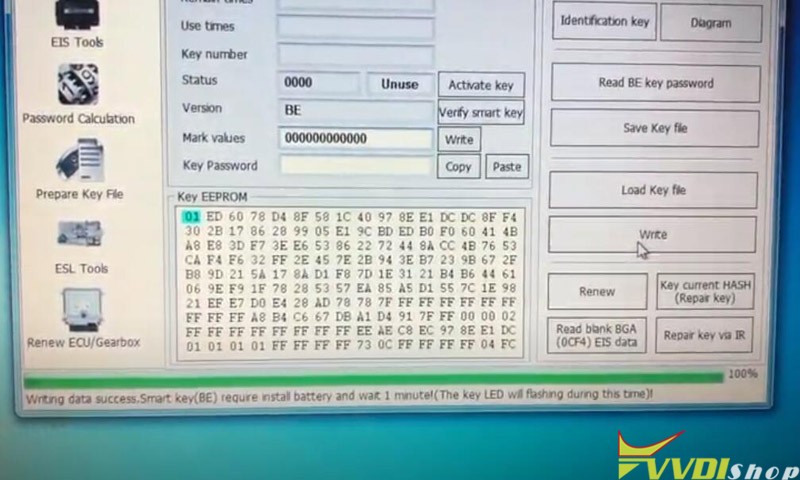
Repeat the procedure to write 2nd key.
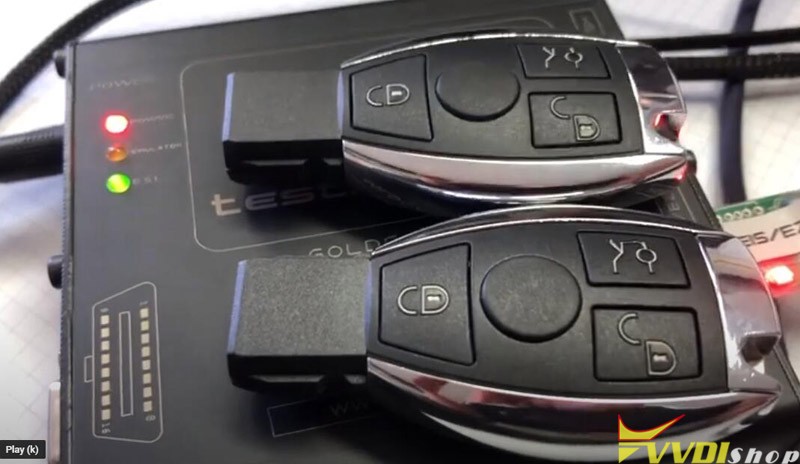
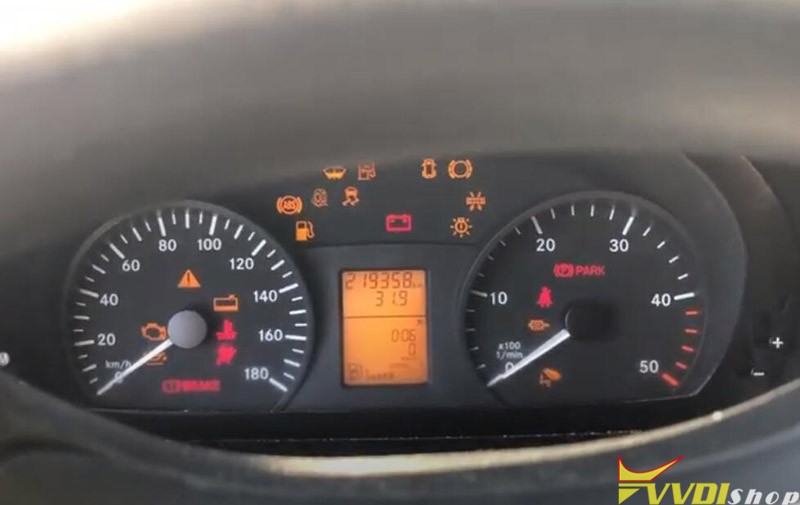
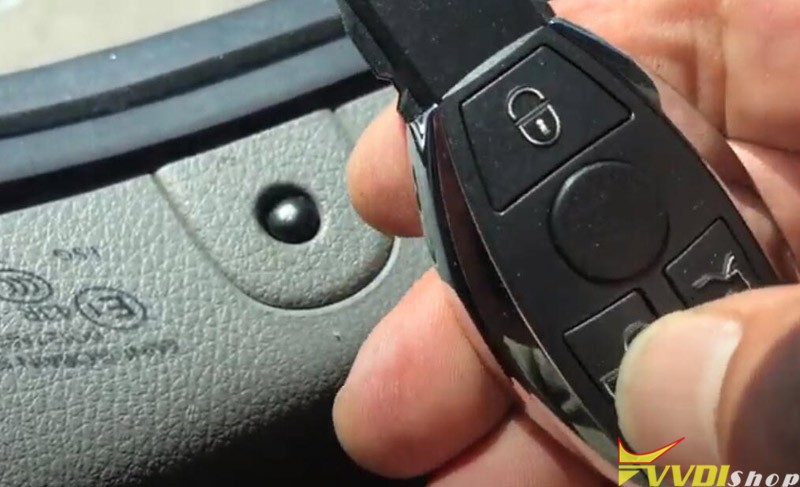
Test both new keys. Working no issue, car starts, remote control works.
Done.
http://blog.vvdishop.com/xhorse-vvdi-mb-program-mercedes-sprinter-w906-all-keys-lost/
How to Add 2020 Mazda CX-5 Key with Xhorse Key Tool Plus?
Xhorse VVDI Key Tool Plus Pad can add a ID49 key for Mazda CX5 2020 Success.
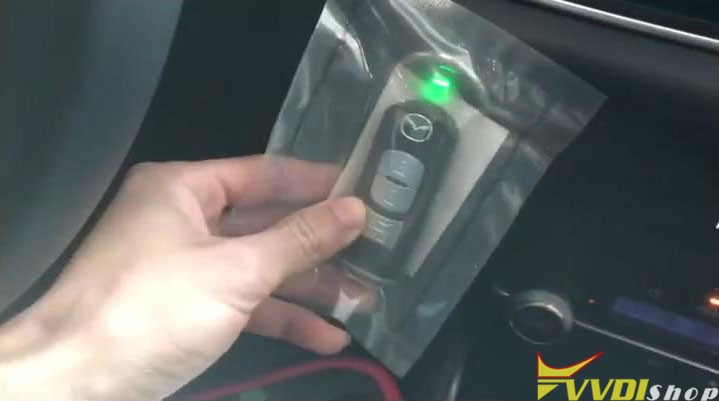
Here are a working key and a new key, both are 433Mhz.
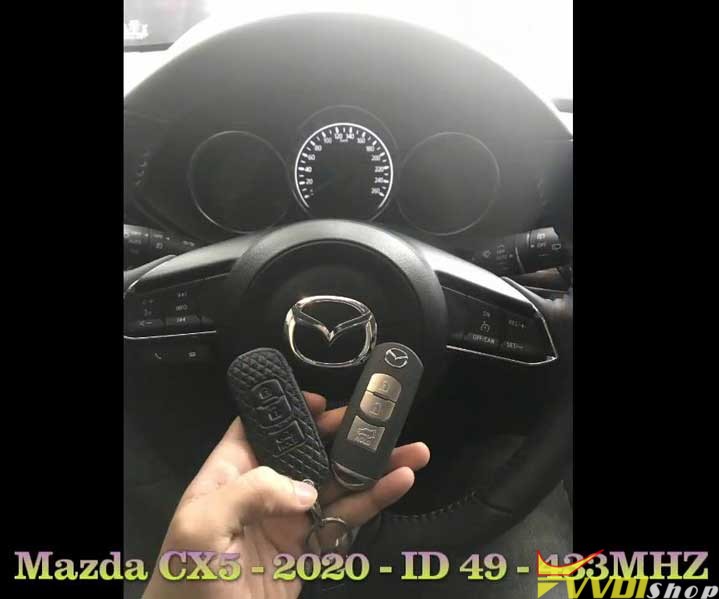
Connect Key Tool Plus with OBD, then get to start:
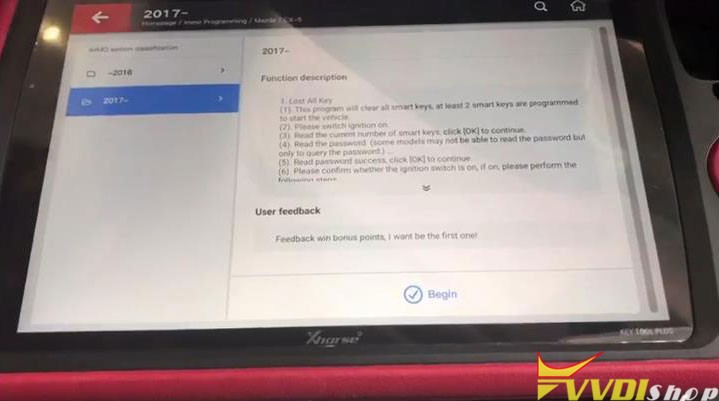
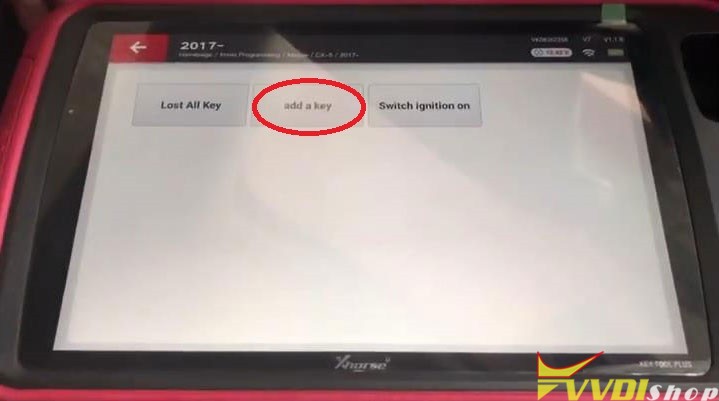
Immo programming >> Mazda >> CX-5 >> 2017- >> Begin >> Add a key
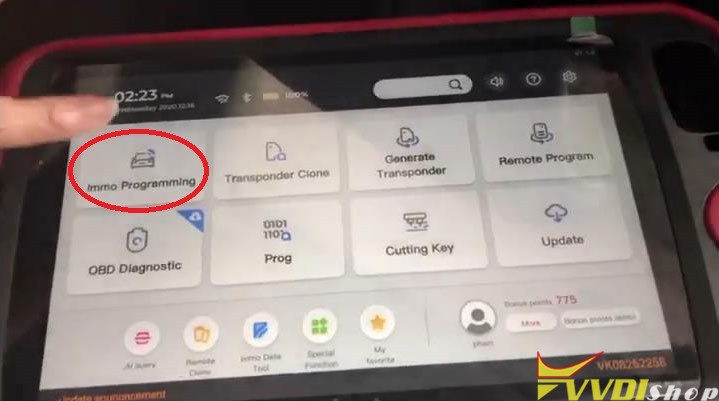
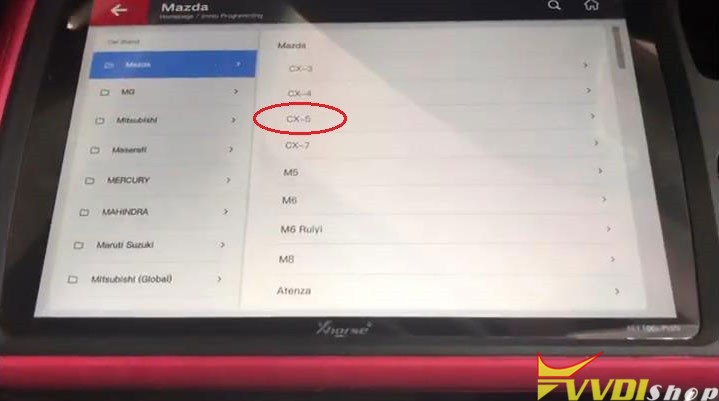
Follow the prompts to operate:
Switch ignition on.
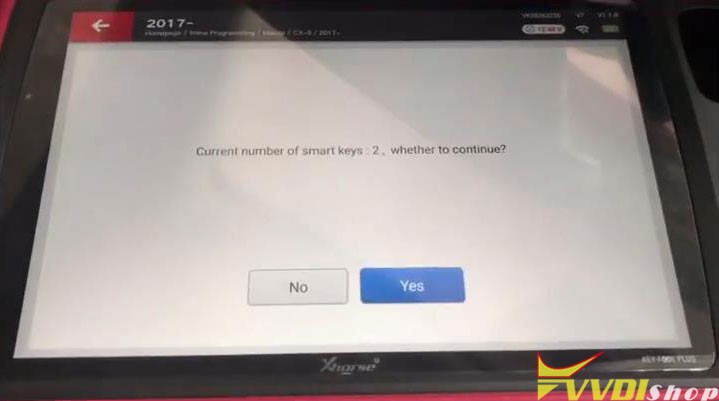
Current number of smart keys: 2, press “Yes” to continue.
Read the password…
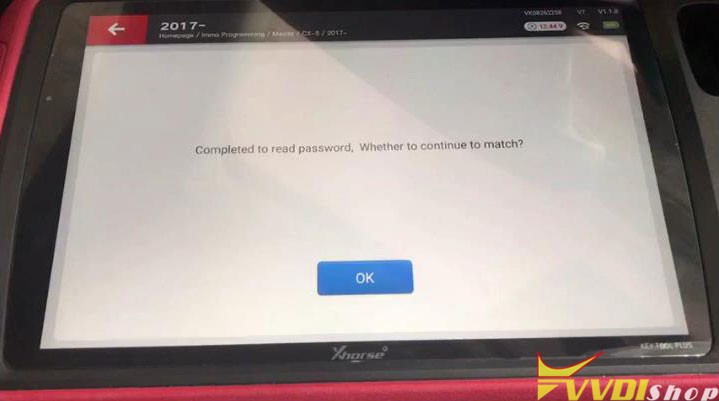
Completed to read password, press “OK” to match.
Configuring the system, 7 minutes are needed, please wait…
Step on brakes when automatic-shift, step on the clutch when manual-shift, and keep the maker end of the smart key close to the start button.
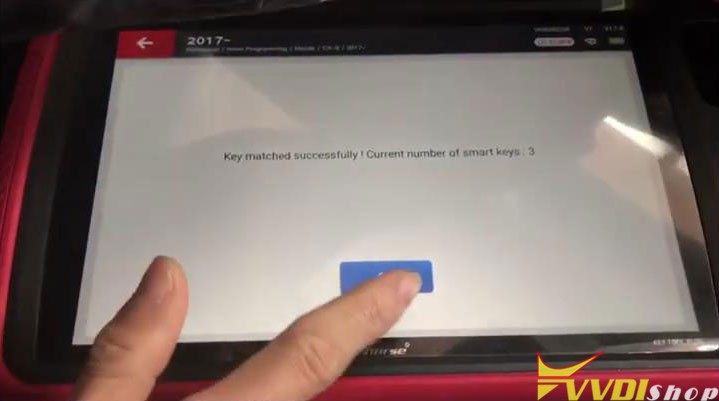
Key matched successfully! Current number of smart keys: 3
Complete the following steps after program is successfully.
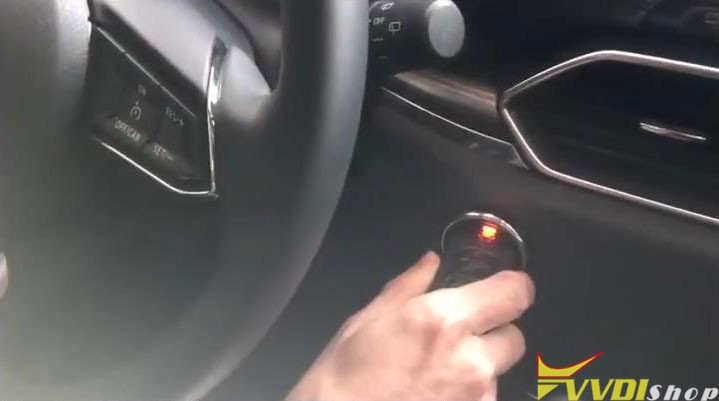
Switch ignition off, then step on brakes, click the start button by the smart key to be added to start the engine for 3s, then switch ignition off.
Operation complete.
Let’s test the keys now, all are workable.
Key programming was successful!
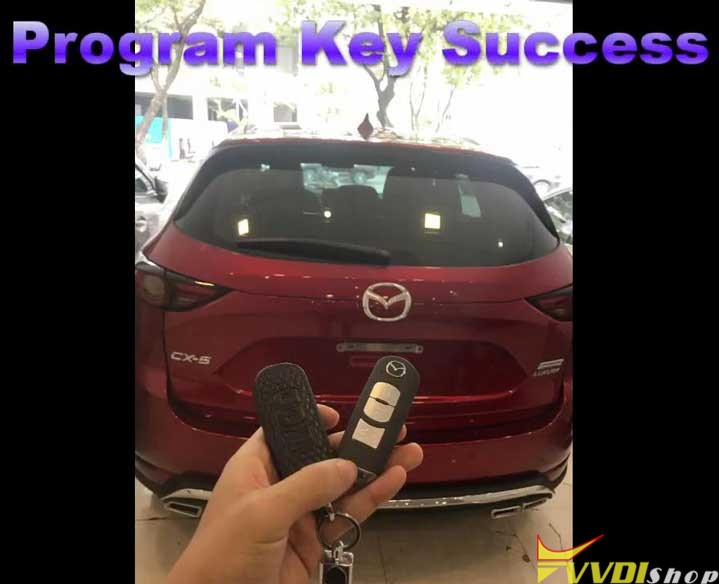
This is using VVDI Key Tool Plus to program a new key for Mazda CX5 2020.