ابزار Xhorse VVDI
Xhose VVDI نرم افزار برنامه نویس اصلی و سخت افزارابزار Xhorse VVDI
Xhose VVDI نرم افزار برنامه نویس اصلی و سخت افزارProgram Hyundai i20 Elite 2019 Key with Xhorse VVDI Key Tool Plus
Xhorse VVDI Key Tool Plus can read out PIN code to program a new key for Hyundai i20 Elite 2019 success. Following are the operation steps for reference.
- Read PIN Code
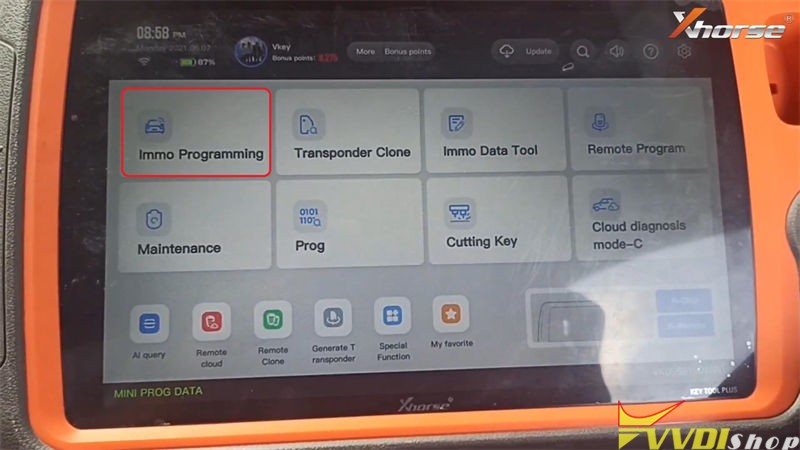
Connect VVDI Key Tool Plus with OBD, and turn ignition on, press
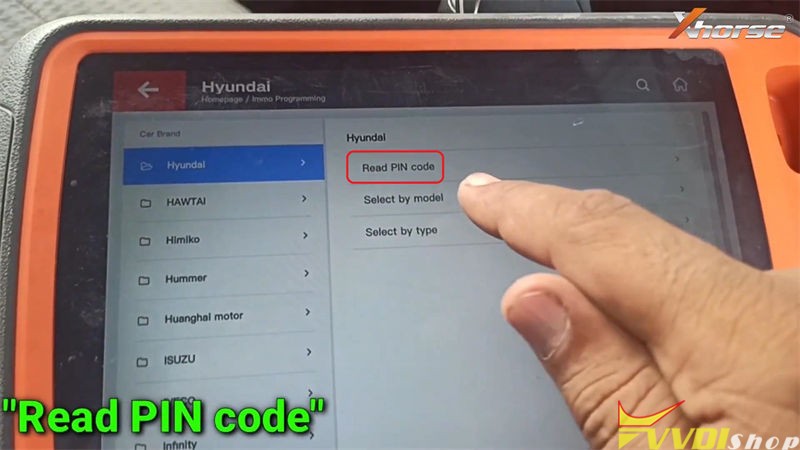
Immo programming >> Hyundai >> Read PIN code >> ID46 >> Start programming
Turn on the ignition switch!
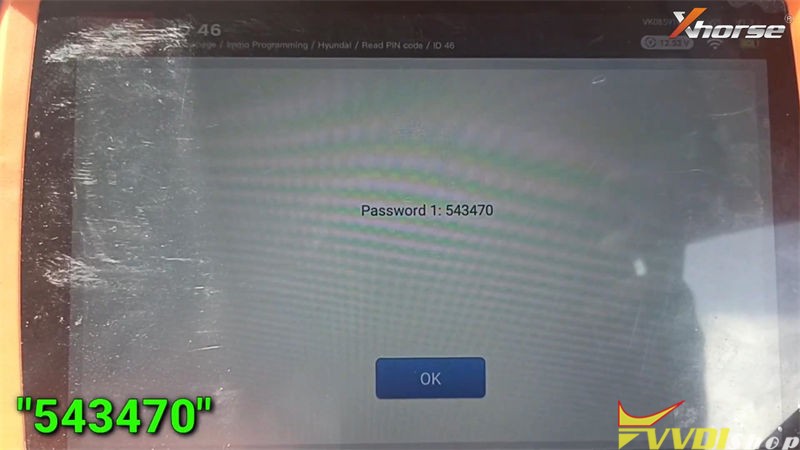
Reading password success: it is 543470.
Whether to continue to test the password read currently? No
Operation completed!
- Learn Key
Go back to Hyundai page, press
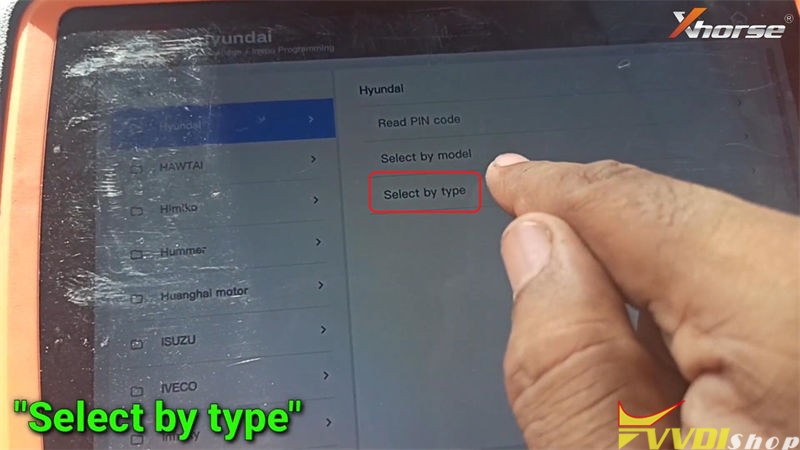
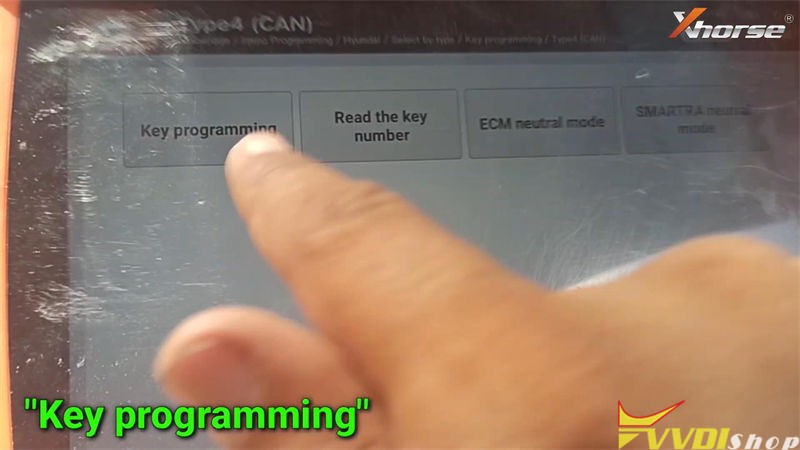
Select by type >> Key programming >> Type4(CAN) >> Start programming >> Key programming
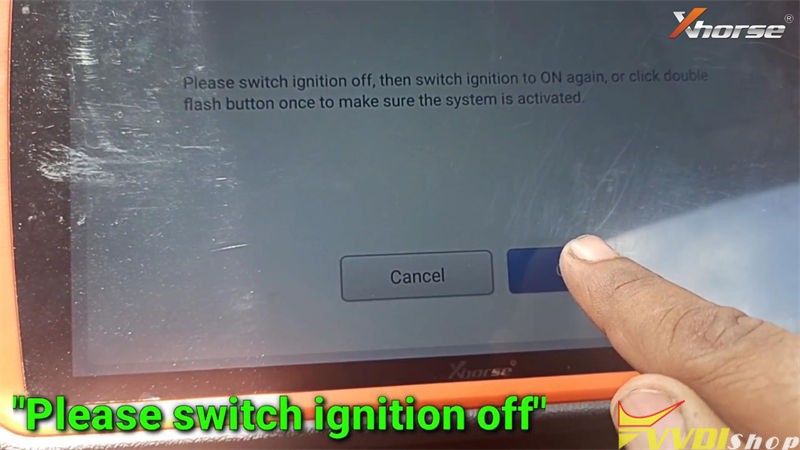
Switch ignition off, then switch ignition to ON again. Or click double flash button once to make sure the system is activated.
It shows the number of learned keys, press “Yes” to continue.
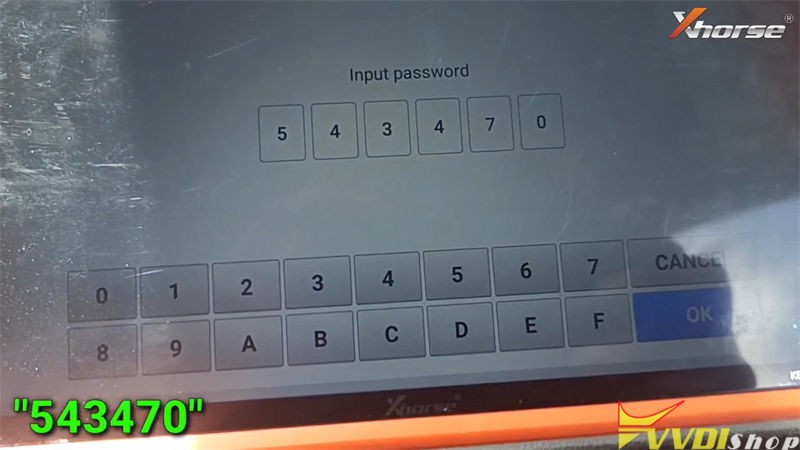
Input password: 543470
OK >> Yes
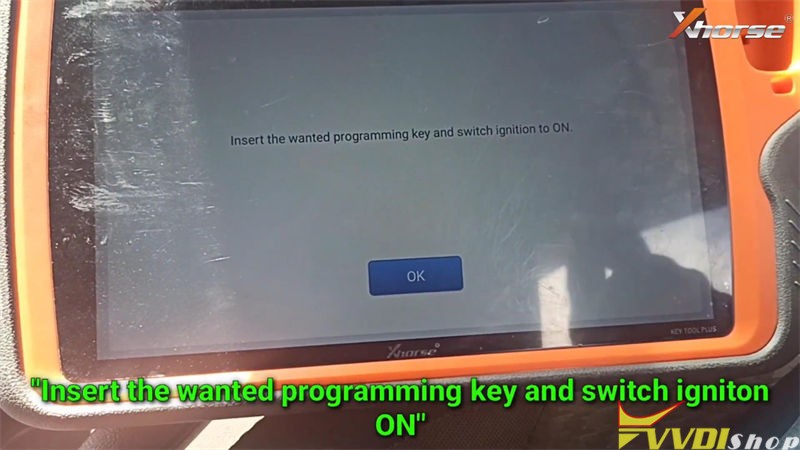
Insert the wanted programming key and switch ignition to ON.
The 1 key learned successfully!
Whether to learn the 2 key?
Press “Yes” to learn next one, press “No” to complete.
OK >> OK
Operation completed!
- Program Remote
Go back to Hyundai page, press
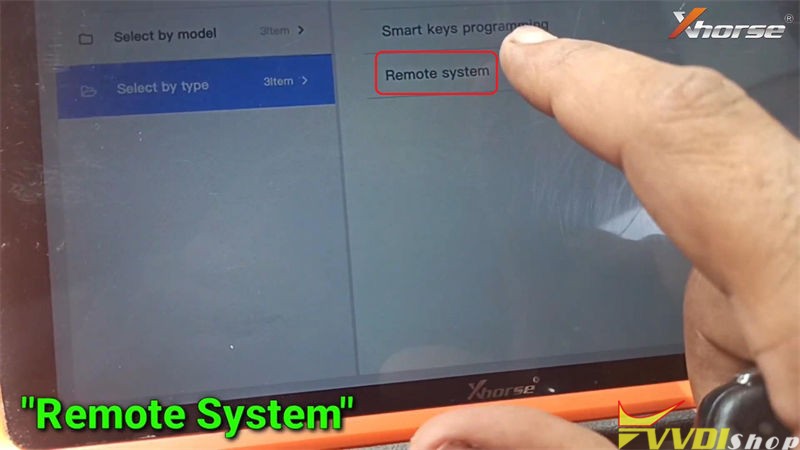
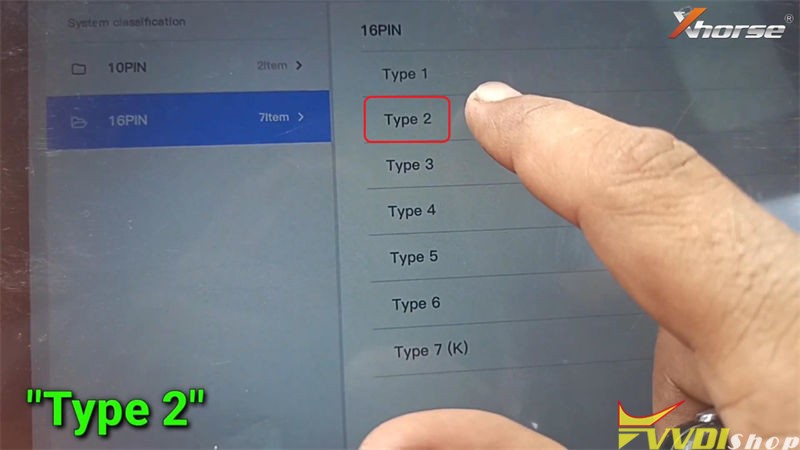
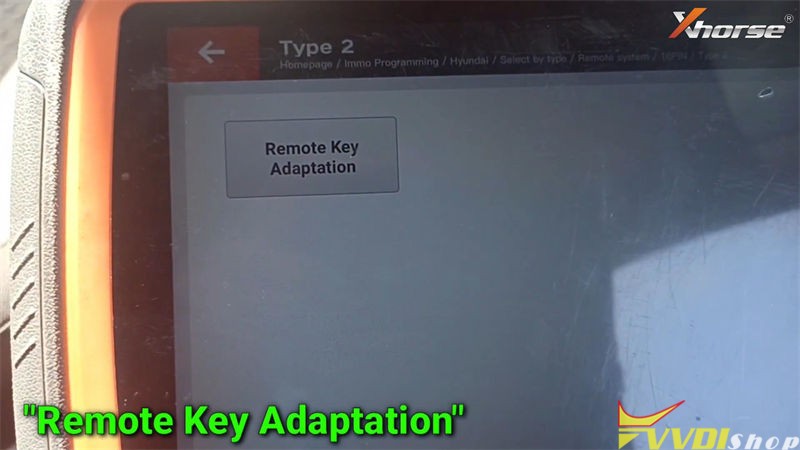
Remote system >> 16PIN >> Type 2 >> Start programming >> Remote key adaptation
Please choose OBDII interface, and turn on the ignition switch to ON.
Switch ignition off, remove the key, press “OK”
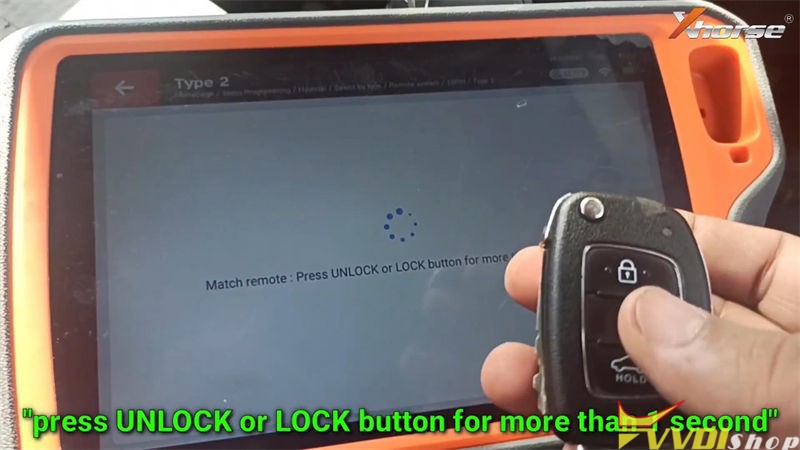
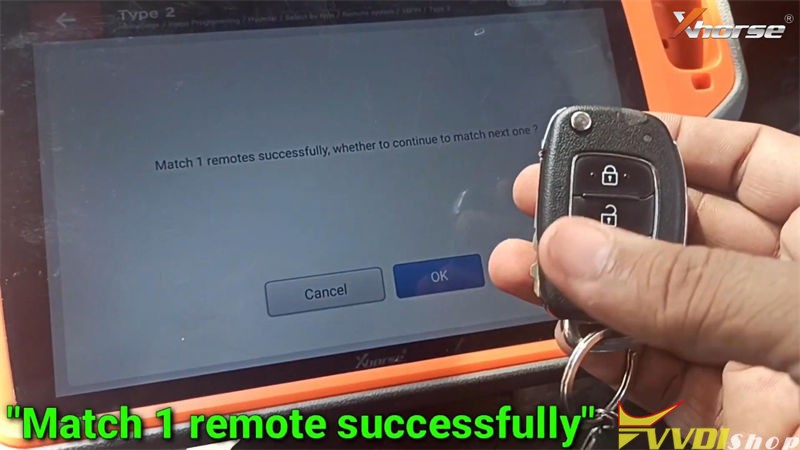
Match remote: press UNLOCK or LOCK button for more than 1s.
Match 1 remote successfully.
Press “OK” to match next one, press “Cancel” to complete.
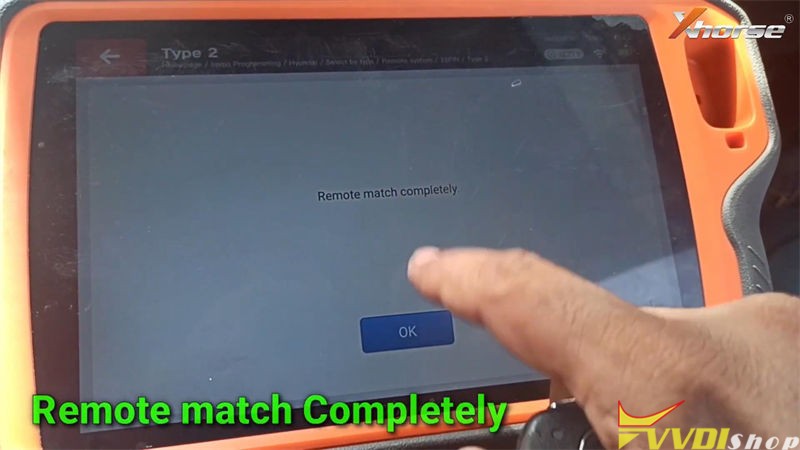
Remote match completely.
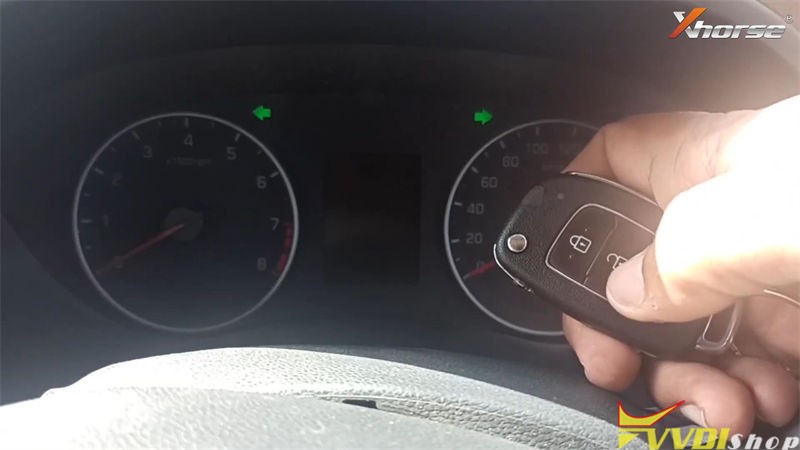
Let’s test the new key, it can start the engine, and remote works well.
Key programming has done!
This is a tutorial on using VVDI Key Tool Plus Key Programmer to add a key for Hyundai i20 Elite 2019.
http://blog.vvdishop.com/xhorse-key-tool-plus-adds-hyundai-i20-elite-2019-key/
How to Solve VVDI2 Update Error 402?
Problem:
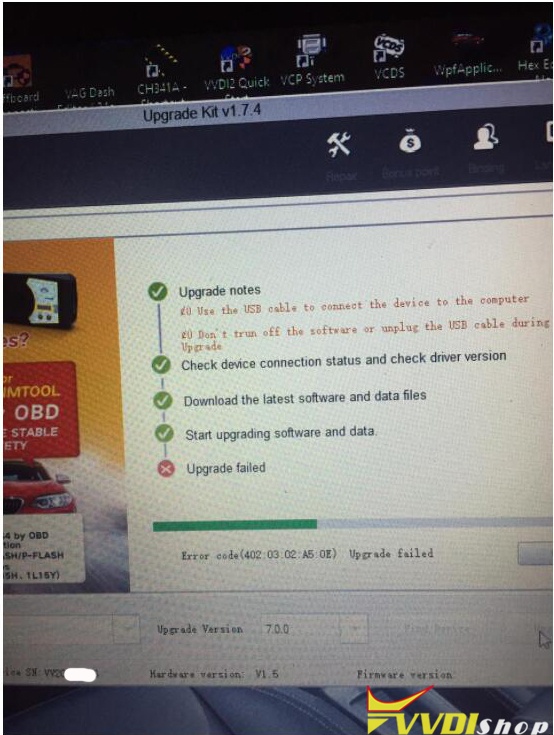
Hello, I failed to update xhorse vvdi2 full kit to v7.0.0, it displayed error code 402.03.02.A5.0E
VVDISHOP.COM Working Solution:
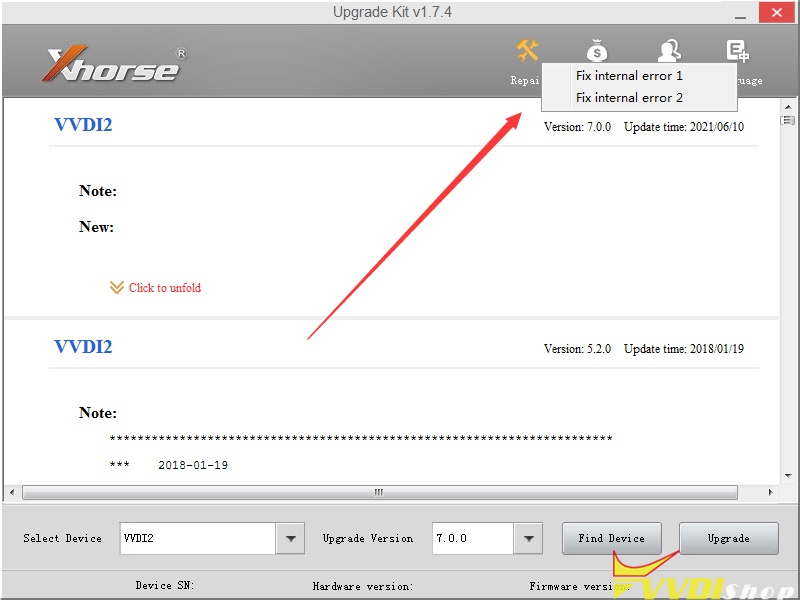
Try the Repair function to fix internal error 1 or error 2.
Then update vvdi2 again using Xhorse upgrade kit.
If still fail to update, change other COM ports or another laptop.
Any questions feel free to contact vvdishop.com customer service.
Decode and Cut Toyota Corolla Key with Xhorse Condor
The original key of Toyota Corolla (after 2005) is broken, so I’m gonna copy a new one via Xhorse Condor XC-Mini Plus key cutting machine.
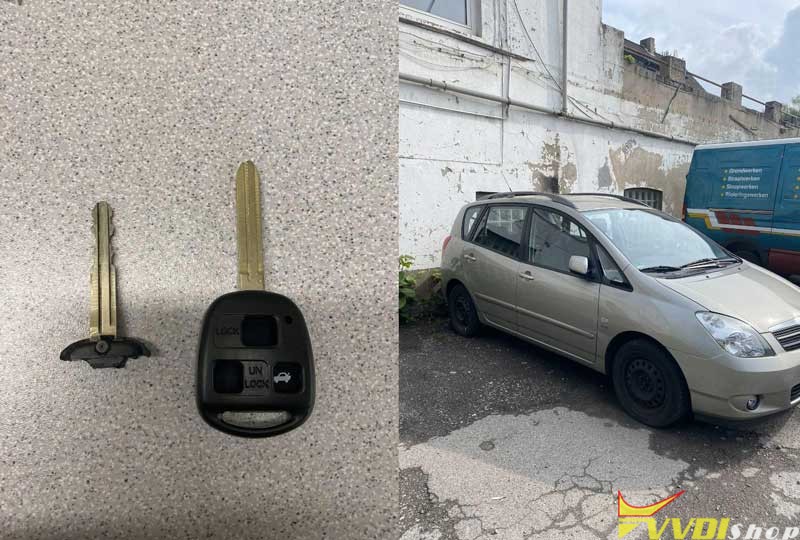
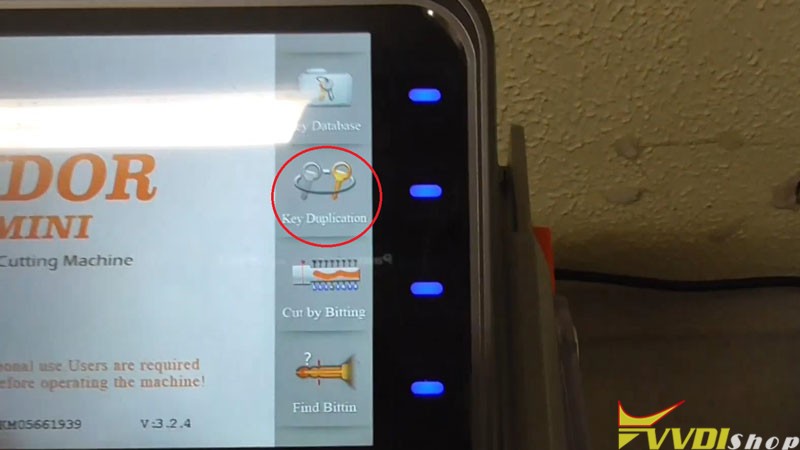
Fix the original key on clamp, press on tablet screen,
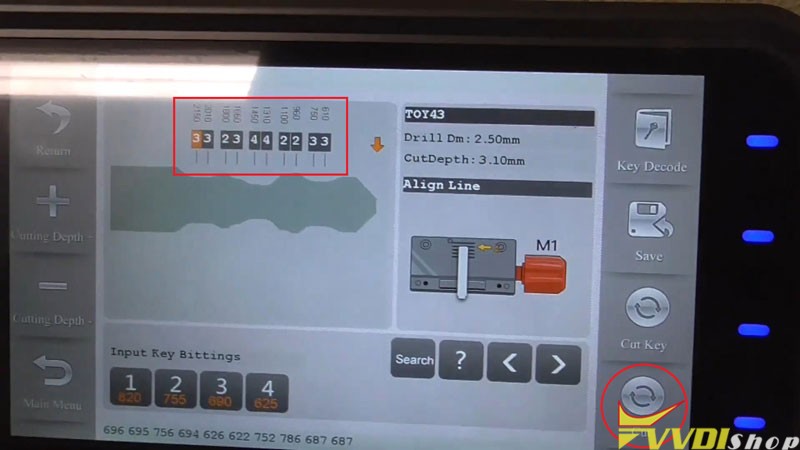
Key duplication >> Toyota >> Corolla >> Gen 10/ E140/ E150(after 2005) >> Confirm >> Key decode >> Confirm
Condor XC-Mini machine starts decoding…
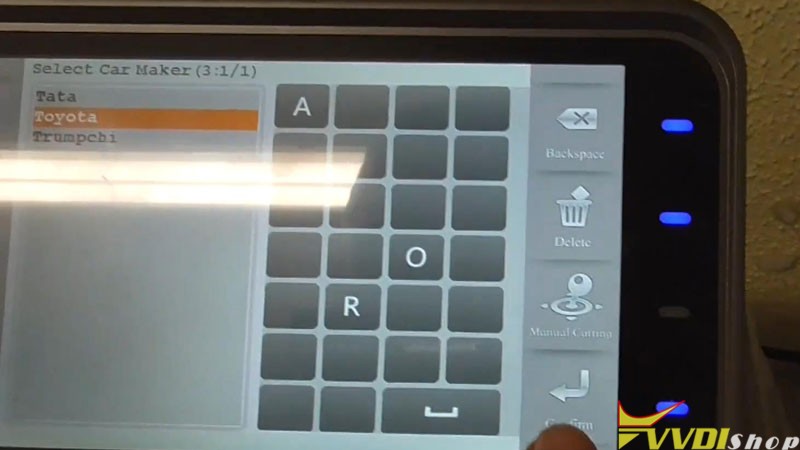
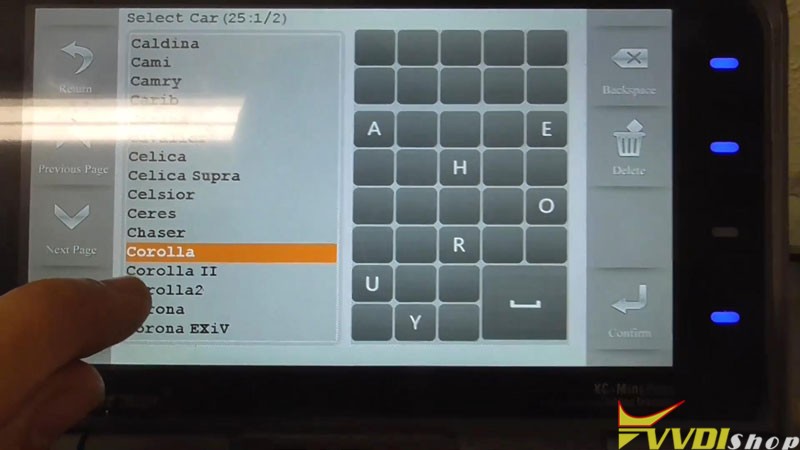
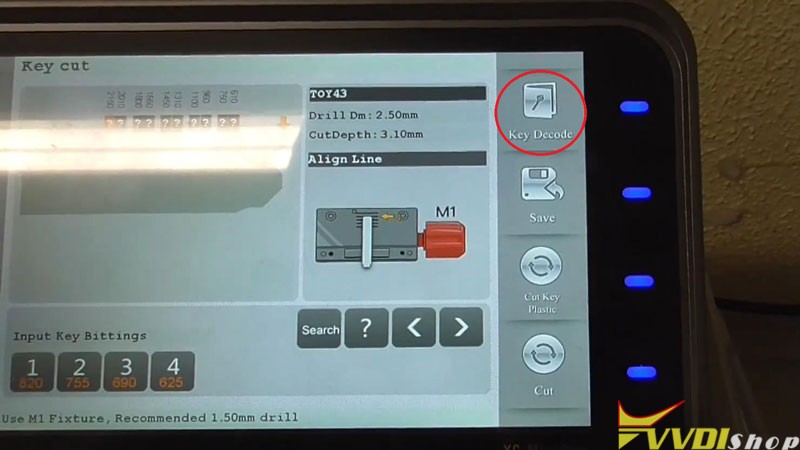
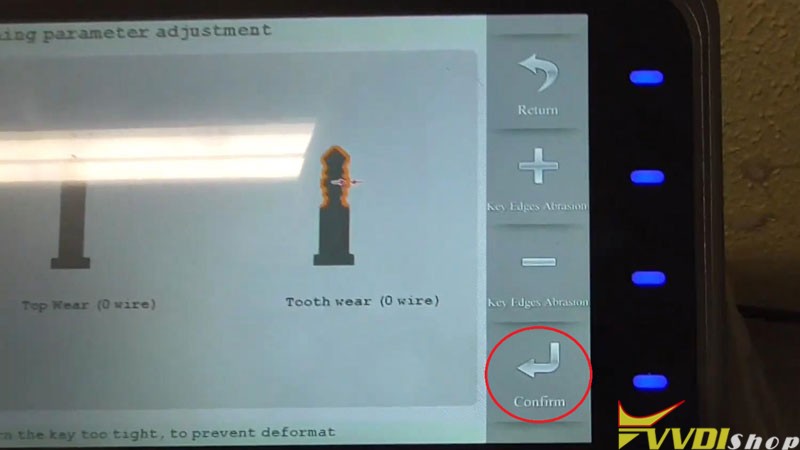
Key bitting codes have been read out: 33 23 44 22 33
Remove the original key to fix a new key blank on clamp.
Put down the cover.
Press “Cut”.
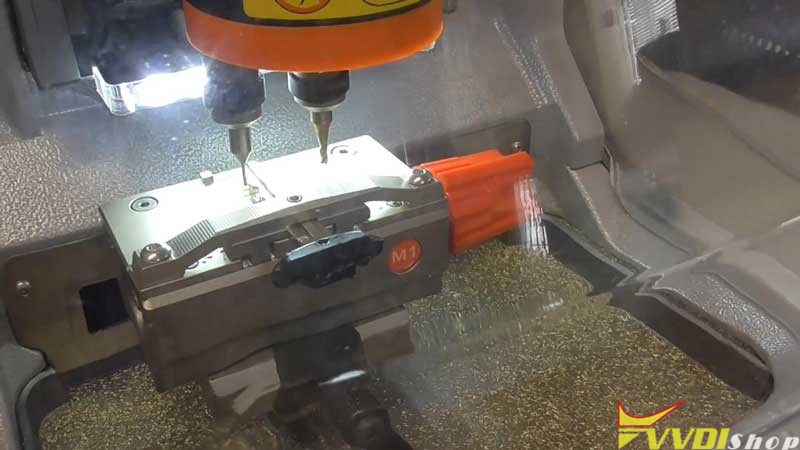
Condor Mini Plus Machine starts cutting the key…
Wait until cutting finished.
It takes only about 3 minutes.
Completed!
Clean the clamp and take out the key to have a try.
It can open the vehicle door lock.
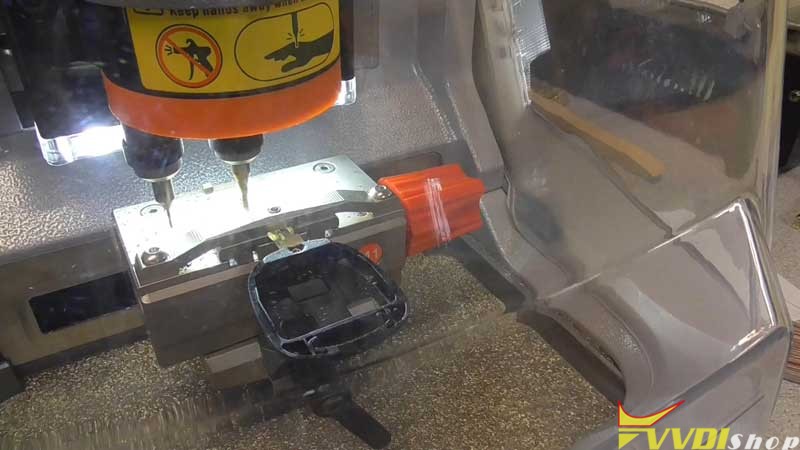
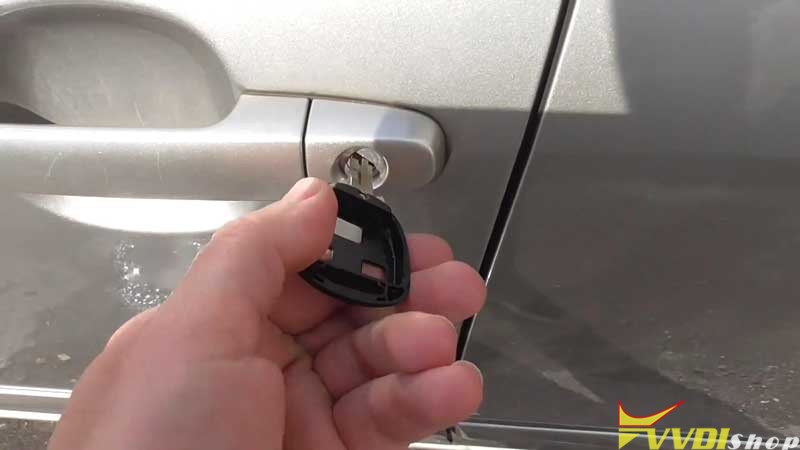
Key cutting has done!
This is using Xhorse Condor XC-Mini Plus automatic machine to duplicate a key for Toyota Corolla successfully.
Toyota Yaris All Keys Lost by Xhorse Mini Prog Key Tool Max
Easy 3 steps to complete Toyota Yaris 93C66 all keys lost job without soldering. Xhorse Mini Prog and key tool max are required here to finish the task.
Step 1: Read and save eeprom
Step 2: Prepare dealer key
Step 3: write back new dump file
Le’s get started.
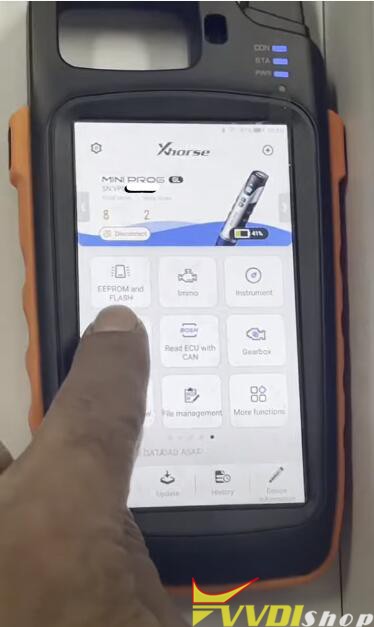

In vvdi mini prog app, select EEPROM Flash function-ATMEL-AT93CXX-AT93C66 (pressure)
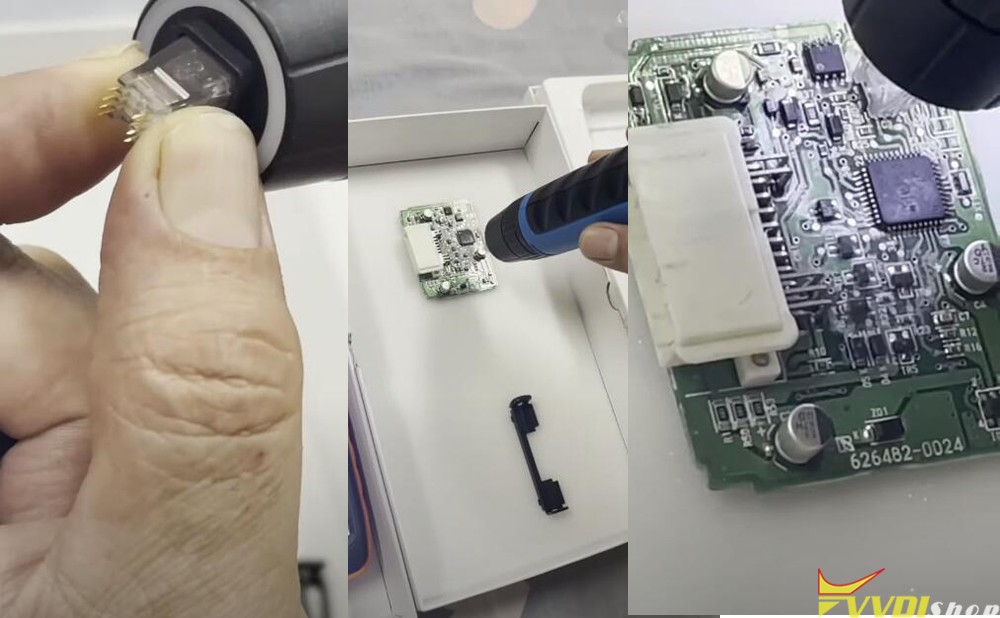
clean the 93c66 chip pin
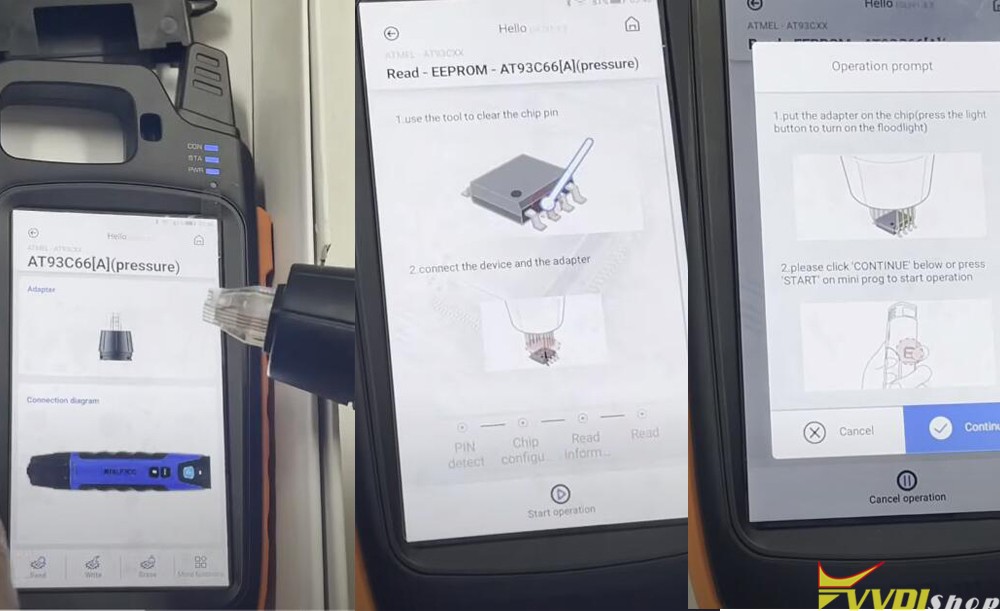
Connect the 93c66 Eeprom chip with mini prog and pin adapter
Press Read EEPROM
Put the adapter on the chip (press the light button to turn on the floodlight)
Click continue below or press START button on mini prog to start operation
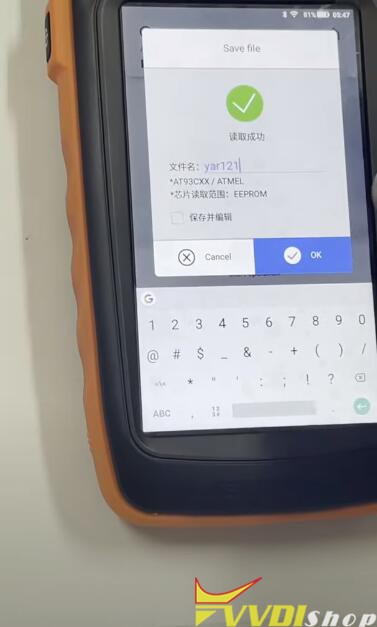
Read Eeprom data success, save data.
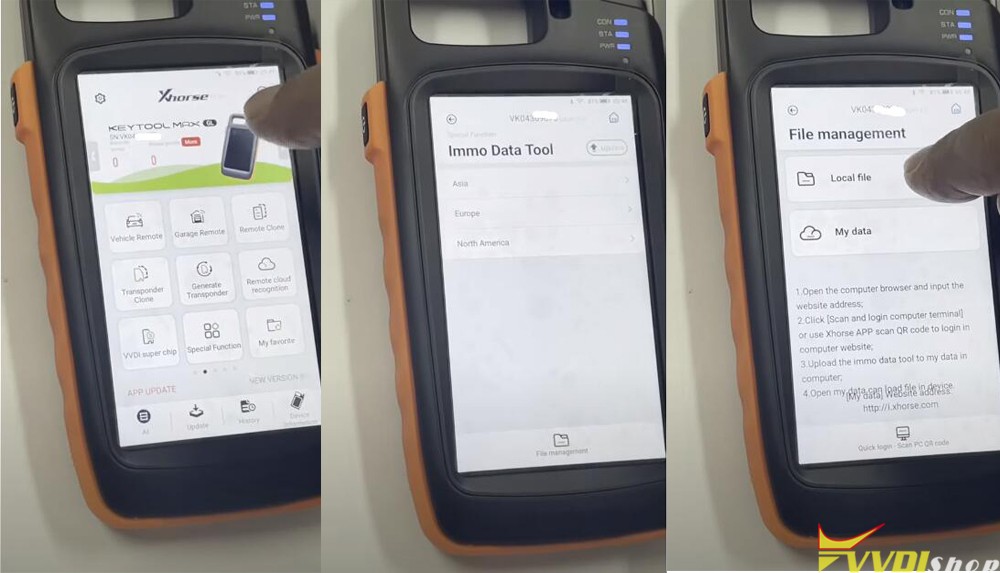
In xhorse key tool max app, select Special function-Immo data tool-File management-Local file
You can see the Eeprom file was saved to MINI PROG folder
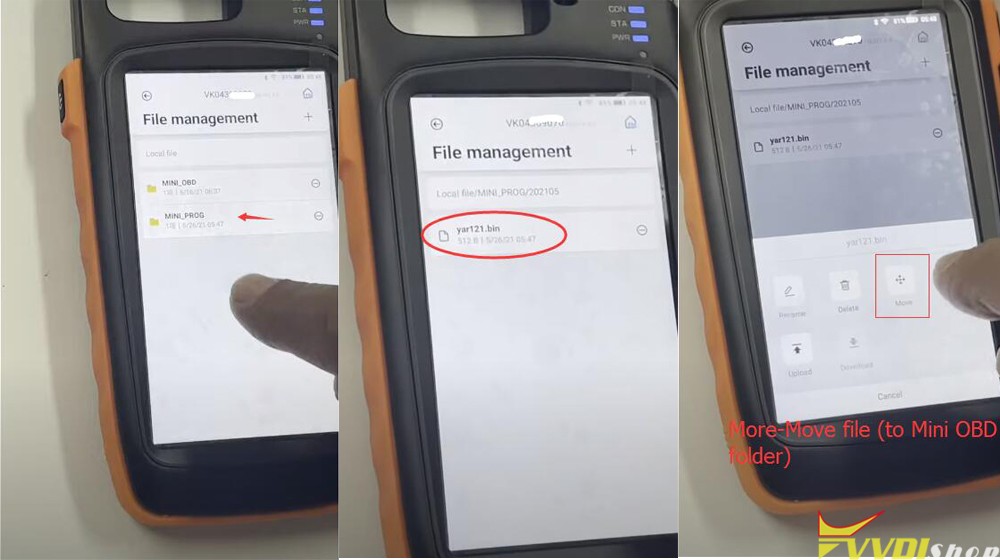

Select Eeprom file, click More and copy the dump to MINI OBD folder
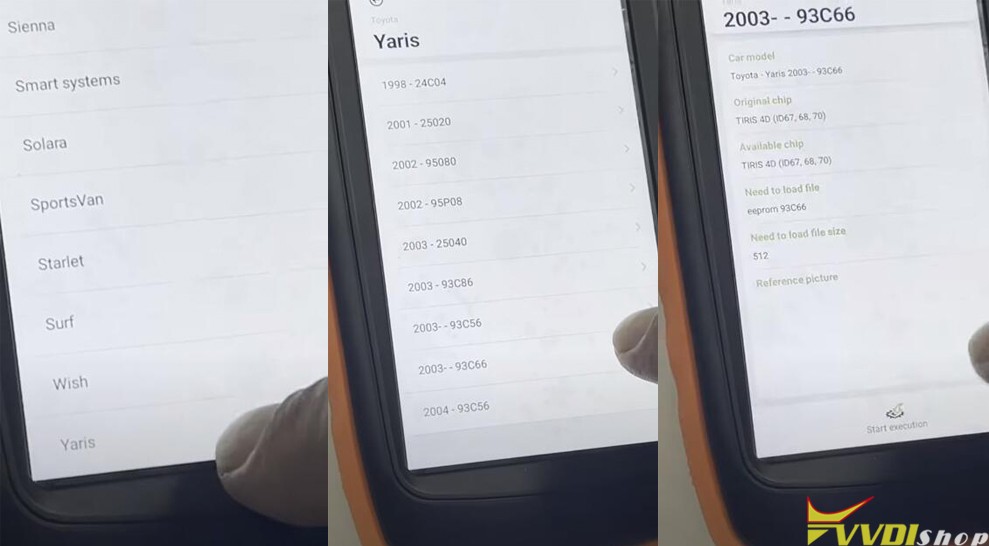
In key tool max app, select Immo data tool-Aisa-Toyota-Yaris-2003 93c66-start execution
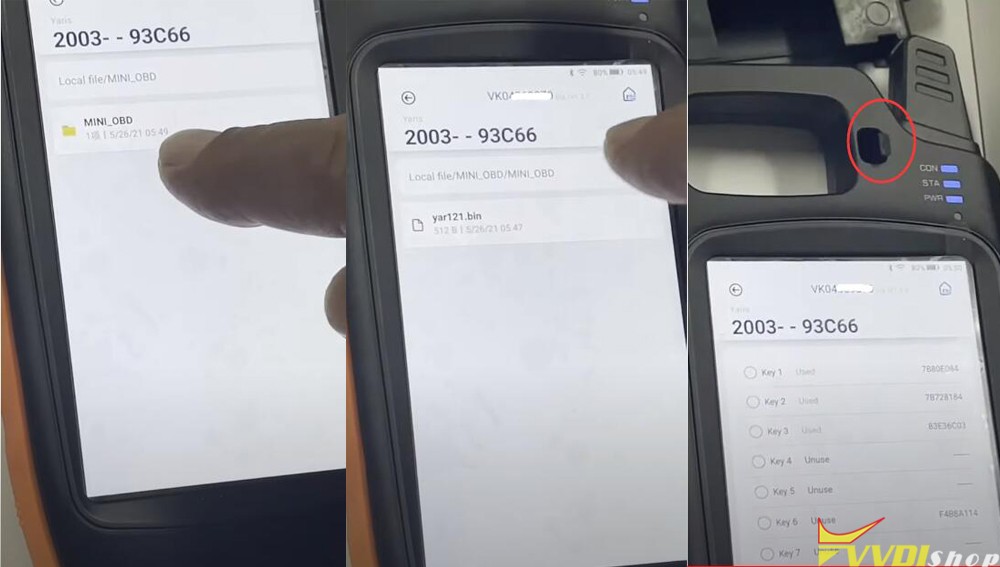
upload dump in MINI OBD folder
Insert a vvdi super chip into the indiction coil
Select an unused key position and prepare dealer key
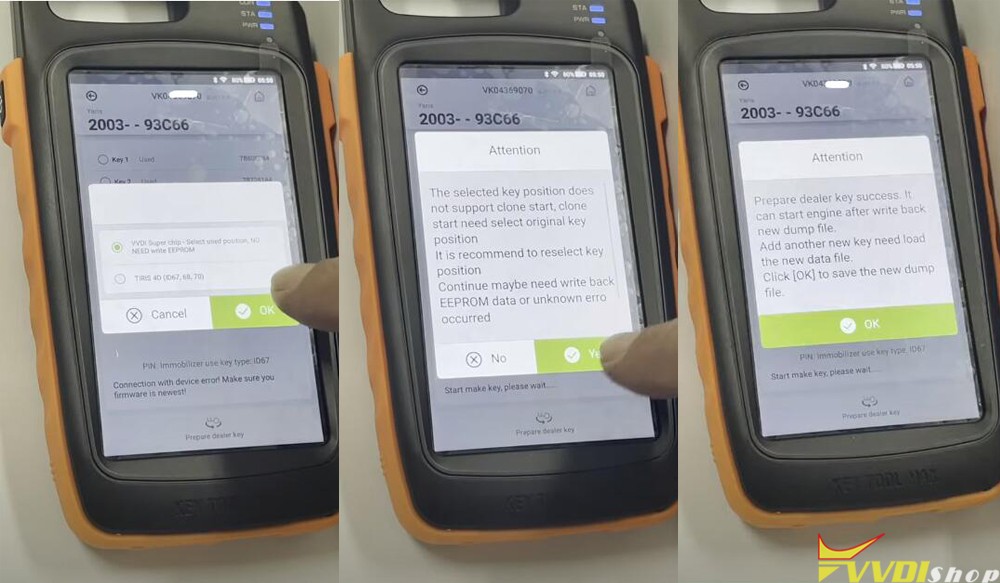
Select use vvdi super chip
Making key in progress
Prepare dealer key success. It can start car engine after write back new dump file.
Add another key need load the new data file.
Press ok to continue
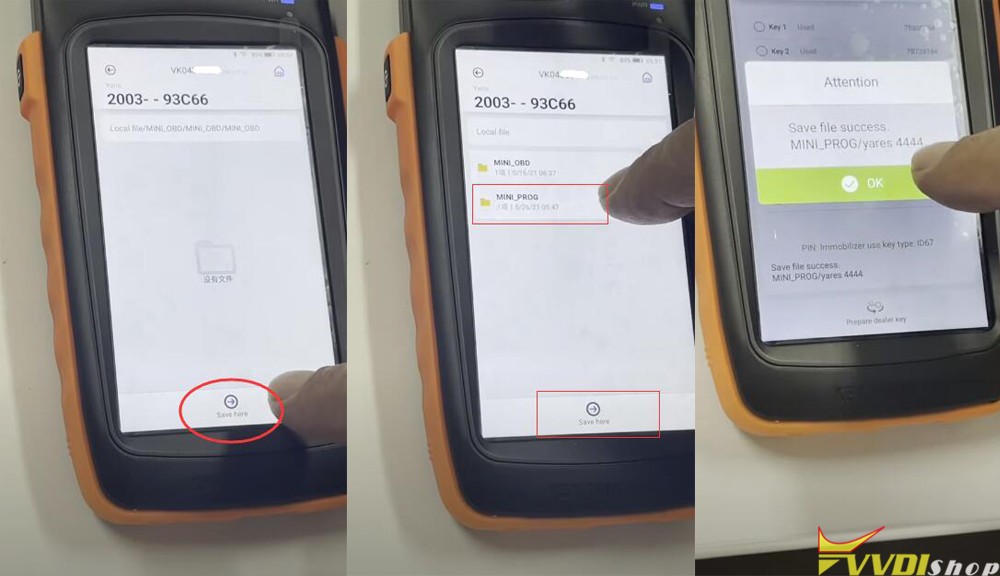
Save new key file to MINI PROG folder

In mini prog app, select EEPROM Flash function-ATMEL-AT93CXX-AT93C66 (pressure)
clean the chip pin
Connect mini prog and chip via pin adapter

This time select Write Eeprom
Upload new dump form MINI PROG folder to write back

Write success. The new key can start engine now.
Reinstall the Immo box to the vehicle and test the new key.
http://blog.vvdishop.com/toyota-yaris-93c66-all-keys-lost-done-by-xhorse-mini-prog-and-key-tool-max/
Program Chevrolet Colorado 2017 Key with VVDI key Tool Plus
have successfully read pin code and added a spare key to a Chevrolet Colorado 2017 with xhorse vvdi key tool plus pad.
Go to Immo programming-Chevrolet-Colorado-Flip key program-Begin
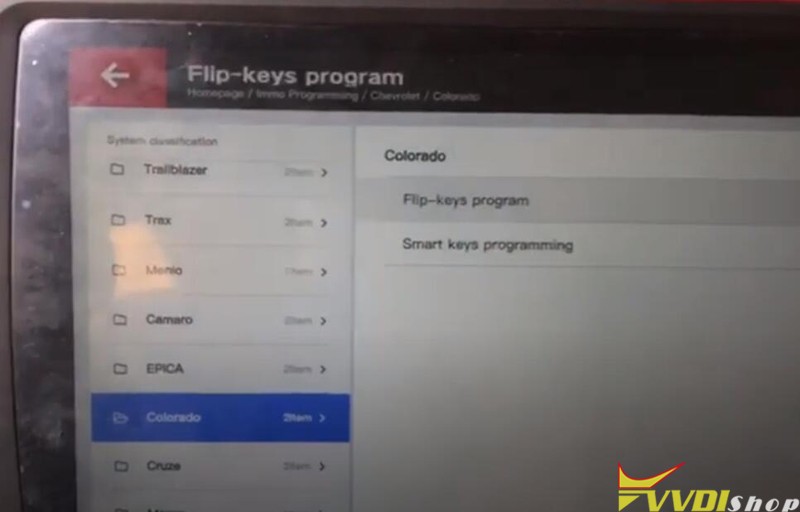
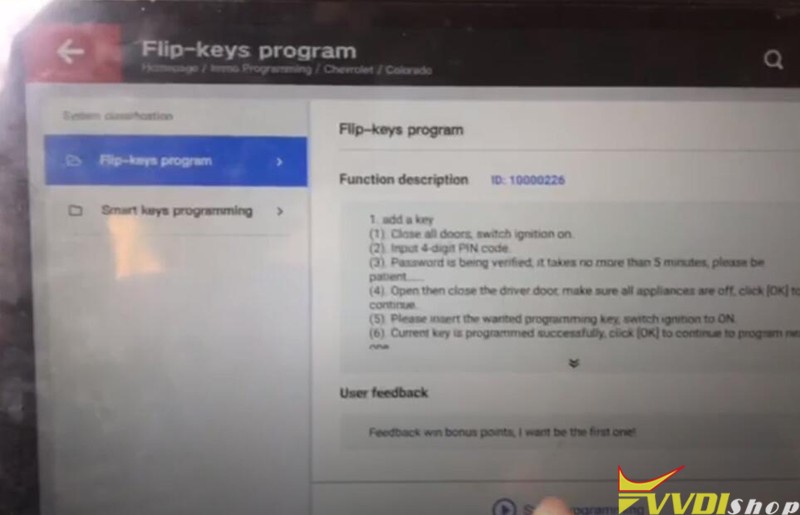
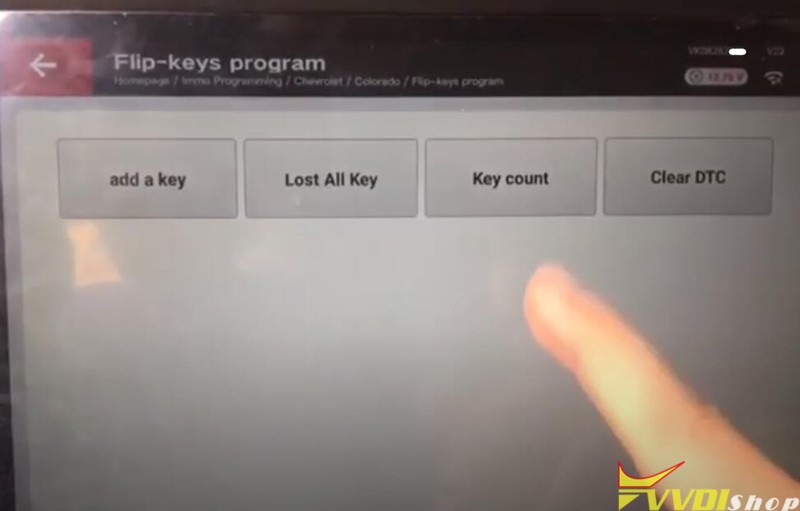
Check key number
Turn on ignition switch
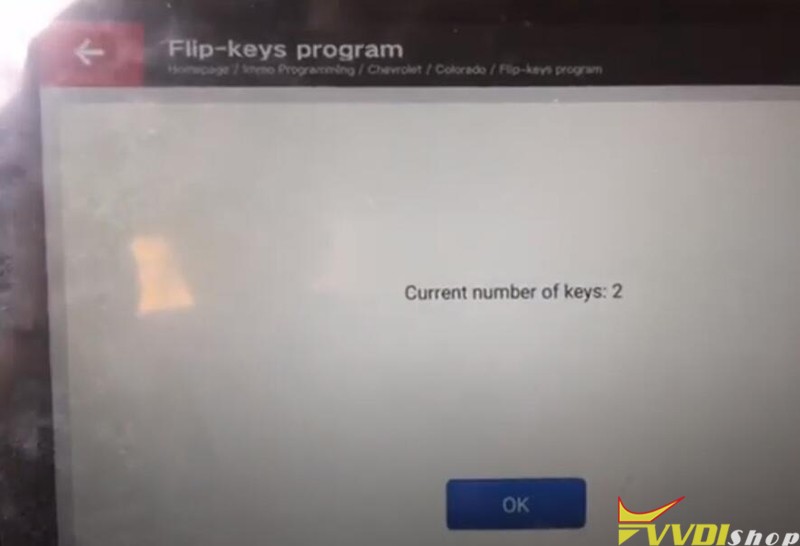
2 keys exists
Press Add key
Close all doors, Turn on ignition switch
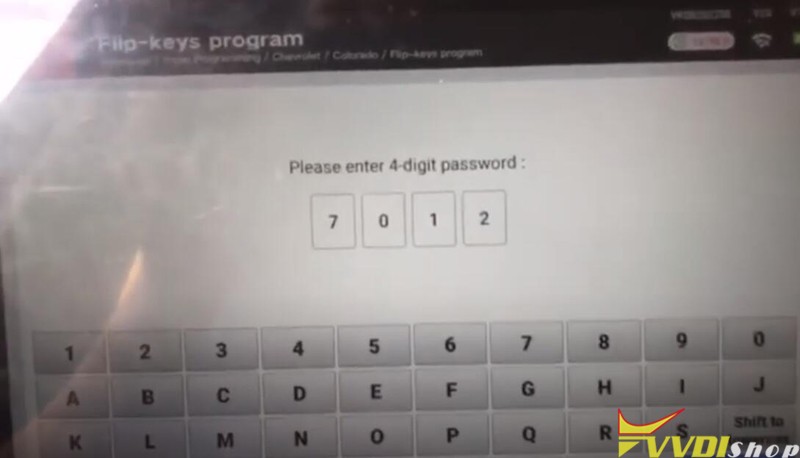
Keytool plus ask to enter 4-digit pin code to access
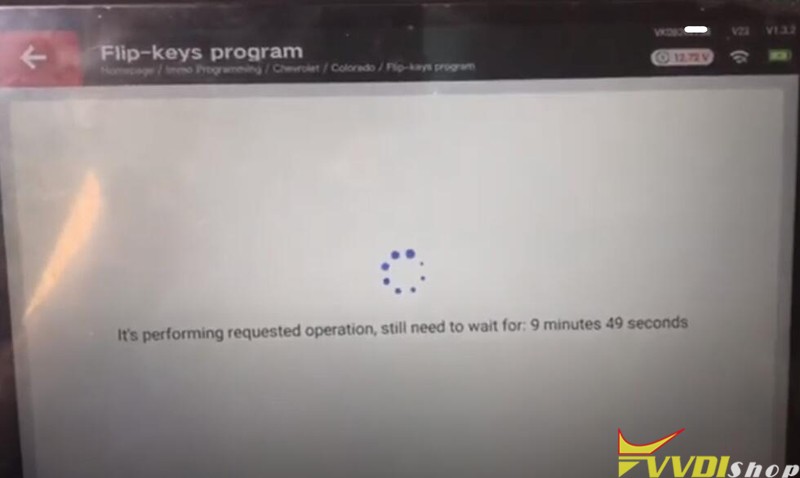
Programming in process, wait for about 10 minutes
Turn ignition off and remove key
Open then close the driver door, make sure all appliances are off
Insert a new key to be programmed, Turn on ignition switch
Program new key success
Turn ignition off and remove key
Open then close the driver door, make sure all appliances are off
Configuring system, perform ignition ONn and OFF for several times to sync key to the vehicle
Turn on ignition switch with the new key
Turn ignition off
Turn on ignition switch
Program key success.
Test the new key. It is working fine.
Done.