ابزار Xhorse VVDI
Xhose VVDI نرم افزار برنامه نویس اصلی و سخت افزارابزار Xhorse VVDI
Xhose VVDI نرم افزار برنامه نویس اصلی و سخت افزارHow to Add BMW EWS3 Key with Xhorse Key Tool Plus?
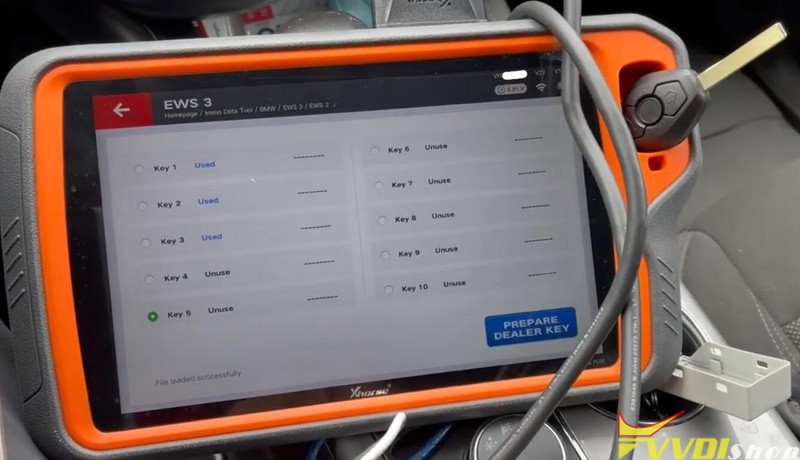
Having a little fun with the Xhorse VVDI Key Tool Plus. Generating Dealer Key with Extracted EEPROM file from AK90.
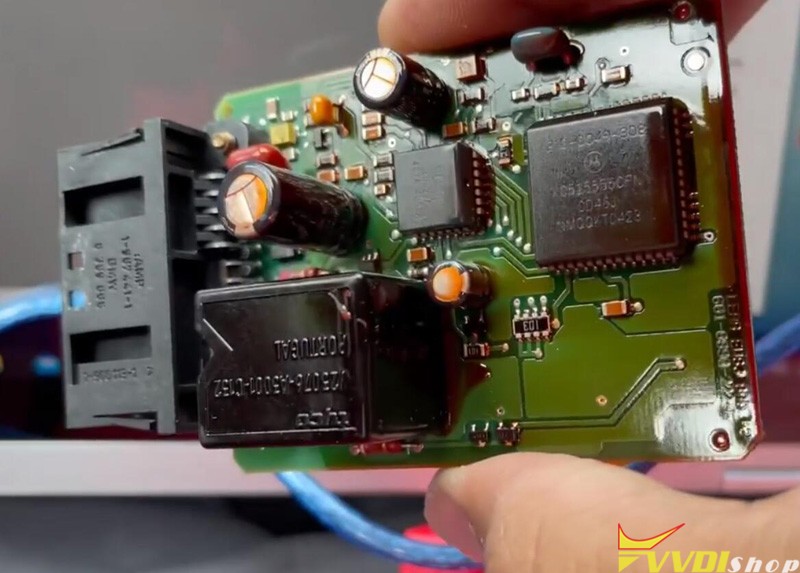
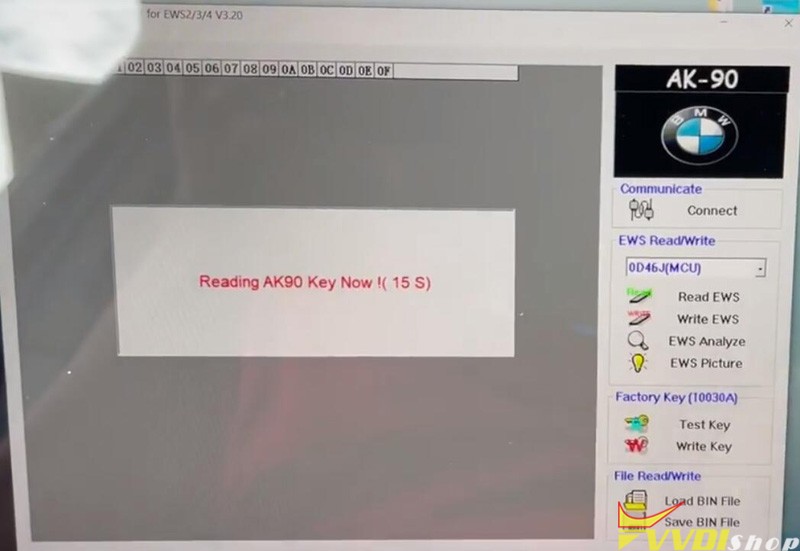
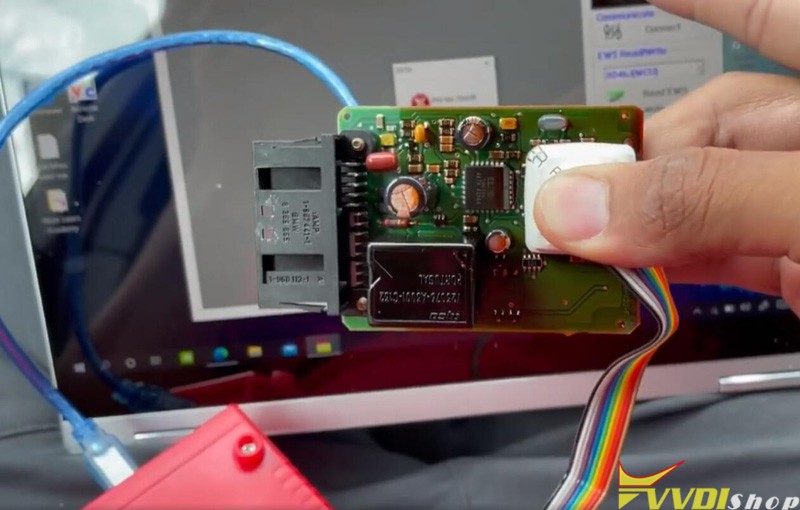
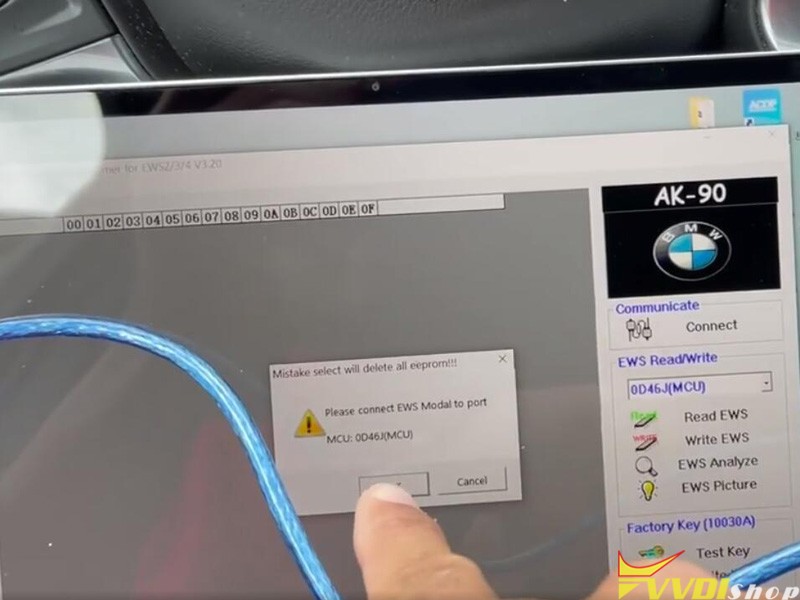
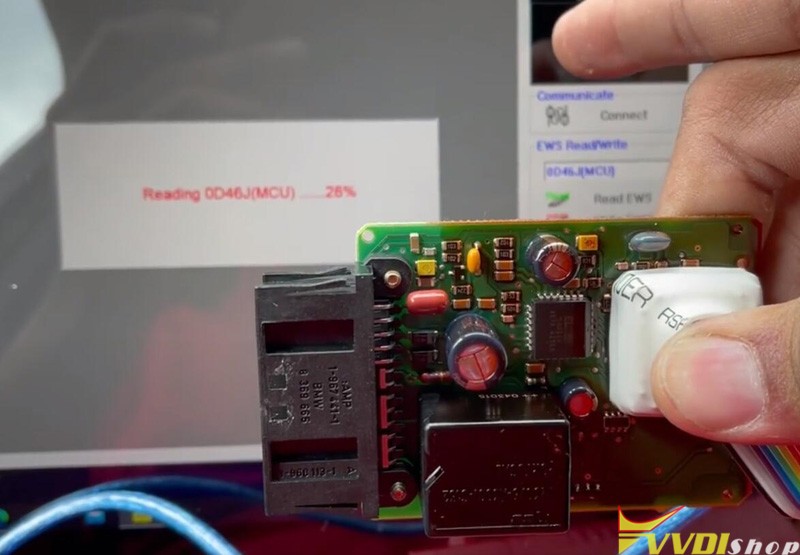
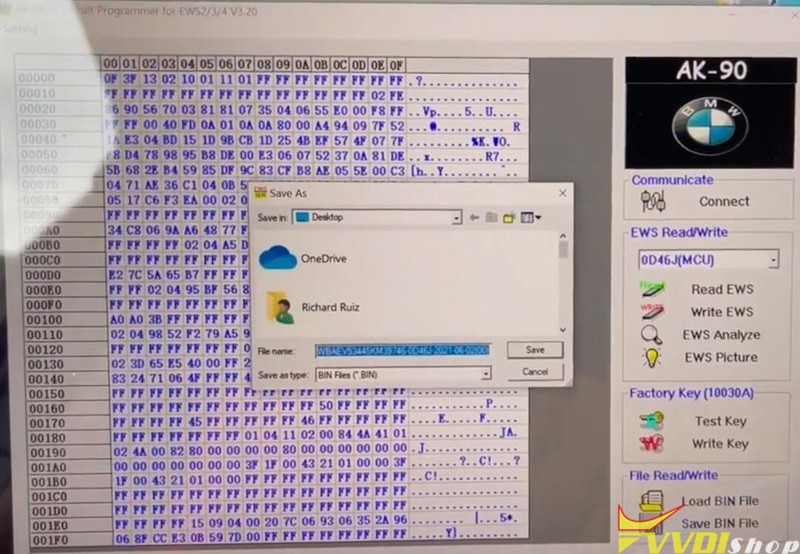
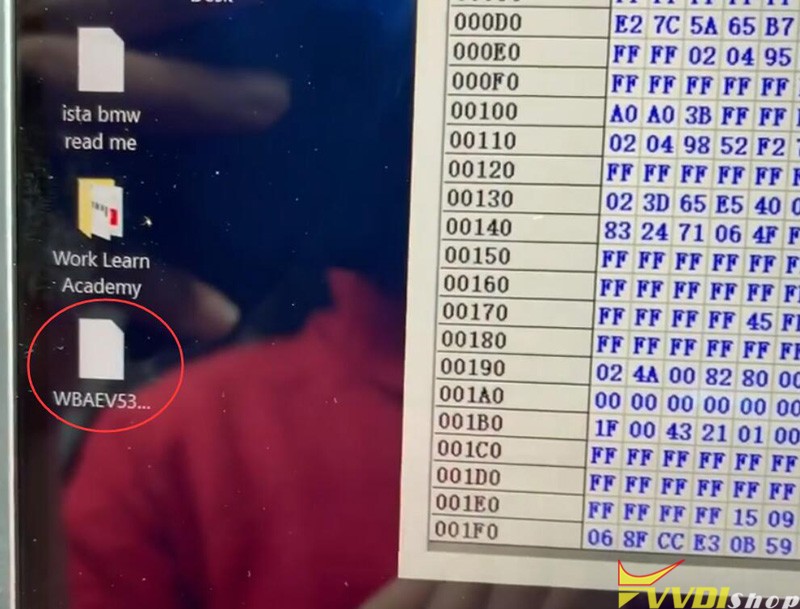
Read eerpom success, save data to dekstop.
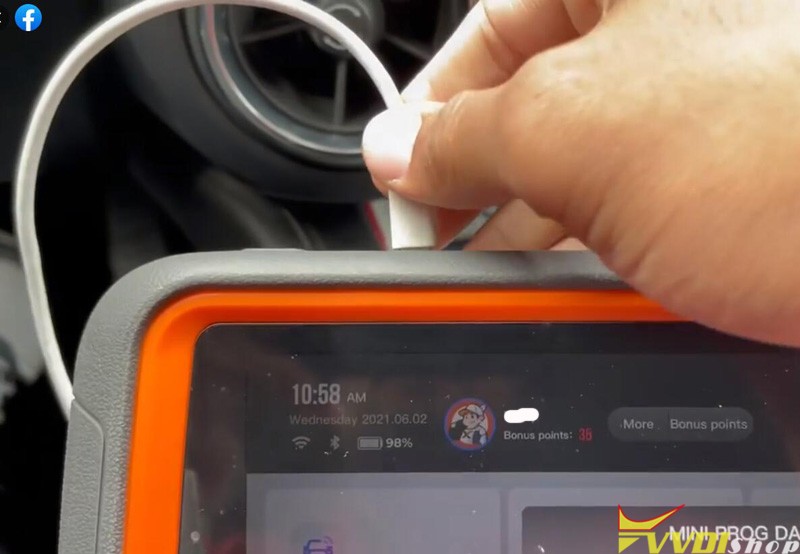
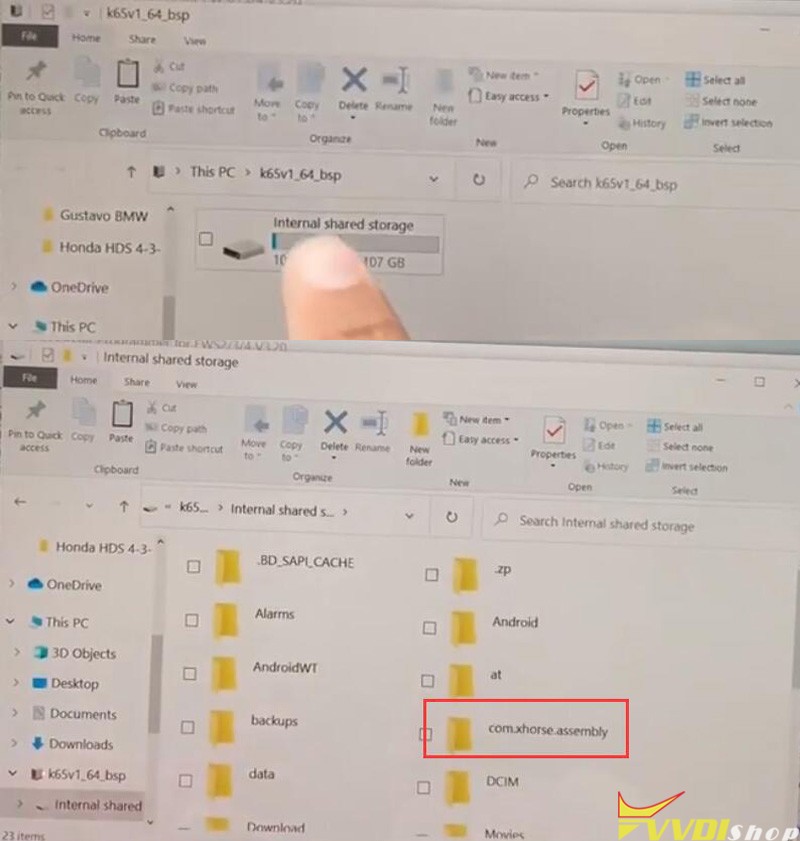
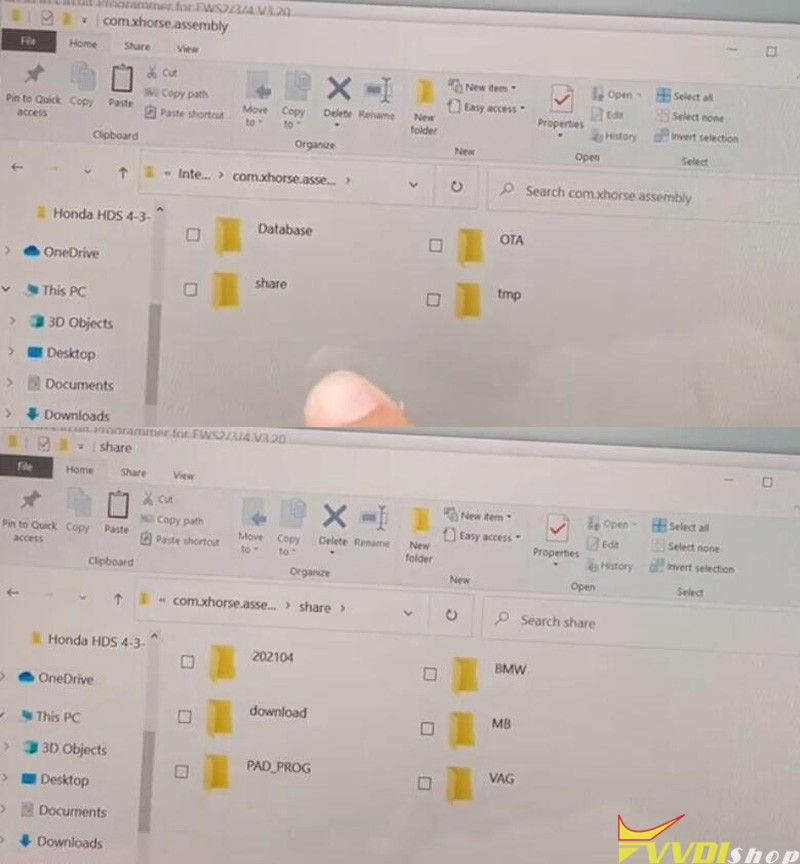
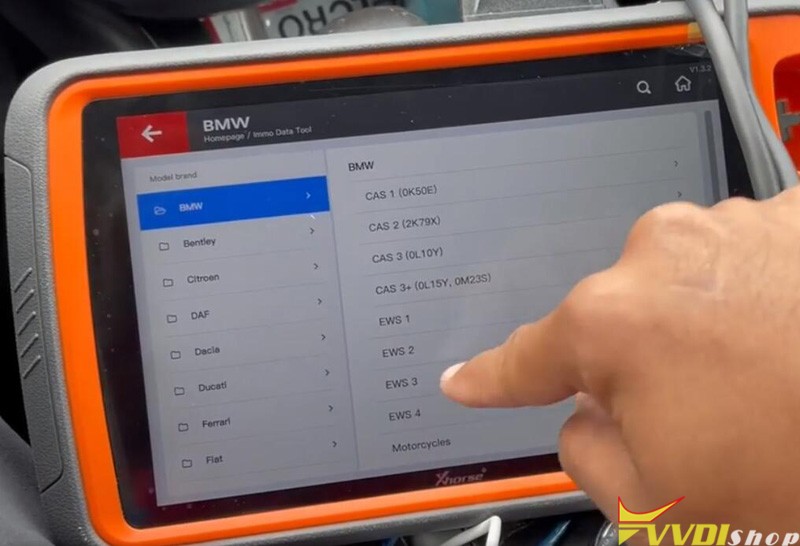
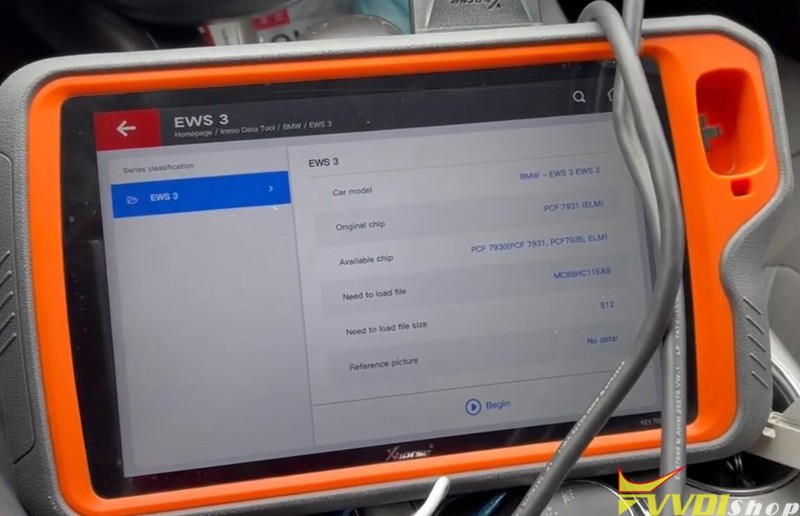
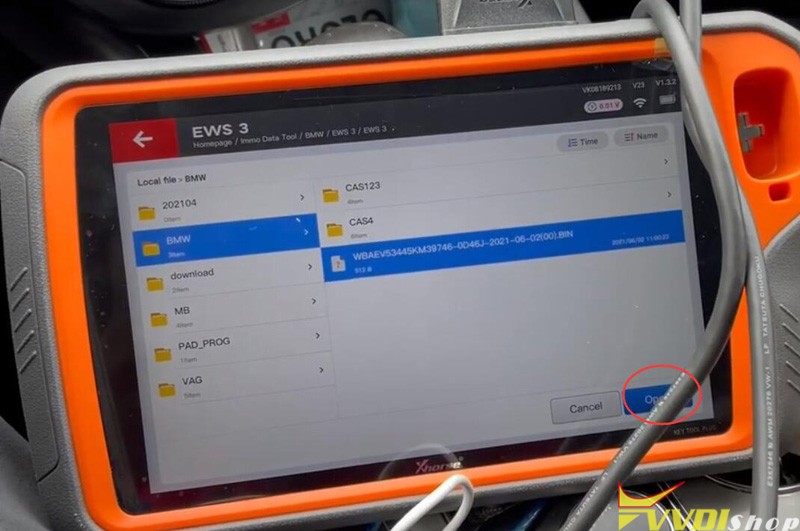
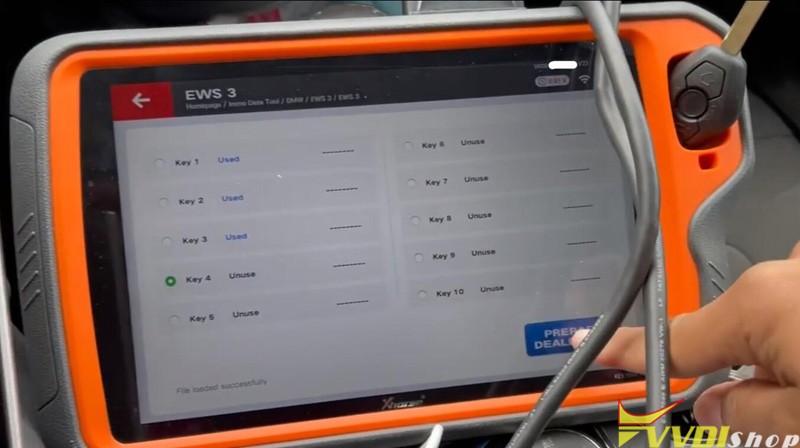
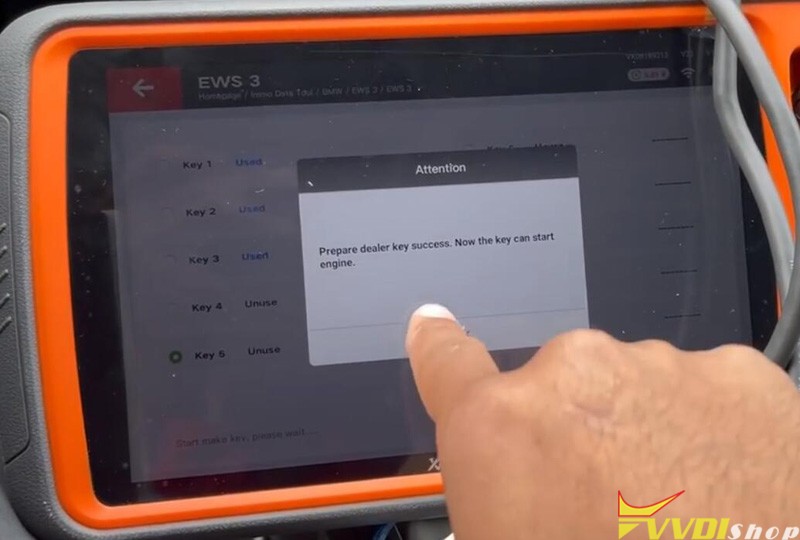
Insert a new key into the induction coil and choose an unused key positon, press Prepare dealer key
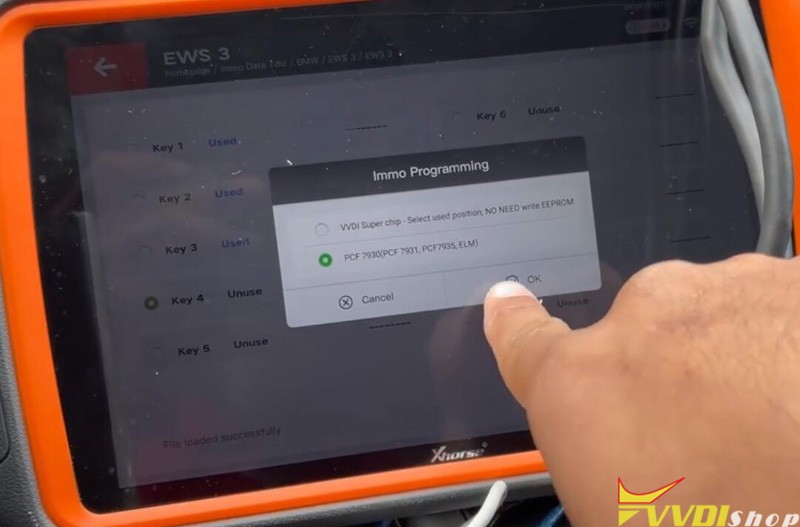
Select key type PCF7930
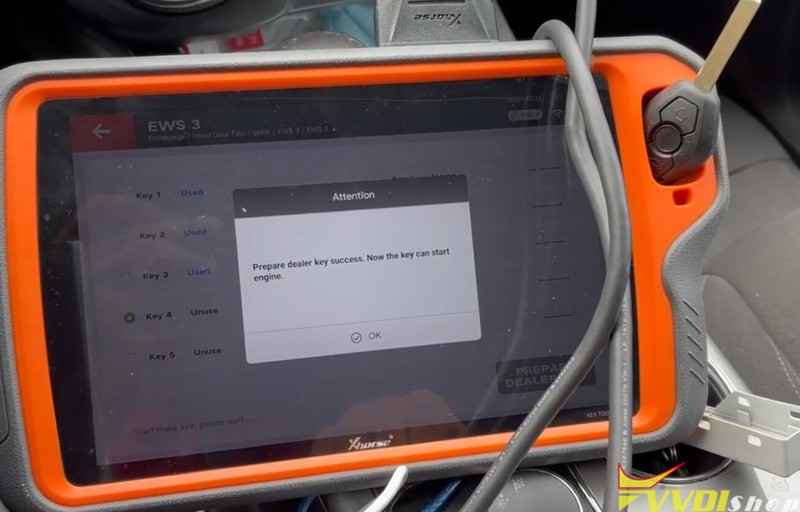
Start making key
How to Solve VVDI Prog M35080 Fail to Erase & Write 160d0wq
Problem
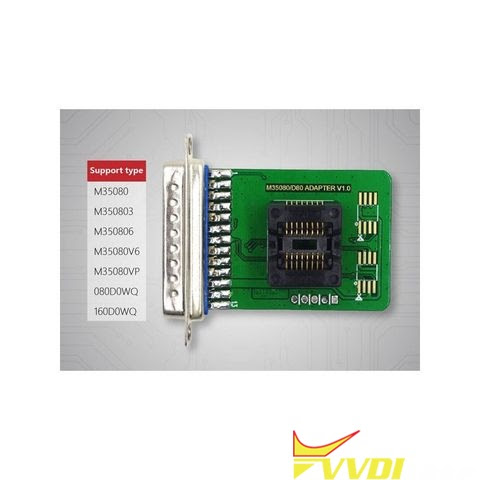
My Xhorse VVDI Prog M35080/D80 Adapter can read 160d0wq chip successfully, but cannot erase & write it. No error. It says cracking then erase and after erase. What’s the problem? Please help me.
Solution
Please make sure you’ve selected the correct options, it has probability of failure to erase & write the chip. It is suggested to use the Xhorse 35160DW Chip to do it instead.
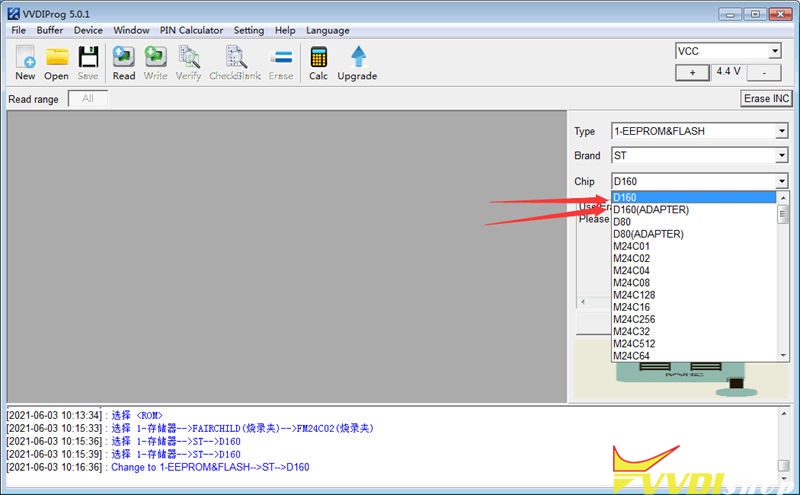
Note: The chip can be used as replacement of ST company 35080xxx, 35160xx, 080D0xx, 160D0xx …etc.
How to use 35160DW Chip with VVDI Prog?
- Backup data.
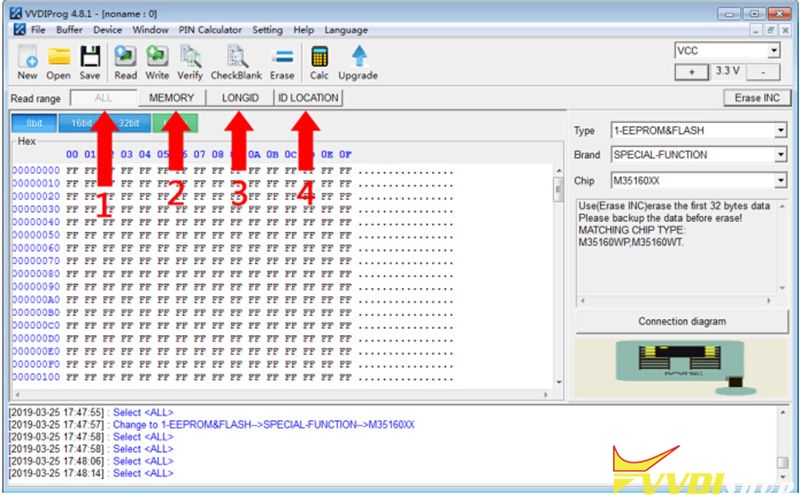
Read & save the dashboard original IC from “MEMORY + LONGID + ID LOCATION” or “ALL” option.
- Write data.
Replace original chip to 35160xx chip, write step1 to save 3 dumps to each partition(MEMORY/LONGID/ID LOCATION) on Xhorse chip by VVDI Prog.
- Mileage correction.
Perform “Erase INC” button(erasing the front 2 lines), select “ALL” or “MEMORY” option to read data for verify.
The front 2 lines should be all ‘0’ when reading data, manually input the target mileage, then perform “Write” option, completed!
- Verify data.
Soldering the chip back to dashboard, check whether it is working well without red dot.
Program Toyota 8A Smart Key with Xhorse VVDI Mini OBD Tool
How to unlock & program a Toyota 8A Smart Key using with Xhorse VVDI Key Tool Max + Mini OBD Tool via OBD?
This is a Toyota Smart Key that was already programmed to another vehicle. Now I’m gonna unlock and reprogram it, here we go.
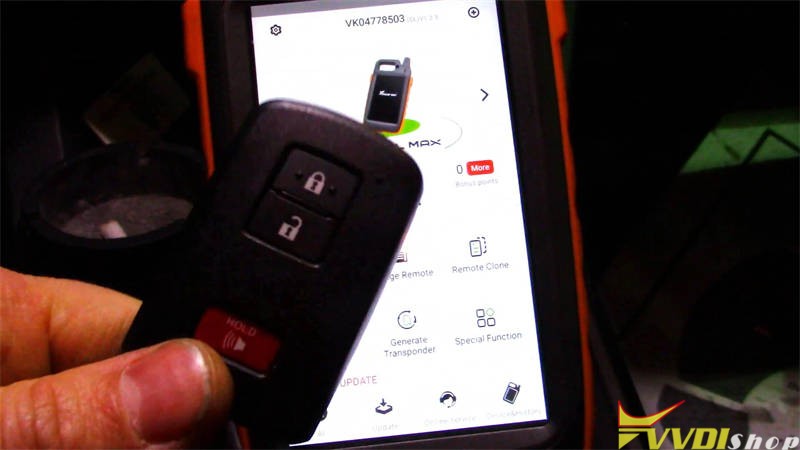
- Unlock Key
Plug VVDI Mini OBD Tool into OBD for connection.
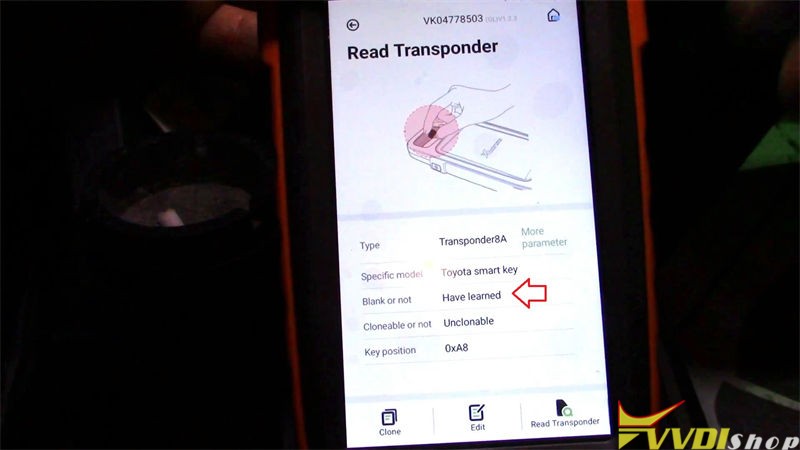
Let’s read the key first, it is “Have learned”.
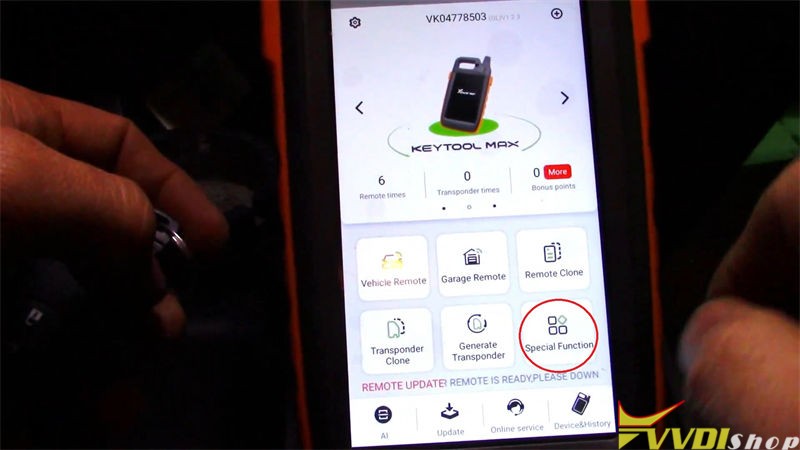
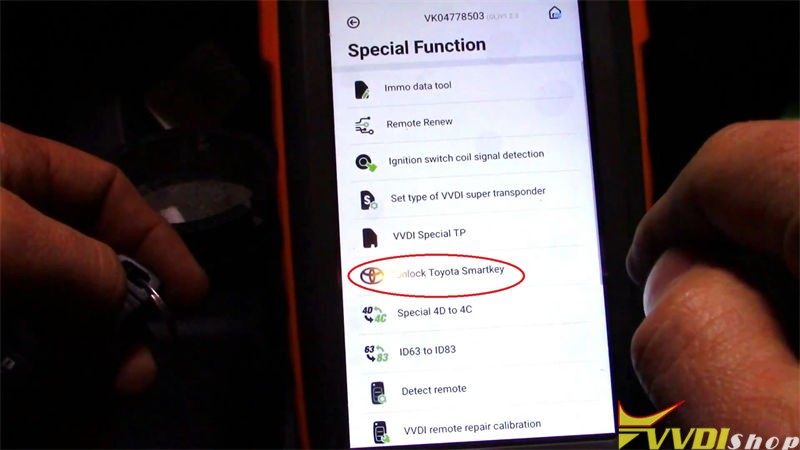
Go back to main page on Key Tool Max, press
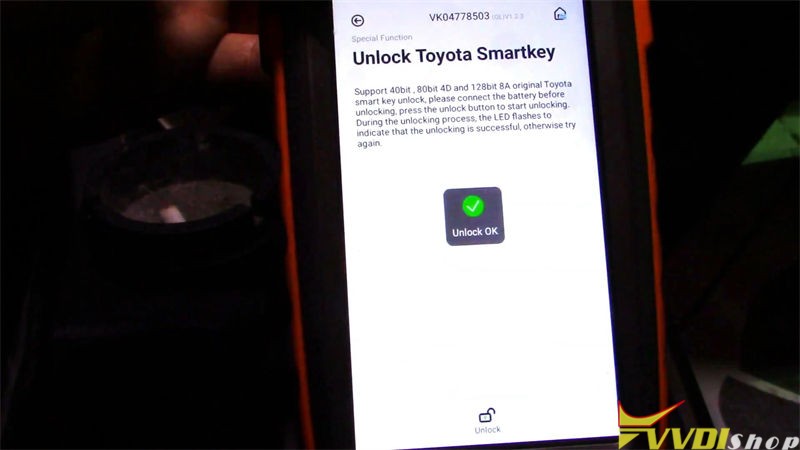
Special function >> Unlock Toyota Smartkey >> Unlock
Unlock OK.
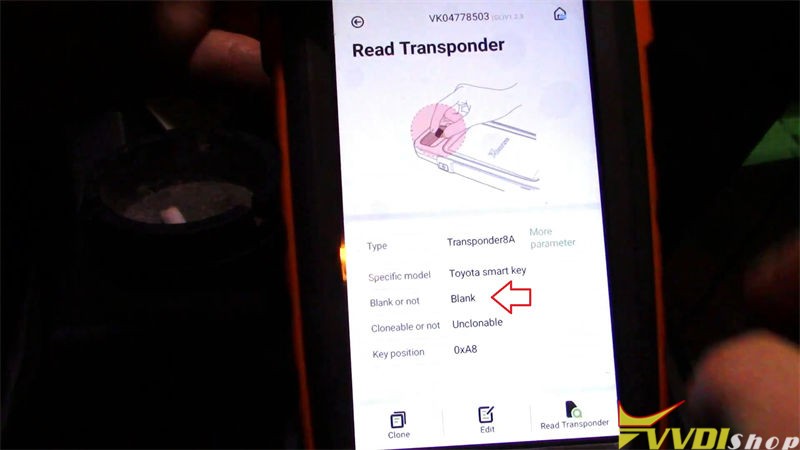
Go back to read the smart key again.
It is “Blank”.
So now we can use the 8A Smart Key to program to a new Toyota.
- Program Key
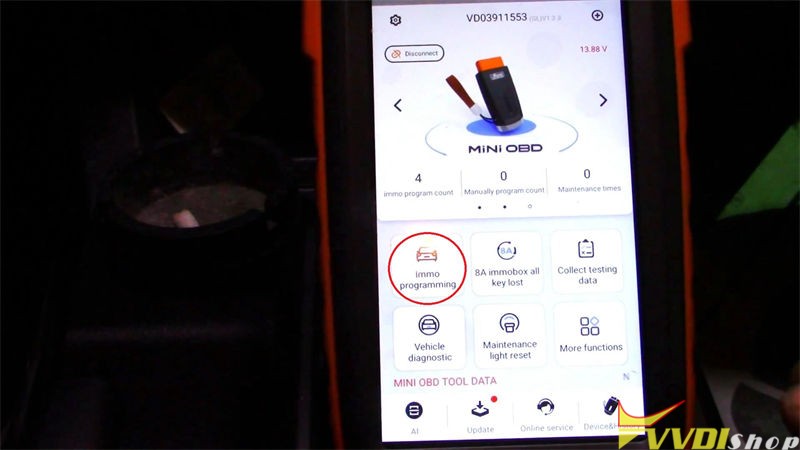
Go to Mini OBD Tool main page, press
Immo programming >> Toyota >> Select by type >> Smart key system >> Type 3 (8A smart card) >> Start execution >> Add a key
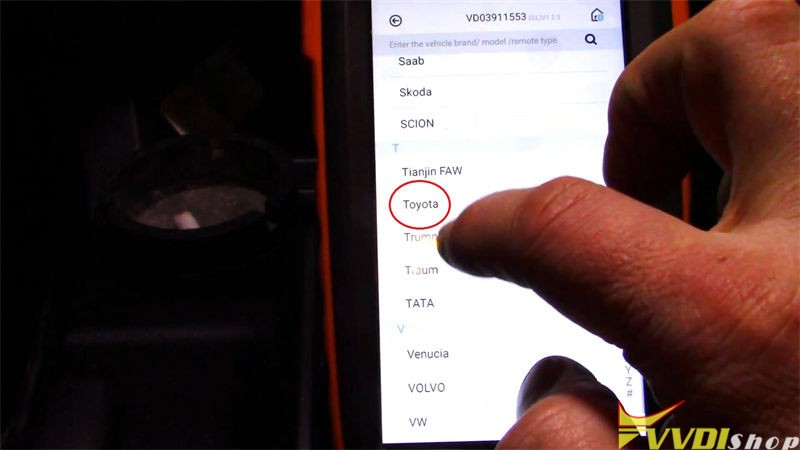
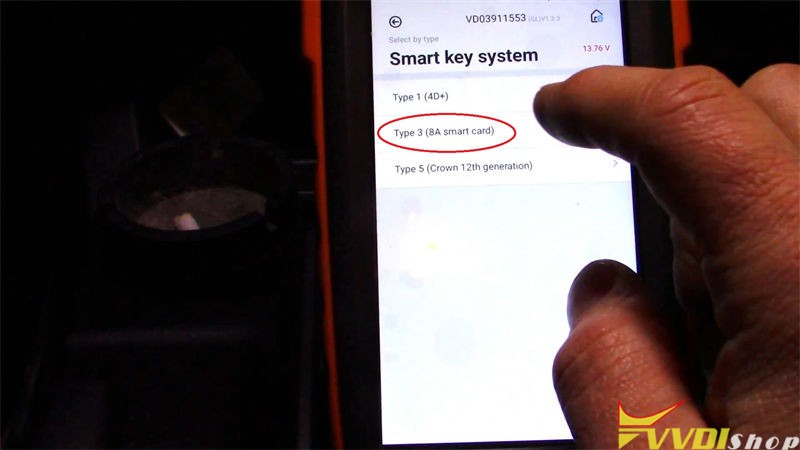
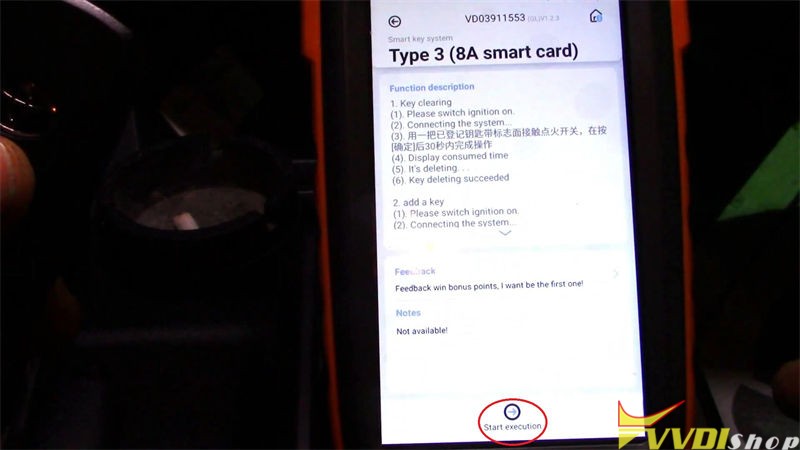
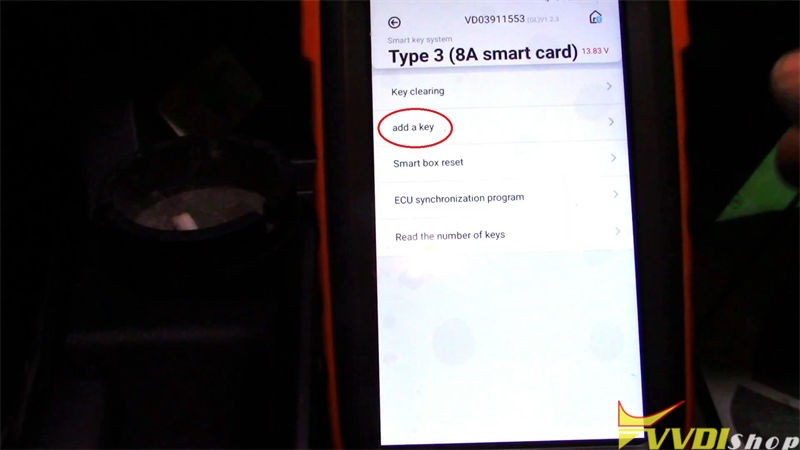
Please switch ignition on.
Confirm key number, press “OK”.
Hold the 8A Smart Key touching on the IG switch, after hearing beep twice, key registration succeeded!
Test the key, it does work!
Key programming has done.
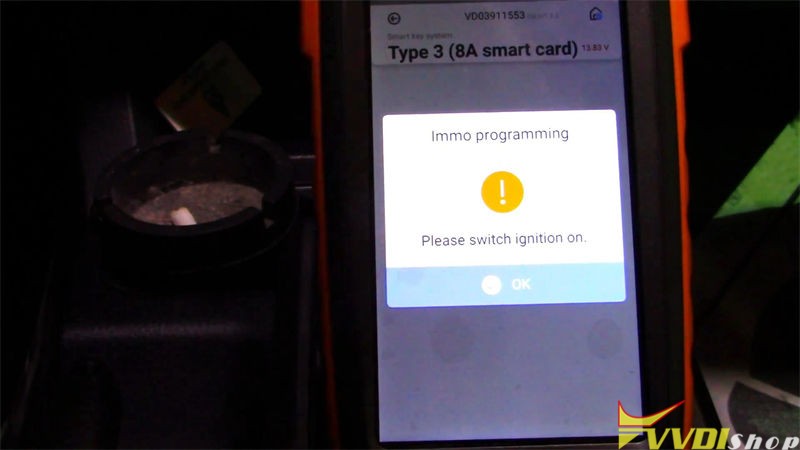
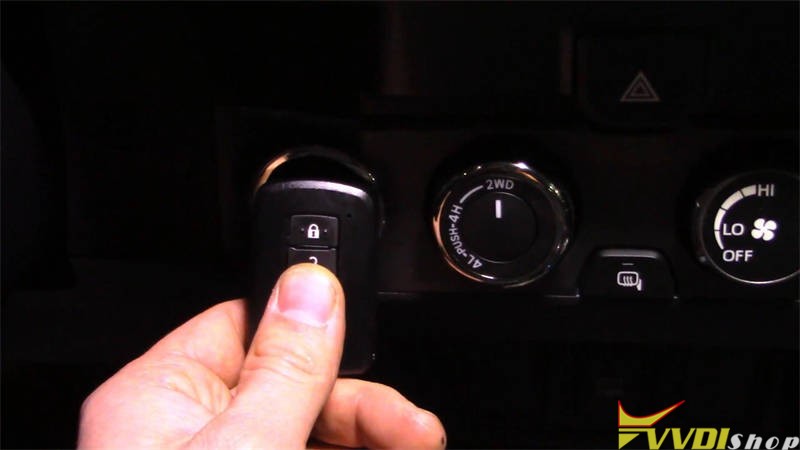
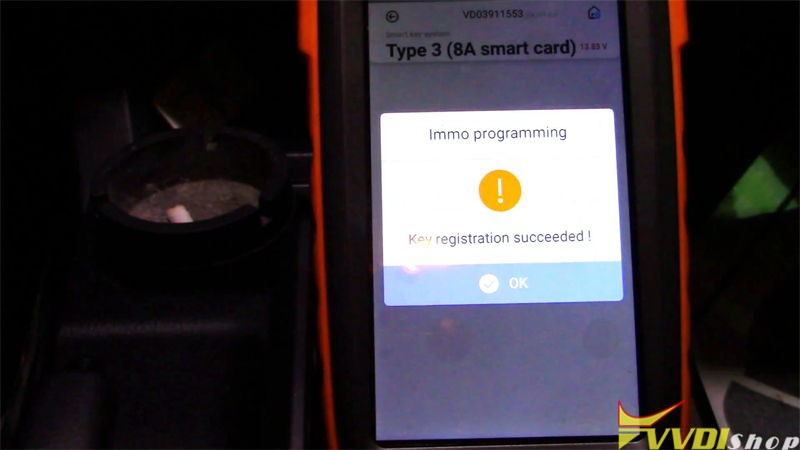
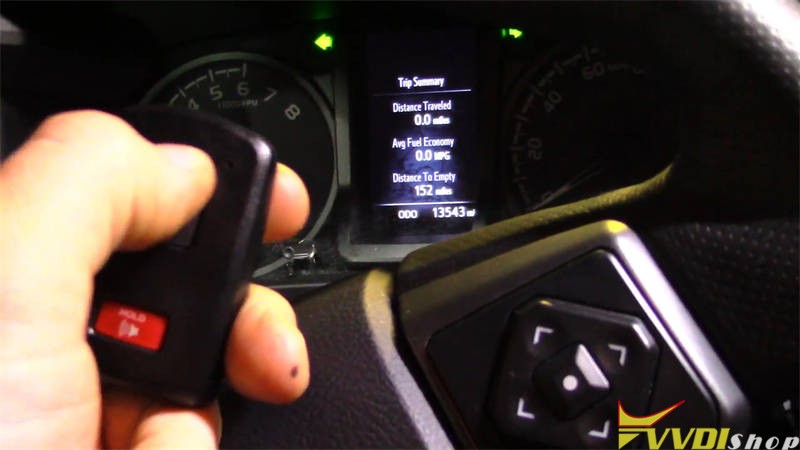
This is using VVDI Key Tool Max & Mini OBD Tool to unlock & reprogram a Toyota 8A Smart Key successfully.
VW Passat 2015 NEC24C64 Add Key by Xhorse Key Tool Plus
Here is a Volkswagen Passat 2015 original key & a new key, need to program the new key with Xhorse VVDI Key Tool Plus Pad via OBD.
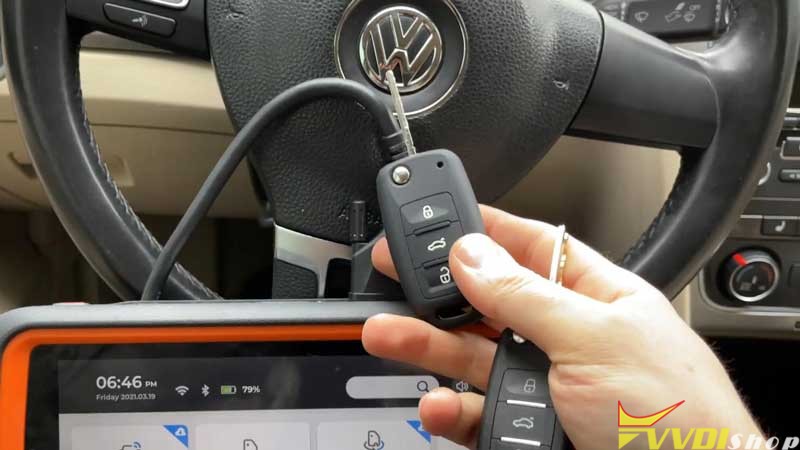
Connect VVDI Key Tool Plus with OBD, let’s start:
- Read & Save Data (EEPROM, IMMO)
Immo programming >> Europe >> VW >> Automatically diagnose models >> Start programming >> OK >> Read EEPROM
Switch on with working key before press “OK”.
If car has keyless GO, put the working key nearby car coil and switch on.
Follow the notes to operate in next steps, press “OK”.
Note: the dashboard will remain dark until “Reset Instrument”.
OK >> OK >> Save here >> Rename, OK
Save file success.
Read immo data >> Continue >> OK >> OK >> Save here >> Rename, OK
Save file success.
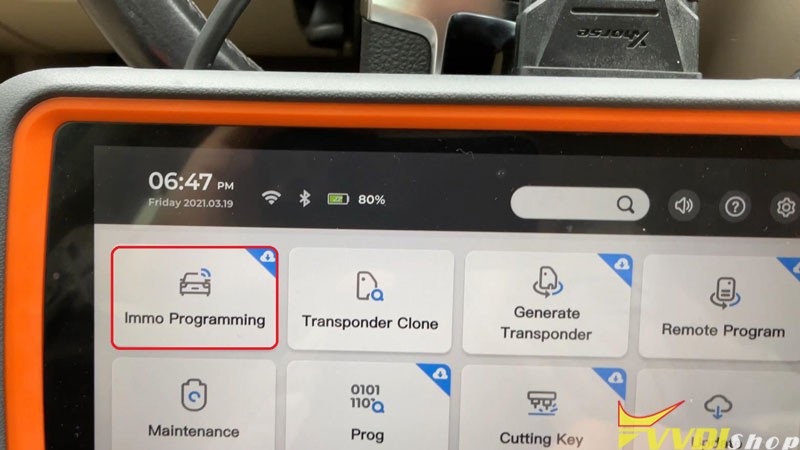
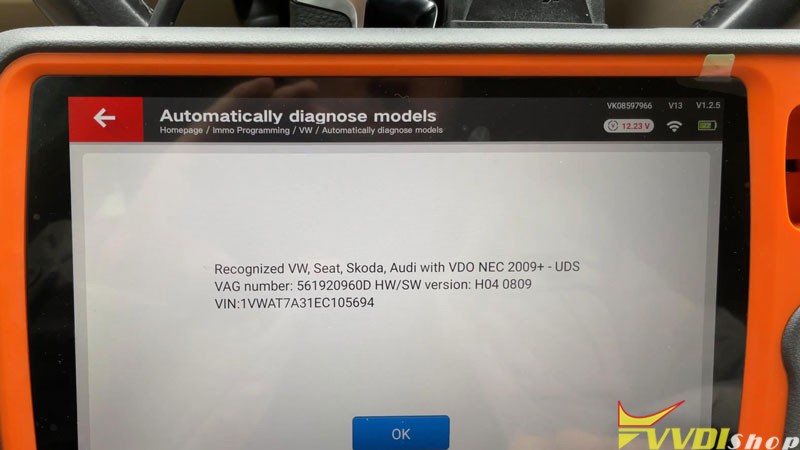
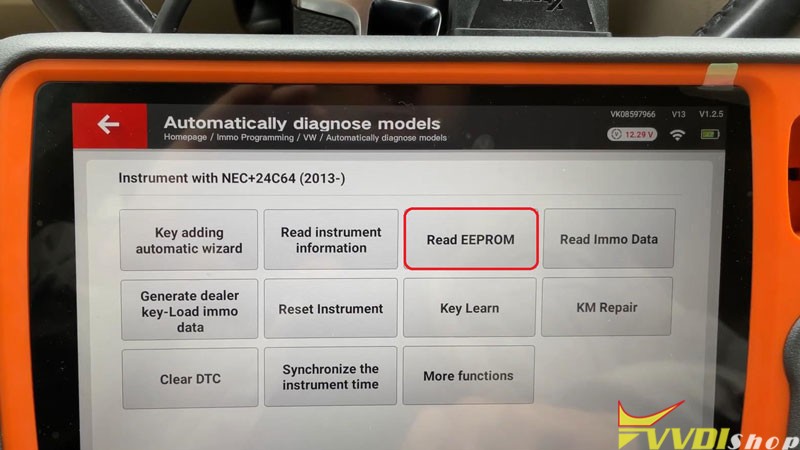
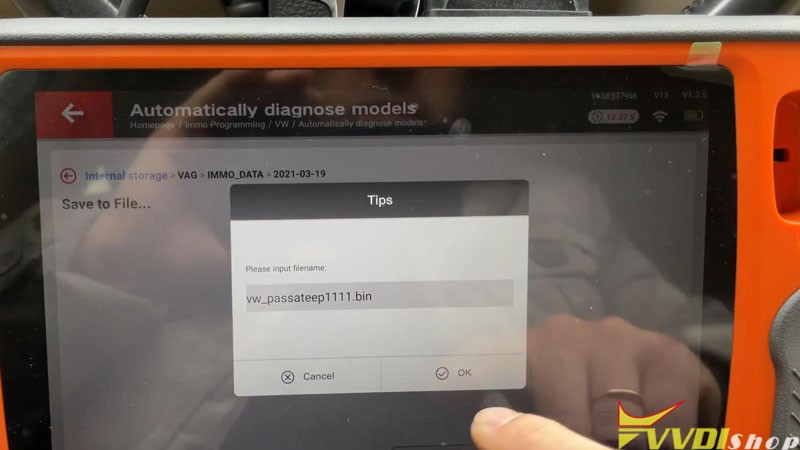
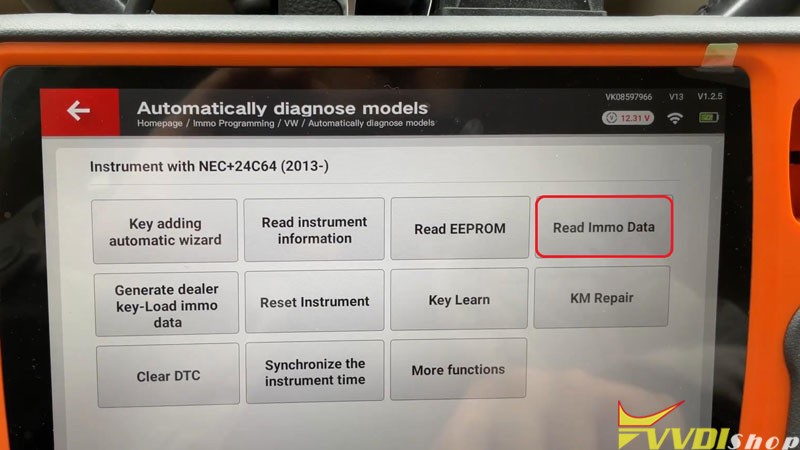
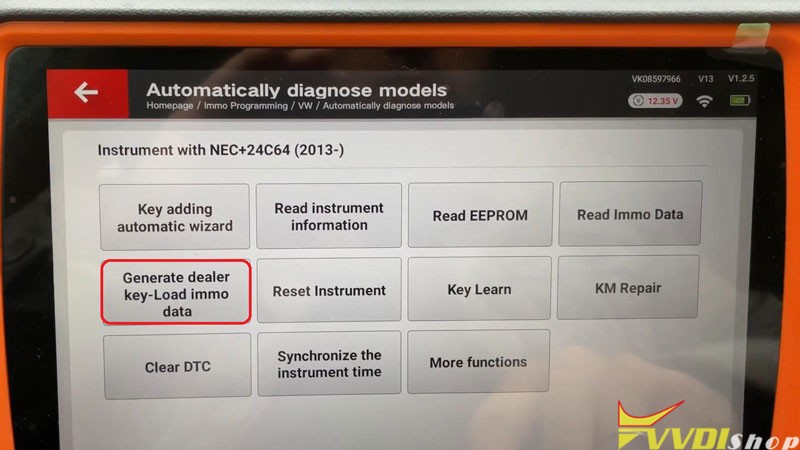
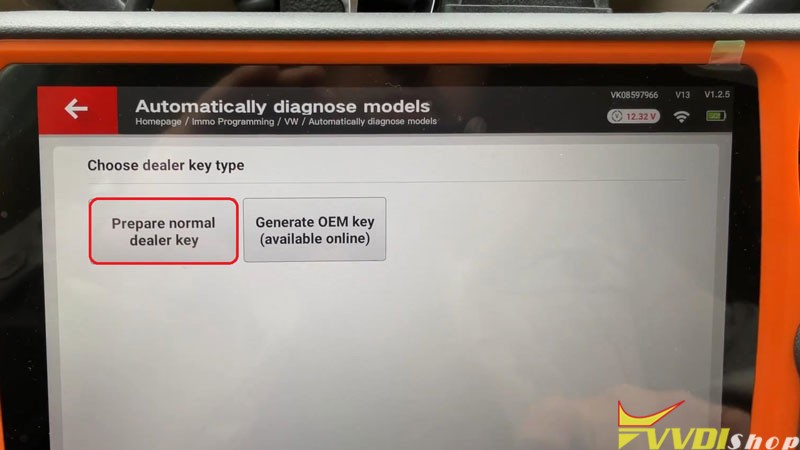
- Make Dealer Key & Key Learn
Generate dealer key – load immo data >> Select data file, open >> Continue >> Prepare normal dealer key >> Yes
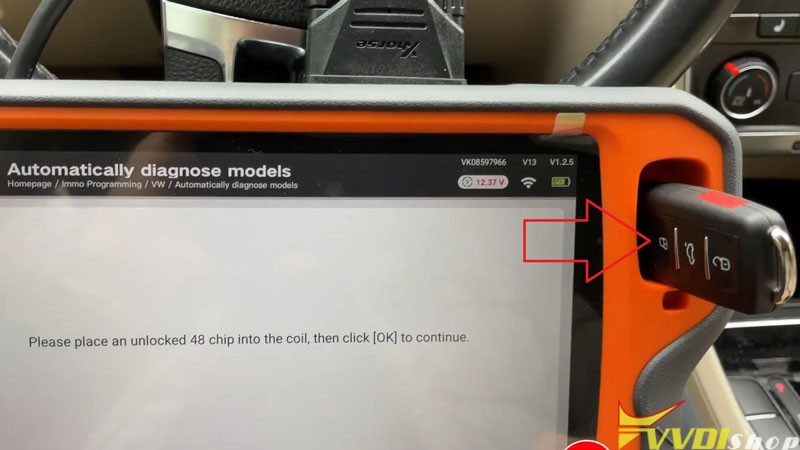
Please place an unlocked 48 chip into the VVDI Key Tool Plus coil, press “OK”.
Key make okay and locked!
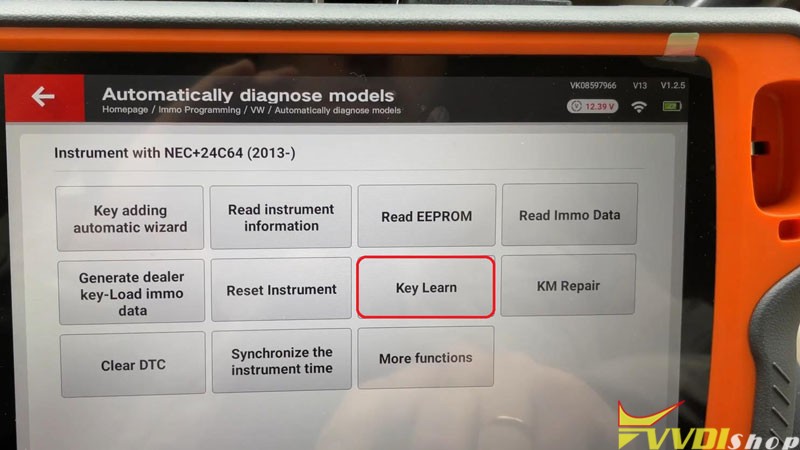
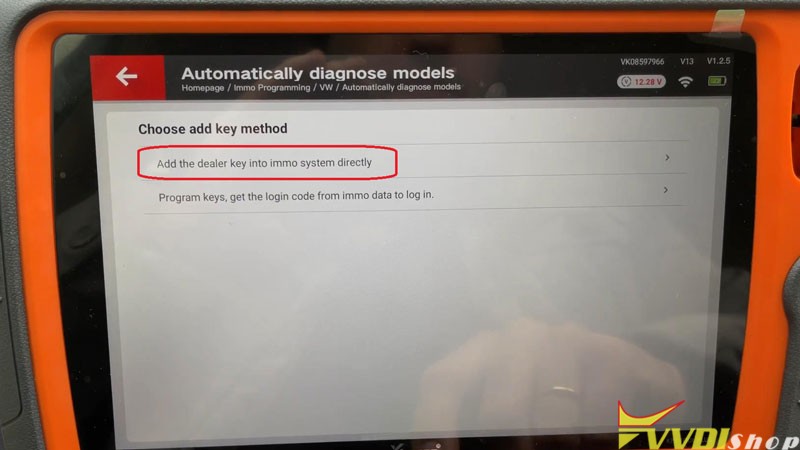
Key learn >> Yes >> Add the dealer key into immo system directly
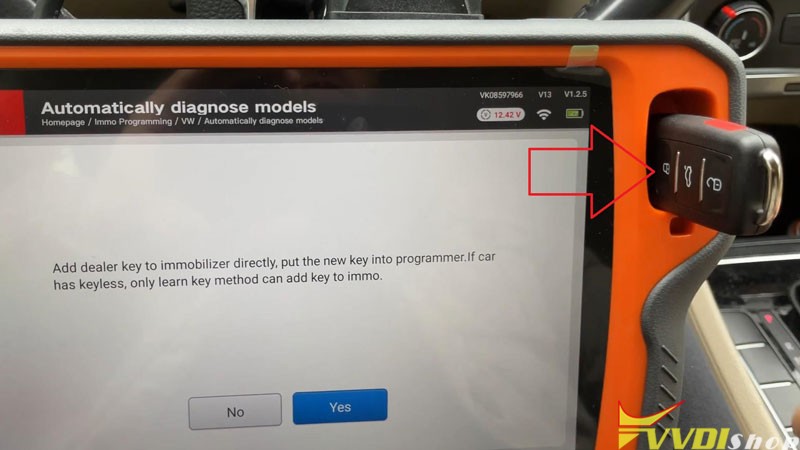
Put the new key into Key Tool Plus programmer. If car has keyless, only learn key method can add key to immo.
Press “Yes”.
Add key success. Reset instrument after all operation is finished.
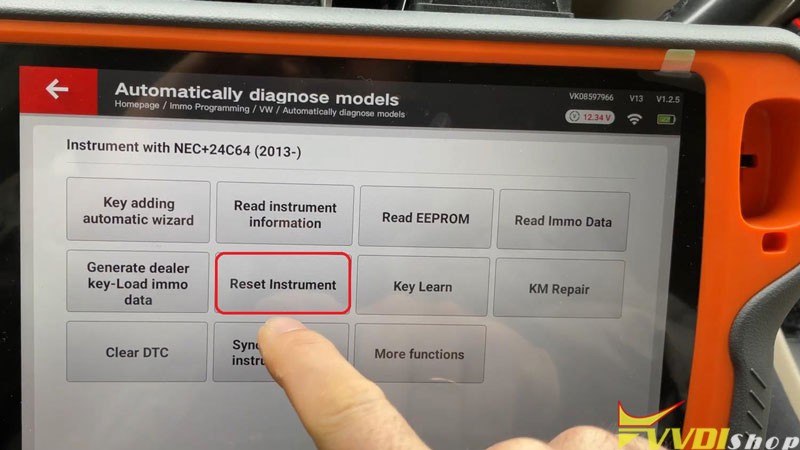
Press “Reset Instrument”.
Reset success.
- Program Remote
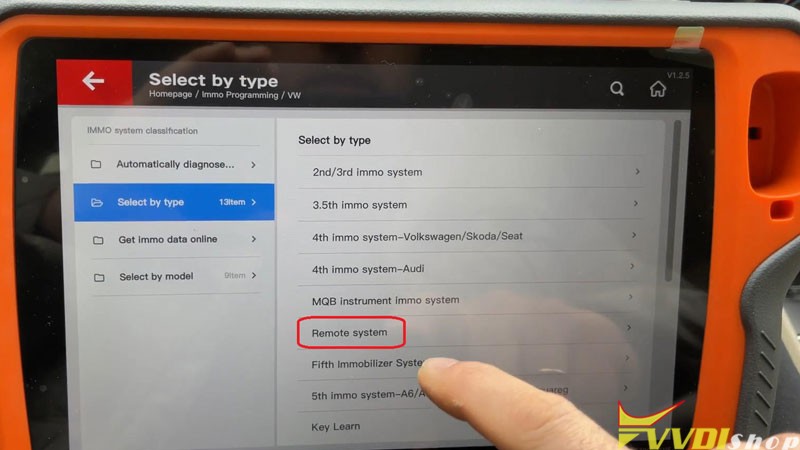
Go back to
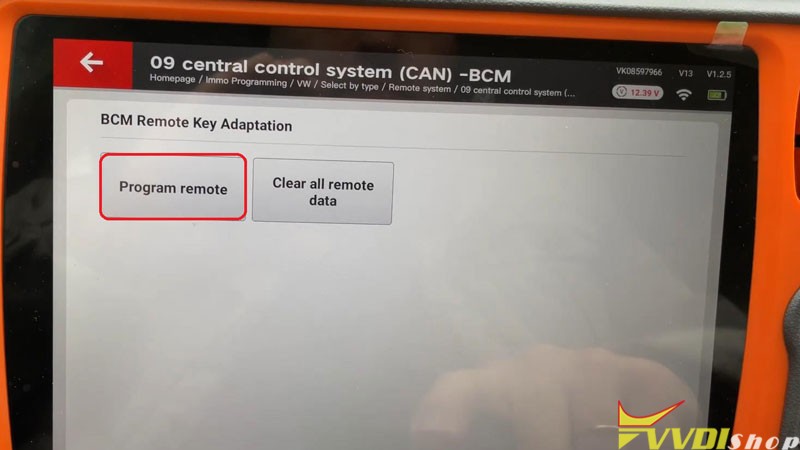
Select by type >> Remote system >> 09 central control system (CAN) – BCM >> Start programming >> Program remote
Learn remote control. You need prepare all key that you want to learn remote control.
The key will not remote control car if it is not learned.
Press “OK”.
Input learning key numbers, press “OK”.
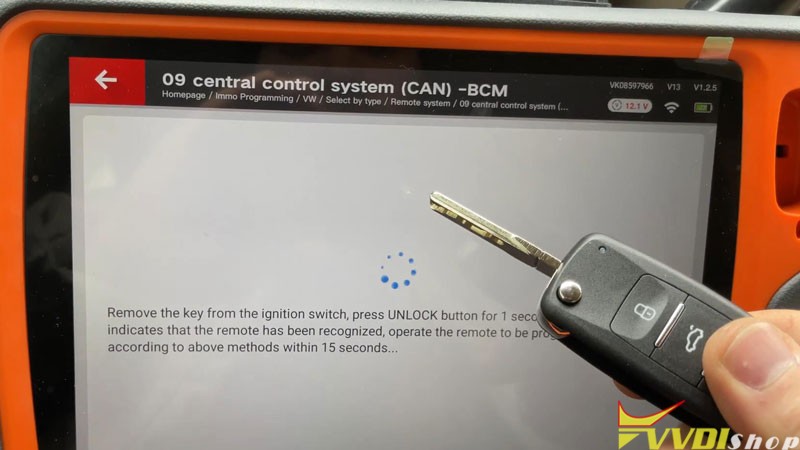
Remove the key from the ignition switch, press UNLOCK button for 1s, double flashing indicates that the remote has been recognized, operate the remote to be programmed in order according to above methods within 15s…
Remote control completed!
Note: some vehicles can only match one key at a time. If need to program multiple keys, please perform this function again.
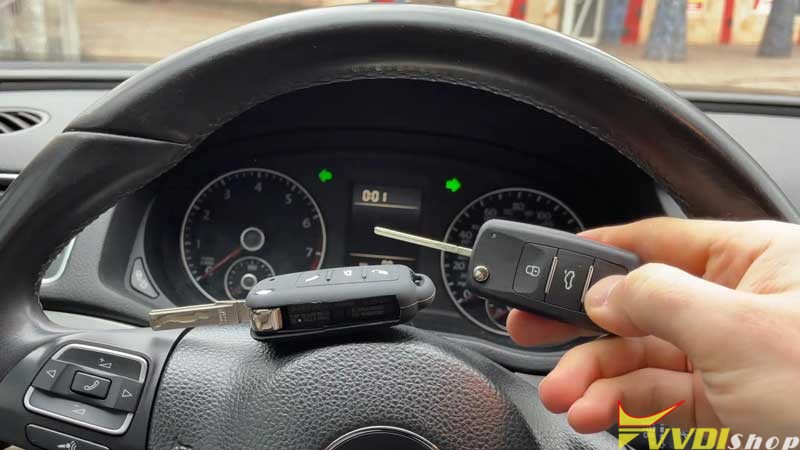
Let’s test the key now, both can work well.
Adding key has done!
2015 VW Passat key programming via Xhorse Key Tool Plus is successful!
Program Audi A4 BCM2 All Keys Lost by Xhorse Key Tool Plus
2011 Audi A4 5th immobilizer system all smart keys lost done with xhorse vvdi key tool plus today. It’s a good tool for me.
Preparation:
decode and open the door with Lishi auto pick
Main steps:
Step 1: Read BCM2 data
Step 2: Make dealer key
Step 3: Learn key
Procedure:
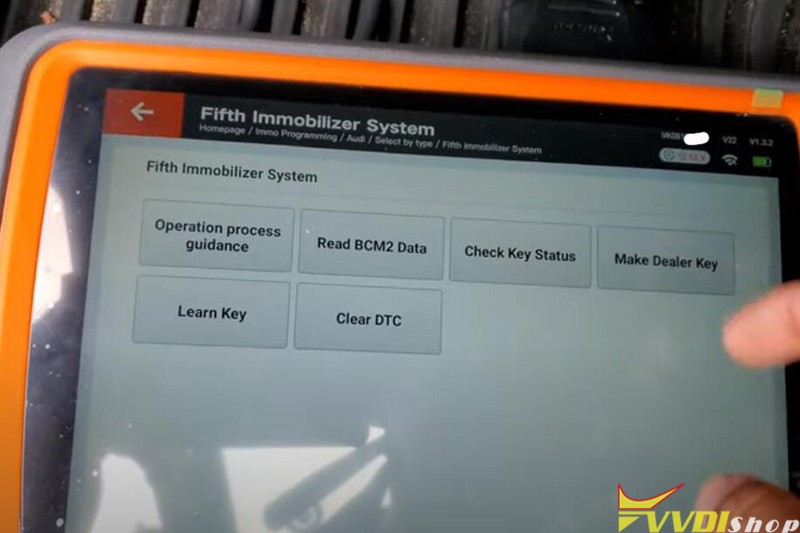
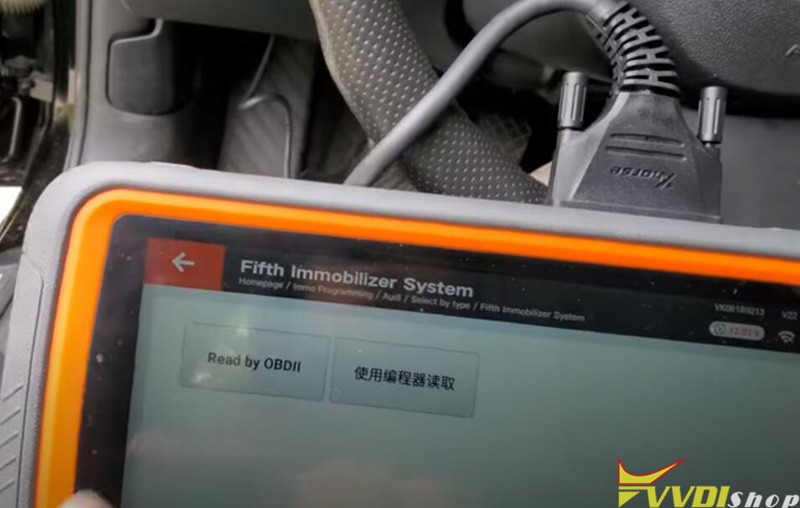
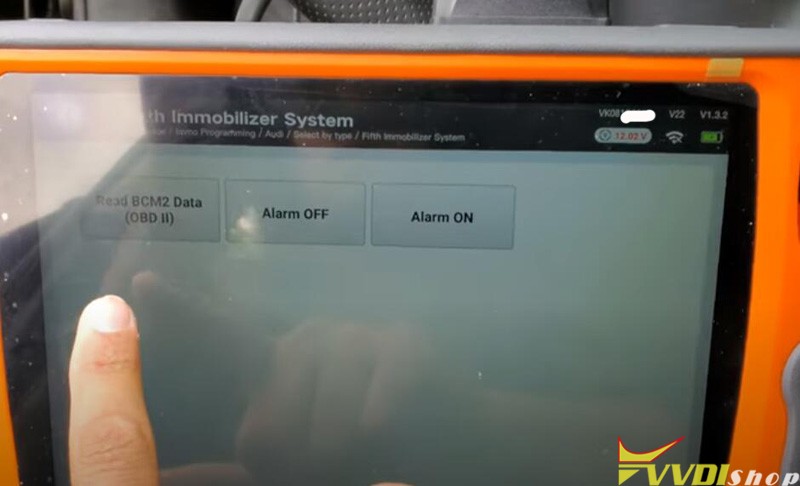
After connect keytool plus pad, go to Immo Programming->Audi ->Selec by type->Fifth Immobilizer system ->Read by OBDII->Read BCM2 Data (OBD)
Insert dealer key into the ignition, open headlight and step on the brake to wake up instrument before continue
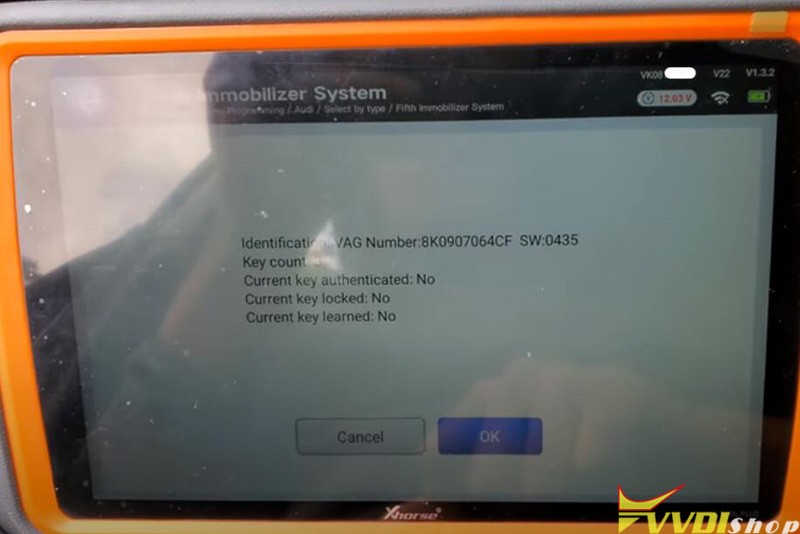
Read vehicle information
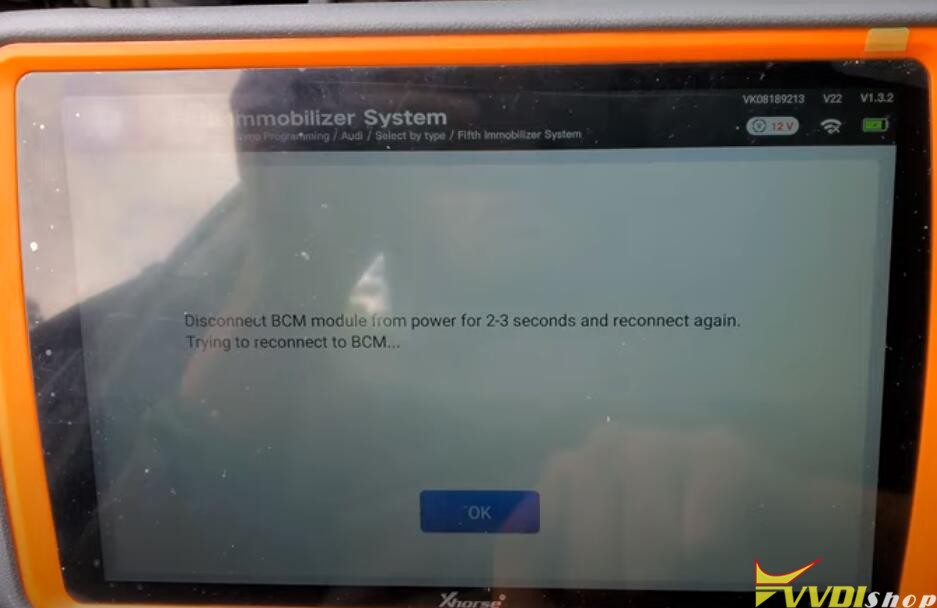
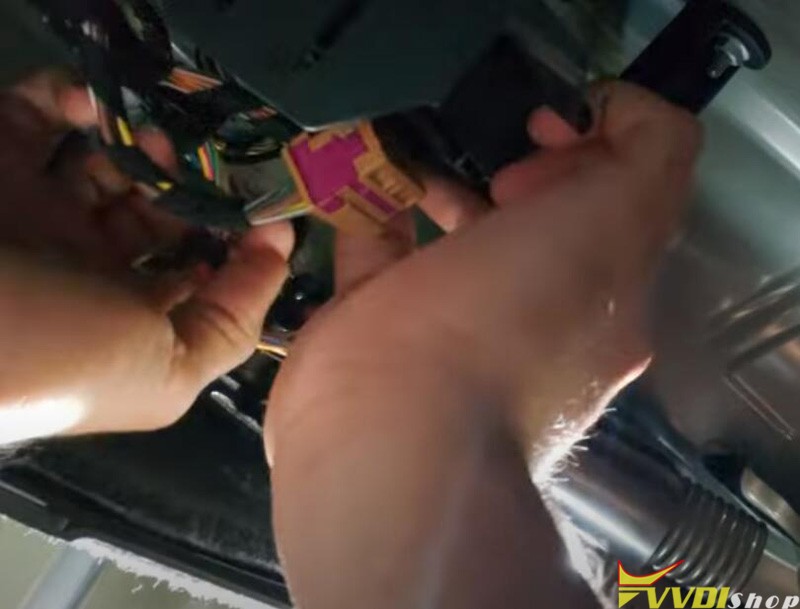
Disconnect BCM module from power fOR 2-3 seconds and reconnect again.
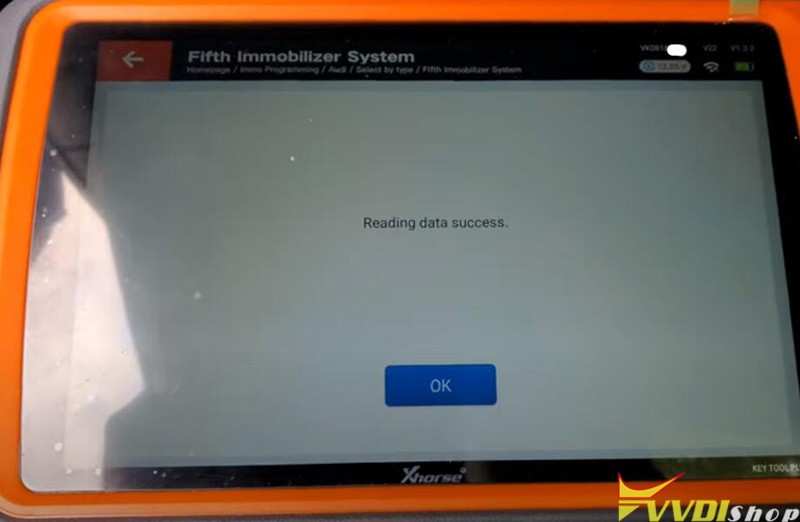
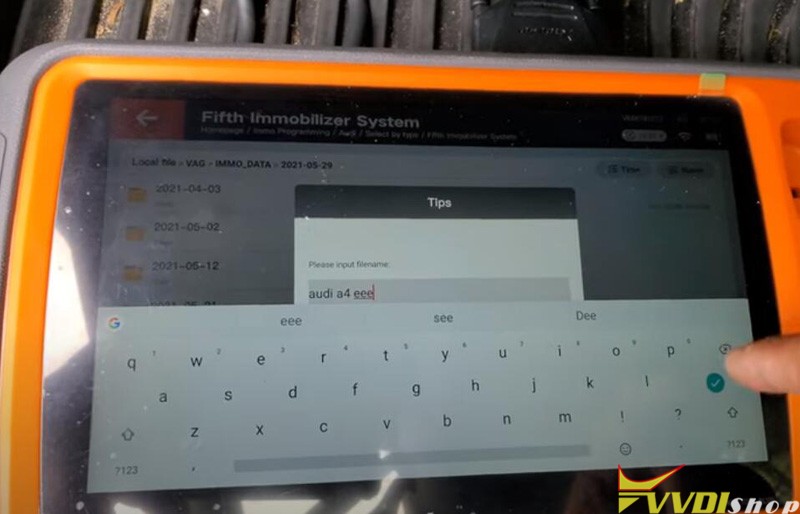
Read data success
Save data
Go back to 5th Immo menu, select Make dealer key
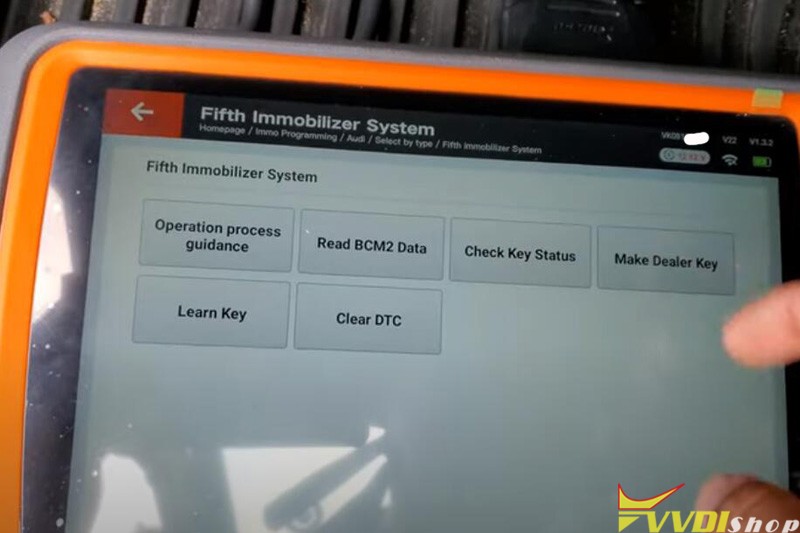
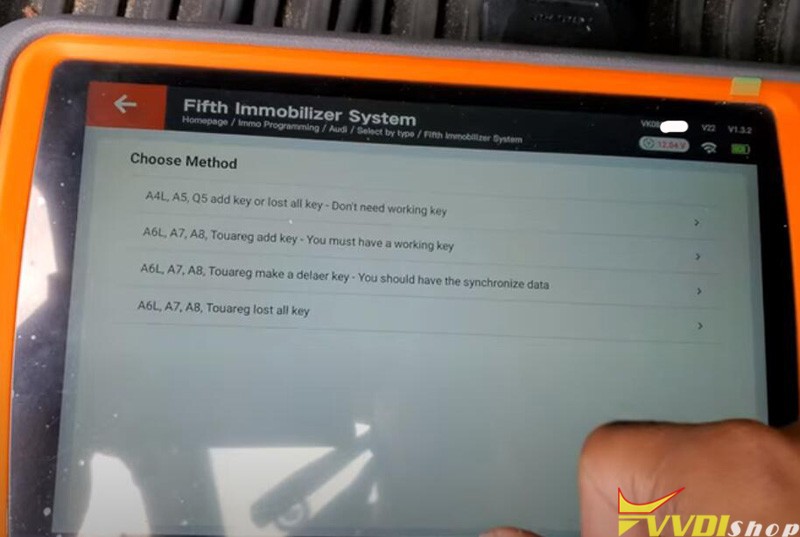
Choose method: A4L, A5, Q5 add key or lost all key- Don’t need working key
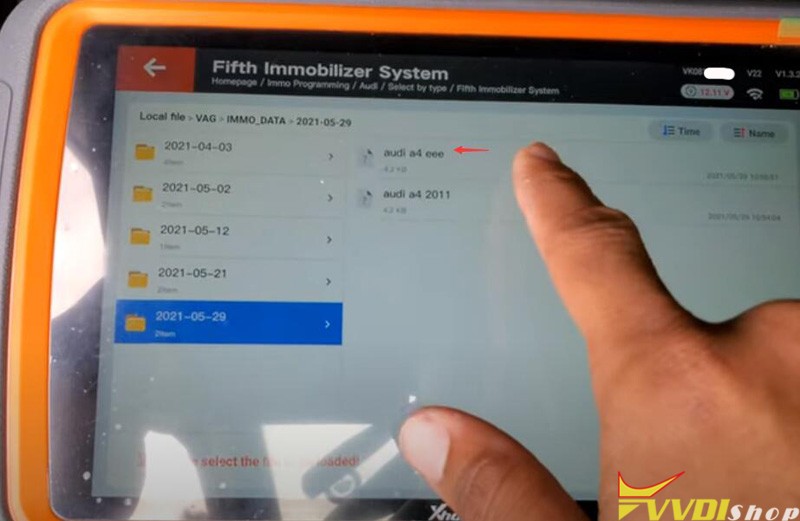
Press Ok to load BCM2 data read in step 1
load file success
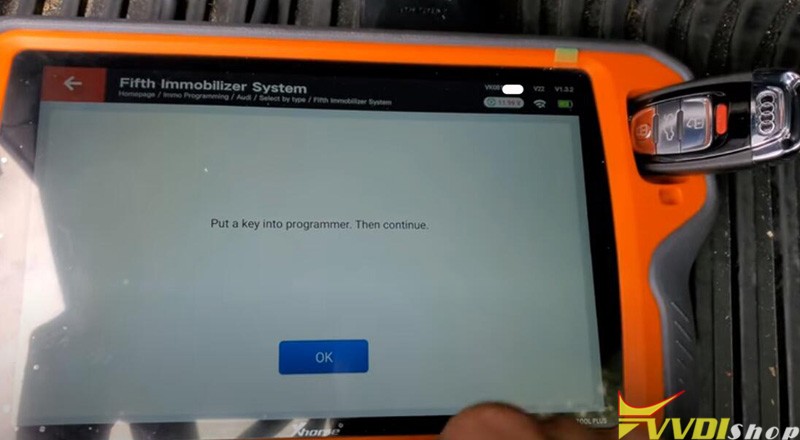
Put a key into the Xhorse key tool plus programmer
Reading and reprogramming key info
Writing data
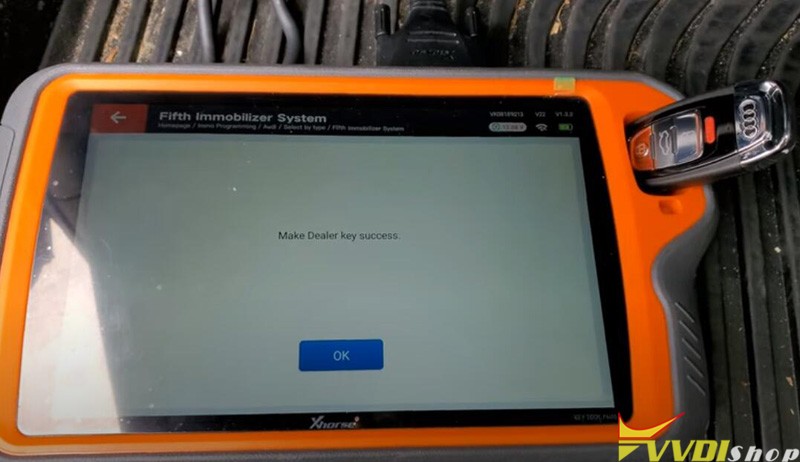
Make dealer key success
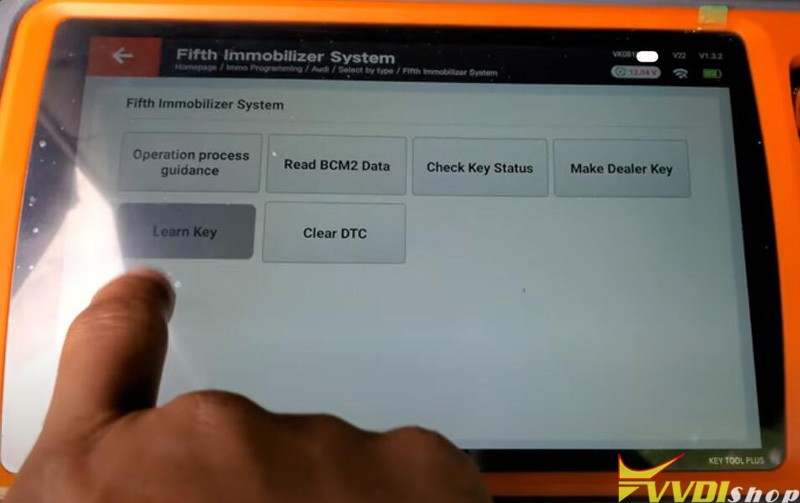
In 5th Immo System menu, select Learn Key
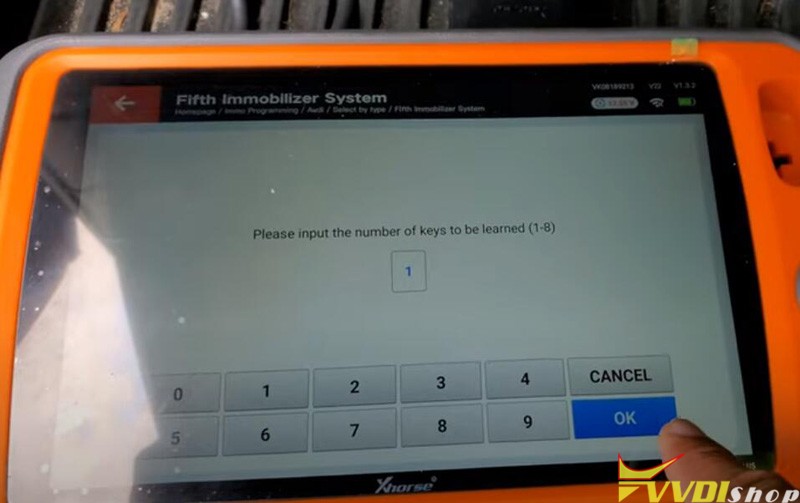
select 1 key to be learn
Load BCM2 data read in step 1
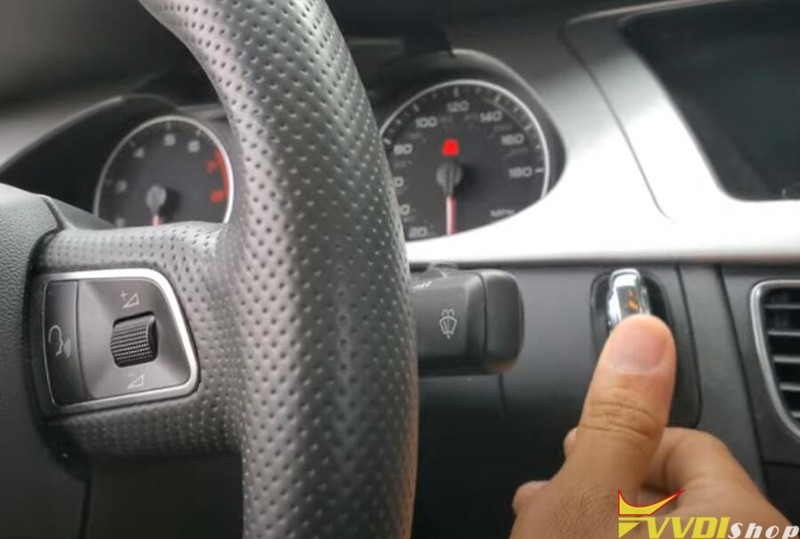
Insert working key into ignition and witch on before continue
If lost all working insert dealer key into the ignition, open headlight and step on the brake to wake up instrument before continue
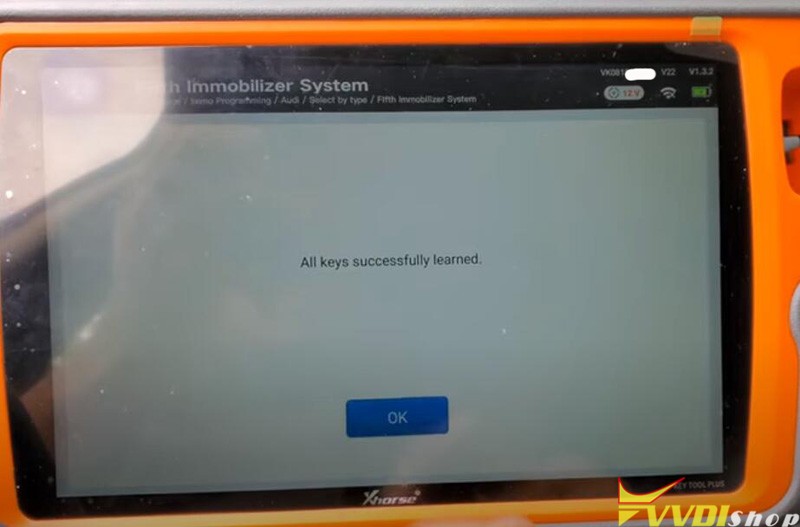
learn key success
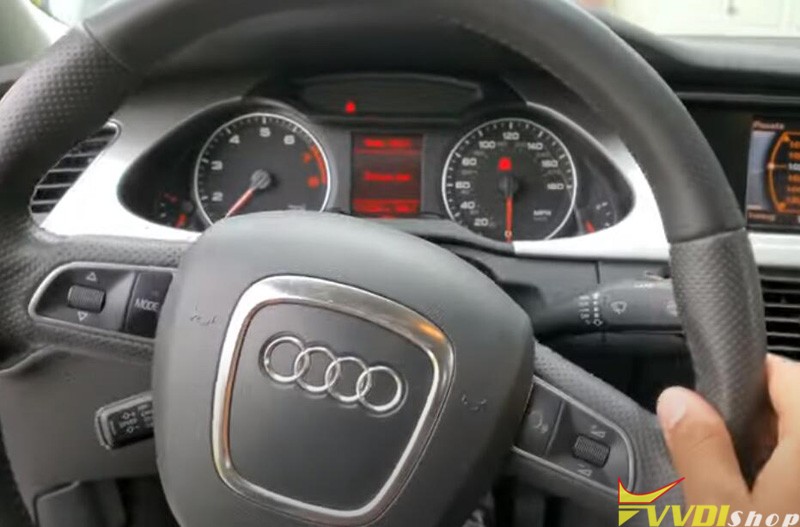
The new key is working no issue.
http://blog.vvdishop.com/xhorse-vvdi-key-tool-plus-audi-a4-2011-bcm2-all-keys-lost/