ابزار Xhorse VVDI
Xhose VVDI نرم افزار برنامه نویس اصلی و سخت افزارابزار Xhorse VVDI
Xhose VVDI نرم افزار برنامه نویس اصلی و سخت افزارHow to Unlock BMW BDC Module by VVDI VVDI Key Tool Plus
This is a demonstration on how to use Xhorse VVDI Key Tool Plus to unlock BMW BDC on bench.
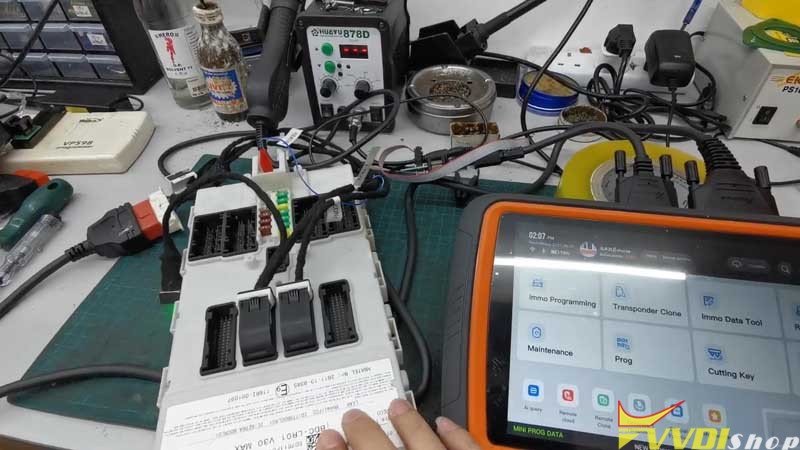
Having been connected BDC module & Key Tool Plus, press
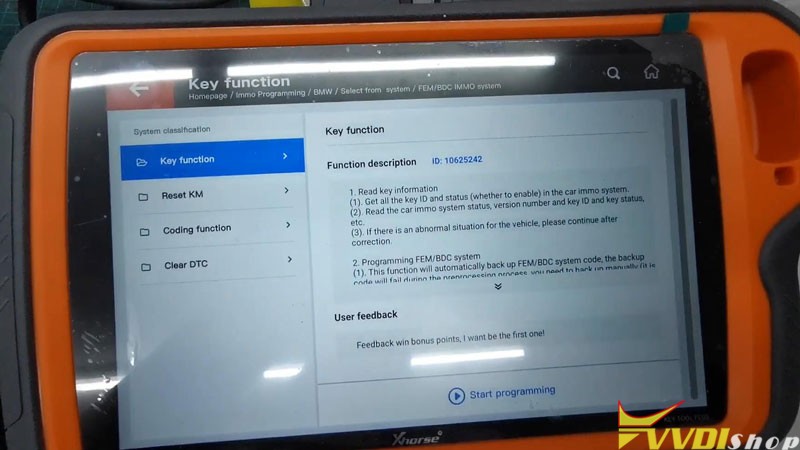
Immo programming >> Europe >> BMW >> Select from system >> FEM/BDC IMMO system >> Key function >> Start programming
Read Key Info.
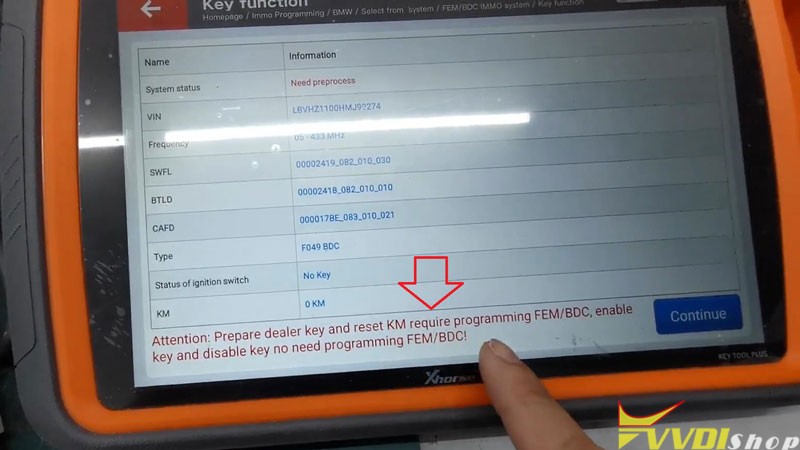
Go to read key information, it says
“Prepare dealer key and reset KM require programming FEM/BDC, enable key and disable key no need programming FEM/BDC!”
That means the BDC is locked.
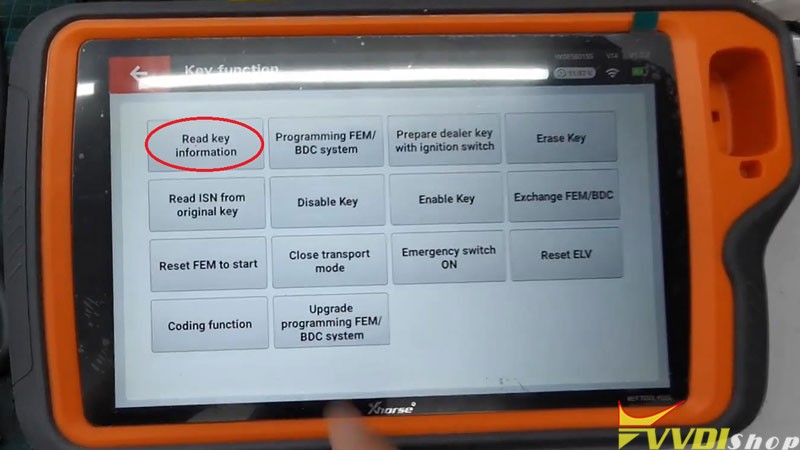
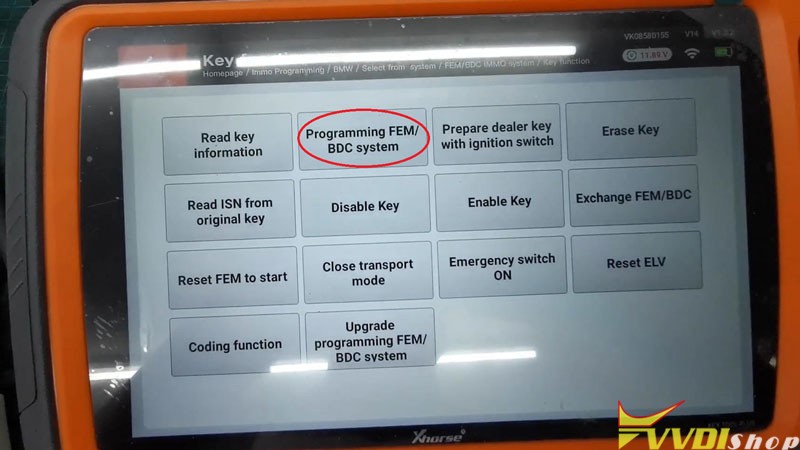
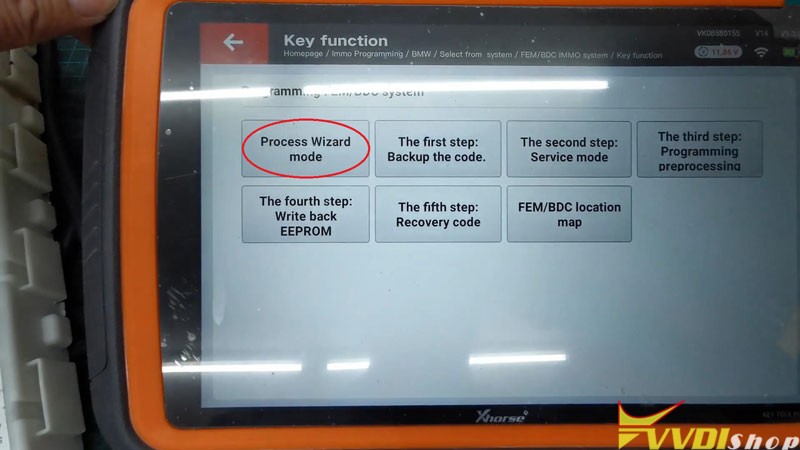
Continue >> Continue >> Programming FEM/BDC system >> Process Wizard mode >> Begin
Note: wizard mode will process automatically, other buttons requires manual operation according to steps.
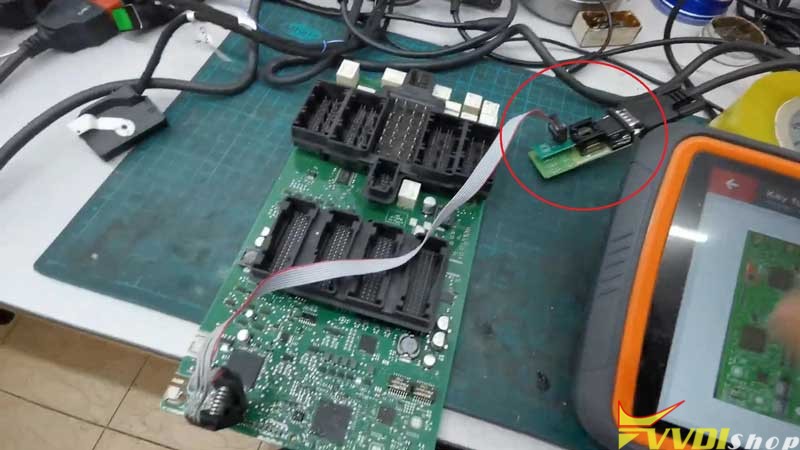
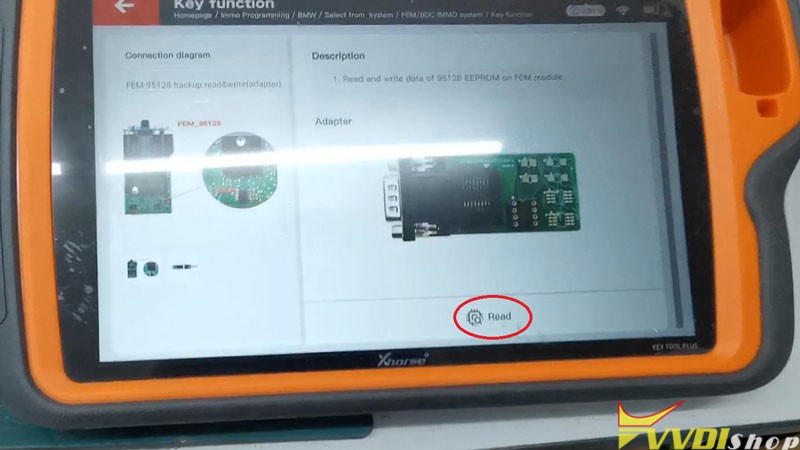
Open BDC module, connect it with VVDI Key Tool Plus & Solder-free Adapter to read EEPROM dump.
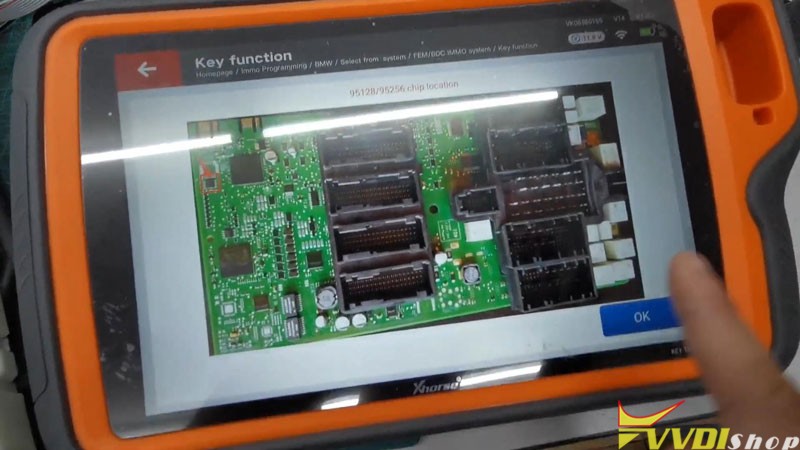
Press “OK” to view the 95128/95256 chip position.
Note:
- Power off BDC module;
- Unplug Key Tool Plus with OBD connection;
- Make sure adapters are connected.
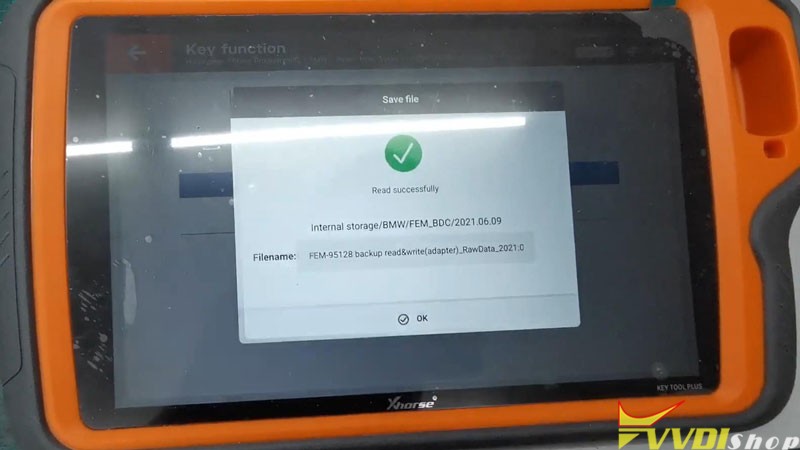
Yes >> Read >> Continue >> Rename, OK
Read successfully
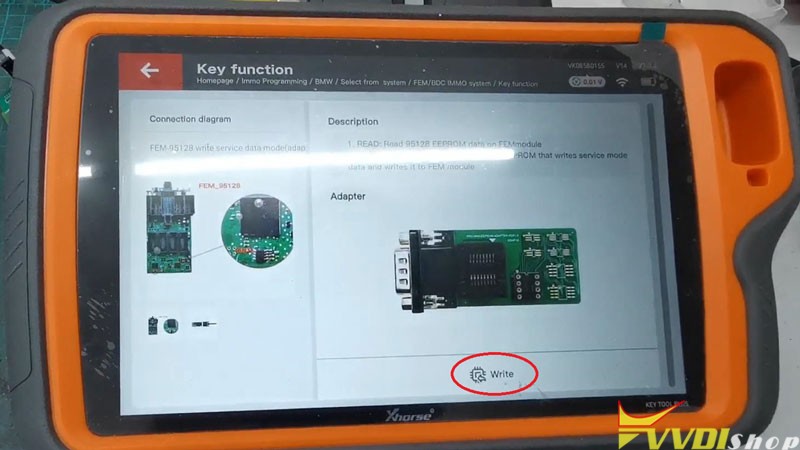
Write Data(Unlock BDC)
OK >> Write >> Continue
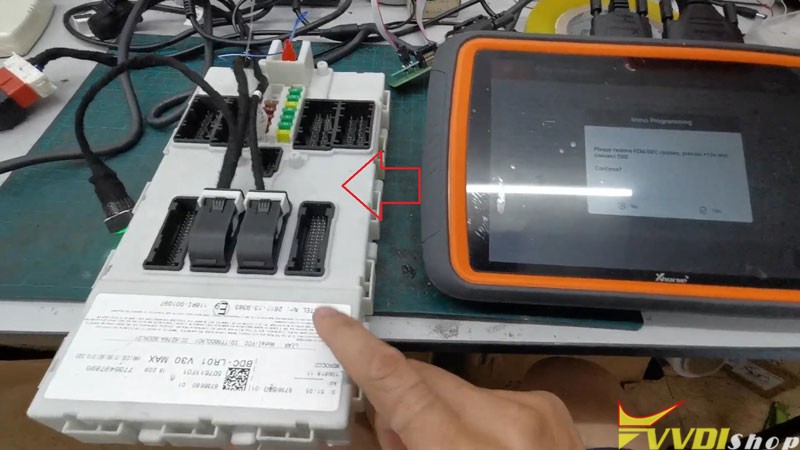
Restore BDC module, provide +12V and connect OBD.
Press “Yes” after reassembly.
Key Tool Plus will start to programming automatically…
Open BDC shell, write the original EEPROM data read in the step2 to 95128/95256 chip.
Make sure the connection is same as before.
(Power off BDC module, disconnect OBD, connect Solder-free Adapter)
Yes >> OK >> Write >> Continue
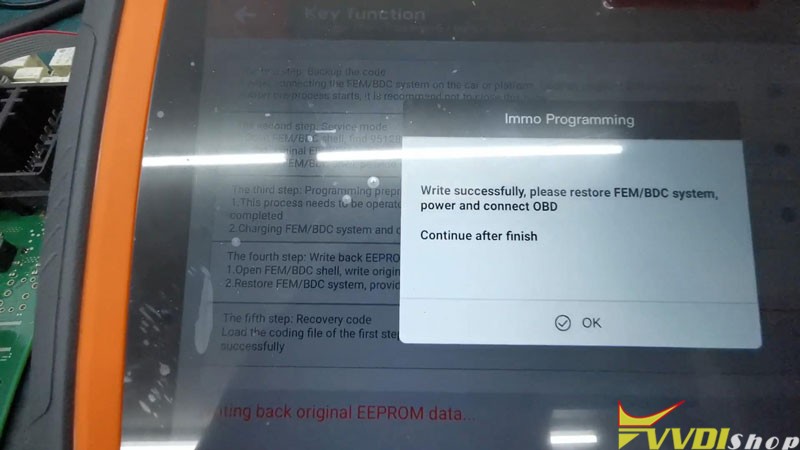
Write successfully.
Restore BDC system, power and connect OBD.
Continue after finish.
It will write coding automatically…
Do you want to verify the write coding? Yes
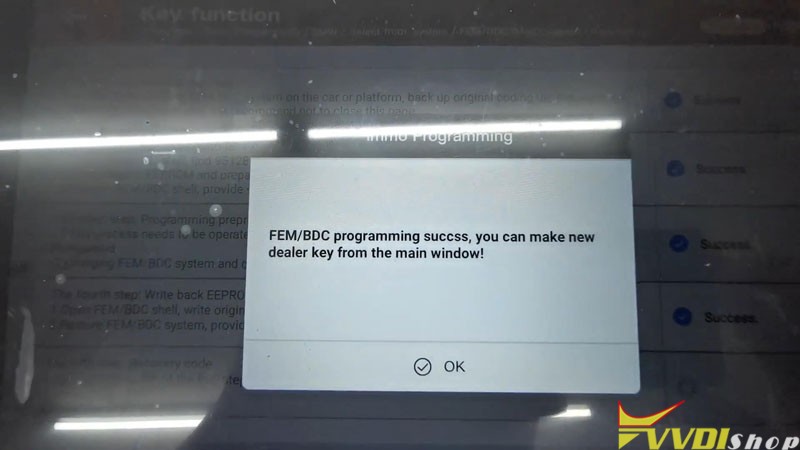
BDC programming success, you can make new dealer key from the main window!
Go back to read key information again.
It says “This unit no need programming, you can perform other operation directly!”.
That means the BDC is unlocked already.
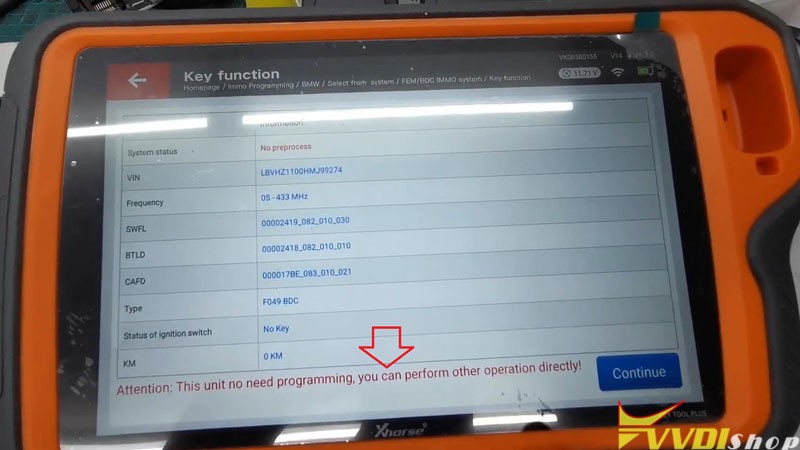
Now you can go continue to program keys or reset kilometers, either performing by OBD or on bench is workable.
This is using VVDI Key Tool Plus + Solder Free Adapter to unlock BMW BDC module on bench successfully.
https://www.vvdishop.com/service/vvdi-key-tool-plus-unlock-bmw-fem-bdc.html
Which Adapter to Renew NEC Key with VVDI MB?
Question:

Program Cruze 2010-2016 Key with Xhorse VVDI Key Tool Plus
How to use Xhorse VVDI Key Tool Plus Pad to add a Chevrolet Cruze 2010-2016 ID46 key by OBD? Following I’ll show the operation process step by step.
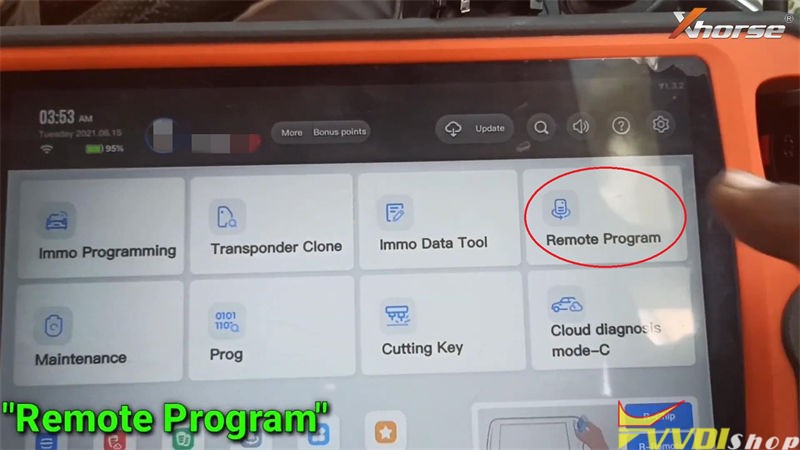
Program Remote
Put a XSKF21EN Smart Key into VVDI Key Tool Plus slot, press
Remote program >> Chevrolet >> Cruze >> Cruze KeylessGo ID46(433) >> Generate
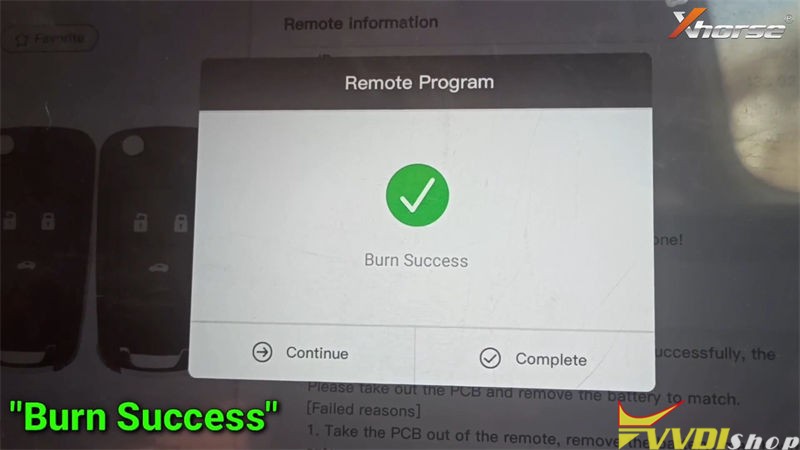
Wait writing data until 100%…
Burn success.

Read PIN Code
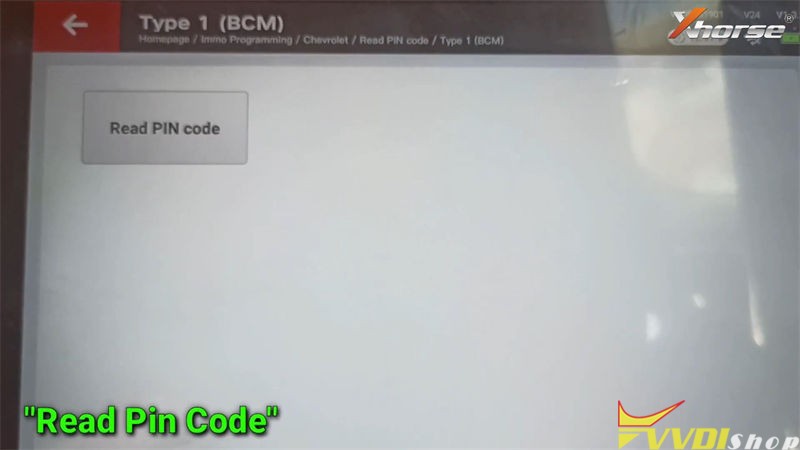
Immo programming >> Chevrolet >> Read PIN code >> Type 1(BCM) >> Start programming >> Read PIN code
For mechanical key, please switch ignition off and remove the key, then insert the key and switch ignition on!
For smart key, please click START button once.
VIN number was read out, press “OK”.
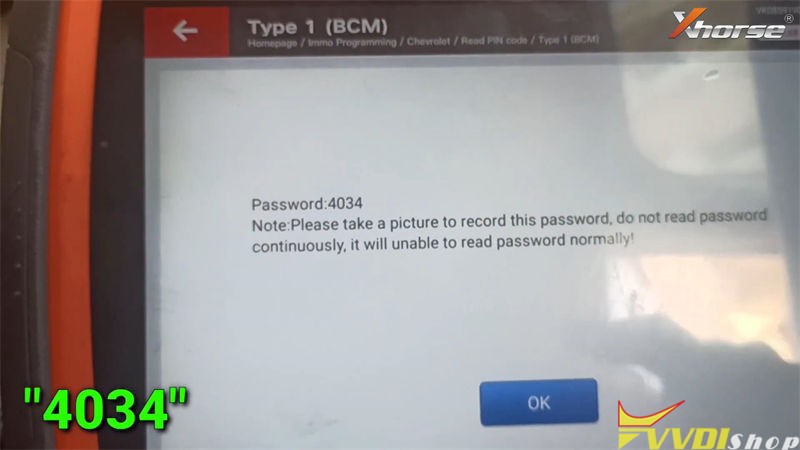
Record the password: 4034, press “OK”.


Add Key
Go back to previous menu on VVDI Key Tool Plus, press
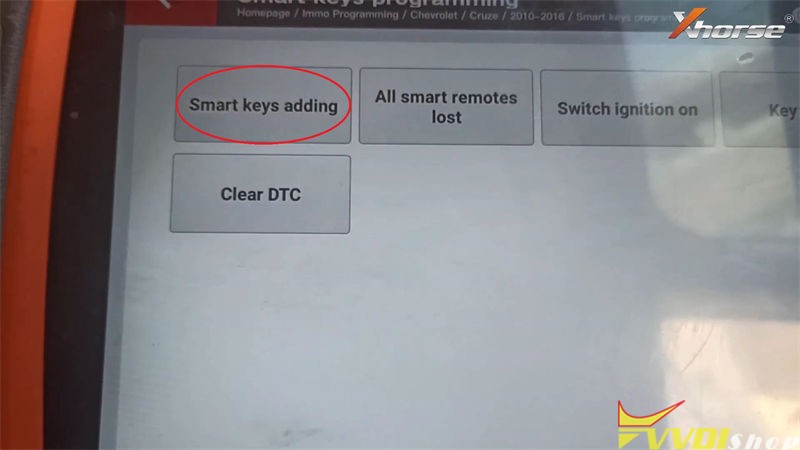
Cruze >> 2010-2016 >> Smart key programming >> Start programming >> Smart keys adding
Operate according to instructions:
Turn on ignition switch(don’t brake, press start button and hold it for about 8s, until the instrument is lit completely)
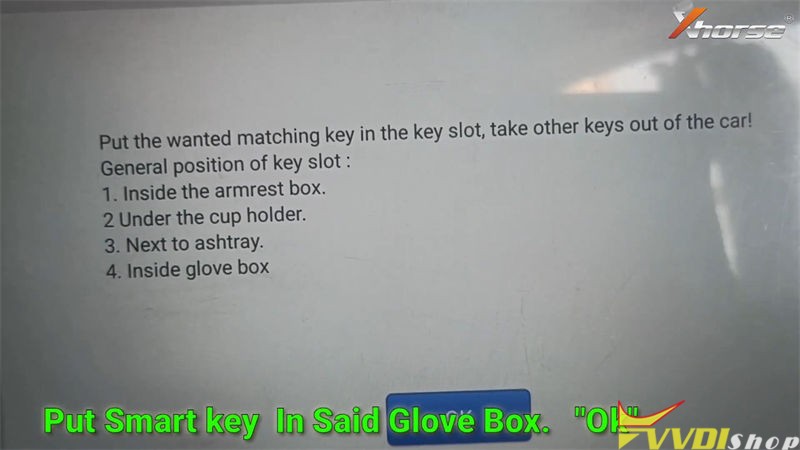
Put the XSKF21EN Universal Key in the glove box key slot, take other keys out of the car!
OK >> OK
Enter 4-digit password: 4034, press “OK”.


It’s performing the requested operation, still need to wait for 10 minutes…
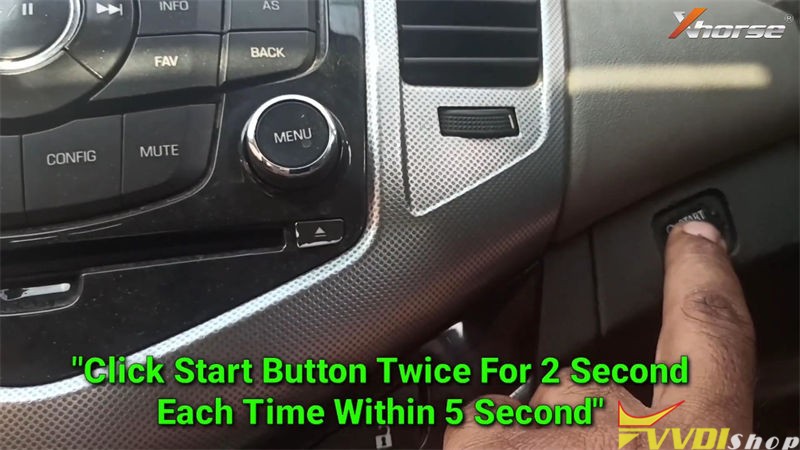
Click START button twice for 2s each time within 5s.
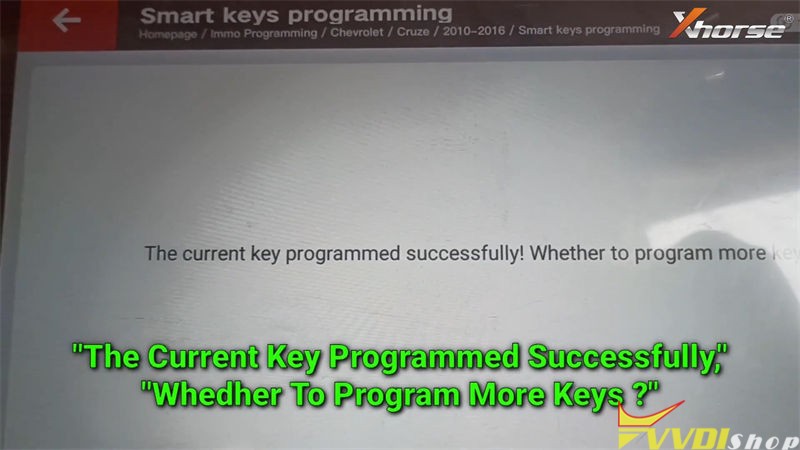
The current key programmed successfully!
Press “OK” to program next one, press “Cancel” to complete.
After press “OK”, click START button.
Keep pressing START button for 5s…
Release the START button, press “OK”.
Keep pressing the START button until instrument light up(if instrument does not light, keep pressing START button for about 15s), then release.
Switch ignition off!
Open then close the driver door, make sure all appliances are off.
Remove the smart key, click both UNLOCK and LOCK button one time, then release.
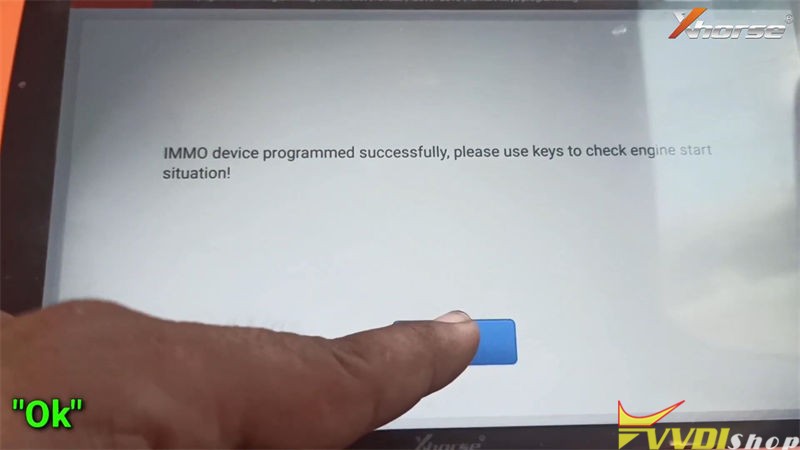
IMMO device programmed successfully, please use keys to check engine start situation!
If the IMMO light is on, please try to power off the battery.


Test the new key, it does work well.
Done!
This is how to add a key for Chevy Cruze 2010-2016 with VVDI Key Tool Plus via OBD.
VVDI Key Tool Max No Enough Points to Generate 8A Smart Card
Problem
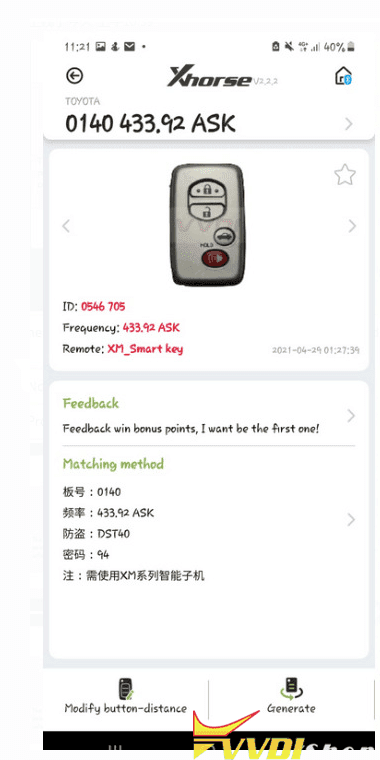
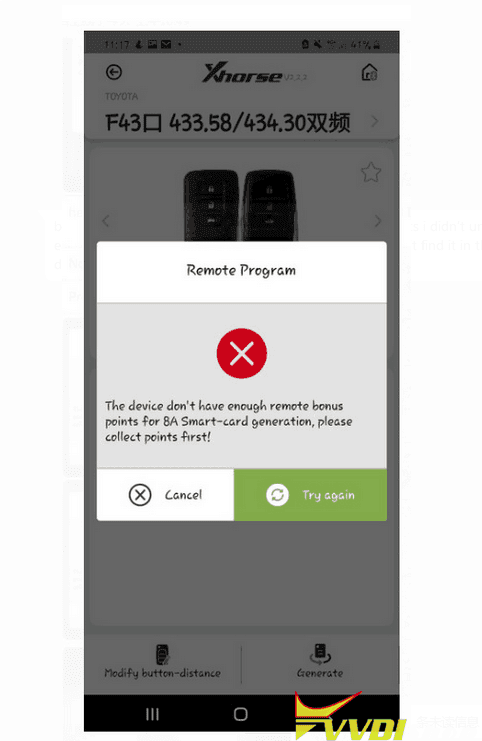
I tried to generate 4D ES Page 98 and 433.92, no dual frequency with Xhorse VVDI Key Tool Max + XM Series Toyota Smart Key. It says “The device doesn’t have enough remote bonus points for 8A smart-card generation, please collect points first!”
I’m not going to generate an 8A smart-card, why it keeps reminding that?
Vvdishop engineer replied
All Xhorse XM Toyota smart key generation needs to consume 200 points for the first time. Please collect enough points before generation.
Well noted with thanks.
Xhorse FBS3 Smart Key Benz 2009 Keyless Not Working Solution
Question:
I tried today to make a keyless key on a Mercedes benz s350 2009 with xhorse vvdi mb and FBS3 key. but the keyless function does not work, error: The key is not recognized.
At the same time, only keyless does not work (The central lock is working by inserting the key into the ignition lock, the car starts, the doors close/open if you press the buttons). Keyless go did not!!!
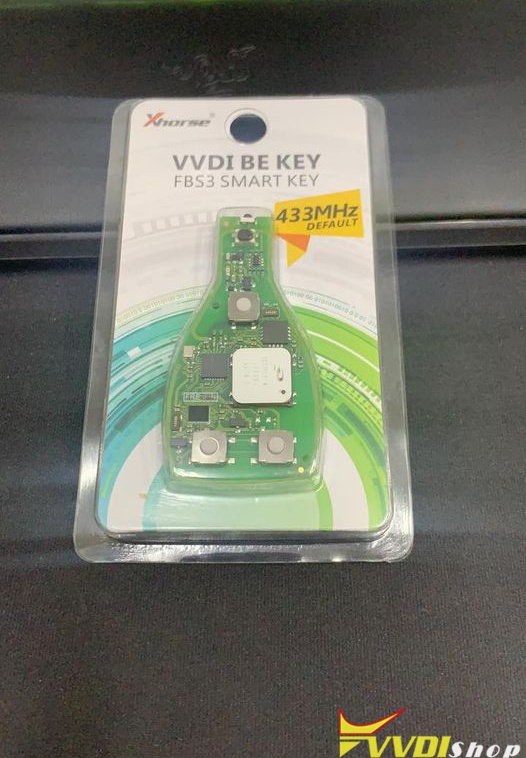
Solution:
Change FBS3 key frequency does not work. It is not a problem of frequency.
Neither Xhorse nor CG keys will work for older non-BGA cars before 2009.
You need original for those.
The keyless function will not work if the original key has two batteries, you need to use the original factory key to prepare new key.
Read also:
http://blog.vvdishop.com/exchange-vvdi-fbs3-keylessgo-key-frequency/