ابزار Xhorse VVDI
Xhose VVDI نرم افزار برنامه نویس اصلی و سخت افزارابزار Xhorse VVDI
Xhose VVDI نرم افزار برنامه نویس اصلی و سخت افزارTips to Calculate Benz W220 AKL Password with VVDI MB
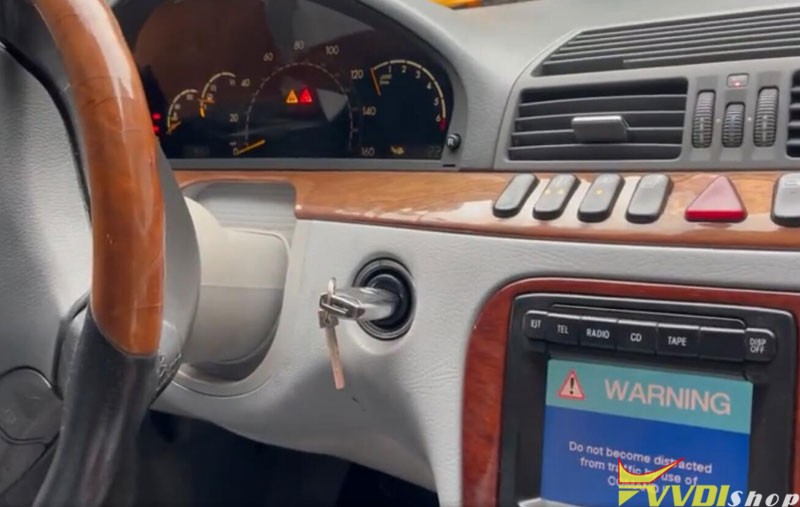
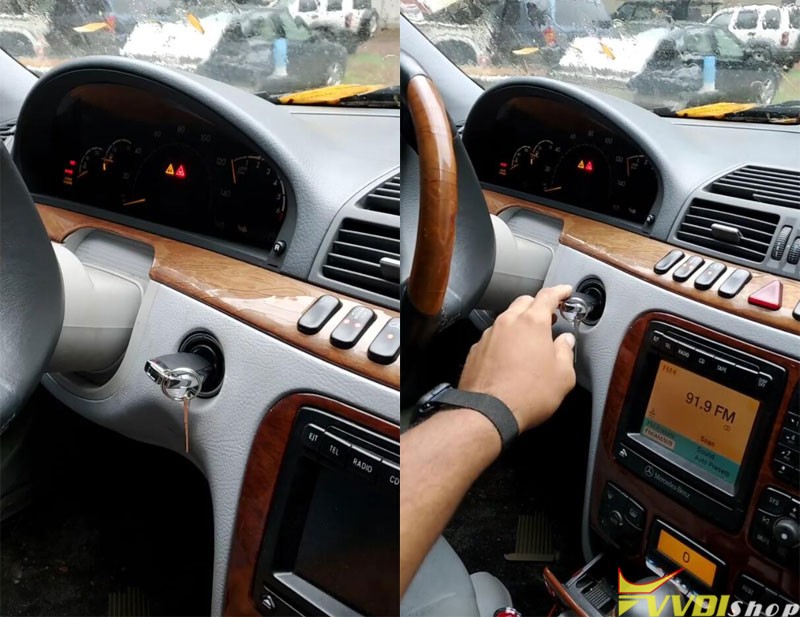
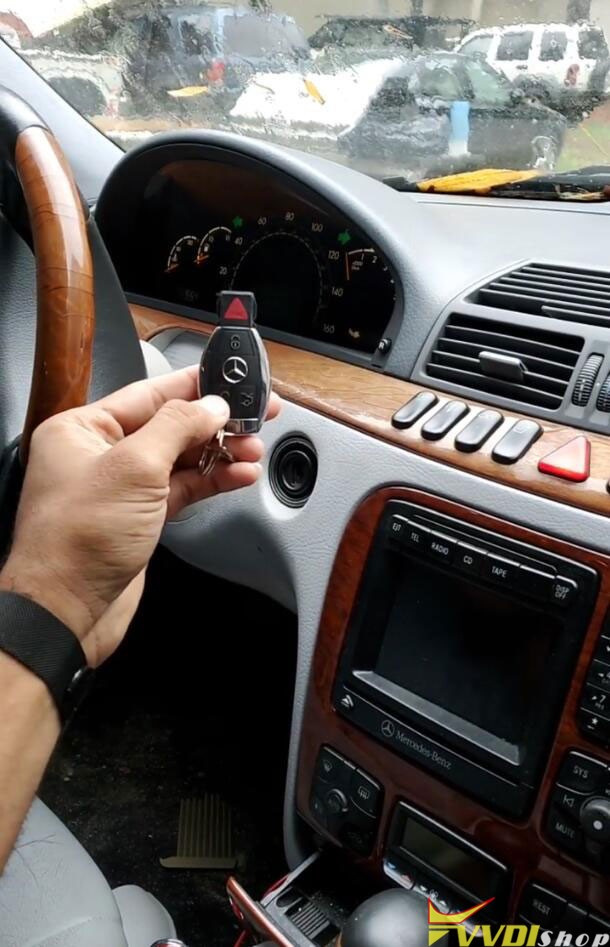
Here is a little walkthrough on Mercedes W220 all keys lost programming. One of our customers successfully calculated password via OBD without soldering.
A Mercedes Benz W220 EZS all keys lost. Autel couldn’t do it, the password could not be read by xhorse vvdi mb tool through IR using the 1-4 min method.
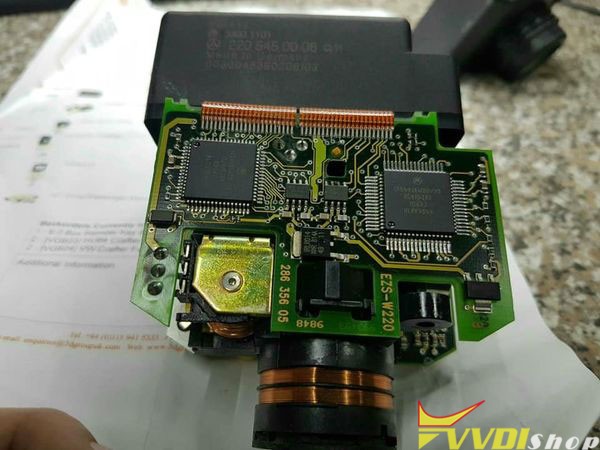
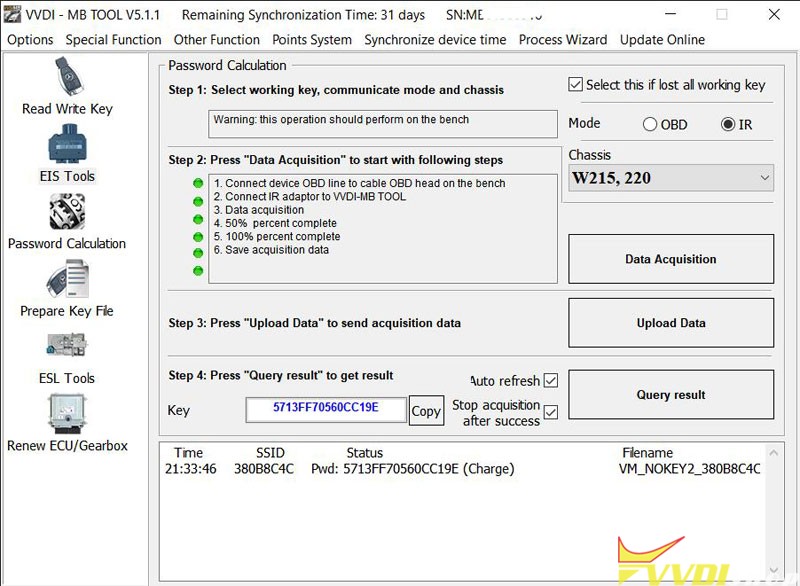
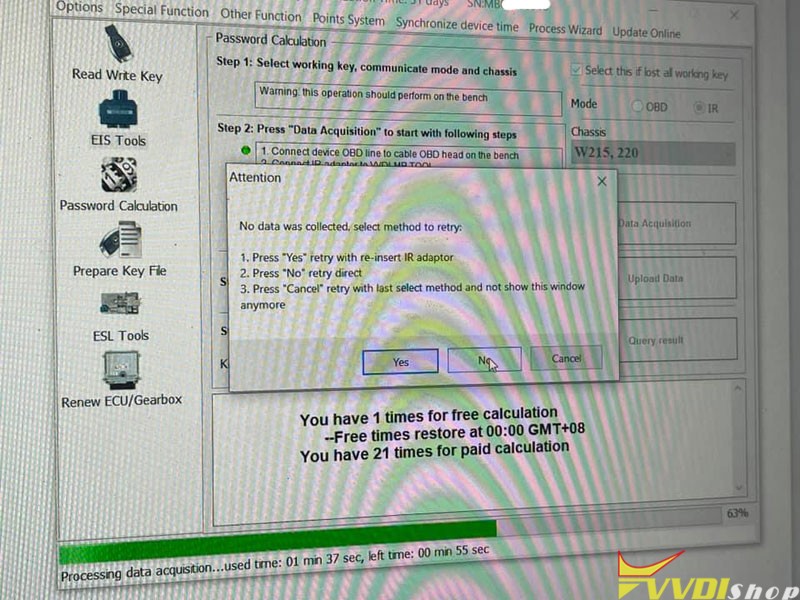
After 14 hours of reading and failing through OBD (Direct Connection) to get Password, I was finally able to password calculate using VVDI MB.
the Chip is a 1D69J I have K-Line Can H Can L 3x 12V connection and ground. This EZS is problematic. The easiest way is just to desolder the chip and read it. But since I didn’t have the adapter to read MCU off circuit with VVDI Prog. I did it the only way I could. So it’s a success either way at the end of the day.
OBD Mode via Bench not on car. 1D69J MCU needs to be taken out and read on EZS adapter which I do not have. The fast method does not work.
EIS stood at the office reading and calculating with the VVDI MB which took 14 hours reading the 1D69J EIS data.
Read and Failed 641 times but with every failure the progress moved up 1% each time. So I kept reading even though it failed until it completed 100%. Than I uploaded the cluster of information.
I succeeded making the key without soldering.
It took me a lot of time to complete. The job could be easier if you have EZS adapter or ak500. Read mcu with Prog or AK500 then upload file via vvdi mb.
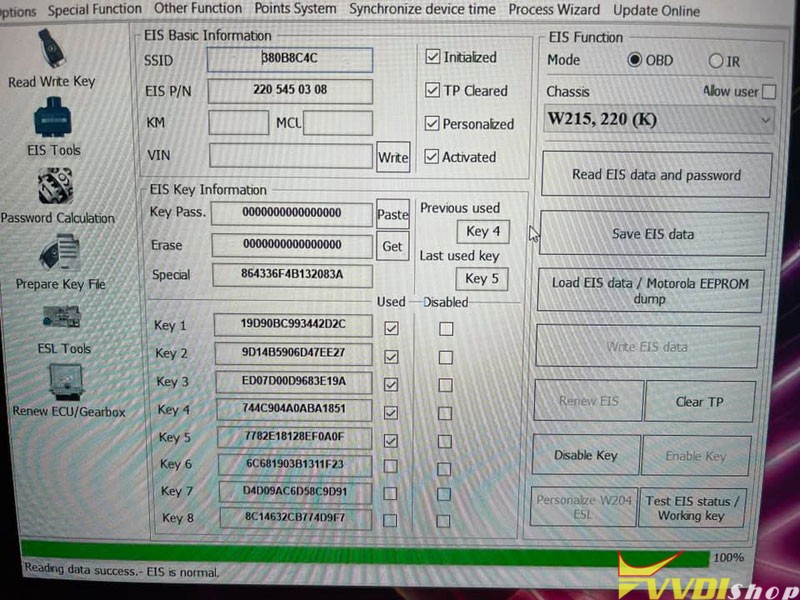
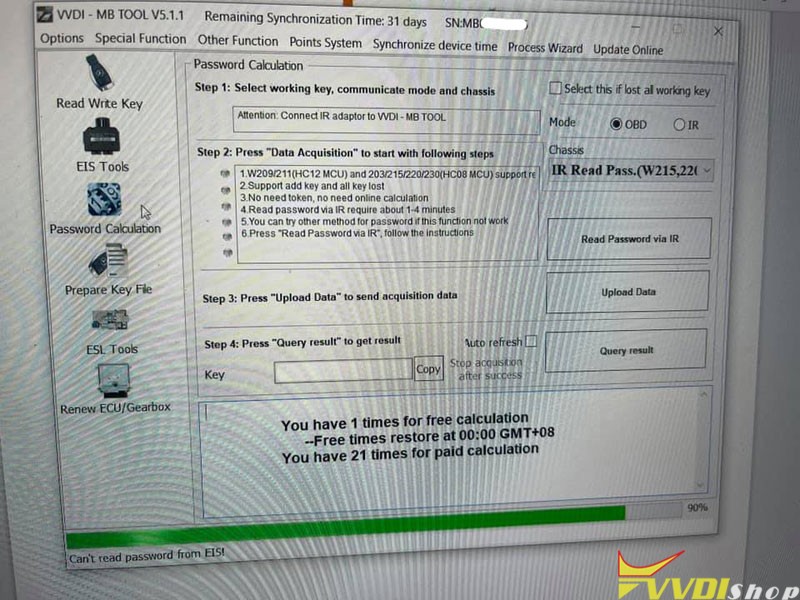
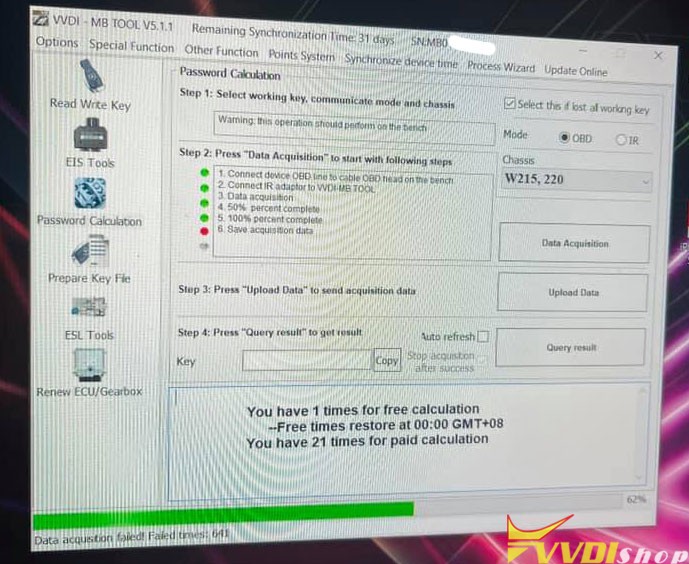
http://blog.vvdishop.com/program-benz-w220-ezs-all-keys-lost-with-vvdi-mb-via-obd/
Xhorse Audi BCM2 Adapter Read IMMO Data Battery Issue
Problem:
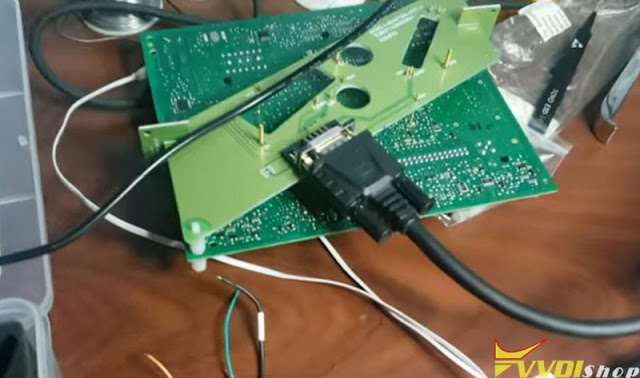
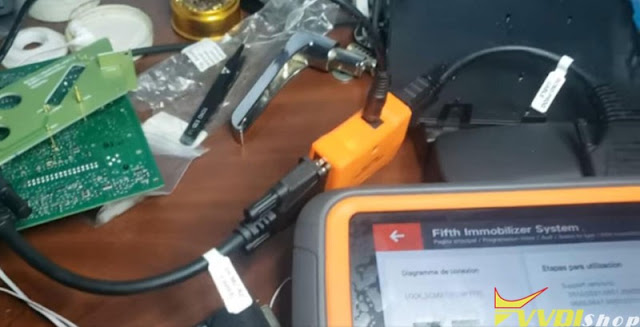
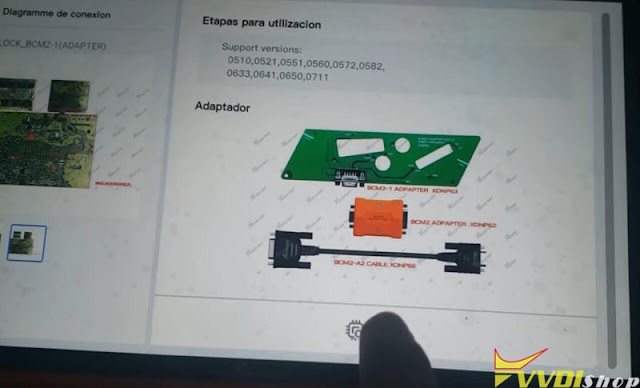
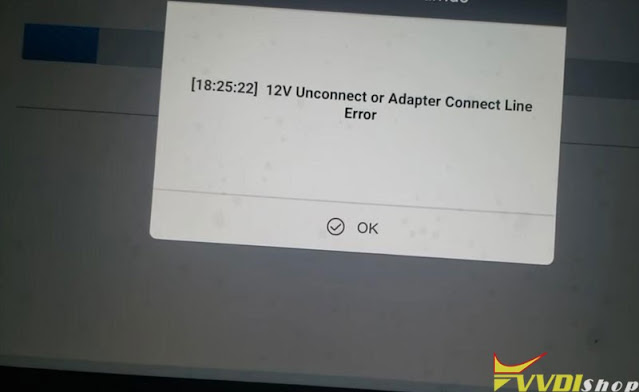
Hi friend, i need to read this bcm2 but can’t do it with xhorse audi bcm2 adapter and vvdi key tool plus. Error: ’12V Unconnect or adapter Connect Line Error’
maybe the connection its wrong, can you help me?
Solution:
1. First of all, check this guide and make sure well connection is built
https://www.vvdishop.com/service/use-xhorse-audi-bcm2-adapter-with-vvdi-key-tool-plus.html
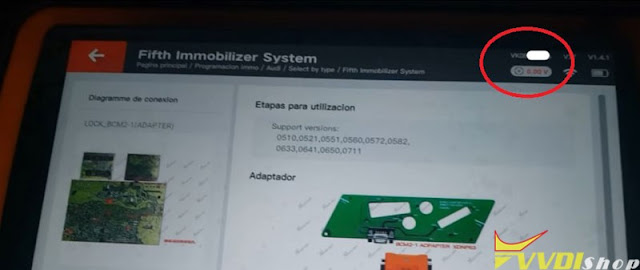
2. Here we saw 0.0V on your team, check the power cord. Need to power up yellow BCM2 adapter with DC 12V.
Xhorse Key Reader Review and Demo Guide
Good news! Xhorse Key Reader can be pre-ordered now, come to www.vvdishop.com for earlier delivery. With Key Reader, users can easily get key bitting without Key Cutting Machines or other decoder tools. Need only a smartphone, Xhorse app is able to identify key data accurately and effectively in seconds.
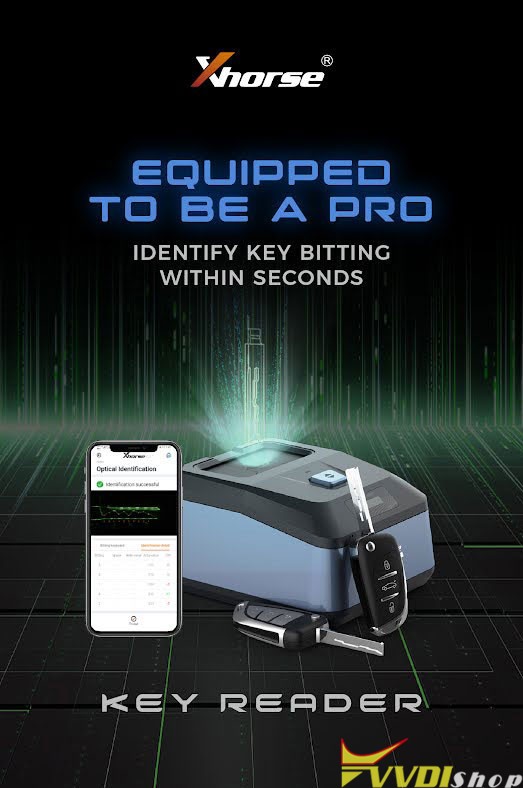
What are the features in Xhorse Key Reader?
- Identify key bitting.
To have a quick identification, accurate result and reliable performance.
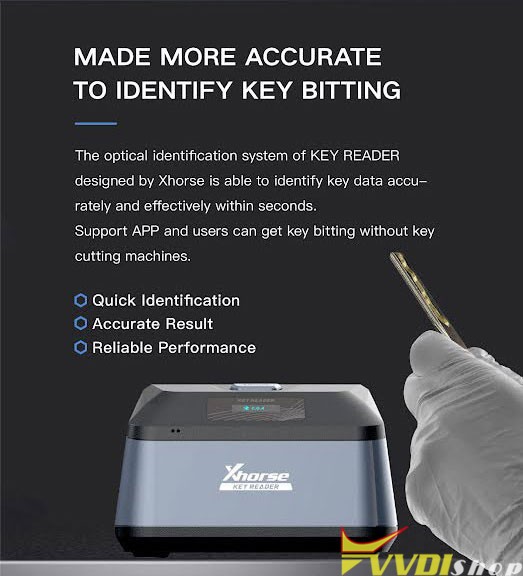
- Avoid proble breaking.
Always meet the probe breaking trouble caused by keys with grease dirt? With Key Reader Blade Skimmer Identify, the key bitting can be directly acquired and there’s no need to use a key cutting machine. No probe breaking issue anymore.
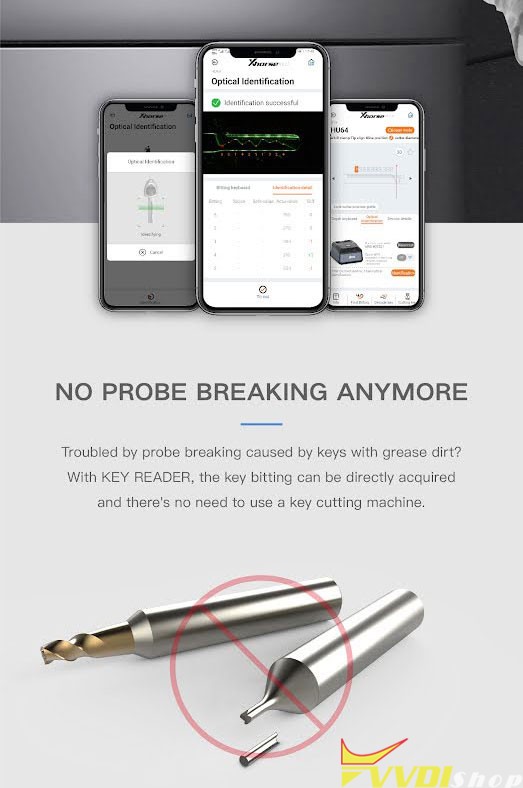
- Multiple key types supported.
Both aluminum & plastic keys are supported, including 2 track external, standard single sided, 4 track external, standard double sided, channel track and 4 track internal key types.
(Residential keys are not supported currently).
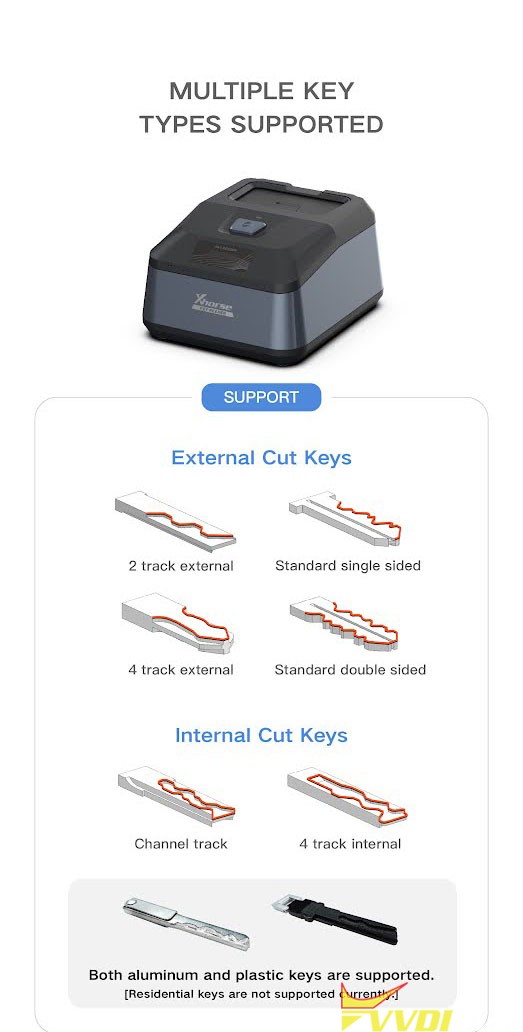
- Support APP control.
Users can smart control Key Reader via Xhorse APP.
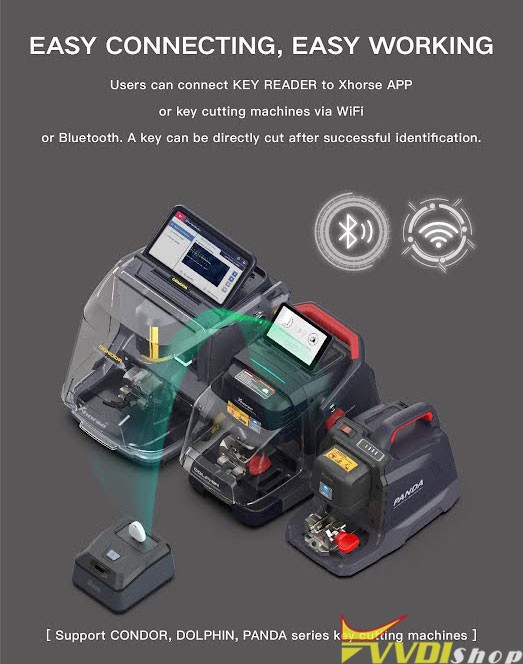
- Support WiFi & Bluetooth.
Users can connect Key Reader to other devices/Xhorse APP via WiFi or Bluetooth.
- Support all key cutting machines.
Supports CONDOR, DOLPHIN, PANDA series key cutting machines like Dolphin XP005, Dolphin II XP005L, Condor XC-Mini, etc.
- Lifelong free onlie technical support.
Xhorse offers a one-year warranty for Key Reader. Technical videos and articles can be easily found on Xhorse APP which will greatly help with your work. Click “Customer Service” on APP to allow contact Xhorse technical support team anywhere.
- Portable to carry.
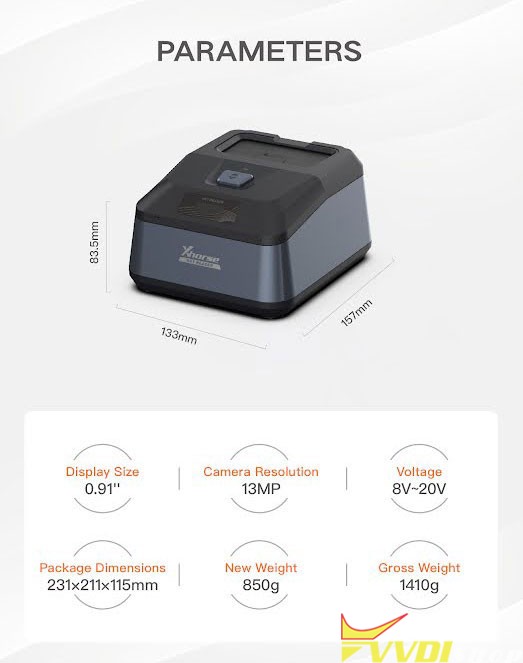
| Display Size | 0.91” |
| Camera Resolution | 13MP |
| Voltage | 8V-20V |
| Dimensions | 133*157*83.5mm |
| Net Weight | 850g |
| Gross Weight | 1410g |
Download Xhorse APP in Google Play or APP Store to get latest information about Xhorse Key Reader.

Xhorse Key Reader Operation Demo
Identify Skoda HU66 key bitting
Identify Fiat SIP22 key bitting
Turn off VVDI Key Tool Plus Fast Charge?
There are 2 ways for Xhorse VVDI Key Tool Plus daily fast charge: charging via type C port, or connect OBD port with a vehicle. Both are designed for long-time use Key Tool Plus Pad anytime or anywhere.
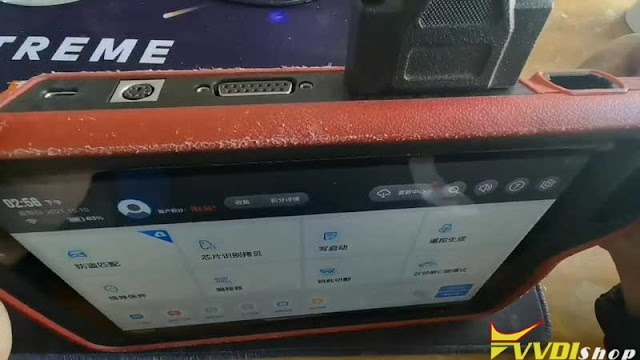
But for some specific vehicles, its operating current & voltage will reduce to be lower while charging via OBD. This may cause the vehicle fail to identify smart card or learn key information. In this case, we should have to close fast charge button on Key Tool Plus to recovery the function.
Where to close fast charge button:
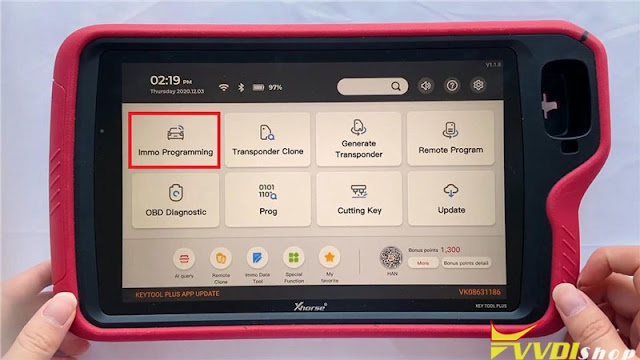
Immo programming >> More functions >> Fast charge
Through turning off the fast charge button, the recognition and signal of the sensing area will return to be normal when key matching on vehicle. Most vehicles do not need to close the button. But for very few vehicles may need in case it was unable to identify the key.
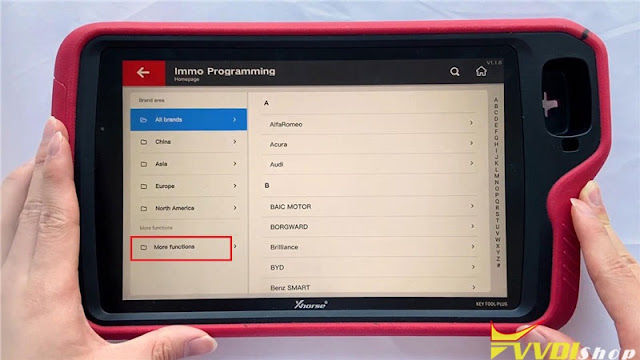
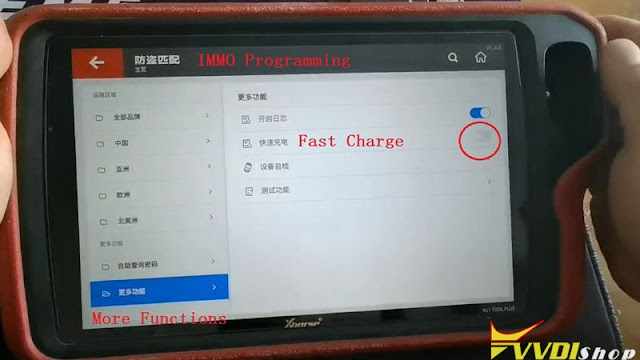
Technical support: www.vvdishop.com
How to Add Volvo XC60 Smart Key with VVDI Key Tool Plus?
The device has paid itself after accomplishing several Volvos. Need KVM and CEM out.
Tools i have used to complete these jobs:
A xhorse vvdi key tool plus pad
Volvo solder-free adapter for both CEM and KVM
several aftermarket Volvo keys
All add key job, all original key working no problem
Just did a Volvo XC60 2013 yesterday.
Here’s a quick guide on completing this model
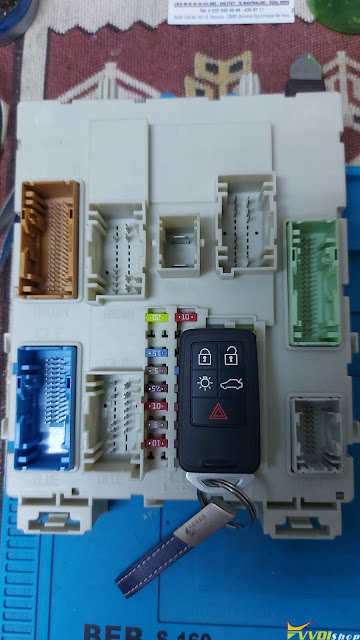
Take both CEM and KVM out.
1.Read CEM data
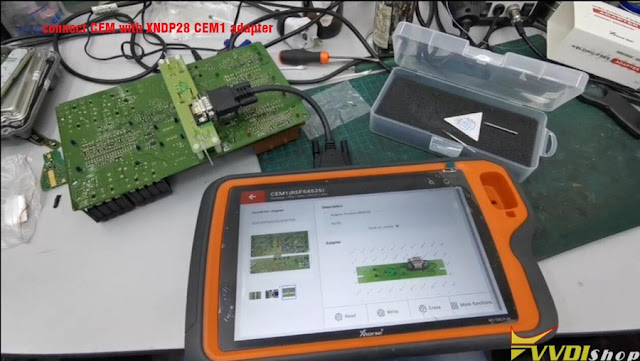
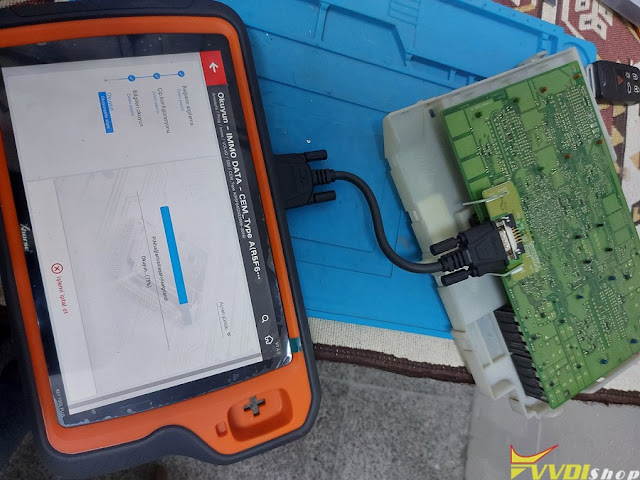
connect CEM with XNDP28 CEM1 adapter and key tool plus
key tool plus will show you wiring diagram
Select Prog- IMMO- Volvo-Other-CEM1 (R5F64525)
Press Read- IMMO DATA
Read and Save CEM data
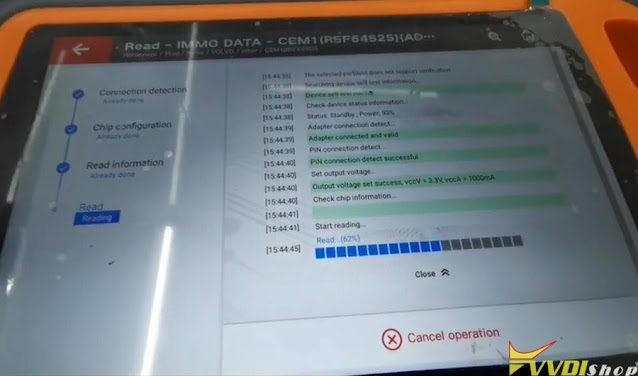


2. Read KVM data

connect KVM with XNDP27 KVM adapter and key tool plus
Select Prog- IMMO- Volvo-Other-KVM (MC9S12DG256)- Adapter method- Read-IMMO Data
Read and save KVM data
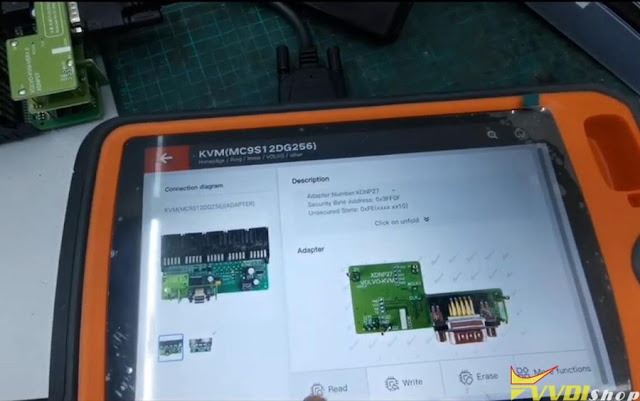

3. Program key
in xhorse key tool plus, go to Immo Programming- Volvo- XC60- 2009-2016- Smart Key system- Add smart keys
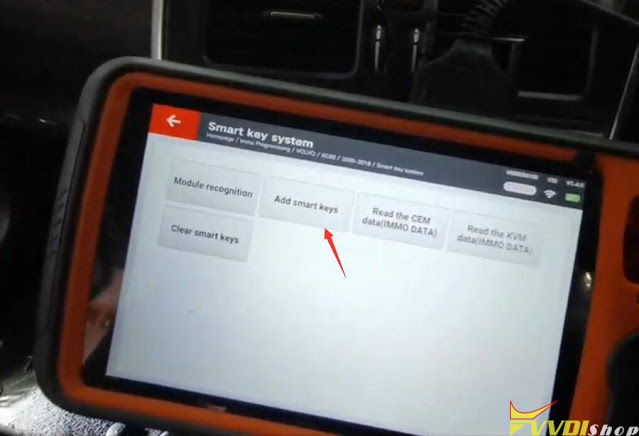
Confirmed CEM data was read, then load CEM data
Confirmed KVM data was read, then load KVM data

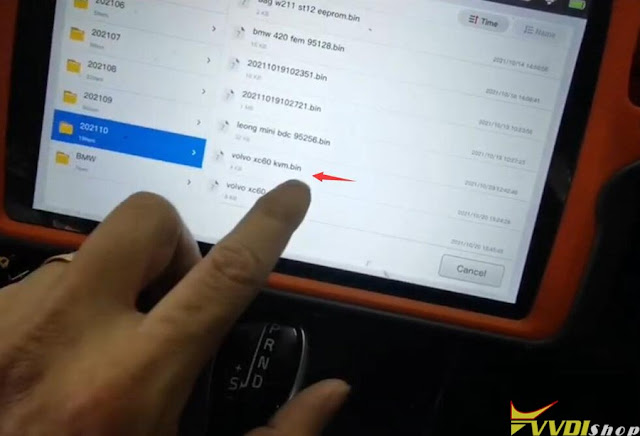
Press Start button once
Identify VIN, press ok
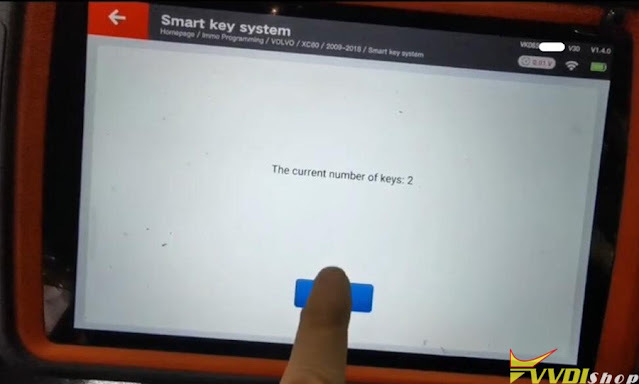
Read current number of keys
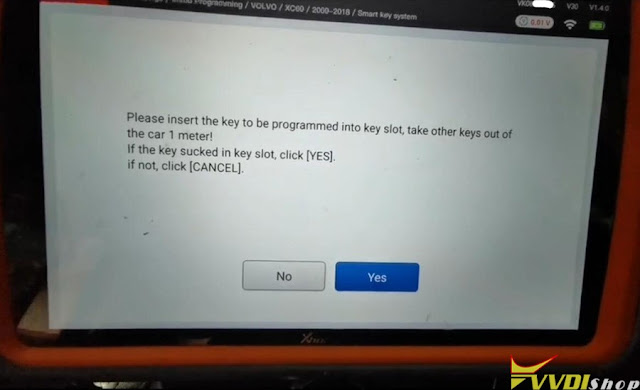
insert new key to be programmed into card slot
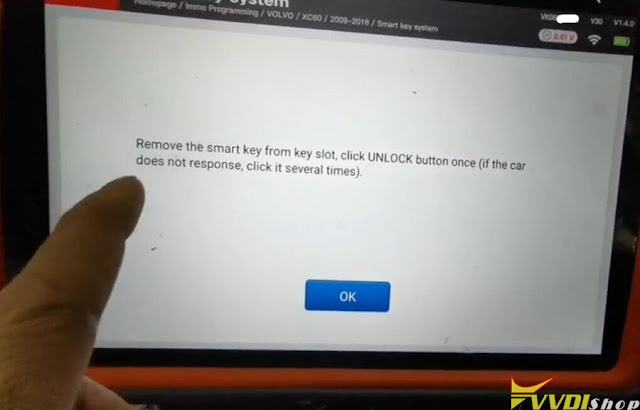
Remove the smart key from key slot, click UNLOCK button once
if car does not respond, try several times
Program complete, test both keys. All working.

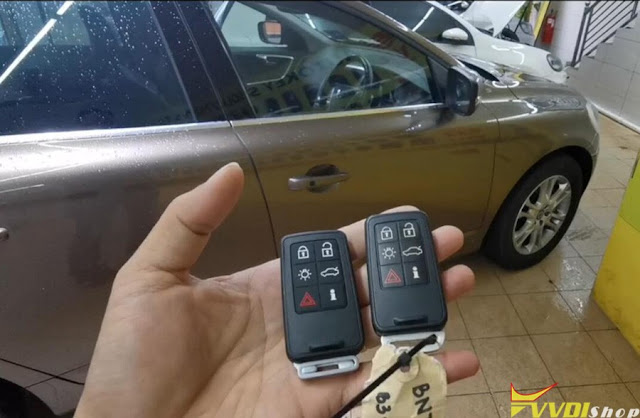
other models i have done