ابزار Xhorse VVDI
Xhose VVDI نرم افزار برنامه نویس اصلی و سخت افزارابزار Xhorse VVDI
Xhose VVDI نرم افزار برنامه نویس اصلی و سخت افزارXhorse MQB Smart Remote Failure Solution
Learning the questions below to make better use of Xhorse MQB Smart Remote for VW/ AUDI MQB system key programming.
Question 1: Failed to make a VAG MQB key with Xhorse smart remote?
Lots of locksmiths don’t know the reason why they always failed to make a VAG MQB key with Xhorse Smart Remote.
That’s because the Xhorse MQB Smart Remote is only supported to make a dealer key on VVDI Key Tool Plus or VVDI2. But if you generate it as key adding with other devices, it’s also workable.

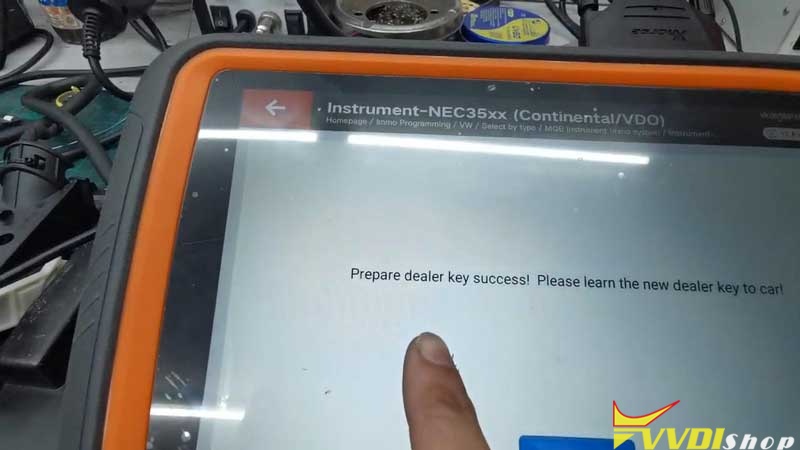
Question 2: Better to make an MQB dealer key with Xhorse tool?
Xhorse VVDI Key Tool Plus Pad supports to acquire MQB VAG system immo data in 2 minutes. After successfully reset instrument, you’re allowed to make a dealer key directly.
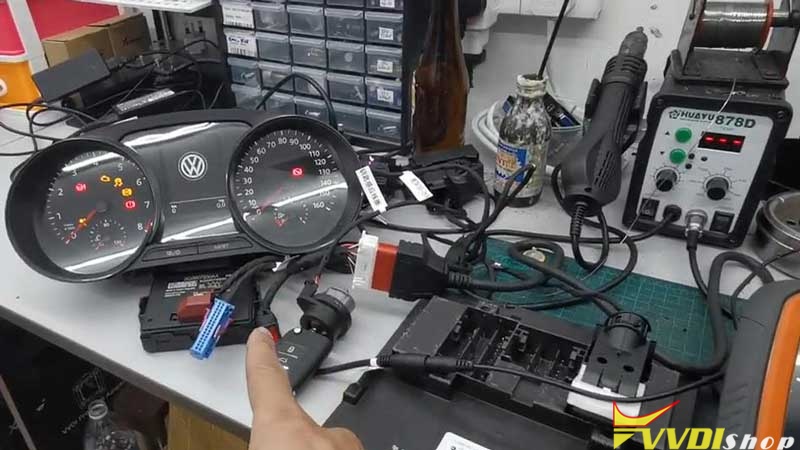
Some other key programmers should wait for one day to get immo data while Key Tool Plus does not. This will extremely save much time to improve work efficiency.
Use other devices to make dealer key, you may also need to purchase the original factory key which is much costly.
As a consequence, Xhorse VVDI Key Programmer plus Xhorse smart remote are the best partners to make VW/ AUDI MQB keys.
How to Solve Failed to Read Audi BCM2 Data with VVDI Prog
Here comes the 2 working solutions to common Xhorse Audi BCM2 adapter data reading and writing problems using VVDI Key Tool Plus or VVDI Prog.
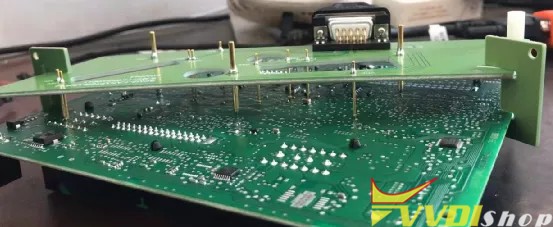
- Unknown error 130400.1
- Writing service mode data to 99%, write failed
- Solution to “unknown error: 130400.1”
Read DATA1 success, reading DATA2 got “unknown error: 130400.1” error when progress goes to 2% it says “the data reading failed” with vvdi key tool plus.
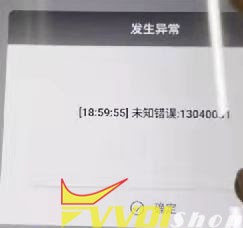

How to fix?
Proceed with caution when you get “unknown error: 130400.1”. just check if the wiring or the adapter has stable contact and if the external power supply is stable, again try 1-2 data reading until successfully (do not read DATA1 again during this process, or do not try to unlock and try to install back to the car). After the data reading is normal, there will be no other problems, and then you can install back to the car.
Read more: How to connect/use Audi BCM2 adapter with vvdi key tool plus?
- Solution to the writing service mode data to 99%
Read both DATA1 and DATA2 data successfully, the IMMO data and service mode data are generated successfully. However, vvdi prog reports an error when writing service mode data to 99%, after trying again, the system pops up that the erasure failed. After that try to read DATA1 again, it will not be able to read.
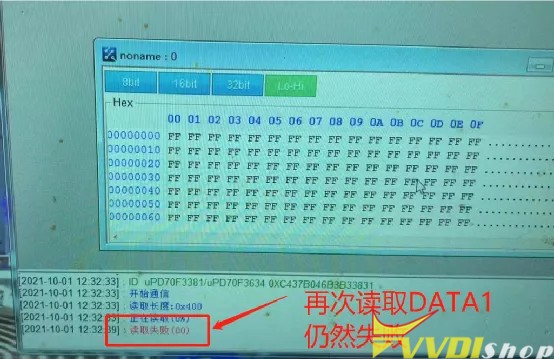

How to fix?
If you have the same problem that the DATA1 and DATA2 data is read successfully, also the service mode data is saved, then just select the unlock option to unlock the CPU.
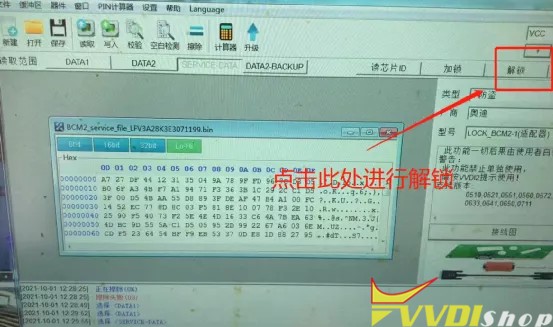
Wait until the system says that the unlock is successful.

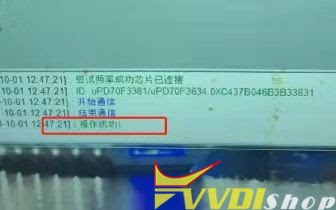
At this time, choose the service mode, then import and write the service data.
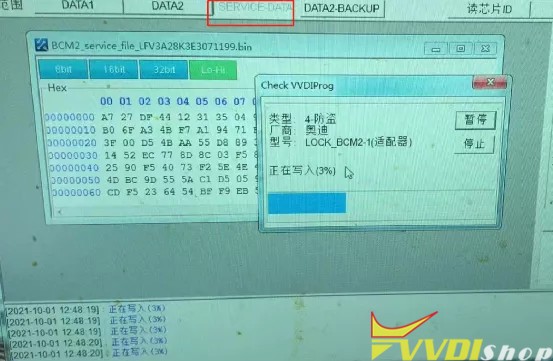
After the data is written successfully, just install back to the Audi car, and the vehicle can work, you do not need to do any processing.
Read more: How to connect/use Audi BCM2 adapter with vvdi2+ vvdiprog?
Audi encrypted BCM adapter tech support: www.vvdishop.com
How to Solve Opel insignia Xhorse Wireless Remote Not Working?
Problem:
I’m programming an xhorse wireless remote key to Opel insignia, the car starts normally but the remote is not working. First generate the remote for opel id 46, then programming to the car.
program the transponder ID47 Opel as well. I’ve tried it with vvdi mini obd tool also from car menu but nothing, any idea?
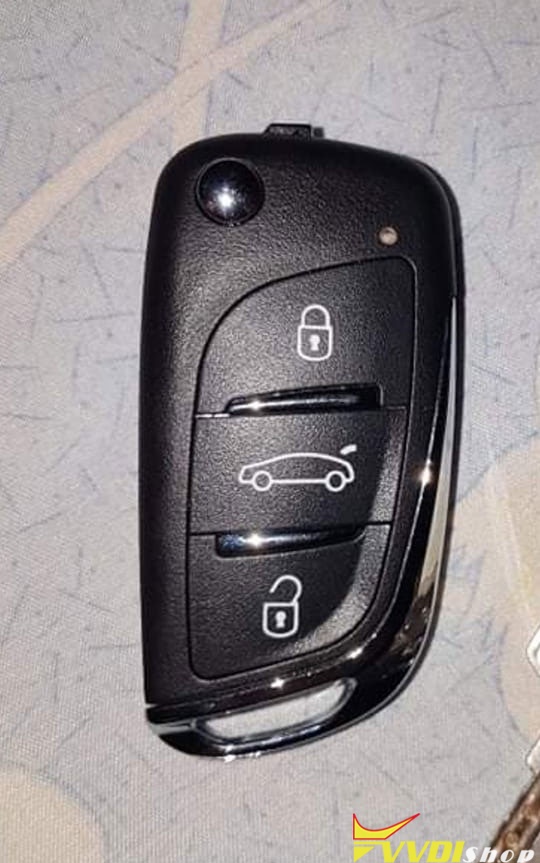
Solution:
Finnaly the remote is working after programming by the mini key tool! For those that need information just follow these steps (just insignia, other model can be different)
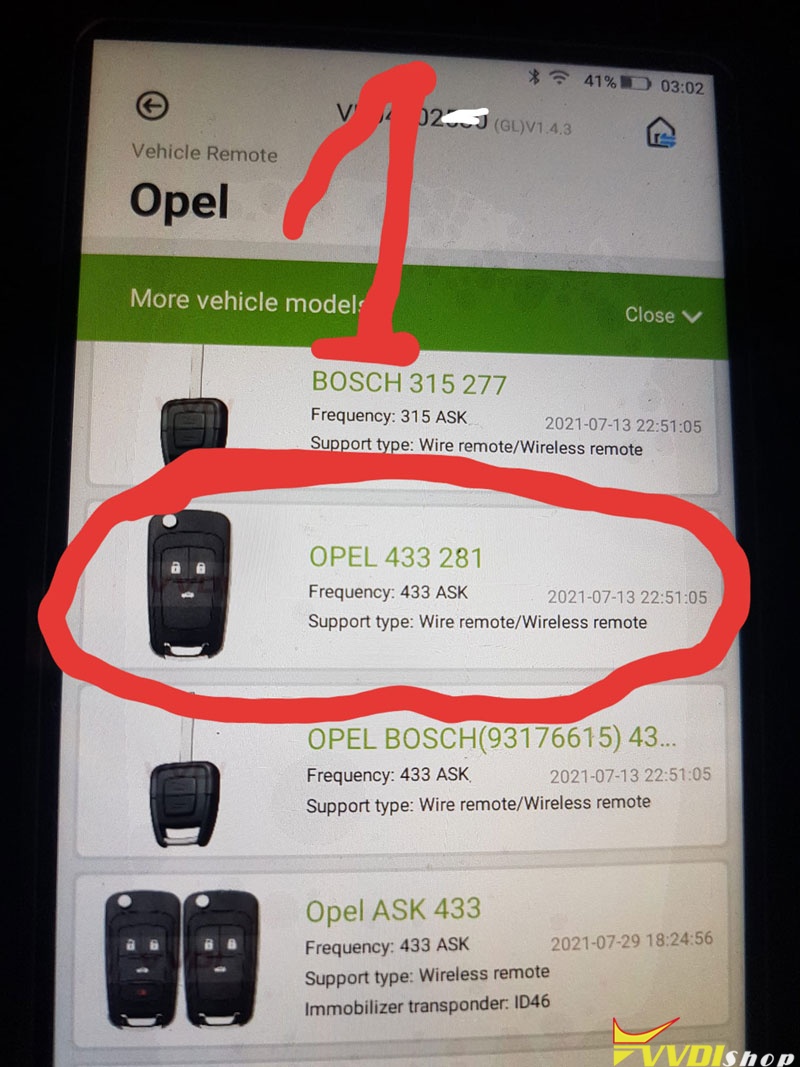
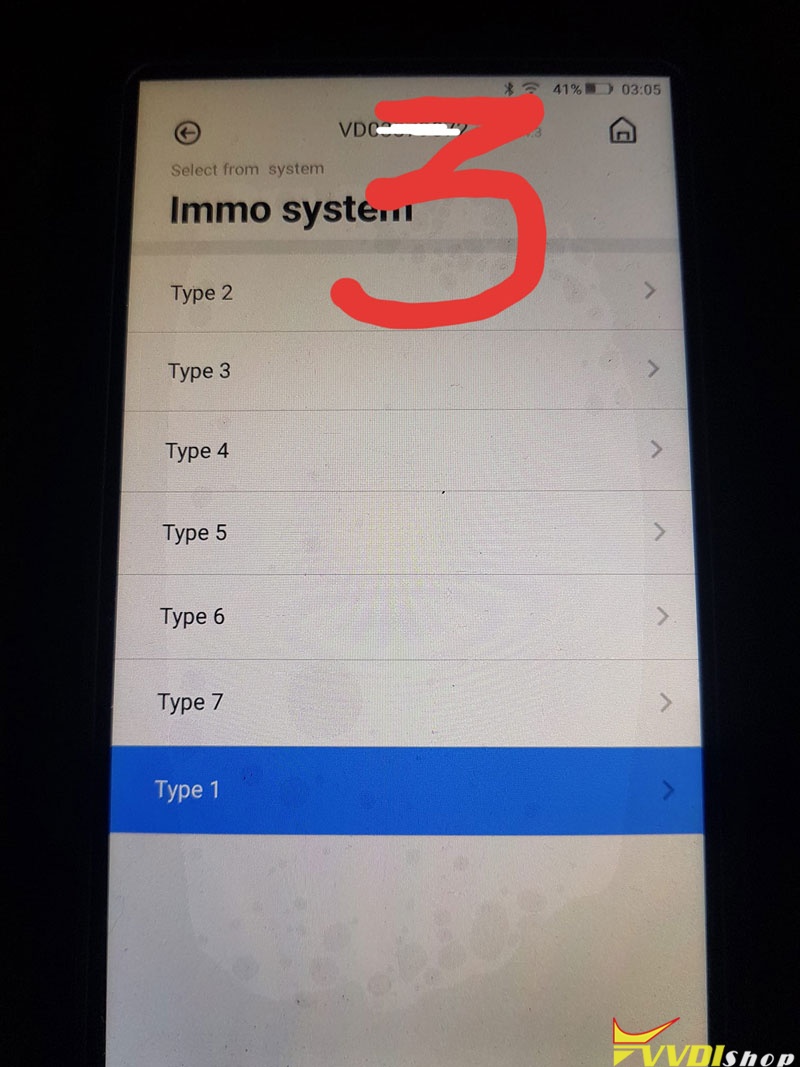
Go to Vehicle Remote- Opel 433 281- Select from system – Immo system – Type 1

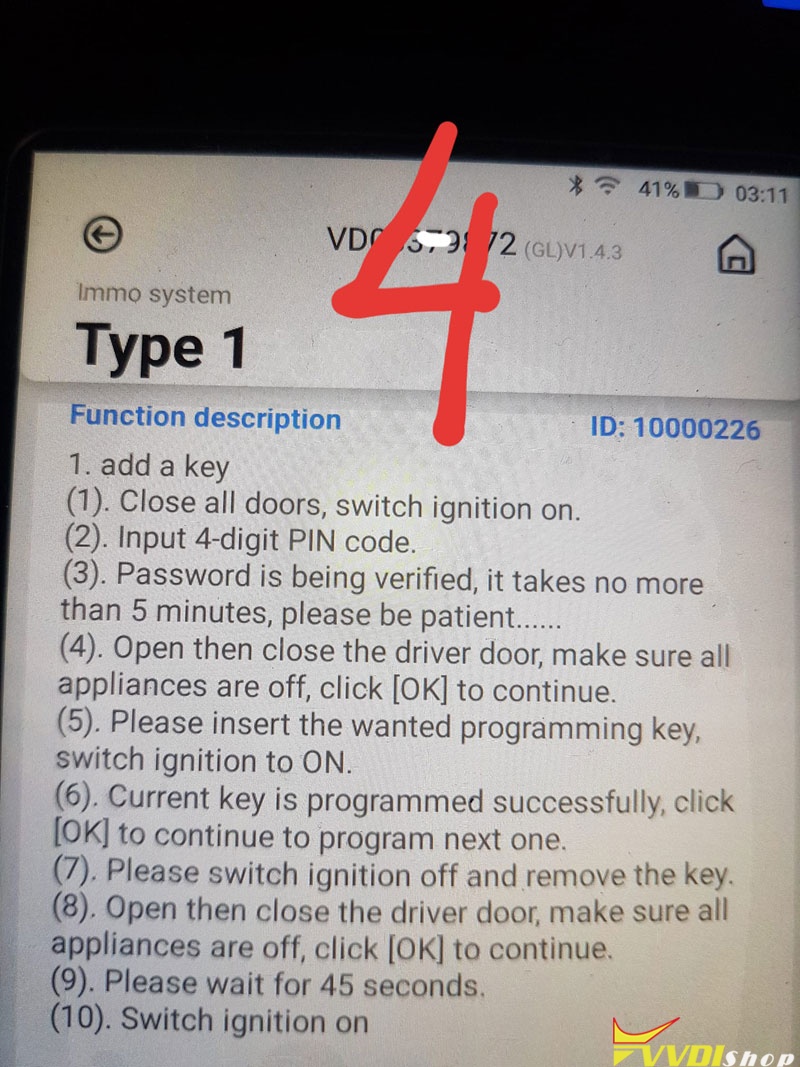
(1) . Close all doors, switch ignition on.
(2) . Input 4-digit PIN code.
(3) . Password is being verified, it takes no more than 5 minutes, please be patient……
(4) . Open then close the driver door, make sure all appliances are off, click [OK] to continue.
(5) . Please insert the wanted programming key, switch ignition to ON.
(6) . Current key is programmed successfully, click
[OK] to continue to program next one.
(7) . Please switch the ignition off and remove the key.
(8) . Open then close the driver door, make sure all appliances are off, click [OK] to continue.
(9) . Please wait for 45 seconds.
(10) . Switch ignition on
Read and write Audi BCM2 D70F3634 by VVDI Prog
As titled, here vvdishop.com introduces 2 methods to read and write Audi BCM2 D70F3634 mcu with xhorse vvdi prog programmer.
Method 1:
Soldering method.
Follow vvdiprog wiring diagram to connect bcm2 with vvdi.
You should remove the 0 ohm resistor.
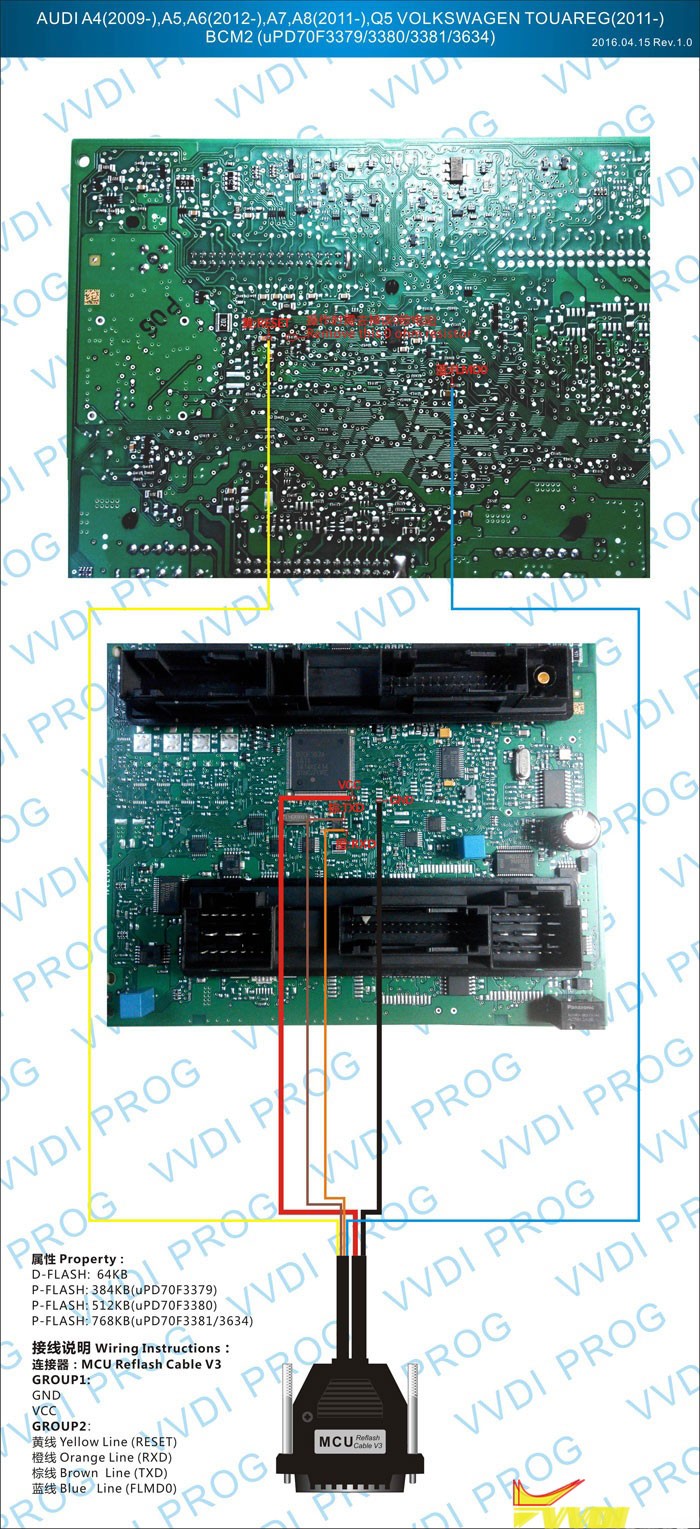
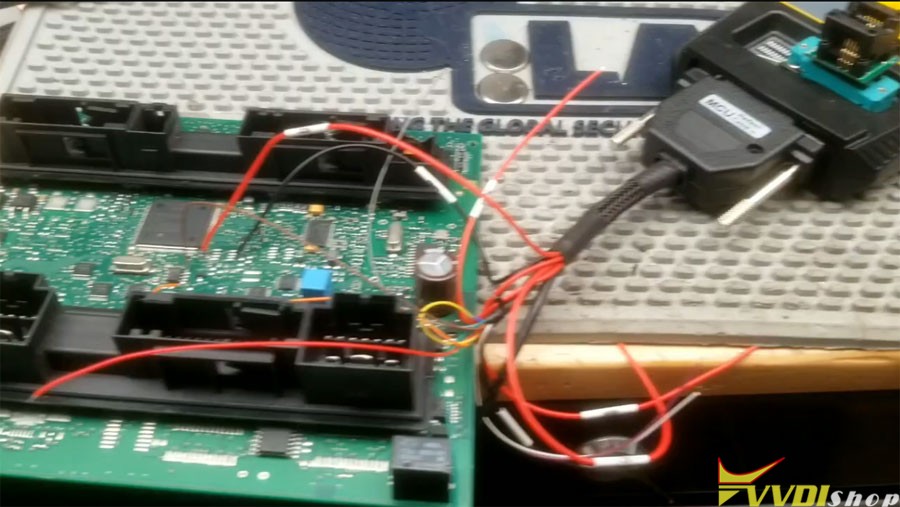
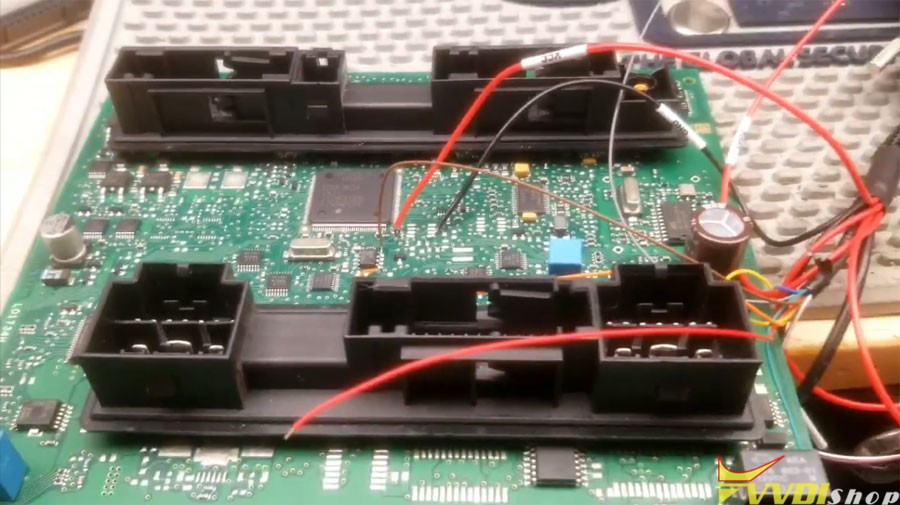
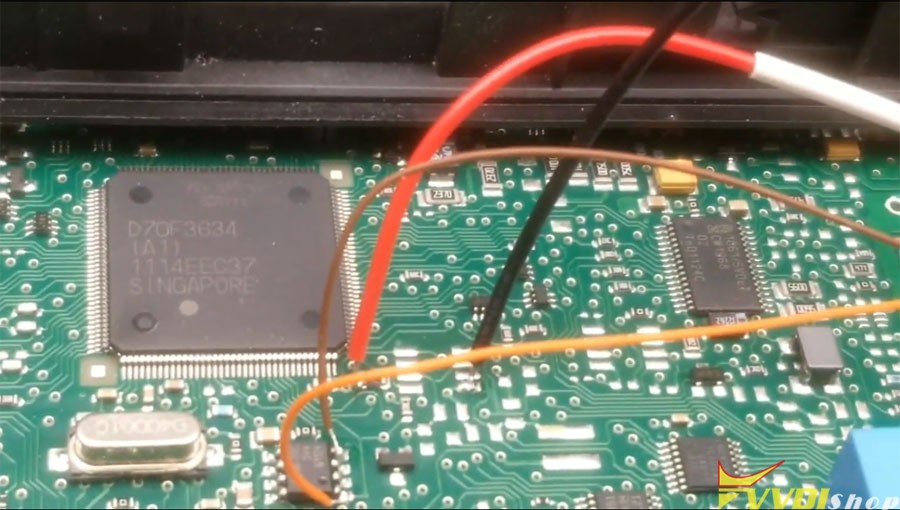
Select 4 Immobibilizer – Audi – BCM2 D70F3381/3534
Read ID, Read D-flash and save

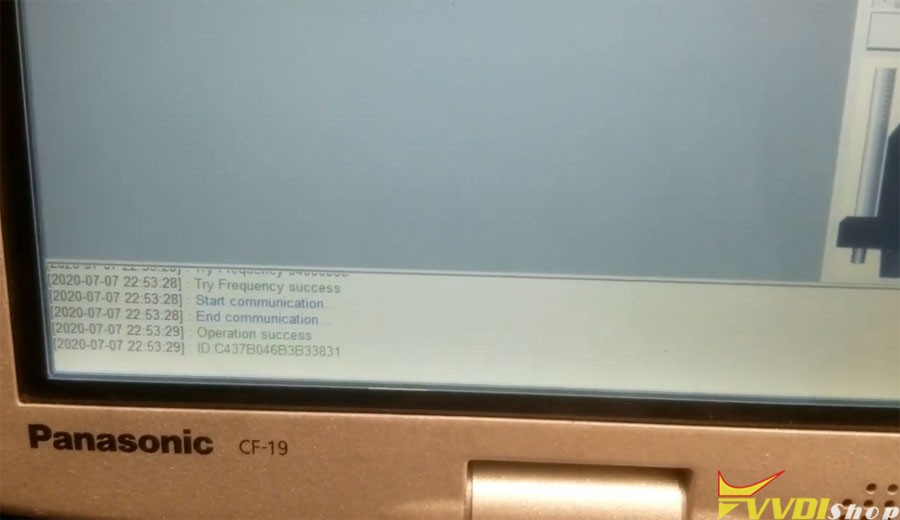
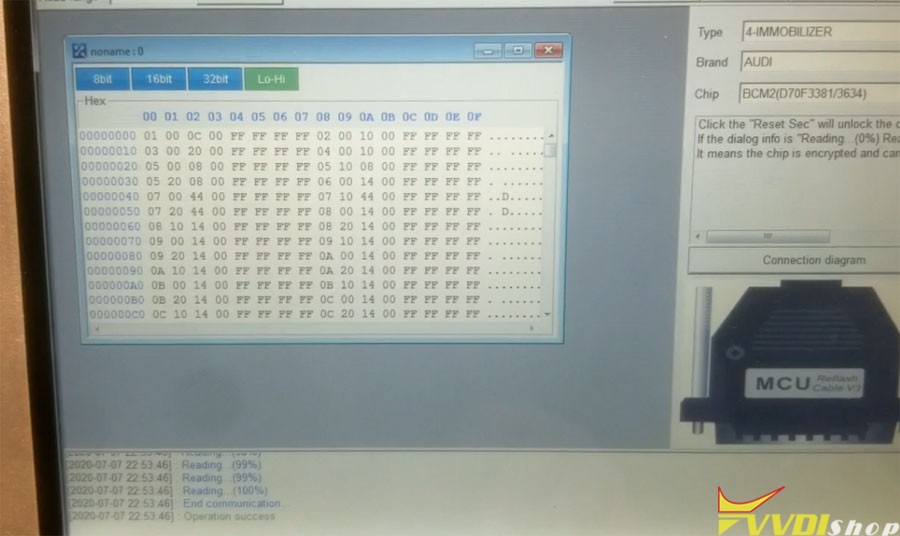
Write D-flash
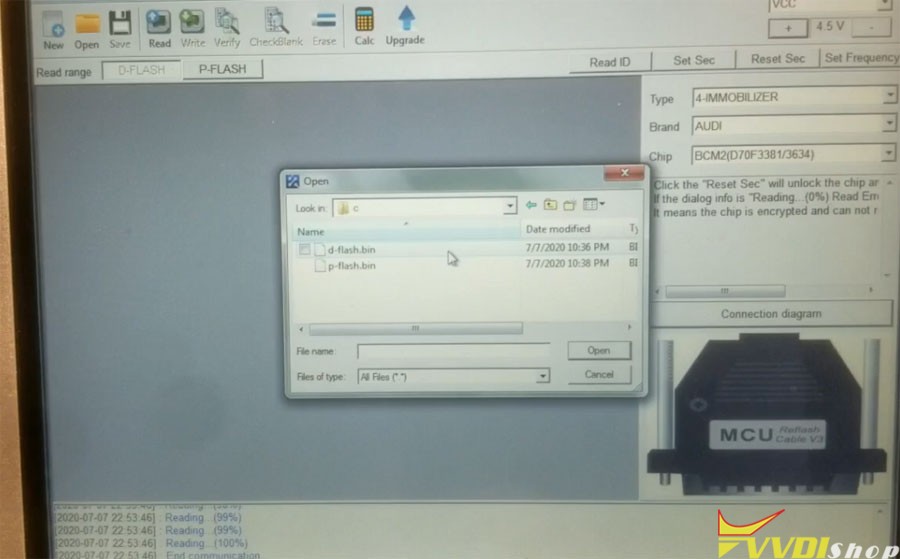

Method 2:
Solder free way. VVDI Prog Audi BCM2 solderless way should be performed only after you get instructions in VVDI2.
BCM2 D70F3634/3381 solderless wiring diagram
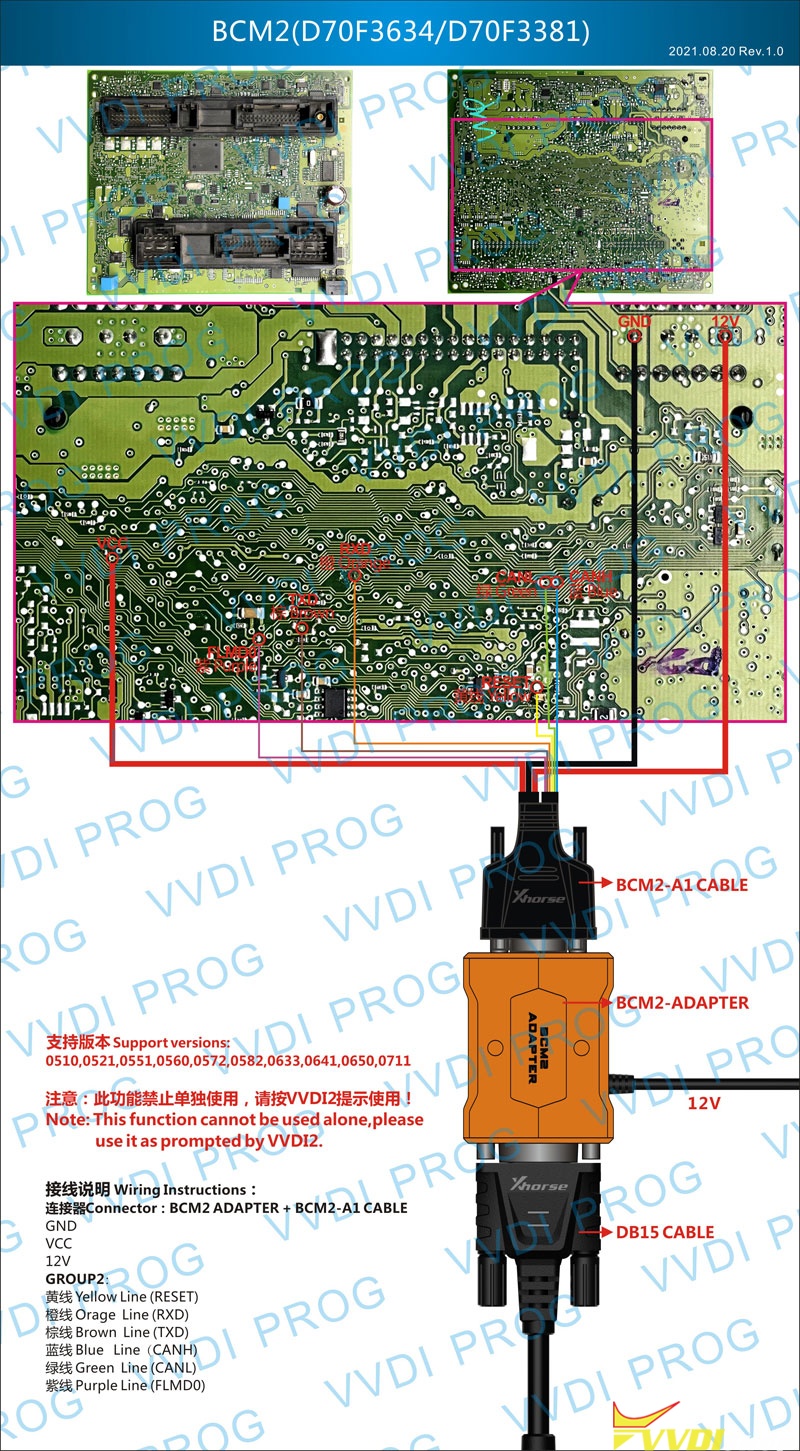
For detailed operation guide, check the previous post: How to use Xhorse Audi BCM2 Adapter with VVDI2 + VVDI PROG?
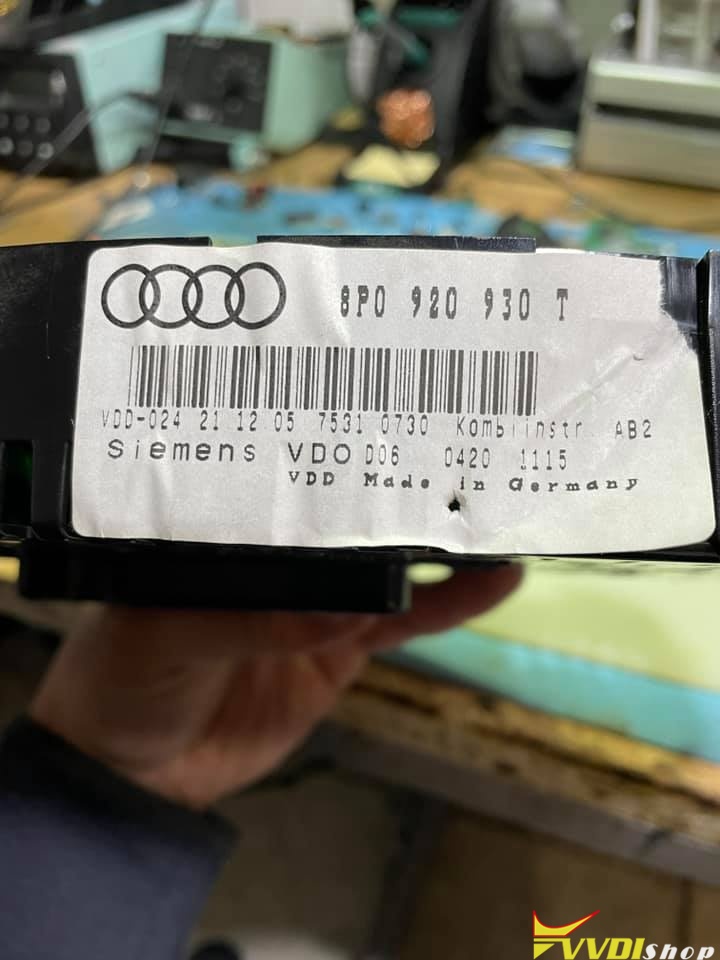
How to Solve Audi A3 2006 Cannot Learn Key when AKL?
Here comes the clue on Audi A3 2003 to 2005 cannot learn key in all keys lost situation.