ابزار Xhorse VVDI
Xhose VVDI نرم افزار برنامه نویس اصلی و سخت افزارابزار Xhorse VVDI
Xhose VVDI نرم افزار برنامه نویس اصلی و سخت افزارHow to Connect VVDI Prog with Xhorse Solder Free Adapters?
Xhorse released a new XDPGSOGL DB25 DB15 Connector (no welding adapter) to connect vvdi prog with solder free adapters.
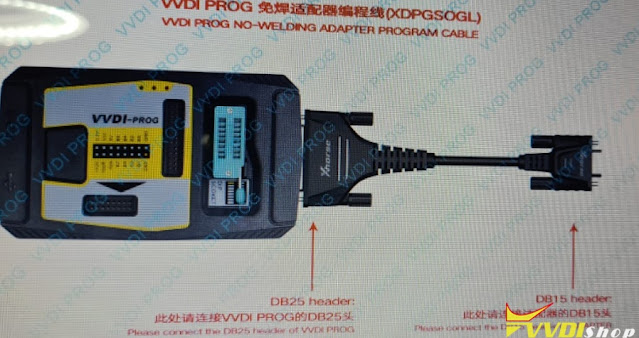
The adapter is used to connect vvdi-prog with Xhorse solder-free adapters, i.e XDNP11 BMW CAS3, XDNP12 BMW CAS4, DELPHI, J518 Adapter
For example:
If you read BMW CAS4 1L15Y via Adapter, vvdiprog will show you a connection diagram with the XDPGSOGL converter.
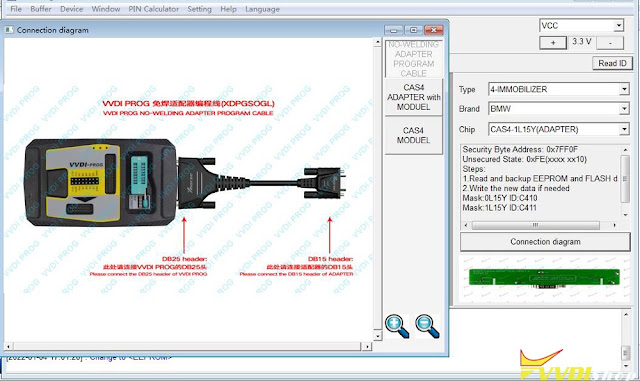
NOTE*
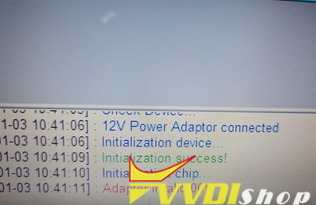
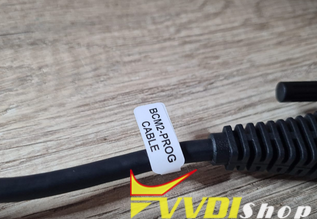
You cannot use Audi BCM2 adapter DB adapter with vvdi prog to read BMW CAS no soldering, otherwise, you will get an ‘adapter invalid’ error message.
Does VVDI Key Tool Plus Have Sreenshot Function?
I want to screenshot with the xhorse key tool plus. But I don’t find the function.
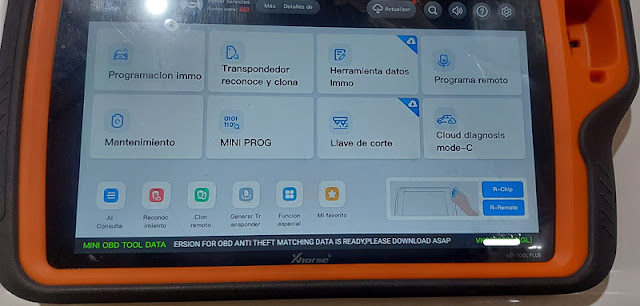

Does VVDI Key Tool Plus Have Sreenshot Function?
I want to screenshot with the xhorse key tool plus. But I don’t find the function.
Xhorse King Card Install Battery and Review
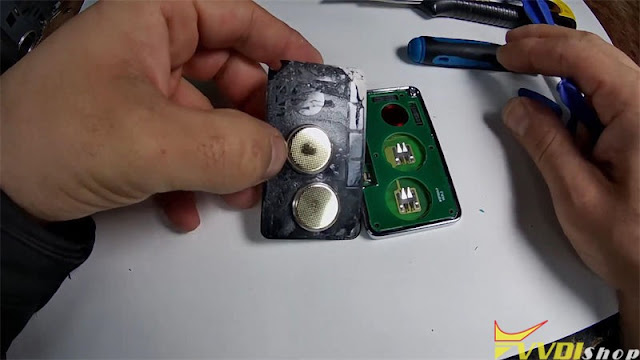
Just got the latest Xhorse King Card recently. Cause I always replace battery of VVDI Remotes before giving to the customer, so following I’m gonna disassemble the King Card. Then go on to have a test review.

Replace Xhorse King Card Battery
- Use a knife to prise open the lid of King Card;
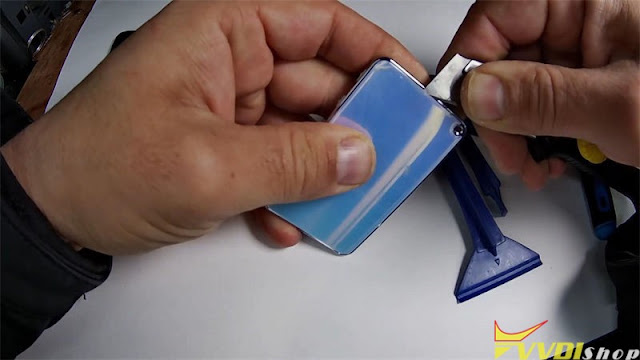
- Use thin blade to loose the lid along the edge;

- Pull apart the lid.

As you can see, there are 2 built-in batteries in Xhorse King Smart Card. Generally speaking, smart remote key only has one battery inside. That means this King Card has longer service time than normal remote.
So I should replace 2 batteries as well. You guys may refer to this method for future battery replacement.
Generate Renault Kadjar ID46 OK in Min
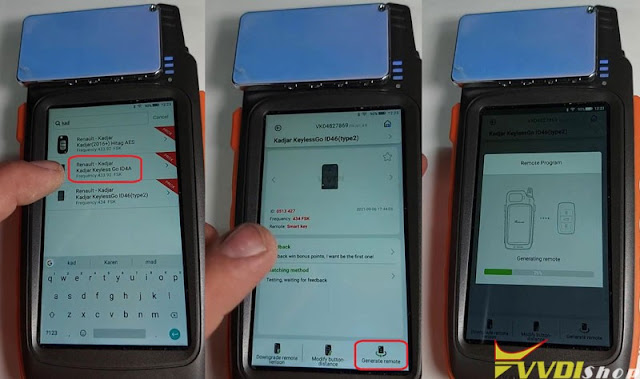
It is said Xhorse King Card can work as a smart remote key. Thus, VVDI Key Tool Max should work for it.
Kind Card is too large to put into Key Tool Max coil, just put it on.
Go to detect frequency firstly.
Successfully detected.
It’s FSK 433.98 MHz frequency.

Test remote function.
Select “Rnault Kadjar ID46 KeylessGo ID46(type2) >> Generate remote”
Processing…100%
Done. Perfect work in minute.
Many customers don’t know which model of vehicles can it work for. In my opinion, as long as the vehicle supports smart remote key, then it works.
This is Xhorse King Card review from today’s quick test.
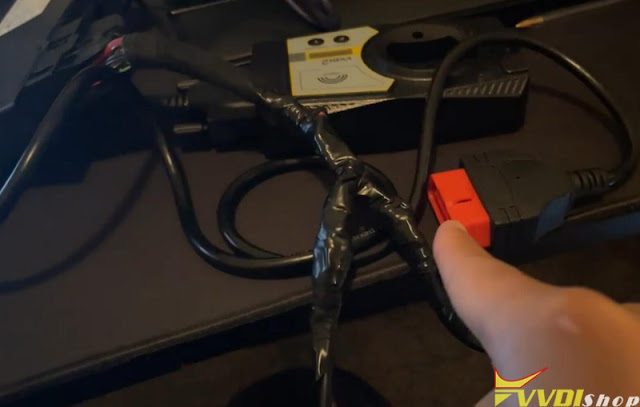
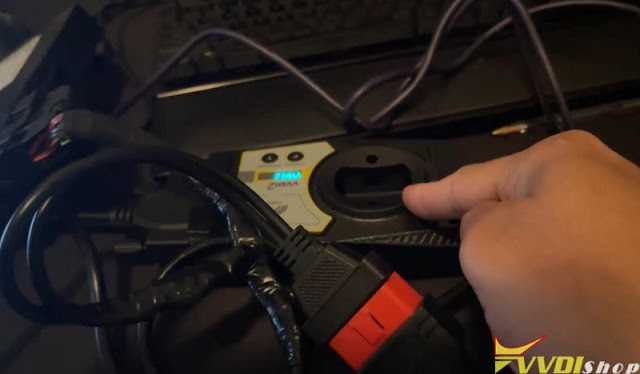
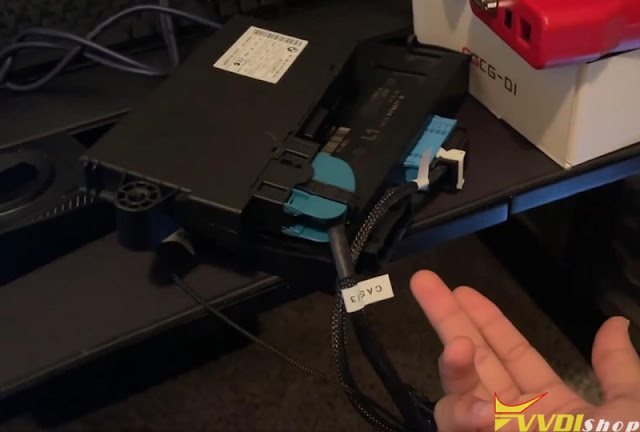
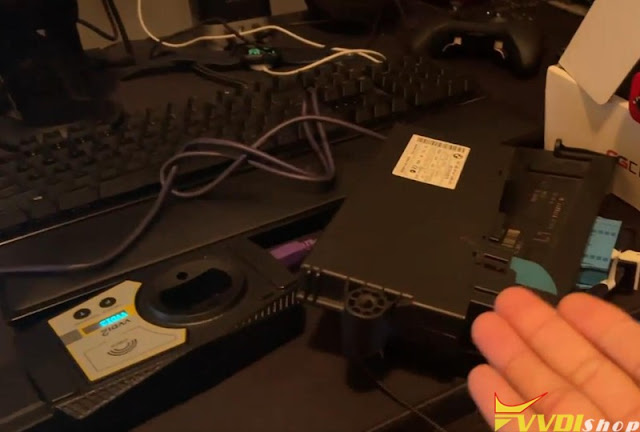
Possible to use VVDI2 to Read BMW CAS3 with CAS Plug?
Is it possible to read CAS3 in bank with godiag gt100 and xhorse vvdi2? I’m trying and I couldn’t.


Suggestion:
Yes, with xhorse CAS plug.

If it’s CAS3+ or CAS3++. You’d better dump eeprom by adapters or soldering.