ابزار Xhorse VVDI
Xhose VVDI نرم افزار برنامه نویس اصلی و سخت افزارابزار Xhorse VVDI
Xhose VVDI نرم افزار برنامه نویس اصلی و سخت افزارHow to Generate VVDI Super Chip as PCF7935?
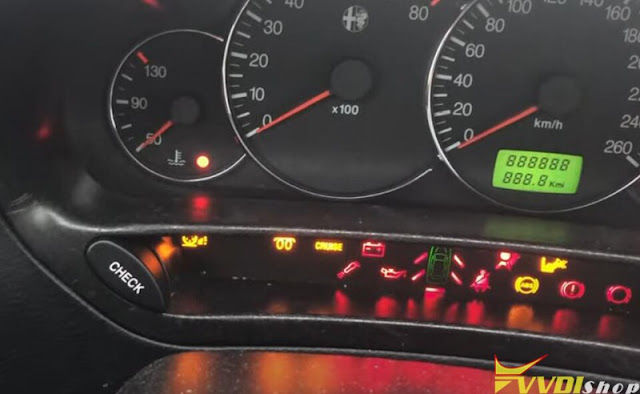
First time I tried to generate an xhorse vvdi super chip as a PCF7935 but it didn’t work with the Alfa Romeo 166. Then i generate the xt27 as ID44 Volkswagen. That’s how it worked.
1. Generate super chip as ID44 Volkswagen
Insert super chip into vvdi key tool max
identify chip type PCF7936
Go to Generate transponder function
Generate as ID44 Volkswagen
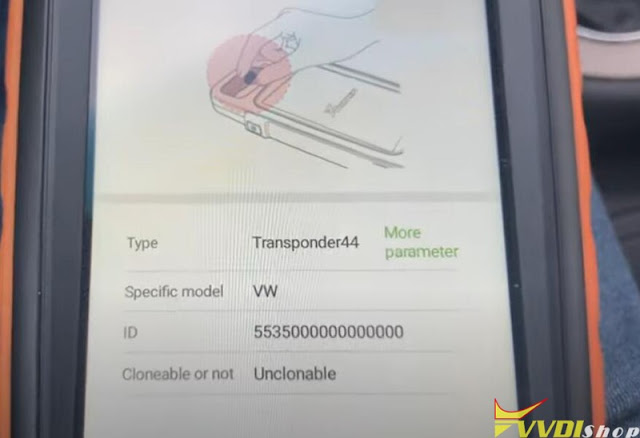


Generate remote success
2. Write key with VVDI2
Now you can write key with vvdi2
insert super chip into vvdi2
Go to Immobilizer Data Tool
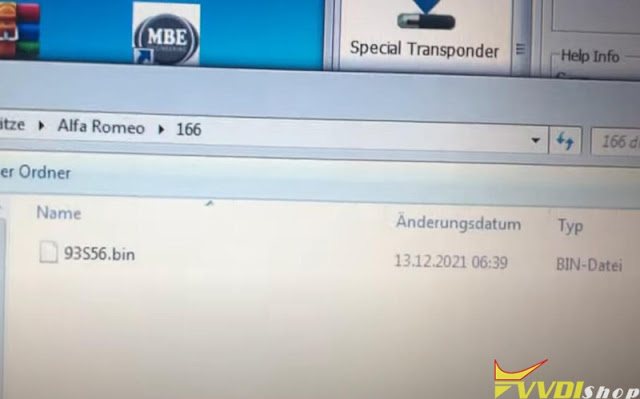
Upload EEPROM data
Make dealer key
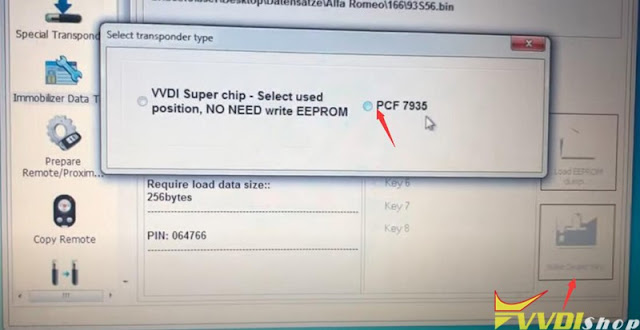
Select PCF7935
Program dealer key success
Now the key can start car



Read also: Tips to write Super Chip as PCF7935 to BMW
How to Program 2015 Hyundai Sonata Key with VVDI Key Tool Plus?
Xhorse VVDI Key Tool Plus can program a new key for 2015 Hyundai Sonata via OBD successfully. Following I will use an Xhorse Wired Remote as a demonstration.
Program Remote
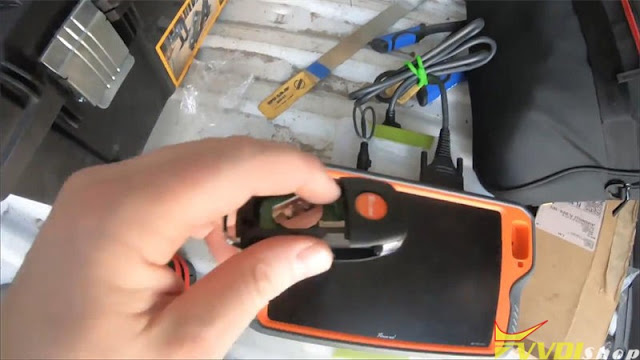
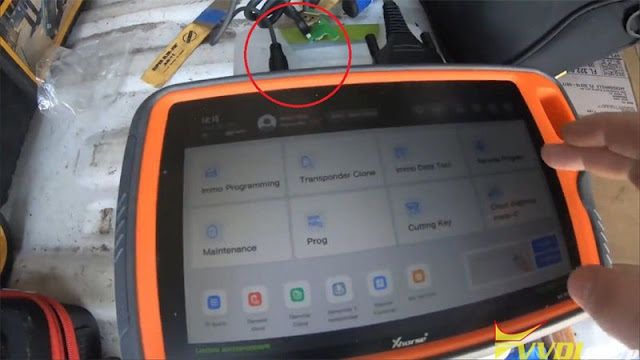
Pop the back of key, take circuit board out to plug into VVDI Key Tool Plus.
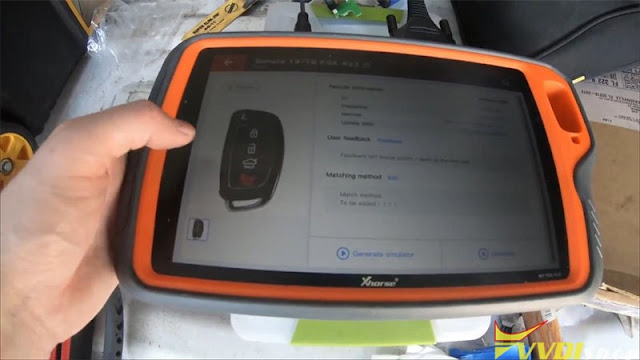
Remote Program >> Asia >> Hyundai >> All remotes >> Sonata 4f16 >> Generate
Writing data…
Generate success.
 |
Program IMMO
Put a battery into the key, and go to car for next step programming.
Connect Xhorse Key Tool Plus with car OBD,
Immo programming >> Asia >> Hyundai >> Select by model >> US market >> Sonata(LFA) >> 2015-2018 >> Remote key adaptation
Put the key in, and turn ignition on.
Turn ignition off.
Press LOCK & UNLOCK together to match remote.
Successful.
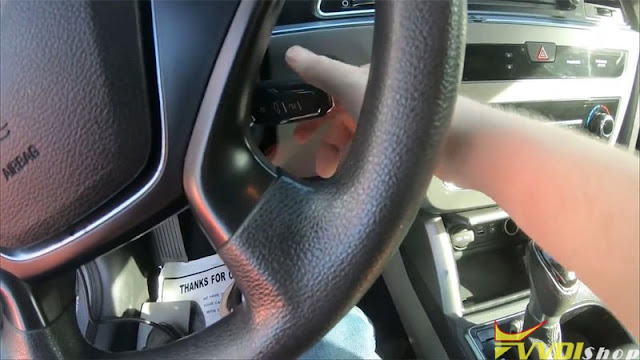
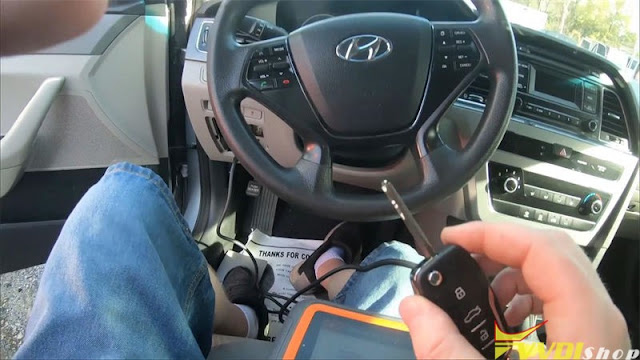
Test the key, it does work.
This is how to use a wired remote & VVDI Key Tool Plus to program 2015 Hyundai Sonata successfully.
How to Fix BMW CAS4+ Lost Key Code?
Problem:
An error occurred when program CAS4+ key with xhorse vvdi key tool plus. Car not start. How can I recover the BMW CAS4 key code? It’s apparently missing or got lost during upgrade I guess.
“The synchronize code between working key and CAS4+ system was lost!!!
Provide extra power to car battery and check the working key.
If this code was lost, you can perform key learning function with ISN and it will restore this code.”
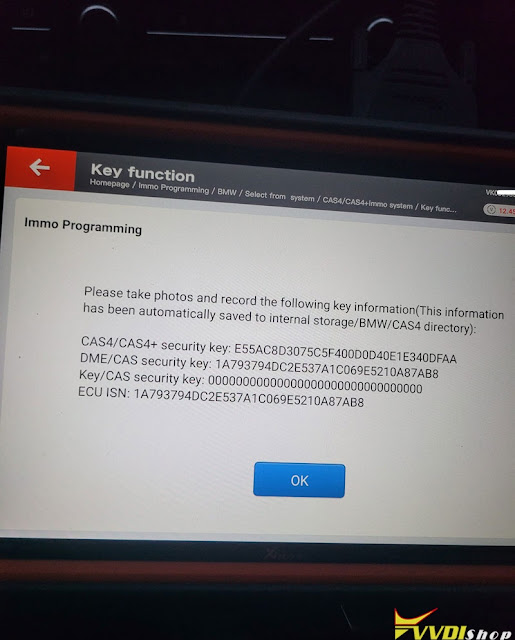
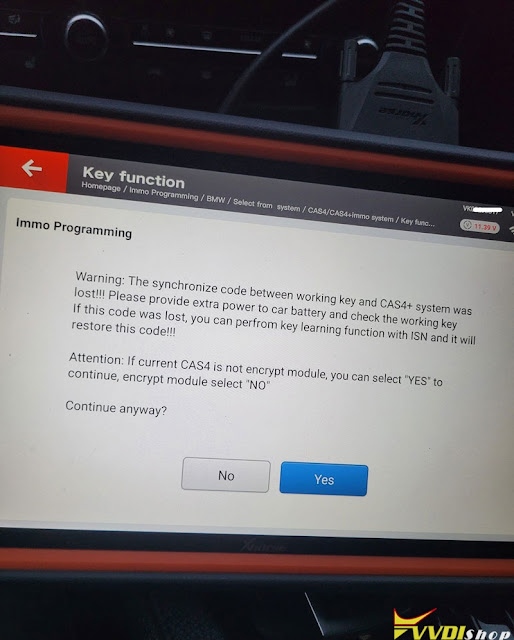
Read DME ISN on table and problem solved. Key works now and starts car.
How to Add Nissan Navara 2018 Key with Xhorse Mini OBD Tool
Xhorse VVDI Key Tool Max + MINI OBD Tool can be used to read password & program a new key for Nissan Navara 2018 via OBD. Following I’ll be using the XSKF01EN Universal Smart Key as a demo.
The original smart key: 46 chip, 433Mhz FSK frequency.

Generate Remote
Put VVDI XS smart key into VVDI Key Tool Max coil.
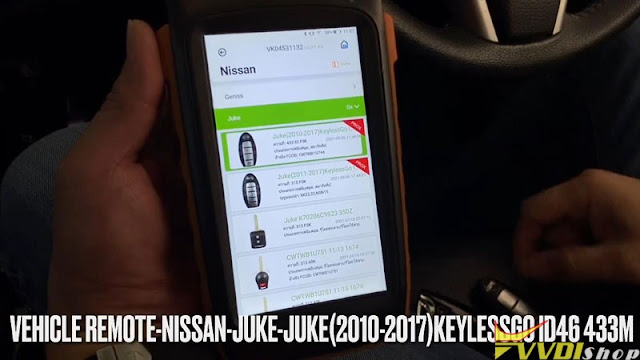
Vehicle remote >> Nissan >> Juke >> Juke(2010-2017) KeylessGo ID46 433M >> Generate remote
Generate smart remote success.

Read BCM Code & Password
Plug Xhorse MINI OBD Tool into OBDII port, connect it with Key Tool Max via Bluetooth.
Before programming, check whether ELV is locked.
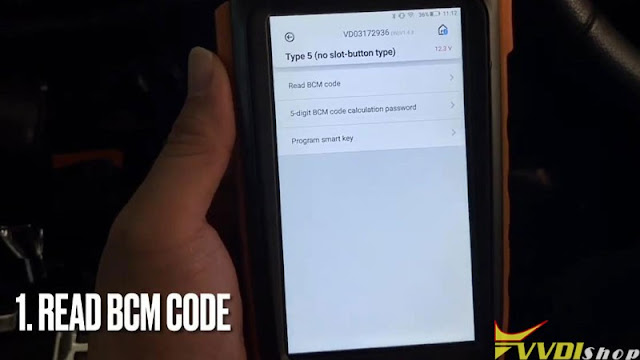
Immo programming >> Nissan >> Select from system >> Smart >> 4 digits PIN >> Type 5(No slot – button type) >> Start execution >> Read BCM code
Switch ignition on.
BCM code has been read out.
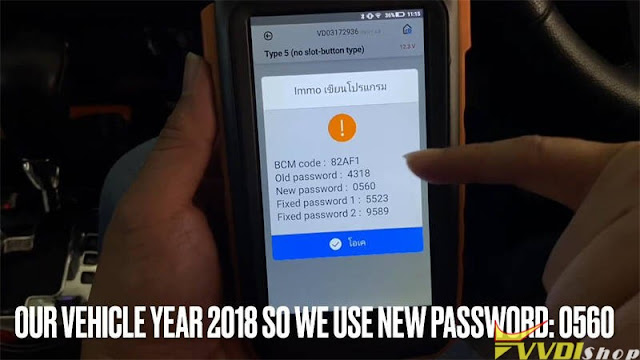
Press “5-digit BCM code calculation password”.
It’ll will calculate 2 passwords:
New password is for the vehicle after 2009;
Old password is for the vehicle before 2009.
This function requires online, press “OK” to continue.
Fill in BCM code



Password have been read out.
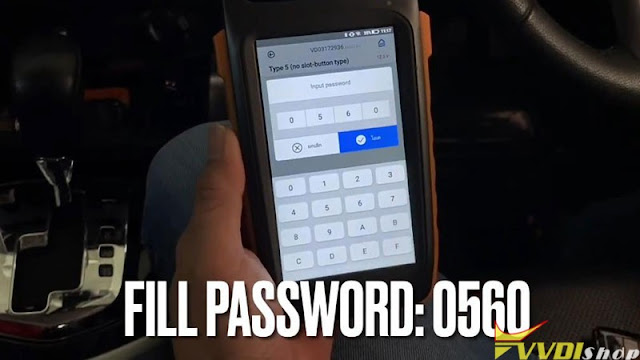
This is a 2018 Nissan, so use new password: 0560.
Before programming, turn switch off, open and close driver door to make ELV locked.
Turn on Hazard light.
Program smart key >> Fill in password: 0560
Take all smart keys out of the car, click START button once, turn the security light.
Whether the direction lock has been released? No
You can hear steering lock now release unlocked(steering wheel can move).
Add Smart Remote
Now this vehicle is ready to add smart remotes.
Please follow the steps to complete the match:
- Take all smart keys to be programmed into the vehicle, close & press start button once ,wait for IMMO light to go out(blink 5 times), then turn off ignition switch.
- If add multiple keys, please repeat step 1.
- Place the programmed smart key close to start button, start the car(wait for 10s) then turn off the ignition.
- If the direction lock does not reset, try pressing start button a few more times, open then close the driver door until steering lock registration completed.


Turn Hazard light off to test the remotes.
All work well, and can start engine OK.
Done!

This is how to use VVDI Key Tool Max & MINI OBD Tool to add a key for Nissan Navara 2018 successfully.
Xhorse Condor Date Reset when Turn on Power?
Problem:


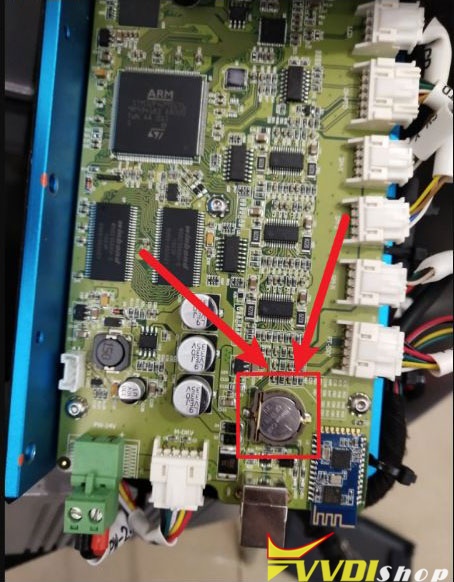
For example, the battery of condor mini plus (S/N KM02 and KM03) is on the right side of the board (shown image below)
Reinstall shell and screen after replace battery.