ابزار Xhorse VVDI
Xhose VVDI نرم افزار برنامه نویس اصلی و سخت افزارابزار Xhorse VVDI
Xhose VVDI نرم افزار برنامه نویس اصلی و سخت افزارXhorse MVCI Pro Sync authorization 2 failed Solution
Problem:
I got the xhorse mvci pro j2534 cable connected and try to update authorization, but failed, says error “Sync authorization 2 failed! Error code: ff02”

Solution:
[Read Authorization]: You can read the current device authorization status and available times. (Note: When the number of available times is 0, the use of most functions will be limited)
[Update Authorization] You can update the latest authorization status of the device and reset the available times.
Users have to update both software and firmware to latest versions, then update authorization.

Xhorse MVCI Pro J2534 Driver Installation
Xhorse released a new MVCI Pro J2534 diagnostic cable for VAG ODIS, Toyota Techstream, Honda HDS, Subaru SSM4, Ford IDS, Mazda IDS etc.

Here vvdishop.com provides mvci pro j2534 driver download free.
download Xhorse mvci pro j2534 driver
https://mega.nz/file/MuoiBJZa#MjmQNzgll4pJEERnq1v__sHx6n3C9nr-cMwJqChNPAs
How to Install Xhorse MVCI Pro j2534 driver?


How to use Xhorse MVCI Pro J2534 cable?
1. Download J2534 compatible software
The device is compatible with original diagnostic software.
Xhorse does not provide software download, download software from 3rd party or original manufacturer’s website.
2. Download and install MVCI Pro J2534 software
3. Connect MVCI Pro cable with laptop and vehicle

Run MVCI Pro driver
Connect j2534 cable

Install car drivers you desired, current available drivers, VW, Honda, Toyota, Ford, Mazda and Subaru. Keep updating.

Check current latest mvci pro software and firmware version
Current software version: V1.0.3
Current firmware version V1.2.0
Both software and firmware version can be updated online.
Setting option

After install software, device driver you can run diagnosis.
https://www.vvdishop.com/service/install-xhorse-mvci-pro-j2534-driver.html
How to Fix Xhorse XEDS01EN Peugeot Citroen Remote Not Working
Problem:
I received a new key Xhorse XEDS01EN (purple packaging). They’ve updated the electronic board and when I program in Peugeot/Citroen the chip is programmed correctly but the control doesn’t work
I used key tool max pro and key tool max mini. Anybody have solution?


Solution:
1. Start the car first, then remove the key and wait for 1 minute. Then, turn on the instrument panel and press the remote lock button for 10 seconds. Then, remove the key and wait for another 1 minute. Press the remote control to unlock and lock until the central control is activated.
2. Wait for new App update.
Xhorse vvdi key tool plus has released a new App version, did a Citroën C3 yesterday, works perfectly.
Key tool max and max pro update coming soon.

3.
Or use you can use xn series remotes, because the Xhorse company changed the software for Peugeot or Citroen.
Possible to Generate Ford 902Mhz Smart Key with Xhorse Key
This is a frequently asked question of Xhorse keys. People say that no one can do Autel ikey and Xhorse either.
Here is the clue.
You can generate a xhorse proximity with 902Mhz profile (image below).

It works, just generation and test frequency.


People have made a lot of these on the Xhorse universal proximity type.
The remote worked, lock, unlock works.
The remote start worked. But to starts the vehicle, only when the key in the slot.
The proximity function won’t work.
Xhorse ID48 96bit Error 5000 Solution
Problem:
I am trying to clone 2016 VW Passat I have points but am getting this error with the xhorse vvdi key tool max.
Error: 5000, please use the binding account of the current device for 48(96 bit) Calculation.

Solution:
You have to link your xhorse key tool with your existing Xhorse account.
You have to log in with the server.
Go to your account page and bind the device. Takes no time at all.
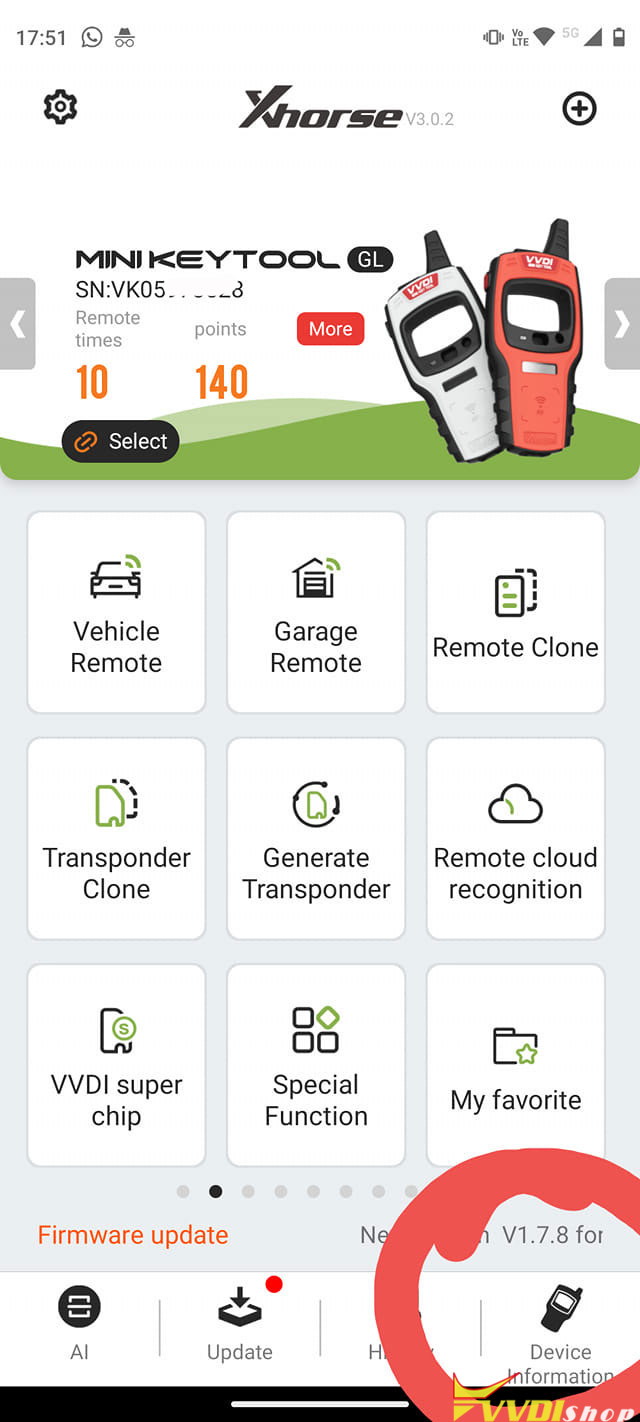
Go to Device Information->Combine Device.
Problem solved.