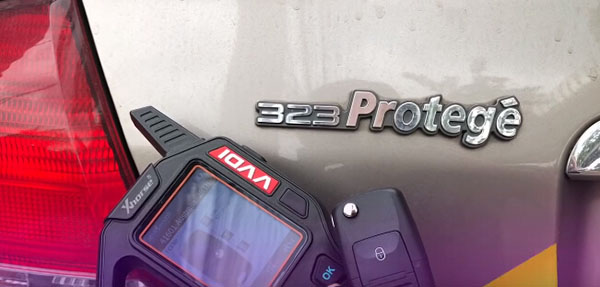
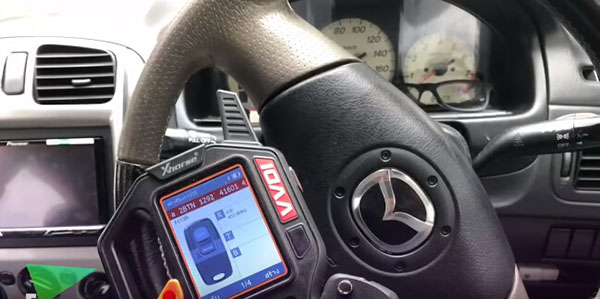
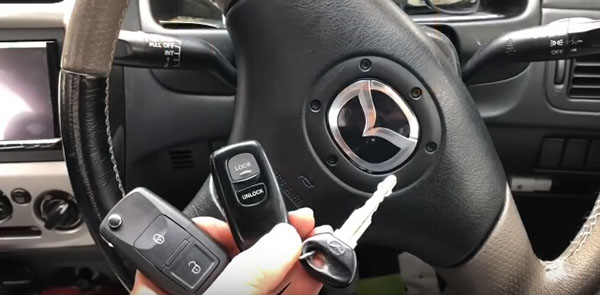
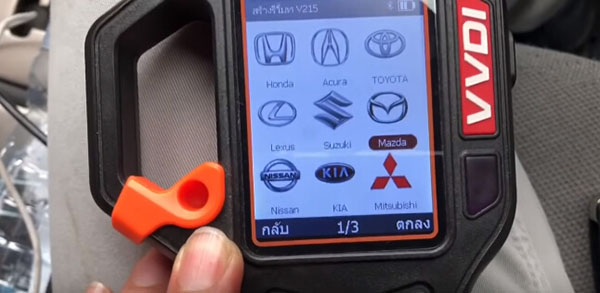
ابزار Xhorse VVDI

Xhose VVDI نرم افزار برنامه نویس اصلی و سخت افزار

ابزار Xhorse VVDI

Xhose VVDI نرم افزار برنامه نویس اصلی و سخت افزار

VVDI Key Tool Renew Porsche Cayenne Chip 7953 Remote Key

How to: Renew Remote Porche Cayenne 7PP959753BQ 315Mhz Chip PCF7953 with Xhorse Vvdi Key Tool and Renew Adapters.
vvdi-key-tool-renew-porsche-cayenne-1
There are more than 36 remotes that VVDI Key Tool can renew
Renew Porsche Cayenne by renew adapter is much easier than wiring
vvdi-key-tool-renew-porsche-cayenne-2
There are 24 pcs renew adapters
PCB1 8T0959754 433 Remote
PCB1 8T0959754A 315 Remote
PCB1 8T0959754D 868 Remote
PCB1 8T0959754F 433 Smartkey
PCB2 8T0959754 433 Remote
PCB2 8T0959754D 868 Remote
PCB2 8T0959754F 433 Smartkey
PCB2 8T0959754G 315 Smartkey
PCB2 4H0959754G 315 Smartkey
PCB2 4H0959754K 868 Smartkey
PCB2 4G0959754G 315 Smartkey
PCB2 4G0959754K 868 Smartkey
PCB3 4H0959754DA 433 Smartkey
PCB3 4H0959754DB 315 Smartkey
PCB3 4H0959754DD 86 Smartkey
5WK49125 E Series 868MHz Remote
5WK49127 E Series 315MHz Remote
5WK49145 E Series 868MHz Smartkey
5WK49147 E Series 315MHz Smartkey
5WK49661 F Series 868MHz Continental
5WK49663 F Series 315MHz Continental
5WK49662 F Series 434MHz Continental
HUF5661 F Series 868MHz Huf
HUF5662 F Series 315MHz Huf
HUF5663 F Series 434MHz Huf
HUF5667 F Series 434MHz Huf
7PP959753BN 434MHz
7PP959753BS 434MHz
7PP959753BM 315MHz
7PP959753BQ 315MHz
7PP959753AJ 434MHz
E28CI01B
E25CI009
E33CI002
21676652
Type1 2-button 433MHz
Type2 CorsaD-2-button 433MHz
Type3 2-button 434Mhz
Type3 5-button 315Mhz
Type3 4-button 315Mhz
Type4 2-button 433Mhz F41E30
Type4 3-button 433Mhz F41E30
Type5 4-button 315Mhz F7952E
Type5 5-button 315Mhz F7952E
Type5 5-button 433Mhz F7952E
Type5 4-button 433Mhz F7952E
Type5 3-button 433Mhz F7952E
OHT692427A (2005)
OHT692713A to
M3N5WY783X
M3N5WY72XX
KOBOT04 to
IYZ-C01C M3N5W783X
IYZ-C01C Smartkey
GQ4-53T Hitag2
M3M
AK010008 Fluence 3Btn (433MHz)
805673071R (2 BTN 433MHz)
285970036 is (hitag2-433mhz)
285975779R Smartkey 433MHz
285979045R Smartkey 433MHz
285971998R Smartkey (Hitag-AES 433MHz)
285974100 Remote (Hitag-AES 433MHz)
5E0U40247 (434MHz)
YWX000061 (434MHz) Visteon
YWX000071 (315MHz) Visteon
315MHz Hitag2 Smartkey -A2C53188764
315MHz Hitag2 Smartkey -A2C53297341
433MHz Hitag3 Smartkey -A2C53405173
433MHz Hitag3 Smartkey -A2C53408715
433MHz Hitag-AES Smartkey -A2C32801600
G8D-644M-KEY (434MHZ)
5WK49266 (900MHz) Smartkey
5WK49269 (433MHz) Smartkey
SVI_CMFCH02
SVI_CMFEU03
SVI_HMFNA04
SVI_HMFEU04
SVI_HMFKR04
SVI_XMFGE04
SVI_KHFGE04
SVI_KHFNA433
SVI_DMFGE04
SVI_DMFNA04
PCB No.233.423.111-02
PCB No.233.453.111-05 / 06
PCB No.233.453.111-05 / 07
PCB No.233.453.111-05 / 08
PCB No.233.453.111-05 / 09
PCB No.233.453.111-05 / 10
PCB No.233.453.111-05 / 11
PCB No.233.453.111-05 / 12
PCB No.233.453.111-05 / 13
PCB No.233.453.211-01 / 02
Chip silkprint: 567.738.031
Chip silkprint: 567.737.061
Chip silkprint: 61c700
Chip silkprint: F7953MC
PCB No.A2C53188764
PCB No.A2C53297341
PCB No.A2C53405173
PCB No.A2C53408715
PCB No.A2C32801600
After 2009 Most Hyundai / Kia 2-button Smartkey, Chip silkprint: 049620C03
After 2009 Most Hyundai / Kia 4-button Smartkey, Chip silkprint: 049620C03

#13 Honda B002818-3-V0.3 b002818-3
#14 Nissan PBB-21148-00-AA-V0.1
#15 Chrysler FOUR-COPY-TO-TWO-V0.1
#16 Chrysler KA3635-V0.2 KA 3635 316
#17 Peugeot 5-TYPE-20-V0.2
#18 Nissan A2C53297341-01-V0.1 SIEMENS VD0
#19 Nissan DONOTTOUCH-V0.2 A2C 3280 1600 02
#20 Chrysler 011-155201-V0.2
#21 Honda YIXING-V0.2
#22 Mazda JX331BB1002A-V0.1 JX33 1 BB 1002A
#23 Buick 5-TYPE-22-V0.1 325 2.0-02
#24 Buick 5-TYPE-25-V0.1

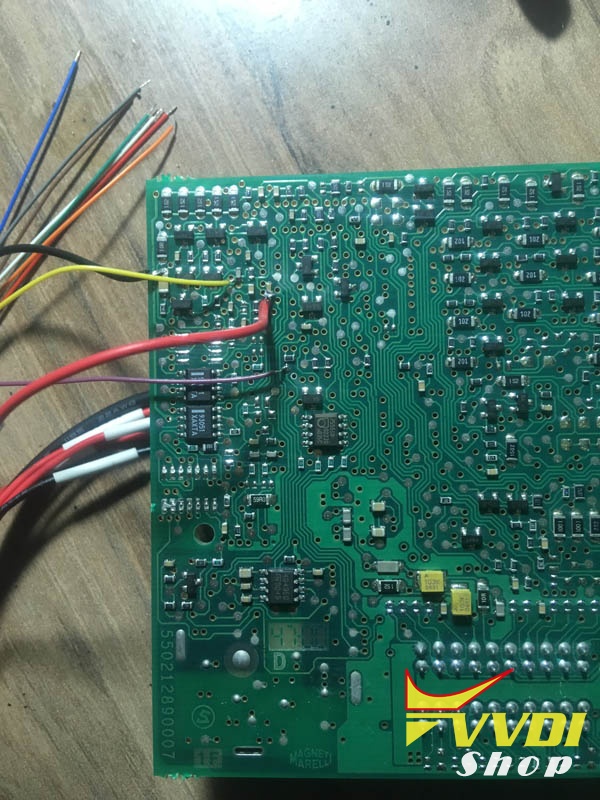
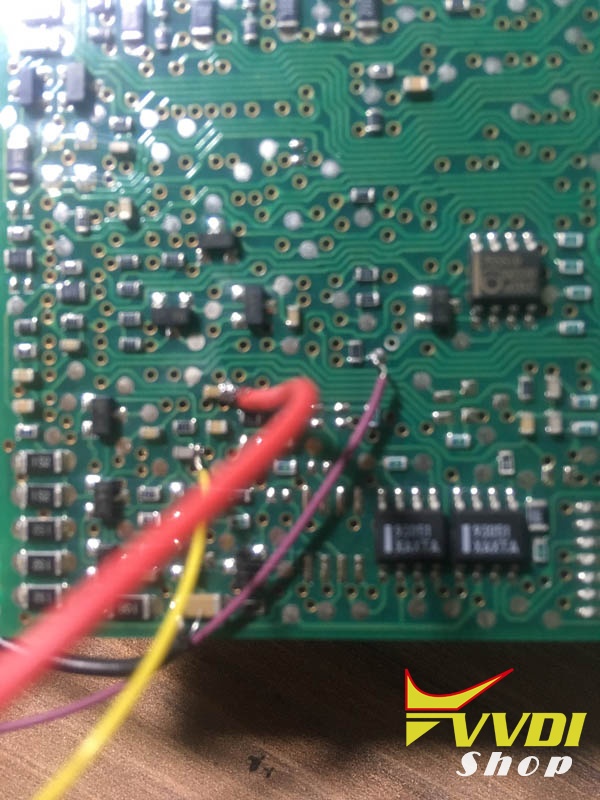
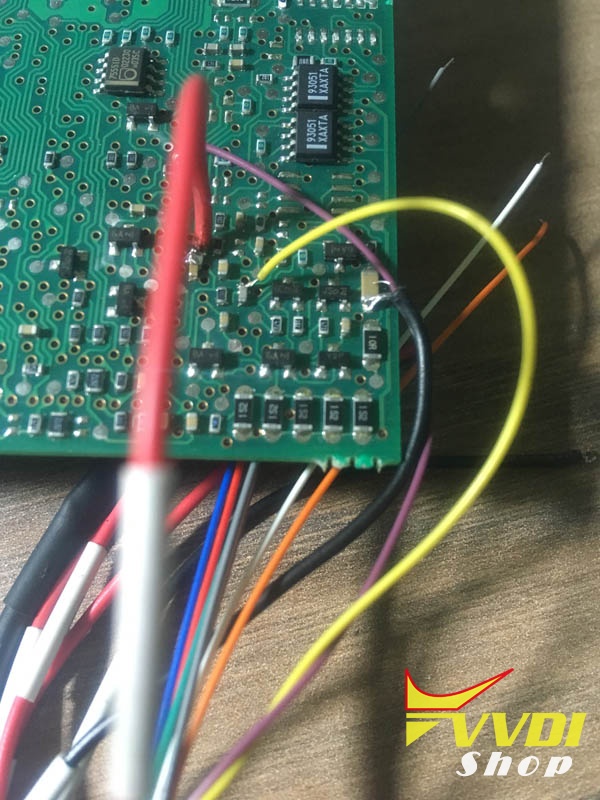
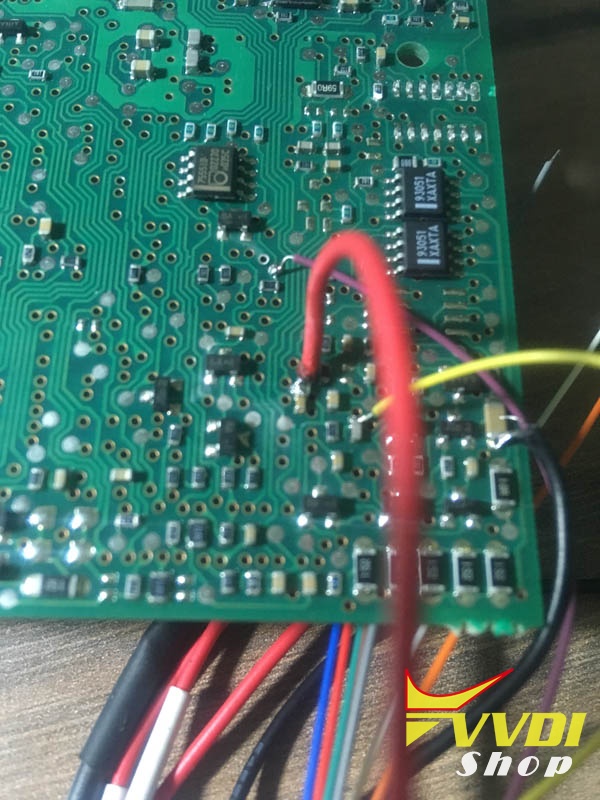
How to Unlock remote by wiring cable with vvdi keytool?
vvdi-key-tool-renew-porsche-cayenne-3
vvdi-key-tool-renew-porsche-cayenne-4

vvdi-key-tool-renew-porsche-cayenne-5
In VVDI Key tool, select Remote Renew->Porsche->7PP959753BQ 315MHz
vvdi-key-tool-renew-porsche-cayenne-6

vvdi-key-tool-renew-porsche-cayenne-7
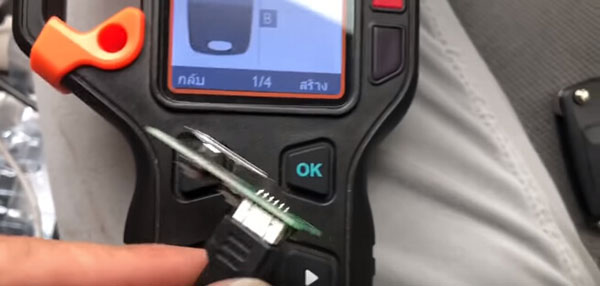
Connect the key to vvdi key tool with adapter
vvdi-key-tool-renew-porsche-cayenne-8

Press Write
vvdi-key-tool-renew-porsche-cayenne-9

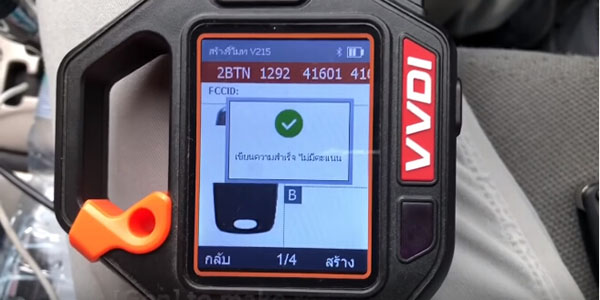
Renew success
vvdi-key-tool-renew-porsche-cayenne-10
Chip 7953 now is unlocked
vvdi-key-tool-renew-porsche-cayenne-11
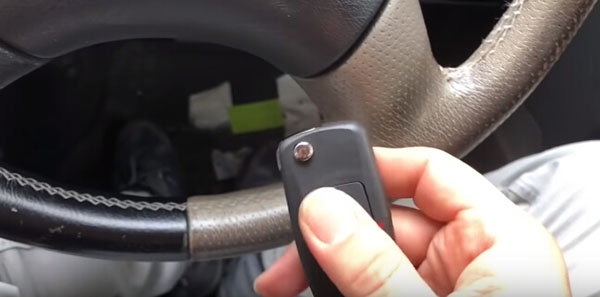
Install PCB into remote shell and test frequency: 315MHz
vvdi-key-tool-renew-porsche-cayenne-12
Check chip unlocked, can be used to program to the car.

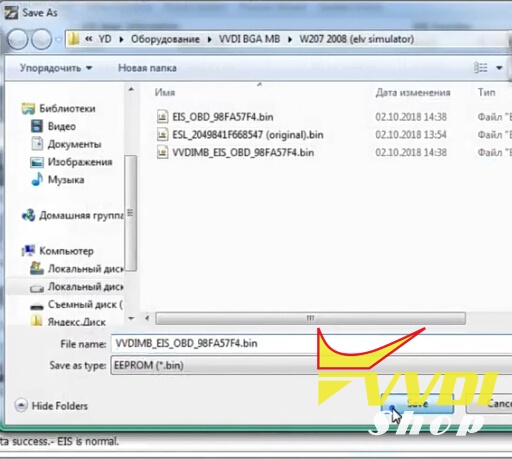
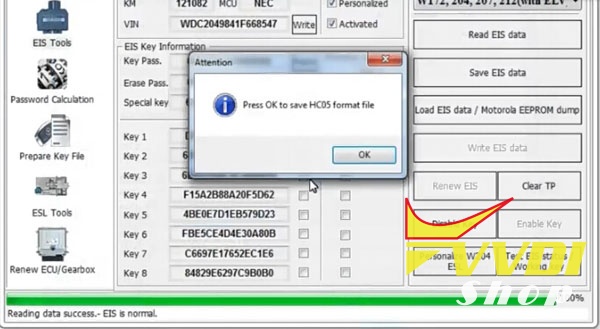
Program W209 Kline Key with VVDI MB no removing

The great Update software version 5.8.0 from VVDI MB for Benz key programming released. Now 99% of cars mo need to remove anything. Disconnect ELV and just treat it as it were on bench.  Just use VVDI MB power adapter as normal like W204 /W208/W210.

Here’s the new feedback on Mercedes W209:

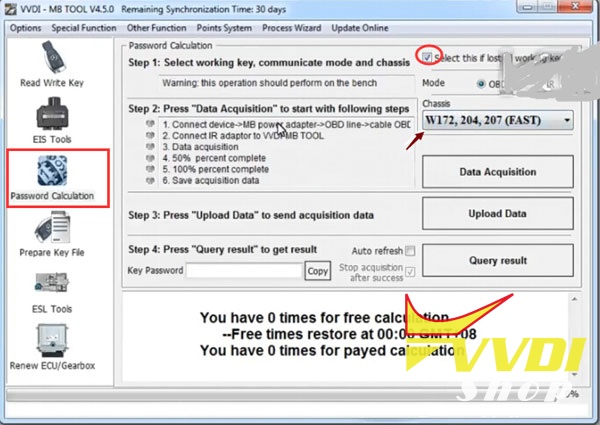
Trying out a w209. It’s on bench but simulating in vehicle. So far so good. password first read with vvdi mb tool, about 18 minutes.
When in car you just connect the blue alligator clip wire coming off the obd into the esl plug to grab the k line . Should be pin 5.
999 times payed calculation due to the yearly token unlimited plan
vvdi-mb-w209-kline-1

vvdi-mb-w209-kline-2

vvdi-mb-w209-kline-3
Thanks the feedback from Ms. EricRoss.

http://blog.vvdishop.com/vvdi-mb-read-w209-password-and-program-key-without-removing/

How to change Battery of Condor XC-mini

This is the Power Supply Adapter with Battery for Xhorse Condor XC-Mini key cutting machine. No need to connect Car inverter, battery as power supply, easy to carry out. Support household electricity and cigarette lighter to recharge or use as power supply.
condor-xc-mini-battery


List of rechargeable battery of XC-Mini 

① Mainboard 
② Cable of 6 & 7 
③ Battery charger & display module 
④ Vehicle charging line 
⑤ Adaptor 220V


Specification of rechargeable battery of XC-Mini:
Standard voltage 25.9V 
Limited charge voltage 29.4V 
Rated Capacity 2500mAh 
Power Ra 73.5Wh 


Note: The update version Condor XC-Mini Plus with built-in battery is coming soon. Don't need to change chargeable battery any more.


Instruction of how to change the built-in battery of Condor MINI:

change-battery-condor-mini-1
Remark: please follow the procedure to operation in case of damage the Mainboard ,do not connect the power during operation

Attention : For your security, do not connect the power in next steps

change-battery-condor-mini-2
1 , Take off those 4 screws like the picture show 
change-battery-condor-mini-3
2 , Push the motor inside and hold the white buckle then take out the emergency-stop module like the picture show
change-battery-condor-mini-4
change-battery-condor-mini-5
3 , Loose the connection of position 11 &12 like picture show
change-battery-condor-mini-6
4 , Use a screw to make the connection those two cables what are from position 11 & 12 like the picture show ,and use the acetate tape fix the connection well 
change-battery-condor-mini-7
5, Fix the cable 6 to the position 12 , cable 7 for position 11 , then put the emergency – stop module back and fix it well
change-battery-condor-mini-8
6, Take off those 2 screws like picture show
change-battery-condor-mini-9
7, Turn over the Mini Condor and take off the foot rubber and 
change-battery-condor-mini-10
8, Take out the Power-board and disconnect all cables like picture show
change-battery-condor-mini-11
9, Use the battery charger & display module to replace the original power interface like picture show 
change-battery-condor-mini-12
10 , Fix the cable into the socket according the number between the cable and socket ,make sure very cable will be fix well
change-battery-condor-mini-13
11, Fix the cable of 24V and cable of GND in the right position like picture show
change-battery-condor-mini-14
12, Connection the power like picture show then put back the Mainboard and fix it well
change-battery-condor-mini-15
13, Fix the all cables after put back the mainboard , the mainboard should be in fixed very solid ,manage the cables again if not , then fix the foot rubber and screws 
change-battery-condor-mini-16
14, Fix those screws like picture show
change-battery-condor-mini-17
15 , The screen , LED , display of battery charger should be on after you press the emergency – stop button , if not ,check the connection again

Remark : electricity volume will be show by the green light , the LED that is mark ‘’ CHRG ‘’ should be green if it is charged , it will be red during charging.

How to Calculate PIN Code for Opel Astra H from CIM

How to get 4-digit PIN code for Opel/Vauxhall Astra H from CIM EEPROM 95160 dump using Xhorse VVDI Prog programmer.

Remove and disassemble CIM module
vvdi-prog-astra-h-pin-code-1
vvdi-prog-astra-h-pin-code-2
Desolder chip 95160 with a hot gun
Solder it into vvdi prog SOP16 adapter
vvdi-prog-astra-h-pin-code-3
vvdi-prog-astra-h-pin-code-4
vvdi-prog-astra-h-pin-code-5
vvdi-prog-astra-h-pin-code-6
Connect VVDI-Prog with computer
vvdi-prog-astra-h-pin-code-7
Open VVDIProg software, select EEPROM->ST->M95160
Read eeprom and save it. Same file: original.bin
vvdi-prog-astra-h-pin-code-8
vvdi-prog-astra-h-pin-code-9
Download WinHEX editor and open it
Upload CIM dump read by vvdi-prog
vvdi-prog-astra-h-pin-code-10
Copy Line 65, Row 8 to Row F letters : 5F 03 5F 48 5F 39 5F 03
vvdi-prog-astra-h-pin-code-11
Right click selected numbers, choose Edit->Copy Block->Into New File
vvdi-prog-astra-h-pin-code-12
Save new file, named:  “pin”
vvdi-prog-astra-h-pin-code-13
Select Replace Hex Values from tab
vvdi-prog-astra-h-pin-code-14
Change these values:
Search for: 5f
Replace with: aa
press OK
vvdi-prog-astra-h-pin-code-15
Changed value display: AA 03 AA 48 AA 39 AA 03
vvdi-prog-astra-h-pin-code-16
vvdi-prog-astra-h-pin-code-17
So the correct Pin for Astra H is 1261.
Read pin code from CIM eeprom 95160 success.

Read 2014 Kia Sportage pin code with VVDI Key Tool

As titled, here’s the step-by-step guide on 2014 Kia Sportage keyless entry remote fob programming using Xhorse VVDI Key Tool remote generator.

Device used:
VVDI universal remote for VVDI Key Tool


Step 1: Read PIN Code
vvdi-key-tool-kia-sportage-1
Insert original remote into left coil of Keytool
Select Automatic Detection Clone
vvdi-key-tool-kia-sportage-2
Detect remote type: ID46 HITAGS PCF7936
vvdi-key-tool-kia-sportage-4
vvdi-key-tool-kia-sportage-5
Connect vvdi remote pcb with VVDI Keytool
Select Remote Program->Asia->Kia->Sportage->NYODD4TX1306-TFL 14-16
vvdi-key-tool-kia-sportage-6
vvdi-key-tool-kia-sportage-7
vvdi-key-tool-kia-sportage-8

vvdi-key-tool-kia-sportage-9
vvdi-key-tool-kia-sportage-10

Remote frequency 433MHZ
Writing data
vvdi-key-tool-kia-sportage-11

Write data success.
vvdi-key-tool-kia-sportage-12
Now start to read the pin code via the key
vvdi-key-tool-kia-sportage-13
vvdi-key-tool-kia-sportage-14
vvdi-key-tool-kia-sportage-15

Select Mode1 data acquisition mode
Put the KEYTOOL head antenna near the ignition coil, press OK to sniff data
vvdi-key-tool-kia-sportage-16

Insert the original key into the left coil and press OK to start the calculation.
In calculate progress, don’t move the key.
vvdi-key-tool-kia-sportage-17
Calculate success.
vvdi-key-tool-kia-sportage-18

Move to get More Function
vvdi-key-tool-kia-sportage-19

Select Hyundai Password
vvdi-key-tool-kia-sportage-20

VVDI Key tool read password success.

Step 2: Program remote
Now we will do remote programming with Xtool X100 PAD2
xtool-x100-pad2-kia-sportage-1

Select Immobilizer->Kia->Program Immobilizer/Remote->Select from type->Program remote->16 PIN->Type 1->Program remotes
xtool-x100-pad2-kia-sportage-2

xtool-x100-pad2-kia-sportage-3

xtool-x100-pad2-kia-sportage-4

Switch on ignition and turn off, then remove key
xtool-x100-pad2-kia-sportage-5
xtool-x100-pad2-kia-sportage-6

Program remote: press LOCK or UNLOCK for more than 1 sec.
xtool-x100-pad2-kia-sportage-7

Remote programming complete, click YES to program next remote.
xtool-x100-pad2-kia-sportage-8

Press LOCK or UNLOCK button of vvdi remote key for more than 1 sec
xtool-x100-pad2-kia-sportage-9

Program complete


Step 3:  Make key programming
Now we make key programming process
xtool-x100-pad2-kia-sportage-10

Select Type4 (CAN)->Program keys
xtool-x100-pad2-kia-sportage-11

Insert a key to be programmed, turn ignition on.
Xtool X100 PAD2 will ask pin code to access.
xtool-x100-pad2-kia-sportage-12

Enter pin code read by VVDI Key Tool
1st key program success
xtool-x100-pad2-kia-sportage-13

Press YES to program next key.
Insert next key to be programmed. Turn ignition on.
2nd key program success
xtool-x100-pad2-kia-sportage-14

Turn ignition off, wait for 10 seconds, then turn ignition on
Programming is completed.
xtool-x100-pad2-kia-sportage-15
Test the new vvdi remote, works no issue.

http://www.vvdishop.com/service/vvdi-key-tool-read-2014-kia-sportage-id46-pin-code-8067.html