ابزار Xhorse VVDI
Xhose VVDI نرم افزار برنامه نویس اصلی و سخت افزارابزار Xhorse VVDI
Xhose VVDI نرم افزار برنامه نویس اصلی و سخت افزارVVDI Free Toyota H Transponder Function Activation
Good news!!! Xhorse rolls out 2019 Easter Promotion. Buy VVDI Mini Key Tool, you’ll get
1.Free ID48 96bit Transponder cloning activation
2.1 Year token for ID48 96bit Transponder Copy (1 token each day)
3.Free Toyota H transponder function
Note:
Toyota H transponder Activation Authorization is free to VVDI2 and VVDI Key Tool as well.

(Note: Everytime you do Toyota H chip function, VVDI2/KeyTool will take away 200 points. 200 points= 1 token. You can exchange token to points within upgrade kit.
You can obtain points by using VVDI remote keys as well. )
You can obtain points by using VVDI remote keys as well. )
Now you enjoy free points for 2 months.
Valid: 01/07/2019
After 2 months,
With Xhorse Super chip, free points all the time
Without super chip, take away 200 points each time.
Related post:
http://www.vvdishop.com/info/vvdi-mini-key-tool-with-free-id48-96bit-transponder-copy-and-1-year-token-21272.html
VVDI2 BMW Cannot program G-series BDC key
Question:
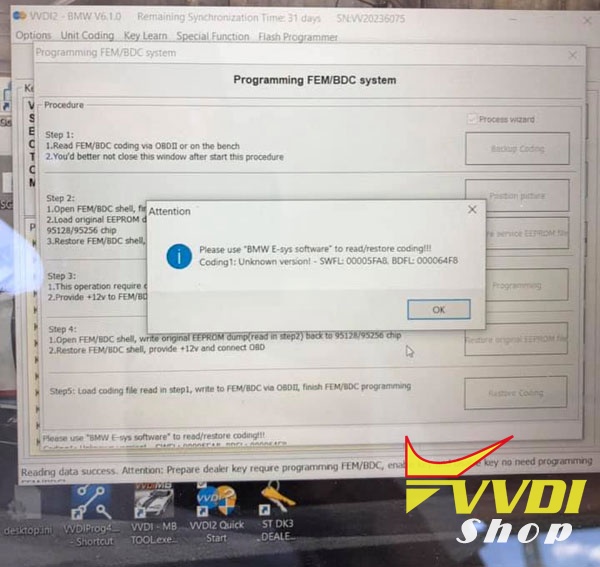
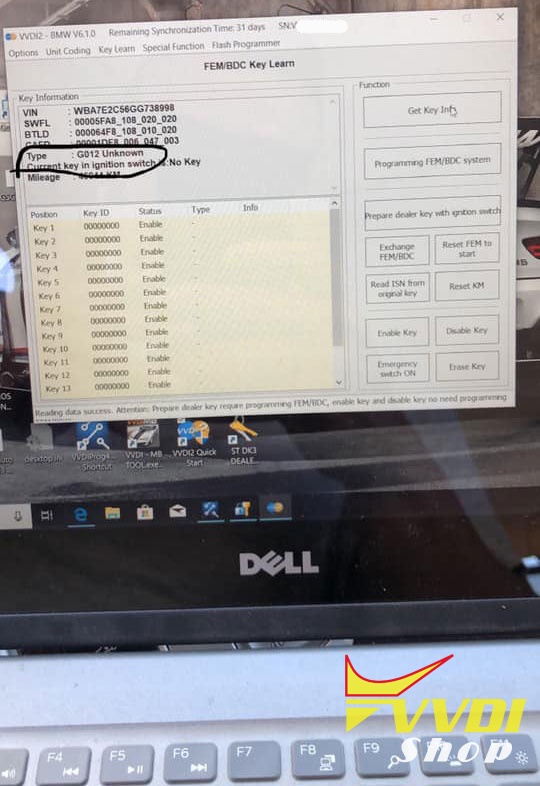
2016 7-Series (BDC system) trying to backup coding by obd using Xhorse VVDI2 BMW and never saw that screen any suggestions?
Error:
“Please use BMW E-sys software to read/restore coding!!!
Coding1: Unknown version- SWFL:00005FA8, BDFL:000064F8
Coding1: Unknown version- SWFL:00005FA8, BDFL:000064F8
unknown G012 type”
Cause & Solution:
G-Series BDC is not supported with any tool at the moment.
What it means is that you will require another tool to carry out coding. Bmw e-sys dealer kit is an example. Maybe vvdi bmw will be able to help soon.
Q: Will Xhorse VVDI clone Toyota H transponder?
Q: Does the Mini Key Tool support Toyota H Transponder copy/cloning?
A: No. VVDI Mini Key Tool supports Toyota H chip generation but not copy/cloning.
Q: What chip can be used to generate Toyota H transponder?
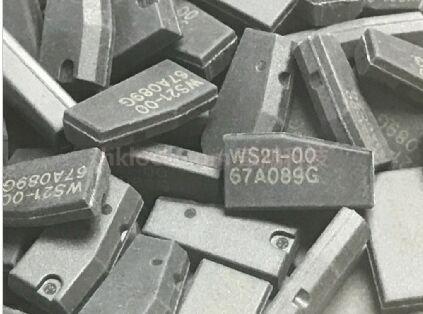
A: Please use the Xhorse Toyota H chip here to generate:
Q: Will Xhorse VVDI2 clone Toyota H transponder?
A: No, VVDI2 can only generate Toyota H chip. You need to activate Vvdi2 H chip generation authorization.
Condor Dolphin XP005 Cut VW HU66 Key
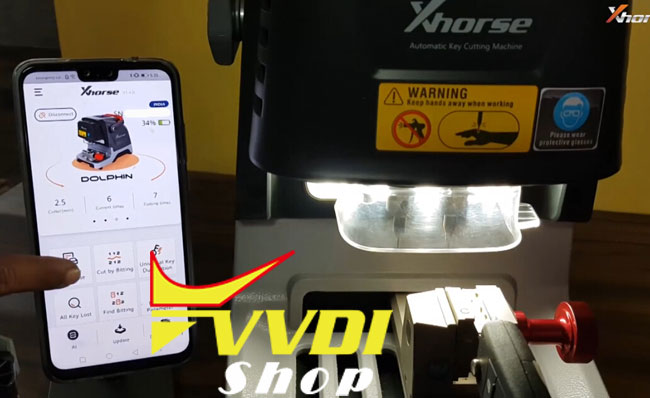
How-to: decode and cut VW Polo HU66 using Xhorse Condor Dolphin XP005 key cutting machine.
1.Decode HU66
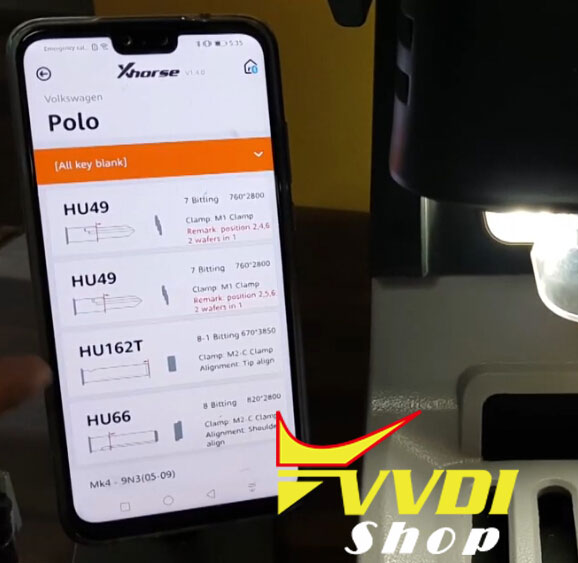
In Xhorse App, select Vehicle Database->Volkswagen->Polo->HU66


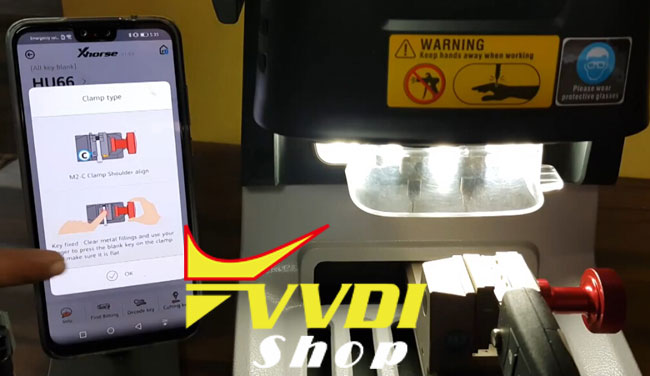
Align M2 Clamp
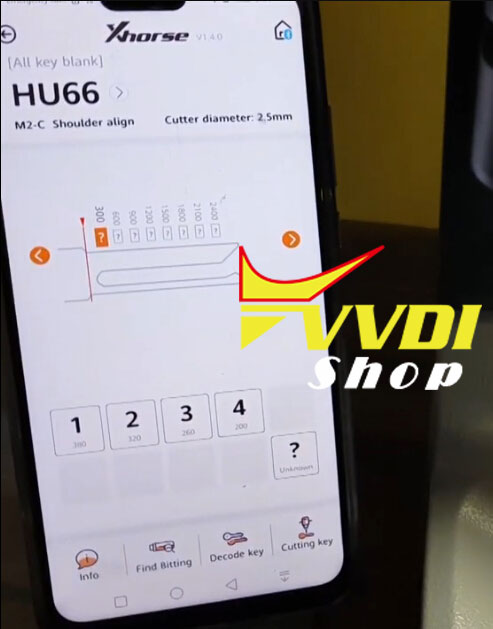
Press Decode Key
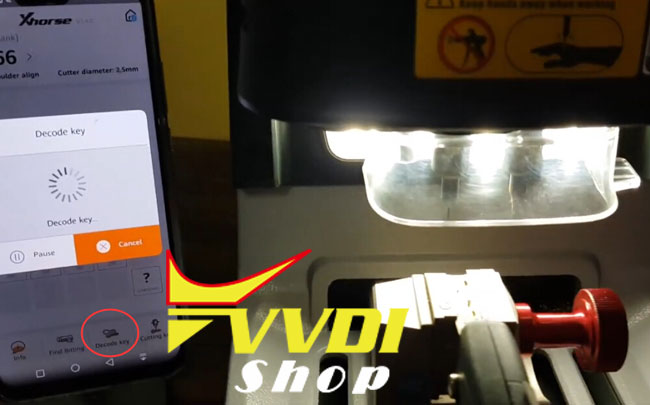
Decoding key in process
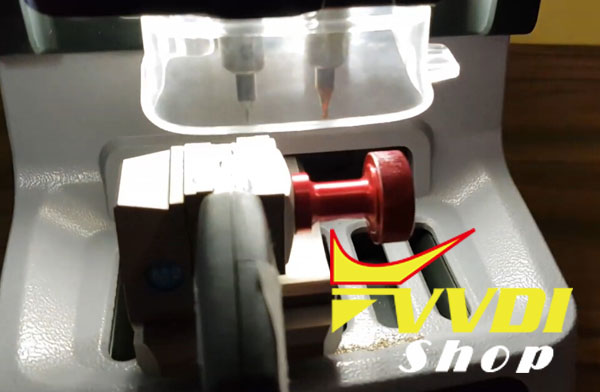
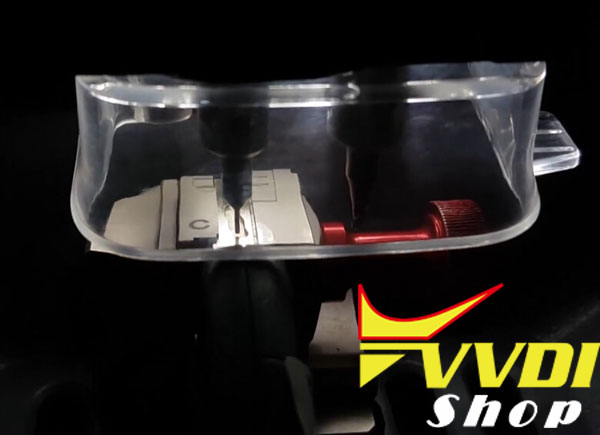
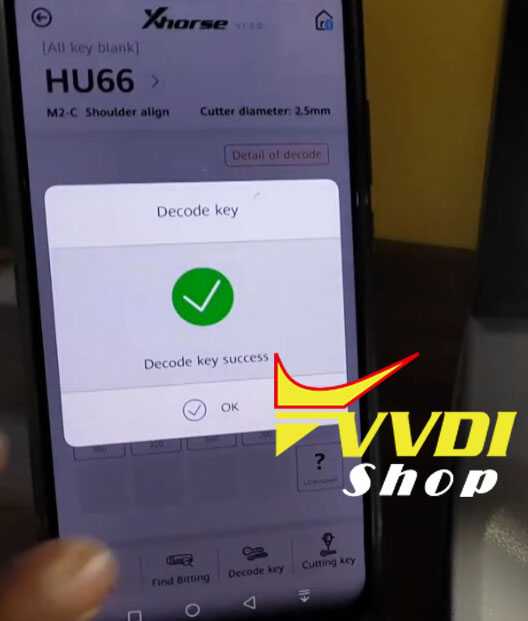
Condor Dolphin decode key success
2. Cut HU66
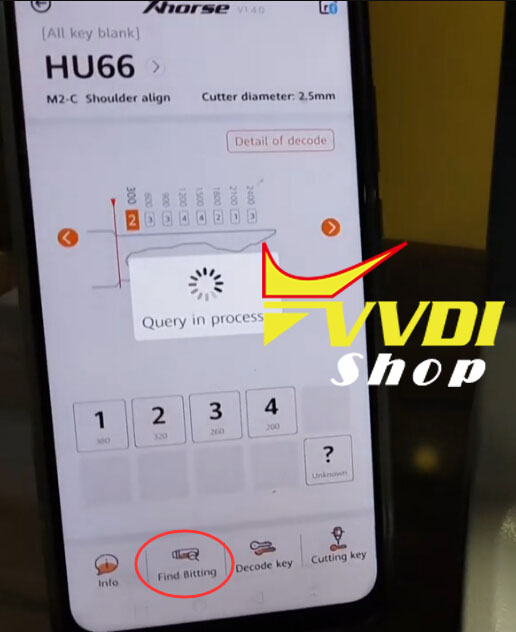
Press Find Bitting
Bitting is correct
Bitting is correct
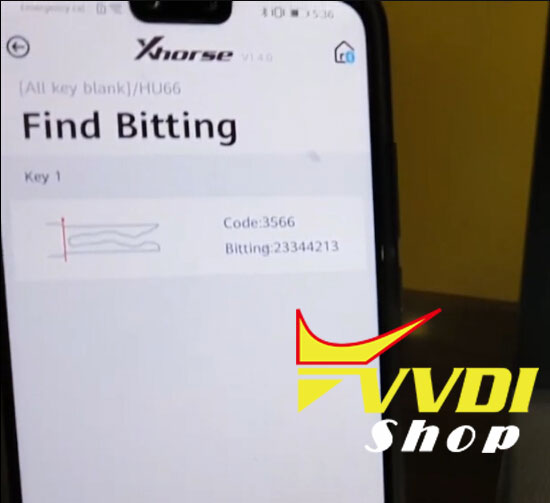
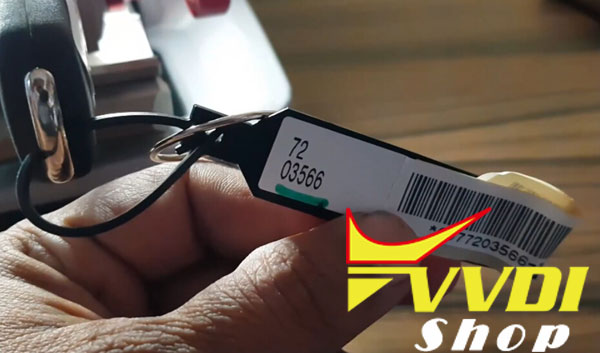
Press key 1 bitting
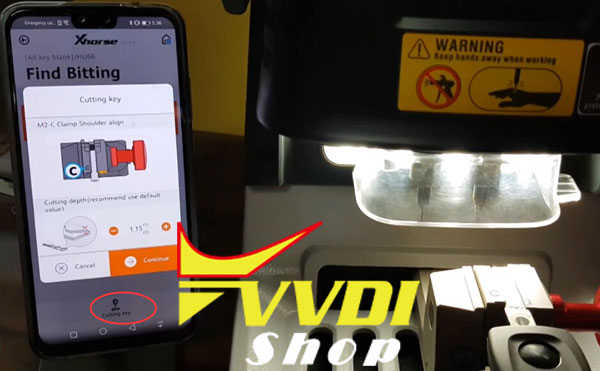
Select Cutting Key
Cutting key in process
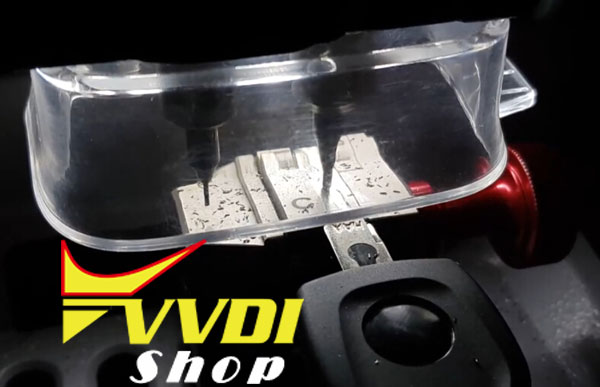
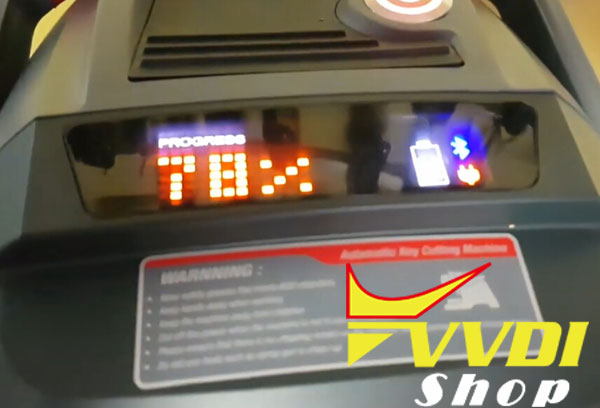
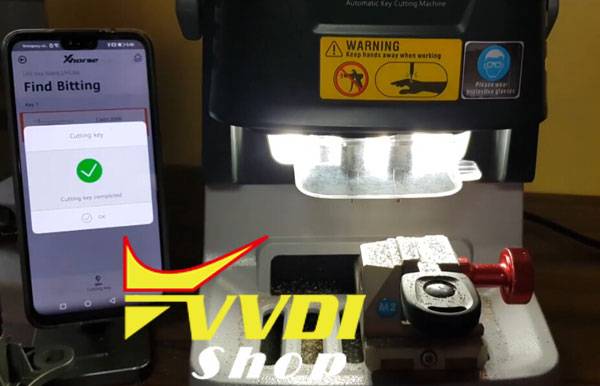
Cut key success
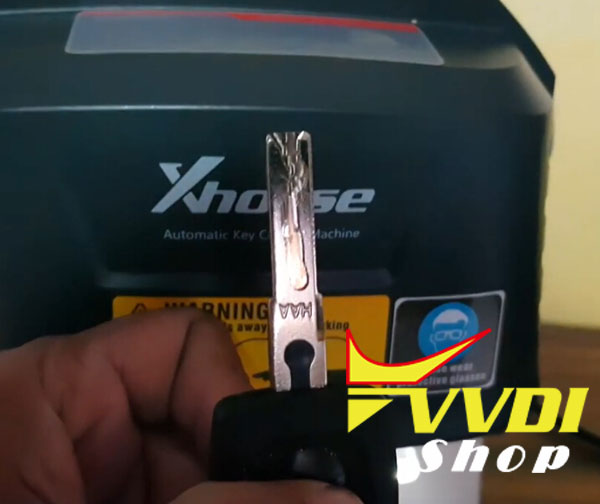
Test the new key. It works!
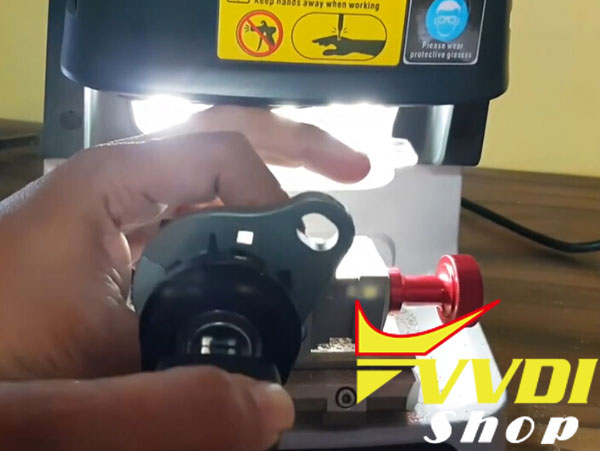
Done.
Program Audi A6 Q7 Allroad Dealer Key with VVDI2
Here’s the solution for Xhorse VVDI2 prepares Audi A6/Q7/Allroad 4th immobilizer dealer key successfully but fail to star car.
Reason: The step for key learning is skipped/wrong.
Solution:
please check guides below to to learn the key correctly.
Solution:
please check guides below to to learn the key correctly.
Audi 4th Immobilizer system- Audi A6/Q7/Allroad
This type use MEGAMOS 8E transponder
If you want prepare a new dealer key, you must know the total 12 bytes CS.
But there’s only 6 bytes CS in ECU, so we need read the whole J518 EEPROM dump.
This type use MEGAMOS 8E transponder
If you want prepare a new dealer key, you must know the total 12 bytes CS.
But there’s only 6 bytes CS in ECU, so we need read the whole J518 EEPROM dump.
Read CS from ECU, only read 6 bytes CS and PIN. With 6 bytes CS and PIN help, VVDI2 can use OBD standard method to read/write EZS-Kessy EEPROM (J518), read/write VIN etc
Step 1: Autodetect from engine ECU
Step 2: Read and save EZS-Kessy EEPROM (J518)
Step 3: Load J518 eeprom dump file
Step 4: Make dealer key
Step 5: Key Learning
Step 2: Read and save EZS-Kessy EEPROM (J518)
Step 3: Load J518 eeprom dump file
Step 4: Make dealer key
Step 5: Key Learning
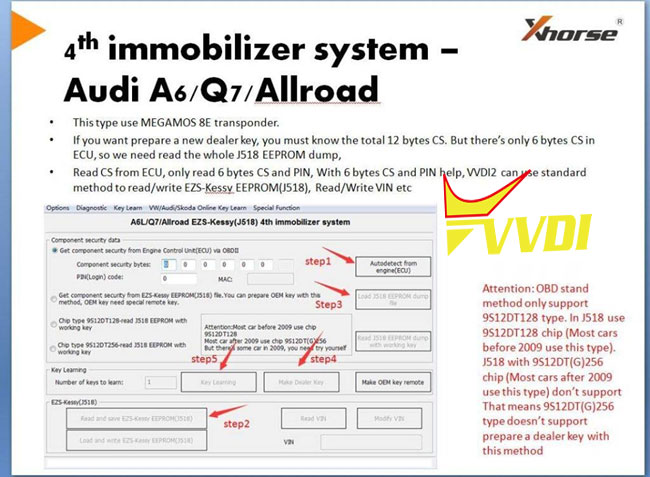
Note: OBD standard method only support 9S12DT128 type.
In J518 use 9S12DT128 chip (most cars before 2009 use this type).
But does not support J518 with 9S12DT(G)256 chip (most cars after 2009 use this type.)
That means 9S12DT(G)256 type doesn’t support prepare a dealer key with this method.
In J518 use 9S12DT128 chip (most cars before 2009 use this type).
But does not support J518 with 9S12DT(G)256 chip (most cars after 2009 use this type.)
That means 9S12DT(G)256 type doesn’t support prepare a dealer key with this method.
VVDI2 also can read J518 dump as service model what is only used for make normal dealer key, need to make sure which is chip model, VVDI will read wrong data if is no match, so first make sure what chip it is.
Remark:
Read dump with working key is only can be used for make normal dealer key, not for OEM key, neither for write back to KESSY.
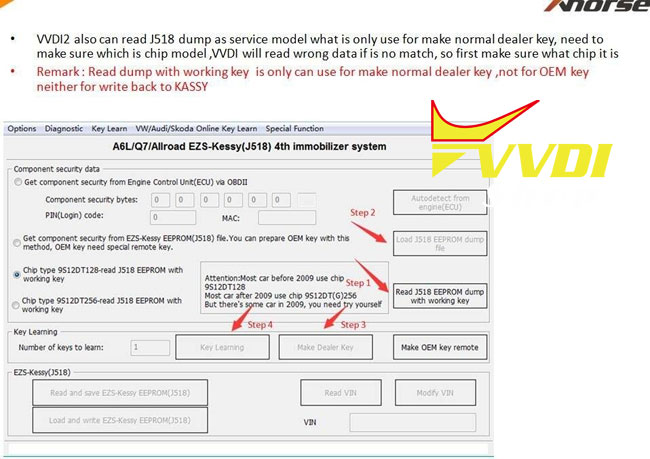
Step 1: Read J518 EEPROM Dump with working key
Step 2: Load J518 eeprom dump file
Step 3: Make dealer key
Step 4: Key Learning