ابزار Xhorse VVDI
Xhose VVDI نرم افزار برنامه نویس اصلی و سخت افزارابزار Xhorse VVDI
Xhose VVDI نرم افزار برنامه نویس اصلی و سخت افزارVVDI Key Tool copy Ford ID83 chip with Xhorse App
Xhorse app runs faster than old VVDI Key Tool App. The KeyTool registration procedure is the same as Mini Key Tool and Condor Dolphin.
Check here:
VVDI Key Tool 70/83 Online Calculation
Transponder Clone->70/83 Online Calculation
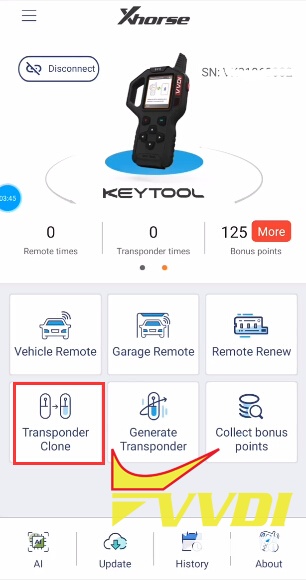
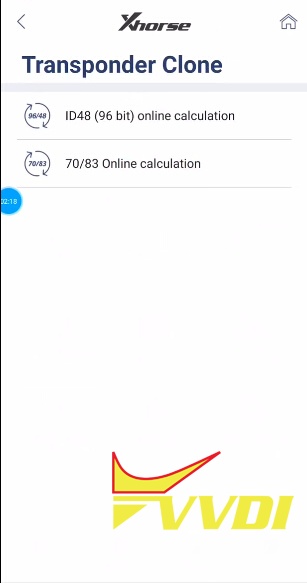
Put original key into Key Tool coil to recognize
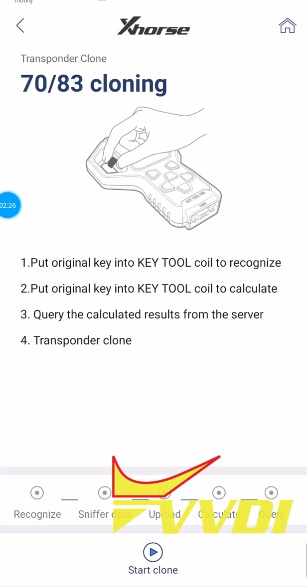
Identified Ford ID83 transponder
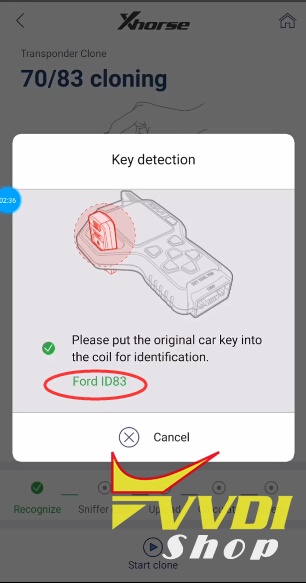
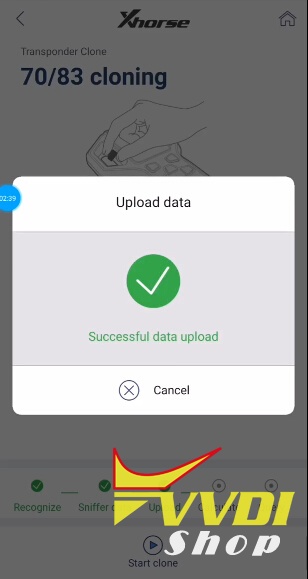
Uploading to server
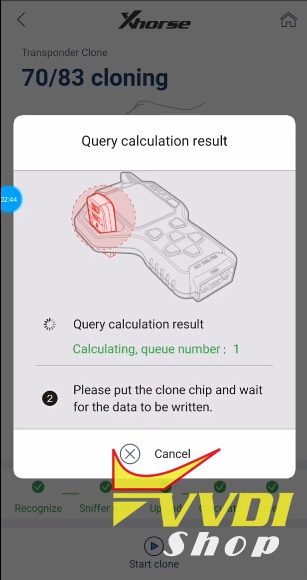
Query calculation result
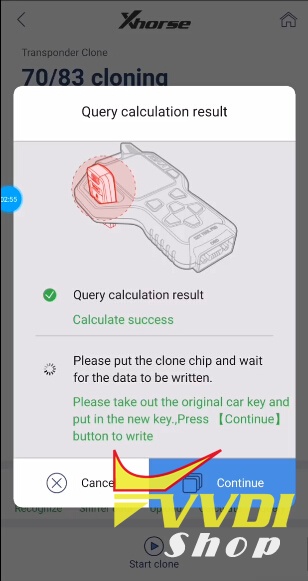
Put new key into VVDI keytool and write data
Write key success
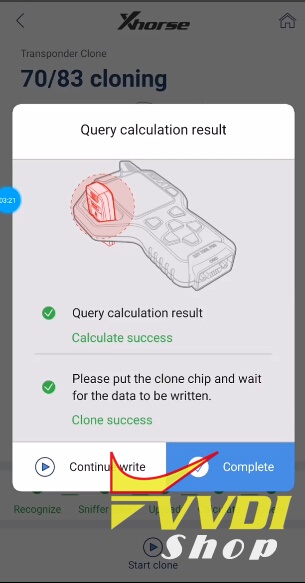
Ford ID83 transponder clone success.
Condor XC-Mini Volvo HU56R Thickness problem solution
Q:
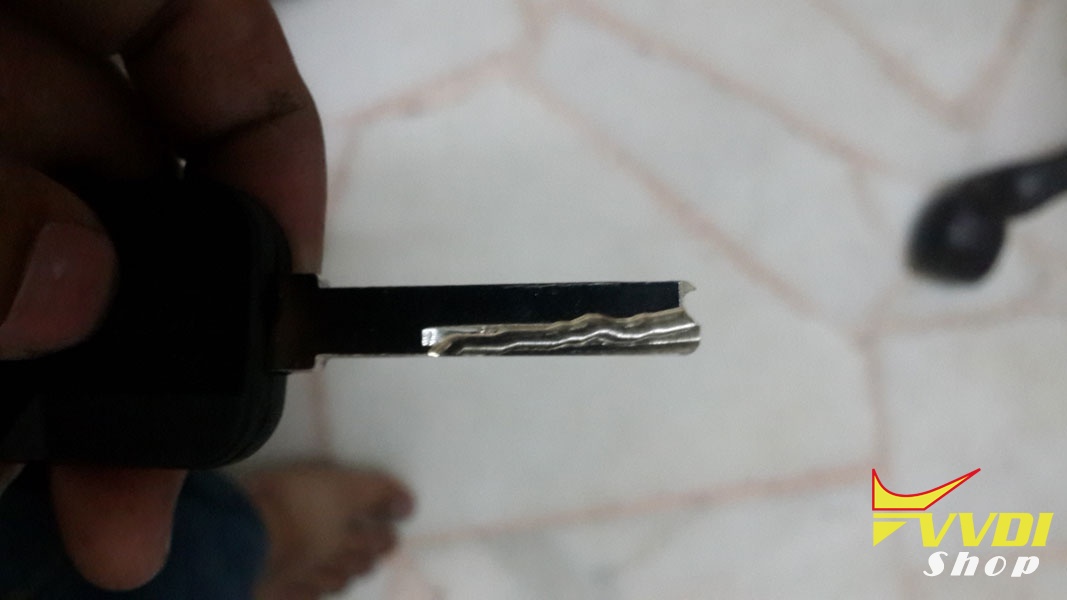
I just bought condor mini key cutter for one month, and already update to latest firmware, v2.1.1. Volvo HU56 thickness setting wrongly, it should be 2.5mm, and cutting thickness should be 1mm. volvo v40 key eats like 0.6 or more mm deeper than it should. it ate the clamp!!! and not very accurate.
A:
About Volvo HU56R condor machine database the key thickness is 3mm and cutting depth is 1.25mm
but if fact,users key is different, thickness is 2.5mm and cutting depth is 1mm.
so users can use define key data first ,named ‘HU56R-1_U’,later Xhorse will find a better solution.
1.connect PC to Condor machine
2.use attached software, sync’HU56R-1_U’ to condor xc-mini key cutting machine
3.select ‘cut by bitting’—enter ‘HU56R’ you will find HU56R-1_U,then cutting.
but if fact,users key is different, thickness is 2.5mm and cutting depth is 1mm.
so users can use define key data first ,named ‘HU56R-1_U’,later Xhorse will find a better solution.
1.connect PC to Condor machine
2.use attached software, sync’HU56R-1_U’ to condor xc-mini key cutting machine
3.select ‘cut by bitting’—enter ‘HU56R’ you will find HU56R-1_U,then cutting.
Note: Contact Xhorse engineer to get the define key data, skype: Xhorse-Support2.
Difference between VVDI Mini Key Tool and VVDI Key Tool
Q: VVDI Mini Key Tool supports iOS system as well?
A: Yes. Mini Key Tool is based on both iOS and Android mobile phones and tablets.
Q: What’s the main difference between VVDI Key Tool and new Mini Key Tool?
A:
VVDI Mini Keytool vs. VVDI KEY TOOL:
Similarities:
VVDI Mini Key Tool and VVDI KEYTOOL are the same in the aspect of remote and chip generation & copy.
Differences:
1. VVDI KEY TOOL can work alone, it can separately complete all functions except the online function such as 46 4D offline copy, and it can perform online functions by connecting to the phone.
1. VVDI KEY TOOL can work alone, it can separately complete all functions except the online function such as 46 4D offline copy, and it can perform online functions by connecting to the phone.
KEYTOOL has more functions than Mini key tool such as remote renew functions.
VVDI key tool supports Bluetooth.
VVDI key tool comes with big-capacity battery
2. VVDI mini keytool comes with no battery and no Bluetooth. Only after connecting to the phone can it works fine.
In short: Mini Key tool is based on mobiles and cannot renew remote. The mini one is much cheaper than VVDI Keytool the big one.
Q: What is your Mini Key Tool version?
A: We have launched NA version and EU version mini key tool.
Q: How to register new VVDI Mini Key Tool?
A: Here’s the step-by-step guide to follow:
Q: Does it support other language except English?
A: It has English language only currently.
Q: Can i choose color of the mini key tool?
A: Color sent randomly.
Q: Can i use VVDI Key Tool chips 4C 4D and transponders with Mini Key Tool?
A: Yes. Of course.
Related blog:
VVDI Prog programmer software update to V4.8.1
Xhorse VVDI PROG programmer latest software version V4.8.1 update:
VVDIProg v4.8.1 (2018-3-19)
* This version DON’t need update firmware
+ Add VVDI PROG USER MUNUAL 4.8.1 version in Doc folder
+ Add D80XX, D160XX, M35080XX, M35160XX options in <1-EEPROM&FLASH>-><SPECIAL-FUNCTION>
+ Add XF-RFA(2013) options in <4-IMMOBILIZER>-><JAGUAR>
+ Add CX70(2018) options in <4-IMMOBILIZER>-><CHANGAN>
+ Add KARRY(2015) options in <5-DASHBOARD>-><CHERY>
+ Add BJ20(2016) options in <5-DASHBOARD>-><BAICMOTOR>
+ Add EQUINOX(2018) options in <7-AIRBAG>-><CHEVROLET>
Free download vvdi prog v4.8.1
https://mega.nz/#!PlhQwAxS!LJ1Uq0cutyfP_bfx8jEk7PRL85d7c69nYL7aJszzYso
password:123456
https://mega.nz/#!PlhQwAxS!LJ1Uq0cutyfP_bfx8jEk7PRL85d7c69nYL7aJszzYso
password:123456
Program Toyota Hilux 2014 Remote by VVDI Key Tool
How to use Xhorse VVDI Key Tool remote maker to program a new remote key on a Toyota Hilux 2014?
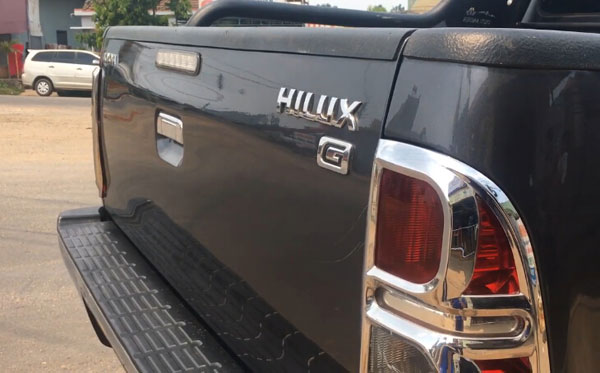
Vehicle: Toyota Hilux 2014 3.0 D-4D
Tools required:
Original key
Xhorse universal key Toyota type (3-button)
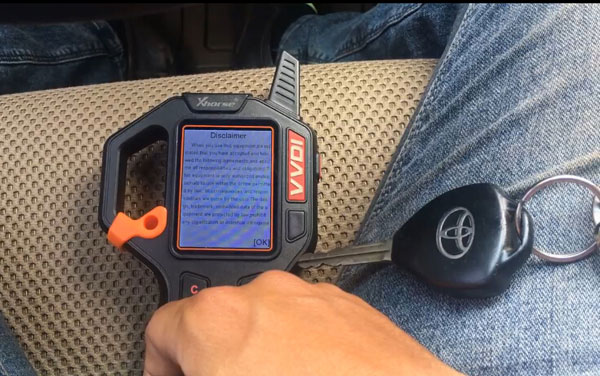
Procedure:
Insert xhorse remote key into keytool
In VVDI keytool, Select Remote/Smart Program->Remote Key->Asia->Toyota->Camry Thailand
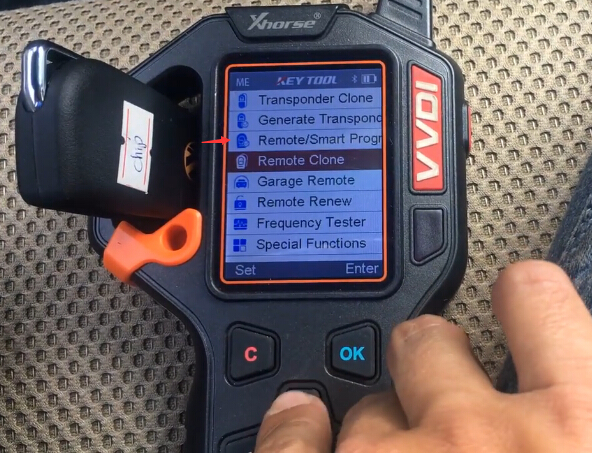
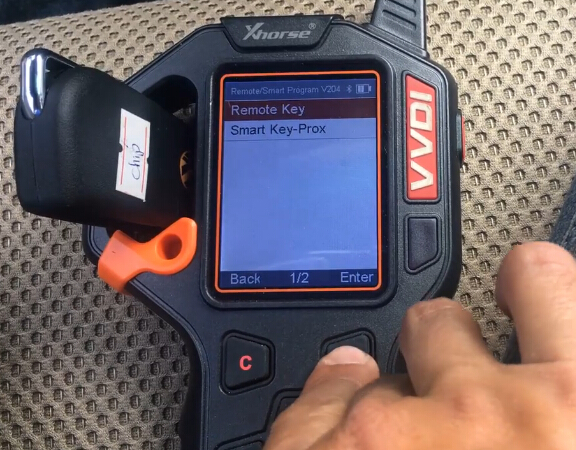

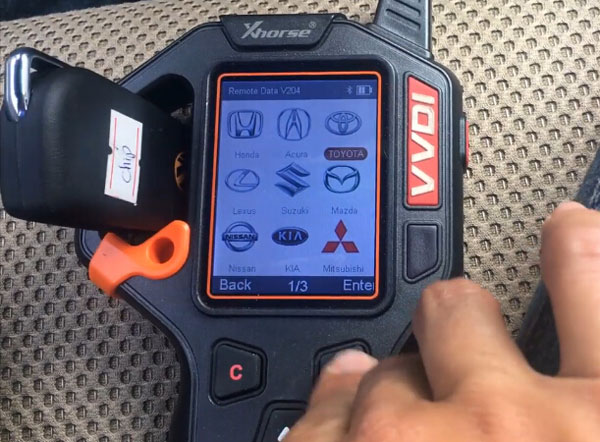
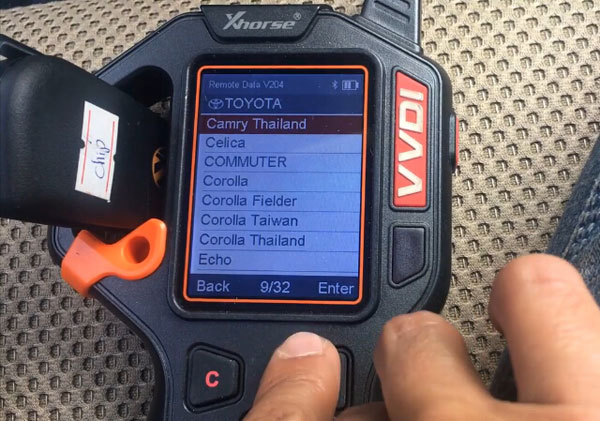
Remote frequency 433MHz
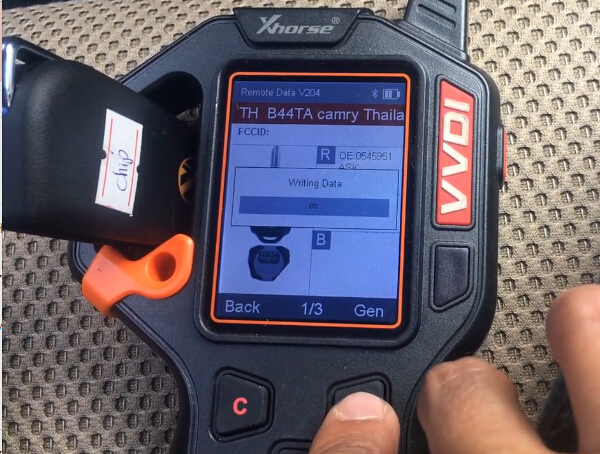
Write key data
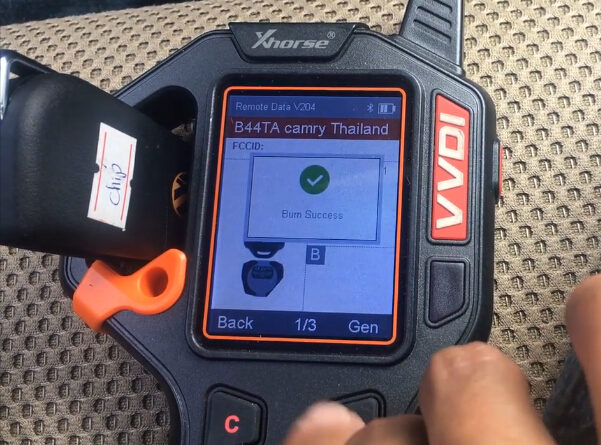
Write key success
Manually program remote control
Open and close driver door
Insert original key into ignition without start engine
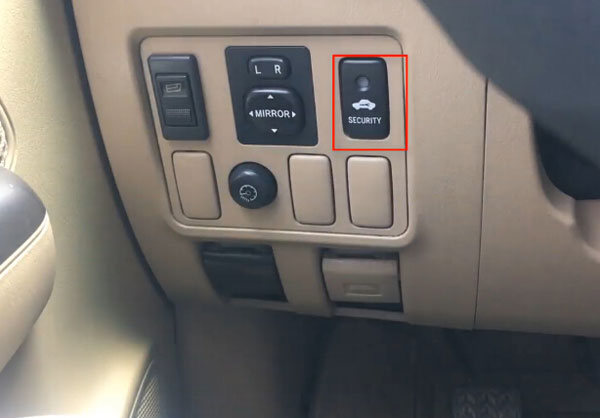
Check the security indicator, it is off.
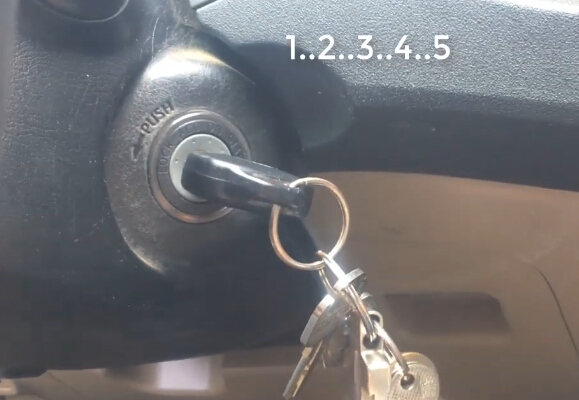
Turn ignition ON and Off for 5 times

The security indicator goes on
Open and close driver door
Turn ignition ON
Open and close driver door again
Turn ignition OFF and ON
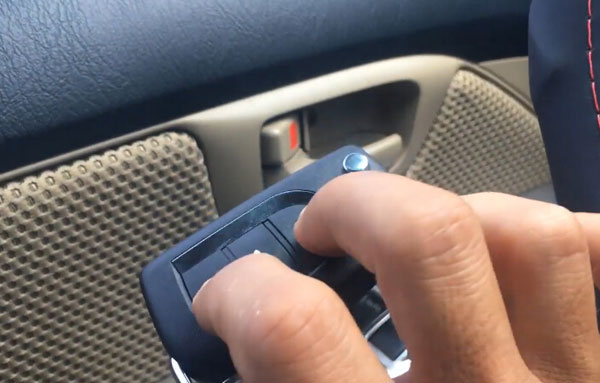
Press LOCK and UNLOCK button of Xhorse remote key
Open and close driver door again
Program remote success
Test the remote control
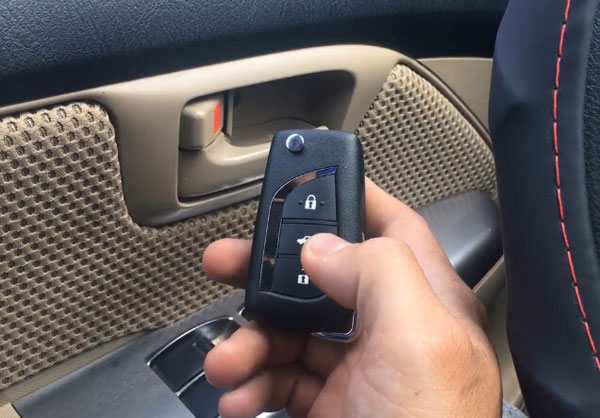
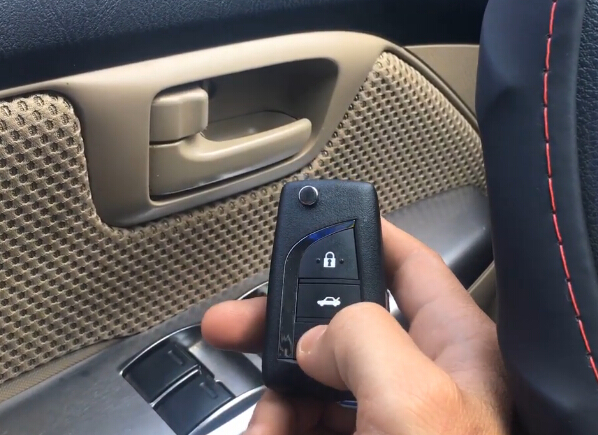
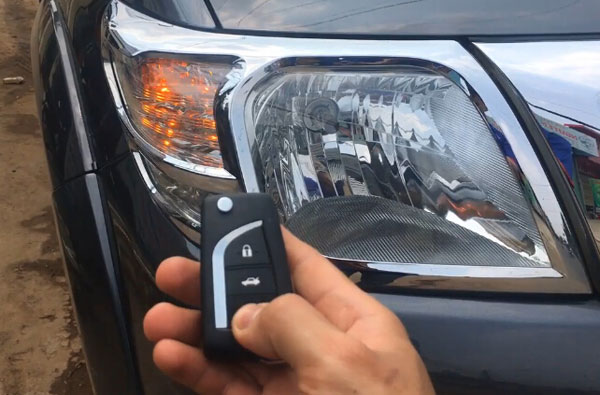
Done.
http://blog.vvdishop.com/vvdi-key-tool-program-toyota-hilux-2014-remote-key/