ابزار Xhorse VVDI
Xhose VVDI نرم افزار برنامه نویس اصلی و سخت افزارابزار Xhorse VVDI
Xhose VVDI نرم افزار برنامه نویس اصلی و سخت افزارXhorse Key Tool Plus vs. Autel IM608 Pro
Universal key programmer which is better, IM608 pro or the Xhorse Key Tool Plus pad?
Check the simple table comparison below:
| Item | Autel IM608 Pro | Xhorse VVDI Key Tool Plus |
| Ford 2019/2020: 1. Add key, 2. All key lost. | Yes | No |
| GM 2018 up: Add key, read PIN by OBD | Yes | No |
| Chrysler 2018-2020: Add key | Yes | Part Yes |
| Mercedes Benz: Add key, all key lost. | 3rd IMMO Yes | 3rd IMMO Yes |
| BMW: All key lost & other immo system functions | Yes | Yes |
| VW: Add key, all key lost. | Yes | Yes |
| Toyota: 8A mechanical all key lost | Part support require emulator | Part support without emulator |
| Honda 2019 up: All key lost | Part Yes | No |
Hyundai 2018-2021:
2. 4A, 8A smart card. | Yes | Part Yes |
| China-made: 2020 of some brands | Yes | No |
| Keytool | Part Yes | Yes |
| EEPROM | Yes | Yes |
Xhorse Key Tool Plus advantages comparing IM608Pro
Better in transporter cloning, remote generation, eeprom function and available to control key cutting machines made by Xhorse.
Can be combined with other xhorse tools.
Xhorse is way better programming Mercedes Benz than Autel (faster online password calculation)
Add a bunch of car brands like Ford, GM, Chrysler etc that does not support before. At present, the vehicle coverage and performance are approximately at a medium level, which is still far from im608 pro, but it is clearly catching up.
Key Tool Plus is good for VAG
Free update online
Autel IM608 Pro advantages:
Full system diagnosis, special service functions and odometer correction functions.
Diagnostic sofwtare is good.
the J2534 programmer is an added source of revenue
Expensive annually subscription
http://blog.vvdishop.com/xhorse-vvdi-key-tool-plus-vs-autel-im608-pro/
Xhorse VVDI Key Tool Plus Add Toyota Corolla 2014 Remote
This is a demo of using new device Xhorse VVDI Key Tool Plus Pad to add a remote key for Toyota Corolla Altis 2014.
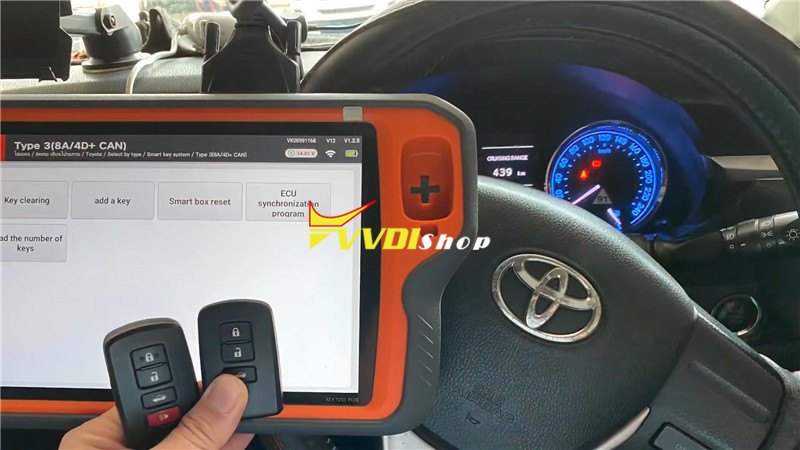
Prepare a working key & a new key to be programmed.
Connect VVDI Key Tool Plus Pad with OBD.
Turn on ignition.
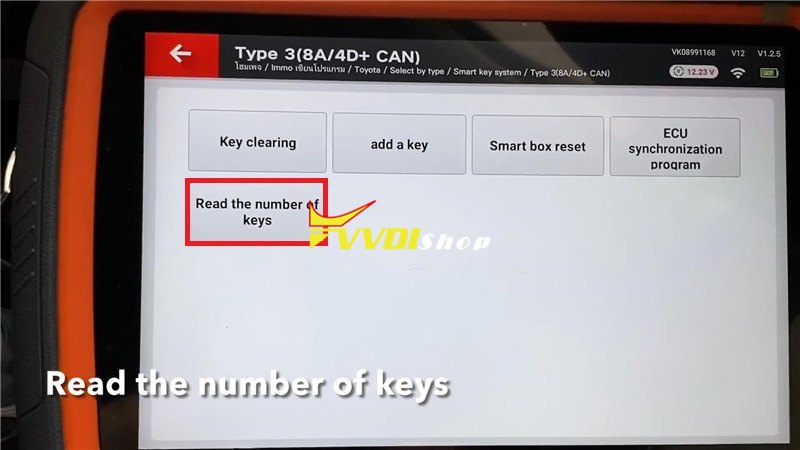
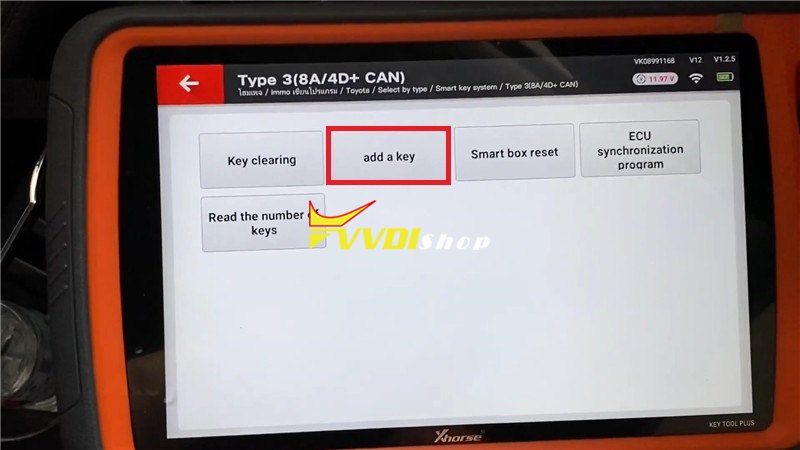
Immo programming >> Asia >> Toyota >> Select by type >> Smart key system >> Type 3(8A/4D+ CAN) >> Start programming >> Read the number of keys
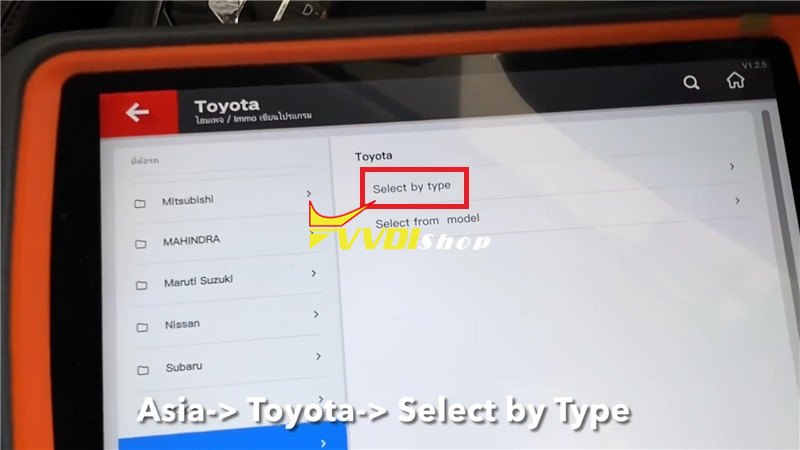
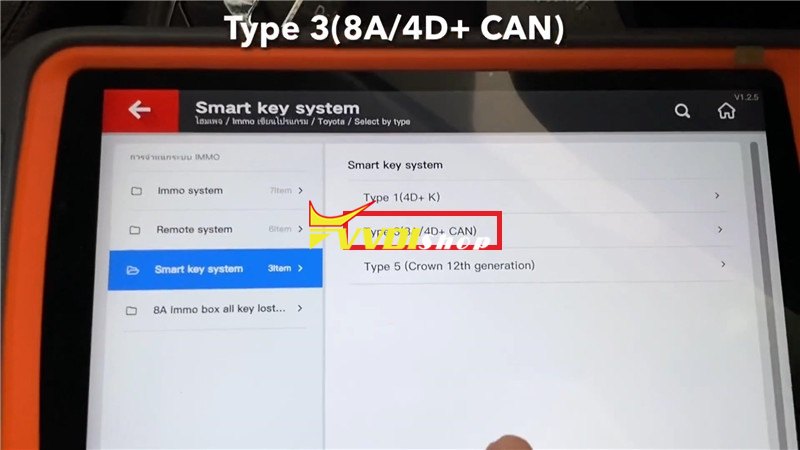
Switch ignition on, press “OK” >> OK >> Add a key
Switch ignition on, press “OK”.
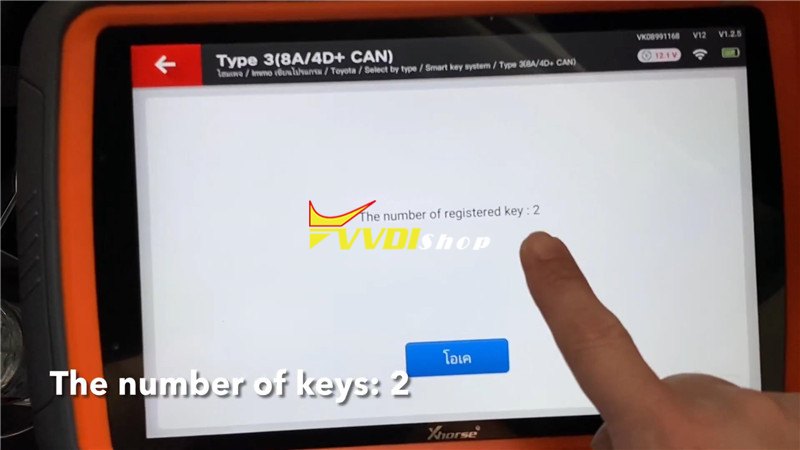
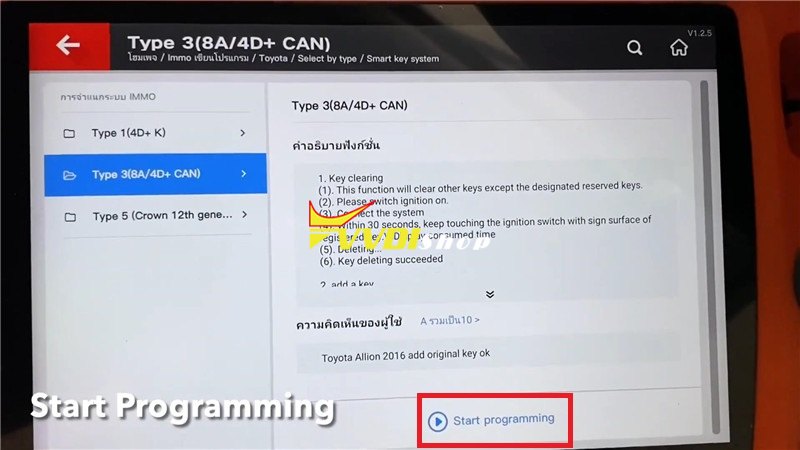
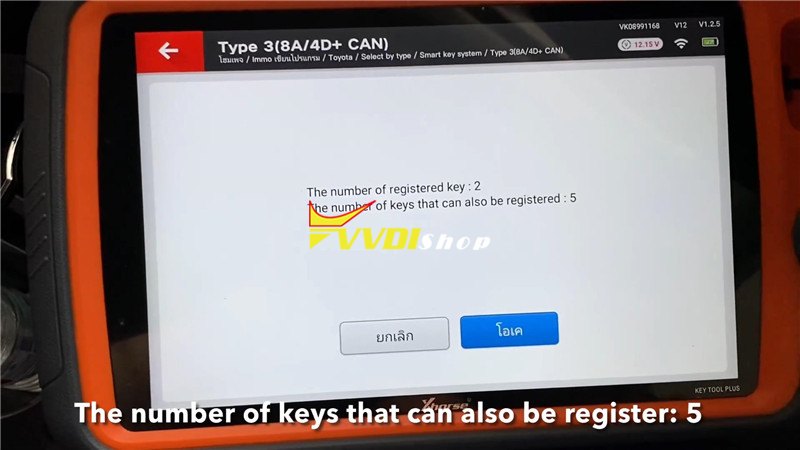
It shows the number of registered keys:2, and remains 5 keys can be registered. Press “OK”.
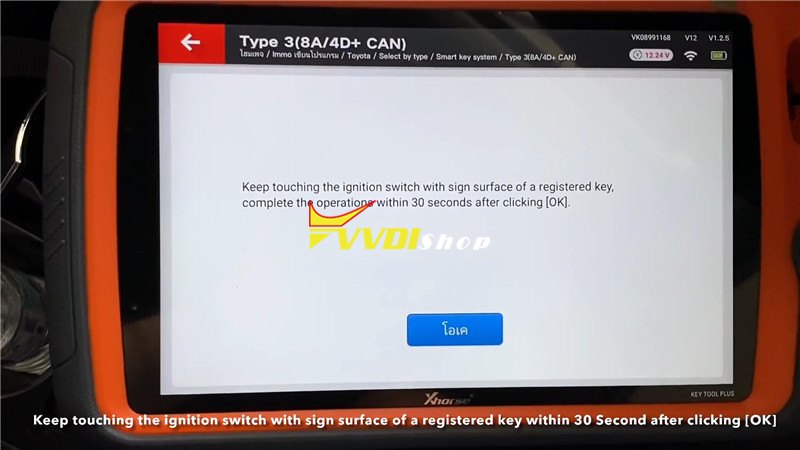
Keep touching the ignition switch with sign surface of a registered key, complete the operations within 30 seconds after clicking “OK”.
You will hear a beep when touching.
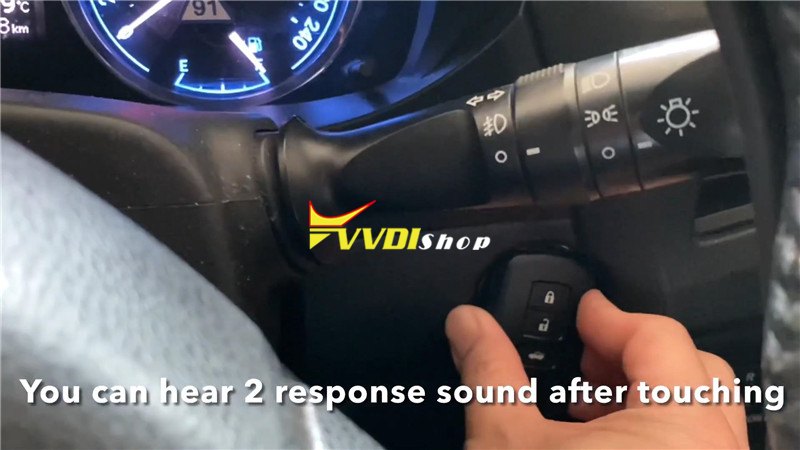
Change to the new key, and keep it touching the ignition switch.
You will hear 2 beeps when touching.
Make sure all steps are completed. Wait for registration to complete.
Key registration succeeded! Press “OK”.
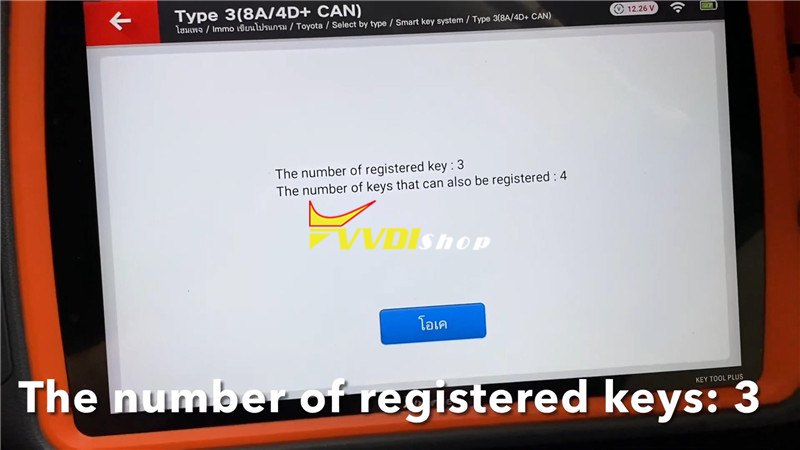
The number of registered keys are 3 now, press “OK”.
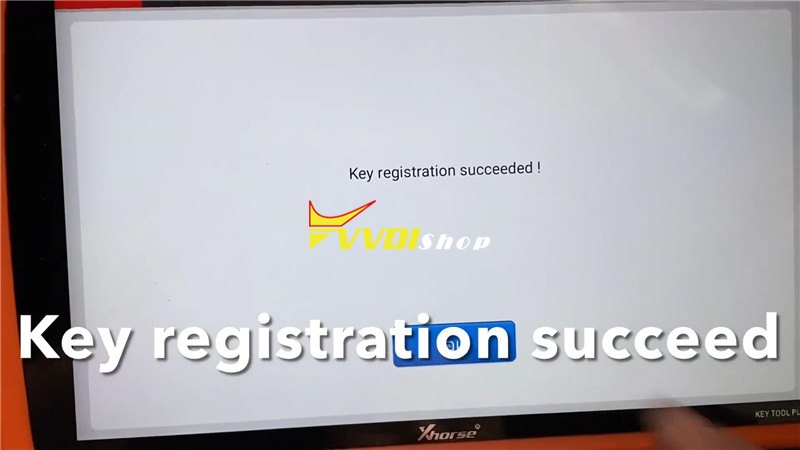
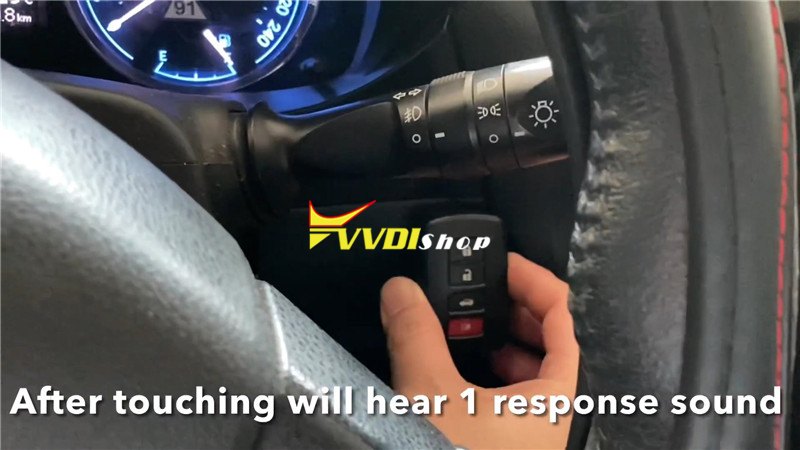
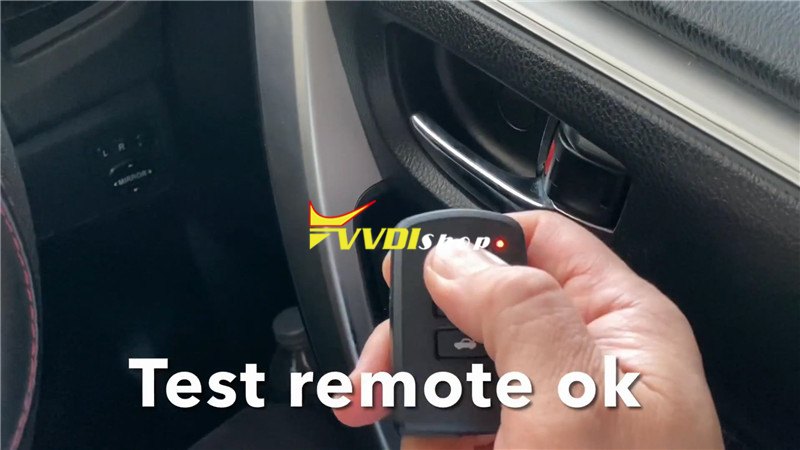
Now check if the functions of new key are normal. Alright, it works good.
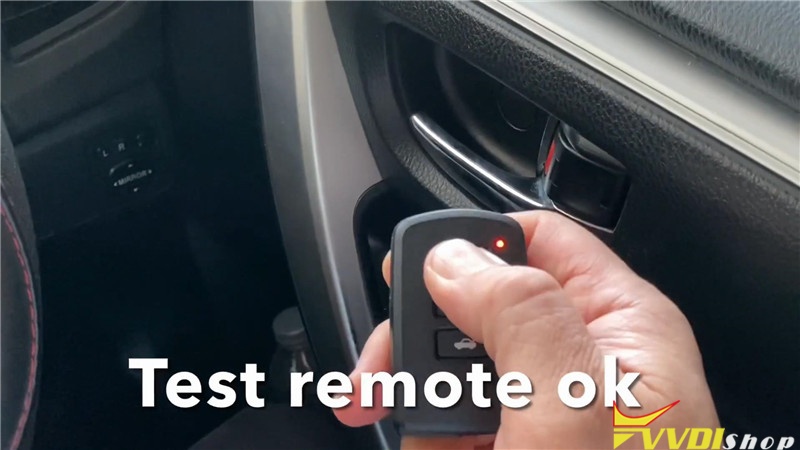
Program Toyota Corrola Altis 2014 a remote key successfully.
Xhorse Key Tool Plus is an all in one automotive solution tool for locksmith daily use.
Xhorse Key Tool Plus Remote Online-cloud Recognition
Xhorse VVDI Key Tool Plus Pad newly released Remote Online-cloud Recognition function which enable locksmith to quick and accurate recognize of your remote.
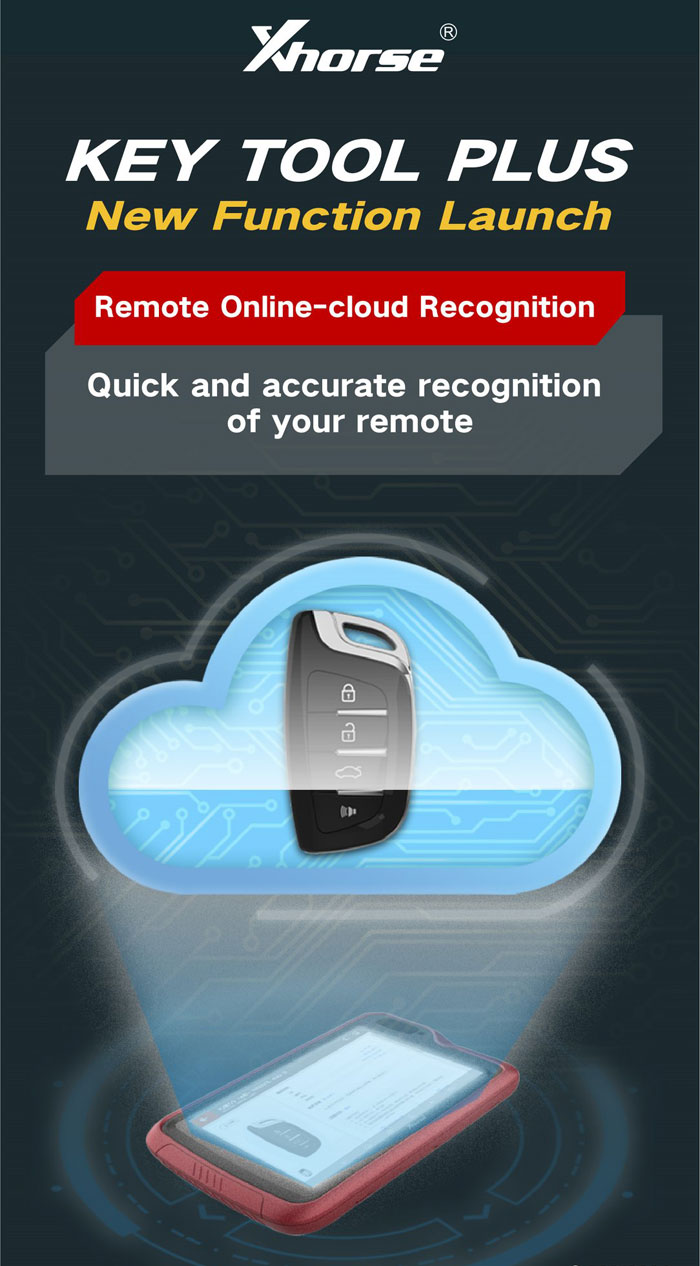
How to use Xhorse Key Tool Plus Remote Online-cloud Recognition?
Select Remote Program or Remote Clone
Then select Remote Online-cloud Recognition
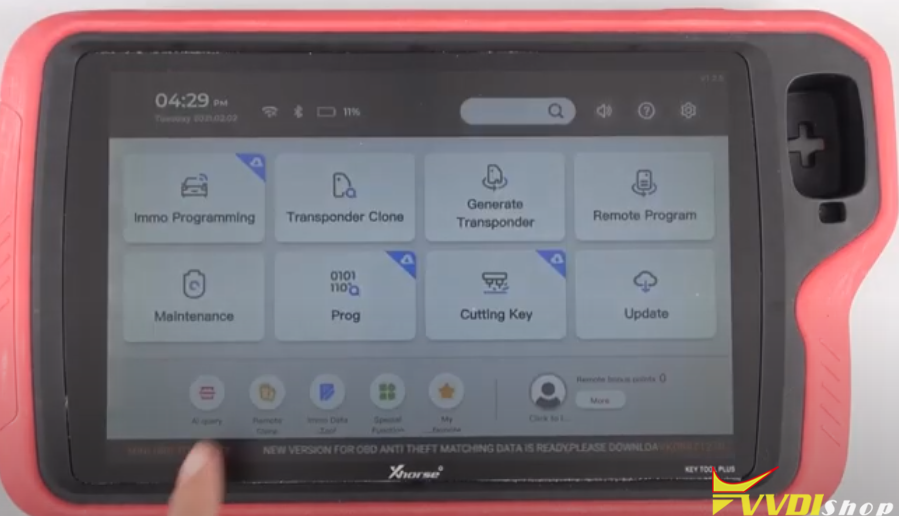
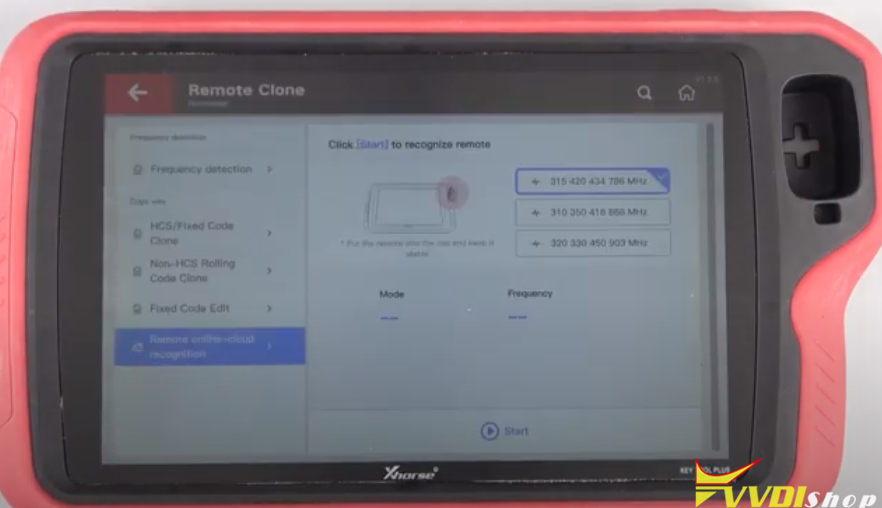
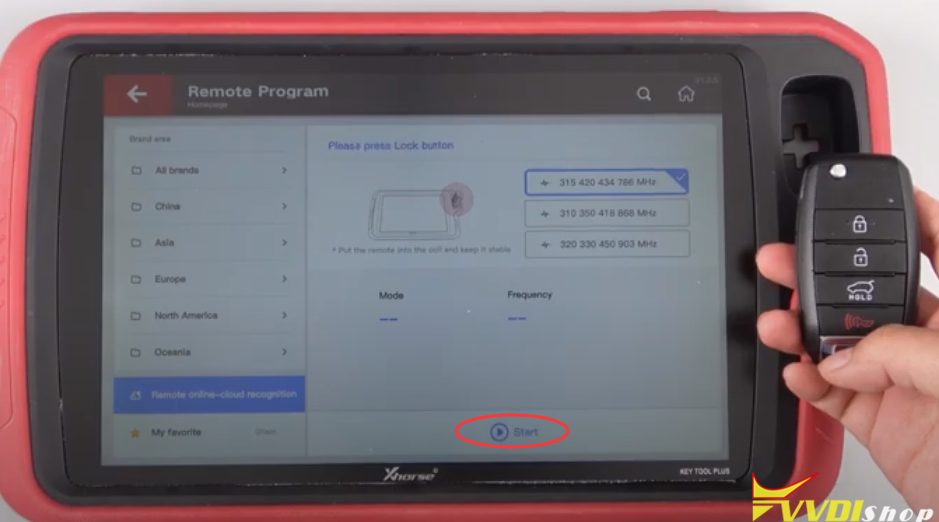
Click Start, your remote can be easily recognized
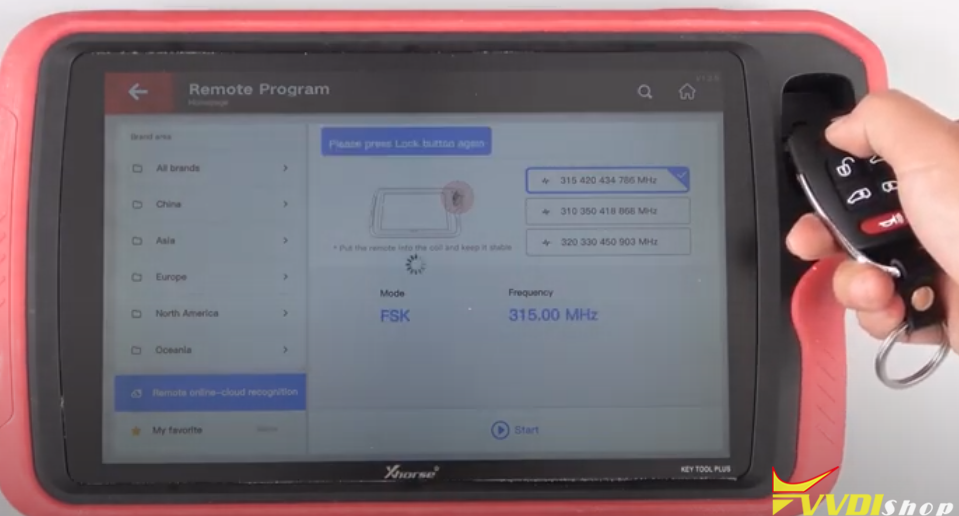
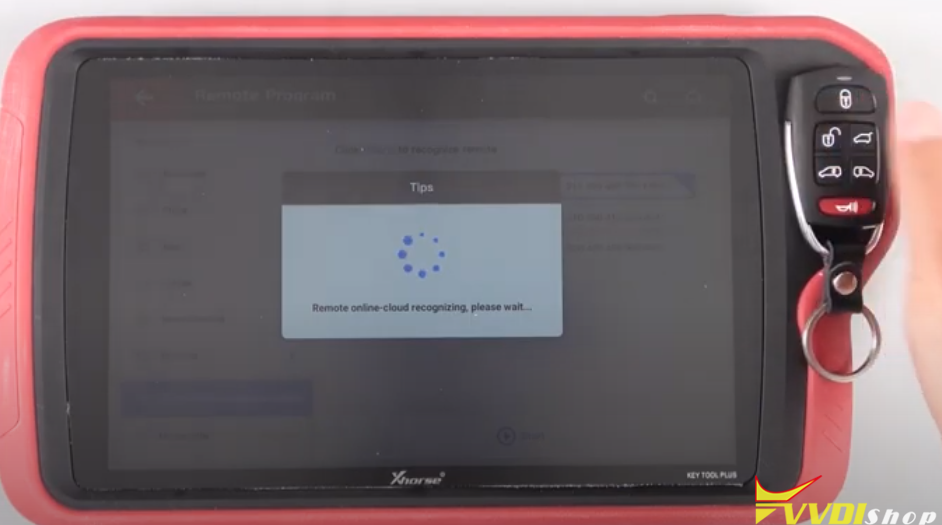
The programming remote was obtained successfully

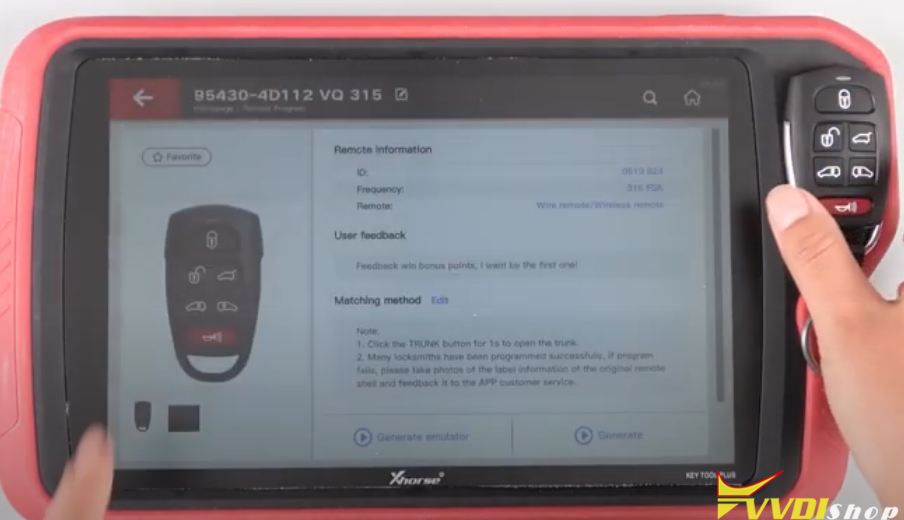
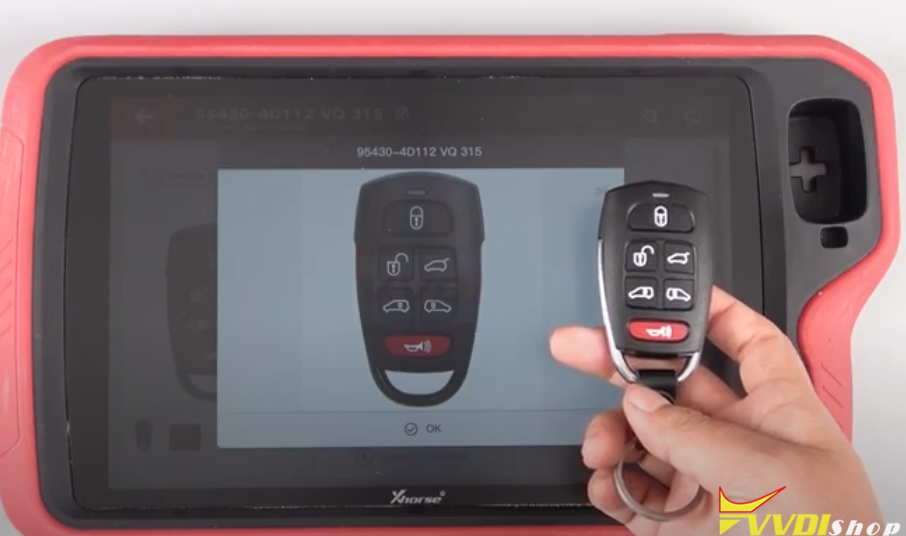
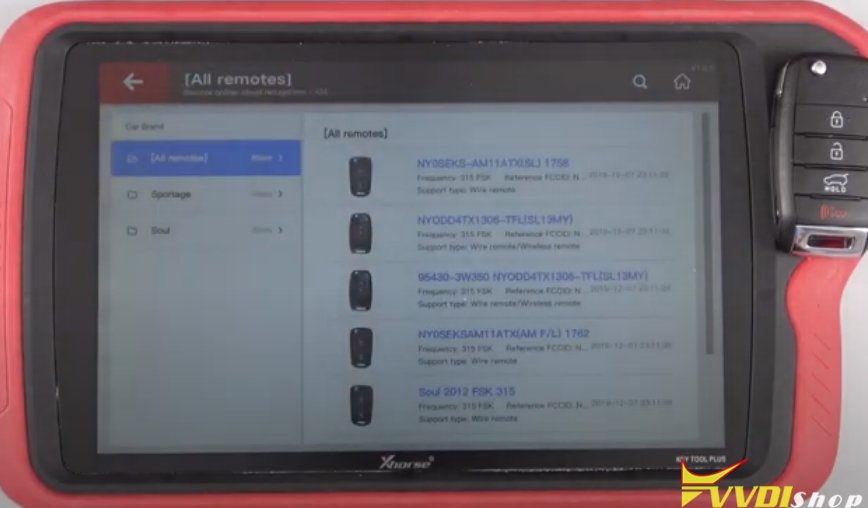
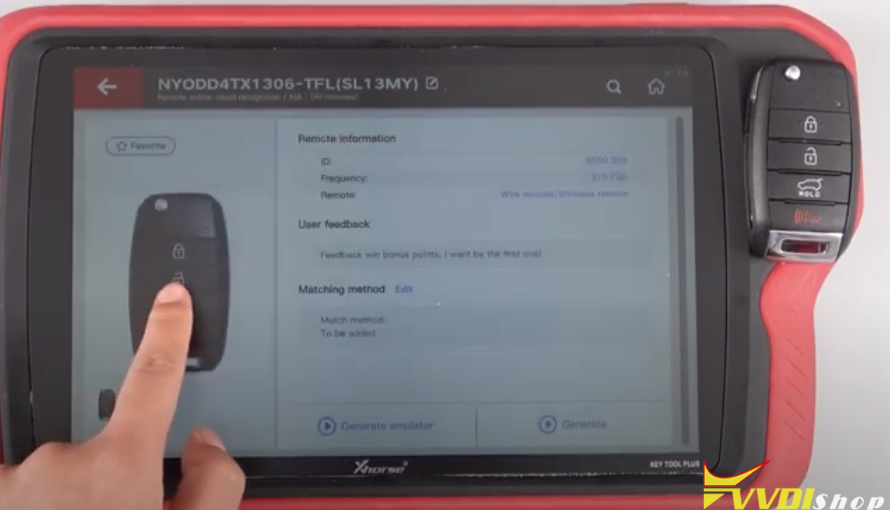
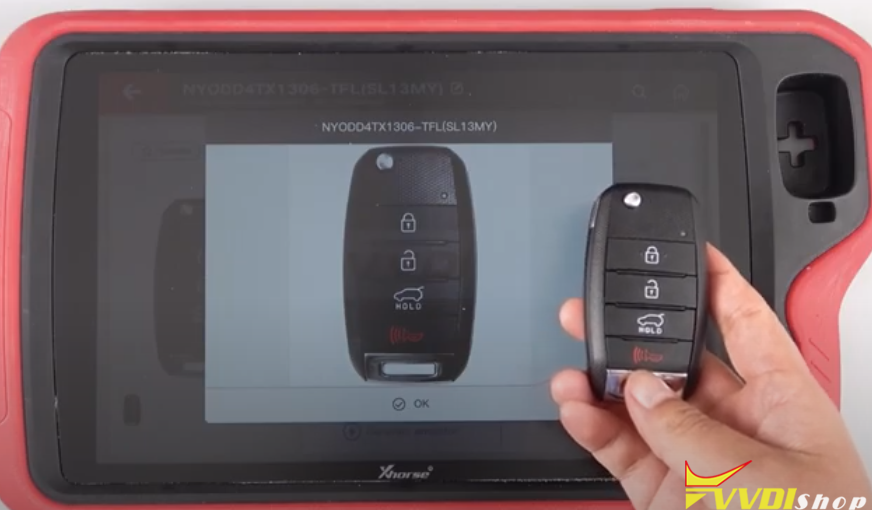
Sometimes, users need to choose the appropriate remote when recognizing multiple possible remotes

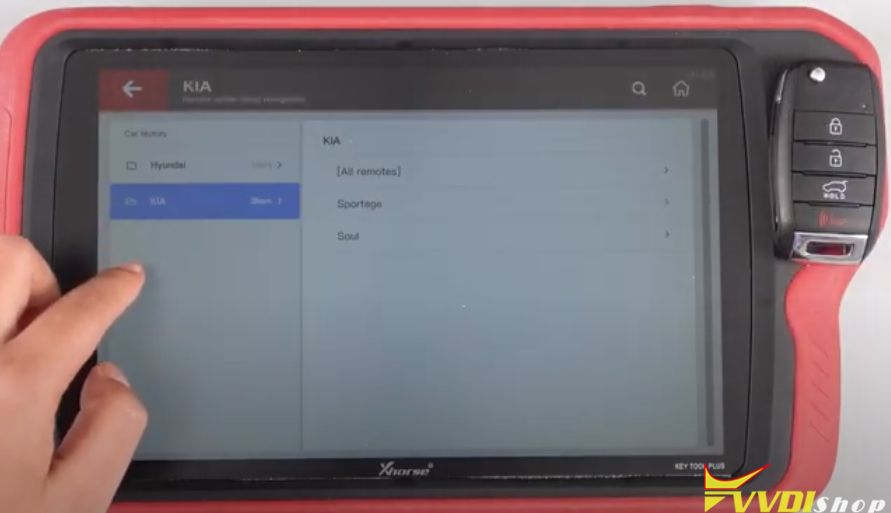
Select proper vehicle make and remote type
Video reference:
http://blog.vvdishop.com/xhorse-vvdi-key-tool-plus-remote-online-cloud-recognition/
Program Jetta 2014 All Key Lost by Key Tool Plus via Dump
There are 2 ways to program 2014 VW Jetta AKL with Xhorse vvdi key tool plus pad: by online calculation via OBD or by dump thru vag obd helper. Here we introduces the 2nd way.
If interested in direct OBD way, check Program 2012 VW Jetta AKL via OBD Online Calculation
Transfer Data to Key Tool Plus Pad
Read dump with vag obd helper, then upload data to Xhorse data server
- Login in
- Go to Key Tool Plus:
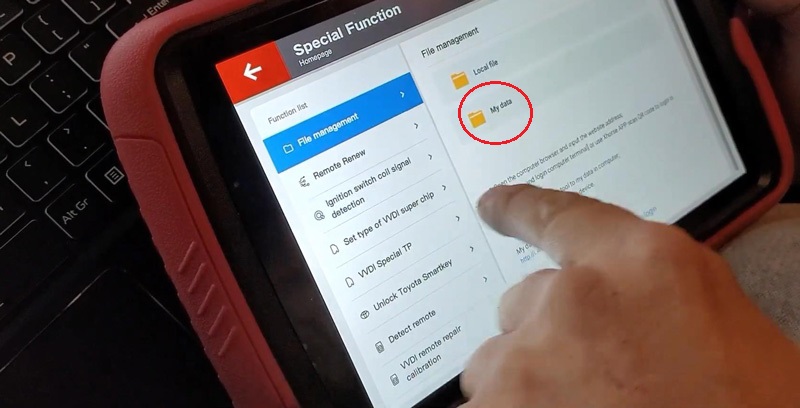
Special function >> File management >> Scan code to login
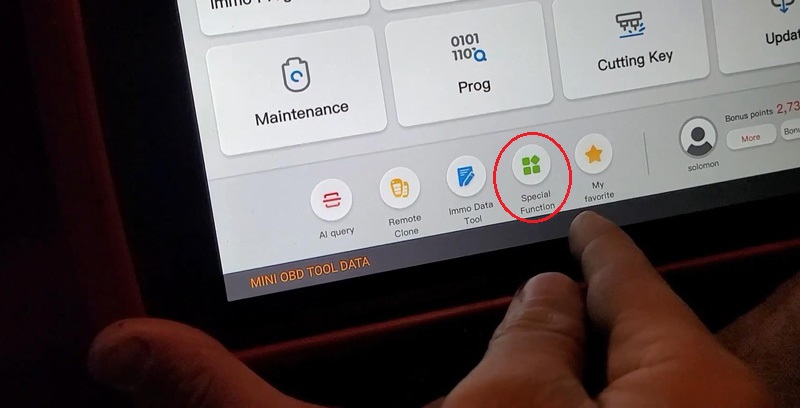
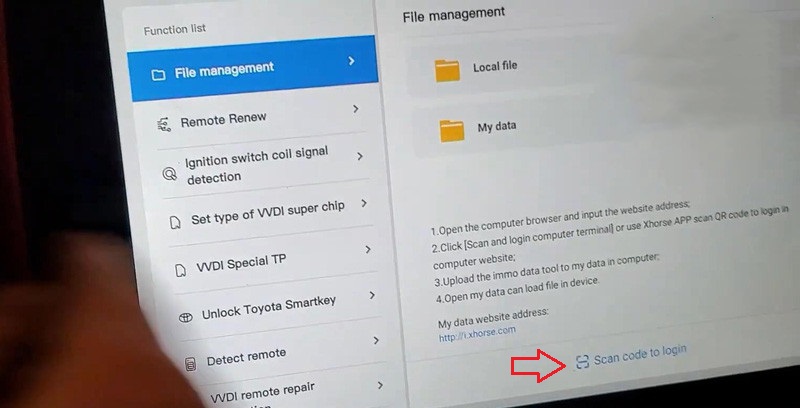
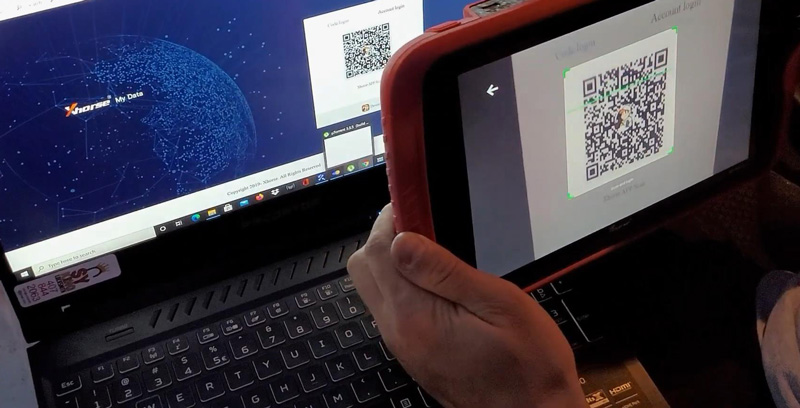
- Go to Xhorse website: i.xhorse.com, scan the code on web.
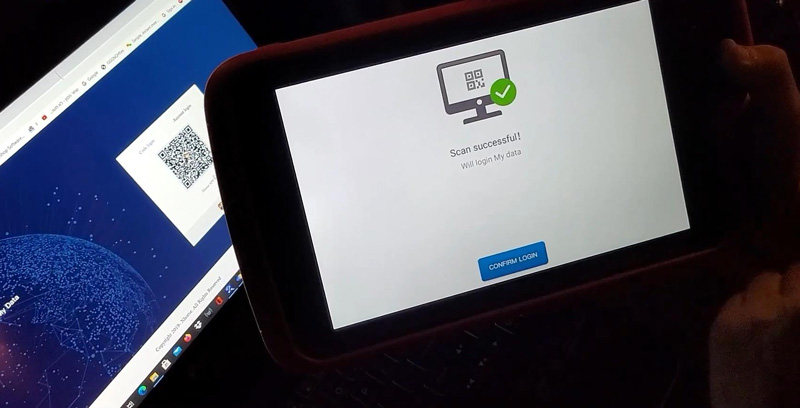
Scan successful! Press “Confirm login”
- Upload
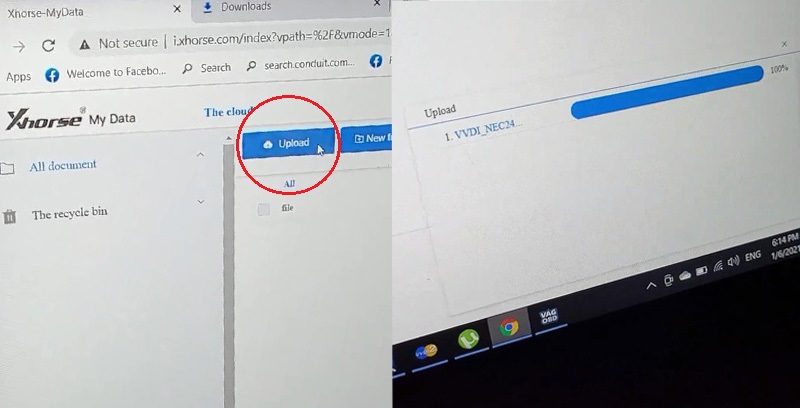
Go back to Xhorse cloud server to upload VW IMMO data. We can see its progress on the web.
- File location
Go to “My data” to check the file when downloading completed.
Generate Key-Load Data
Immo programming >> European >> VW >> Select by type >> 4th immo system – Volkswagen/Skoda/Seat >> Instrument with NEC+24C64(2013-) >> Begin >> Generate dealer key – load immo data
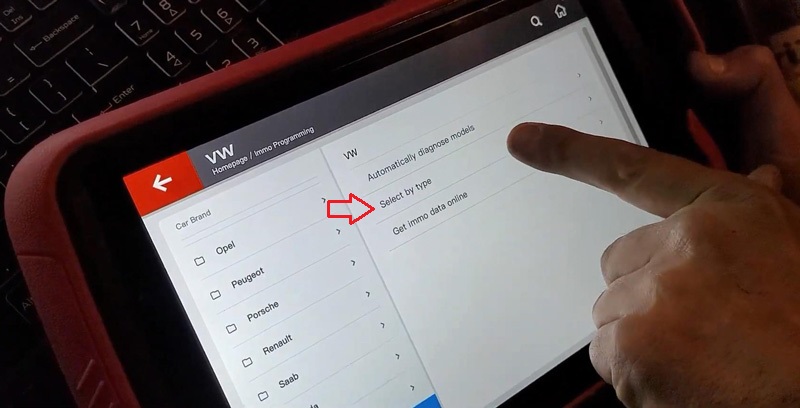
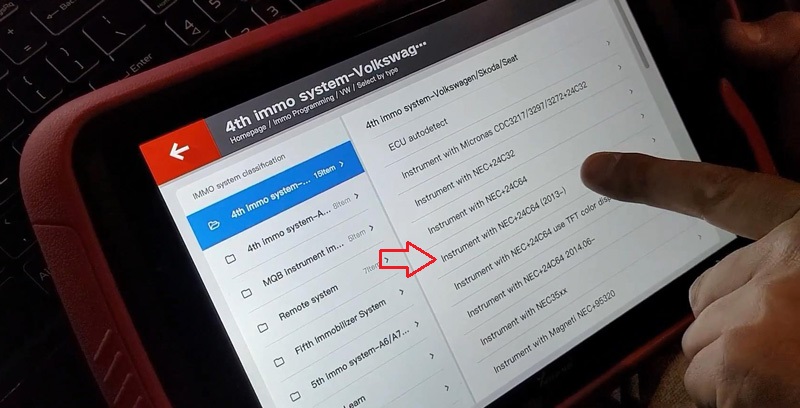
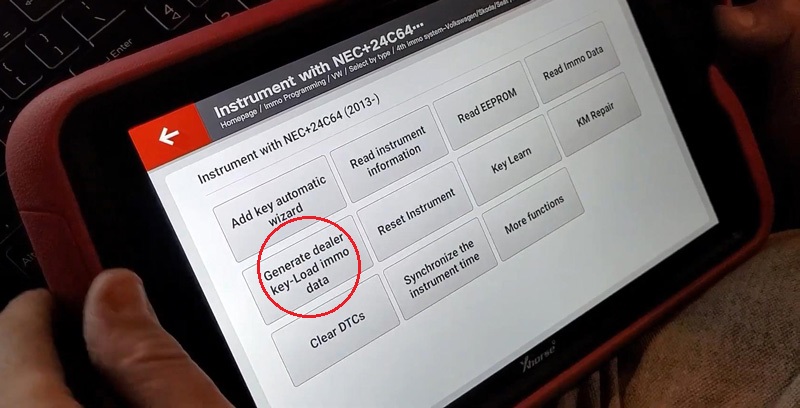
Select data file, press “Open” >> Continue >> Prepare normal dealer key >> Yes
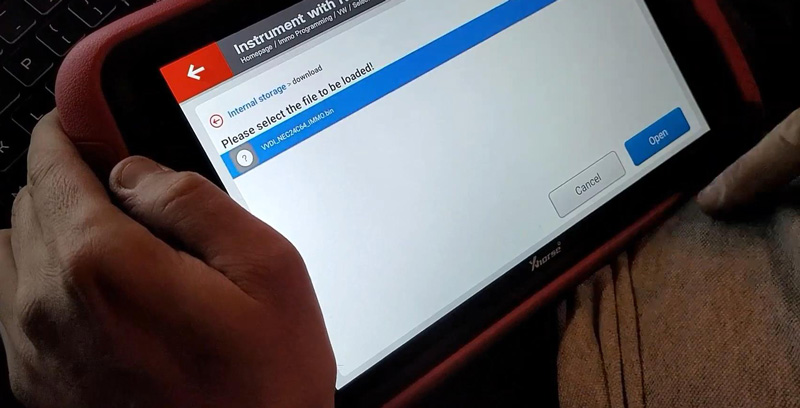
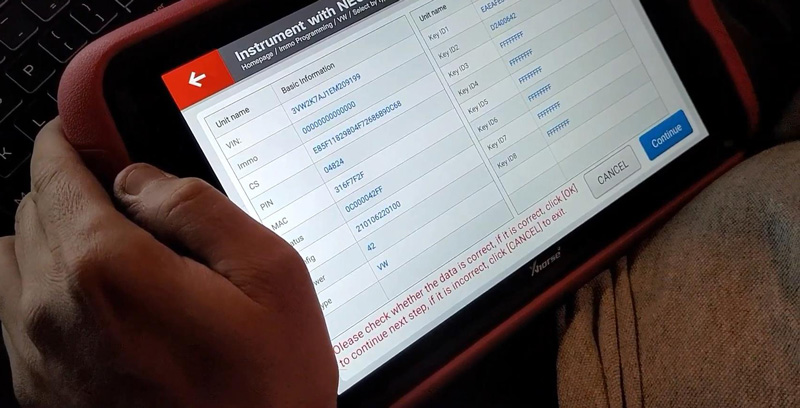
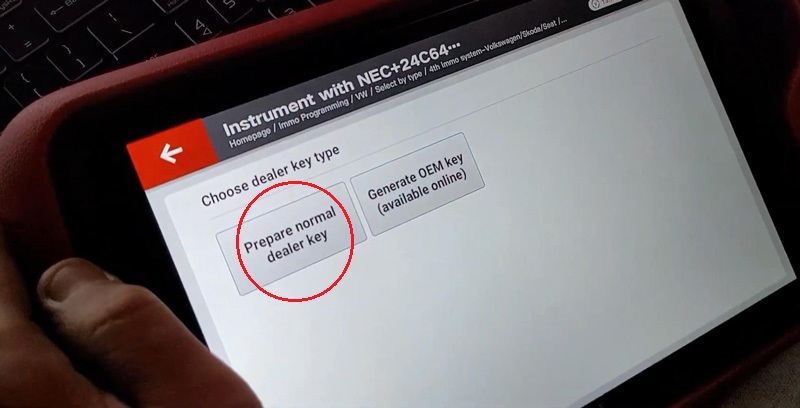
Put an unlock 48 chip into the Xhorse Key Tool Plus coil, press “OK”.
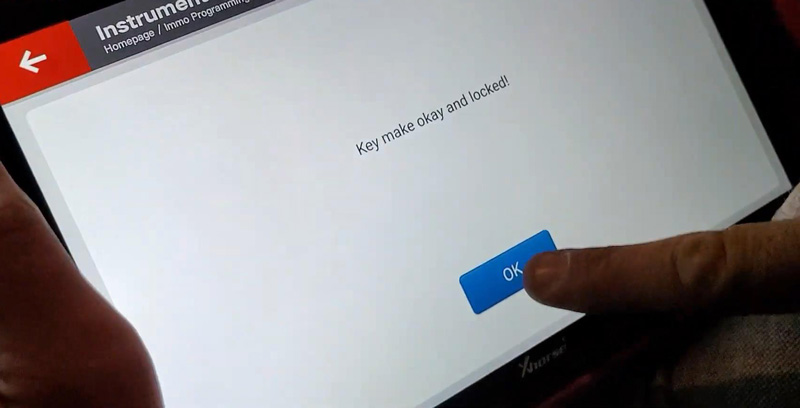
Key make okay and locked!
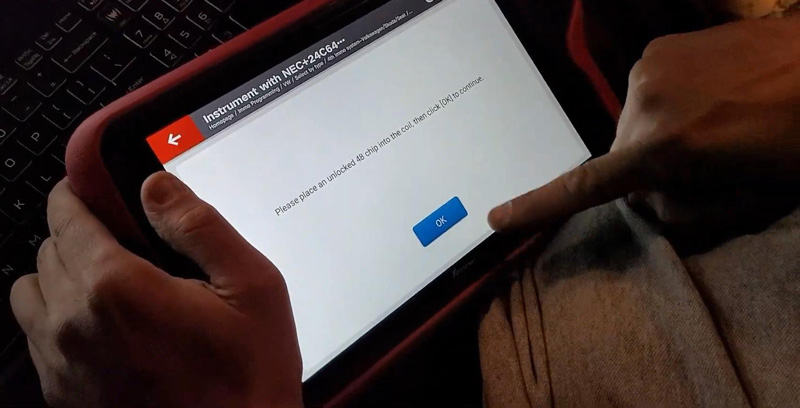
Learn Key
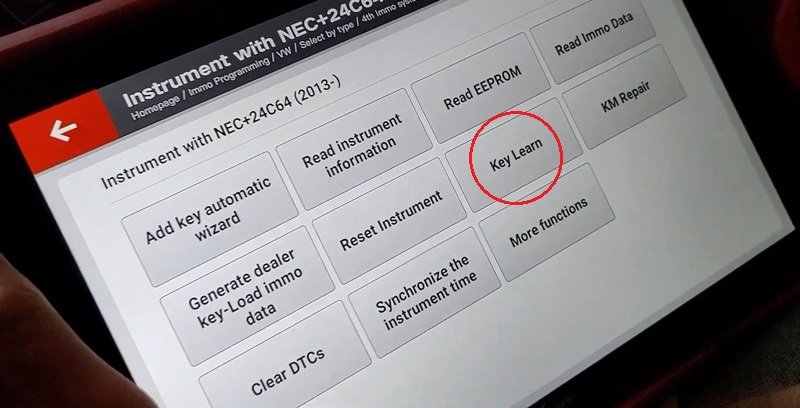
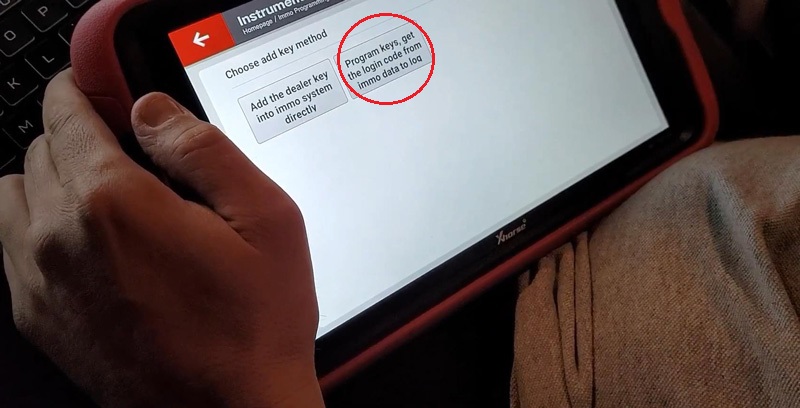
Key learn >> Yes >> Program keys, get the login code from immo data to log
Warning: you should backup EEPROM and immo data before learn key.
If you have already backup you can continue, else backup EEPROM and immo data first.
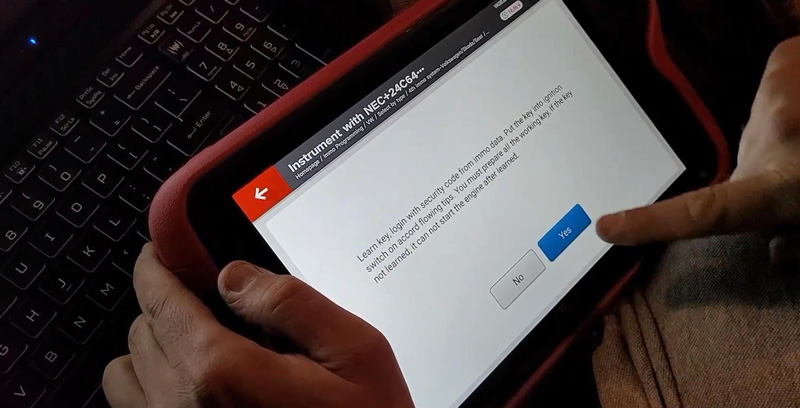
Learn key, login with security code from immo data.
Put the key into ignition switch on accord flowing tips. You must prepare all the working key, if the key not learned, it can not start the engine after learned.
Press “Yes”.
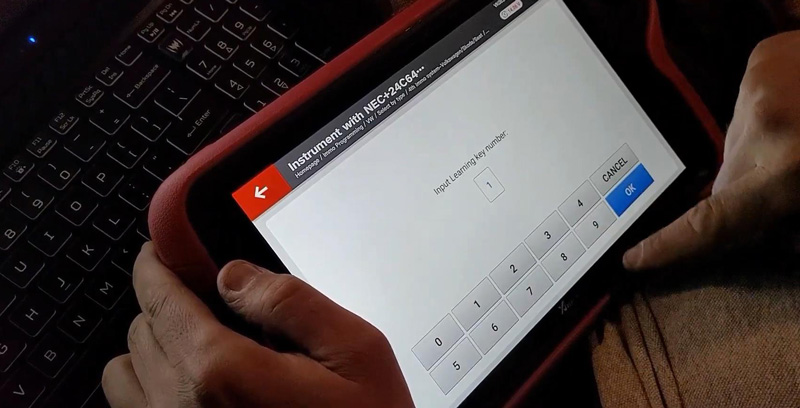
Input learning key number, press “OK”.
Select data file, press “Open” >> Continue
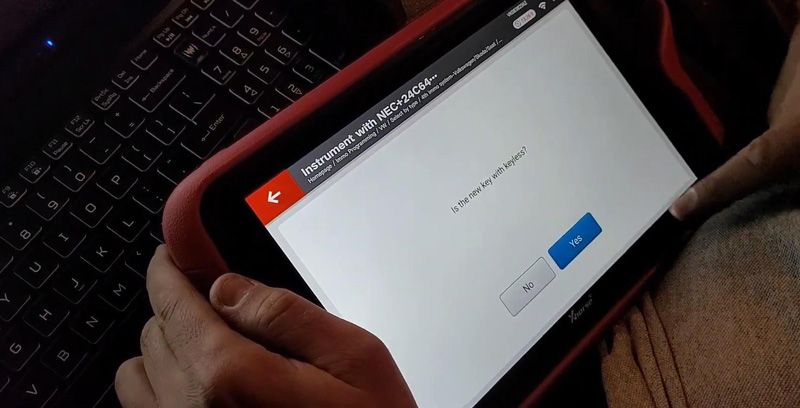
Is the new key with keyless? No.
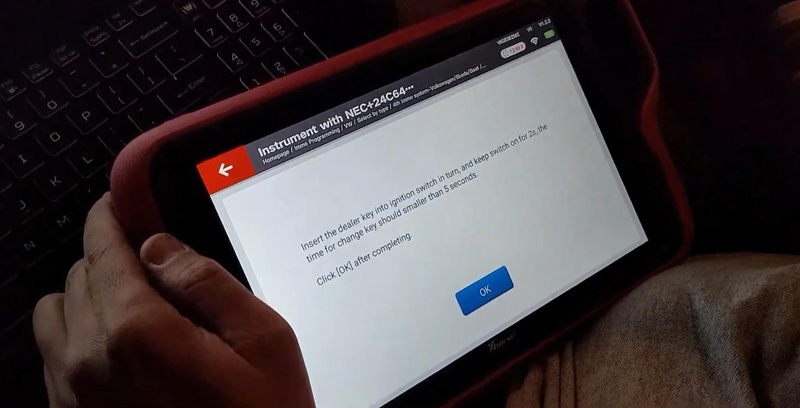
Insert the dealer key into ignition switch in turn, and keep switch on for 2s, the time for change key should smaller than 5 seconds.
Press “OK” after completing.
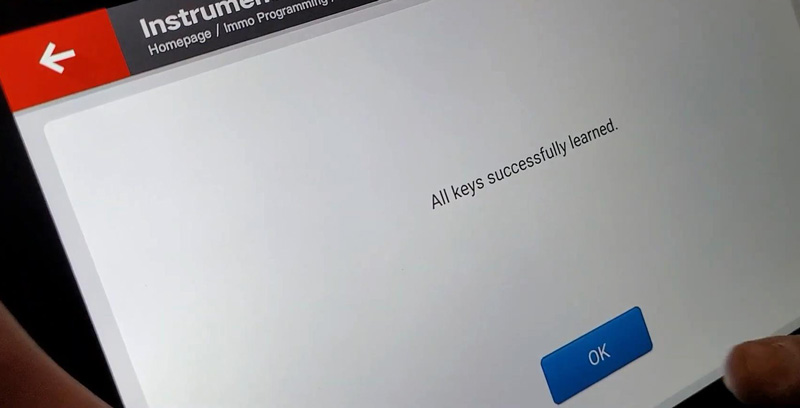
All keys successfully learned. Press “OK”.
Okay, it can start the engine, it is done!
Learn Remotes
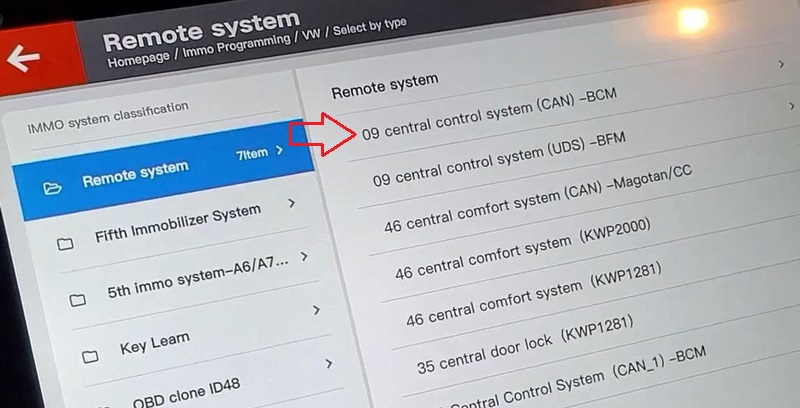
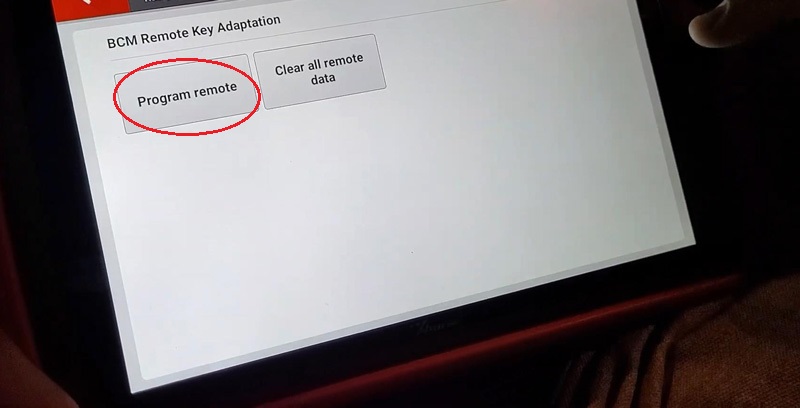
Immo programming >> Europe >> VW >> Select by type >> Remote system >> 09 central control system (CAN) – BCM >> Begin >> Program remote
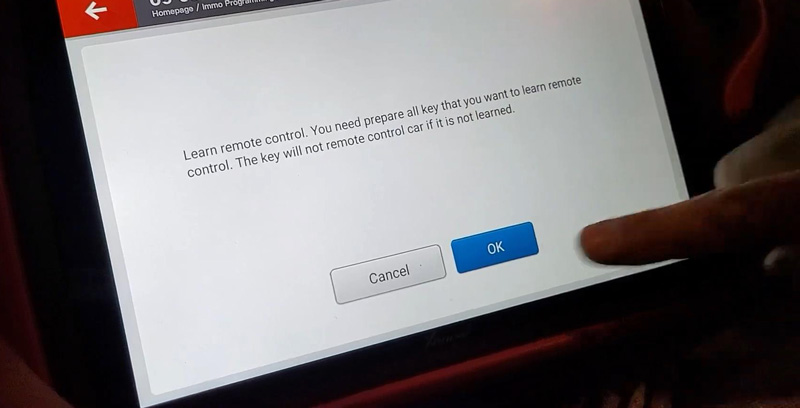
Learn remote control. You need prepare all key that you want to learn remote control.
The key will not remote control car if it is not learned.
Press “OK”.
Input learning key number, press “OK”.
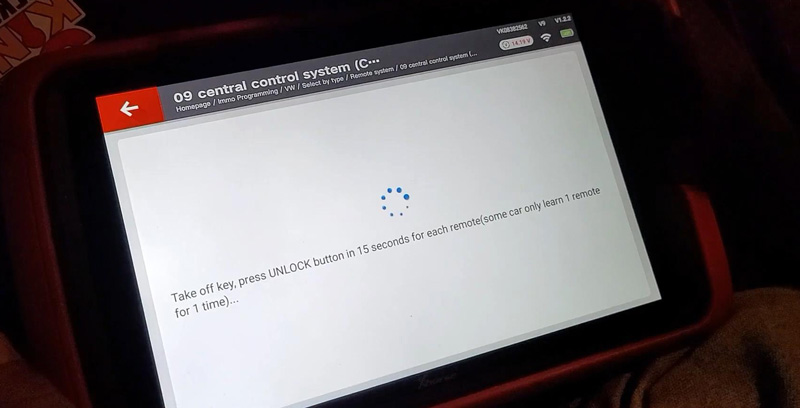
Take off key, press UNLOCK button in 15 seconds for each remote(some car only learn 2 remote for 1 time)…
Remote control completed! Some models can program one key at a time, if you need to program multiple keys, please execute the function again. Press “OK”.
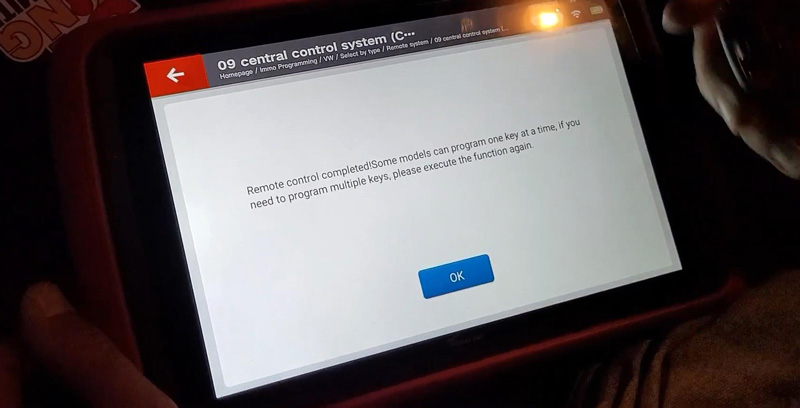
Let me try the remote, it does work.
Job has done!
VVDI Key Tool Plus Pad program 2014 VW Jetta remote key successfully.
Xhorse VVDI Prog v4.9.9 Adds BMW B48 ISN Reading
Xhorse VVDI Prog V4.9.9 adds BMW B48 ISN reading on bench. Bosch ecu adapter is required.
+ Add B48 (ADAPTER) option in
<10-BOSH-ECU-ADAPTER>-><BMW>
VVDIProg B48 B58 wiring diagram
*B58 is not yet supported. B58 will be added in the feature update.
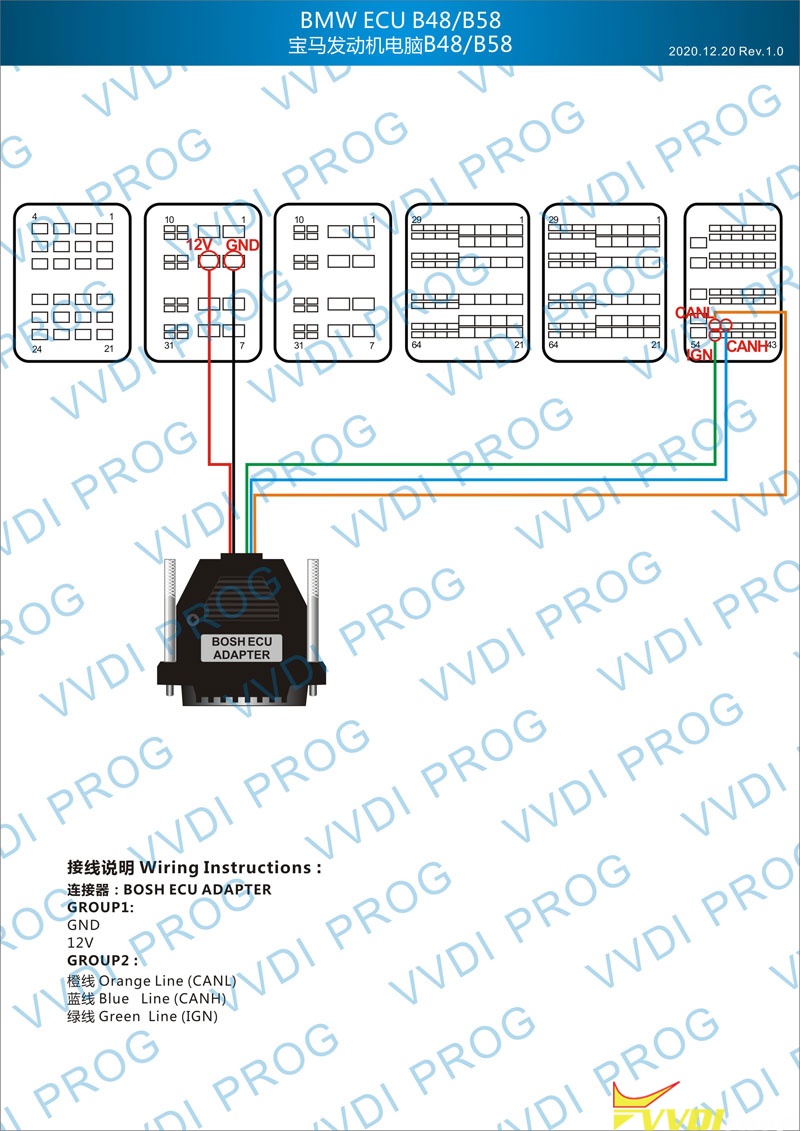
VVDI-Prog now can read ISN from BMW N20/N55/B38/B48 and lots of other ECUs with adapter.
Check bosch ECU adapter available list here:
https://www.vvdishop.com/wholesale/vvdi-prog-bosch-ecu-adapter-read-isn-without-opening.html