ابزار Xhorse VVDI
Xhose VVDI نرم افزار برنامه نویس اصلی و سخت افزارابزار Xhorse VVDI
Xhose VVDI نرم افزار برنامه نویس اصلی و سخت افزارXhorse Dolphin XP005L Cut Key BMW HU100R
Just got a new Key Cutting Machine from Xhorse recently. This is a first Dolphin XP005L Review on how to learn & cut BMW Mini Cooper HU100R key.
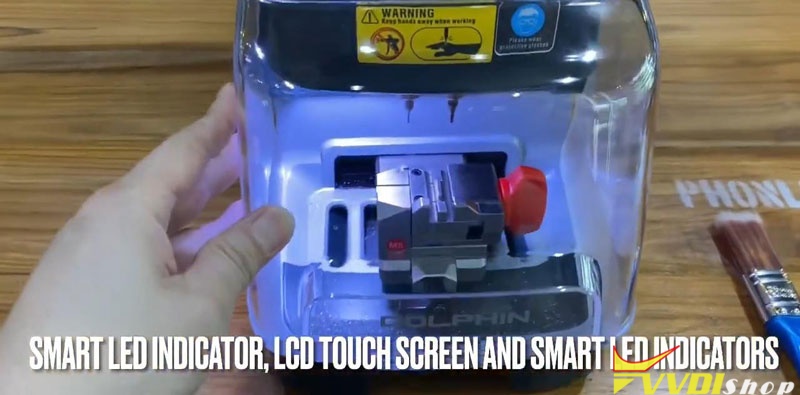
It came with a protection cover and an adjustable screen. When I turned on the machine, a smart LED indicator lights on.
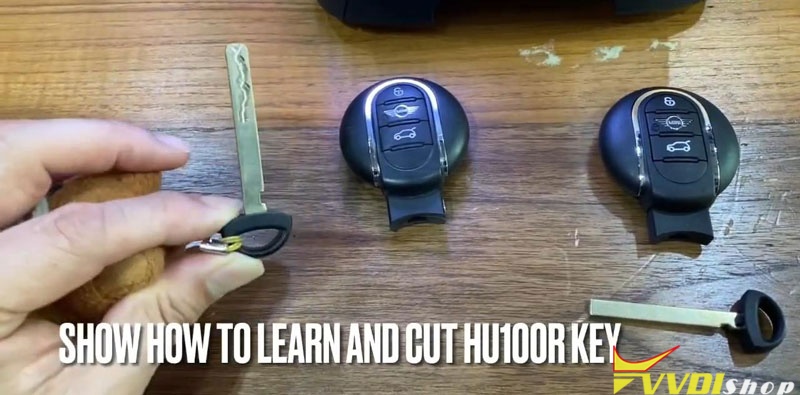
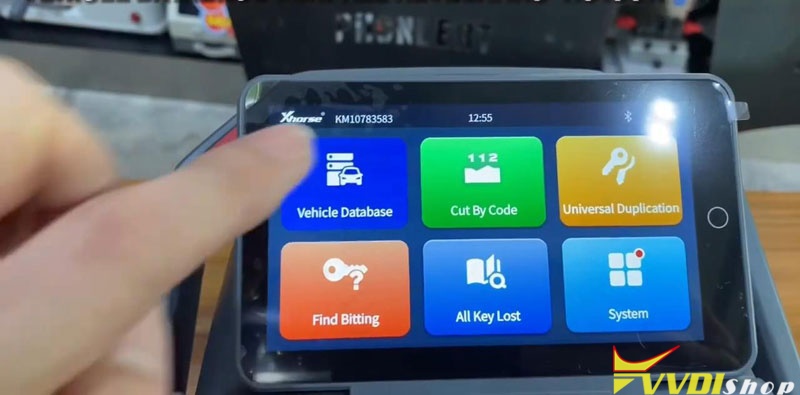
Go to touch screen tablet,
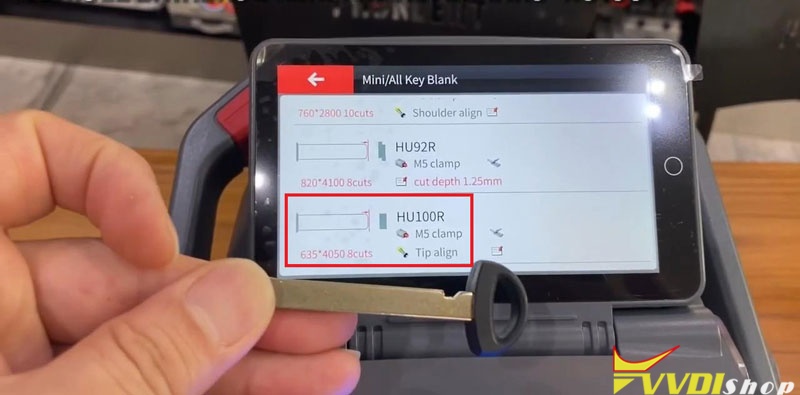
Vehicle database >> Mini >> All key blank >> HU100R
It turns out that the M5 clamp has 2 sides.
It is asked to rotate M5 clamp side B to tip align No.1 position.
Then fix a working key on.
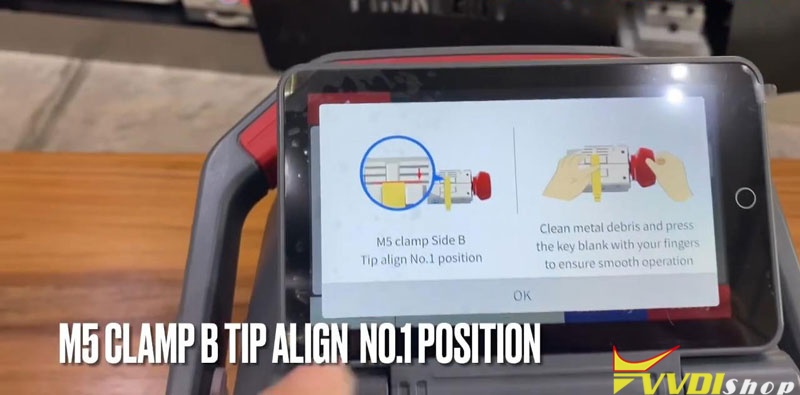
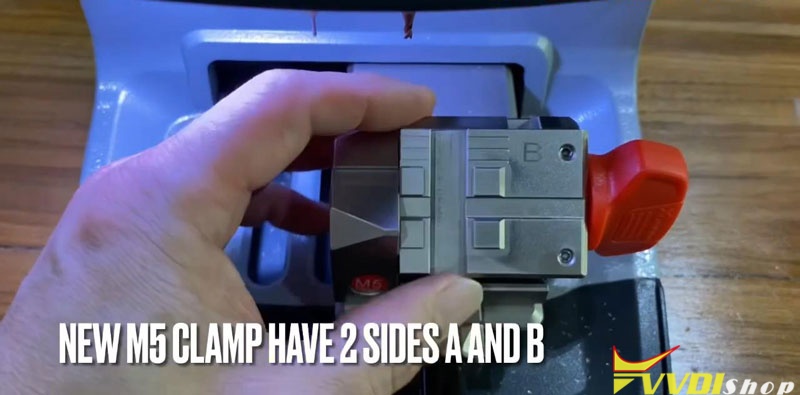
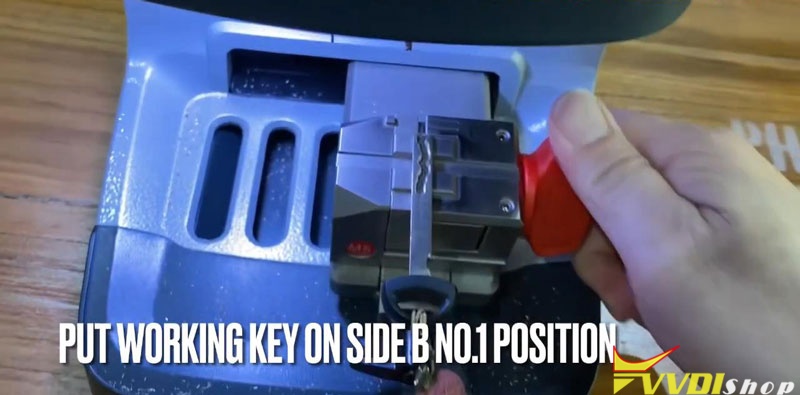
OK >> Learn key
Xhorse Dolphin II machine will start decoding automatically…
Decode key complete.
The bitting codes have came out on screen.
Check it with original key.
Fix a new key blank on clamp to ready.
Put down protection shield, press
Cut key >> Cut
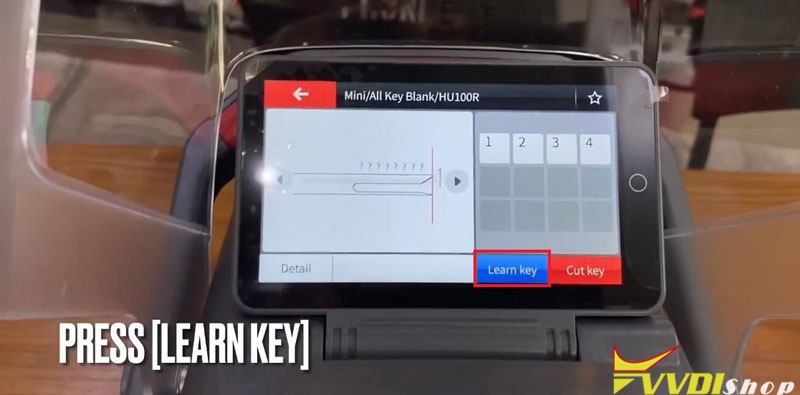
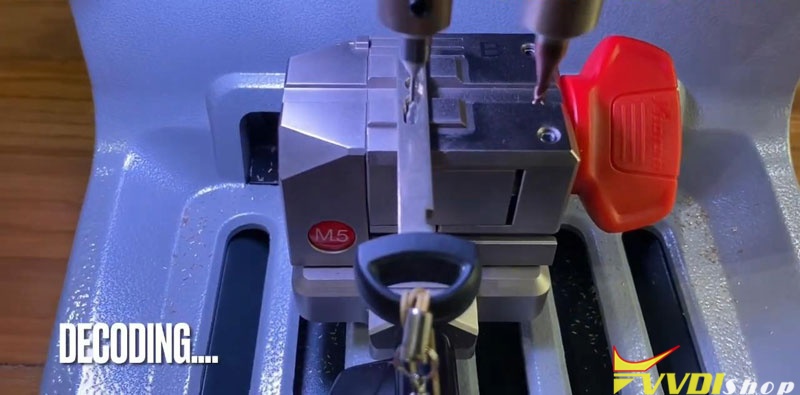
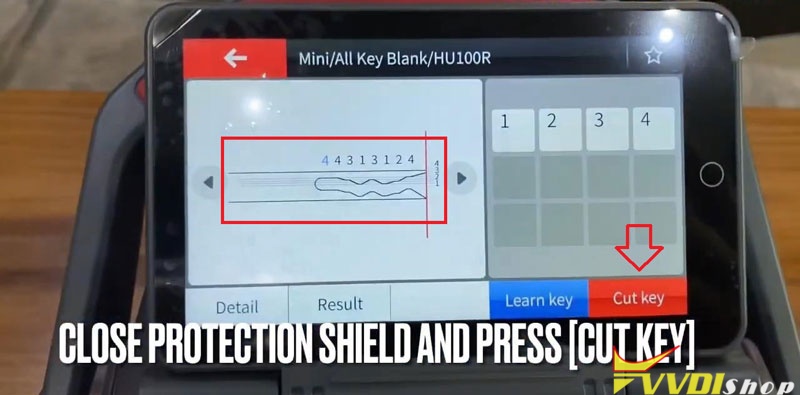
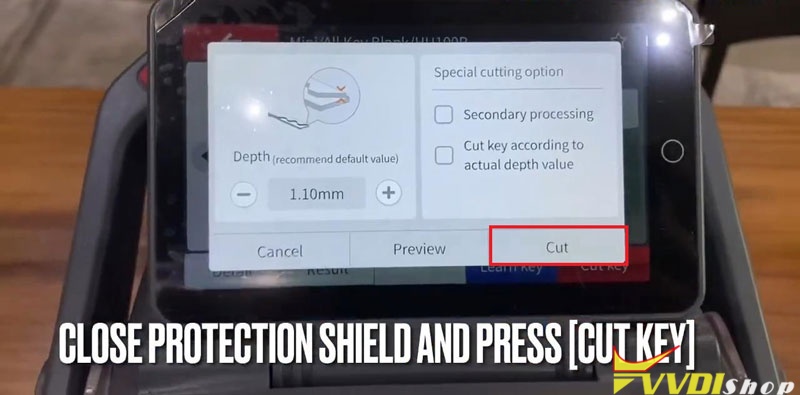
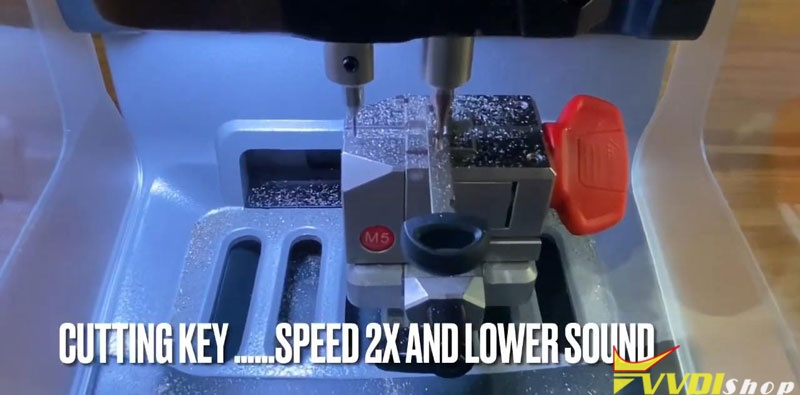
Dolphin XP005L starts cutting key…Wait until 100%.
Cutting key completed.
Turn over new key to cut the other side.
Just repeat as before…
Completed!
Compare 2 keys, they are same.
Key cutting has done!
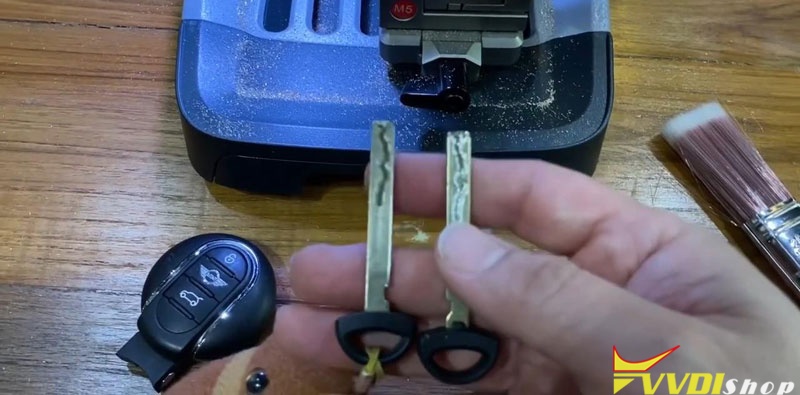
Exactly smart and convenient to control on screen directly. You can also use a Dolphin XP005L App to smart control the machine as well.
Program Toyota Tundra 2010 Key with Xhorse Key Tool Max and Mini OBD
Here is the programming instruction of the Toyota Tundra 2010 remote key with the xhorse vvdi key tool max and vvdi mini obd tool.
Main steps:
1. Generate Remote
2. Program remote
3. Clone transponder
Procedure:
Step 1. Generate wired remote
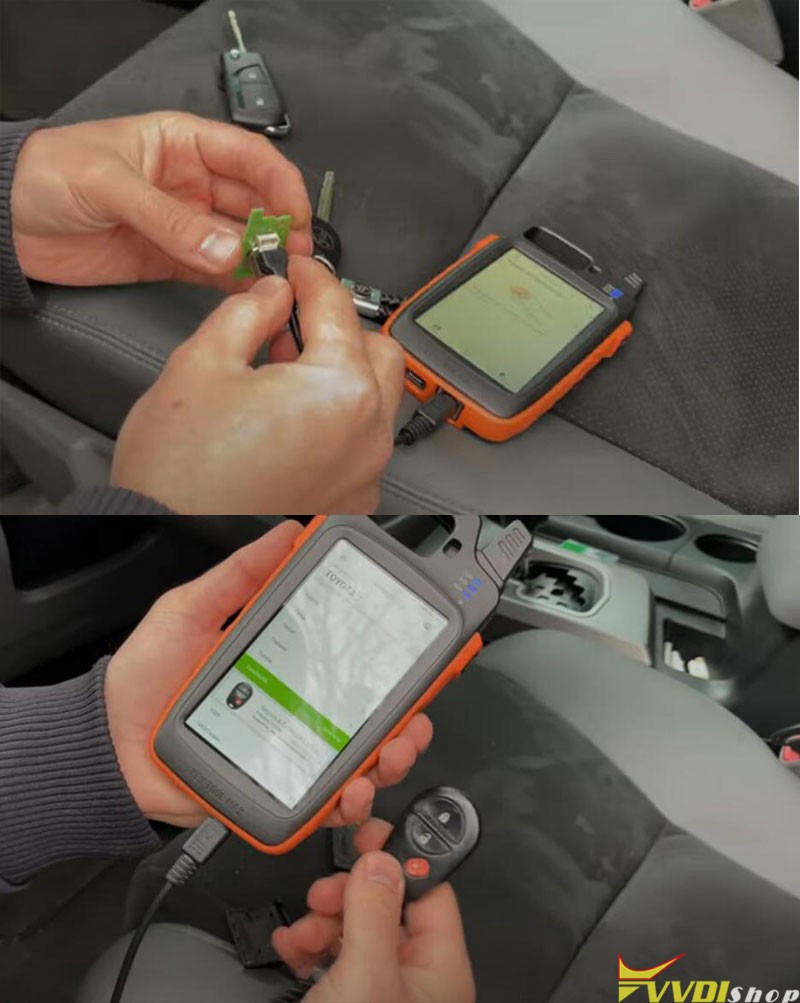
Connect Xhorse Toyota flip wired remote key board with Key Tool Max
Go to vehicle remote- Toyota, pick straight tom list, we have Tundra
all one option is the same as here, press Generate
Insert the battery, we have CR2032 battery
we insert and check frequency by pressing the magic side button
it is 315 MHz.

Step 2: Program remote
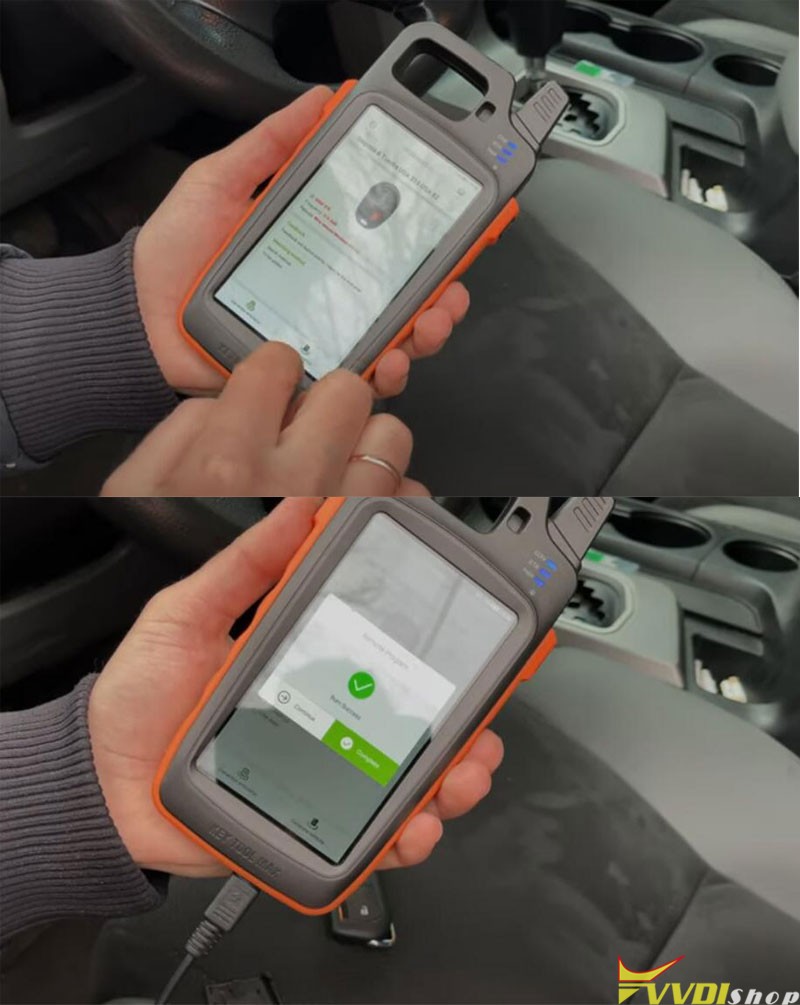
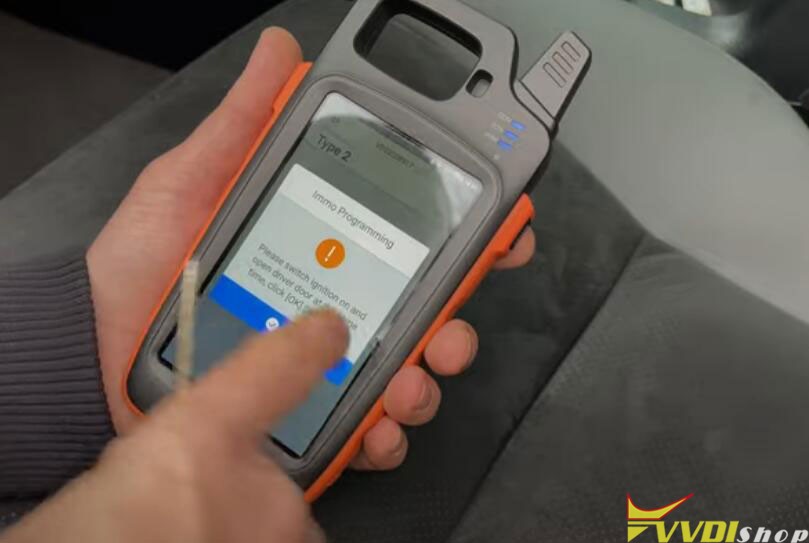
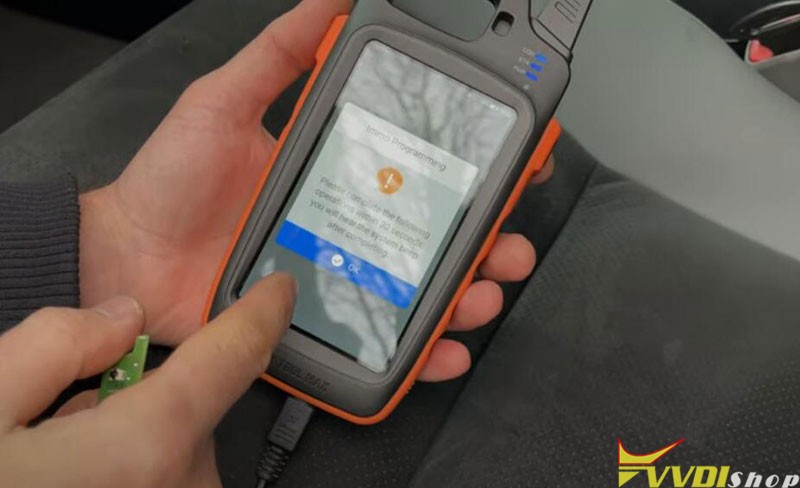
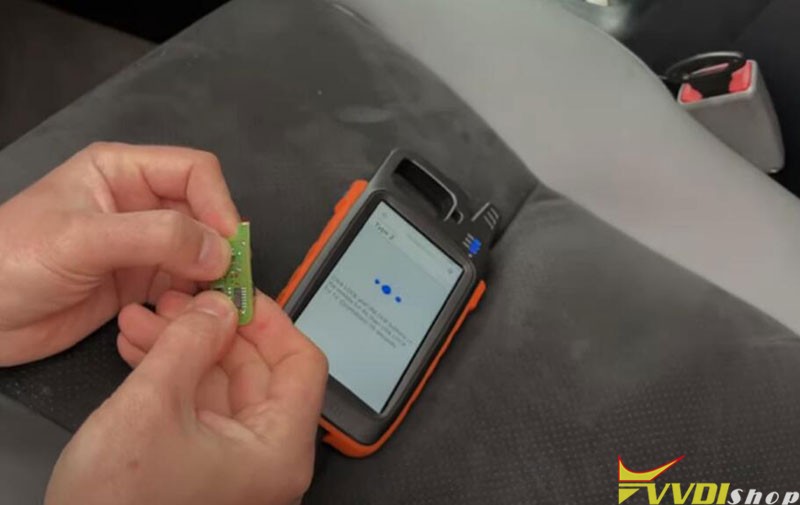
Then you go to Xhorse Mini OBD Tool app, select Immo Programming- Toyota- Select by Type-Remote system- Type 2
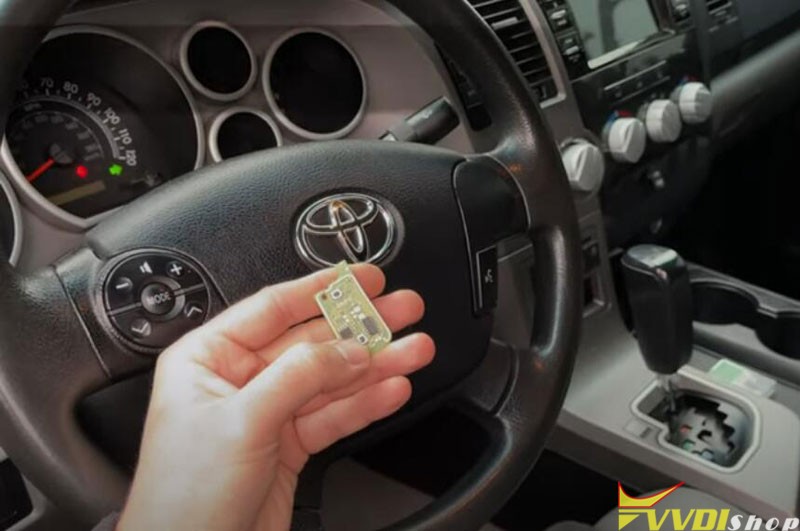
Turn on the ignition switch
press Lock and Unlock button for 4s
then click LOCK for 1s
Program completed, test if remote control is working


Step 3: Clone transponder
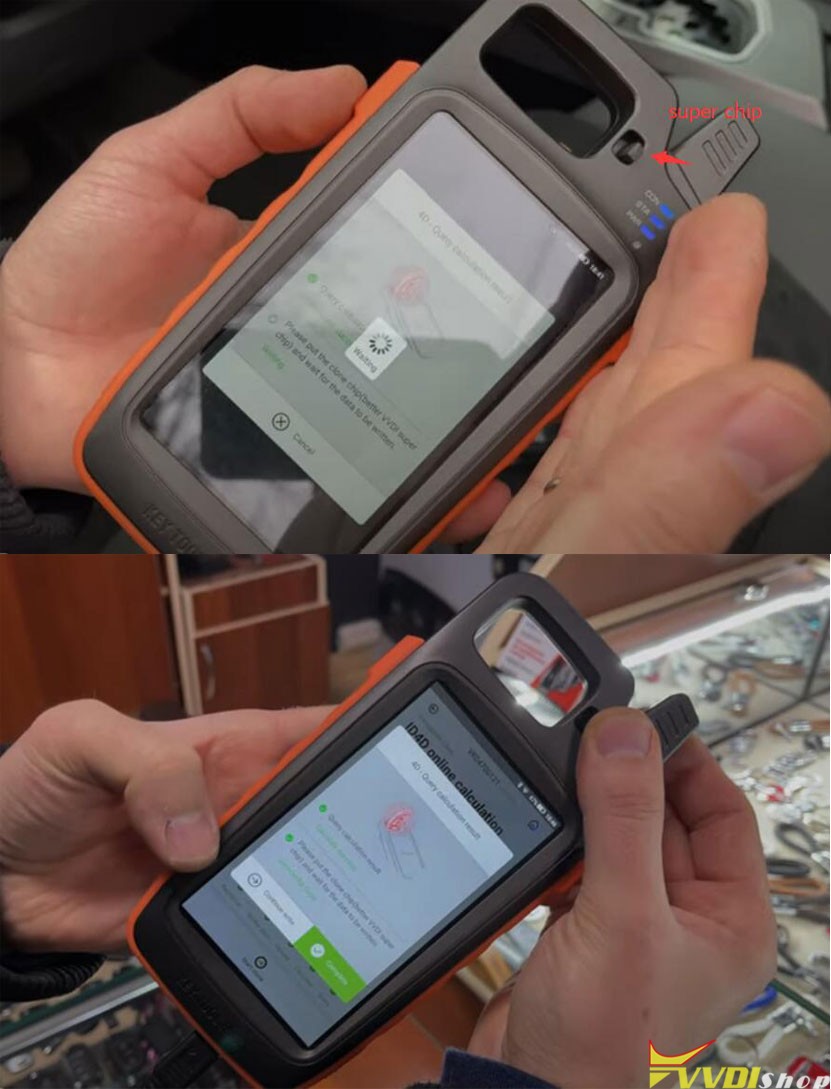
Put original key into key tool max
read transponder 4D67
Press Clone to start ID4D online calculation
Put vvdi super chip into key tool max
clone success
Then you install super chip and key board to key shell
Test the new key.


Done.
http://blog.vvdishop.com/program-toyota-tundra-2010-remote-with-xhorse-key-tool-and-mini-obd/
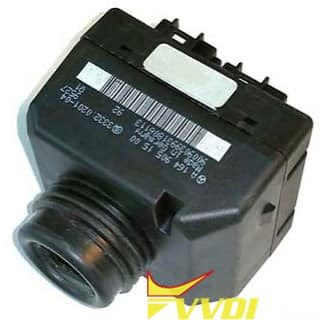
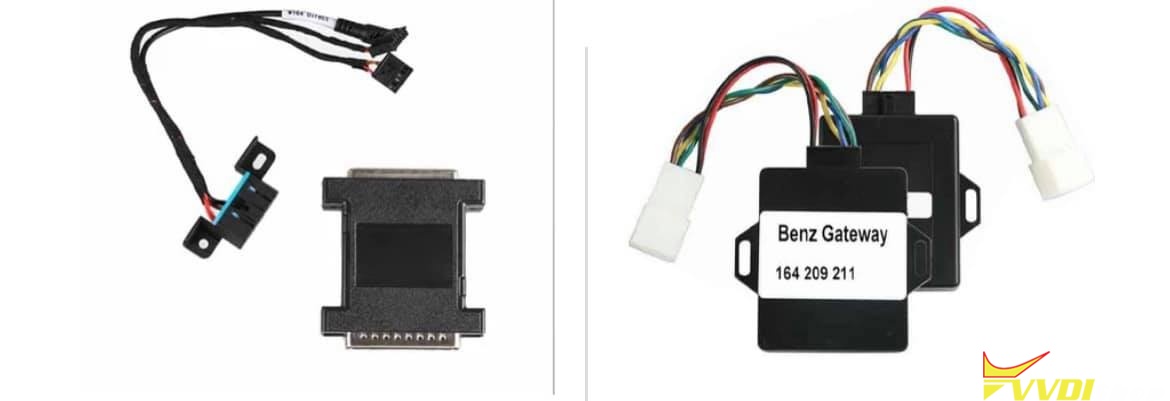
VVDI MB Mercedes W164 2009 AKL Cannot Detect EIS
Problem:

Xhorse Read Honda Amaze MB91F Cluster
Xhorse VVDI Key Tool Plus can read Honda Amaze FIT-L cluster (MB91F061BS) data D-flash & F-flash successfully in minutes. Following I’m gonna show how to read on bench.
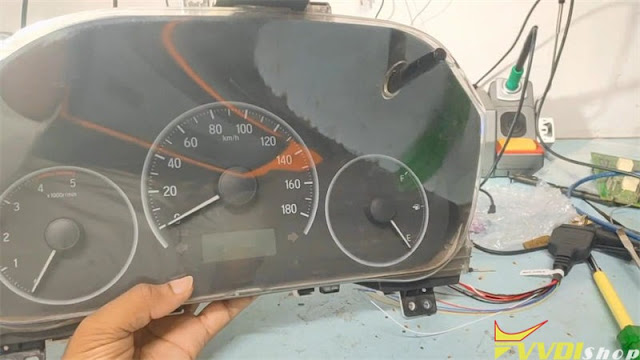
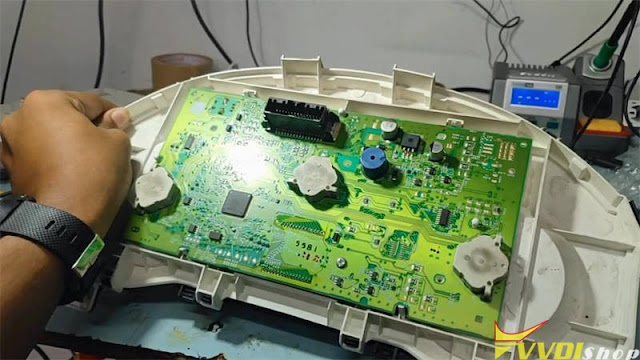
Take the instrument panel apart, go to
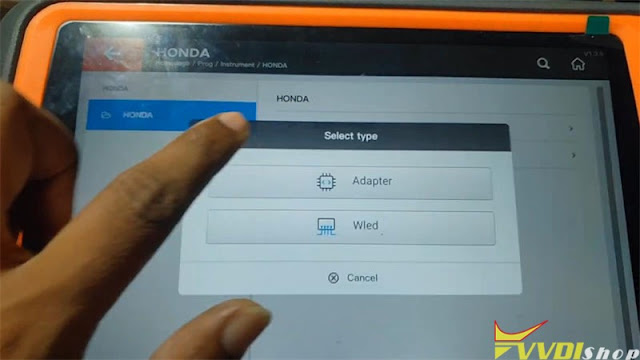
Prog >> Instrument >> HONDA >> FIT – L(MB91F061BS) >> Wired
Here I can select Adapter or Wired.
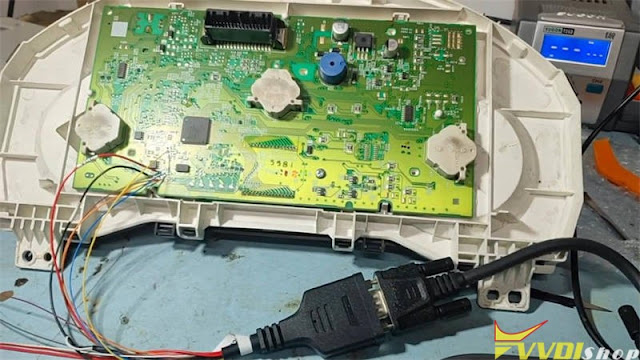
Xhorse has Solder Free Adapters to read instrument cluster for Honda FIT-H & Fit-L. As I haven’t got them, I’ll use a XDNP34 MCU Cable instead.
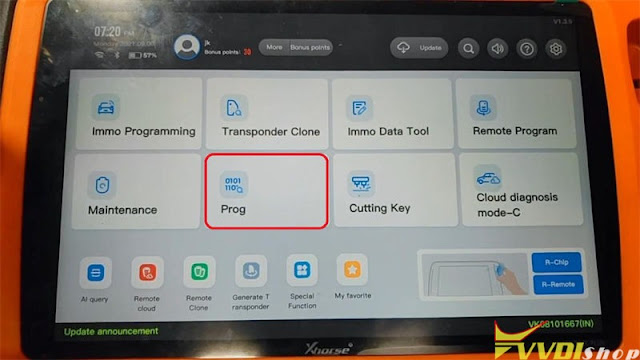


Connect MCU Cable with the module according to the diagram on VVDI Key Tool Plus.


Read >> DFLASH >> Begin >> Continue >> OK
Read successfully.
Read >> PFLASH >> Begin >> Continue >> OK
Read successfully.
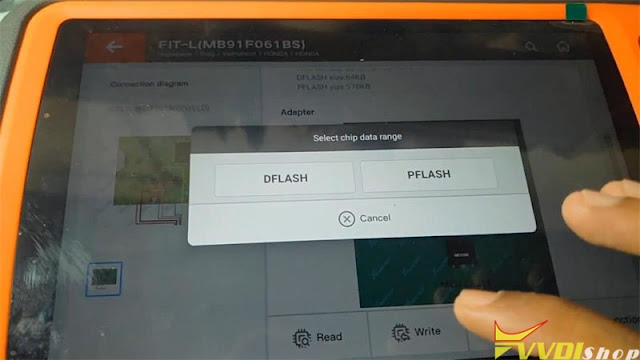

All done! Very fast.
If I used an Instrument Cluster Adapter directly, it’ll save me more time.
How do I Change BMW CAS3 Mileage with VVDI Prog?
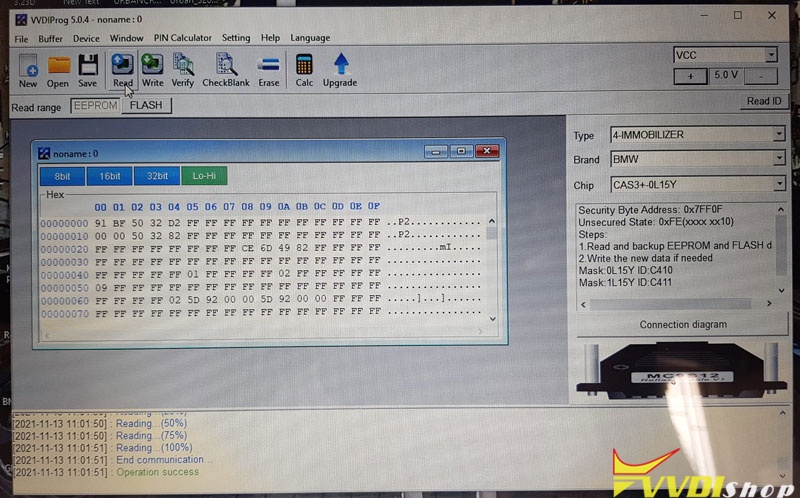
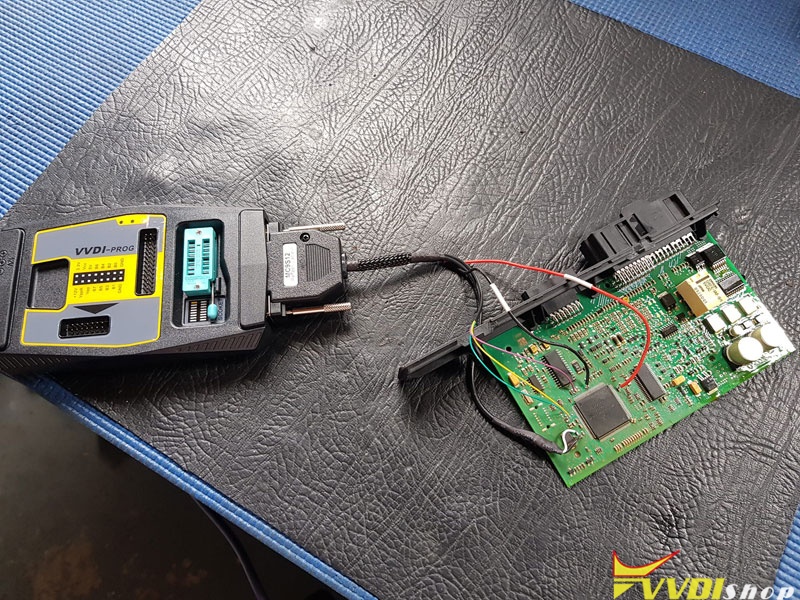
How do I change the mileage on this Cas3 0L15Y using Xhorse Vvdi Prog?
Solution:
The mileage is in the 2 first line. Vvdi prog is only for read and write on CAS. You need vvdi2 for editing. Send a file to someone or use other tools to edit mileage.
vvdi2 can edit CAS eeprom to 0km, then save and write with vvdi prog.
In VVDI2, go to Special Function – Change KM. Works 100% for CAS3, CAS4 dash.
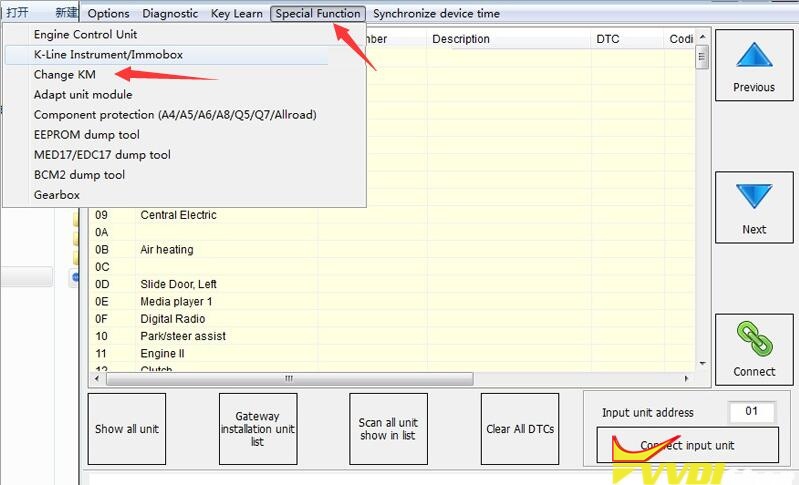
You need to do dash and CAS. In CAS you need to do 0km and in dash that what you need.