ابزار Xhorse VVDI
Xhose VVDI نرم افزار برنامه نویس اصلی و سخت افزارابزار Xhorse VVDI
Xhose VVDI نرم افزار برنامه نویس اصلی و سخت افزارXhorse King Card Customization Tips
How does the factory remote start work on xhorse king card?

It gives you an option to take the trunk button and turn it into the remote start
Here vvdishop.com shows you how to select that option
Customize xhorse king smart card with vvdi key tool plus:
Here is an example of 2021 Jeep Renegade (was programmed by autel im608), it can be customized by keytool plus.
Go to Remote Program- Jeep- Regengade (2016+) KeylessGo ID4A- Modify buttons- Smart key customization


Read also: How to customize Xhorse Toyota XM Smart Key?
Xhorse VVDI Benz BE Key BGA Key vs CGDI BE Key and BGA Key
In the previous post, we have discussed the difference between Xhorse VVDI BE key and FBS3 smart key. Here we made another comparison between CGDI keys and xhorse keys.
CGDI BE Key vs CGDI FBS3 Smart Key vs VVDI BE Key vs VVDI FBS3 Smart key
| Key | CGDI MB FBS3 BGA KeylessGo Key | CGDI MB BE Key FBS3 | VVDI MB FBS3 BGA KeylessGo Key | Xhorse VVDI BE Key Pro For Benz XNBZ01EN Remote |
| Image | 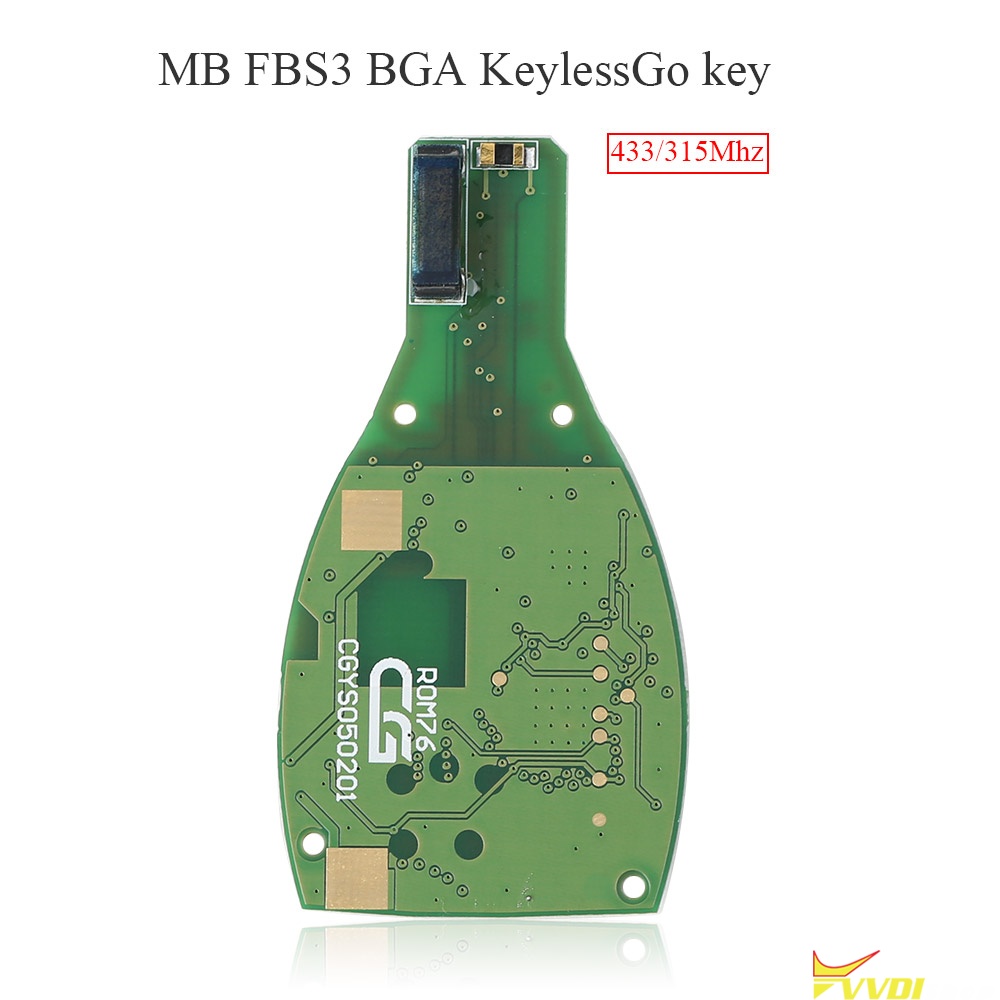 | 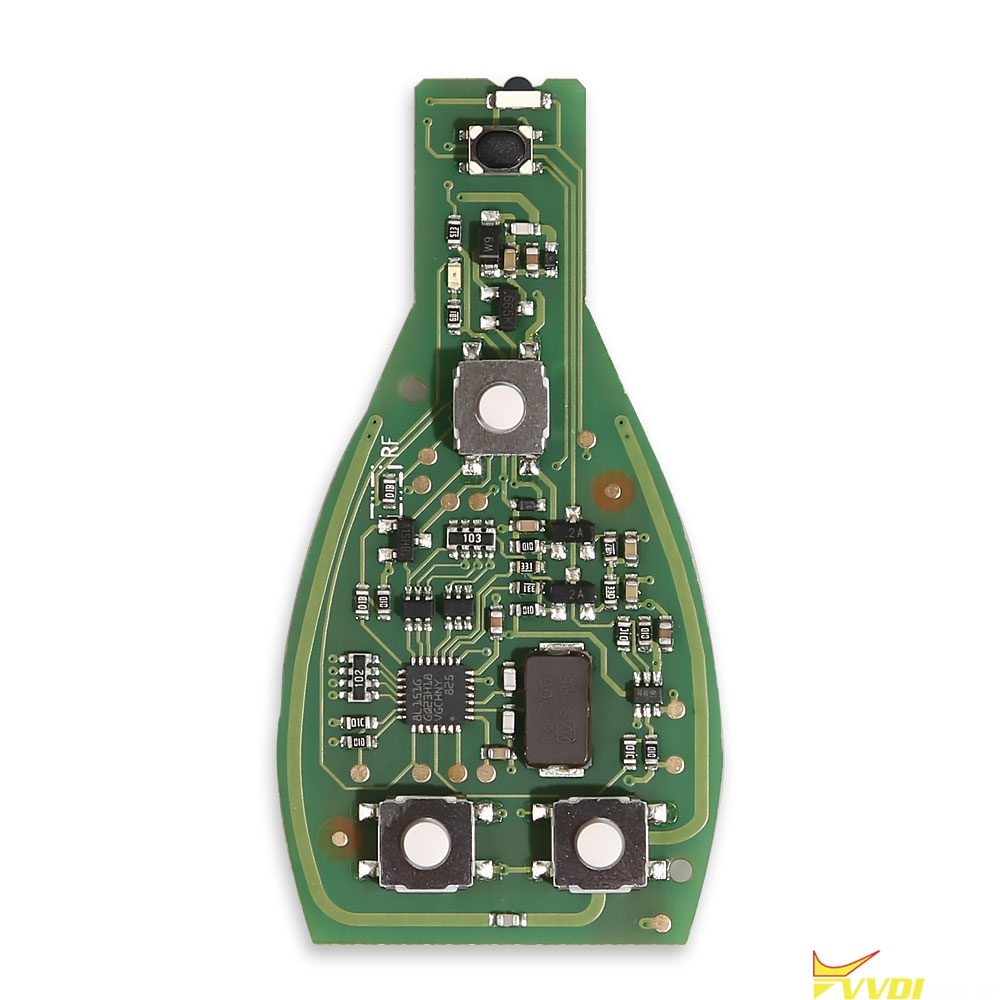 | 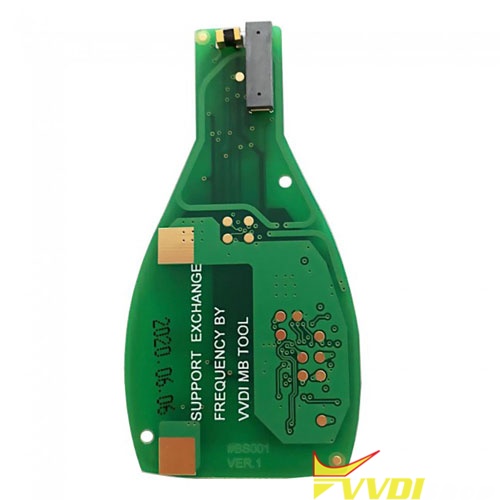 | 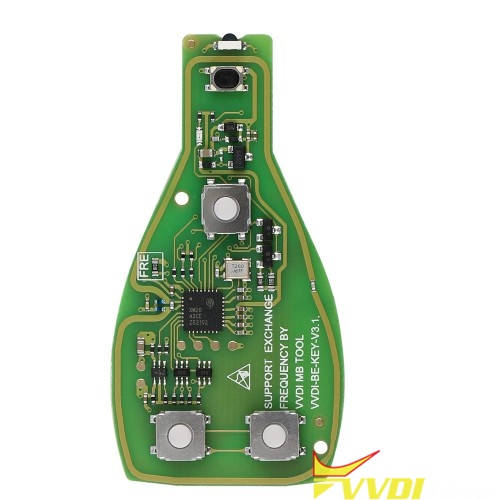 |
| Brand | CGDI | CGDI | Xhorse | Xhorse |
| Smart Key | Support | Semi-smart | Support | Semi-smart |
| Frequency | 433Mhz/315Mhz | 433Mhz/315Mhz | 433Mhz/315Mhz | 433Mhz/315Mhz |
| Switch Frequency | Support (Default Frequency 315Mhz) How to Switch: 1.Manual Switch (remove the resistor) 2.IR Switch (CGDI MB Software) | Support (Default Frequency 315Mhz) How to Switch: 1.Manual Switch (remove the resistor) 2.IR Switch (CGDI MB Software) | Support How to Switch: 1.Manual Switch (remove the resistor) 2.IR Switch (VVDI MB Software) | Support How to Switch: 1.Manual Switch (remove the resistor) 2.IR Switch (VVDI MB Software) |
| Times to Erase | ∞ | ∞ | ∞ | ∞ |
| How to Erase | 1.Manual Reset a. First press the Trunk button b. Then press the LOCK button until the key indicator keeps turning on c. Wait for 1 second, Press the UNLOCK button until the key indicator flashes twice. d. Key has been erased successfully 2.CG Smart Key, Reset via CGDI MB Software | Support unlimited write & erase data via IR (CGDI MB) | Support unlimited write & erase data via IR (VVDI MB) | Support unlimited write & erase data via IR (VVDI MB) |
| Support Model | S-Class(W221) S-Class(W216) ML-Class(W164) R-Class(W251) ML-Class(W166) GL-Class(W164) (Generally FBS3 2008.12-) | S-Class(W221) S Class(W216) ML-Class(W164) R-Class(W251) ML-Class(W166) GL-Class(W164) (Generally FBS3 2009-) | C-Class(W204,W207) E-Class(W212) R-Class(W251) S-Class(W221,W216) CL-Class(W216) CLC-Class(W204) CLE-Class(W207) CLK-Class(W207) GL-Class(X164,X166) GLC-Class(X204) GLE-Class(W164,W166) GLK-Class(X204) ML-Class(W164,W166) (Generally FBS3 2010-) | S-Class(W221) S Class(W216) ML-Class(W164) R-Class(W251) ML-Class(W166) GL-Class(W164) (Generally FBS3 2009-) |
| Support Device | Benz Key Programmers | Benz Key Programmers | VVDI MB/CGDI MB… | VVDI MB/CGDI MB… |
| Support Type | BGA -76/78 | BE | BGA -76/78 | BE |
| Update | Support | / | Support | / |
*Xhorse vvdi be key and bga key are compatible with cgdi mb programmer. But better don’t use CGDI BE or BGA key with vvdi mb.
How to Program 08 Audi A8 9C386 Key with VVDI2?
Question: I am working on 08′ Audi A8 keyed ignition. Can I simply read with VVDI Prog and clone out/write/make dealer key with vvdi2, or do I need to write file back with the key?

Tips to make key Audi A8 2008 with vvdi2:
.jpg)

Xhorse Key Tool Max Replace Battery Tips
Question 1): I have a problem charging the xhorse key tool max battery.
Replacement requires soldering skills. We are not holding the responsibility for the damage.


Xhorse Dolphin II Decode and Cut Ford HU101
Xhorse Dolphin XP005L Key Cutting Machine can decode & cut Ford Focus HU101 successfully. It also supports to cut by code if you have its actual bitting codes. However, now I can use a working key to read out with the machine directly.
Decode Key
Vehicle database >> Ford >> Focus >> USA – Gen3(After 2011)
It tells to use M5 clamp side A.
Install the working key and tip align 5th position.
OK >> Decode key
Dolphin 2 starts decoding the key…
Once decoding is completed, XP005L screen will display the bitting codes: 2442321355.
.jpg)
.jpg)
.jpg)
.jpg)
.jpg)
Cut Key
Remove the working key to install a blank key for ready.
Press “Cut key >> Cut” to start.
It’s allowed to check preview here as well.
Xhorse Dolphin ii machine will start cutting when instructed.
Just wait then turn over to cut the other side.
All done!
As you can see, it’s same as the original one.
.jpg)
.jpg)
.jpg)
.jpg)
Cut By Code path:
Cut by code >> HU101 >> HU101, 10cuts >> OK >> Input codes >> Cut key >> Cut
So far, I like it, Dolphin XP005L is a pretty nice machine. The cut came out really clean and precise.