ابزار Xhorse VVDI
Xhose VVDI نرم افزار برنامه نویس اصلی و سخت افزارابزار Xhorse VVDI
Xhose VVDI نرم افزار برنامه نویس اصلی و سخت افزارXHorse VVDI2 V4.6.0 Software Free Download
*** Require firmware V4.6.0
1. Support the new NEC+24C64 dashboard after 2014.06, support Black/White, color TFT, 3D dashboard, include following cars:
VW T5 2014.06-2016
VW T6 2015.06-2017
VW Sharan 2014.06-
VW Passat 2014.06-2016
VW Caddy 2014.06-2017
VW Jetta 2014.06-2016
VW Scirocco 2014.06-
VW Tiguan 2014.06-
VW Touran 2014.06-
VW EOS 2014.06-
VW CC 2014.06-2016
VW Golf 2014.06-
VW Amarok 2014.06-
Skoda Yeti 2014.06-
Seat Alhambra 2014.06-
Audi A1 2014.06-
Audi Q3 2014.06-
Attention: Don’t support MQB platform
2. Bugfix for BCM2 dump tool
3. Bugfix===== BMW V4.6.0 =====
1. Improvement for BMW FEM/BDC key learn
2. Support auto backup ECU ISN data, files saved at: My Document->VVDI2->FEM_BDC
3. Bugfix===== Porsche V4.6.0 =====
1. Bugfix
===== PSA V4.6.0 =====
1. Bugfix
===== Transponder Programmer V4.6.0 =====
1. Bugfix for old wire remotes
2. Add english database, require change VVDI2 register area, contact dealer for help
3. Bugfix
===== J2534 V4.6.0 =====
1. Bugfix
===== Online Upate Tool V4.6.0 =====
1. Bugfix
===== Quick Start V4.6.0 =====
1. Bugfix
 https://mega.nz/#!C4IHSAYS!46Ya5q7gdX2njle-7zcZuroIHSsPFenqCB_EqaeccKM
Xhorse iScancar VAG MM-007 Picture Review
This is an original VAG diagnostic tool: Xhorse Iscancar VAG MM-007, with tips of buying a VAG scan tool VW for diagnostics and maintenance…
the package:
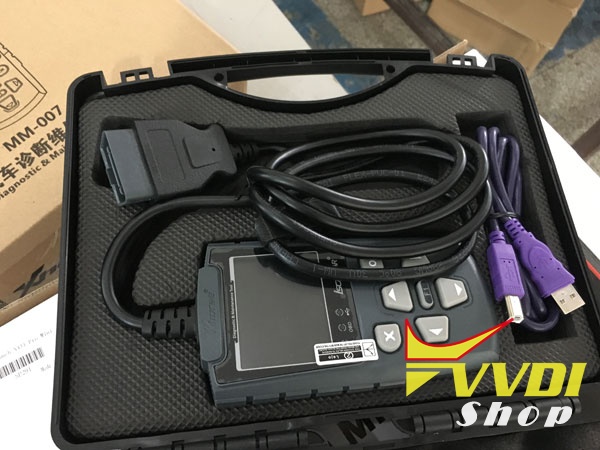
packed well with two box, one paper box, and one plastic box

items includes Xhorse Iscancar VAG MM-007 main unit with an OBDII connector, and a USB cable used for connection to PC
the main unit
specification:
Voltage: 5V USB / 12V OBD
LCD resolution: 320×240
USB standard: USB2.0
Working temperature: 0-60°C
OBD line length: 1.5meters
Power consumption: 80mA/12V
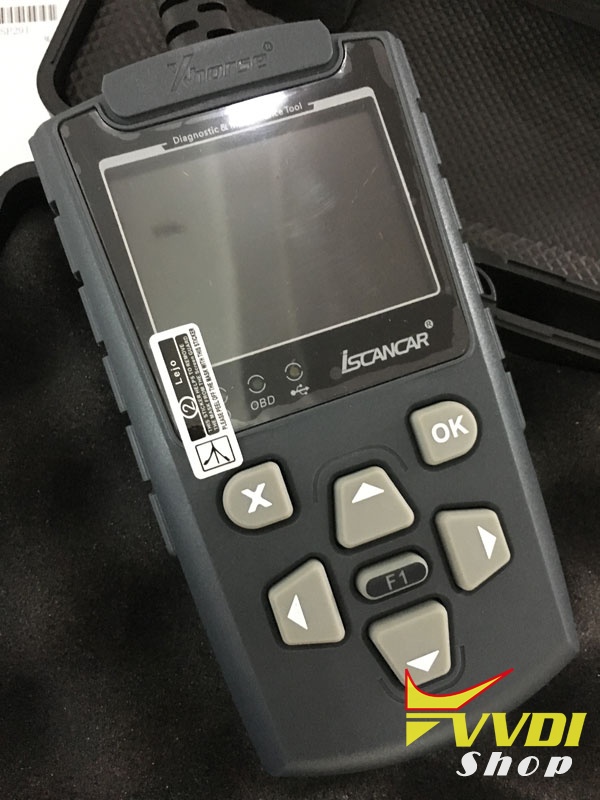
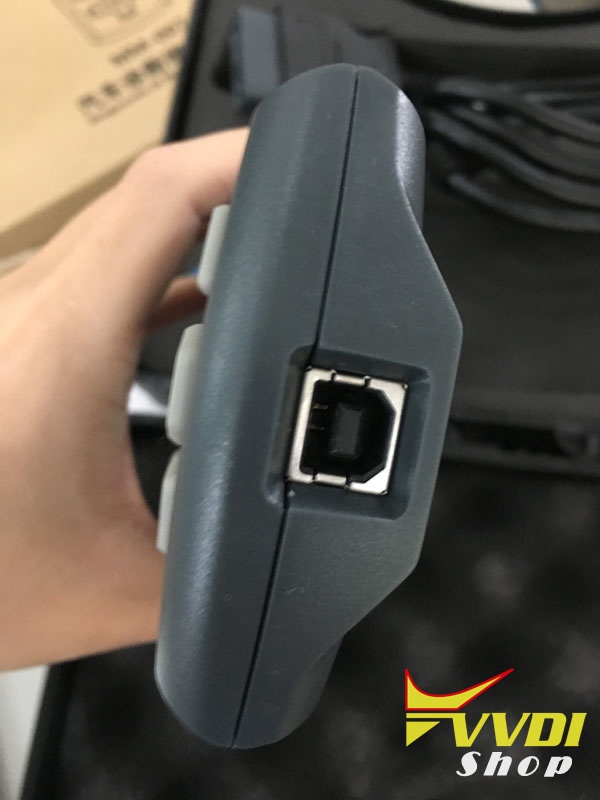
the port
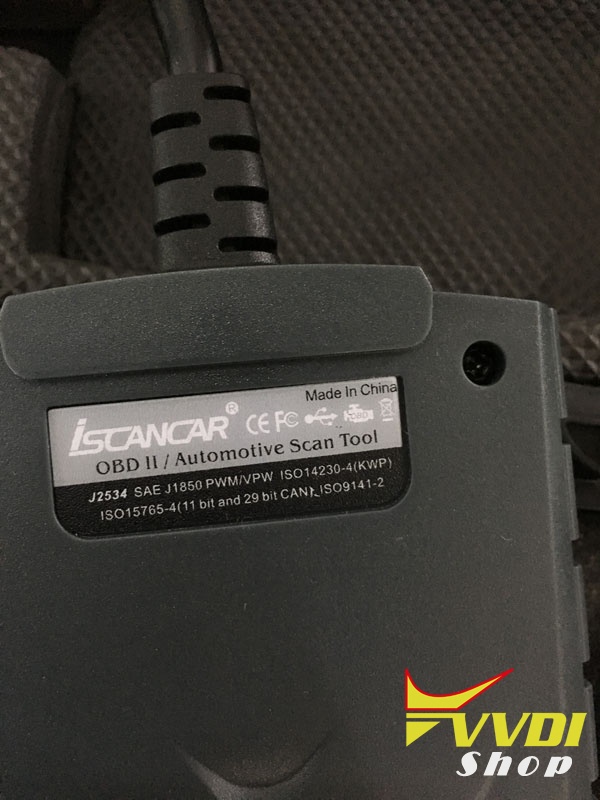
the back, saying it supports J2534 SAE, J1850 PWM/VPW, ISO 14230-4 (KWP), ISO 15764-4 (11 bit and 29 bit CAN), ISO 9141-2
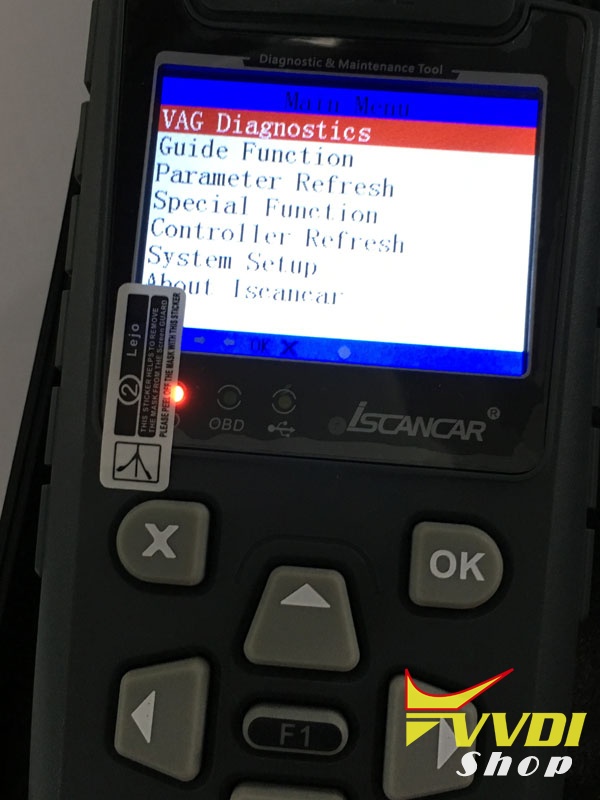
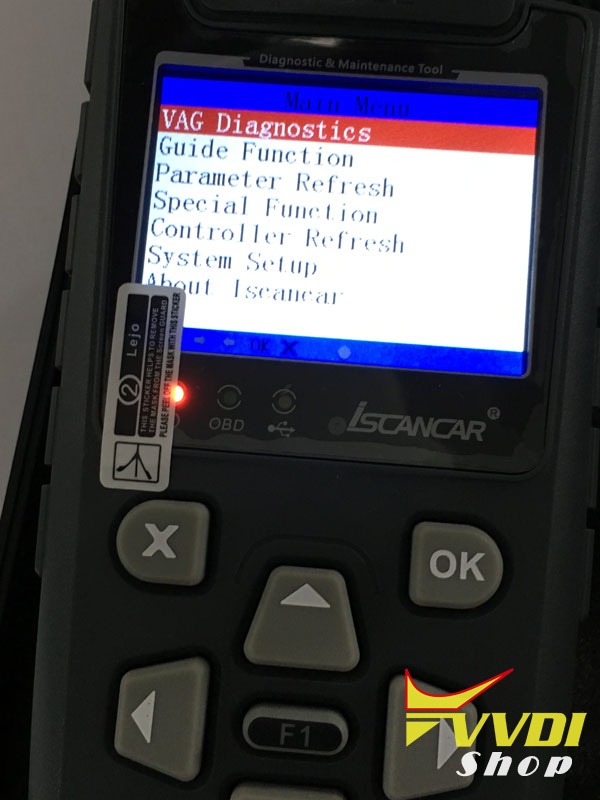
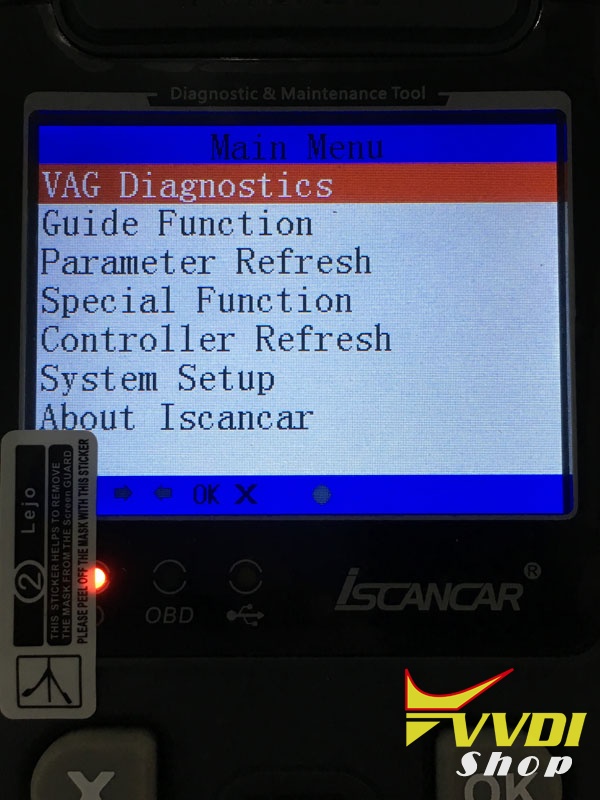
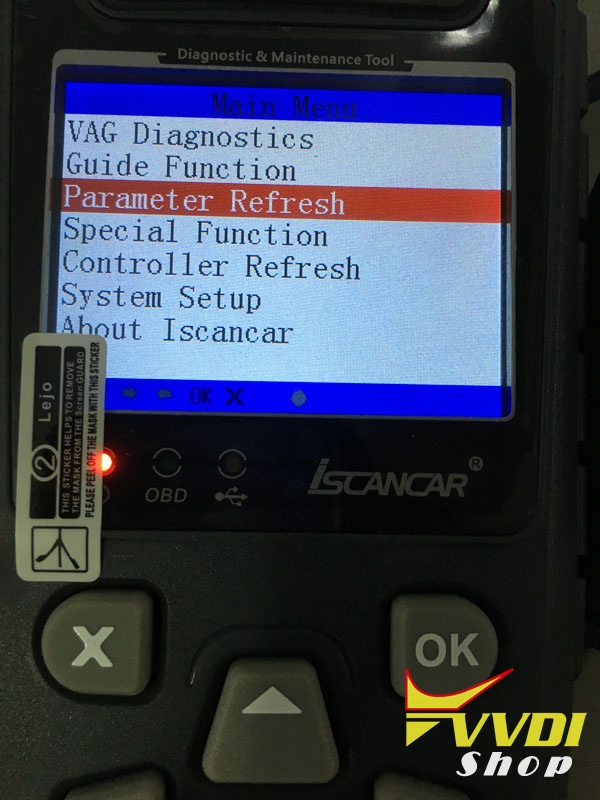
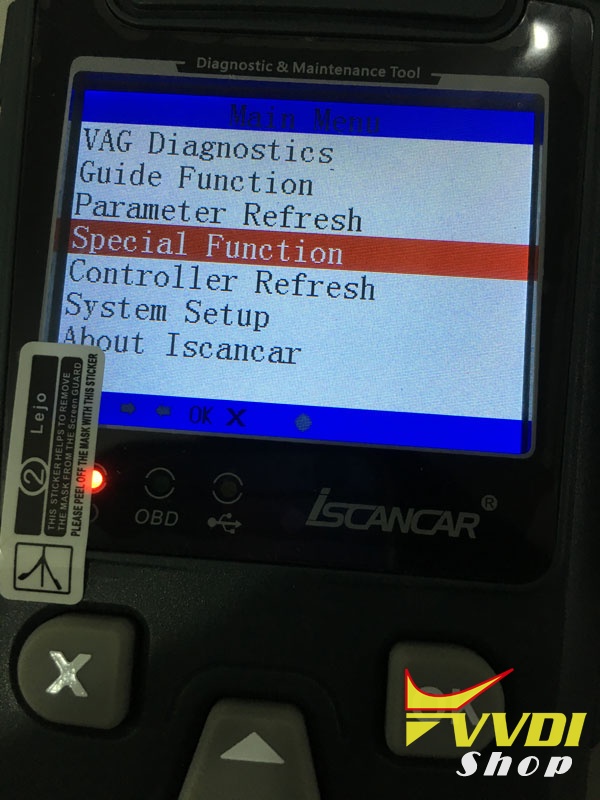
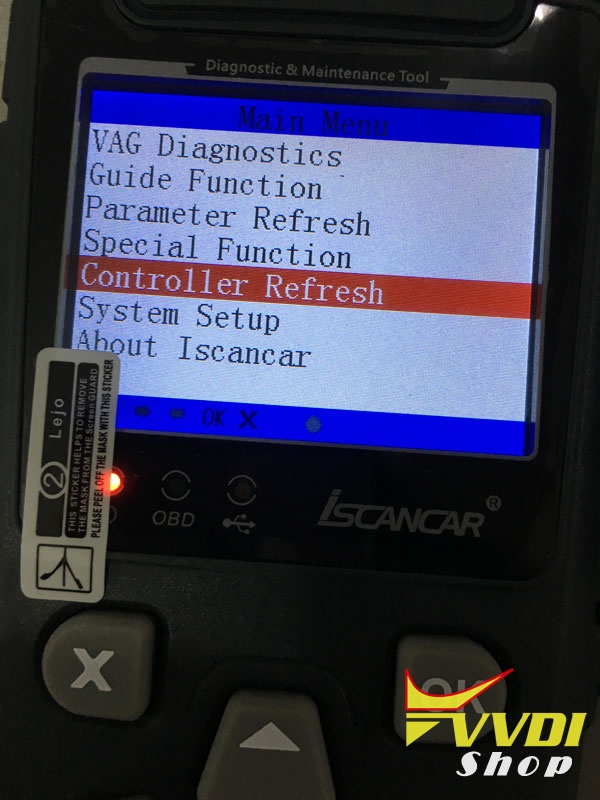
Xhorse Iscancar VAG MM-007 main menu:
vag diagnostics
guide function
parameter refresh
special function
controller refresh
system setup
about iscancar
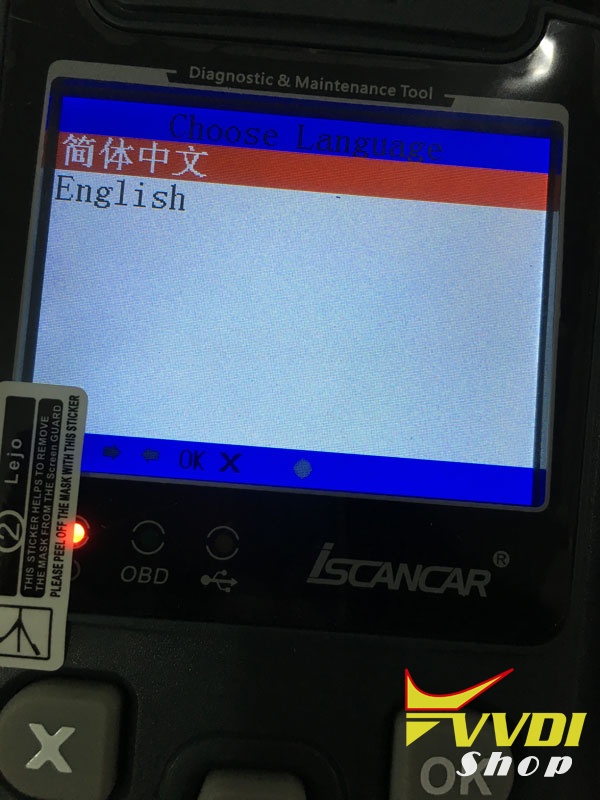
languages: only Chinese and English available
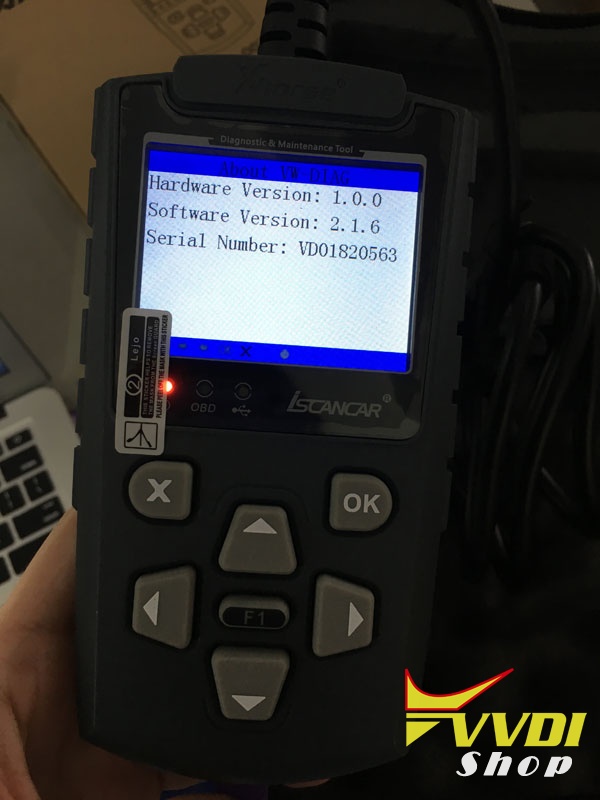
about Xhorse Iscancar VAG MM-007:
firmware version: 1.0.0
software version: 2.1.6
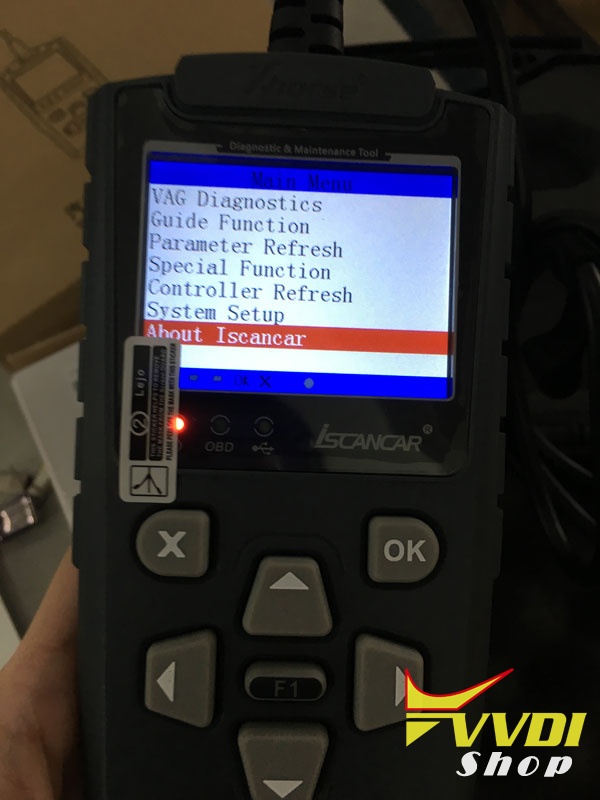
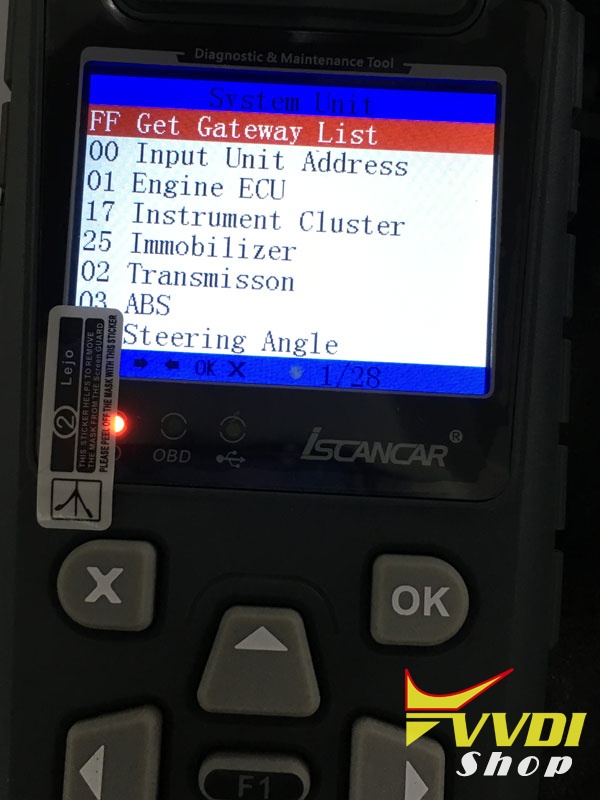
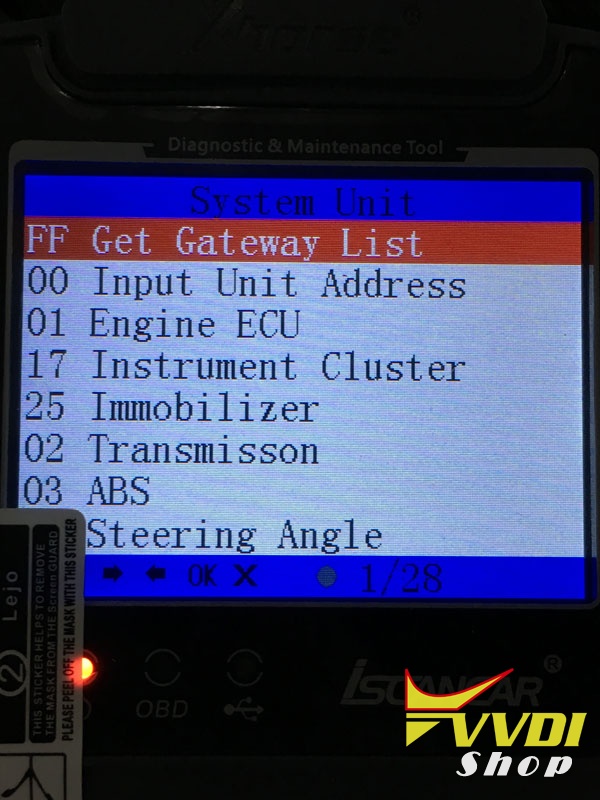
VAG diagnostics…Here you go
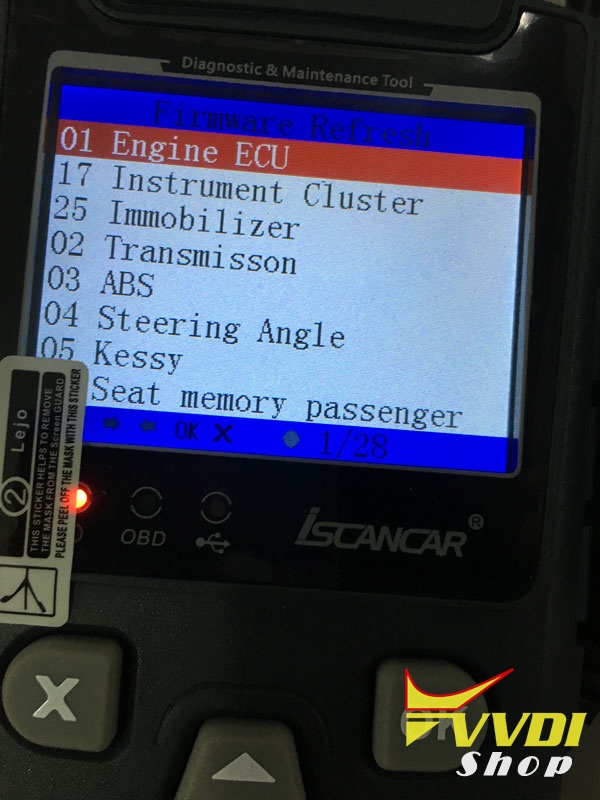
systems that is supported
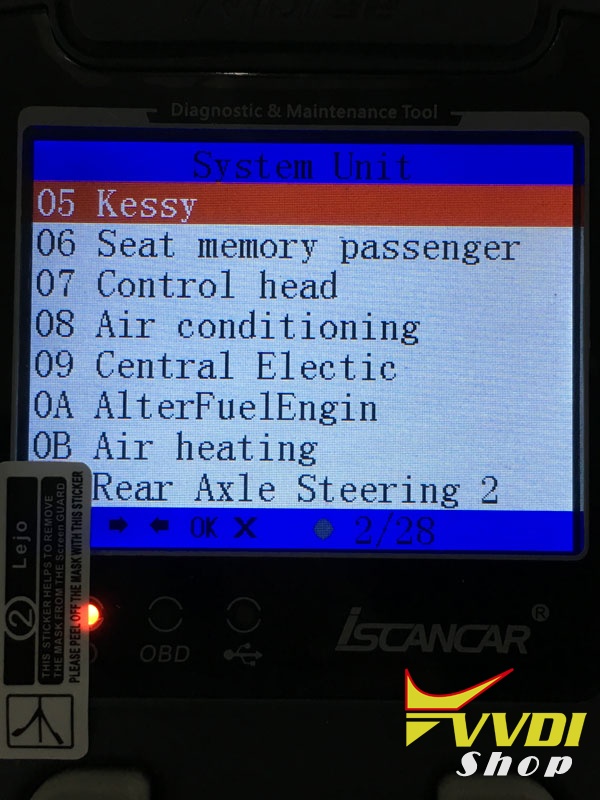
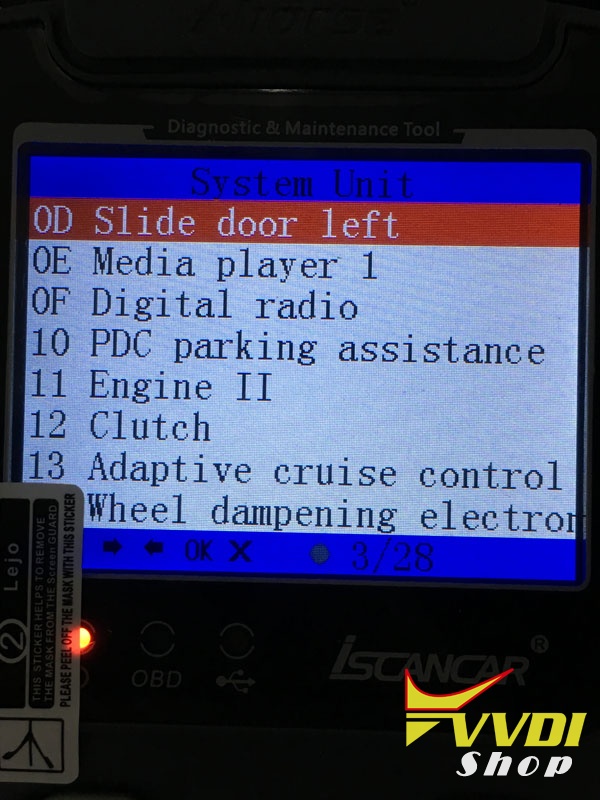
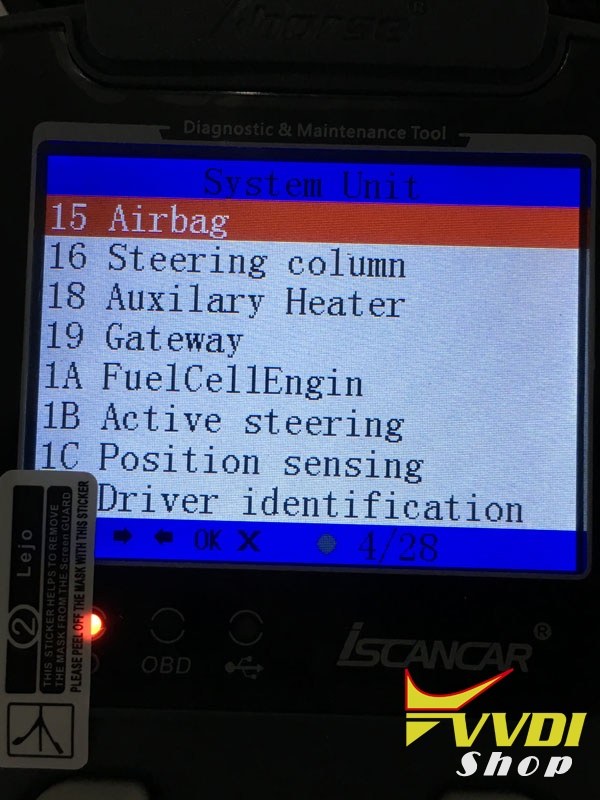
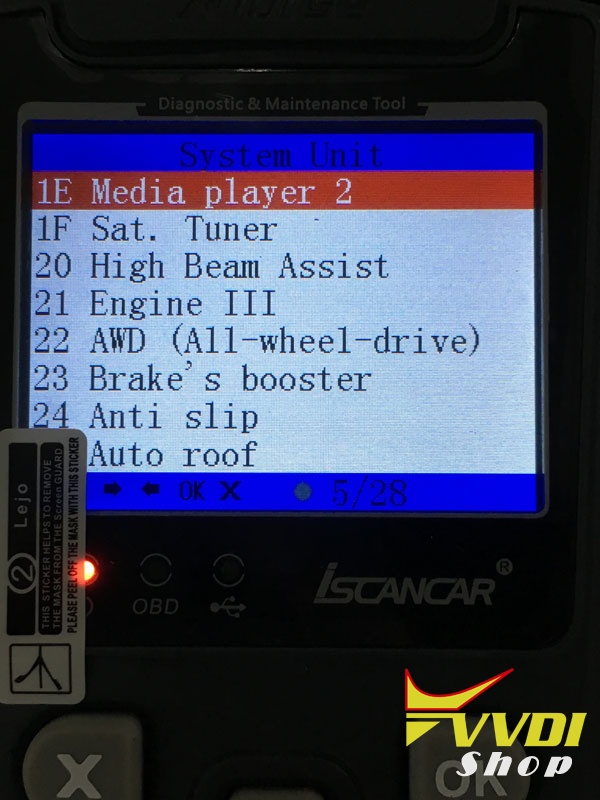
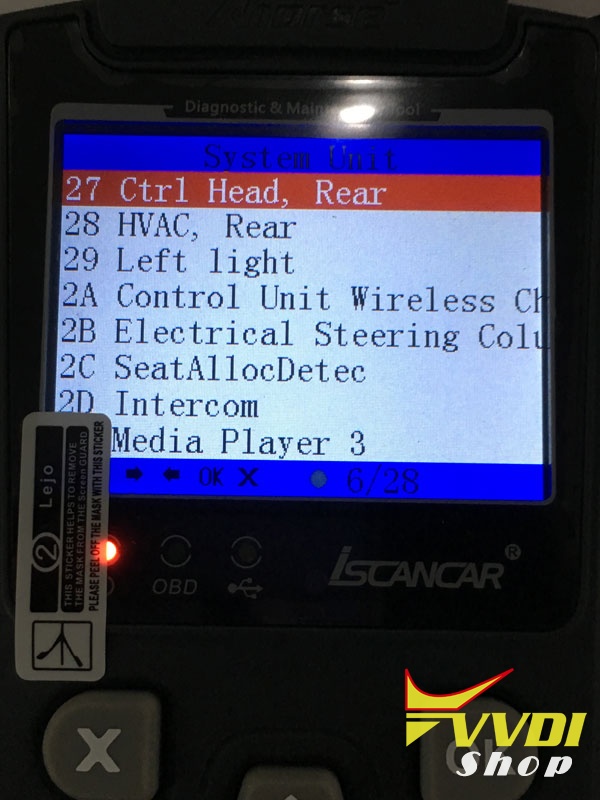
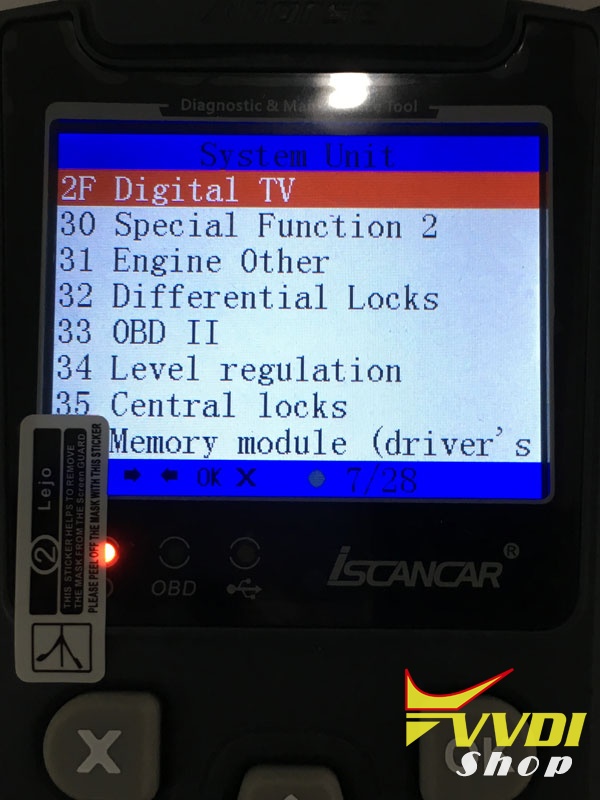

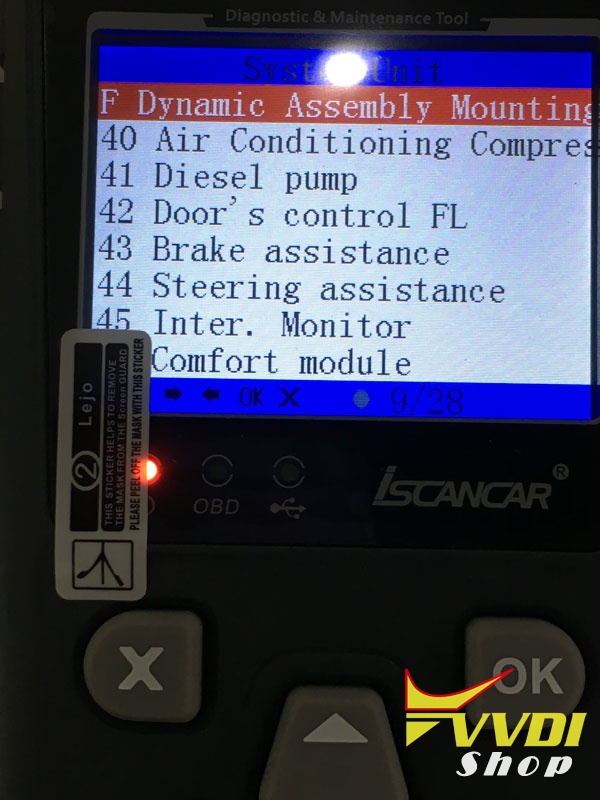
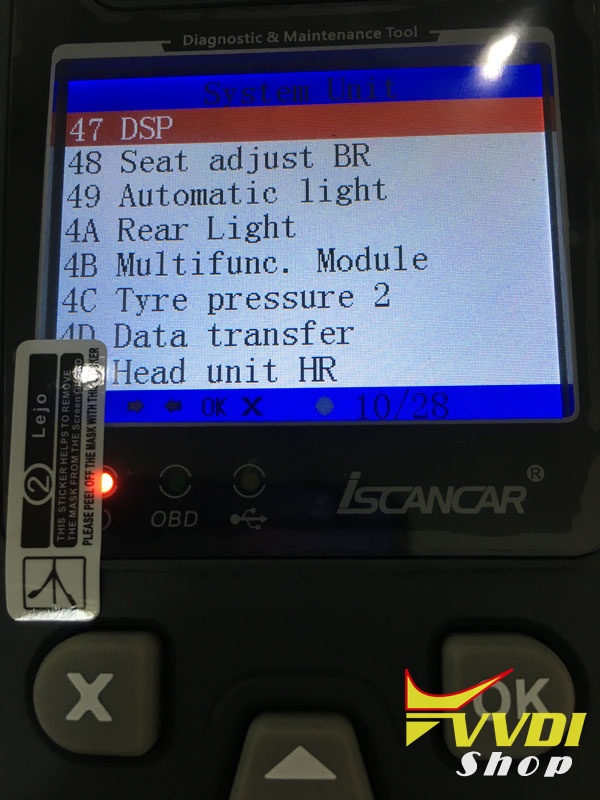
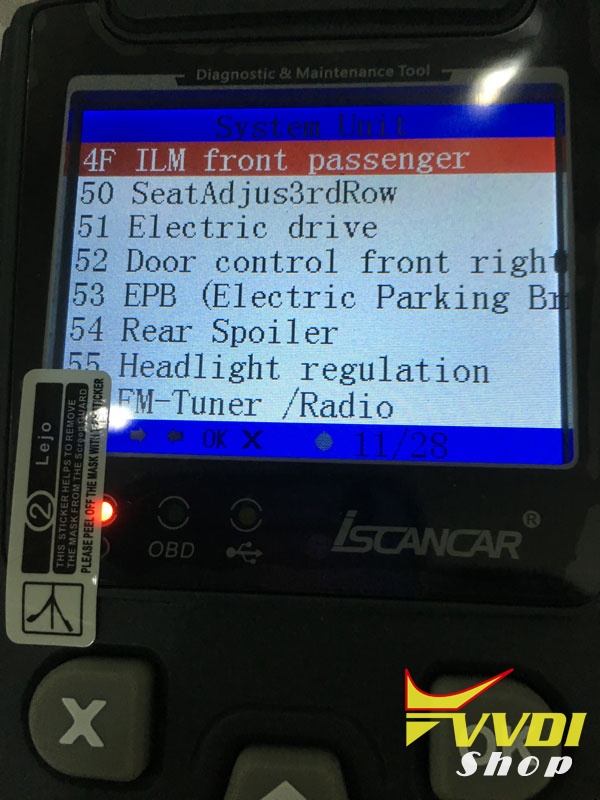

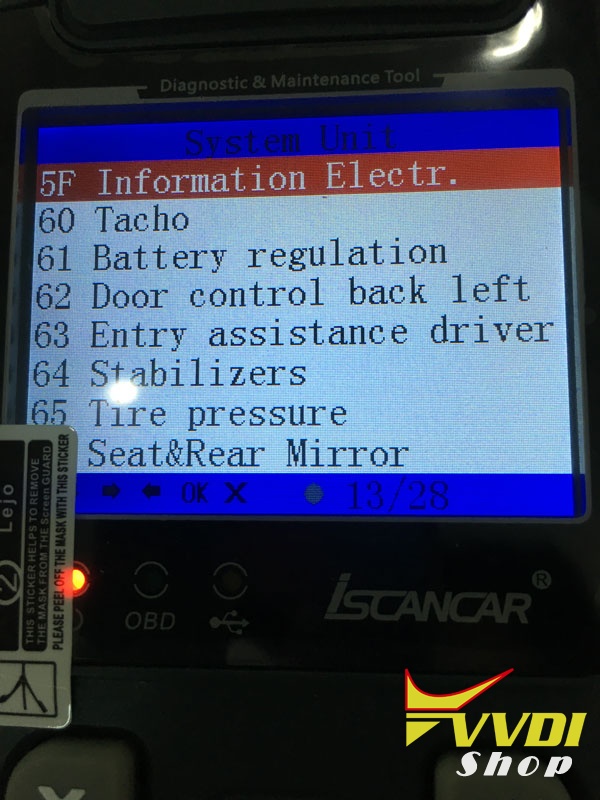

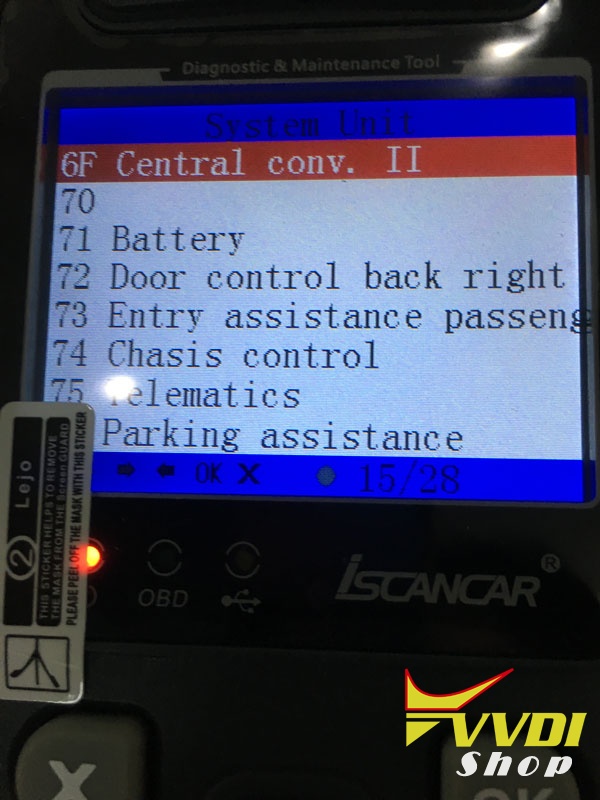

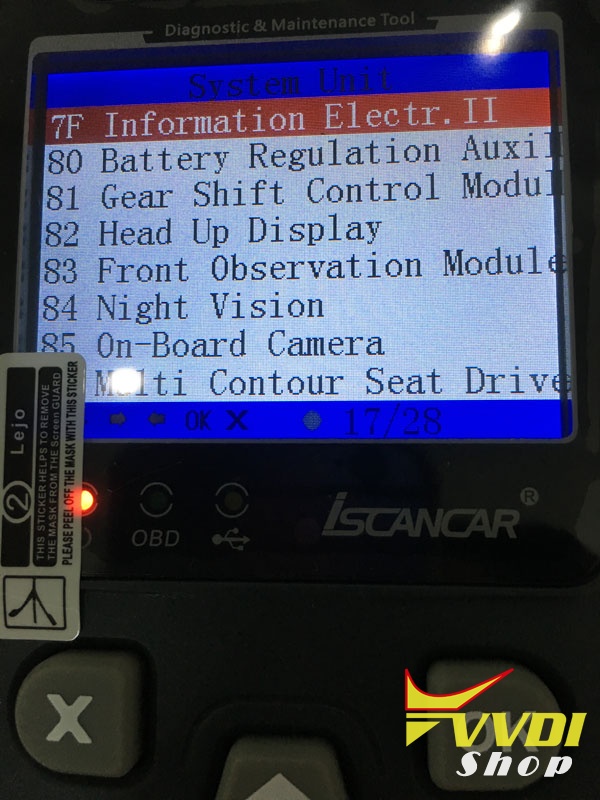
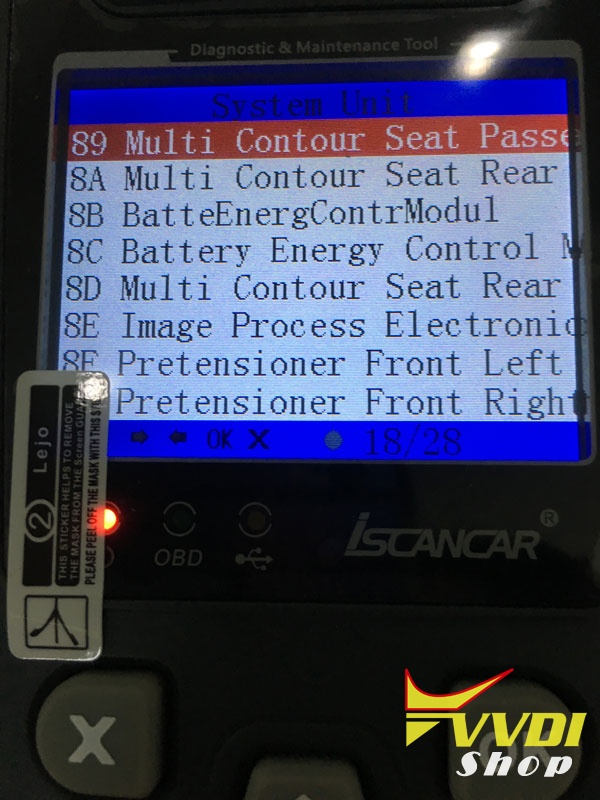
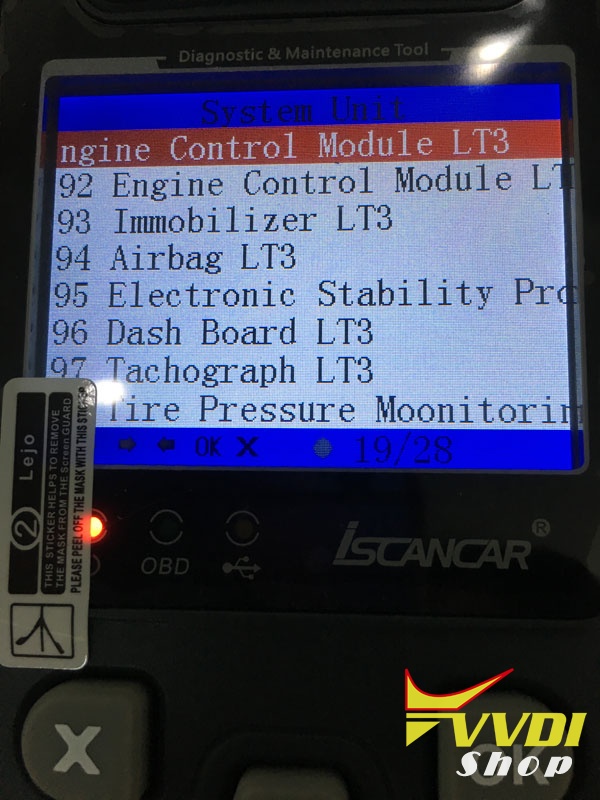
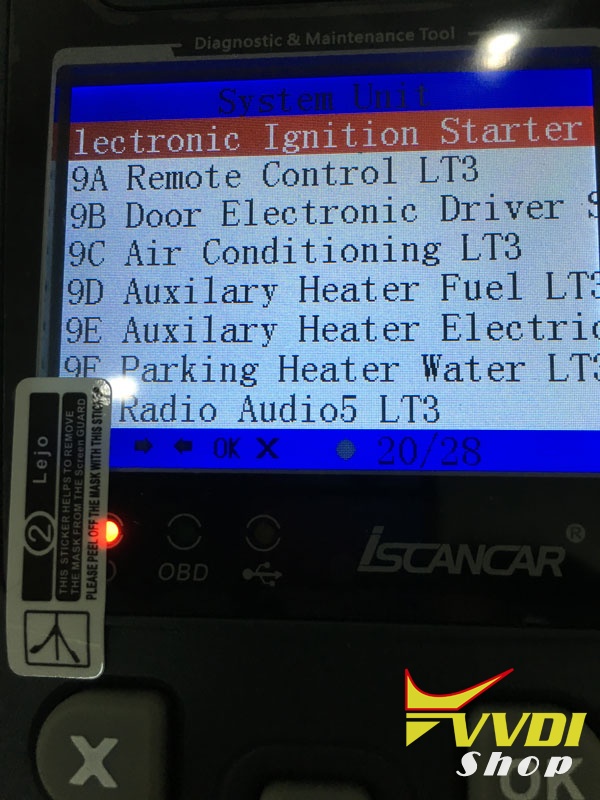
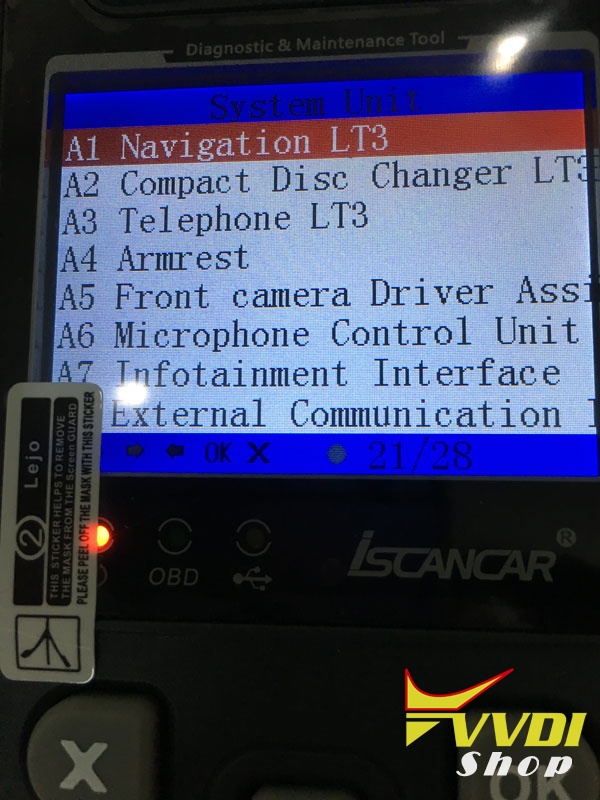
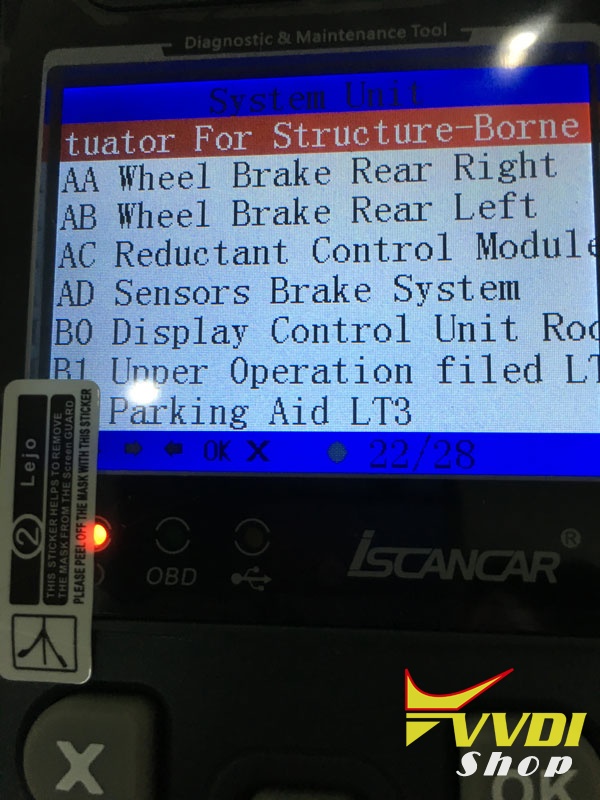
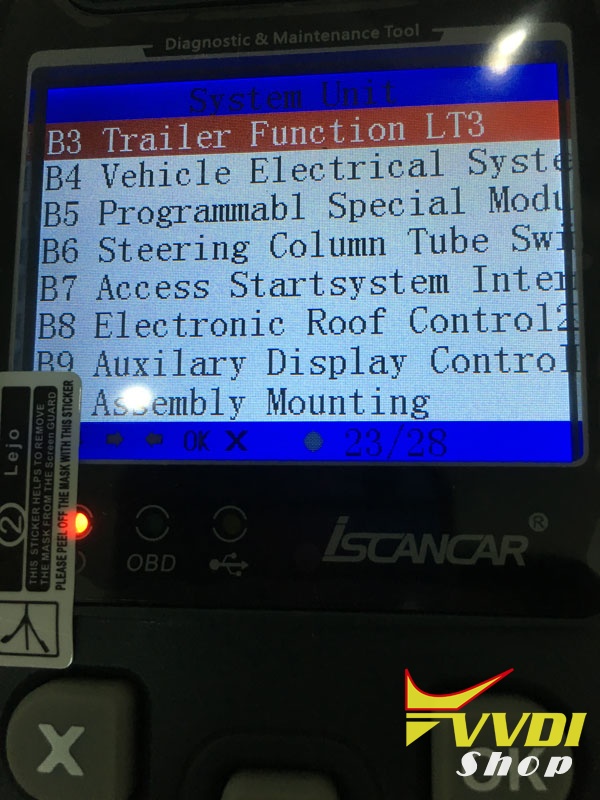
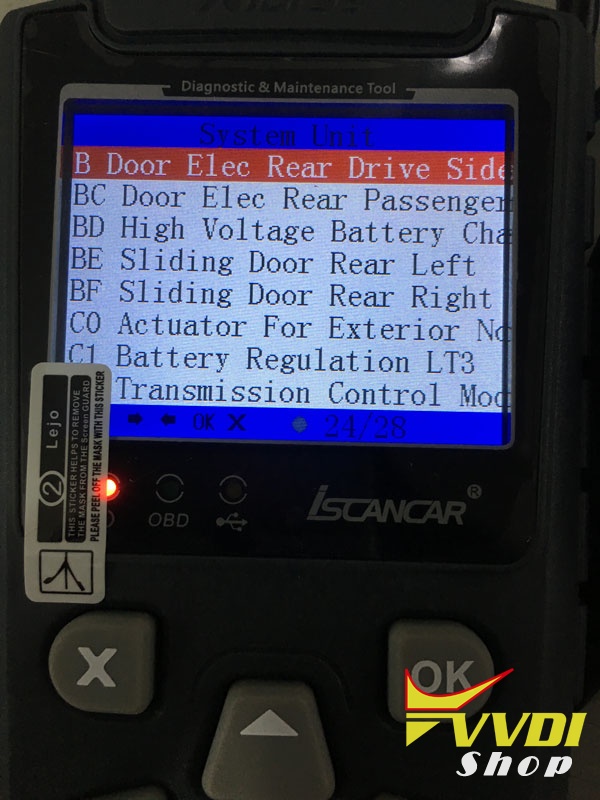

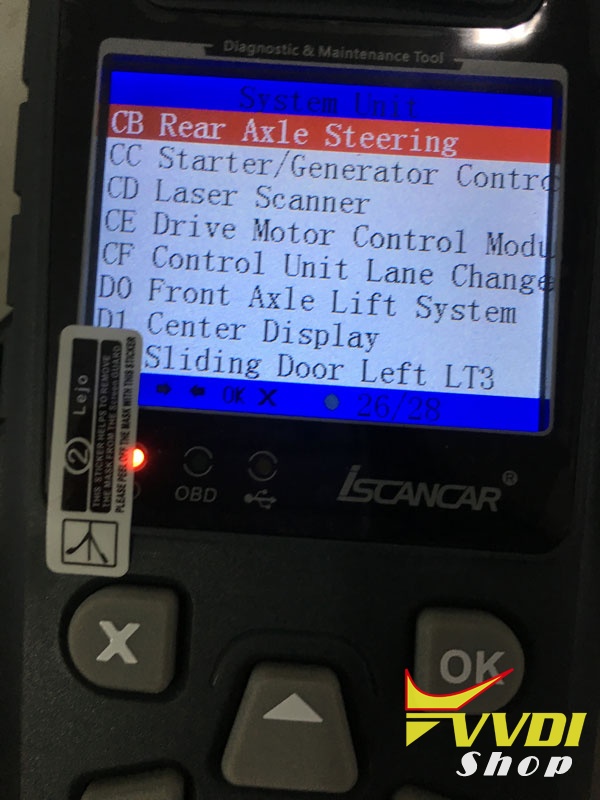
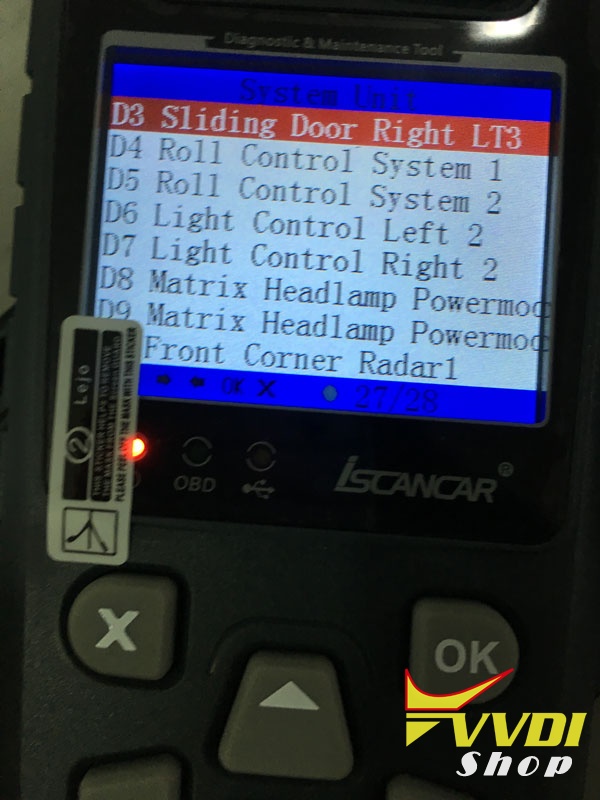
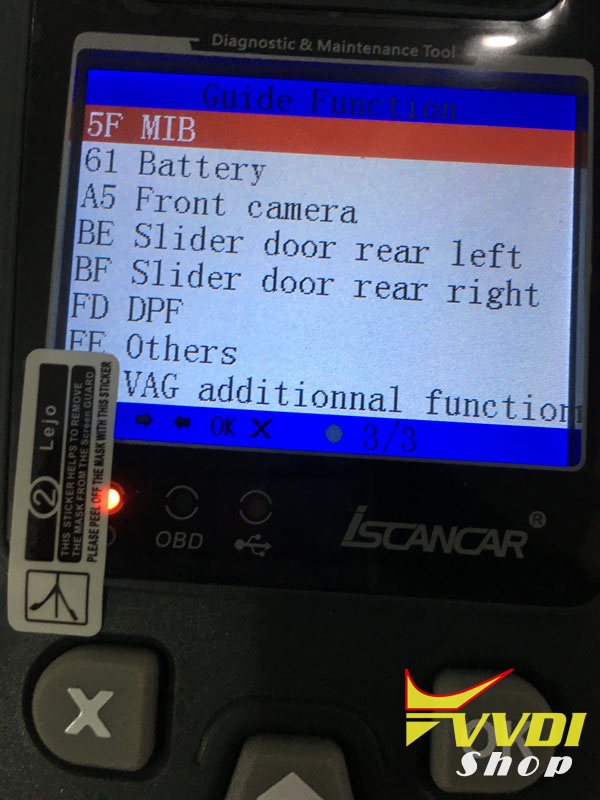
guide function :
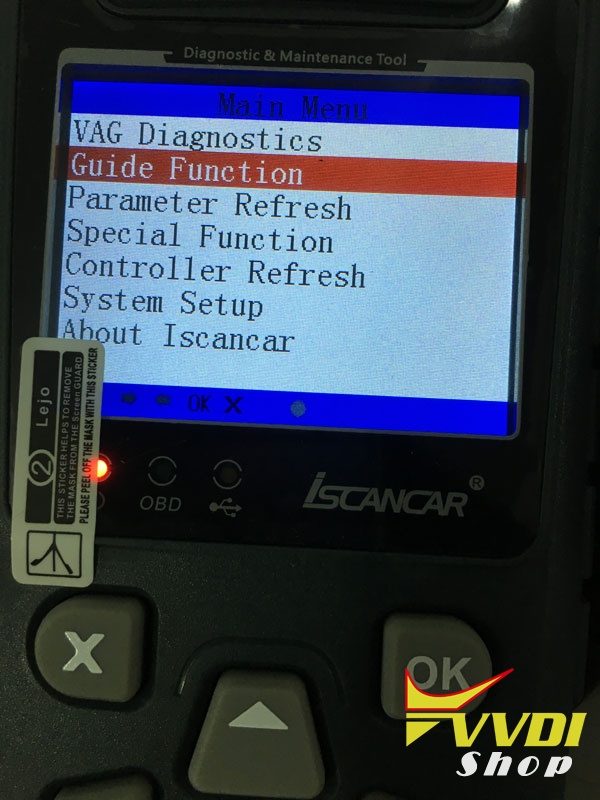
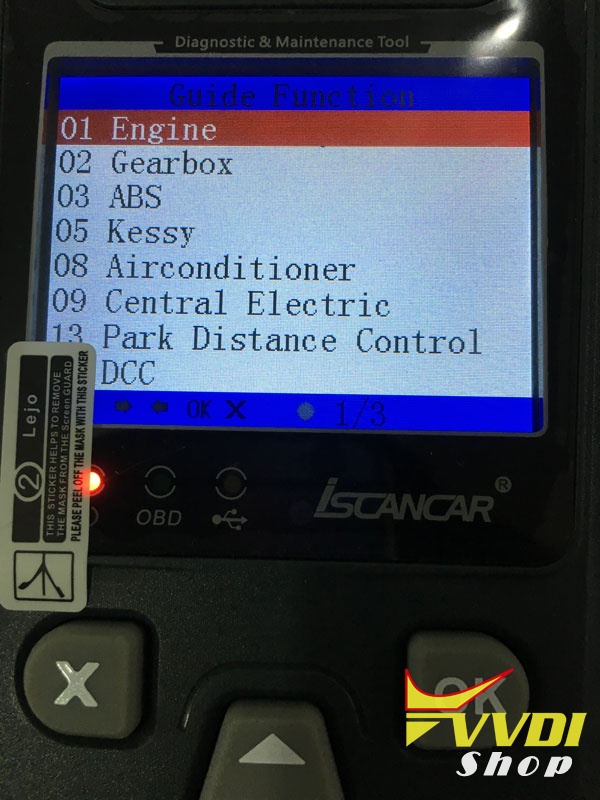
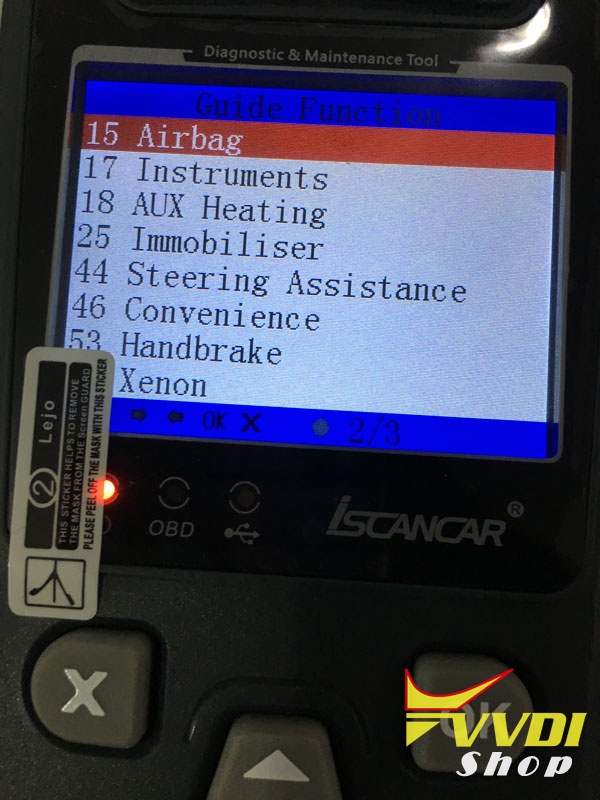
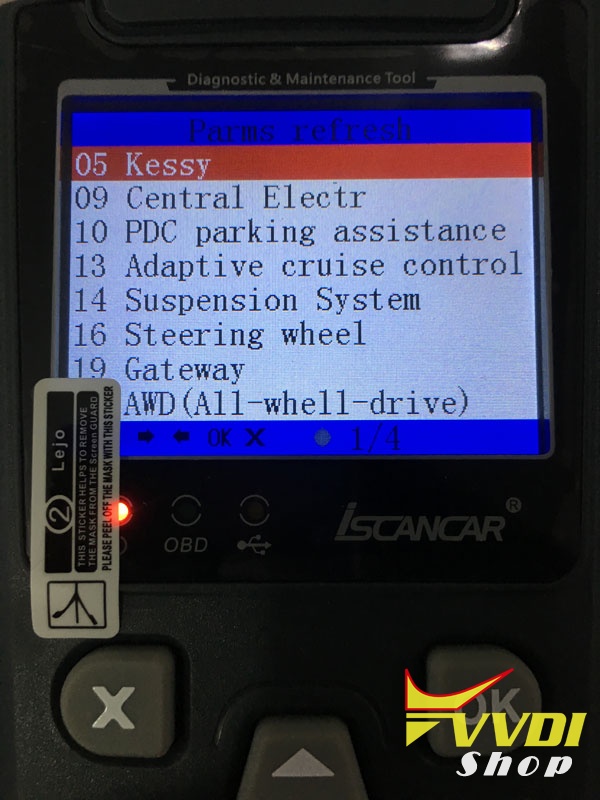
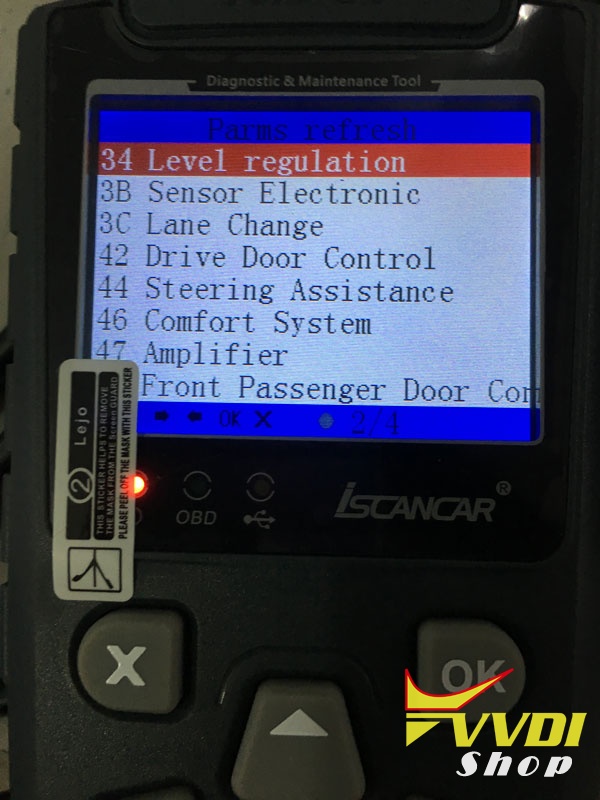
parameter refresh:
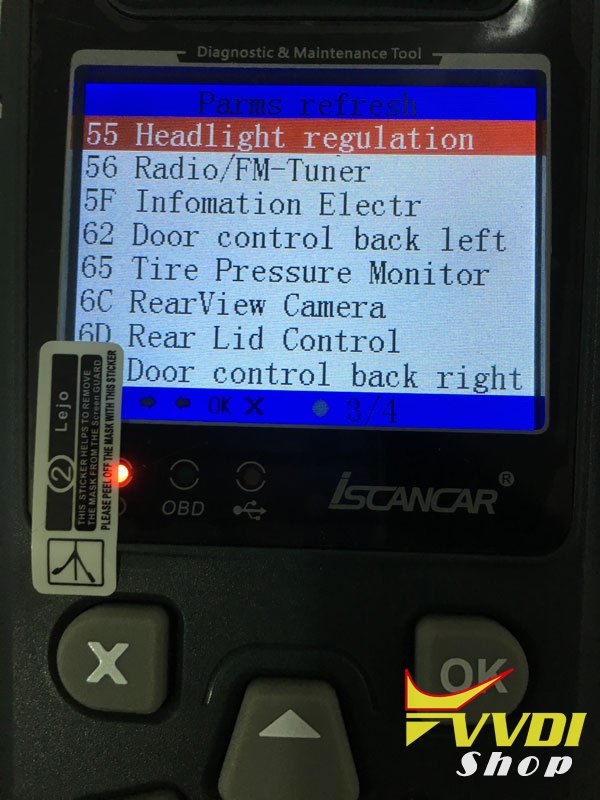
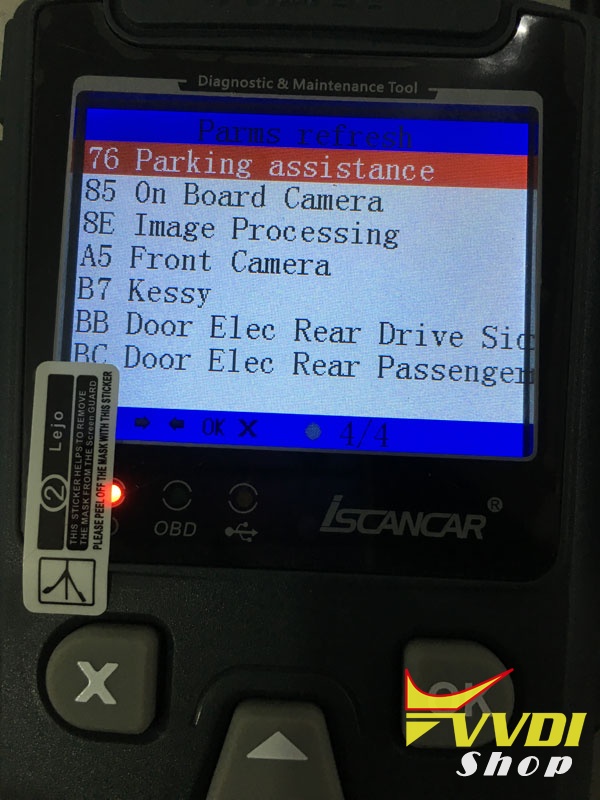
special function that Xhorse Iscancar MM-007 VAG can do:
change vin
read pin
immo switch
adapt unit module
key learning
fix Audi RB4/RB8 not start
transport mode
sync dashboard time
clear all DTCs
gateway register

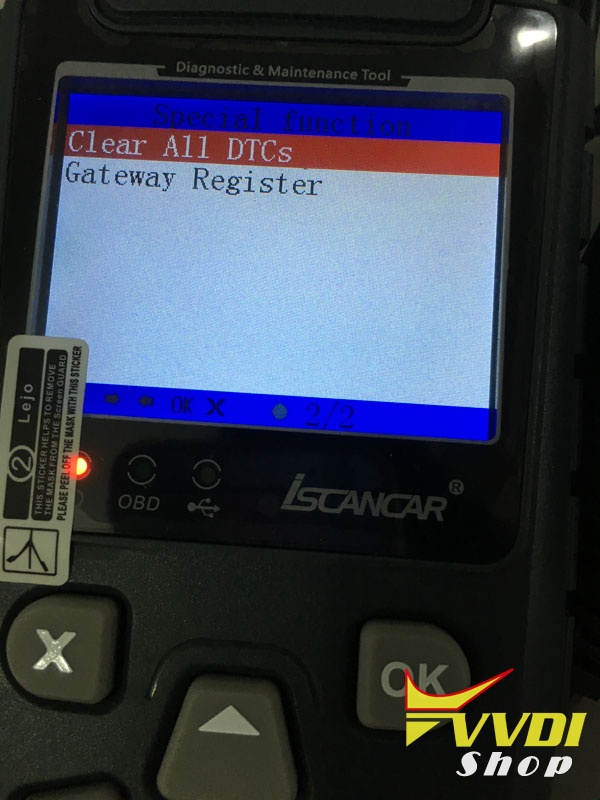
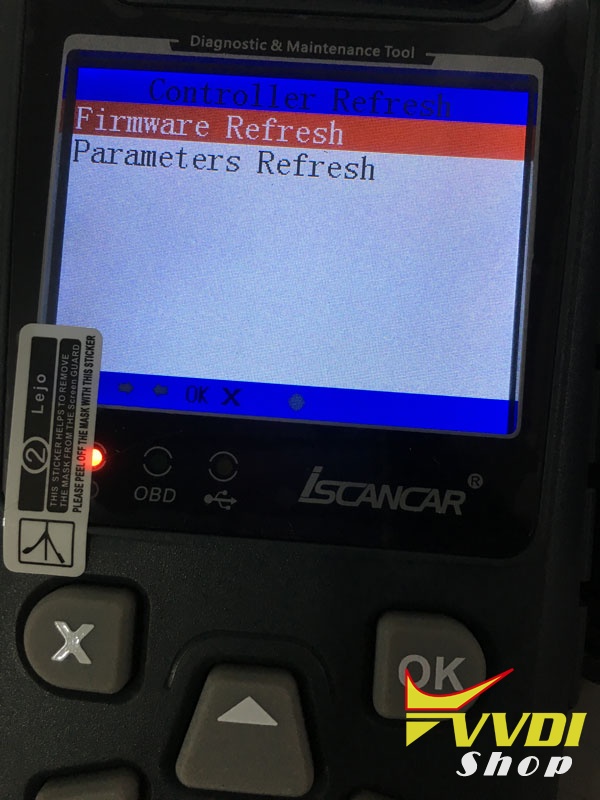
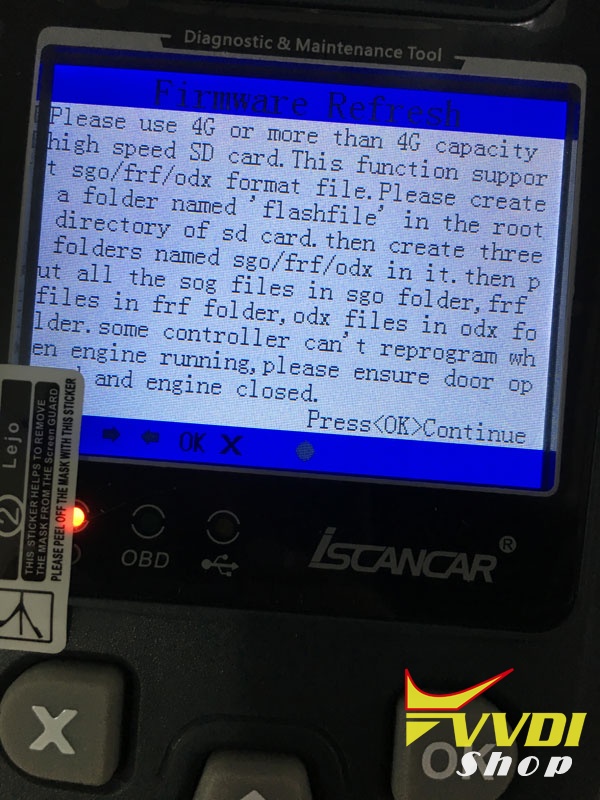
controller refresh:
firmware refresh
parameter refresh
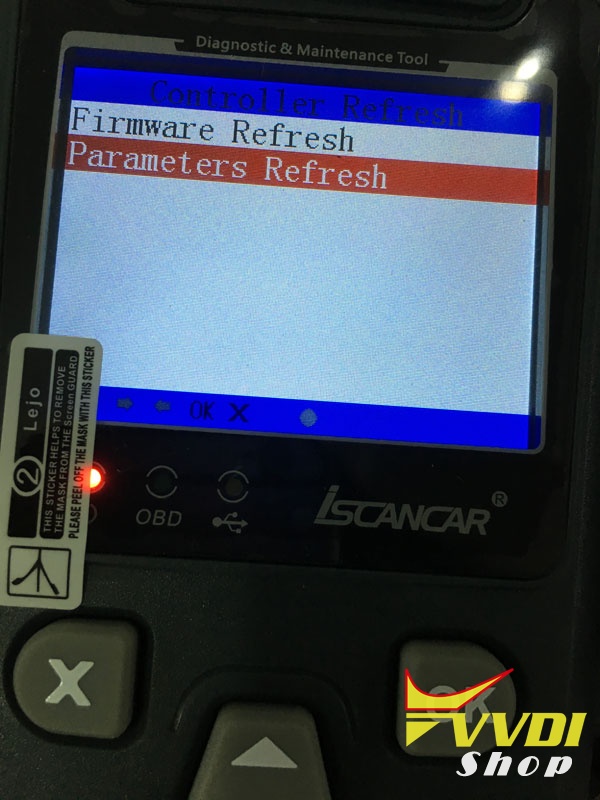
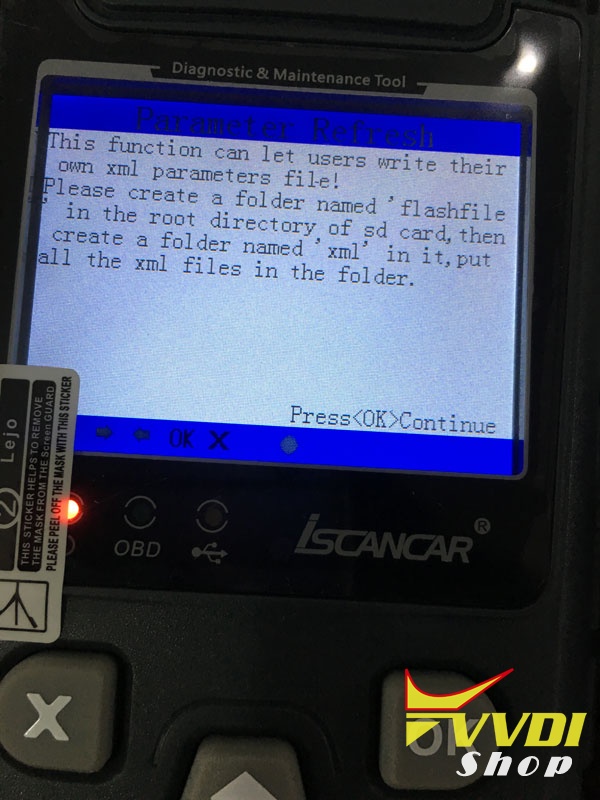
system setup:
time and date
log record
display time
set language
scan QC code
firmware update
set WSC code
TF card formate & create folders
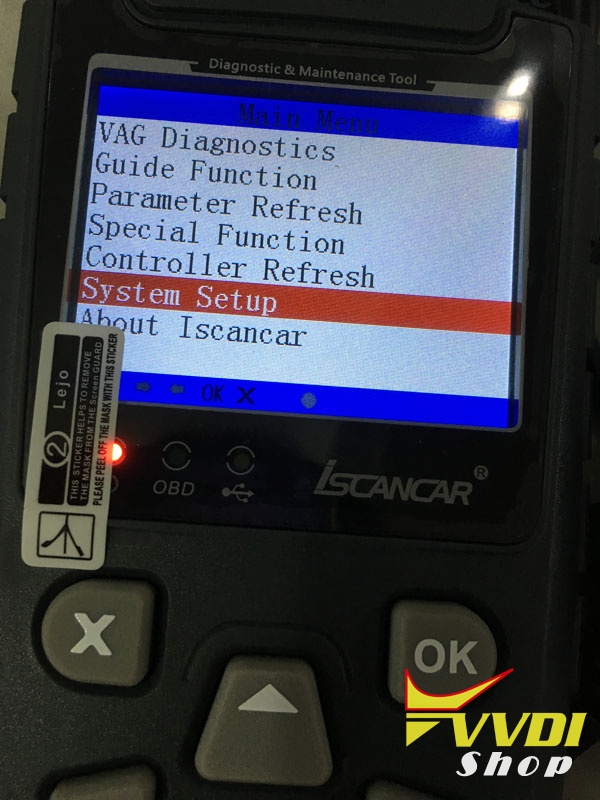
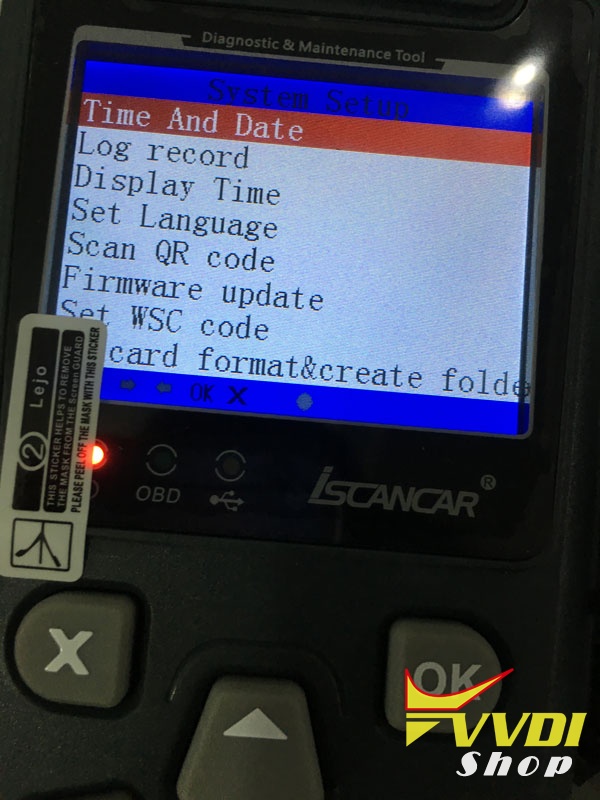
Source:
http://www.vvdishop.com/wholesale/xhorse-iscanner-vag-mm-007-diagnostic-tool.html
How to change VAG UDS instrument offline
Xhorse iScanner VAG MM-007 is not only a diagnostic tool, but also a maintenance tool support VAG VW Audi Skoda Seat change second-hand/used accessories offline including:
- Engine (EDC16/EDC17/MED9/MED17/Simos)
- KESSY(A8/Touareg/Phaeton)
- Magotan/CC Computer Comfort
- PQ35 Electronic Power Steering
- A6/Q7/Allroad transmission
- A6/Q7/Allroad J518 control unit
- Replace PQ35 4th Generation Immobilizer UDS instrument
Here is the guide on replacing PQ35 4th Generation Immobilizer UDS instrument .
(used to retrofit instrument, replace intelligent/3D instrument or repair broken instrument)
Select Replace PQ35 UDS instrument
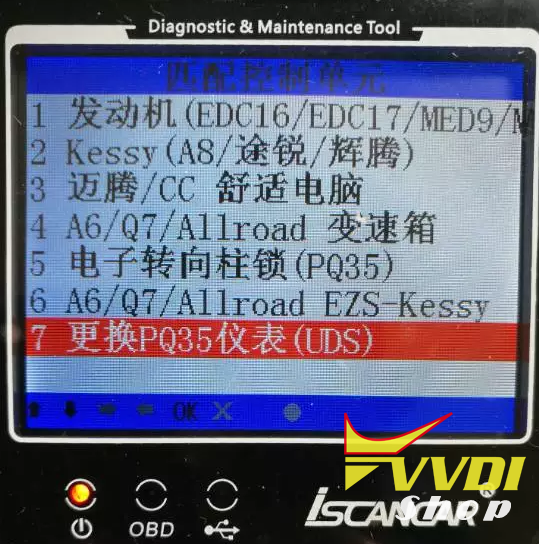
1. First enter PIN and CS stored in the new instrument . XHorse iScanner MM-007 vag will read PIN and CS from ECU or immo by OBD
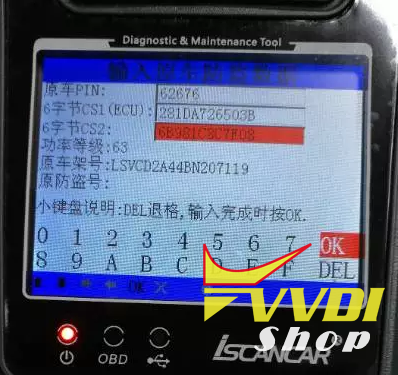
2.Enter new PIN, CS1 (6 byte CS from ECU), CS2 (another 6 byte CS code). VAG MM-007 will read all ECU information, power level etc.
(Make sure the power level value in Immobilizer system is the same as in ECU)
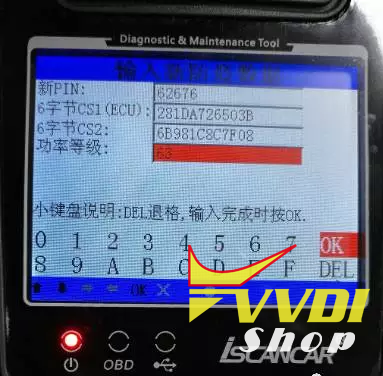
3.Enter new VIN, Immo code

4. Check data entered, original PIN, CS1, CS2, power level and new PIN, new CS1, CS2, power level, new VIN and Immo code, then press OK to confirm. Make sure original data you entered are all correct.
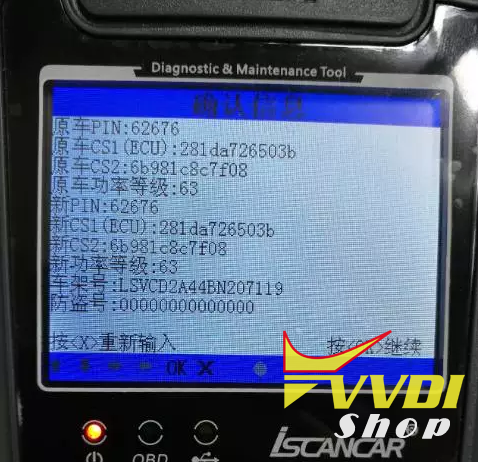
5. Follow Iscanner VAG MM-007 prompt. Then instrument new PIN, CS, VIN, power lever has been changed.
6. If you have successfully replaced the instrument. You will see 0-0 on dashboard. Then you need to do key learn and Ecu sync with Iscanner VAG MM-007 as well.
More Xhorse iscanner VAG MM-007 information, please check
http://www.vvdishop.com/wholesale/xhorse-iscanner-vag-mm-007-diagnostic-tool.html
How to use VVDI2 to copy VAG ID48 Transponder key
Xhorse VVDI2 VAG ID48 transponder key chip copy authorization service is available in vvdishop.com.
How to open VVDI2 ID48 transponder key chip copy function?
Provide your VVDI2 S/N (serial number) to us and pay 100 USD for the ID48 copy authorization service.
FAQ:
Q: Do I need to register with condor to use the ID48 chip copy function?
A: No, don’t need to register with Condor key cutting machine.
Q: Is it required to have the authorization of the edc17 ??
A: No, no require to open edc17 authorization.
Q: Which transponder need to use?
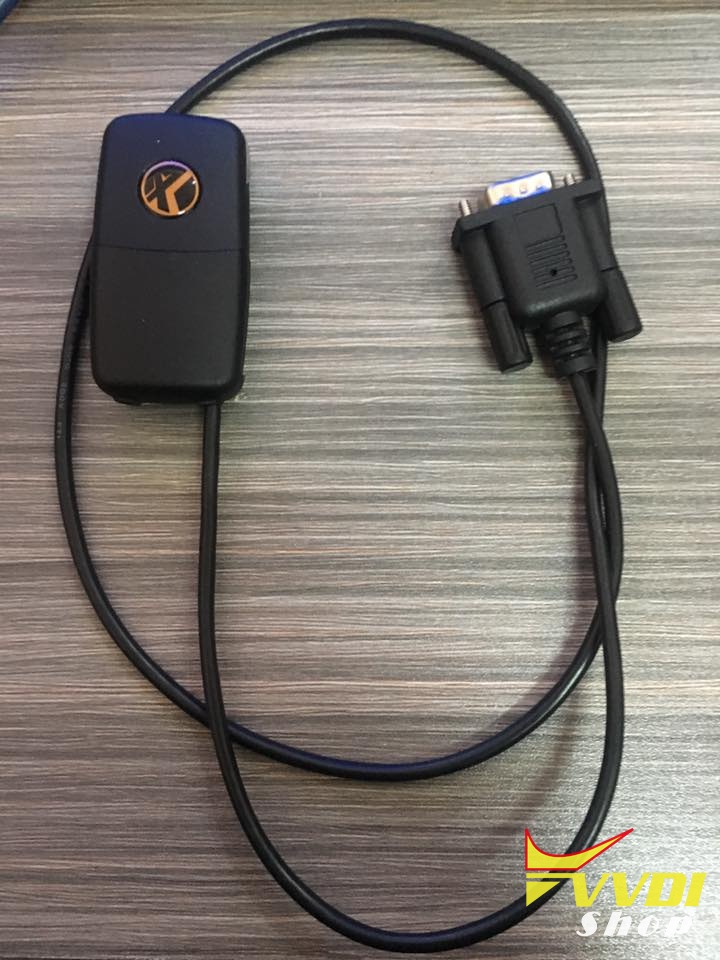
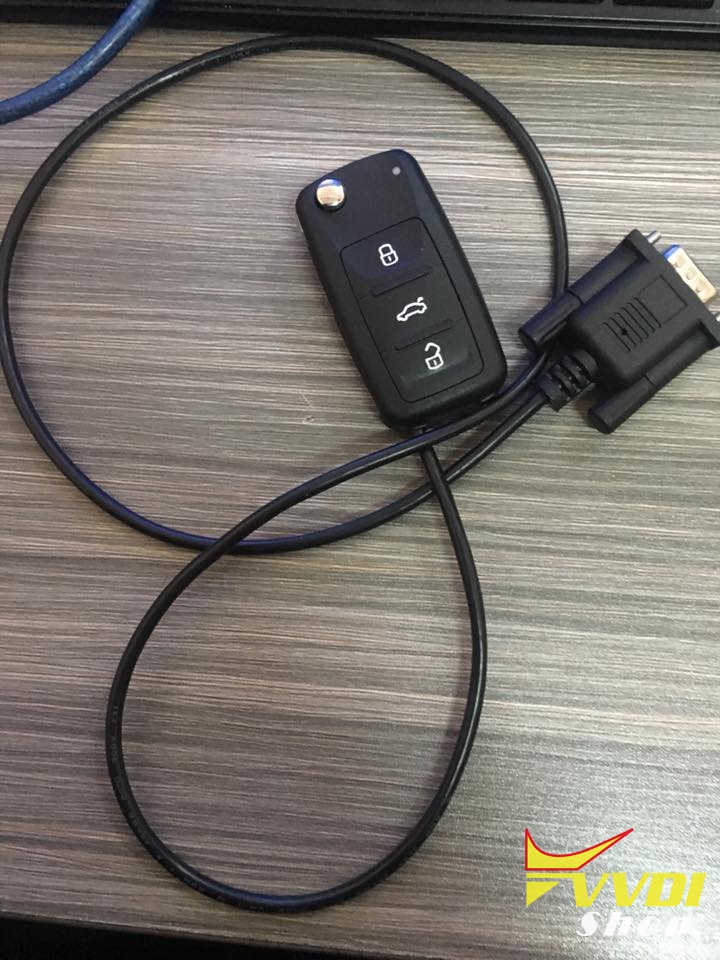
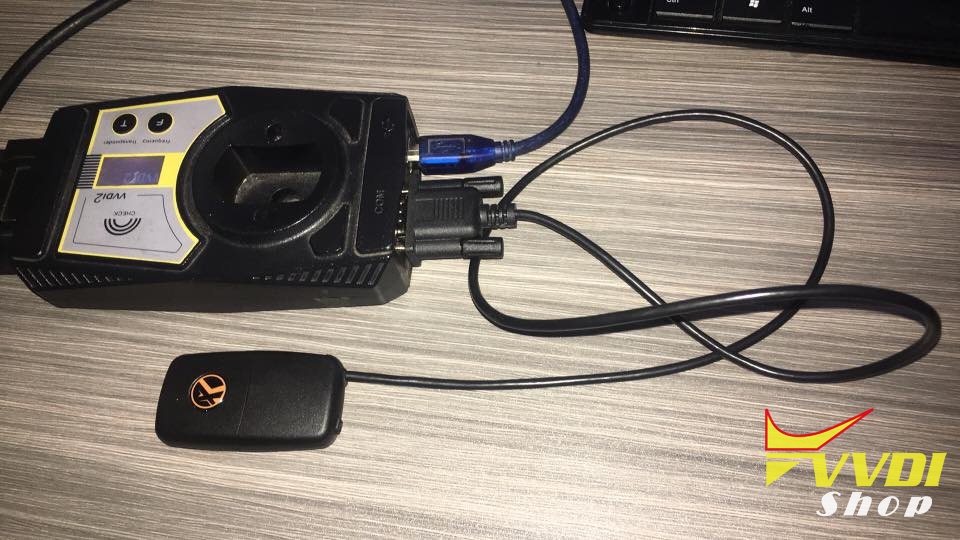
A: You will need VVDI2 universal transponder and data collector (shown as picture display). Will soon be available.
How to copy 48 transponder with VVDI2?
1.Run VVDI2 Quick Start icon,and click VW car brand.Or run directly the VVDI2 Vag software icon.
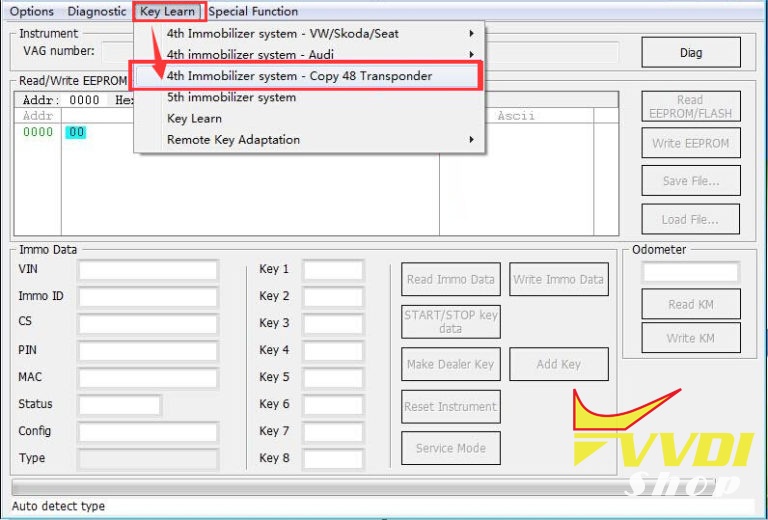
2.Click Key learn>>4th immobilizer system – copy 48 transponder
3.Copy 48 procedure require PIN and component security bytes from cars.
4.Select Get component security from engine control unit via obdii.
5.Connect the emulator to VVDI2 commander and switch ON ignition with the emulator, switch OFF/ON for 3 times
(attention: it requires OBD when lost all key).
6.Decode the collected data via internet, and save the calculate 48 data. You can copy/prepare key with calculate 48 data.
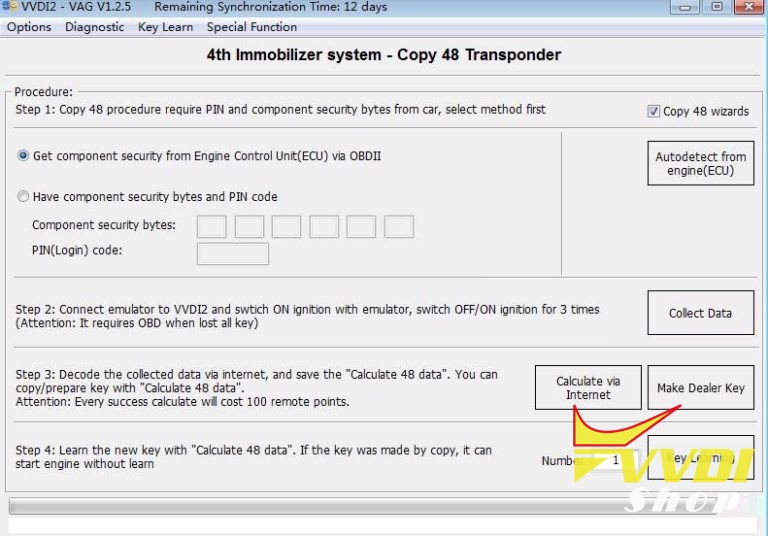
7.Learn the new key with calculate 48 data. If the key was made by copy, it can start engine without key learn
Free Download V4.5.0 Xhorse VVDI2 Key Programmer
*** Require firmware V4.5.0
************************************************* *********************
===== Note =====
1. All customer should update the software to V4.5.0, use the latest software to synchronize your device
2. Update firmware v4.5.0 require the latest online update tool v4.5.0 version
3. Please download latest install software first then update firmware===== VAG V4.5.0 =====
1. Bugfix
===== BMW V4.5.0 =====
1. Improvement for BMW FEM/BDC key learn
2. Bugfix
===== Porsche V4.5.0 =====
1. Bugfix
===== PSA V4.5.0 =====
1. Bugfix
===== Transponder Programmer V4.5.0 =====
1. Bugfix
===== J2534 V4.5.0 =====
1. Bugfix
https://mega.nz/#!6xpxyTTC!-CCviRXORcrjuIy1lu4dWZUVRHXTUGil1l-9RtobbIA